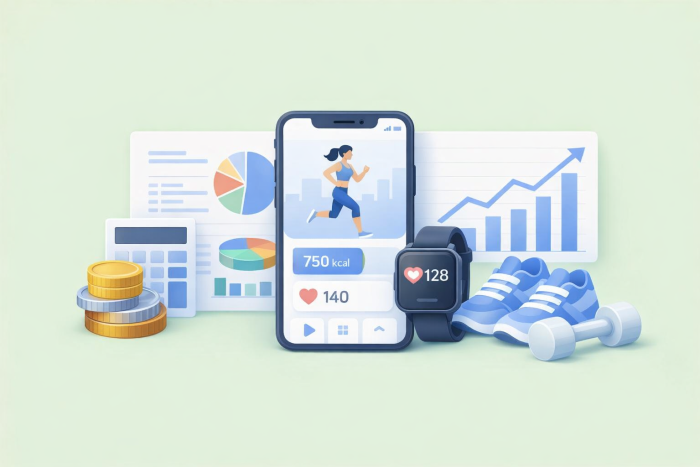
Whether you’re running a gym, wellness practice, personal training business, or some other fitness-related brand, growth often brings new opportunities. As your client base gets bigger, you might picture yourself expanding your services: adding more classes, incorporating nutrition help, and offering one-on-one sessions. To get where you want to be, you also need to elevate your marketing channels and customer support. Could developing a fitness app help you do it all?
Fitness apps offer a direct and easy way to stay connected to customers and offer a more engaging experience. With a customized app, you can incorporate extra services that improve client retention and create new revenue streams. But what exactly does fitness app development cost, and is it worth it?
We’ll explore the answers to those questions in this guide. You’ll learn about the different types of fitness apps, common features they include, and what you may pay to develop a fitness app from the ground up.
8 types of fitness apps
A quick glance through the fitness section of the Apple App Store or Google Play Store unveils thousands of fitness-related apps. But despite the large number, most fall into one of the following categories.
1. Fitness coaching apps
A fitness coaching app connects trainers with users who want to meet a specific objective, such as building strength or losing weight. Coaches design a personalized workout and nutrition program tailored to their customer’s goals, weight, current fitness level, and other characteristics.
Fitness coaching may be delivered virtually through the app. For example, some platforms support in-app communication, allowing customers to talk with their trainer. Other platforms allow coaches to share training videos that users can follow on their own time.
Local trainers may use a fitness coaching app to manage appointments and collect intake forms. Instead of calling the trainer directly, clients can conveniently book appointments through the app.
With Jotform’s Coaching App template, you can quickly design an app that collects customer applications and fitness goals. It’s a no-code, customizable solution that you can personalize to fit your brand.
2. Workout tracker apps
Starting a workout program can feel daunting. Results come from consistency, but a packed schedule can make it hard to fit your workout in.
Enter workout tracker apps. These tools enable users to log previous workouts, schedule future workouts, and track overall progress. They can help users stay on track and feel good about the work they’ve accomplished so far.
Jotform offers several workout tracker app templates you can use to record sweat sessions. The Workout Log App template includes a form where you can input workout details, which are stored in Jotform Tables. You can review workout history at any time. The Workout Log App template is also useful for coaches and trainers who want to encourage motivation and tracking among their clients.
The Workout Journal App template is useful for individuals who want to include more details about their workout, such as the types of exercise they did and how they felt afterward. The app and journal entries can be shared with coaches and friends who are interested in a user’s fitness journey.
And with the Workout Calendar App, you can organize exercise sessions by time and date. It’s useful for trainers, clients, and anyone else who wants to build a regular exercise habit.
3. Diet and nutrition apps
Exercise is a key part of meeting fitness goals, but nutrition and diet are also essential. Fitness apps are available to enable meal planning, count calories, and monitor vitamin and mineral intake. These apps may include special features such as barcode scanning, which scans food or drink barcodes and retrieves their dietary information. Some apps even offer recipe libraries, custom meal plans, and coaching features to help users meet their dietary objectives.
Jotform’s Dietitian App template is ideal for nutritionists and dietitians who offer client services. You can use the app to collect dietitian forms, calorie reports, surveys, and other data from customers. The template is customizable, allowing you to add and remove elements using a drag-and-drop editor.
4. Activity tracking apps
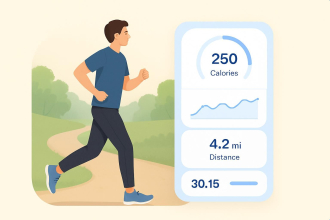
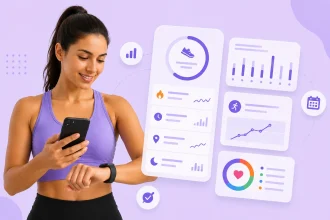
Activity tracking fitness apps capture data such as calories burned, steps taken, and walking or running distance during a workout. The best apps use sensors installed in smartwatches or other wearables for high data accuracy.
Tracking apps provide informative insights into your workout performance and goals. For example, you can use data to approximate your energy use throughout the day and compare it to your calorie intake to determine whether you’re in a deficit or surplus.
Jotform’s Running Journal App template is a good example of an activity tracker. It allows users to manually log their favorite running trails, as well as distance and running times, within the app. You can also log data for clients or friends.
5. Gym fitness apps
Many professional gyms offer an app that clients can use to view gym information, book fitness classes, schedule one-on-one training sessions, and more. The app eliminates the need for cumbersome phone calls, allowing clients to take action on their own time.
With Jotform’s Fitness App template, you can customize an app for your gym and share it with clients. It includes an intake form that collects general information and medical history, plus a workout routine log. Clients can log into the app to record their exercise sessions and track their progress.
6. CrossFit fitness apps
CrossFit is a global fitness phenomenon that uses high-intensity interval training to improve endurance, strength, and agility. CrossFit gyms follow a Workout of the Day (WOD) routine, which combines cardio, strength training, and bodyweight exercises. And many of those gyms provide an app that clients can download to access services or view their workout routines.
The CrossFit Fitness App template from Jotform is ideal for CrossFit gyms that want to connect with their clients. Owners can share forms and collect data, such as membership agreements and contact details. The template includes a built-in consent form and exercise log to get you started.
7. Fitness class booking apps
Gyms, personal trainers, and other organizations use fitness class booking apps to share upcoming class information. Clients can use the app to view fitness class schedules and book their spots.
With Jotform’s Fitness Class Booking App template, you can inform clients of upcoming class schedules. Clients can create their own profile, search your classes, and make an appointment. Inputs sync directly to your Jotform account for easy management.
8. Yoga fitness apps
A yoga fitness app connects yoga practitioners with instructors. Some offer on-demand yoga classes where users can practice from their home or at the gym. Yoga studios may also use a dedicated app to collect membership fees or manage classes.
Jotform’s Yoga Studio App template is perfect for yoga studios that need a convenient way to oversee class schedules. Users can set up a profile, search open classes, and register directly through the app.
The features that any great fitness app needs
No matter what type of fitness app you build, it should include a few key features.
Login and profile
Users need a way to register an account in the app and store their personal information, which is where a login feature comes in. Users can sign up for the app with a username and password.
A profile provides more in-depth information about your users, such as their general bio, location, fitness goals, and workout routine. These details are especially helpful for coaches and personal trainers, who may use them to create a tailored fitness program for their clients.
Workout log
A workout log allows users to record details about their exercise sessions. It should contain relevant inputs for each type of workout. For example, strength training might include sections to log exercise type, number of reps, time, and weight. Runners may log distance, time, pace, and heart rate.
Some apps include visualization features that turn workout data into graphs and show users their progress over time.
Activity tracking
An activity log details user habits that contribute to their fitness goals but aren’t part of their regular exercise routine. Examples include hours slept, daily steps, and time spent sitting. Apps can extract these details from sensor-enabled wearables or allow users to input them manually.
Notifications
Push notifications appear on the home screen of a tablet or smartphone. They’re useful for sending reminders or alerts. For instance, you might schedule daily push notifications that remind users to log their workout details.
GPS
GPS features track a user’s location while using the app. They come in handy for monitoring running or walking routes, and users can save their routes in their workout log or share them with friends. Adding GPS can also improve the accuracy of exercise metrics such as calories burned and distance.
Gamification
Many fitness apps include gamification features to keep users engaged and motivated. These features can include competition elements, such as a weekly contest to see which user walks the most steps. They can also include rewards for meeting a specific goal, such as completing three workouts in a week.
A recent study found that gamification elements can lead to an increase in physical activity. The best outcomes occurred with a combination of competition and cooperative elements, where people worked together to meet a fitness goal.
In-app communication tools
Built-in communication tools allow users to connect within the app. This eliminates the need for texting, emails, or phone calls.
Fitness apps created for gyms, personal training, or nutrition advice often include this feature, since professionals and organizations can message clients directly in a single place.
Wearable integration
Apps that integrate with smartwatches and other wearables collect real-time data that’s useful for fitness tracking. Wearables use sensors to monitor a user’s steps, heart rate, and more. That data is then transferred through wireless networks and shared directly to the app, where users can view it.
Integrating your app with popular wearables may improve its utility in the eyes of your customers.
Nutrition log
Users aiming to meet specific dietary goals can benefit from a nutrition log. They can record their daily meals, macronutrients, and calorie intake in the log and use it to monitor their progress.
Advanced fitness and nutrition apps include a scanning feature that allows users to scan food product barcodes. This captures the product’s nutritional information, increasing the accuracy of the log.
Offline access and syncing
Cellular connections can drop unexpectedly. But apps that support offline use continue tracking the user’s activity data and sync it to the app when the connection is re-established.
Offline access also enables users to record or retrieve data from the app without a connection. In rural areas where connections can be spotty, offline access can be very beneficial.
Social media support
Getting physically fit is a journey. When a user reaches a milestone, they may want to share their accomplishment with friends, family, and other fitness enthusiasts. Apps that integrate with social media platforms make it easy for users to post their latest wins online.
In-app purchases
Integration with payment processors allows users to make payments through the app. Gyms may use this feature to collect membership fees, and fitness coaches can use it to accept payments for training or consultations. In-app purchases elevate the convenience factor for you and your users.
How much does it cost to create a fitness app?
Fitness app development cost varies widely. App features, complexity, and platform choice impact how much you’ll pay to develop an app from the ground up.
To get a feel for what you may pay, here’s a look at average costs when considering a fitness app’s feature set.
| Fitness app complexity | Feature set | Average development cost |
|---|---|---|
|
Basic |
User login, workout log, in-app payments, notifications, social media integration |
$25,000–$35,000 |
|
Mid-tier |
GPS, wearable integration, virtual consultations, advanced security tools |
$35,000–$45,000 |
|
High |
On-demand workout videos, gamification, AI-driven insights and coaching |
Over $50,000 |
Factors that affect fitness app development costs
App complexity is a primary driver of development costs, but other factors influence it, too. Here’s a look at the elements that can impact your expenses.
Platform decisions
Do you want to make the app available solely on iOS or Android, or both? Or are you happy with a web app that users can open from an internet browser?
Building a native app on one platform is generally cheaper than building the app on both platforms. However, tools such as React Native and Flutter allow you to create a single app that works across the two. This approach is a win-win — you benefit from greater market reach without the headache (and cost) of managing multiple individual apps.
User experience
A fitness app should feel intuitive and simple to interact with. After all, your customers will use it on a small screen. Every button and text element must respond properly and be easy to read in the limited space you have.
Basic apps with a few elements are generally cheaper to develop. However, a sophisticated app with unique features will stand out to users, which may increase the app’s retention rate.
AI features
New fitness apps are increasingly incorporating AI tools to improve functionality. These tools give users a more custom experience through chatbots and personalized fitness tools, but they can be pricey.
Options for adding AI features include building your machine learning model or integrating with a third-party solution using an API. On average, these features may cost $15,000–$50,000 to implement.
In-house or outsourced development
Outsourcing app development to a professional team is generally cheaper than hiring internally. You’re not on the hook for salaries, benefits, and technology costs. Instead, you pay a fee to a company or developer to create the fitness app on your behalf.
Having an in-house team develop the app makes sense if you have existing talent who are comfortable building on the platform you want to use. Otherwise, you may need to hire people with the expertise to do the job.
Another reason to consider in-house development is your future plans for the app. If you plan on introducing new features regularly, or want onsite help to address bugs and other issues, having a team on hand is worth it.
Developer location
Where those app developers are based can also significantly impact your costs. In areas such as Southeast Asia, Latin America, and Eastern Europe, you may pay less in hourly wages than you would in the U.S. or Western Europe.
However, offshoring app development requires careful consideration to avoid a reduction in app quality. It works best with a solid communication strategy and stringent processes that adhere to your project requirements.
Top 5 apps in the health and fitness category
More people are turning to apps to meet their fitness goals. It’s a trend reflected in a recent report, which estimates a 13.4 percent compound annual growth rate (CAGR) for fitness apps between 2026 and 2033.
A few of the most popular health and fitness apps are included below.
1. Nike Training Club
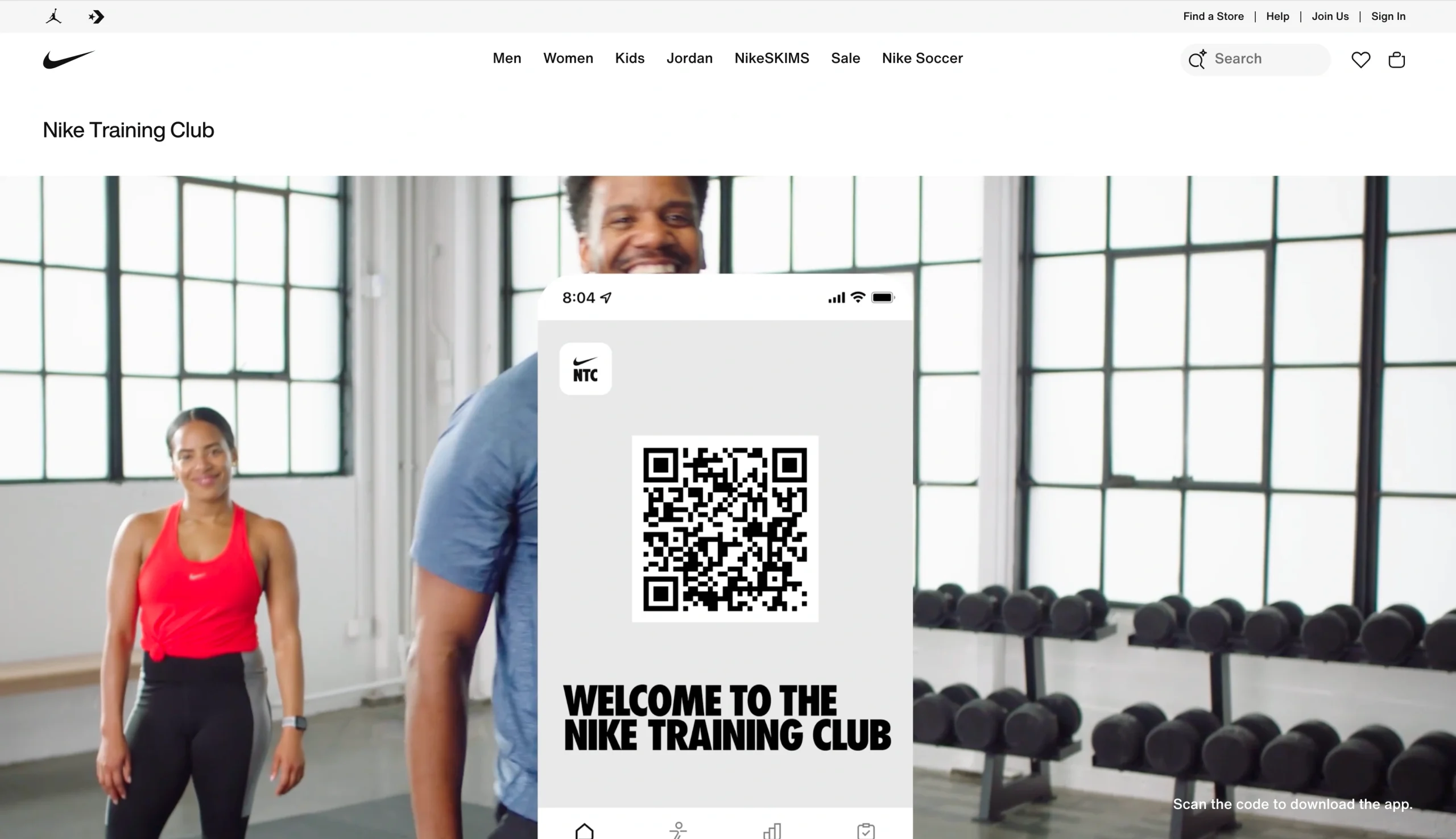
Nike Training Club is a free app available on iOS and Android. It provides various types of workouts, including strength training, cardio, high-intensity interval training, core, and yoga. Users can search through the on-demand workouts to find one that fits their fitness level.
The app also connects with wearables, including Google Fit and Apple Watch. When enabled, the wearable syncs your workout and tracks steps, calorie burn, and heart rate. Nike Training Club also includes a workout log used to monitor progress.
2. Jotform Apps
Jotform Apps is perfect for individuals and fitness organizations that prefer to design their own fitness app. It offers over 3,500 app templates, including sports app templates, you can customize and share — no coding required.
With Jotform’s drag-and-drop editor, you can add text fields, links, documents, buttons, and images to your app. The splash screen and app icon are also customizable for a branded experience.
What’s more, Jotform integrates with over 40 payment processors, including Stripe, Square, and PayPal. That’s helpful for collecting memberships, class and consultation fees, and tips.
After creating a Jotform fitness app, you can share it using a link, QR code, or through social media. You retain control over who has access to the app using Jotform’s granular access settings.
3. Strava
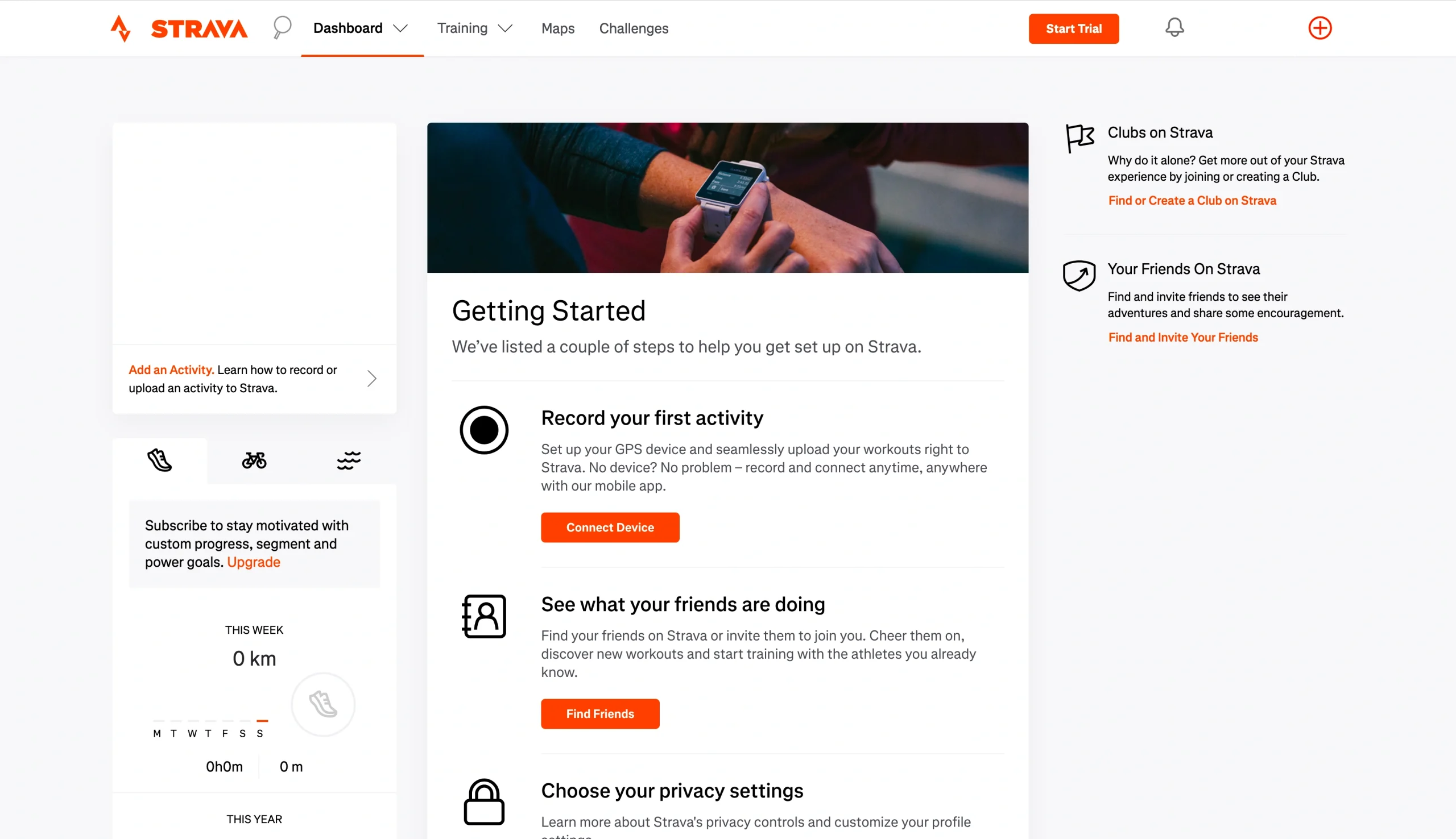
Strava is a fitness app designed for runners. It uses GPS to track your running route and metrics such as distance, time, and pace. It also compares your current performance to past efforts.
The app incorporates gamification and social features to elevate engagement. Users can compete against friends and other community members in leaderboards and challenges. And if you need new route suggestions, you can use Strava’s planning feature to find routes in your area.
While Strava’s main focus is the running community, it supports other sports such as cycling, swimming, skiing, inline skating, CrossFit, and rock climbing. It’s available on iOS and Android, and members can access additional metrics and features through its desktop tools.
4. MyFitnessPal
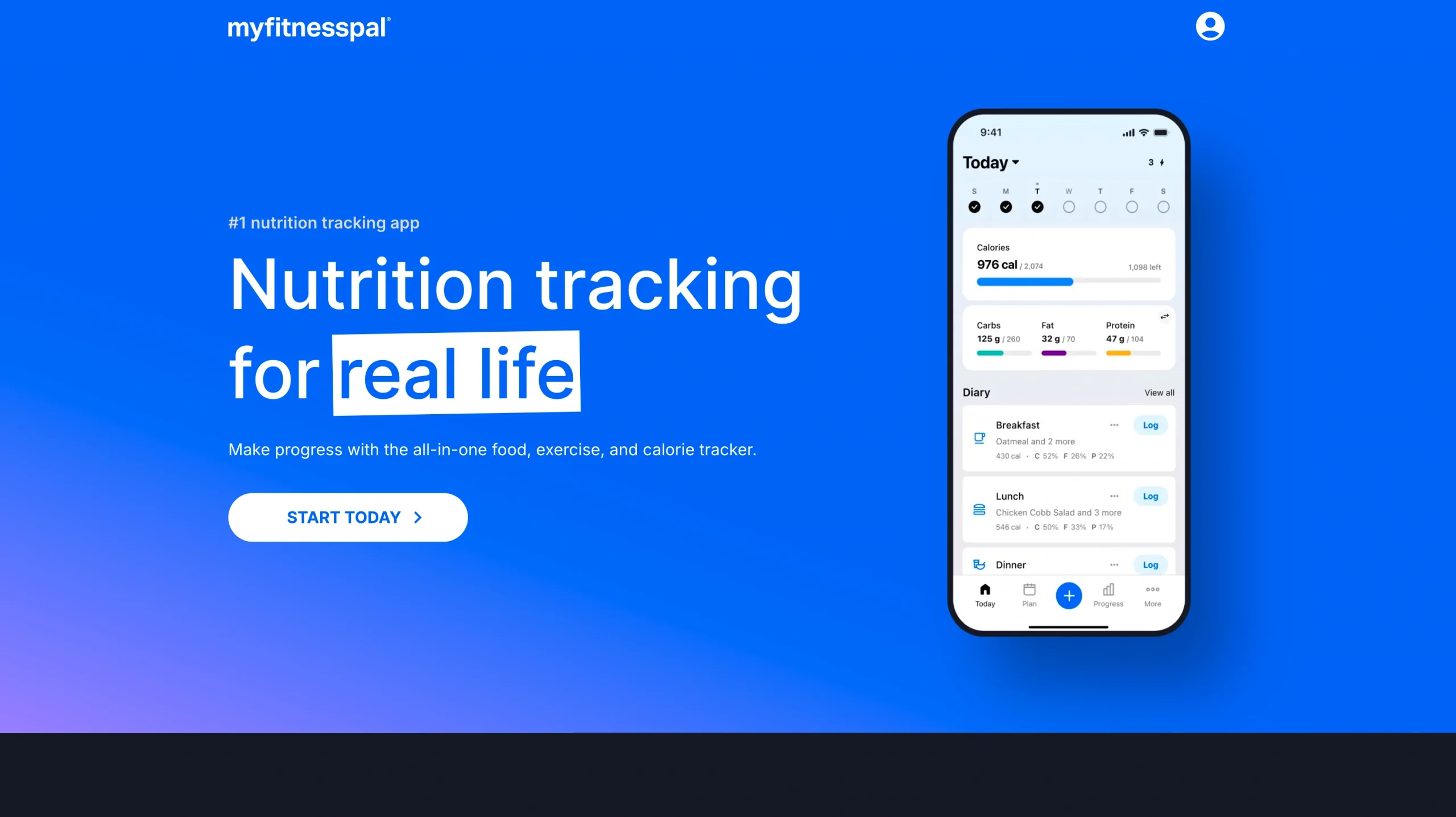
MyFitnessPal helps members reach their dietary goals. Its free plan includes a nutrition log where you can record your meals, calorie intake, and macronutrients. Upgrading to a paid plan unlocks extra features, such as a barcode scanner, intermittent fasting tools, and customized meal plans.
With MyFitnessPal, users can set weight, exercise, and water intake goals. It integrates with many popular wearables and syncs your activities, transforming the tool into an all-in-one fitness app. MyFitnessPal is available on iOS and Android.
5. Fitbod
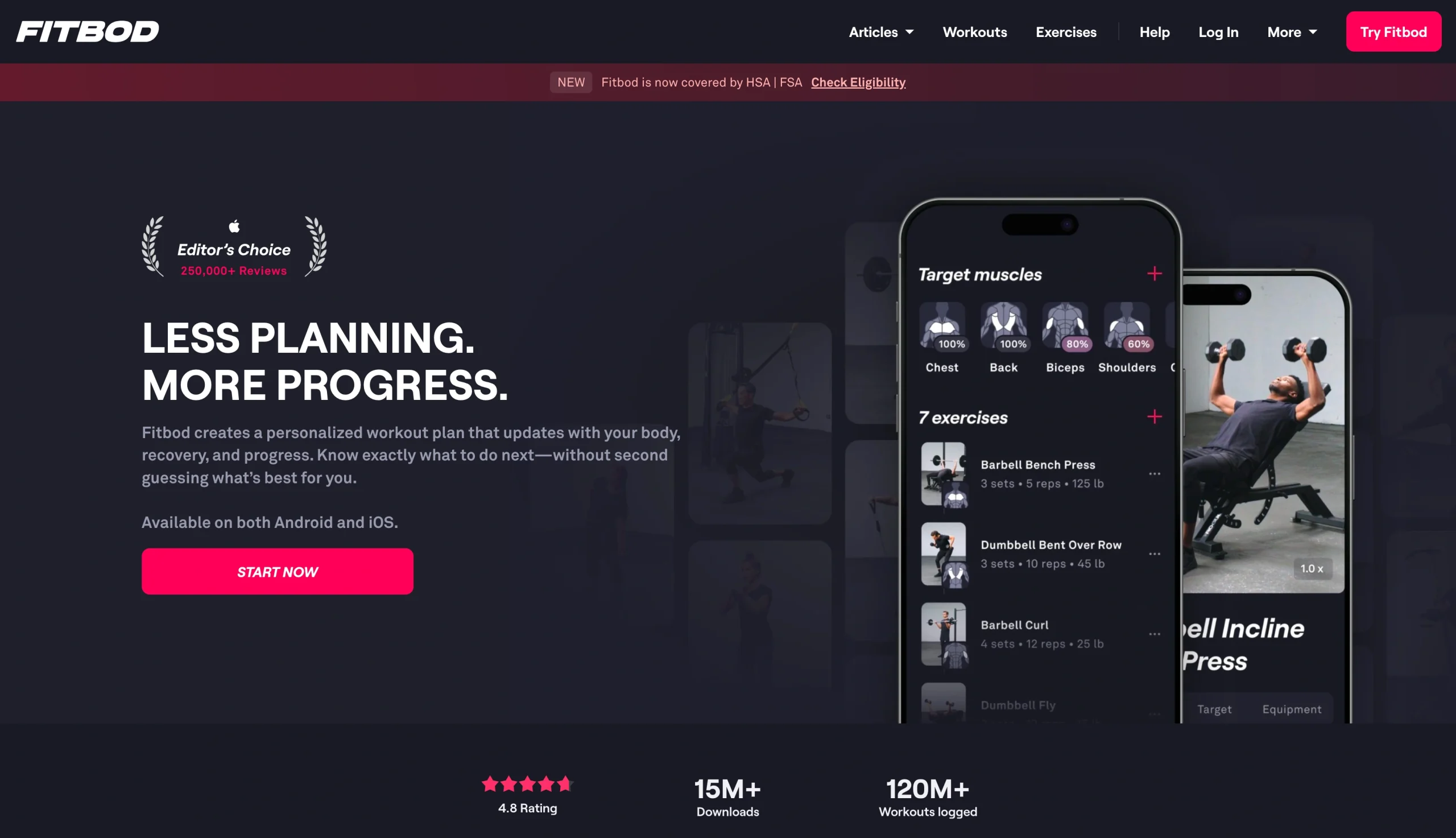
Fitbod uses a proprietary algorithm to recommend strength training exercises based on your goals, previous performance, available equipment, and schedule. Every workout is fully personalized, and the app updates suggested exercises as you progress.
Users of all fitness levels can use Fitbod, and there are no equipment requirements. If you don’t have weights or resistance bands available, Fitbod works with you to suggest bodyweight exercises that target specific muscles.
Fitbod is available on iOS and Android. Users can sign up for a free trial before committing to a paid subscription.
Build a fitness app with Jotform
Developing a fitness app from scratch can cost thousands of dollars. And even with a significant investment of time and money, there’s no guarantee that it’ll deliver positive returns.
That’s where Jotform Apps comes in. Our free app templates give you the tools you need to create a fitness app, even if you lack coding expertise. We provide the basic infrastructure, and you can use our drag-and-drop editor to tailor your app so that it fits your needs.
With the Jotform Starter plan, you can create and share unlimited apps for free. And when you upgrade to a paid plan, you can access more features, such as increased storage space and monthly form submissions. Start building your first fitness app with Jotform today.
FAQs about fitness app development costs
There’s no legal requirement to form a limited liability company (LLC) before publishing an app. However, an LLC or other formal business structure offers legal protections that aren’t available to sole proprietors and individual publishers. If you plan on collecting money or user data through your app, it’s a good idea to consider a formal business structure.
An app with 10,000 users will involve server hosting (to store, manage, and deliver app content) and infrastructure (including third-party API connections and databases) costs. These costs may range from $200–$500 monthly.
The fitness app market is highly competitive but carries a monetization rate that’s two times higher than most app categories. A unique business model, strong marketing, and a focused monetization strategy can set you up for a successful and profitable app.
This article is for fitness business owners, gym operators, personal trainers, wellness professionals, and anyone who wants to understand fitness app development costs, key features, and no-code options for building a branded fitness app.























































































Send Comment: