
Event planning is more complex than booking a venue and sending invitations. Today’s event planners are responsible for
- Coordinating event registrations and check-ins
- Managing vendors and sponsors
- Tracking budgets and processing payments
- Organizing speaker schedules
- Creating event floor plans that optimize venue space
- Handling attendee communications and last-minute changes
- Collecting feedback using post-event survey questions
Event planning tools make it easier to manage multiple aspects of event preparation and execution. They can automate manual tasks, organize event data in a central location, and enhance communication and collaboration with stakeholders.
This guide compares the 11 best apps for event planners in 2026. We’ve organized them based on what each platform does well, so you can easily identify the solutions that fit your event best.
| Tool | Best for | Core use case | Best fit event type | Free plan or trial |
|---|---|---|---|---|
 Jotform Apps |
Building custom event apps without coding |
Event app creation |
Small to midsize events |
Free plan available |
 Cvent |
Managing enterprise events |
All-in-one event planning |
Large conferences |
No free plan; free trial available for some features |
 Whova |
Improving attendee engagement |
Stakeholder management |
Nonprofit events |
No free plan; free trial available |
 Eventbrite |
Planning events in one platform |
Event venue management |
Trade shows |
Free trial available |
 Planning Pod |
Managing venue-based events collaboratively |
Event planning and floor plan design |
Weddings and venue-hosted events |
No free plan; free trial available |
 Bizzabo |
Managing B2B events |
Enterprise B2B conference management |
Virtual webinars and hybrid conferences |
No free plan or trial |
 EventsAir |
End-to-end event management |
Event registration, engagement, and delivery |
In-person, virtual, and hybrid events |
Demo available |
 EventMobi |
Offering tickets for free |
Ticket sales and attendee experience management |
Corporate conferences and internal company events |
No free plan; free trial available |
 Splash |
Promoting events |
Event email marketing |
Business and professional events |
No free plan; free trial available |
 Social Tables |
Designing venue floor plans and seating arrangements |
Event diagramming |
Weddings and banquets |
Free plan available |
 monday.com |
Coordinating event project management |
Interdepartmental event planning |
Large, complex corporate events that require cross-functional collaboration |
Free plan and trial available |
1. Jotform Apps
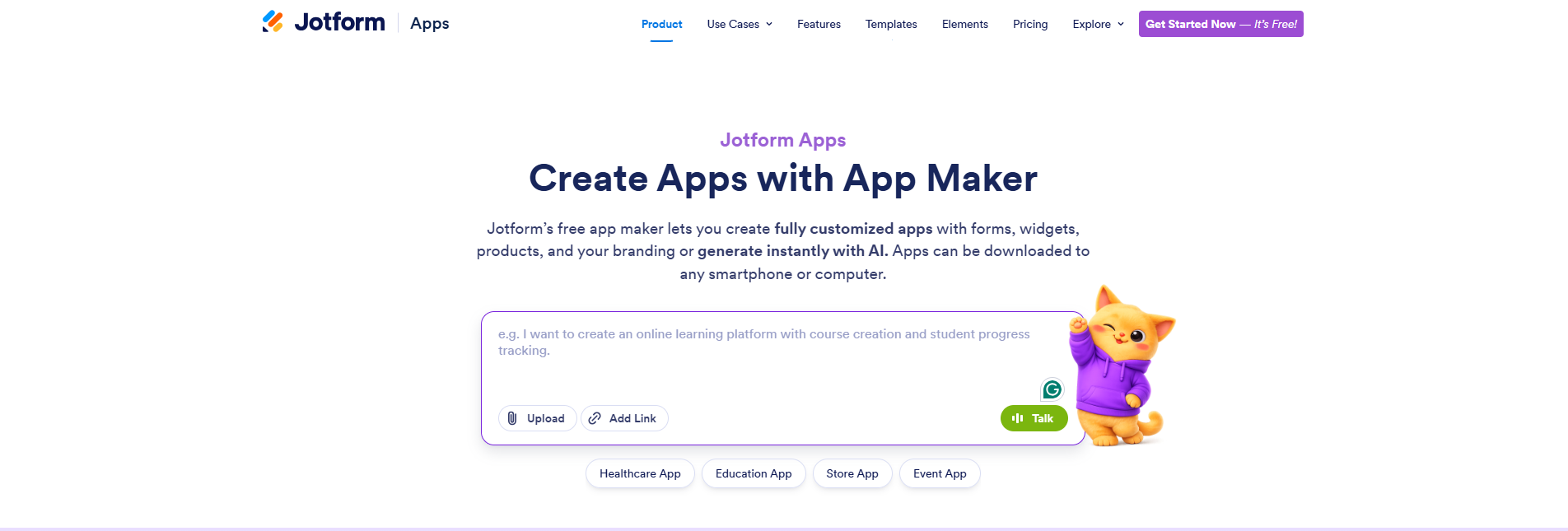
Event planners don’t necessarily need a complex, all-in-one system for every event. They typically require a simple app where attendees, vendors, speakers, volunteers, sponsors, or clients can find the information they need and submit the necessary forms.
Jotform Apps lets you build that kind of software without hiring a developer or writing code. Here’s how to create an app in the platform.
Drag and drop forms or widgets to create a branded, mobile-friendly Jotform event app tailored to your needs. For example, you can create an RSVP app, event registration software, or an event scheduling app. If you don’t want to build from scratch, you can use Jotform’s free app templates.
Alternatively, you can use the Jotform AI App Builder to develop a custom event app from a text prompt. You describe what your software should include, and Jotform generates it instantly with AI. You can then use Jotform’s drag-and-drop event app builder to customize the generated software by
- Adding event branding such as custom colors, slogans, and logos
- Inserting registration forms and applying conditional logic
- Uploading event documents
- Including maps or venue details
You can share your app through a link or QR code. The app will be accessible from any device, desktop or mobile. You can use push notifications to send event updates, reminders, and announcements directly to app users. You’ll need to log in to your Jotform account to share your app. You can create an account for free if you don’t already have one.
Pricing
Jotform Apps has five pricing plans:
- Starter: Free
- Bronze: $34 per month
- Silver: $39 per month
- Gold: $99 per month
- Enterprise: Custom
2. Cvent
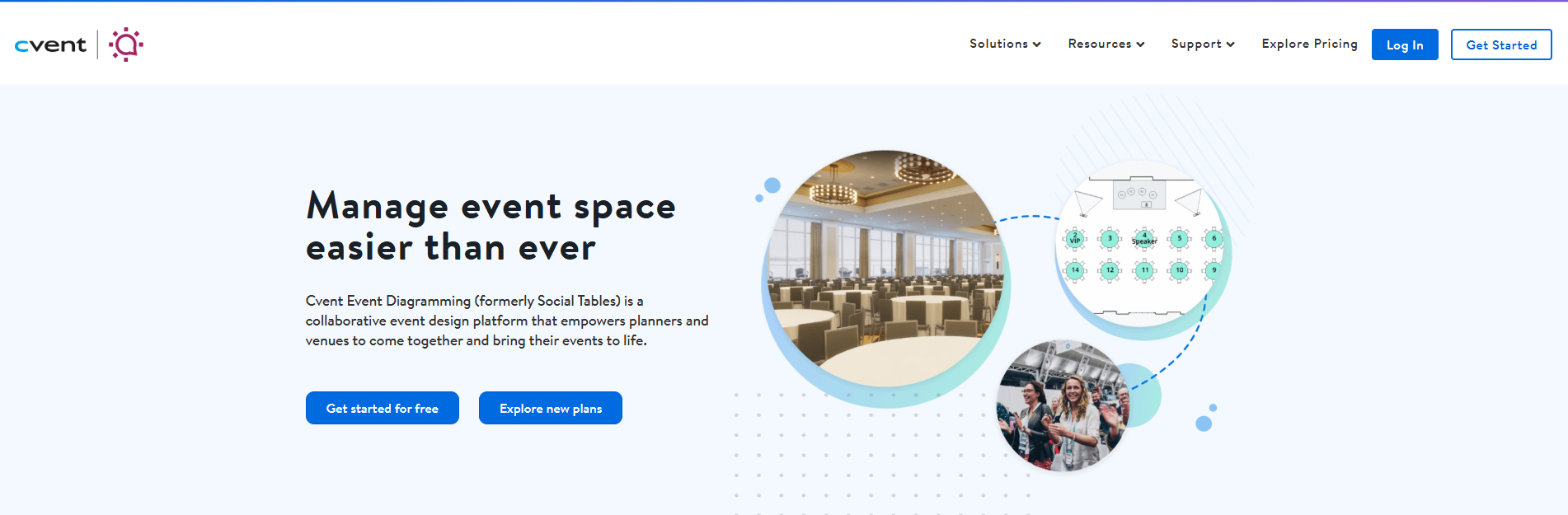
Cvent is a comprehensive event management platform that allows planners to manage an entire event from a single location. It provides budget management tools and a venue sourcing platform with over 300,000 venues. It also offers an online marketplace for sourcing vendor offerings, such as transportation and entertainment.
You can use Cvent’s event registration app to collect attendee details. Its drag-and-drop site designer can help you build a branded event website. To help you promote your events, the platform integrates with Salesforce and HubSpot for personalized email marketing.
On the day of the event, your guests can network and get updates on Cvent’s Attendee Hub. At check-in, Cvent OnArrival can help with printing badges on demand and tracking attendance. After the event, you can collect feedback using surveys.
Cvent suits enterprises that regularly hold large events, so its extensive capabilities might be overwhelming for individuals or small organizations that need a simpler tool. Before committing to this event platform, it’s best to research Cvent alternatives to compare options.
Pricing
Cvent doesn’t provide pricing information for its event management platform. Contact customer support for custom quotes that scale with your event’s size and needs.
Expect to pay annual license fees and per-registrant charges. According to G2, Cvent’s price ranges from $12,000 to $84,000 per year.
3. Whova
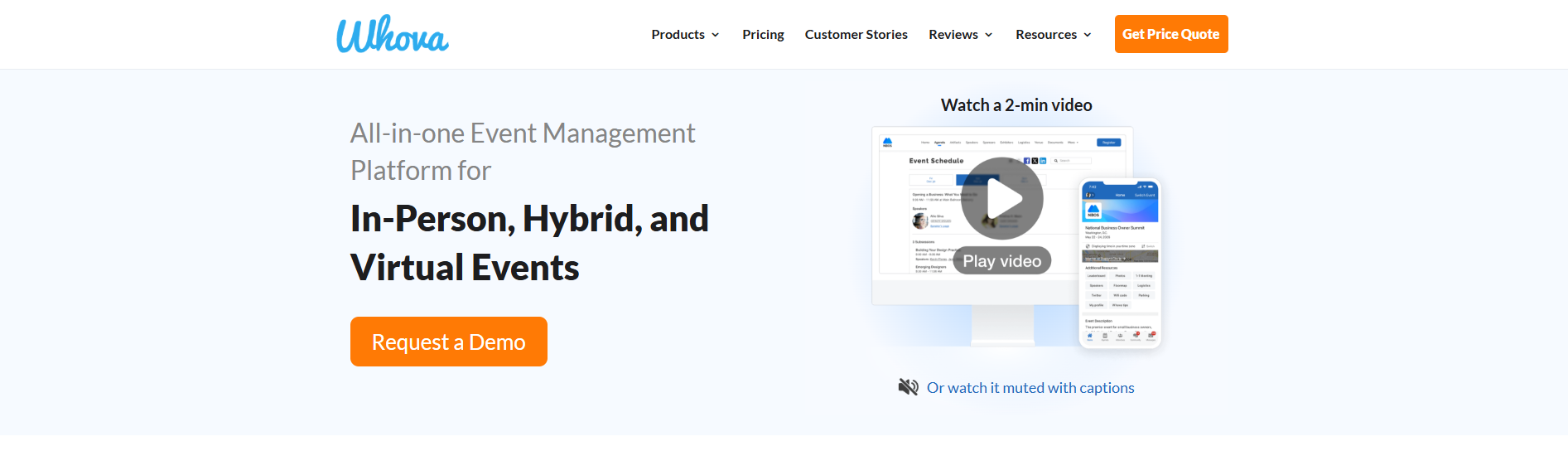
Whova offers a range of solutions that streamline event planning and management:
- No-code website builder: It helps you design a custom event website to promote your event and create a central source for updates.
- Whova mobile app: You can distribute event content digitally on the Whova app and drive engagement through push notifications and mobile surveys.
- Event registration tool: Whova allows you to create registration forms with custom fields, branding elements, and conditional logic; sell attendance tickets with different pricing structures (such as VIP and regular passes); and accept payment during registration checkout.
Whova also improves the attendee experience. For example, you can upload a floor map inside the Whova event app to help attendees navigate the venue without getting lost.
Whova has its limitations. You need to request a price quote before using the platform. It also has a relatively complex interface, so it may take some time to understand the platform’s navigation. Evaluate Whova alternatives to see whether there’s a better option.
Pricing
Contact Whova for custom price quotes tailored to your event’s format (in person, virtual, or hybrid), event planning timeline, guest count, and number of annual events.
Whova’s event registration pricing is straightforward. For paid events, the platform charges 3 percent per ticket plus $0.99. Attendees usually pay these fees, but planners can decide to cover the charges instead. If your event is free, you can use Whova’s registration tool at no cost.
4. Eventbrite
Eventbrite is a popular ticketing platform for event planners. With about 90 million active ticket buyers, it provides a large marketplace for finding people interested in your event. While the platform is suitable for any event, planners often use it for entertainment gatherings, such as festivals and concerts.
On Eventbrite, attendees can buy tickets and submit their details on registration forms without leaving the platform. You can also embed Eventbrite into your website, so people can view event details and buy tickets directly from your site.
During in-person events, Eventbrite’s Organizer app allows you to check guests in, sell tickets at the door, and track attendance details.
Because the platform is primarily for event ticketing and registration, organizations running large, complex events may need additional tools to manage other aspects of event planning. Check out Eventbrite alternatives to consider some options.
Pricing
Publishing events on Eventbrite is free. Charges apply only to paid tickets: 3.7 percent per ticket plus a $1.79 service fee per ticket. There’s also a 2.9 percent payment processing fee. Attendees pay these costs at checkout by default, but event organizers can choose to absorb them when setting up tickets on the platform.
If you choose to use optional paid add-ons and marketing tools, Eventbrite offers two premium plans:
- Pro: Starting at $15 per month
- Sales partnership: Custom pricing tailored to your specific needs
5. Planning Pod
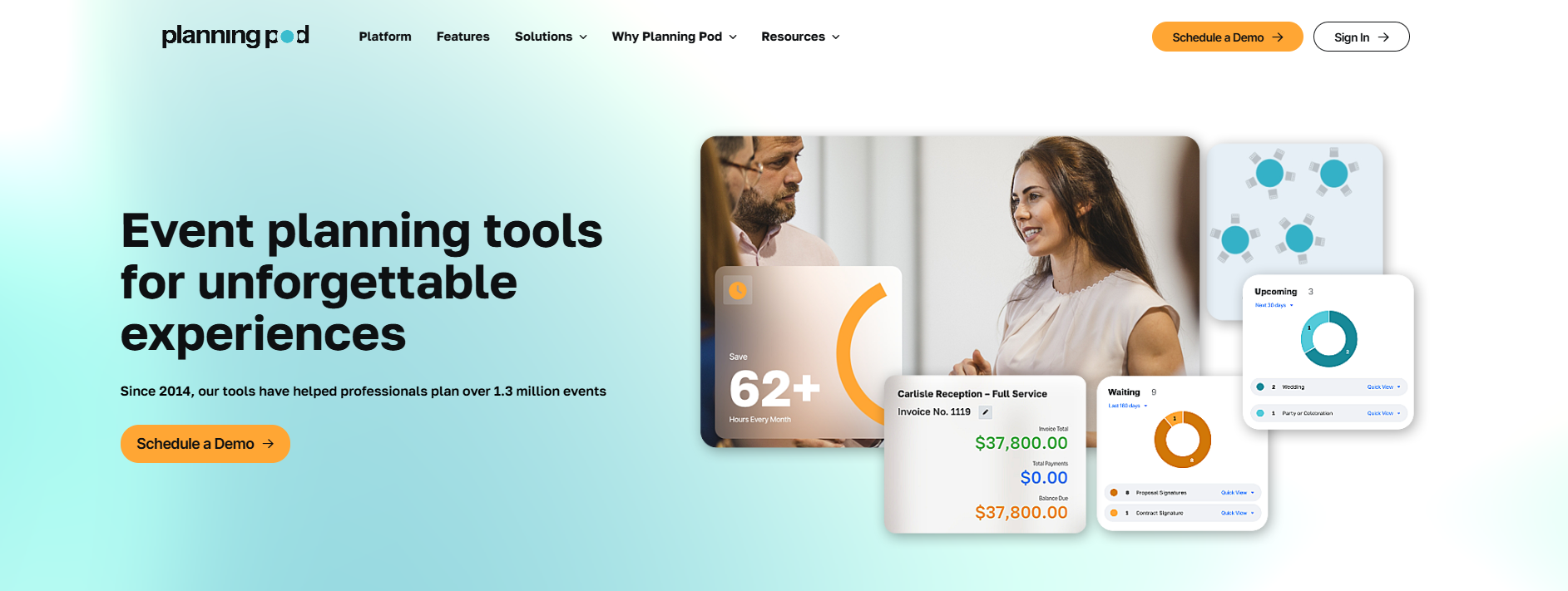
Planning Pod is event management software that enables planners to manage workflows in one location instead of switching between tools.
The platform allows you to create a website where attendees can learn about your event, submit registration details and RSVPs, and buy tickets. Planning Pod also integrates with payment processors to collect payments. Alternatively, you can create registration and ticketing forms on the platform and embed them on your organization’s website.
Additionally, Planning Pod offers a floor plan app that helps you design your event’s room layouts and seating charts. You can use it as a standalone tool or as a part of Planning Pod’s event management packages.
If you’re planning an event as a team, Planning Pod enables you to collaborate online in real time. You can share files, documents, floor plans, budgets, task assignments, and attendee lists in a centralized location.
During the event, you can use Planning Pod’s guest check-in tool to track attendance. Afterward, you can collect feedback from clients and attendees using post-event surveys.
While event organizers can use Planning Pod, the platform is primarily built for venue providers. Individual planners may find it overly complex for simple events.
Pricing
Contact Planning Pod for custom quotes. Pricing is based on the number of events you manage simultaneously, rather than just the number of platform users.
6. Bizzabo
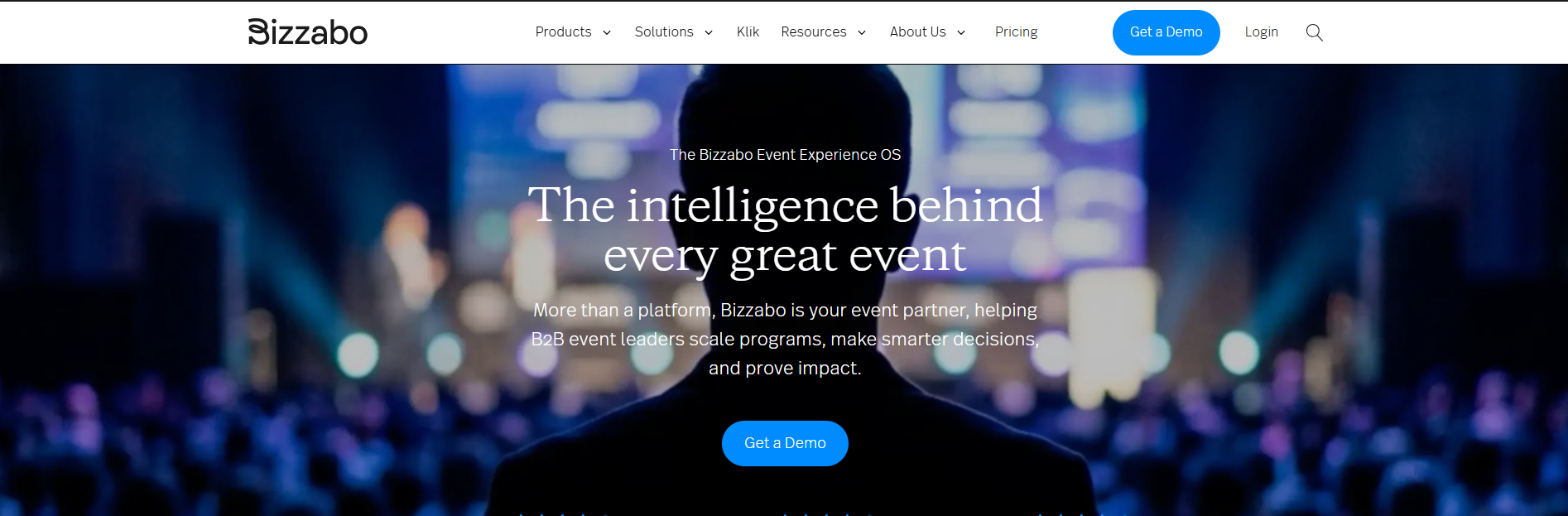
Bizzabo is an event management software for B2B events. Event leaders can use it to plan in-person, virtual, or hybrid conferences. Bizzabo’s workflows integrate with audiovisual technologies, allowing you to livestream your online event directly in the platform.
Bizzabo also has a website builder. Other key Bizzabo features include
- Event registration: Create registration forms using custom fields and branding preferences. Bizzabo also allows you to set up tickets and collect payments in multiple currencies instantly or through invoicing.
- Sponsor management: Bizzabo’s self-service portal allows sponsors and exhibitors to submit assets such as logos without requiring your event planning team to coordinate every step. You can also use the platform’s attendance, engagement, and guest experience metrics to prove your event’s ROI to sponsors.
- Mobile event app: The app’s AI assistant, Bizzy, can answer your attendees’ questions on demand. You can also use the app’s push notifications to send sponsor and exhibitor offers to guests.
- Klik SmartBadge: Used at in-person events, this technology combines an event badge with a small wearable device that tracks attendee movements in real time. With live event heat maps, event organizers can verify dwell times at booths and use the insights to justify ROI for sponsors. Attendees can also easily exchange contact details with a tap of their badges.
However, Bizzabo has limited customization options. The platform is built for teams, and its high pricing makes it unsuitable for individual event planners.
Pricing
Bizzabo does not have a free plan. Its premium package fee is $499 per user per month (billed annually), with a minimum of three users. Additional features are available through optional premium add-ons.
7. EventsAir
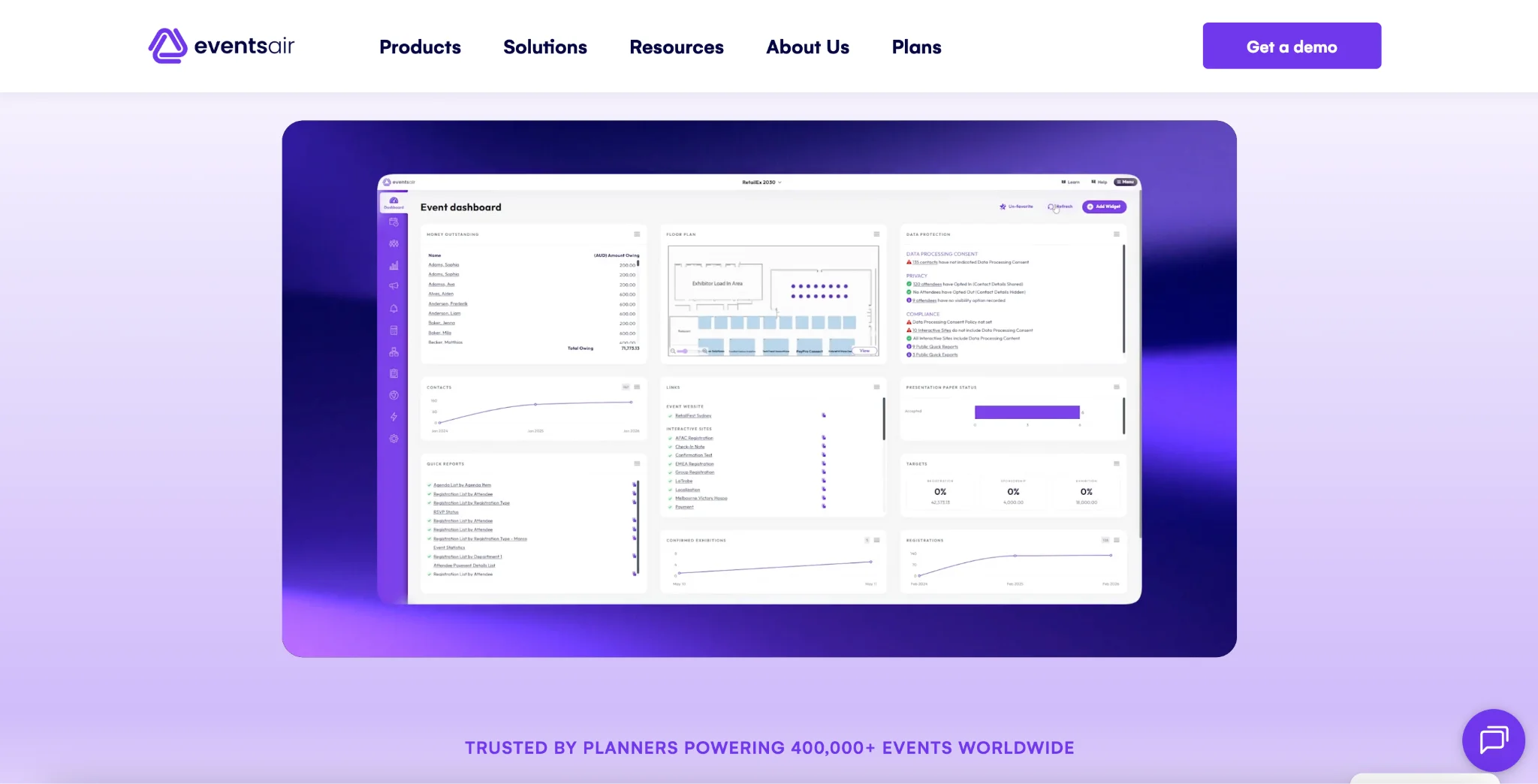
EventsAir is an all-in-one event management platform that helps planners manage the entire event lifecycle from a single location. It supports event registration, marketing, attendee management, speaker and abstract management, sponsor and exhibitor management, event logistics, and analytics.
You can use EventsAir to create branded event websites and personalized registration journeys with conditional logic. The platform also includes tools for managing speakers, abstracts, agendas, budgets, travel, accommodation, and seating. For event promotion and communication, you can use email campaigns, text messages, and app notifications.
During events, EventsAir offers mobile check-in, self-check-in, badge printing, attendee engagement tools, and lead capture for sponsors and exhibitors. Its virtual and hybrid event capabilities include streaming, online exhibitions, and a virtual environment, while the mobile app supports attendee engagement, networking, gamification, and real-time updates.
EventsAir is designed for organizations managing complex events, including associations, event agencies and PCOs, government organizations, and higher education institutions. However, its extensive feature set may be more than smaller teams need for simple events. The platform currently offers Single, Multi, and Enterprise plans, with pricing available by request.
Pricing
EventsAir does not publicly list fixed prices for its event management plans. Its current plans include Single, Multi, and Enterprise, with unlimited registrations and access to in-person, virtual, and hybrid event features. You need to contact EventsAir for a custom quote based on your event requirements.
EventsAir also offers a free demo so prospective customers can explore the platform and discuss their event requirements with a product specialist.
8. EventMobi
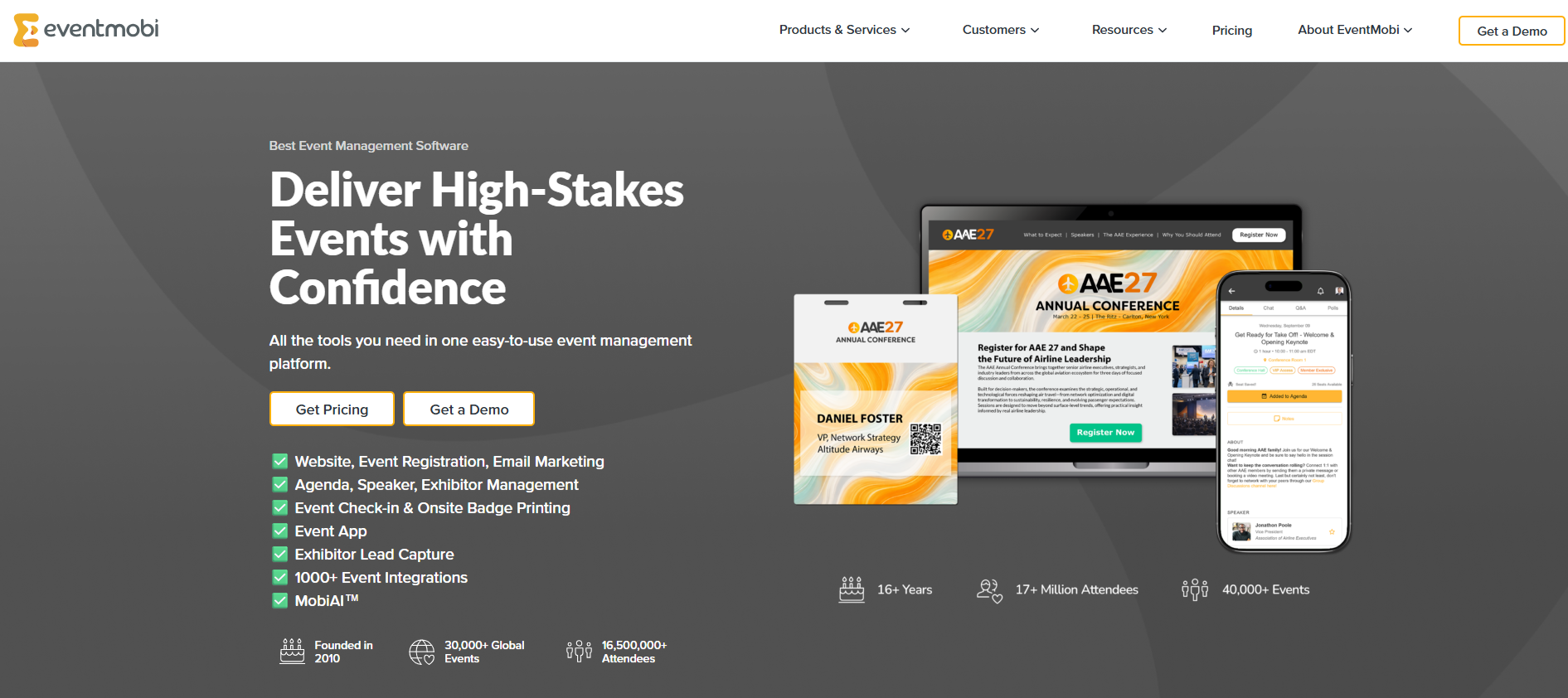
EventMobi allows you to plan and manage your event from start to finish. You can create event registration forms that are as complex or as simple as you need, with features such as response-based conditional fields and dropdown menus.
Unlike most ticketing platforms, which charge per-ticket fees, EventMobi lets you offer event tickets for free. Its payment software allows you to connect to your preferred payment gateway, collect payments instantly from any credit card, and offer discounts.
EventMobi offers a mobile app that centralizes event updates. During virtual or hybrid sessions, you can organize your presentation slides, videos, and other resources in the app. It also provides multiple sponsor promotion opportunities, including smart mobile ads and appointment booking.
Additionally, EventMobi streamlines attendee check-in during in-person events. Its onsite badge printing software (BadgeON) and portable hardware allow you to finalize attendee details and print badges on demand.
While it has multiple helpful capabilities, EventMobi is relatively expensive, especially if you want to use it to plan and manage one-time events only.
Pricing
EventMobi pricing is based on the platform tools you select, the number of guests at your event, and the payment option you choose:
- Per event: Starts at $3,500 per event and scales with your event size and platform add-ons
- Per year: Starts at $7,900 per year; includes unlimited events and EventMobi’s entire event management platform
Custom pricing is available for events with over 10,000 attendees.
9. Splash
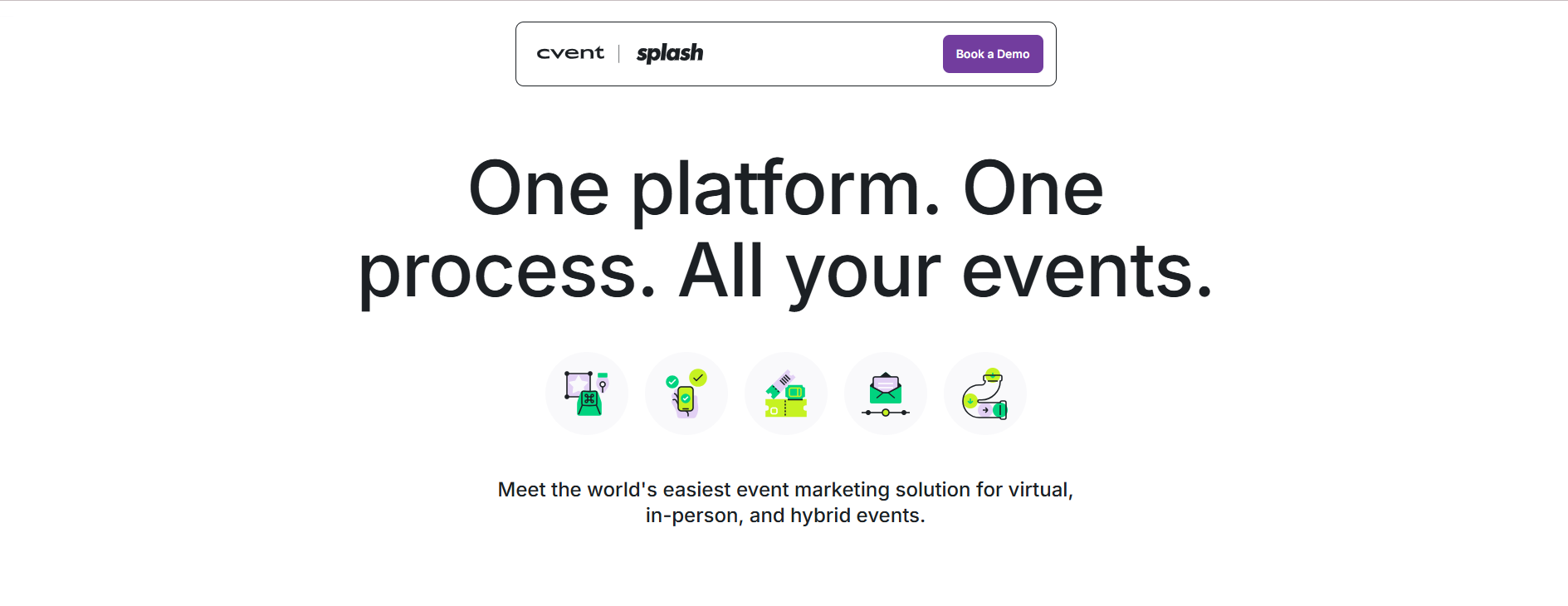
Splash is an event marketing and management platform. It provides a central location from which to manage your event’s invitations, reminders, and thank-you emails. Using custom registration forms, you can collect guest information and ask any questions relevant to the event. You can also create a guest list with custom tags, including RSVP status and RSVP time, which makes it easy to filter attendees and send follow-up emails.
To check guests in, you simply swipe right on a guest’s name. Alternatively, you can check them in by scanning a QR code that you email to each attendee after registration.
While Splash offers reporting dashboards for tracking ticket payouts, event page traffic, and event marketing performance, it can be difficult to customize the platform’s analytics.
Pricing
Splash offers two premium plans: Pro and Enterprise. Contact Splash for custom quotes.
10. Social Tables
Social Tables, also known as Cvent Event Diagramming, is a design platform for visualizing and optimizing venue space and layout before the event.
Planners can use digital objects to create to-scale venue floor plans. You can design seating arrangements using attendee details, table shapes and sizes, chairs per table, and chair types. Once you provide the necessary details, the software automatically creates diagrams of the venue.
Multiple people or teams can collaborate in real time when creating venue diagrams on Social Tables. You can share a link and set access permissions that determine whether collaborators can view, comment, edit, or gain full access. Venue owners can share a 3D diagram of their space with event planners who can then review the layout, suggest changes, and make updates directly within the platform.
However, accessing advanced floor planning features in Social Tables is relatively expensive. And as a venue layout tool, it lacks guest registration and attendance-monitoring capabilities.
Pricing
Social Tables has a free plan and three paid tiers:
- Standard: $49 per month
- Pro: $150 per month
- Premium: $320 per month
Each paid plan comes with a 12-month commitment.
11. monday.com
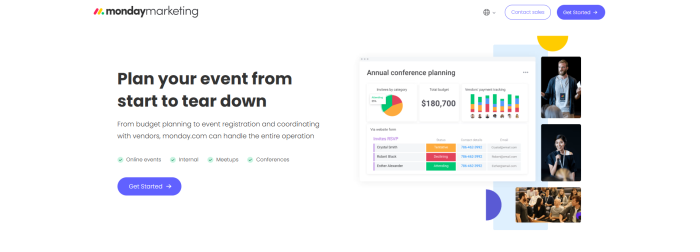
Monday.com is a comprehensive event management platform you can use to plan any type of event, from small internal meetups to large conferences.
The software is ideal for corporate event teams or large-scale event planning agencies that require a unified platform for interdepartmental collaboration. It connects design, operations, sales, marketing, and other cross-functional teams working on the same event.
Key platform capabilities include
- Budget planning: Monday.com offers budget templates to track all event income and expenses.
- Event registration management: You can create and share customizable forms to collect attendee information and ask relevant questions.
- Vendor coordination: The platform provides a central place to track vendor contracts, deliverables, and payments.
- Event marketing management: You can create an event marketing plan, organize tasks by priority, and track when marketing materials need to be published. The software also integrates with social media and email marketing platforms for event promotion.
- Real-time event monitoring: You can send automated welcome messages to guests, coordinate live Q&A sessions in the platform, and update your team about last-minute changes.
Monday.com is primarily a team collaboration platform, so individual event organizers looking for a simple planning app may end up paying for features they don’t need. It also lacks some event planning capabilities, such as venue or vendor sourcing marketplaces, available in some monday.com alternatives.
Pricing
Monday.com has a free plan and four premium tiers. Paid plans come with a 14-day free trial:
- Basic: $12 per user per month
- Standard: $14 per user per month
- Pro: $24 per user per month
- Enterprise: Custom price
How to choose the best event planning app for you
The best event planning apps depend on the type of events you manage and the planning challenges you want to overcome.
Choosing a platform with features you won’t use increases costs and complexity. Selecting one that lacks essential capabilities can increase your manual workload. The following questions can help you narrow down your options and choose the most suitable tool.
1. Are you planning one event or managing multiple events year-round?
Some tools are better for occasional events, while others are built for managing multiple events throughout the year. For example, if you’re planning just one event, Jotform Apps lets you create an event-specific app without requiring a long-term commitment. But Bizzabo is billed annually, so it’s suitable for managing multiple events year-round.
2. Do you need attendee-facing features or planner-facing workflows?
If your priority is improving the attendee experience, look for guest-facing features such as mobile apps, networking tools, announcements, and real-time updates. Whova and Jotform Apps excel in this area.
If your biggest challenge is coordinating tasks, managing budgets, tracking deadlines, and keeping team members aligned, planner-focused and collaboration solutions such as monday.com may be a good fit.
3. How complex is your registration process?
Planners that need a simple tool for just collecting attendee details can easily create one with Jotform Apps. Those who want to collect both attendee details and ticket fees can use ticketing platforms such as Eventbrite that make it easy for guests to register and pay online.
4. Will the app be used before, during, or after the event?
The following table shows what to look for in an app, depending on when you want to use it:
| When you’ll use the software | What to look for in event management apps |
|---|---|
| Before the event | Budgeting, attendee registration, marketing, and vendor sourcing tools |
| During the event | Features to help check in attendees and print badges |
| After the event | Analytics for measuring ROI and surveys for collecting stakeholder feedback |
All-in-one platforms such as Cvent can be used before, during, or after the event. Others, such as Social Tables, can be used only before the event.
After choosing your event planning apps for event planners, you can follow a comprehensive event planning checklist to make it easier to organize your gathering.
Finding the right event management software
The best event planning software is not always the most complex platform. It’s the one that matches your event’s size, keeps your event data organized, and automates event planning processes in a central location.
For planners who need a flexible event hub with custom forms, registrations, and mobile-friendly resources, Jotform Apps is a suitable, no-code option. Try Jotform Apps for free and see how it streamlines event planning.
Professional event planners, corporate event teams, wedding planners, nonprofit event organizers, conference managers, venue coordinators, and small business owners who need tools to manage registrations, RSVPs, schedules, vendors, attendee communication, forms, and event-day logistics.



























































































Send Comment: