
AI has made building an app easier than ever. Bolt.new is one of the leading AI app makers, but it isn’t the right choice for every project. While Bolt.new can offer assistance with app coding, you may prefer a solution that offers benefits such as
- Faster time to prototype
- More control over the final app
- Easier pathways for sharing with users
- Alternative trade-offs around customization, deployment, and maintenance
Not every alternative offers all of these advantages. Some solutions are better designed for creating internally focused apps and automated workflows, while others support developers in writing and implementing code.
So how do you find the best AI app builder for your business? This guide compares alternatives to Bolt.new across a variety of build styles. See how Bolt.new AI alternatives differ in capabilities and benefits to find your ideal fit.
The 7 best Bolt.new competitors
Bolt.new alternatives offer a wide range of approaches to AI app building. This list of Bolt.new competitors includes a range of options, from no-code app builders to developer-centric coding tools, so you can match your solution to the type of assistance you need. All pricing is listed based on annual billing.
| Tool | Best for | Why it’s a Bolt.new alternative | Pricing model |
|---|---|---|---|
 Jotform Apps |
Generating user-friendly, form-driven mobile apps |
Uses AI prompts to create apps, but prioritizes forms and workflows over coding |
Unlimited free version and optional paid full-suite subscription tiers |
 Lovable |
AI app building tools for nondevelopers and founders |
Runs on a similar chat-to-build function that focuses on nondevelopers |
Limited free tier and credit-based paid subscription tiers |
 Replit |
AI coding assistance for full-stack app development |
Offers a more developer-friendly version of Bolt.new’s code-focused structure |
Limited free tier and credit-based paid subscription tiers |
 Bubble |
Creating highly customizable, no-code, web-based apps |
More visually driven and customizable than Bolt.new |
Limited free tier and paid subscription tiers for web, mobile, and apps |
 Glide |
Building internal apps for automating operations |
Provides spreadsheet and database-focused options for businesses |
Limited free tier and paid business or enterprise subscription tiers |
 Superblocks |
Security and IT-focused enterprise app creation |
Acts as a secure and enterprise-centric option |
Paid teams or custom enterprise subscription tiers |
 Cursor |
AI-assisted coding for app developers |
Gives developers more control over their app code than Bolt.new |
Limited free tier and paid per-user subscription tiers |
1. Jotform Apps
Jotform Apps is designed to simplify the app creation process for users with little to no technical knowledge who need a functional business app. This solution makes it easy to learn how to create an app without coding, with features that let you
- Build an app from scratch
- Copy existing apps
- Use templates to speed up your design process
- Create an online store
- Generate apps from existing forms
Jotform AI App Builder offers a prompt-based builder with more control and ease of use. Jotform offers end-to-end control over your app’s creation using a blend of AI and manual editing tools. You can start by using AI text prompts or uploading files and URLs to instantly create your app. Then, edit using either AI features or manual tools.
With Jotform, you can create as many apps as you need. Every Jotform plan, including our free plan, includes access to an unlimited number of apps.
Thanks to a deep library of widgets, Jotform Apps is also extremely customizable. You can collect e-signatures in-app with Jotform Sign, collect user information with embedded forms, and add popular third-party integrations, all through a drag-and-drop interface. No coding is required.
Jotform Apps also offers a conversational alternative to Bolt.new’s code-generation workflow. With Jotform App Builder for ChatGPT and Claude, you can describe the app you need and generate a ready-to-use first version directly within your AI workspace. Use it to create workflow apps, internal tools, customer portals, and online stores without writing or reviewing code.
You can refine the app through conversation by customizing its layout, forms, widgets, and branding; managing users, permissions, and data; and configuring payments, workflows, and automation. Connect now to build, publish, and share apps with Jotform App Builder in ChatGPT and Claude.
Quick facts about Jotform Apps follow:
- Best for: Generating form-driven mobile apps and workflows
- Why it’s a good alternative: Offers straightforward, no-code app building built on forms and workflows without complex code generation and iteration
- Key features
- More than 3,400 free app templates
- AI generation tools
- Drag-and-drop editor
- Limitations or trade-offs
- Less suitable for complex application logic
- No coding environment
- Less control over the app’s back end
- Pricing
- Free version with unlimited apps
- Paid plans from $34 to $99 per month for access to more features
- Custom enterprise pricing
Pro Tip
Jotform is more than just an app builder. From data storage through Jotform Tables to custom automated assistants with Jotform AI Agents, building your app with Jotform Apps offers access to our full suite of digital solutions.
2. Lovable
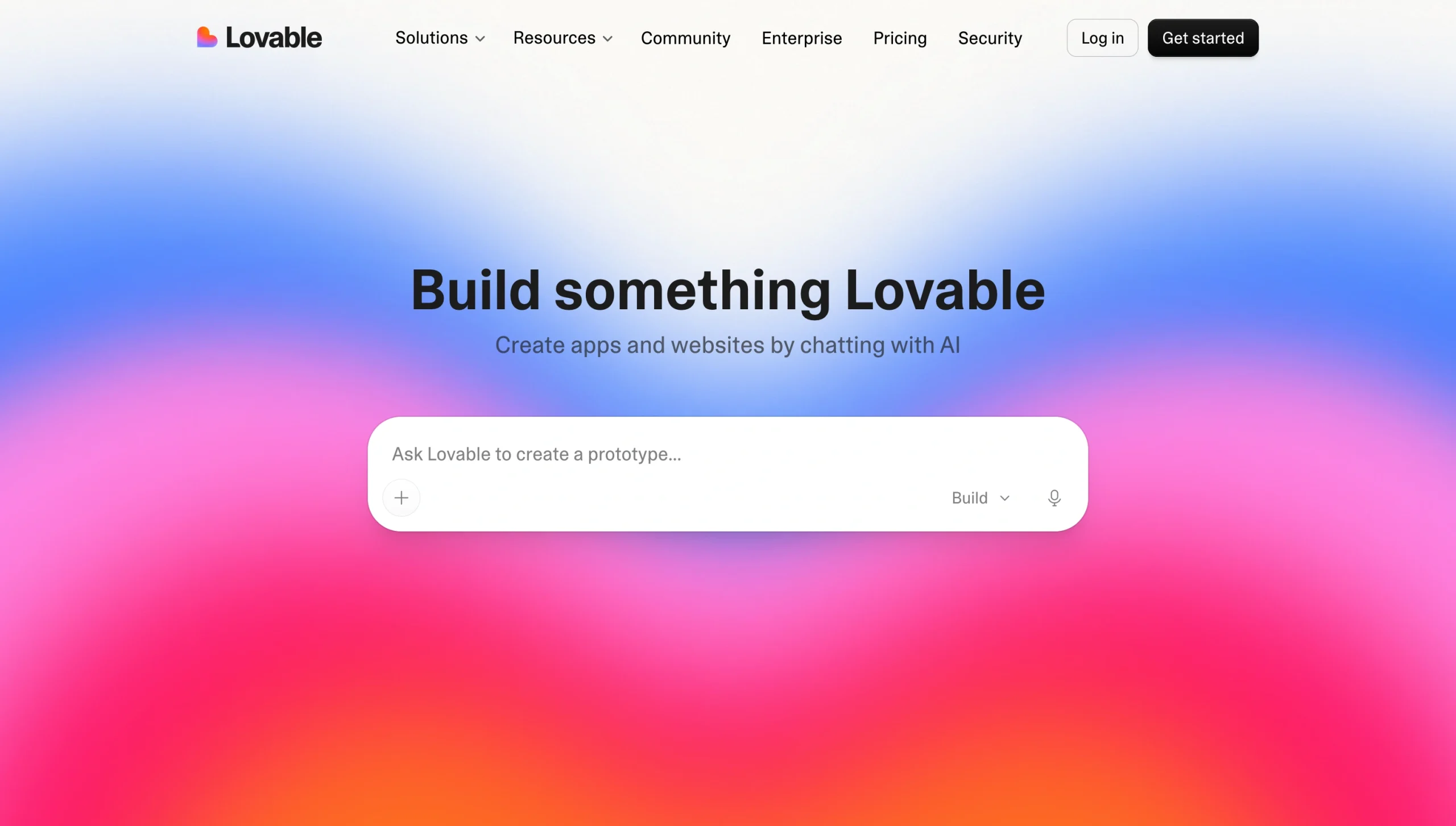
Lovable is the closest match to Bolt.new’s workflow. It relies on a similar prompt-based workflow targeted toward nondevelopers (founders, product managers, marketers, and other similar roles). It allows users to build a full-stack application, meaning you have access to the back end and database.
To get started with Lovable, enter a prompt into the user interface (UI) generator. From there, you can edit your working prototype until it meets your requirements through both AI and manual tools. You can also use the platform’s conversational interface to create websites, internal tools, and other role-specific applications.
Like many AI app generators, Lovable is limited by its credit-based setup. You consume credits at different rates depending on your plan, the complexity of your app, and the actions you take. As your application becomes more complex and your operations scale, so does your bottom line. This credit-based pricing makes Lovable one of the most expensive options for high-volume use.
Similar to Bolt.new, Lovable also requires users to have a stronger grasp of their application’s back end. This can be useful for businesses looking for more control, but it may deter those interested in a simpler solution.
Quick facts about Lovable follow:
- Best for: AI-app building for founders and nondevelopers
- Why it’s a good alternative: Provides a similar prompt-based full-stack workflow to Bolt.new, along with user-friendly design refinement and prototyping tools
- Key features
- Conversation-based UI generation
- Backend and database workflows
- Off-platform development capabilities
- Limitations or trade-offs
- Credit-based plans limit scalability
- Complex changes may require manual code review
- Limited control for developers on fine-grain considerations
- Pricing
- Free version with limited domains and credits
- Credit-based paid plans from $25 to $4,300 per month based on monthly credits and chosen tier
- Enterprise pricing available
If Lovable doesn’t cover all the features you need, it’s worth exploring some Lovable alternatives.
3. Replit
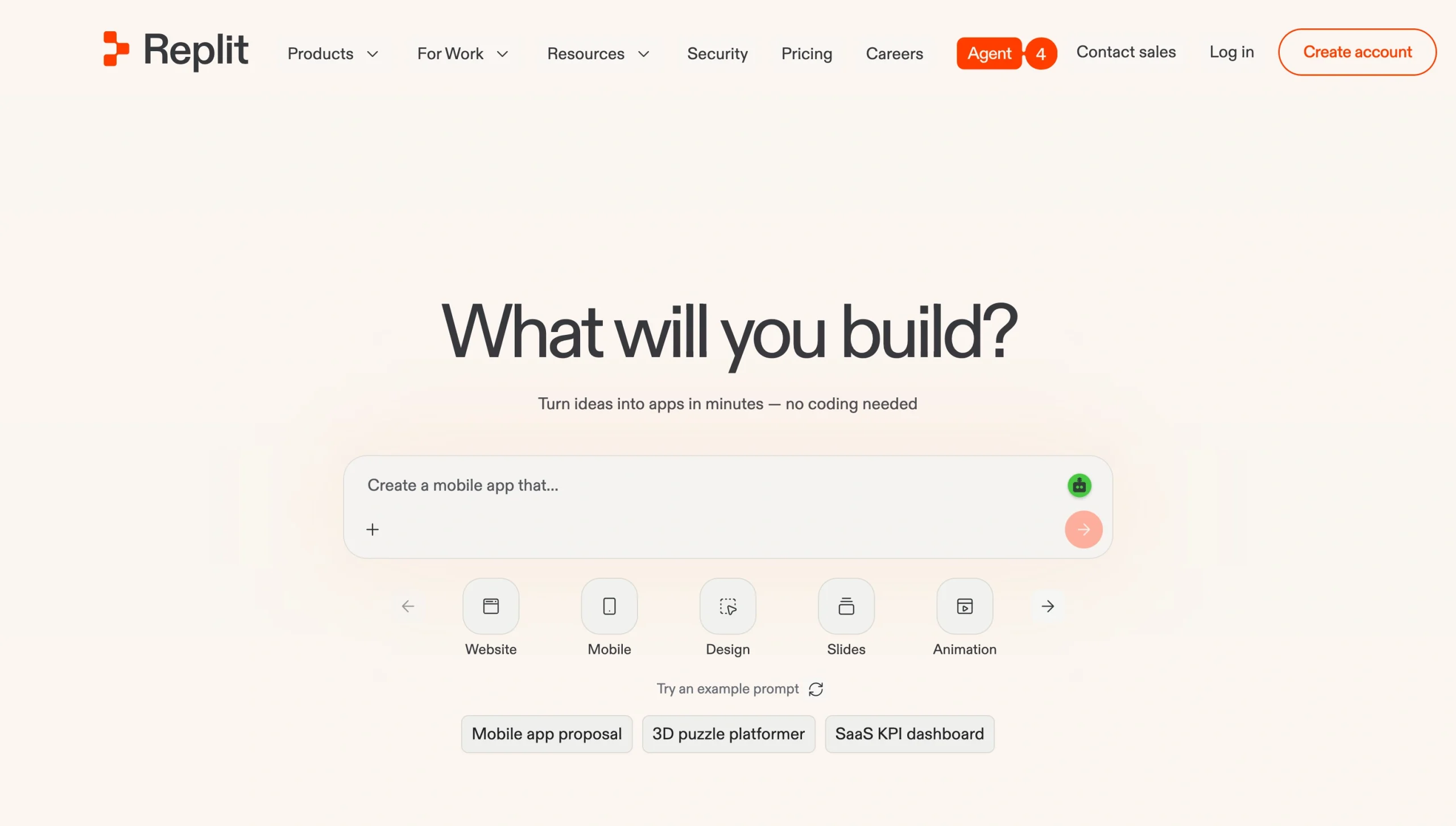
For users looking for a middle ground between no-code generation and full-app developer tools, Replit offers a mix of capabilities that may be the best of both worlds: straightforward prompt-based generation options, and an AI that produces ready-made code.
The core of Replit’s user experience is AI agents. As you generate code through AI prompts, Replit’s agents transform the code into your full-stack application. Through this interface, you can run multiple agents simultaneously to handle various aspects of your development process, intervening manually only when required. Agents can even build other agents to run automations on your behalf.
Replit runs on a credit-based pricing structure. Each action you perform, whether it’s running an agent or publishing your app, requires credits. As your app evolves, your credit usage increases, along with your monthly costs.
Replit’s use of code may also be a limitation for users with no prior development experience. Businesses in need of a fast, straightforward Bolt AI alternative may find having to test and review code a roadblock to implementation.
Quick facts about Replit follow:
- Best for: Access to both AI generation tools and a full app development environment
- Why it’s a good alternative: Supports both technical and nontechnical app builders, with more developer flexibility than other prompt-based solutions
- Key features
- Built-in development environment
- Prompt-based app generation
- AI planning and coding assistance
- Limitations or trade-offs
- More complex than other alternatives
- Credit-based plans limit scalability
- Generated code requires testing and review
- Pricing
- Free version for one project with limited daily credits
- Paid plans from $18 to $2,000 per month based on credits and tier selection
- Enterprise pricing available
4. Bubble
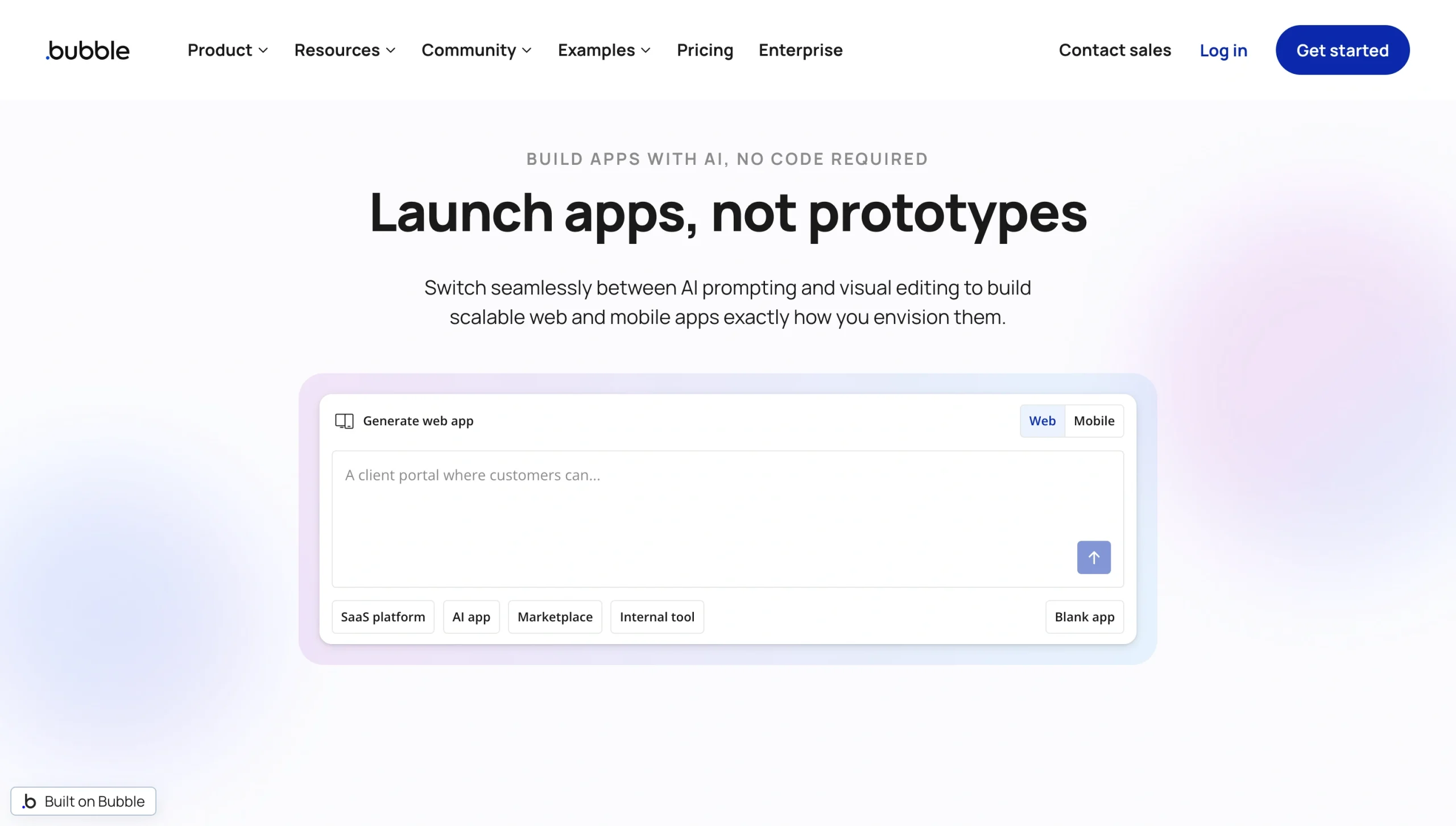
Where most no-code AI generators prioritize mobile-first app development, Bubble’s focus is on web-based app generation. Originally, Bubble offered web-based development only; now, users can choose between web-only, mobile-only, or web and mobile together.
Bubble’s AI mobile app generator is still in beta. Businesses primarily interested in mobile apps should know that its capabilities could fall short or be less reliable than other, more established no-code mobile app builders.
However, Bubble does offer capabilities that other no-code builders may not have, such as web-responsive design, no-code databases, and powerful logic automations. Bubble also has an advantage over some other tools due to its single-cost pricing model. Rather than relying on credits, it requires monthly payments that offer access to a number of advanced features.
The downside of this feature depth is that it creates a steeper learning curve. Users who want a basic app may find Bubble’s advanced features to be more than they need. However, those willing to take the leap may find Bubble the best solution for creating complex web applications.
Quick facts about Bubble follow:
- Best for: Developing feature-heavy, web-based applications without coding
- Why it’s a good alternative: Provides deeper control over databases, workflows, permissions, and application behavior than some prompt-first builders
- Key features
- AI-assisted app generation
- Web and native mobile development tools
- Visual front-end editor
- Limitations or trade-offs
- Steeper learning curve than basic prompt-based generation
- Complex workflows require careful organization
- Strong platform dependency
- Pricing
- Free version limited to testing only
- Paid tiers from $59 to $549 per month for web and mobile, $29 to $349 per month for web only, and $42 to $449 per month for mobile only
- Enterprise pricing available
5. Glide
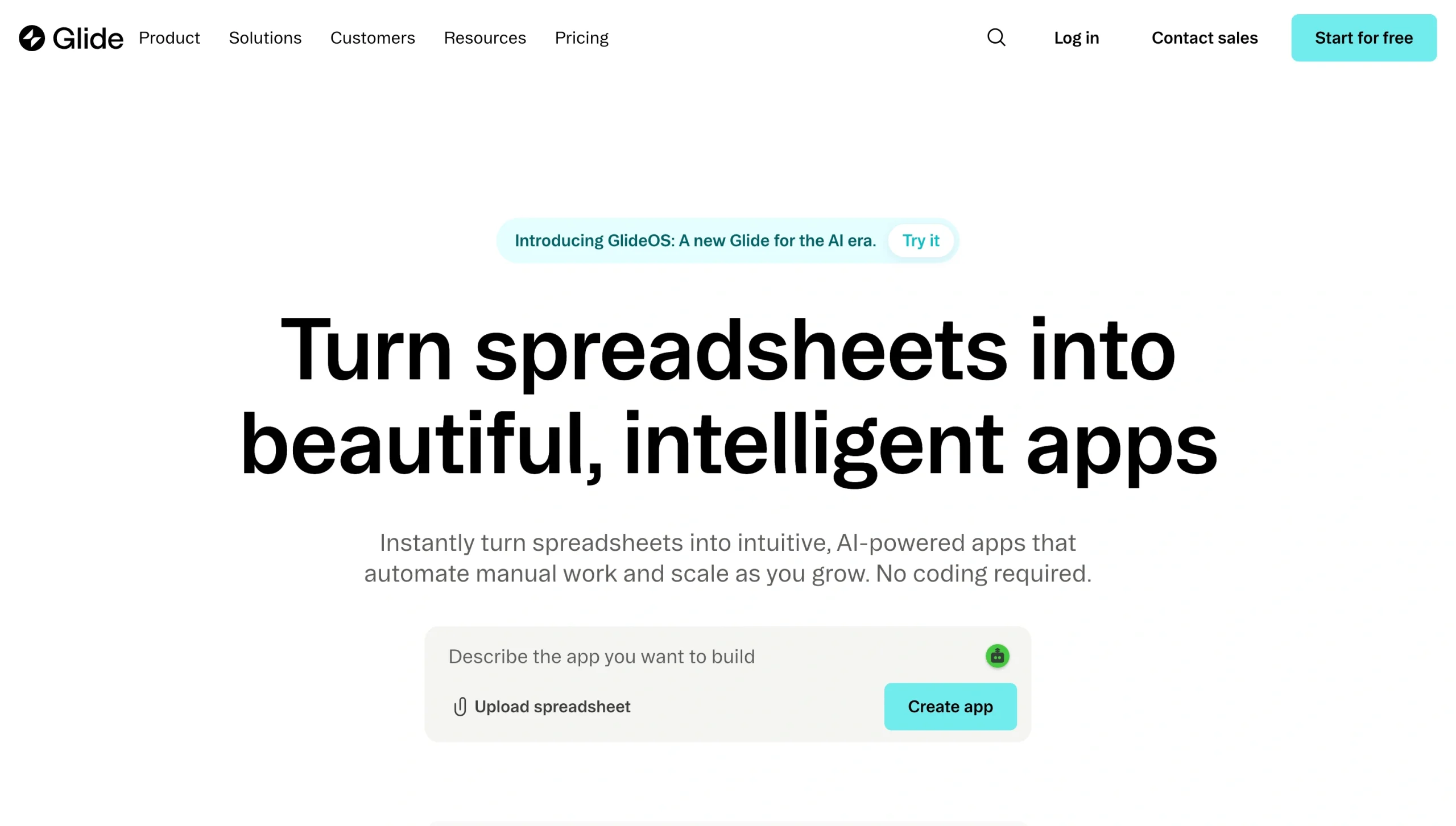
Many businesses seek out AI tools to generate apps for internal processes such as inventory management, procurement, logistics, and other data-driven tasks. But not every Bolt.new alternative can transform your data spreadsheets into practical tools. This is where Glide specializes.
Glide’s AI platform allows you to build no-code internal apps powered by prompts and your internal data spreadsheets. With Glide, you can import business intelligence from more than 100 data sources. You can then design your app using prebuilt components and run background tasks with automated workflows.
A core limitation of Glide’s platform is its internal-facing structure. Glide is not designed for businesses looking to create customer-facing apps or online storefronts. Instead, this solution is specifically designed for businesses that want to develop internal software.
Glide’s pricing structure is a cross between credit-based and single-cost subscription models. Paid pricing is determined by the number of seats you need and your required updates. Base business plans include 30 seats and 5,000 updates; anything beyond that will increase your monthly costs.
Quick facts about Glide follow:
- Best for: Creating internal, data-driven business apps using spreadsheets
- Why it’s a good alternative: Offers a way for businesses to transform existing structured data sources into visually appealing, interactive organizational applications
- Key features
- Built-in data tables and external data connections
- Prebuilt design components
- Automated workflows and actions
- Limitations or trade-offs
- Update limits can reduce usability
- Limited external-facing use cases
- Complex backend logic
- Pricing
- Free version that offers only drafting capabilities for a single user
- Paid plans from $199 to $500 per month based on users, with potential upcharges for additional update credits
- Enterprise pricing available
6. Superblocks
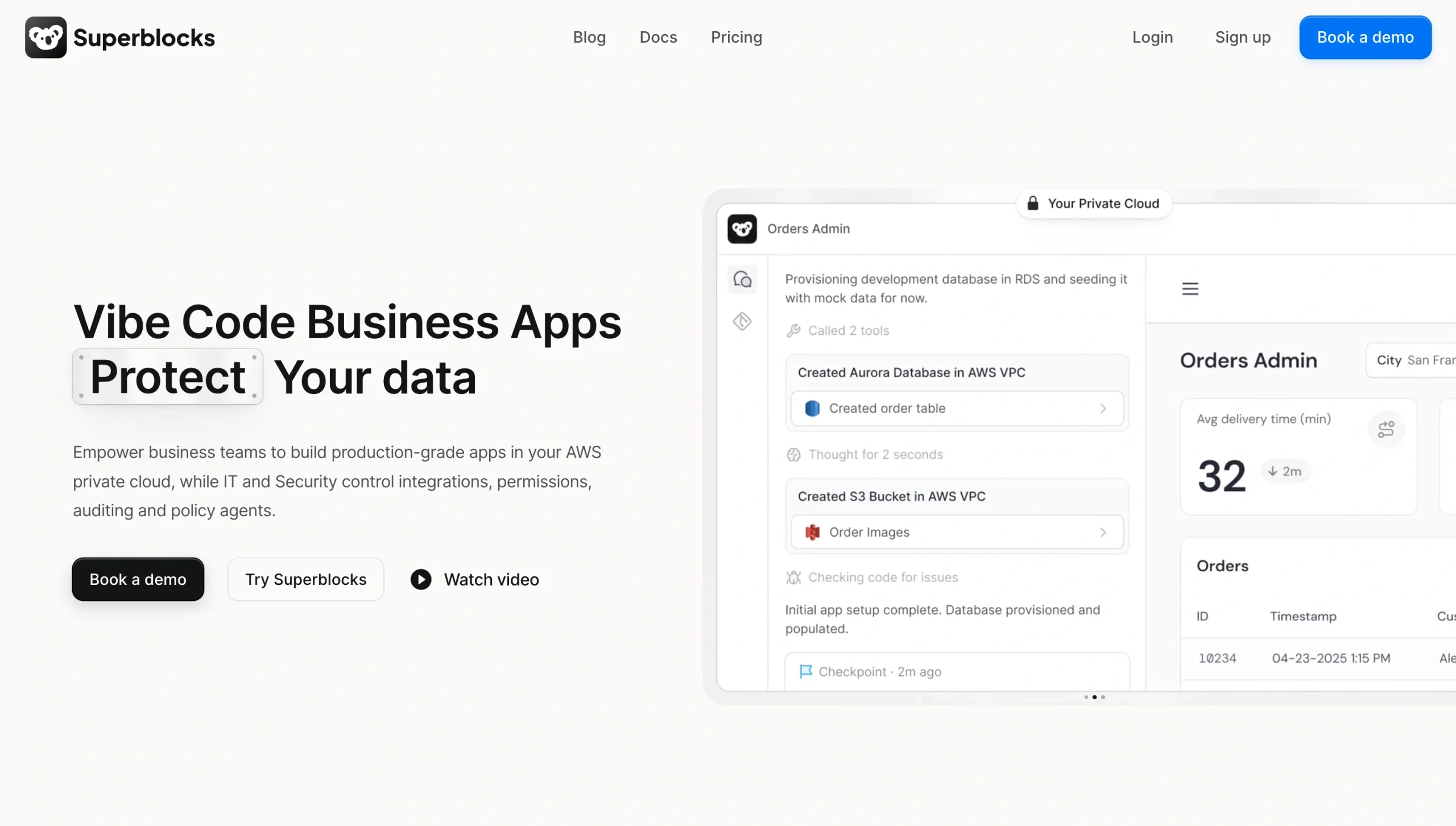
For enterprise organizations, data security is essential, so Superblocks places security at the forefront of its app development suite. Superblocks allows enterprise organizations to replace costly SaaS solutions with self-made internal applications that run on secure business intelligence.
With Superblocks, enterprise teams can create internal tools built to fit their specifications. These tools come with strong governance controls for security and IT, as well as AI-driven visual development features. Businesses that choose to continue using third-party integrations can use Superblocks to add an additional layer of security between those tools and their internal applications.
Unlike some customer-facing Bolt.new alternatives, Superblocks positions itself as a software factory. Users can build their own custom-made tech stack that integrates with internal systems, APIs, and other key business infrastructure to create a seamless digital ecosystem.
But Superblocks isn’t designed for small businesses. Besides the steep initial cost for access to just one app, Superblocks also requires a depth of experience in navigating enterprise data systems and APIs. This narrows the ideal customer to enterprise organizations looking to gain control over their internal operations.
Quick facts about Superblocks follow:
- Best for: Building enterprise applications with a focus on security and IT controls
- Why it’s a good alternative: Combines AI-driven development with low-code controls meant to integrate with internal systems, APIs, and business infrastructure
- Key features
- Enterprise governance controls
- Visual AI-assisted development tools
- Extensive integration library with additional security layer
- Limitations or trade-offs
- Limited to enterprise and internal focus
- No free plan
- Requires experience with enterprise data systems and APIs
- Pricing
- Fourteen-day free trial, but no full free version
- Paid plans starting at $100 per month, with additional apps costing $10 per app per month
- Enterprise pricing available
7. Cursor
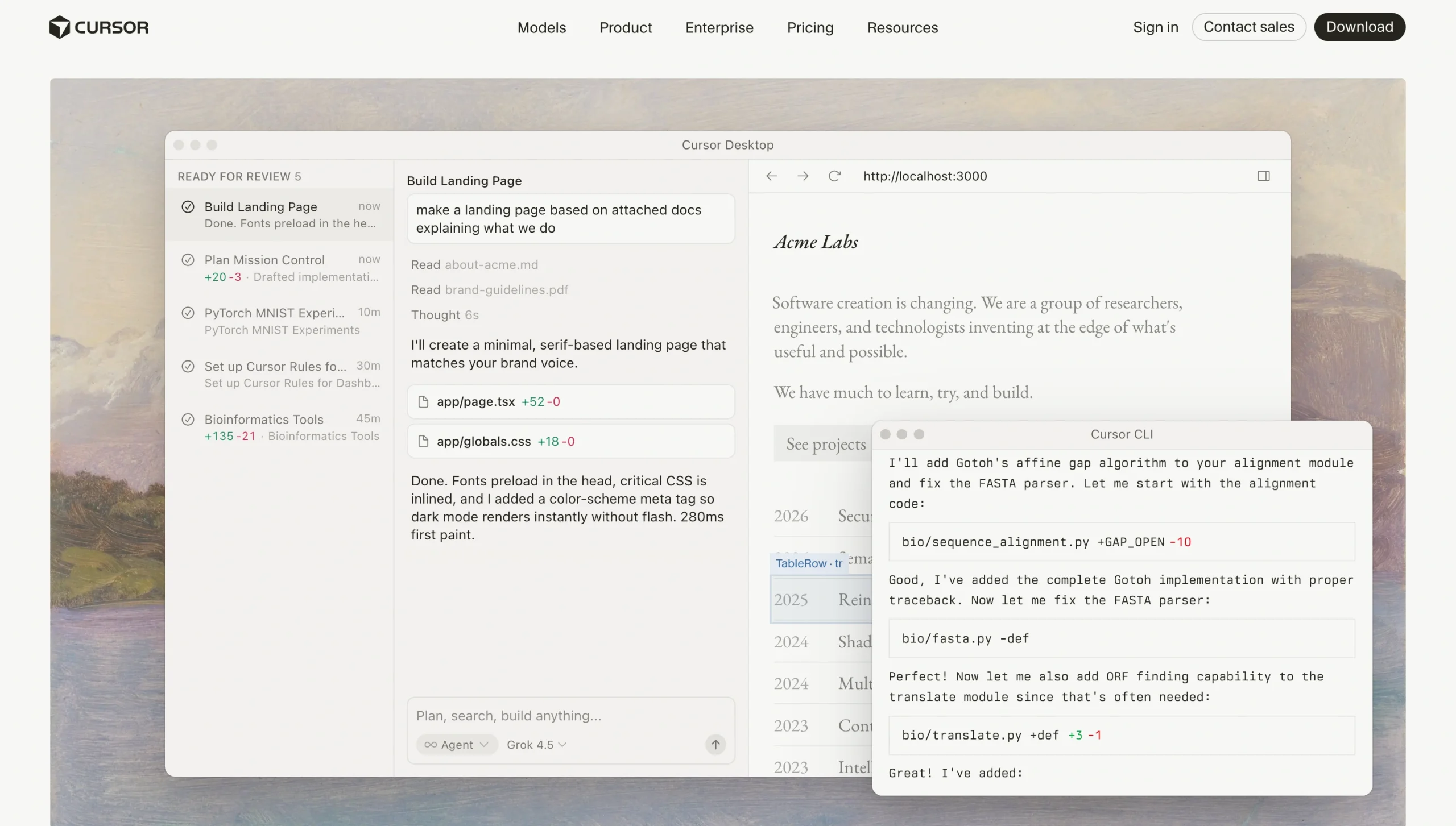
The way Cursor approaches app development is completely different from Bolt.new’s approach. However, this drastic difference in development models may be exactly what pro developers are looking for.
Rather than using AI to create an app on your behalf, Cursor’s AI tools generate the building blocks necessary for you to create an app yourself. Cursor acts as an AI coding agent that produces code based on your text prompts. You can then edit, test, and implement that code in your app’s back end.
Cursor AI coding agents can run autonomously, so you can hand off tasks and focus on the decisions that need a human touch. You can also schedule them to run on their own, handling repetitive maintenance and fixes automatically.
This solution is best suited for developers who need an extra hand with their coding tasks. Cursor requires a high level of coding experience and places most of the responsibility for your app’s outcome in your hands, making it less appealing for novice users.
Quick facts about Cursor follow:
- Best for: AI-assisted coding for app developers in need of increased efficiency
- Why it’s a good alternative: Better for complex, custom, or long-term software that needs accelerated development, quality code, and maintainability
- Key features
- Natural language code generation and editing
- AI-native code editor
- Customizable agents that learn from your codebase
- Limitations or trade-offs
- Requires a significant coding background and knowledge
- Not an all-in-one app hosting platform like other alternatives
- Places primary responsibility for testing and production on developers
- Pricing
- Free version with limited AI models and agent requests
- Paid plans ranging from $20 to $200 per user per month, depending on chosen plan and in-plan tier
- Enterprise pricing available
Final verdict: Which Bolt.new alternative should you pick?
The variety of app generators can make it difficult to know which solution aligns best with your needs. Here are some key considerations and the options that suit them most:
- If you need a workflow app built around forms, requests, approvals-style routing, payments, and file uploads that can launch quickly and without a codebase, Jotform Apps is your best fit.
- If you need a conversational, end-to-end, no-code AI app-building experience, Jotform AI App Builder and Lovable are your best options.
- If you’re a developer in need of an AI-assisted coding environment that can enhance the efficiency of your traditional coding project, Cursor or Replit may be your closest fit.
- If you’re trying to build a no-code web application, Bubble is your clear choice.
- If you’re looking for a way to build internal tools that will increase your operational control and efficiency using business data, Glide and Superblocks align best with those tasks.
Many of these Bolt.new alternatives offer free versions or free trials of their software. To make sure a solution is the right fit, take one or two for a test run. Identify which options seem close to what you need, then run real-world app workflows through each to see how these tools handle your requests. Consider factors such as speed, ease of use, and feature depth. From there, you can pick the option that checks the most boxes with confidence.
Pro Tip
Looking for other app alternative recommendations? Check out our other app guides, including
For a simple way to get started, try using Jotform Apps to build a basic customer feedback app using a premade template. Or you could generate an app prototype of your choice using Jotform AI App Builder. Both tools are free to use and can help you familiarize yourself with the development workflow before you commit to a paid solution.
This article is for builders and small teams who want to create an app fast (founders, product managers, agencies, operations teams, and no-code makers), along with developers evaluating AI-assisted app builders as a faster path to prototypes and MVPs.




































































































Send Comment: