
Alternatives to Rork
Building a mobile app used to mean hiring a development team and setting aside several months for prototypes and user testing. AI-native mobile app builders such as Rork changed the equation. These tools allow you to build an app simply by describing the app you want in plain English, which is called vibe coding. It’s faster, easier, and more cost-effective for turning app ideas into native mobile apps.
Rork turns prompts into React Native or native Swift code that behaves like a true iOS or Android app. While it’s an excellent tool, Rork has its limits, and it isn’t the right fit for everyone. Some users run into broken previews mid-build. Others find the lack of a built-in back end forces them to design, configure, and secure all server-side logic manually. Many encounter app store publishing hurdles.
The number of no-code app builders has grown, and several Rork competitors now exist, each with its own pros and cons. Here, we’ll present our top five Rork alternatives, including their features, pricing, and technical support offerings.
5 best Rork alternatives in 2026
Not every tool on our list solves the same problem. Some of these AI app builders create true native apps, ready to submit to app stores for publication. Others focus on building working web apps rather than mobile apps.
Here’s a quick breakdown of each of these five Rork alternatives:
| Best for | Free trial/plan | Technical support | |
|---|---|---|---|
 Jotform Apps |
Teams already collecting forms, payments, or leads |
Free; every plan includes a free trial |
Live support, help center |
 CatDoes |
Founders who require both a mobile app and a website |
Free plan, 25 credits, web deployment |
Live chat, Discord community |
 Bolt |
Developers who want full code control over a web app |
Free plan, 1 million tokens per month |
Community forum, documents |
 Base44 |
Non-tech founders who require a rapid minimum viable product (MVP) |
Free plan, 25 message credits per month |
Email support, live chat on paid plans |
 FlutterFlow |
Developers who want to own exportable Flutter code |
Free plan, no-code export included |
Documents, community, live chat on paid plans |
1. Jotform Apps
Jotform began as a form builder, and that capability is still its main offering. Jotform Apps is a no-code app builder that enables you to build a full, mobile-friendly app around the forms, payments, and data-collection tools your business uses. You can put an app together using AI, the intuitive drag-and-drop editor, or one of more than 3,200 app templates.
What sets Jotform Apps apart is that it isn’t a standalone tool that only builds apps. Jotform provides a fully functional app nested inside a broader workflow system that’s built for online forms, payments, lead generation, data collection, and integrations. Ask for a customer intake app, and Jotform can create the form, the payment step, and the confirmation screen together, rather than handing you three separate pieces to wire together on your own.
When comparing Jotform Apps to Rork, the other main difference is in how your app reaches users. Jotform Apps builds mobile-friendly progressive web apps (PWAs) that run on any device, even offline. These apps are easy to share via a link, an email, or a QR code. Picture a food truck owner who wants to build an app for online orders, loyalty punches, and a feedback form after every visit. With Rork, that would require a native build with a lengthy publishing timeline. With Jotform Apps, it’s a single project. The order form, the payment, and the feedback survey come bundled in the same app, which a regular food truck customer can add to their home screen in about 10 seconds.
Some Apps features include
- Ability to download the app to devices (via URL, link, QR code, or email) without visiting the App Store or Google Play
- Easy app customization, including colors, fonts, logo, and splash screens
- Accessibility from any device
- Over 3,200 ready-to-use app templates
- Ability to create an online store, sell products in the app, collect donations, and accept payments through over 40 gateways
- User engagement features such as push notifications
- Advanced security protocols for every app created
- Comprehensive Jotform Apps Guides providing dozens of helpful tips
Who should use Jotform Apps?
Small-business owners, event organizers, nonprofits, and service providers who want forms, payments, and a mobile app in a single package but don’t want to hire a developer or juggle three separate platforms
AI capabilities
Describe the app you want in plain language, and Jotform’s AI puts together the layout, forms, and navigation for you.
Free trial/plan
Jotform Apps comes included with every plan, including our free Starter plan, so you can build and share your app without paying anything up-front.
Pricing
Paid plans start at $34 per month, increasing your limits on forms, submissions, and storage as your needs grow. Find current plan details on our pricing page. You’re not required to enter a credit card to get started.
Pro Tip
The Jotform Store Builder allows you to create no-code online stores in minutes, so you can publish and start selling in no time.
2. CatDoes
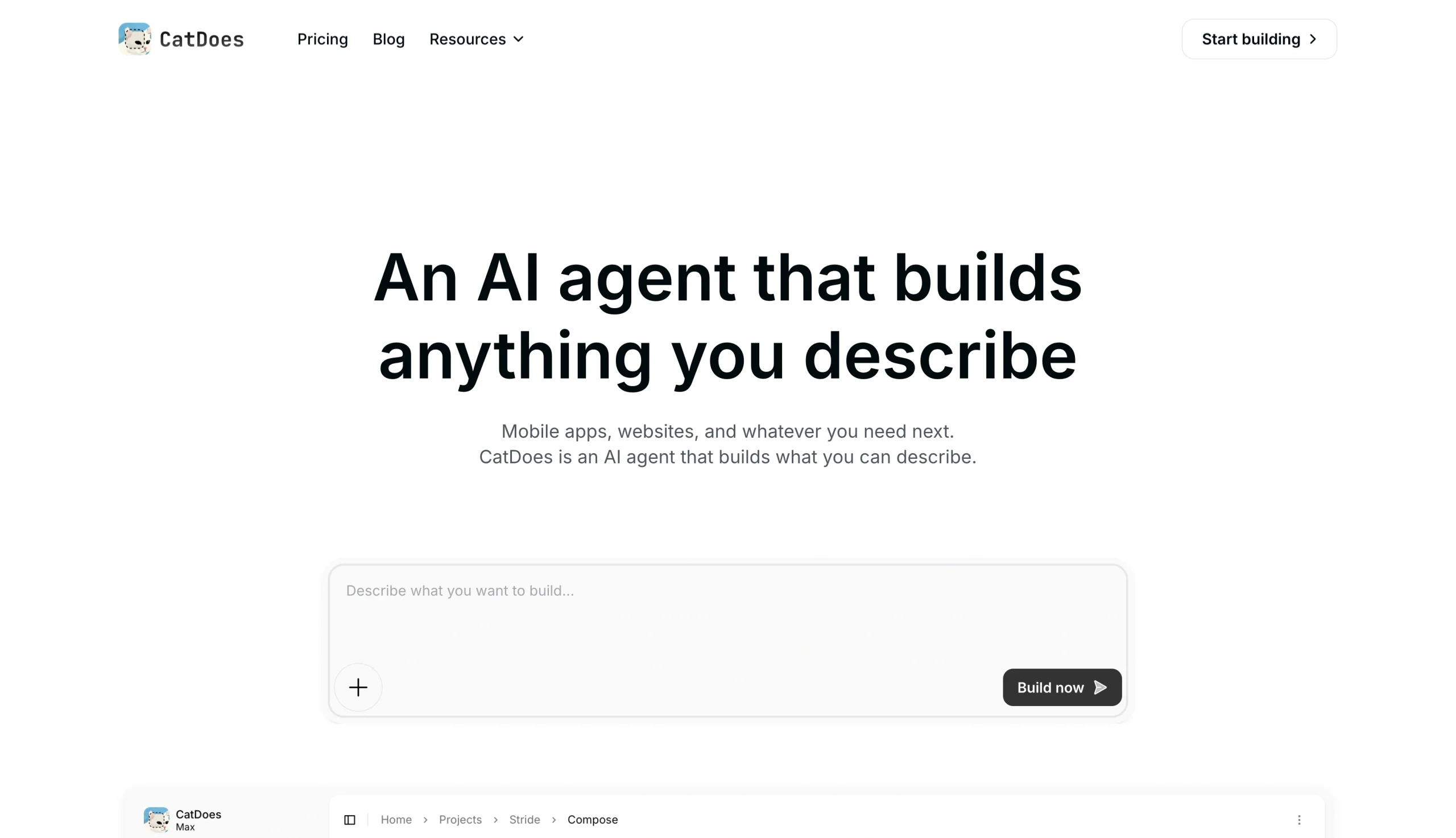
In your search for app builders that don’t require coding, you’ll likely come across CatDoes, the next entry on our list of Rork alternatives. CatDoes builds both mobile apps and websites from the same AI prompt, and it delivers a full back end, including database, auth, and storage, on every plan, including the free tier.
A cloud-based AI agent plans the work and writes the code, and it continues running after you close the browser tab. CatDoes also does one thing Rork doesn’t: Paste in the URL of an existing website, and CatDoes studies the page and ships a native mobile version of it.
Who should use CatDoes?
Non-technical founders who want a mobile app and a companion website without managing two separate builders
AI capabilities
An autonomous cloud agent called Compose handles planning, coding, testing, and error fixing. It can work on multiple subtasks at once.
Free trial/plan
A free plan gives you 25 starting credits and web deployment. A credit card is not required to sign up.
Pricing
CatDoes offers paid plans starting at $17 per month, with higher tiers unlocking GitHub sync, code export, app store deployment, and other features.
3. Bolt.new
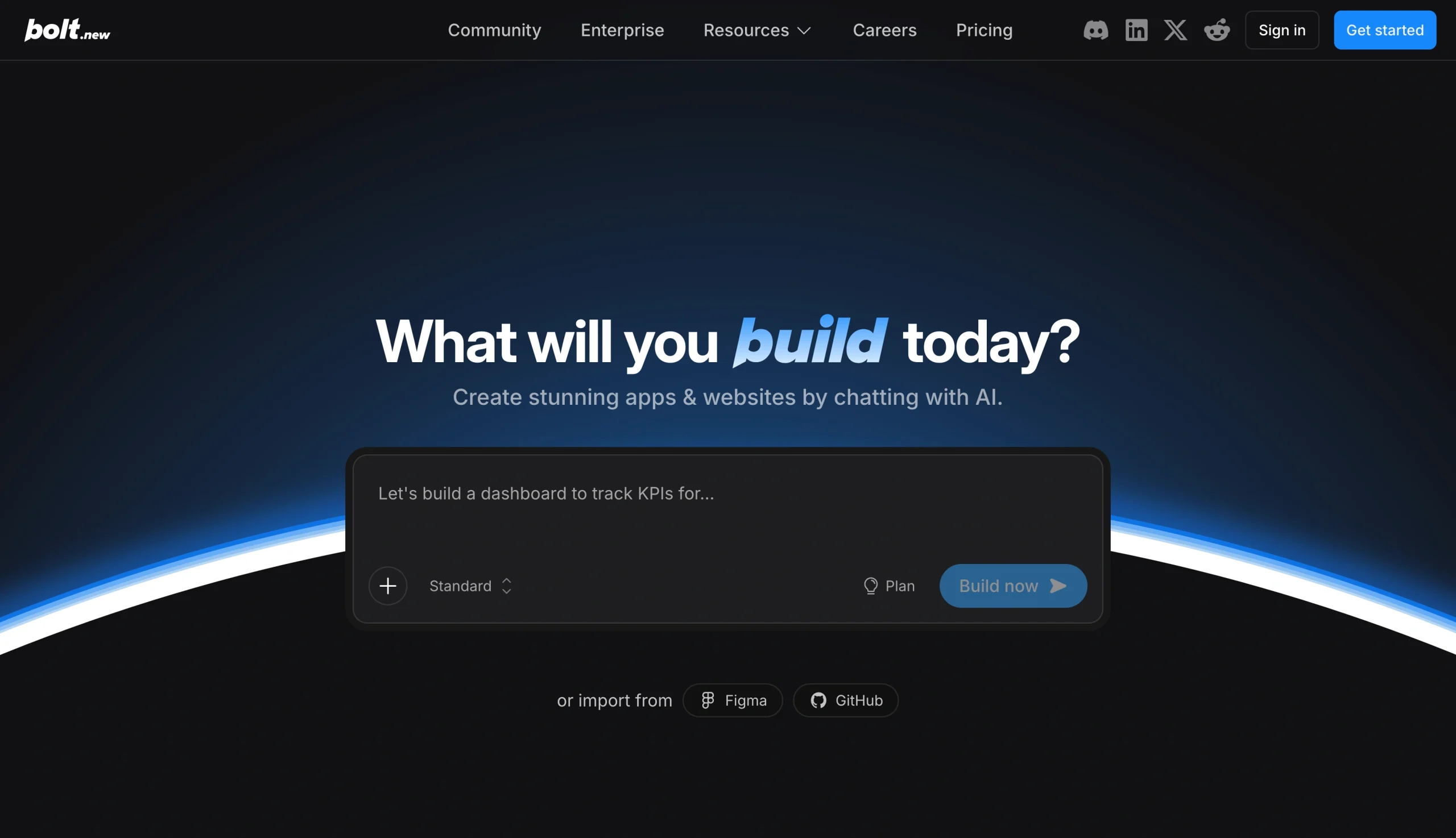
With Bolt’s AI-powered web development platform, you enter a prompt in a browser-based coding environment and receive a full-stack app, including front end, back end, and database, with code you can inspect and edit if you choose. An Expo integration can extend Bolt into mobile territory if necessary.
Instead of building server-side infrastructure from scratch, Bolt’s AI primarily relies on configuring and connecting to external managed services such as Supabase.
Who should use Bolt.new?
Developers and technical founders who want to see and control the code behind their app
AI capabilities
Bolt offers prompt-to-app generation across multiple frameworks and in-browser editing with WebContainers, meaning you can tweak your code directly without exiting the tool.
Free trial/plan
Bolt’s free plan includes 1 million tokens per month with a 300,000-token daily cap. No credit card is required to sign up.
Pricing
Bolt’s paid plans start at $25 per month for 10 million tokens, with a Teams option priced per seat. Bolt charges by token rather than by message, so complex projects can quickly chew through your token allowance.
4. Base44
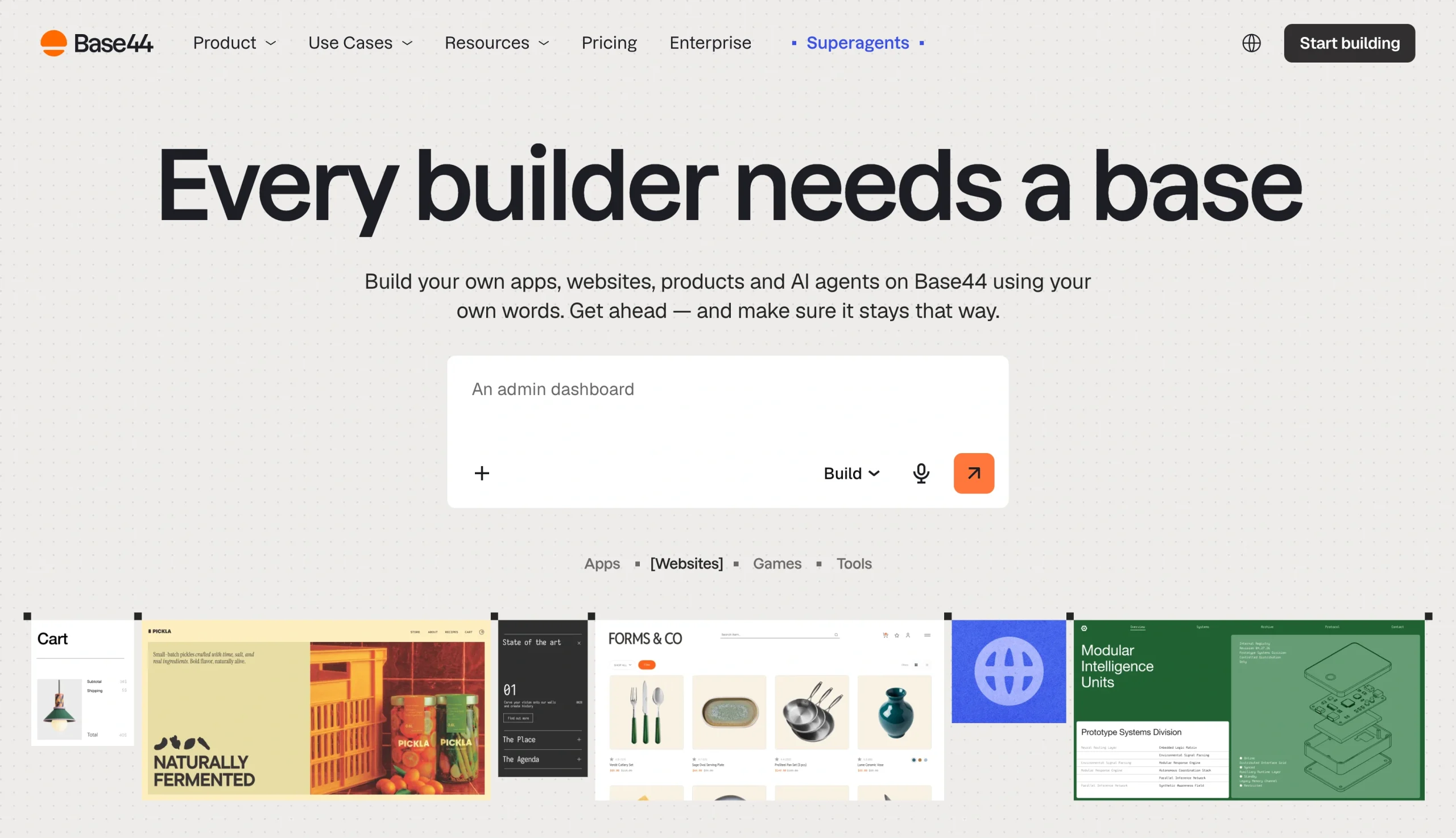
Base44 is a vibe-coding platform focused on getting a working web app off the ground quickly. It includes a front end, back end, database, and login screens, generated from a plain-language description. Now backed by Wix, Base44 keeps your database, login system, and hosting under one roof. It’s mainly a web tool, so if a native mobile app is your primary goal, this may not be your ideal option.
Who should use Base44?
Non-technical founders and small teams who want to get an internal tool, dashboard, or MVP off the ground quickly without needing to code
AI capabilities
Base44 enables full-stack generation from a prompt, with your choice of underlying AI model, such as Anthropic Opus, OpenAI’s ChatGPT, or Base44’s proprietary Base 1 model. It also offers a visual editor for customizing layouts.
Free trial/plan
The free plan gives you 25 message credits per month to test the platform, with no credit card needed.
Pricing
Base44’s paid pricing tiers begin at $16 per month for the Starter plan. The tiers scale up through $40, $80, and $160 per month as your credit and integration needs increase.
5. FlutterFlow
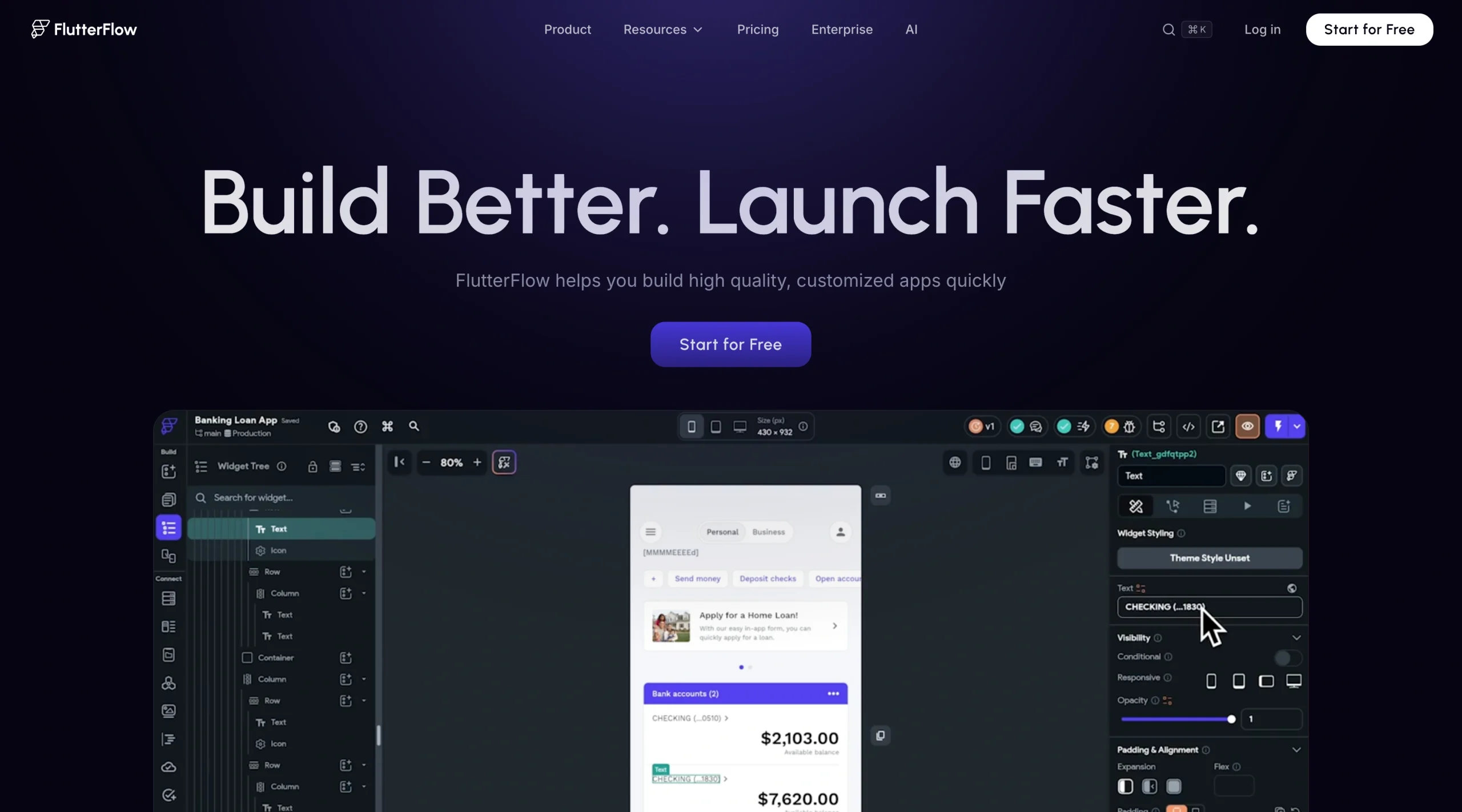
Different from the other Rork alternatives on our list, FlutterFlow offers a visual, drag-and-drop app builder layered with AI generation, created on Google’s Flutter framework. With FlutterFlow, you can create exportable Flutter and Dart code that you own outright, which is important if you intend to hand off your app to a developer down the line.
Who should use FlutterFlow?
Developers or teams who know or want to learn Flutter and need to own or export the code
AI capabilities
Alongside the visual builder, FlutterFlow offers AI-assisted page generation and code suggestions.
Free trial/plan
FlutterFlow’s free plan enables you to build and preview projects, but it doesn’t include code export or app store deployment.
Pricing
FlutterFlow’s Basic tier ($39 per month) includes code export and app store publishing. Higher tiers (from $80 to $150 per month) add seats and collaboration features.
One more note before making your decision
Read the fine print on backend costs before you get attached to a tool. Several builders charge separately for the database and for hosting. Our tips for creating a no-code app walk you through what to check before you start building.
How should you choose an AI app builder?
Even though these Rork alternatives are all great options, no single tool works for everyone. The best choice depends on your needs, project goals, and comfort level with tech.
Here are a few factors to consider before committing:
- App type: A web app, a native mobile app, an online store, and an internal tool require different development strengths.
- AI capabilities: Some tools generate a full app from a single prompt, while others rely more on a visual builder with AI as a helper.
- Data management: Find out whether a full back end, including database, auth, and storage, is included. If not, this will add to your monthly cost.
- Mobile experience: Consider whether your users would prefer native app store publishing, a mobile-friendly web app, or something else.
- Customer support: Find out how to access support, especially under critical circumstances. Do you have access to live chat, or is help email-only?
If you want to experiment with AI-generated native mobile apps, tools such as Rork, CatDoes, or Bolt may be a good fit, and you can use each tool’s free plan to review your options before spending anything.
However, if you need a no-code app that collects data, accepts payments, generates leads, supports mobile users, and connects with everyday business workflows, Jotform Apps is a powerful alternative. With Jotform Apps, there’s no app store gatekeeping your launch, and you don’t need a developer on retainer. To see how quickly you can turn an idea into a functioning app, try our free Jotform AI App Builder.




























































































Send Comment: