
Lovable has a lot to offer: a fast prompt-to-app workflow, an easy-to-use visual user interface, and built-in hosting. It’s the first vibe coding app most people think of. However, it can fall short if you want more control over how your app looks and works, how your data is handled, user authentication, integrations, and maintainability. If that’s what you’re looking for, you need one of the best Lovable alternatives.
The apps on this list keep Lovable’s fast iteration and easy-to-understand user interface (UI), and all have a low-code or no-code workflow (or at least make it possible). But each also does something different, giving you more options with your vibe coding.
Which one is the best Lovable alternative for you depends on your specific needs. There are apps tailored for building workflow-first apps or portals, marketing sites with app-like interactions, full applications, and code-first projects with AI assistance.
When testing these apps, I was looking for a few key things:
- How much control they offered after your first prompt. Could you customize things with code or settings, or did you have to prompt for every feature? The more control I felt I had, the better.
- Hosting and deployment flexibility. Could you take the code and host it on your own server, or were you locked in? Export to GitHub is good, but the more flexible the better.
- What data sources and integrations could you use? It’s better if you can connect your existing data sources directly to your app, rather than having to import it into a new database. Similarly, if you can connect your app to what you already use, it gives you a lot of power to build useful tools quickly.
- What kind of user authentication was available? The options you need depend on whether you are building internal tools, prototypes, or production apps.
- What sort of collaboration was available? Could you collaborate with your team, or were you building on your own?
- How do costs scale with use? It’s all well and good starting for free, but if costs were high or unpredictable, that was a negative.
With all that out of the way, let’s jump into the best Lovable alternatives.
The 6 best Lovable alternatives in 2026
| Tool | Best for | Key features | Pricing |
|---|---|---|---|
 Jotform AI App Builder |
Workflow-first apps like booking tools, internal portals, payments, scheduling, and structured submissions |
|
|
 Bubble |
Building production-quality no-code apps |
|
|
 Softr |
Building business apps |
|
|
 Replit |
Building with real code |
|
|
 Glide |
Turning spreadsheets into apps |
|
|
 Base44 |
Solopreneurs and side projects |
|
|
This is a list of the best Lovable alternatives, but it isn’t a ranked list. Each of the apps is in a slightly different category and is the right app for a different kind of user. Jotform is first because it’s a great choice if you need a workflow-first app builder, a client portal, and a data-collection tool but you don’t want to worry about writing code. The other five apps cover everything from no-code app builders and AI code generators to spreadsheet-to-app tools and vibe coding platforms.
Don’t just pick the one that seems like it has the most hype. Consider your options and go with the tool that best meets your end goal.
1. Jotform AI App Builder
Best for: Workflow-first apps like booking tools, internal portals, payments, scheduling, and structured submissions.
Why it’s a good Lovable alternative: I found Jotform AI App Builder to be just as fast as Lovable, but with Jotform providing a powerful platform to build from. You enter a prompt and the conversational AI builds an app in Jotform’s existing (and mature) app builder platform. You can use the drag-and-drop editor or AI prompts to adjust your app so it meets your needs perfectly.
Jotform AI App Builder is great for turning forms into real apps. Instead of having a booking form, you can use Jotform as the engine that turns it into a booking app. It’s the same with all kinds of forms, like intake forms, application forms, file uploads, payment forms, and anything else you want to add an app interface to.
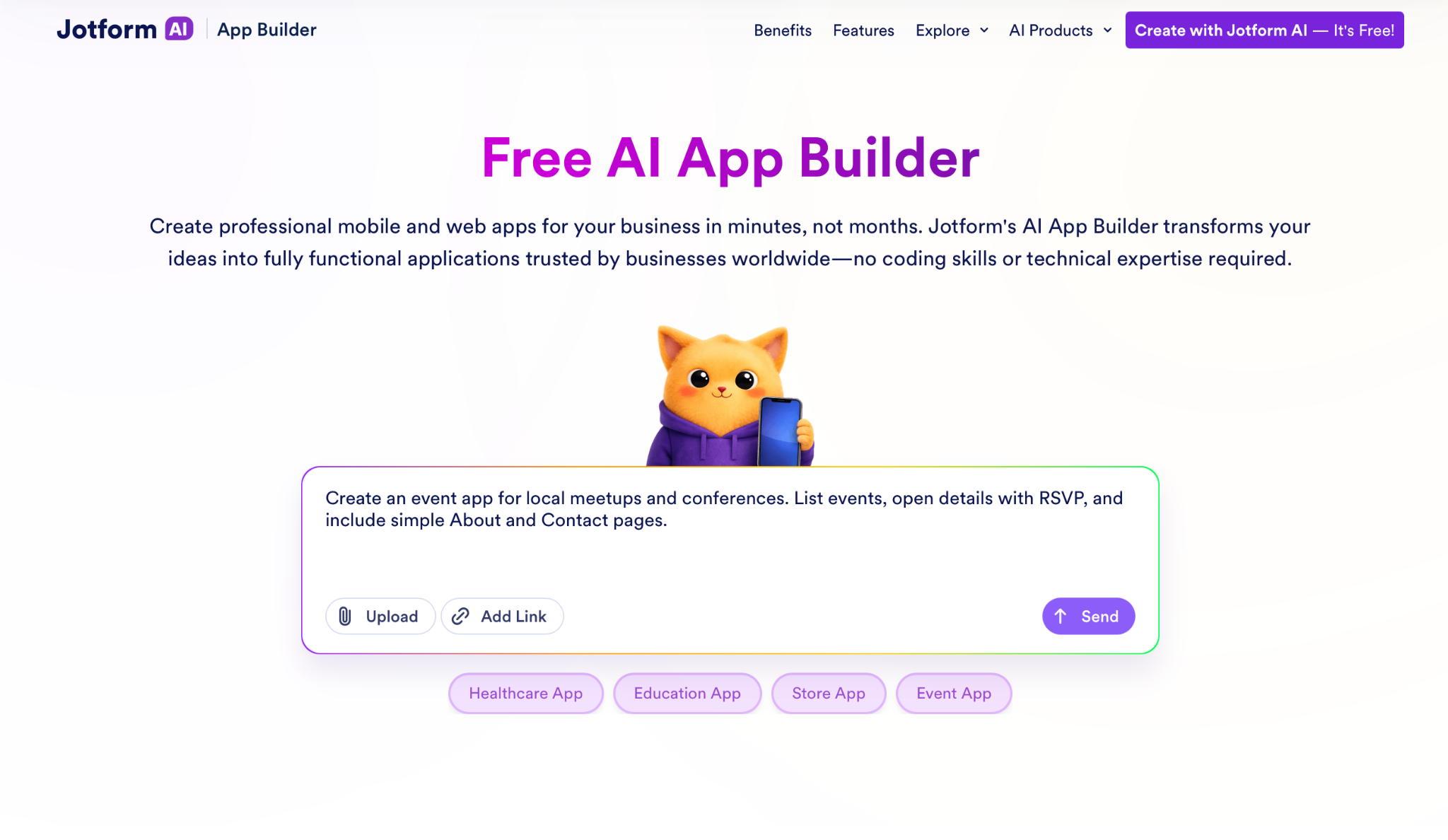
I really like how Jotform’s data layer is tailored for non-developers. You don’t need to know how to code to build an app. Instead, you can use Jotform’s table-style data management to handle everything. It supports lists, records, and simple portal patterns.
When you’re ready to go live, you can use Jotform’s built-in platform to share access via a link or QR code. That means you can roll out quickly to your customers, event attendees, internal teams, or anyone else you want to have access to your app.
Jotform combines a powerful platform with AI-powered Lovable-style app building. It’s the best of both worlds. Here’s how to get started.
- Key features
- AI-powered app generation from a prompt, file, URL, or screenshot.
- Both AI editing and manual control.
- Customizable user authentication features and data management, so you’re in total control over who can see and access what.
- Integrates with Jotform’s full platform as well as third-party CRMs, payment processors, and more.
- Deploy anywhere and share with a link or QR code.
- Limitations or trade-offs
- Designed for workflow applications
- It’s not a great fit if you’re trying to make a mobile game or new social network.
- Developers might want more access to the code.
- Pricing
- Free plan available
- Paid plans from $34 per month.
2. Bubble
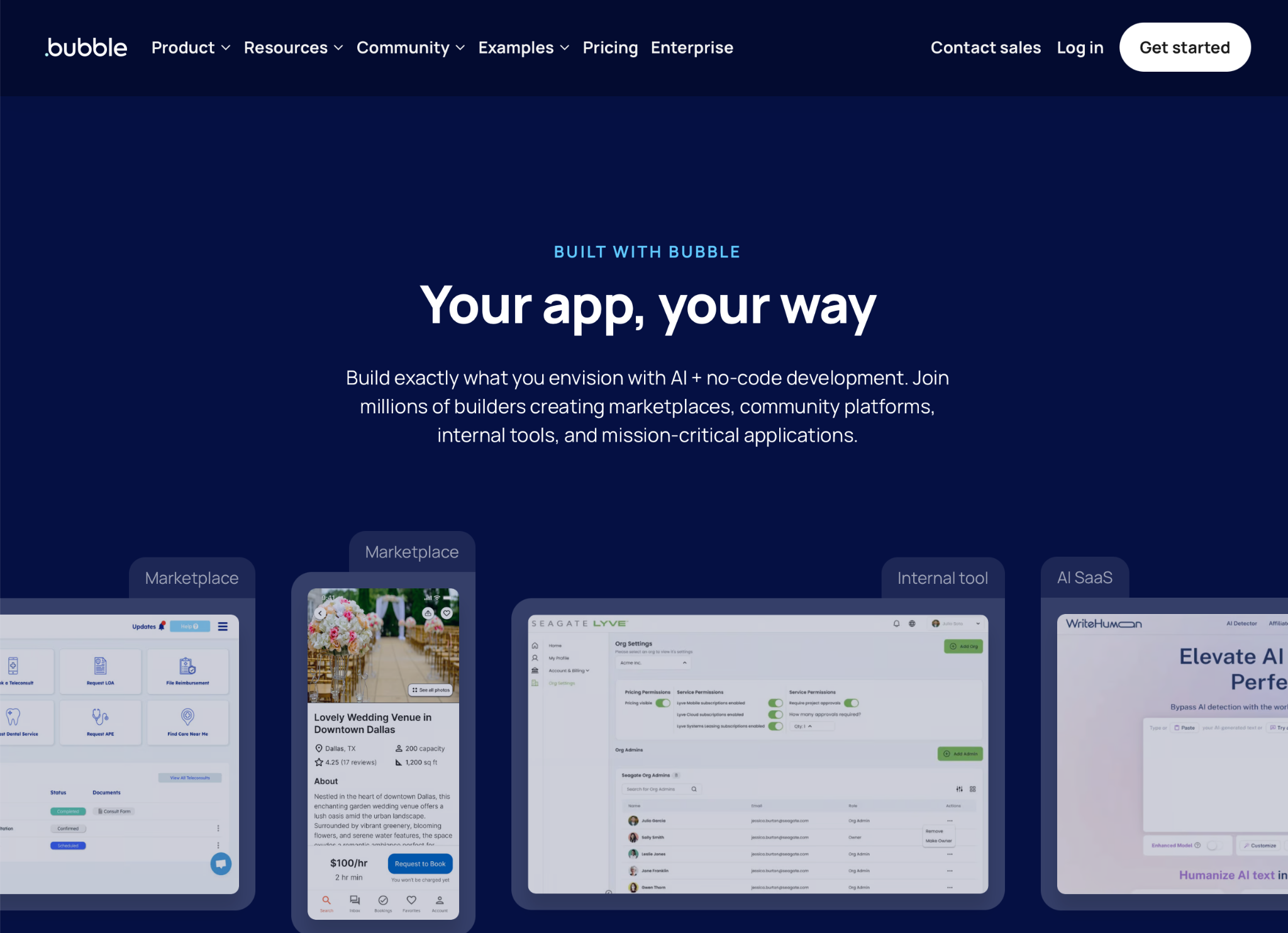
Best for: Building production-quality no-code apps.
Why it’s a good alternative: Bubble is one of the Lovable competitors you move to when “describe it and go” isn’t getting you the results you need. When you look at Lovable vs Bubble, the biggest difference is that Lovable started out as an AI-first app builder, while Bubble was an existing no-code app builder that has added powerful AI features. It was no-code first, but now it’s a full no-code AI app builder.
This means Bubble provides a huge amount of control. The AI is great at getting you started, but you can use its visual editor, database tools, and granular controls over everything from data to users to build production-ready apps. I found that the learning curve was a bit steeper, but it’s easy to see the benefits of the more involved app.
- Key features
- Visual and AI-powered editing.
- Full database, granular controls, and plug-in ecosystem give you all the control you need.
- Fortune 500 companies, agencies, and everyone else have used this mature tool for years, and it shows.
- Limitations or trade-offs
- There’s a bit of a learning curve, and the controls can be complicated.
- It’s expensive if you aren’t using the apps you build professionally.
- Pricing
- Free to start building
- Paid plans from $69 per month.
3. Softr
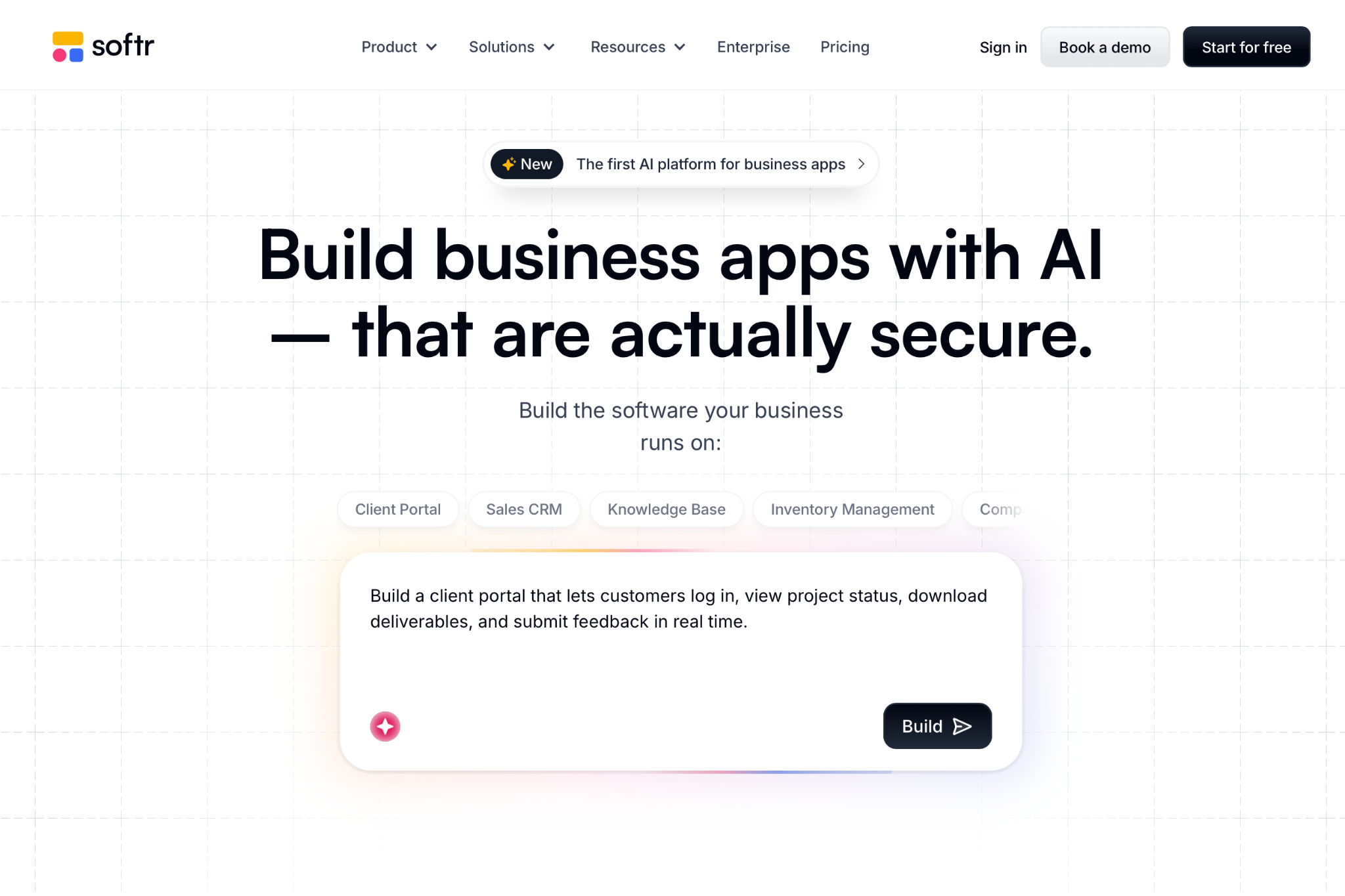
Best for: Building business apps
Why it’s a good alternative: Softr is great for creating business apps, such as client portals, internal tools, CRMs, inventory management apps, and knowledge management apps. It combines an AI and visual builder that use pre-built blocks to add functionality to your apps. This means that building common business apps is quick, easy, and, most importantly, secure. Similarly, things like users, authentication, and data management are first-class features, not something that gets built fresh for each app. When you build a tool with Softr, you can be confident it will work as you intend.
The downside is that Softr is less flexible than some of the other options. It’s perfect for professional tools, especially when they rely on a database or third-party spreadsheet back end, but the guardrails it puts up to keep everything secure mean you don’t have total creative freedom.
- Key features
- Build with AI, a visual builder, and pre-built elements.
- Features like data management and user authentication are robust and securely implemented.
- Connect to third-party apps and data sources, like Airtable and Google Sheets.
- Limitations or trade-offs
- By keeping things safe and secure, you lose some flexibility.
- Best for business tools, not consumer apps.
- Pricing
- Free plan available
- Paid plans from $25 per month.
4. Replit
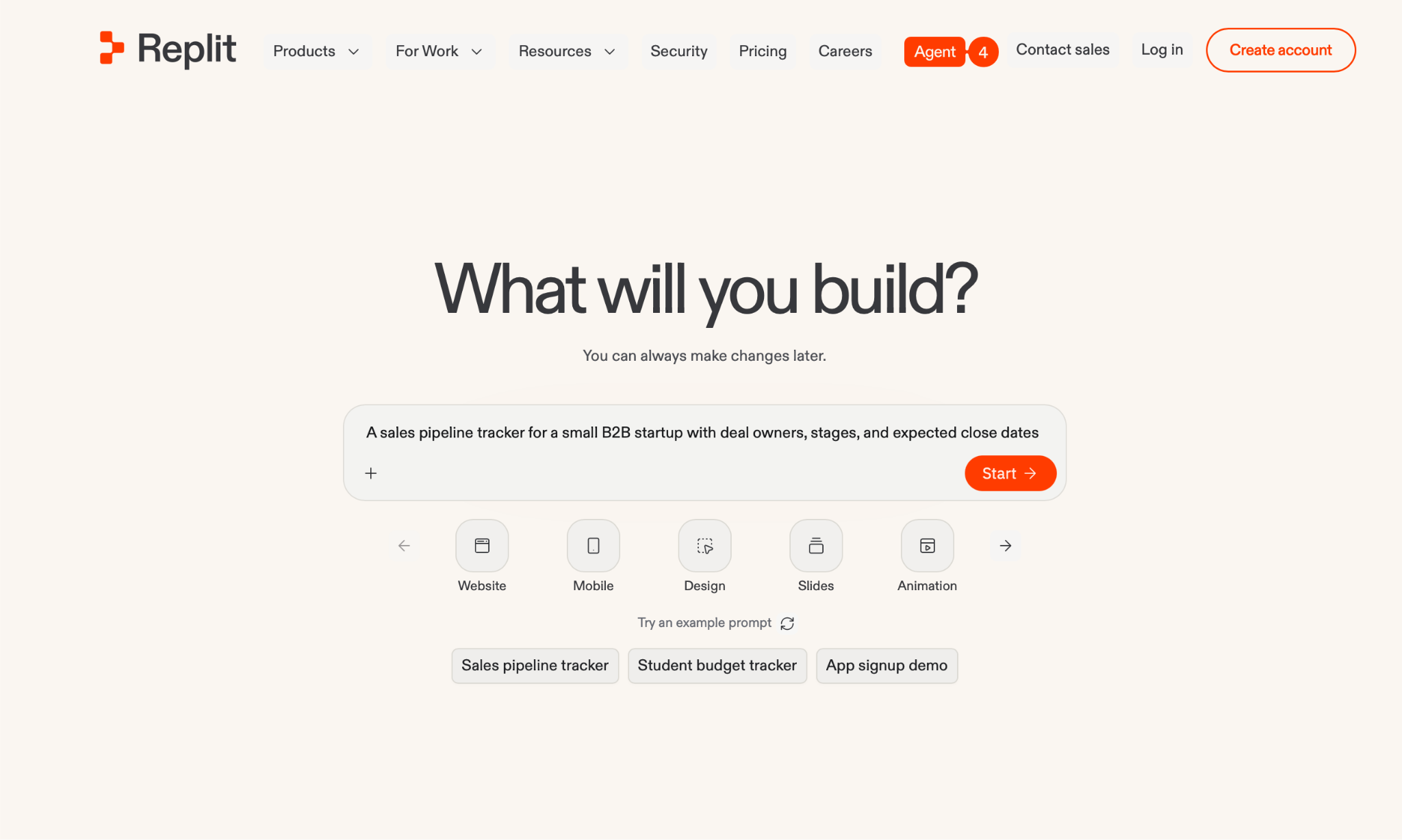
Best for: Building with real code.
Why it’s a good alternative: Replit is another of the apps like Lovable that started out as a different kind of tool. Replit is a browser-based IDE that’s added AI-powered code generation. It’s basically a full development environment that’s available through the web. You can write, edit, run, and deploy real code on Replit’s platform, or, crucially, you can use its AI tools to do it for you.
If you like Lovable’s speed but need a tool that delivers code a developer can actually work with, Replit is the best of the Lovable alternatives for you. I find it gives a good balance between vibe coding and a real dev environment. You can work fast either with the AI or by writing code, but you don’t have to worry about using the terminal or localhost, or setting anything else up on your computer.
- Key features
- AI agent can build full-stack apps from a prompt.
- Browser-based IDE. Replit is a full online development platform, so you can write, edit, and run code.
- Export code and run it on your own server, or host and deploy it on Replit’s platform.
- Real-time collaboration with coworkers.
- Limitations or trade-offs
- If you don’t want to look at code, it’s not the tool for you. It’s a lot more technical than some other tools.
- Usage-based pricing is hard to predict.
- Pricing
- Free plan available
- Paid plans from $20 per month.
5. Glide
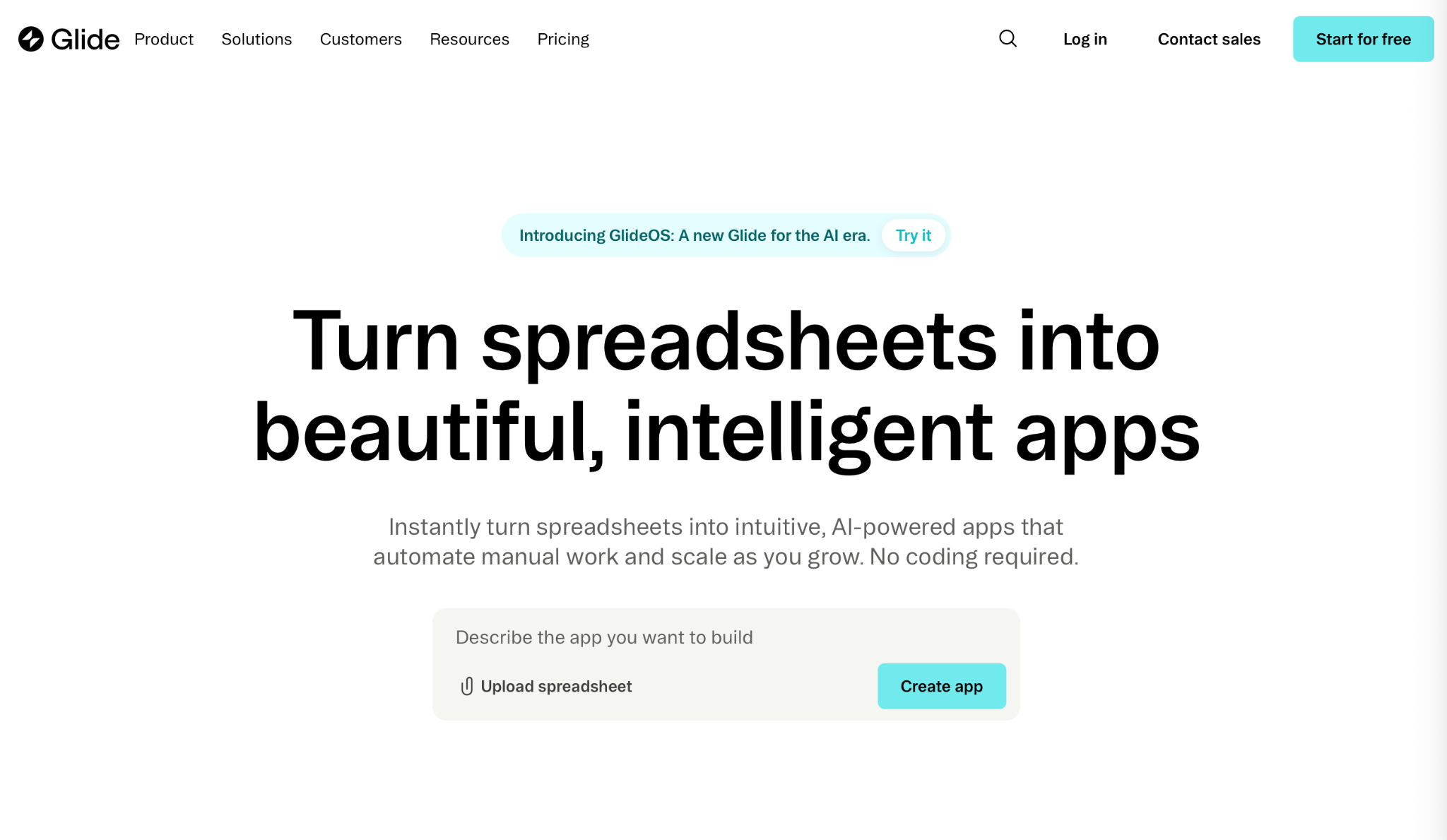
Best for: Turning spreadsheets into apps.
Why it’s a good alternative: Glide’s pitch is pretty clear: Point it at a spreadsheet, Airtable base, Google Sheet, built-in Glide Table, or other data source and it will build a polished app with a mobile-friendly database from a simple prompt. If you already have the data and need a way to present it, Glide is a great alternative to Lovable.
I think Glide is a good fit for inventory tracking, directories, and other tasks that are done with either a spreadsheet or a clunky third-party solution. It allows you to create a tailored solution with your real data and requirements without having to spend tens of thousands of dollars on a dev team. It’s friendly enough for nontechnical users while still being powerful enough for building real tools.
- Key features
- Enables you to turn your existing data sources into apps and internal tools.
- Works with live-updating data and has workflow and data automation so you can build app-based tools.
- Works on all devices natively.
- Limitations or trade-offs
- If you don’t have existing data to work from, Glide doesn’t make the most sense.
- It’s expensive if you plan to build more than one or two apps.
- Pricing
- Free plan available
- Paid plans from $25 per month.
6. Base44
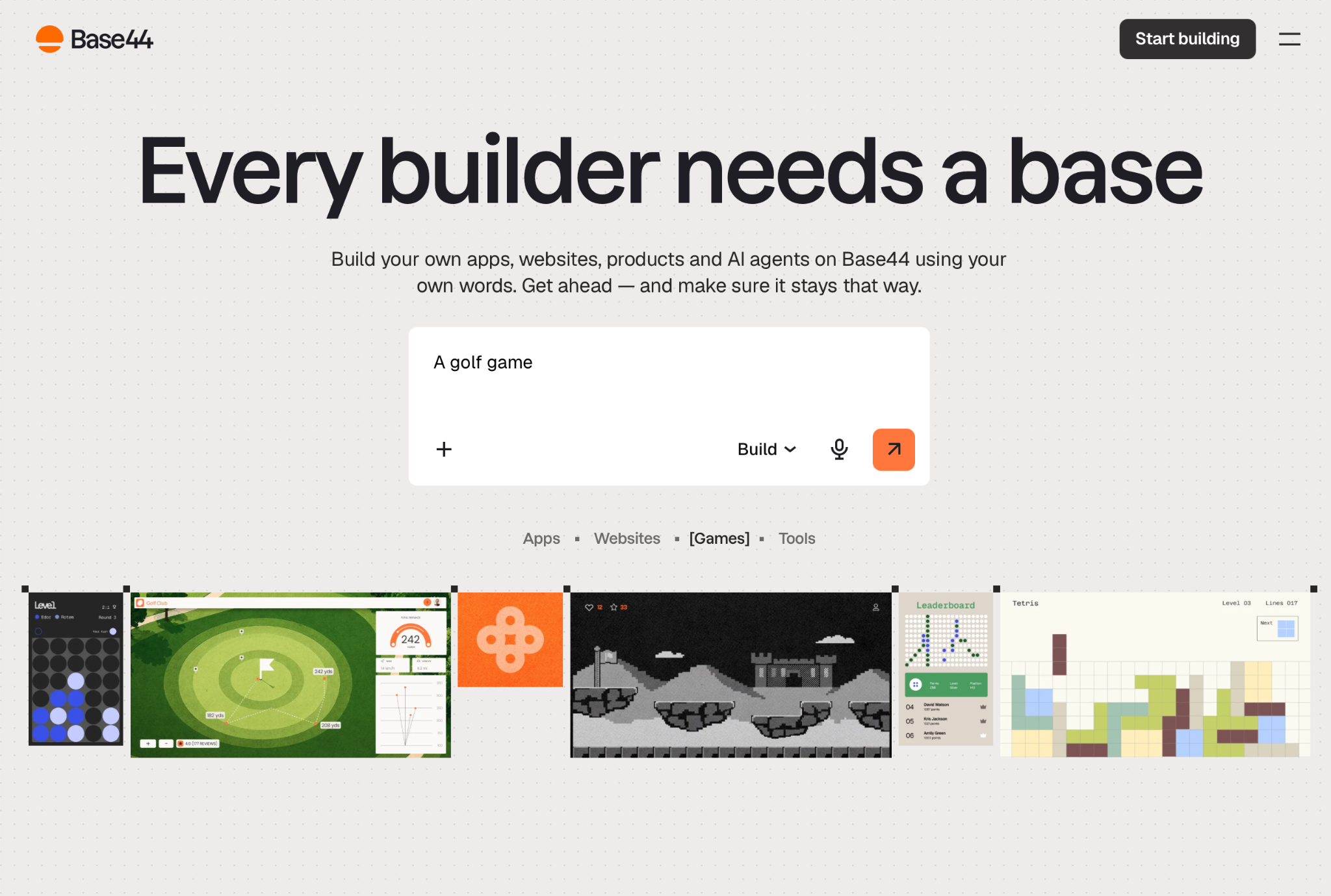
Best for: Solopreneurs and side projects
Why it’s a good alternative: Website builder Wix now owns Base44, though it still operates as a separate product. If you like Lovable’s speed and core vibe coding idea but want something with a bit more structure, it’s a good fit. It generates your front end, backend logic, database, authentication, and everything else your app needs, then deploys it. You can technically export your code and run it on your own server, but that requires some technical chops. Exporting users once your app is live is all kinds of hassle.
I find that Base44 feels a bit more serious than Lovable, which makes it a good fit for solopreneurs or anyone building a side project. Since it’s part of Wix, chances are it’s sticking around for the long haul. At worst, the name will change from Base44 to something like Wix App Builder and it’ll keep the same features.
- Key features
- A full-stack app from a single prompt.
- Uses real web technologies like PostgreSQL, so you can technically run it on your own server if you have the technical skills.
- Visual and AI editors.
- Native integrations with payment providers, data sources, and other apps and tools.
- Limitations or trade-offs
- Moving to a different platform isn’t easy, especially once your app is live.
- There’s a slim chance that Wix kills the platform to make it part of its core product.
- Pricing
- Free plan available
- From $20 per month for paid plans.
How to choose the right Lovable alternative for your next build
With all the different alternatives to Lovable, choosing the right one for your needs can be a challenge. Here are the things you need to bear in mind:
- What are you trying to build? Start with your end state and work backward. There are different AI app builder alternatives that are right for rapid prototyping, building internal tools and client portals, launching a production SaaS, or just adding interactivity to your marketing site.
- What’s your build style? How you want to build your app is just as important as what kind of app you want to make. No-code workflow apps are the fastest way to launch something, while no-code web apps give you more customization with a steeper learning curve. A low-code tool with a visual front end connected to a code-based back end enables more production control but takes more work to get going. A code-first AI generator gives you the most flexibility, but you also have the most responsibility to make sure things are set up correctly.
- What are your must-haves? These are the factors that can force you to switch apps later. They are often things like what data sources are available and how you configure them; how user authentication and permissions are handled; what collaboration features there are; whether you can export the code or use version control through GitHub; and how costs scale with more seats, users, and apps. Figure out what your app needs, then work backward from there.
With these important decisions made, the right Lovable alternative for your needs tends to be a lot more obvious. If you want a vibe coding prototype tool, you’re picking something different than if you need code control for a production app.
Final verdict: Which Lovable alternative should you pick?
The right Lovable alternative depends on your needs. If you aren’t sure where to start, here are a few suggestions based on the kind of tools you might want to build.
If you want a workflow-first app, an internal or client portal, an intake and routing system, or even just a supercharged signup or payment form, all without having to write any code, Jotform AI App Builder is the place to start. It’s super easy to use and has enough power for real businesses.
If you’re building a production SaaS, Bubble is the most mature tool to use. It’s been around longer than almost any other AI app builder, and its production infrastructure stacks up. Major companies have used it for years to build internal tools and production apps.
If you want to build business tools, Softr is the app to look at. Its focus on business features, user authentication, and security, as well as its deep configuration options, makes it quick and simple for creating internal business apps.
If you want control over the code, Replit is the app for you. It offers a full IDE in its web app, so you can have the AI agent generate code that your developers can look over, edit, and deploy. Of course, that makes things a bit more complicated for nontechnical users.
And if that’s you, then Glide or Base44 is worth a look. Glide takes an existing spreadsheet or data source and turns it into an app, while Base44 is one of the simplest vibe coding platforms around. I found both to be very beginner friendly.
If you can’t decide which app is right for you, try two or three of them out. They all have free plans, so you can build the same test app in all of them to see how it works. Pick a feature with a data flow or configure a specific kind of user and see how each app handles it. It’ll help you find the right fit before you commit.
If you’re still in doubt, Jotform AI App Builder is a great place to begin. It’s fast, powerful, and free to get started.
FAQ
Lovable and WordPress are different tools. Lovable is a vibe coding tool for building interactive web apps from a prompt, while WordPress is a content management system and blog engine. Both allow you to create a website, but Lovable is better for apps and WordPress is better for regular websites and blogs.
While Lovable is often used for creating quick prototypes, that’s not the only thing it can do. It can also build and host production apps, not just demos. It supports user authentication, a database, and payments. You can host your apps on a custom domain or even export the code to run on your own server.
Magic Patterns is an AI design prototyping tool; it enables you to explore different UI options before building them. Lovable is an AI-powered app builder; it’s frequently used to build fully featured prototypes, but it can also be used to build and deploy real apps.
This article is for solo founders, product managers, startups, agencies, and ops teams who used (or considered) Lovable for fast AI-generated prototypes and now need a more controllable path to ship and maintain a real app without getting blocked by technical limits.




























































































Send Comment: