Whether you’re a pastor, deacon, church administrator, or support staff member, you know how tough it can be to start and grow a church. Besides planning services, you also have to organize events, collect donations, and oversee volunteer efforts. Without the right tools, you may have to rely on spreadsheets (or, even worse, pen and paper) to keep everything running smoothly.
Church management apps are the solution to your organizational woes. These tools offer numerous time-saving features, including resources to
- Manage upcoming events and scheduling.
- Organize volunteer operations.
- Collect and track donations.
- Store member contact information and host groups.
Here’s a look at the best church apps, including their features and pricing, so you can pick one that suits you and your congregation.
5 best church apps in 2026
These apps excel in different areas, including volunteer management, church giving and donations, and event organization. Here’s an overview of how they stack up.
| Tool | Best for | Free trial/plan | Pricing |
|---|---|---|---|
 Jotform Apps |
All-around church management |
Yes |
Free Starter plan; paid plans start at $39 per month |
 ChMeetings |
Accounting and service flows |
Yes |
Free forever plan; paid plans start at $12 per month |
 Tithely |
Online donations |
Yes |
Free donation tools; paid plans start at $72 per month |
 Subsplash |
Livestreaming services |
Yes |
Free donation tools; pricing is tailored to church size and usage |
 Planning Center |
Member database |
Yes |
Free modules with limited user caps; prices per module range from $15 to $239 monthly |
1. Jotform Apps
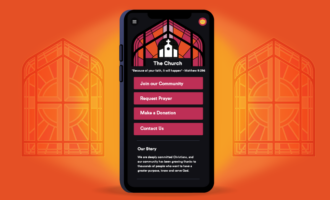
Finding a church app that meets every need is a challenge. Some specialize in collections, while others support communication or provide fundraising ideas and event management. With Jotform Apps, you can customize your church app to match your circumstances.
Jotform Apps is a no-code solution, so you can create your app without coding expertise. Our free Church App Builder creates your app from scratch after you type in what you want.
We also offer app templates, such as the Church Donation App template, ideal for managing and tracking donations. The Online Church App template allows you to collect new member information, receive donations, and accept prayer requests. With the Church Membership App template, you can organize events and track volunteer signups.
Jotform integrates with over 40 payment gateways, including Stripe, PayPal, and Square. So you can collect donations through the payment methods your church members prefer.
Jotform Apps supports all administrative activities, including online and offline meeting scheduling, church event registration, and volunteer signups. With Jotform, you can create an engaged online community and stay in touch with members, volunteers, and other attendees.
Jotform also helps with church service preparation. In minutes, the free Jotform AI Sermon Generator can create an in-depth sermon that you can fine-tune to fit your voice and message.
Key features
- No-code solution: Create an app using an AI prompt or a template. No coding expertise is necessary.
- Customization tools: Use Jotform’s drag-and-drop editor to add video, images, forms, widgets, and more. You can adjust the app colors and fonts to match your church’s branding.
- Complete integration support: Jotform integrates with software you may already use, such as Microsoft Excel, Google Sheets, Google Calendar, and Outlook.
Offline mode: Yes
Free trial/plan: Yes
Pricing
Jotform scales with you. Start for free, and upgrade when you need to. Here are the available plans:
- Starter: Free; includes unlimited apps, up to 100 monthly form submissions, and support for collecting 10 monthly payments
- Bronze: Starts at $39 per month; includes 1 GB of space, 1,000 monthly submissions, and support for collecting 100 monthly payments
- Silver: Starts at $49 per month; includes 10 GB of space, 25,000 monthly submissions, and support for collecting 250 monthly payments
- Gold: Starts at $129 per month; includes 100 GB of space, 100,000 monthly submissions, and support for collecting 1,000 monthly payments
- Enterprise: Varied pricing; includes unlimited forms and payments
2. ChMeetings
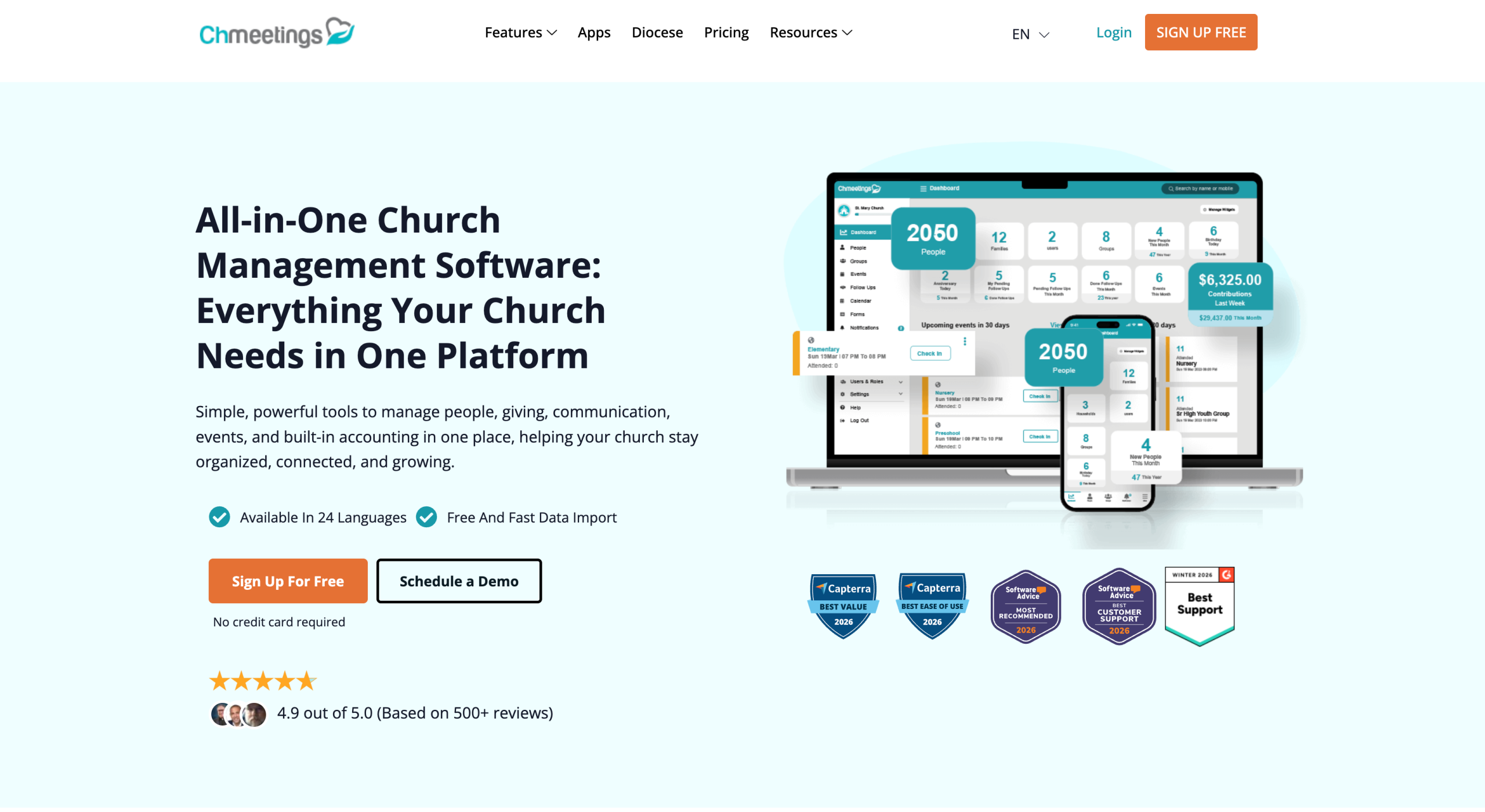
ChMeetings, a cloud-based software program built for church administration, includes an app for managing events, volunteer signups, donations, and more.
ChMeetings is similar to enterprise resource planning systems commonly used by businesses. It includes a people management database, accounting support, and event management tools. Through the platform, you can communicate with church members, other attendees, volunteers, and administration teams via email, text, and in-app notifications.
While ChMeetings is a solid option ranked among the best free church apps, it lacks the customization features available with Jotform and has a generic appearance. You can’t change visual elements such as its color scheme and images.
Key features
- People database: Set up profiles for staff, members, volunteers, and others. You can also arrange people in groups for easy messaging via email or text.
- Accounting tools: Plan your budget, manage funds, and prepare financial statements.
- Planning tools: Organize worship songs and plan your service schedule using ChMeetings templates.
Offline mode: No
Free trial/plan: Yes
Pricing
ChMeetings follows a user-based pricing schedule:
- Free: Support for 50 people and up to 25 monthly donations
- V. Small: Starts at $12 per month; accommodates up to 100 people; enables email messaging, unlimited online giving, and integrations
- Small: Starts at $25 per month; supports up to 250 people; unlocks all features, including accounting, volunteer scheduling, and worship planning
- Medium: Starts at $40 per month; supports up to 500 people and includes all features
- Large: Starts at $50 per month; supports up to 1,000 people and includes all features
- Unlimited: Starts at $60 per month; supports an unlimited number of people and includes all features
3. Tithely
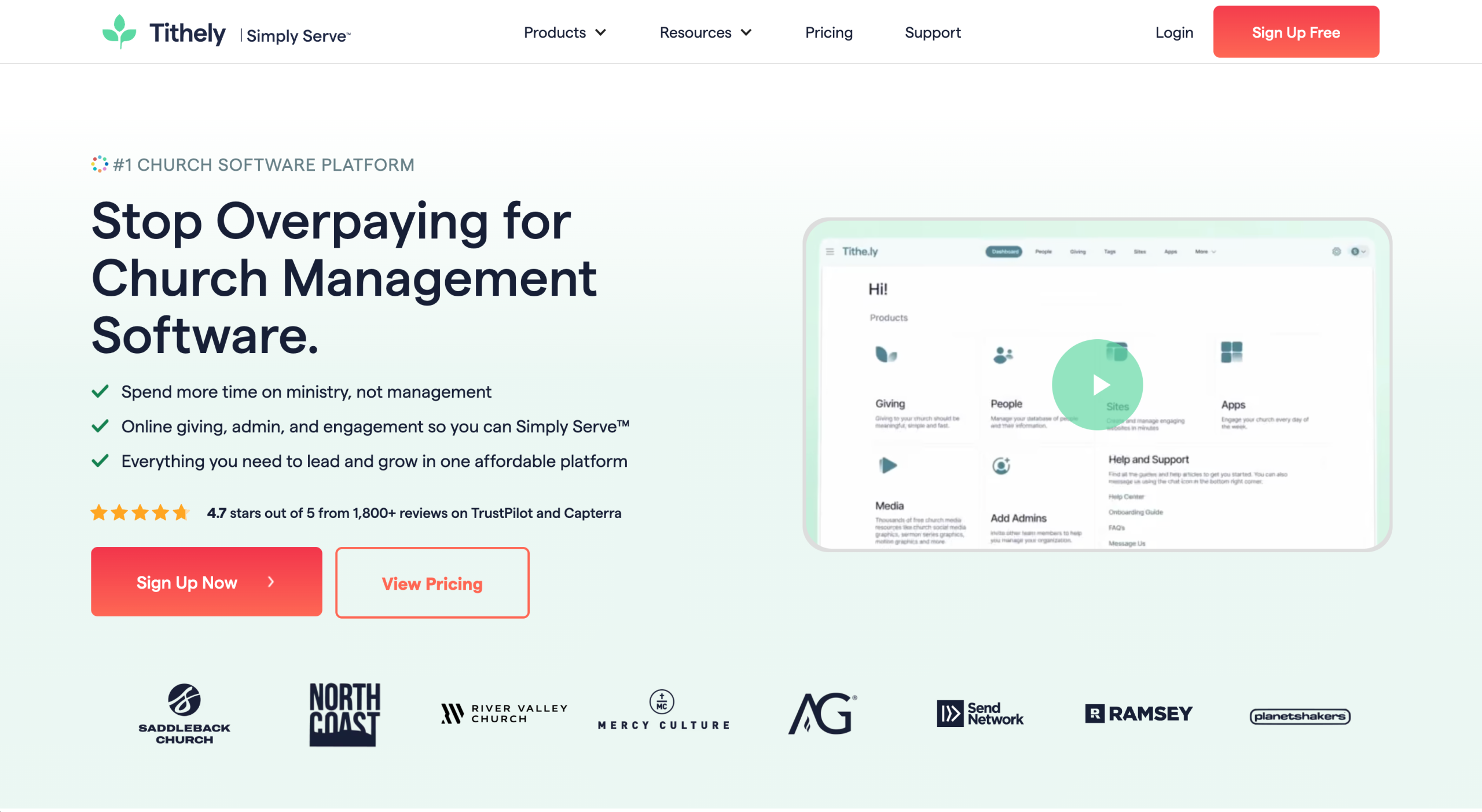
Tithely specializes in donation management. It’s one of the best church giving apps available. With it, your congregation can easily submit donations online, through the app, via a QR code, or by SMS text. Church administrators can access a real-time dashboard, which generates donation reports and tracks gifts. The app can also prepare and distribute tax statements.
With a paid plan, your team can access Tithely church management tools. This is a full-scale cloud-based solution that includes a people management database, attendance tracker, and tools for planning upcoming services.
Tithely also offers a website builder. Using the app, members can access a feed with announcements and details on upcoming services and events. The app sends push notifications, so you can send alerts too.
Tithely is one of the more expensive church apps. And while it does include customization options for members, users must download the Tithely app and search for your church to access this content.
Key features
- Giving tools: Collect donations, set up recurring gifts and pledges, and view detailed reports.
- People management: Organize user profiles and contact information for easy communication.
- Custom app and website: Give church members access to your video sermons and events through a personalized app or website.
Offline mode: Yes
Free trial/plan: Yes
Pricing
Tithely offers three plans. You can mix and match specific features (such as the worship team tools or custom website) for a monthly fee.
- Free Giving: Enables you to collect unlimited donations online or via the Tithely Giving App
- Giving + Church Management: Starts at $72 per month; includes unlimited admin users, people management, and email and text communication support
- All-Access: Starts at $119 per month; includes church management tools, worship planning features, a custom church website, and a custom church app
4. Subsplash
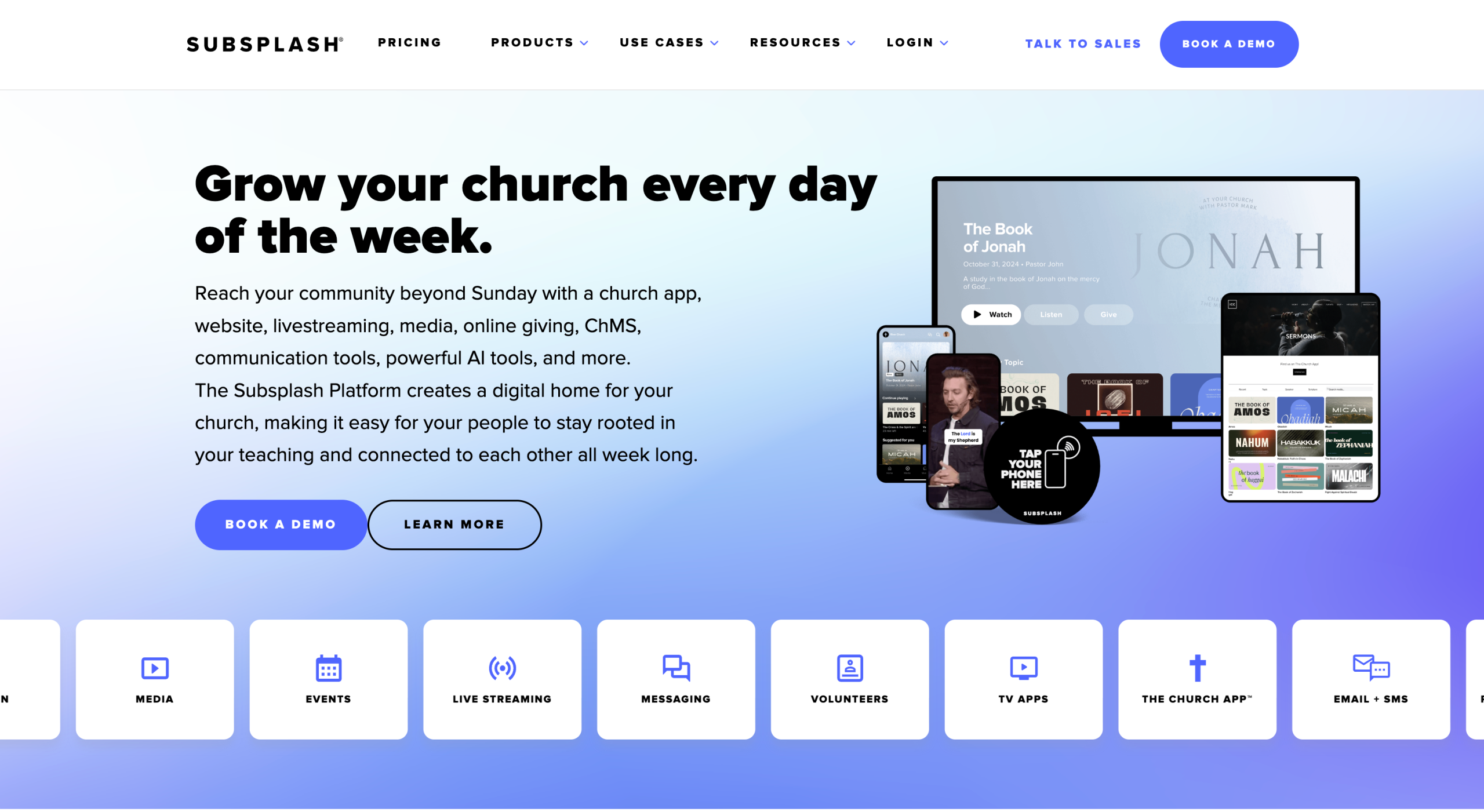
Subsplash caters to large churches with a significant online following. Its core product is the Subsplash Giving app, which accepts online church donations through the app and via SMS text. Church staff can view giving analytics and generate tax statements through the administrative portal.
Aside from its donation tools, Subsplash offers custom mobile and TV apps. These are purpose-built for livestreaming sermons to your congregation. The app includes a built-in Bible, allowing you to provide users with a reading plan and share relevant passages with Bible groups. Other features include note templates, event management, and forms, which allow you to collect member information and store it in a database.
The Subsplash mobile app can be branded for your church and submitted to Apple’s App Store and the Google Play store. Users can then find it and download it to their smartphones.
Key features
- Online giving: Accept debit, credit, and ACH donations from your congregation. Easily generate tax statements with a single click.
- Livestreaming support: Enable members to watch your sermon via a smartphone, laptop, or TV.
- Easy communication: Send emails, texts, and in-app alerts about upcoming events and sermons.
Offline mode: Yes
Free trial/plan: Yes
Pricing
Subsplash doesn’t publish its pricing for paid plans. Instead, you must reach out to its sales team for a quote. Available plans include
- Subsplash Giving: Free; includes a donation platform
- Subsplash One: Will need to ask for a quote; includes a custom website, custom app, people database, email and SMS messaging, podcasting, and more
- Enterprise: Will need to ask for a quote; includes custom API integrations, support for multiple church locations, and more
5. Planning Center
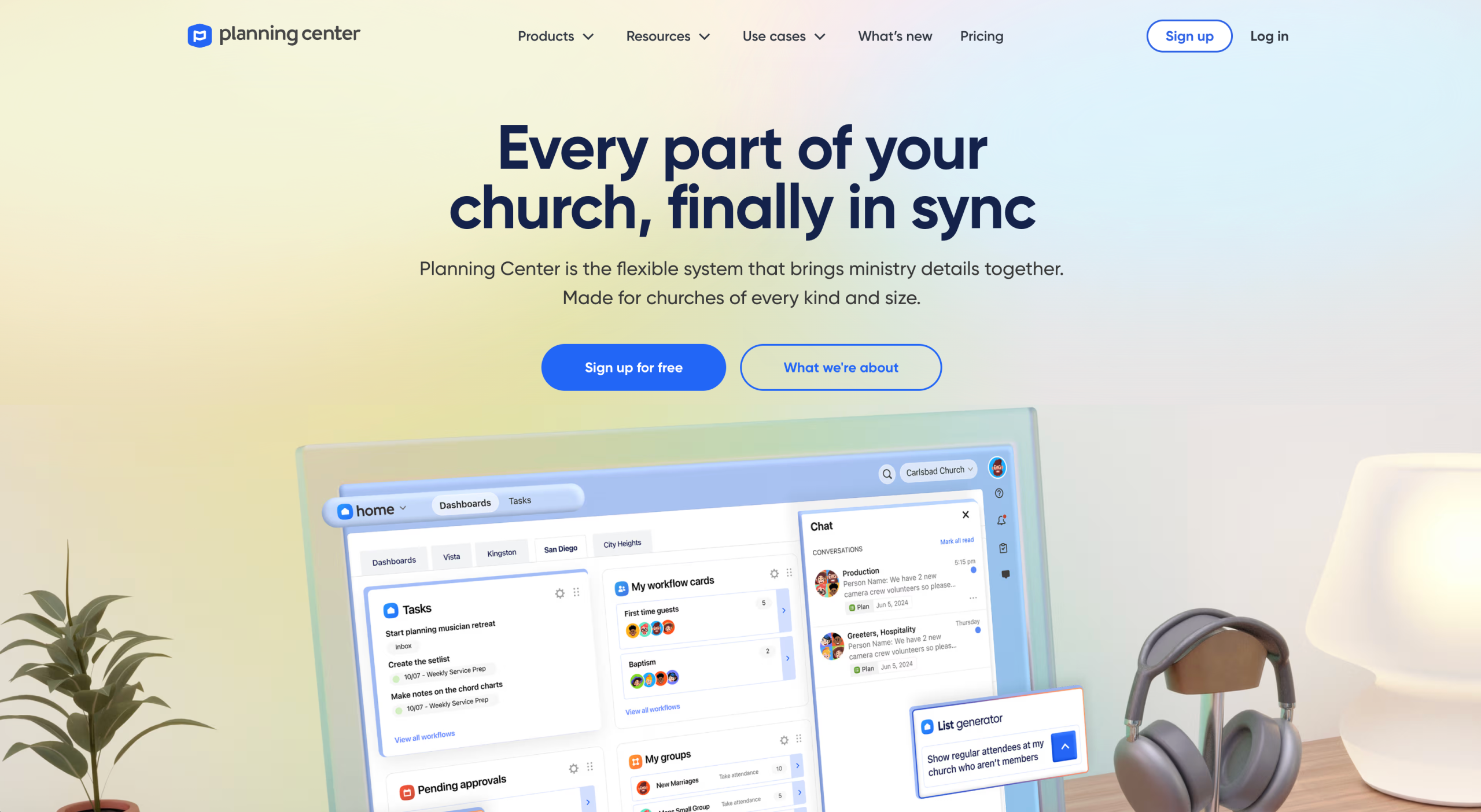
Planning Center offers à la carte church management software that you can mix and match. Its specialty is its people database, where church administrators can keep track of member contact information and communication.
Pastors can use the app to plan their services from start to finish, adding songs, service notes, scriptures, and key points to address.
The Registration tool supports event planning, with tools for managing volunteer signups, attendee payments, and scheduling. And with the Giving tool, you can accept online donations via an app or web interface and generate reports and donor statements.
Planning Center doesn’t offer an all-in-one plan. Instead, you choose the features you need and pay based on the number of users, which can be confusing. And while its basic Church Center app and web platform are free, you must pay a monthly fee to customize them or add media.
Key features
- Member database: You have unlimited space to add members, store contact information, and view basic analytics.
- Online donations: Collect donations via the Planning Center website or mobile app.
- Group management: Set up groups, take attendance, and manage communication among members.
Offline mode: No
Free trial/plan: Yes
Pricing
Every Planning Center module is available for free. However, costs apply once you exceed the user cap. Prices range from $15 to $239 per module (listed here).
- People: Always free, with an unlimited number of members
- Services: Free for five users
- Registrations: Free for up to five event attendees
- Giving: Up to 10 online donations per month with the free plan
- Check-Ins: Free for 10 check-ins on your busiest day of the week
- Groups: Support for up to 15 group members with the free plan
- Calendar: Free for one event room
How to choose the best church app
Finding the right church app starts with a clear assessment of your situation. Decide what the primary function of the app will be, whether it’s donation collections, communication, stronger member engagement, volunteer management, or event organization. Then choose an app that’s user friendly and fits your budget.
Jotform makes it easy to design your app using our Church App Builder or templates. Give it a try today!
FAQs about church apps
Pastors use apps to plan their worship services, track church attendance, collect donations, and oversee volunteer scheduling. One widely used solution is Jotform Apps, which offers customizable church app templates. Tithely is popular for its donation features, although it can be pricey.
A church apps allows attendees to submit donations directly through the app. Most tools connect to payment gateways, which charge a small transaction fee for each payment. For instance, Jotform Apps integrates with Stripe and PayPal. Attendees can submit payments using a debit or credit card instead of paying with cash.
This article is for church leaders, pastors, ministry coordinators, nonprofit administrators, and church operations teams looking for tools to manage giving, communication, events, forms, and member engagement
















































































Send Comment: