Key takeaways (for busy readers)
- Choose Softr for a polished, web-first app where external users (clients, members, or vendors) log in and design matters.
- Choose Glide for an internal operational tool you need quickly, especially one used on phones in the field.
- Your data source can make the decision for you, since Airtable is on every Softr plan but starts on Glide’s Business tier, and Glide charges “updates” when external data syncs.
- Neither publishes to the app stores, though both are web apps that can be installed as progressive web apps (PWAs); only Glide works partly offline.
- Count your logged-in users before comparing plans since external users are where costs climb on both.
- If your app is a workflow built around forms, approvals, and payments, Jotform Apps is often the faster path.
Softr vs Glide vs Jotform Apps at a glance
Softr and Glide are two of the names that come up most in any search for the best no-code app builder, but they solve different problems.
 Softr |  Glide |  Jotform | |
|---|---|---|---|
| Best for | Web-first portals, directories, and membership apps for external users | Internal operational tools a team uses on the go | Form- and workflow-based apps: intake, approvals, payments, uploads |
| Workflow style | Blocks arranged into pages, connected to your data | A screen generated per table, adjusted with components | Forms, links, and documents combined into one shareable app |
| Primary platform | Web-first, responsive to mobile, installable as a PWA (Pro plan and up) | Mobile-first, responsive to desktop, installable as a PWA | Web-based, works on any device with no install |
| Data sources | Airtable, Google Sheets, Notion, and more on every plan; SQL on Business | Glide Tables and Google Sheets on lower tiers; Airtable and Excel from Business | Built around form submissions rather than an external database |
| Pricing scales by | App users who log in | Users plus updates (data changes and syncs) | Not user-metered the same way; see Jotform’s plans |
| Try now! |
What is Softr?
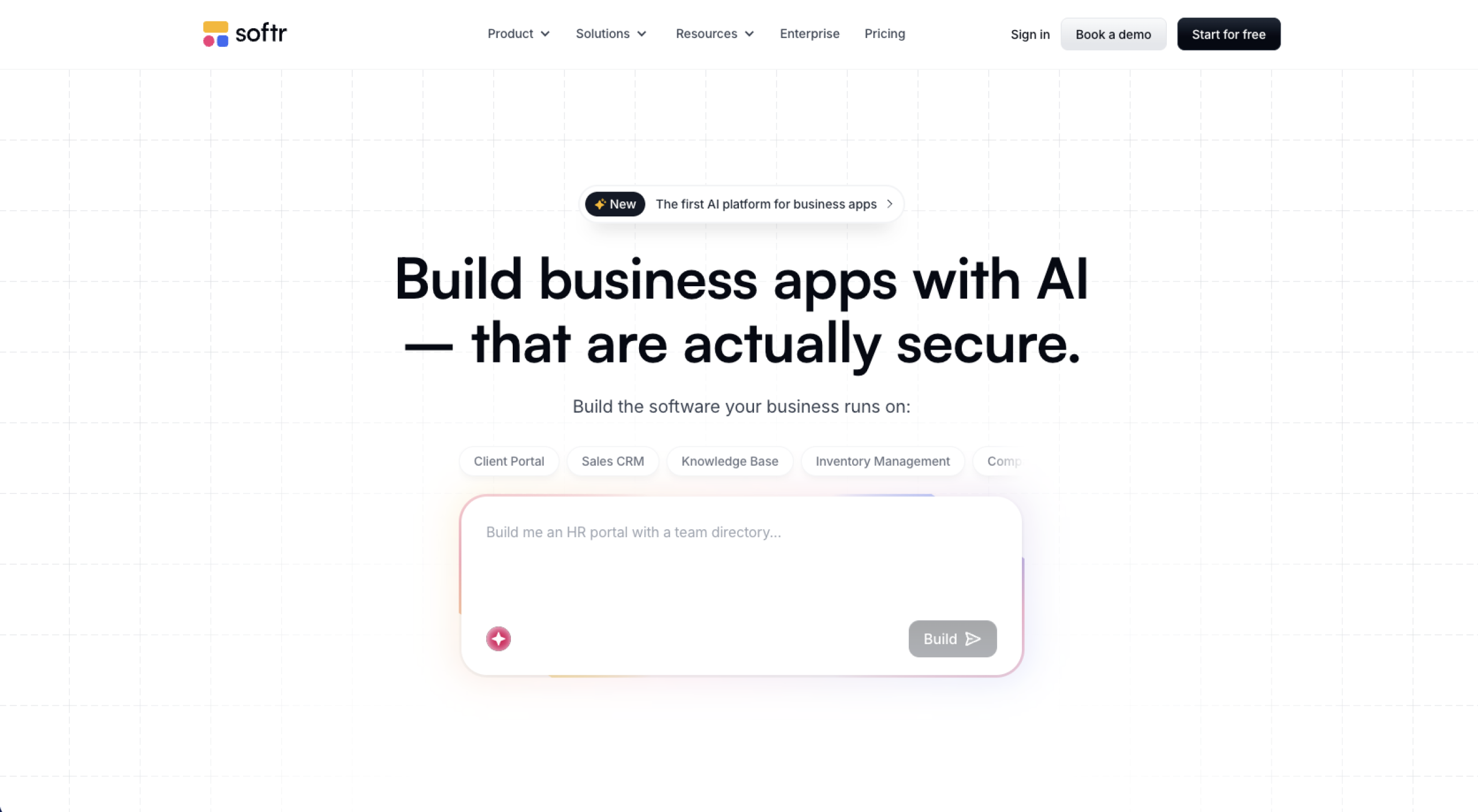
Softr app builder is a no-code platform for building business apps like client portals, internal tools, directories, dashboards, and membership-style sites. You assemble pages from premade blocks, such as lists, tables, forms, charts, and kanban boards, then connect them to data stored either in Softr’s own database or in an external source like Airtable, Google Sheets, or Notion. Because it’s an AI app builder, you can also describe the app you want, have it generate the interface and workflows, and adjust the result visually.
What I like most about Softr
Softr’s user management stands out. Softr handles logins, user groups, and rules about which people see which pages natively, so you’re not piecing together authentication yourself. That makes it easy for teams to give external users, like clients, vendors, or members, secure access to their own data.
Pros
- Permissions and access control come standard, so each user group can see a different version of the same app.
- Softr connects to a wide range of data sources. Softr’s own database, Airtable, Google Sheets, Notion, SmartSuite, Coda, and Xano are available on every plan, with monday.com, Supabase, and ClickUp added on Pro, and SQL databases, BigQuery, and representational state transfer (REST) API on Business.
- Block-based building keeps pages consistent and quick to assemble, with ready-made templates for portals, CRMs, intranets, and inventory systems.
- The Free plan includes unlimited apps and a custom domain that allows users to test an idea before paying.
Cons
- Pricing scales by the number of app users, which means anyone who logs in counts toward your plan’s limit. Visitors to public pages don’t count, but a large logged-in audience gets expensive.
- Several features people expect early are gated by tier. Custom user groups and PWA (mobile install) both start on Pro, and SQL sources start on Business.
- Your design options are limited to the blocks Softr provides, so you’re arranging their components rather than designing a layout from scratch. Custom CSS and JavaScript are available from Basic onward, but a highly specific interface is harder to achieve than in a design-first tool.
- Every plan includes a limited number of AI credits each month. Once you’ve used them, the AI features stop working until the credits reset or you buy more.
What is Glide?
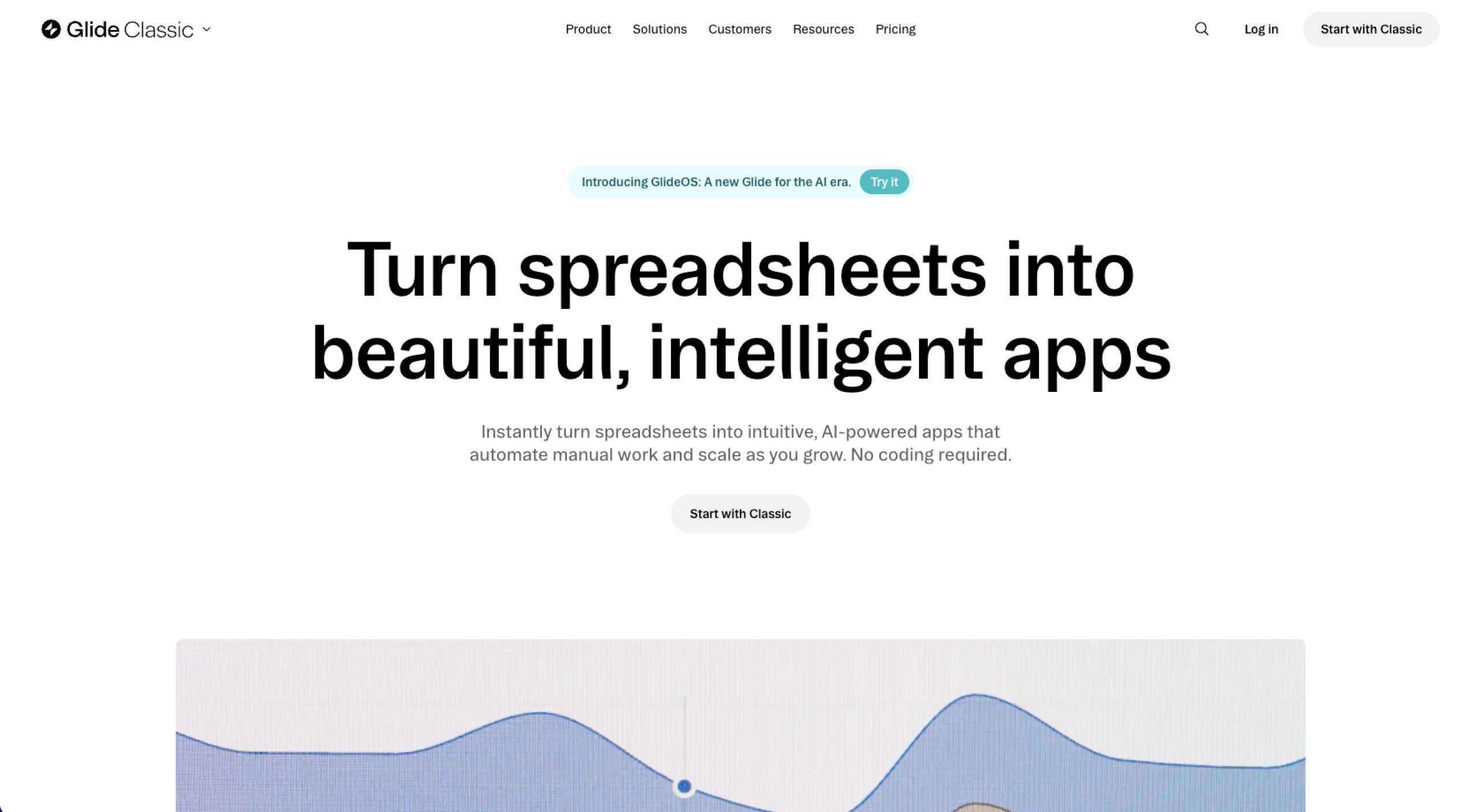
Glide app builder is a no-code platform used mainly for internal tools and operational apps, such as inventory trackers, work orders, and field sales. Most projects start with existing data from a spreadsheet or database, such as Google Sheets, Airtable, Excel, or Glide’s own tables, and Glide generates it into an app and workflows that automate the steps your team repeats. Apps are responsive by default, so the same tool works on a laptop at a desk or on a phone at a job site.
What I like most about Glide
Glide’s main appeal is how quickly you can start using the app. Upload a spreadsheet and you’ll have a working version in minutes because Glide reads your columns and generates the structure for you. That suits teams already tracking the process in a spreadsheet who can’t wait a quarter for a custom tool.
Pros
- Getting from data to a functioning app is quick, and the data editor looks like a spreadsheet. That means anyone comfortable with Excel can manage it without learning a database.
- Apps automatically adjust to any screen, which is important for teams checking inventory or closing work orders on a phone.
- Workflows handle real automation, including scheduled and webhook triggers, nested conditions, loops, and AI actions to extract or generate content.
- Glide’s own tables don’t incur update costs, so keeping data in Glide avoids part of the usage costs incurred by external sources.
Cons
- Glide doesn’t charge only for how many people use your app. It also counts updates (its term for any action that changes or syncs data), including edits, syncs from Google Sheets or Airtable, integrations, and API calls. Each plan includes a monthly allowance, so an app connected to outside data uses that allowance faster and costs more to operate than one on Glide’s own tables.
- The Free plan suits learning more than launching, with only one editor and drafts rather than published apps.
- Access to data sources is steeply tiered, with Airtable and Excel sync starting at Business, and SQL, PostgreSQL, HubSpot, and similar sources reserved for Enterprise.
- For data that comes from a spreadsheet, Glide reads up to 25,000 rows. That ceiling is the same on every plan, so paying for a higher tier won’t raise it.
Softr vs Glide: Feature-by-feature comparison (what matters for real builds)
Softr and Glide are easy to tell apart in theory, but the differences that actually affect your project only become clear once you build, ship, and maintain a real app. Here’s how they compare on the factors that matter most in day-to-day use.
Core building experience and learning curve
Softr and Glide approach a project from opposite starting points. In Softr, you build pages out of blocks (e.g., a list, a form, a chart) and connect each one to your data, which feels close to assembling a website.
In Glide, you start with your data, connecting a spreadsheet or table to generate a screen for each item, which you then customize with components. That means you’re shaping views of data rather than laying out pages.
Those starting points shape which tool suits which role best. Operators and analysts who primarily work in spreadsheets tend to prefer Glide’s data-first flow, while marketers and founders building customer-facing products often prefer Softr’s page-based approach.
Maintenance reflects the same difference. In Glide, changing your data can reshape the app. This is convenient when the app is meant to mirror your data exactly, but it also means a column change can ripple into the interface. In Softr, pages remain static as you edit data, so changes feel more contained.
User interface and design flexibility
Softr is web-first, better suited to desktop-class layouts, with mobile handled through responsive adjustments you make yourself. Glide, on the other hand, is mobile-first, adapting to a phone screen automatically, which is why it fits field and operational teams. Neither publishes to the App Store or Google Play; both produce web apps that can be installed as a PWA.
On customization, both tools keep you inside a defined system rather than offering free design control. Softr allows more say over branding and page layout, and it supports custom CSS and JavaScript from its Basic plan up, so a determined builder can push the look further. Glide relies on a structured component library that keeps apps consistent but harder to make distinctive. Neither tool offers pixel-level control, so if your goal is an exact custom interface, both options will feel limiting.
Templates help either way, giving you a starting point to work with and adjust rather than a blank canvas. This shortens the path to a usable first version.
Integrations and automation options
Both platforms have moved beyond relying solely on external automation tools. Softr now has native workflows that automate within the platform and integrate with tools like Airtable, Google Sheets, Slack, and Gmail without a third-party service. Glide has its own workflows plus a native integration directory covering Slack, Stripe, Twilio, QuickBooks, Salesforce, and OpenAI, among others, which work as actions in your app.
Where native coverage stops, both connect to Zapier and Make, so almost anything in a common stack (e.g., Google Workspace, Slack, payment tools) can be connected one way or another. Glide also offers an API on paid plans for custom integrations, and Softr offers a REST API data source on its Business tier.
Since both cover the popular tools, the deciding factor is rarely whether a connection exists, but which platform suits the system you already use and how much you’d rather keep within the builder vs route through Zapier or Make.
Collaboration and team readiness
Both platforms let more than one person build at once. Glide’s Multiplayer Mode allows several editors to work simultaneously, each with their own undo history, and team admins control who’s invited. Softr lets collaborators work in the studio and preview the app as different user roles before anything goes out. Softr vs Glide pricing depends on team size for both but in different ways. Glide caps editor seats by plan, while Softr allows unlimited collaborators and instead scales by the number of app users who log in.
Publishing is where both call for caution. On both platforms, going live updates the app for everyone at once, and both warn that a manual publish sends every pending edit, including teammates’ unfinished work, not just yours. Coordination is the primary safeguard, not a technical gate.
It’s worth checking whether each platform offers what your team needs for safe changes because, as of now, neither has a built-in staging environment or native version history. Both are long-standing requests in their community forums, but for now teams typically duplicate an app to test bigger changes before updating the live version.
Publishing and user access
Both publish as web apps you share with a link, and both support a custom domain so the app sits on your own URL. Neither publishes to the App Store or Google Play. Instead, users can install both as a PWA, add them to a phone’s home screen, and open them like an app, though Softr gates PWA install to its Pro plan and up.
Access is where the models diverge, and it matters most for external users. Both let you require logins and control what each person sees, but they price that access differently. Softr’s plans scale by app users, so a large external audience raises your tier.
Glide separates personal email users from business email users and measures usage via updates. Whichever you choose, map your real audience against the plan first because external-user costs are often where a cheap plan stops being cheap.
The platforms also handle a lost connection differently. Glide apps can partly work offline, showing cached data in read-only form until the connection returns, while Softr apps need to stay online. For field teams with a patchy signal, that difference is worth considering.
Pricing model
When comparing Softr and Glide costs, sticker prices tell you little because the two platforms charge for different things. Softr prices are mainly based on app users, so your cost climbs as more people use the app, not as you add pages or features. Glide charges based on both the people using the app and something it calls updates, which are units it counts for data changes and syncs. An app connected to external data uses these up faster than one on Glide’s own tables. Before comparing plans, work out which model matches how your app will be used.
Go through this checklist against each platform’s current pricing page:
- Does the plan you need include your data source? Airtable is available on every Softr plan but starts on Glide’s Business tier. That alone can be a deciding factor.
- Are external users counted differently from internal ones, and how many will sign in?
- Which limit will you hit first: rows or records, app users, automation or updates, or the number of published apps?
Because both tools’ plan details can change over time, confirm every figure on the vendor’s pricing page before you commit.
Best use cases: When Softr is the better choice
When comparing Softr with Glide, Softr is usually the better choice for building apps that need to look professional for external users. The scenarios below highlight where Softr’s advantages are most evident, as well as what instances might send you to Glide instead.
- A client portal that feels like a website: When comparing Softr vs Glide for a client portal, Softr’s page-based building and built-in logins work well, allowing clients to sign in to see their own projects, files, or invoices. If the tool is internal-only, though, Glide will get you there faster.
- A directory or membership app with gated pages: For comparing Softr vs Glide for a directory, you can restrict pages by user group, so members only see what they’ve signed up for. Because every member has to sign in to get that access, each one counts toward your plan’s user limit, and a large membership adds up quickly. Glide’s Maker plan includes unlimited personal users, which can work out cheaper for a large free community.
- Multiple roles, each with a different view: A client, a contractor, and an admin can open the same app, and each sees a different set of pages, though custom user groups are available on Softr’s Pro plan. If your roles are internal staff rather than external clients, Glide’s row-level access may be a lower-cost option.
- Presentation that matters as much as function: Softr gives you more control over layout and branding, which is especially important when the app is customer-facing. If getting the workflow live matters more than how it looks, Glide is the quicker route.
Best use cases: When Glide is the better choice
When comparing Glide with Softr, Glide is usually the better choice when the app is for your own team and speed matters more than presentation. The scenarios below are where Glide’s advantages shine and some circumstances that might send you to Softr instead.
- An internal tool you need quickly: Glide creates an app around data you already have so that an operations team can have something usable in days. When it comes to internal tools, Glide is the faster route, though if people outside your team will sign in, Softr handles branded, page-based experiences better.
- A process already tracked in spreadsheets: Glide’s data editor works like a spreadsheet, so your team can adjust it without learning a database. Keep the 25,000-row ceiling on spreadsheet sources in mind, and note that Google Sheets sync starts on Maker and Airtable sync on Business. Softr connects to both on every plan, including the Free plan.
- Field teams working from phones: Checklists, status updates, and inventory counts all work on a phone since Glide apps adjust to any screen automatically. Neither platform publishes to the app stores, so if you want something people can install, Softr’s PWA option on Pro and up is worth comparing.
- A quick minimum viable product for internal users: You can get a working version in front of your team with very little setup. Glide’s Free plan keeps apps as drafts, so publishing requires a paid plan. Softr’s Free plan allows published apps with up to 10 signed-in users, which may be enough to test an idea.
Build no-code apps with Jotform Apps
Not every project that gets called an app needs a database behind it. Glide isn’t the only no-code app builder, and the list of Glide alternatives includes Softr and Jotform. If you’re trying to build an intake process, a request-and-approval flow, or a hub where people find the right form and submit it, Jotform Apps features can get you there faster than a database-driven builder.
With Jotform Apps, you assemble an app by combining forms, links, documents, and payment options in one place. Once it’s ready, sharing Jotform apps comes down to a link or a QR code that opens on any device. There’s nothing to install, so it opens in a browser on any device, which suits a printed sign at a front desk or a link sent to a client.
Client intake, service requests, approvals, event registrations, payment collection, file uploads, and resource portals all center on collecting information and acting on it, which is what Jotform handles. You can start from one of the available app templates and adjust it, add conditional logic so people only see the questions that apply to them, and collect payments without a separate integration.
If you need a relational database with linked tables, per-role dashboards, and logic across records, Softr and Glide are the stronger tools. Jotform Apps works the other way around, starting with the forms people fill out rather than a database you set up first. For a project like that, knowing how to create an app without coding makes Jotform Apps the fastest route to turn an idea into something you can share.
Softr vs Glide verdict (and the quickest path to launch)
There’s no universal winner here because the right pick depends on what you’re building and who it’s for. Choose Softr if you need a web-first portal, directory, or membership app where external users log in and the experience should look polished. Choose Glide if you need an internal, operational tool fast, especially one your team will use on a phone.
Let your data source guide you too, since Airtable is available on every Softr plan but only becomes available on Glide’s Business and higher tiers, which can settle the decision on its own. The deeper question is the kind of experience you want. Do you want a branded web portal? Try Softr. Do you want a data-driven operational app? Try Glide. Either way, both give you a real database-driven app with roles and permissions once you match the plan to your audience.
If your project is mostly a workflow built around forms, approvals, payments, uploads, and shareable access, Jotform Apps is often the quickest path to launch.
FAQ
When it comes to Airtable, Softr wins in most cases. Airtable is available on every Softr plan, including the Free one, though the Free tier caps standard sources at 1,000 records per app. On Glide, Airtable sync starts on the Business plan. Cost works differently too, since Glide counts an update each time data syncs from Airtable, so an Airtable-connected Glide app incurs usage that a Softr app doesn’t.
Neither is reliably cheaper because they charge for different features. Compare by counting how many people will sign in, checking whether your data source is included on the plan you want or gated to a higher tier, and estimating how much your data changes, since Glide bills for updates as well as users. Check the Softr pricing page and the Glide pricing page before deciding.
Softr was cofounded by Mariam Hakobyan, who is currently the company’s CEO.
No-code builders, operations teams, startups, agencies, and small business owners comparing Softr and Glide to build internal tools, client portals, directories, and lightweight workflow apps without custom development.

































































































Send Comment: