
Top intranet software in 2026
When employees have to search through emails, shared drives, chat messages, and multiple workplace tools just to find one policy or form, everyday tasks become harder than they need to be. That’s where intranet software comes in.
A modern intranet gives employees one central place to find company information, communicate with coworkers, access documents, and complete common workplace tasks. But the platforms available in 2026 vary significantly. Some prioritize internal communication, others focus on document management and search, and no-code tools let you build an intranet around your own processes.
With so many platforms taking different approaches to communication, collaboration, search, and employee access, the right choice depends on how your organization actually works. Below, we’ll compare five leading options by their strongest use cases, core features, pricing models, and trial availability to help you identify the best fit.
Best 5 intranet software solutions compared
| Tool | Best for | Pricing model | Trial info |
|---|---|---|---|
 Microsoft SharePoint |
Microsoft 365 organizations |
Microsoft 365 Business Basic starts at $7 per user per month, billed annually |
30-day Microsoft 365 business trial available |
 Workvivo |
Culture and employee engagement |
Custom pricing based on licenses and organizational needs |
No free trial, tailored demo available |
 Jotform Apps |
Building a custom no-code intranet |
Free Starter plan; paid plans start at $34 per month, billed annually |
No formal trial, free Starter plan available |
 Simpplr |
AI-powered search and employee experience |
Volume-based custom pricing |
14-day trial available subject to availability |
 Staffbase |
Multichannel and frontline communications |
Custom pricing based on workforce and requirements |
Free tailored demo available, no public free trial listed |
The 5 best intranet software solutions of 2026
1. Microsoft SharePoint: Best for Microsoft 365 organizations
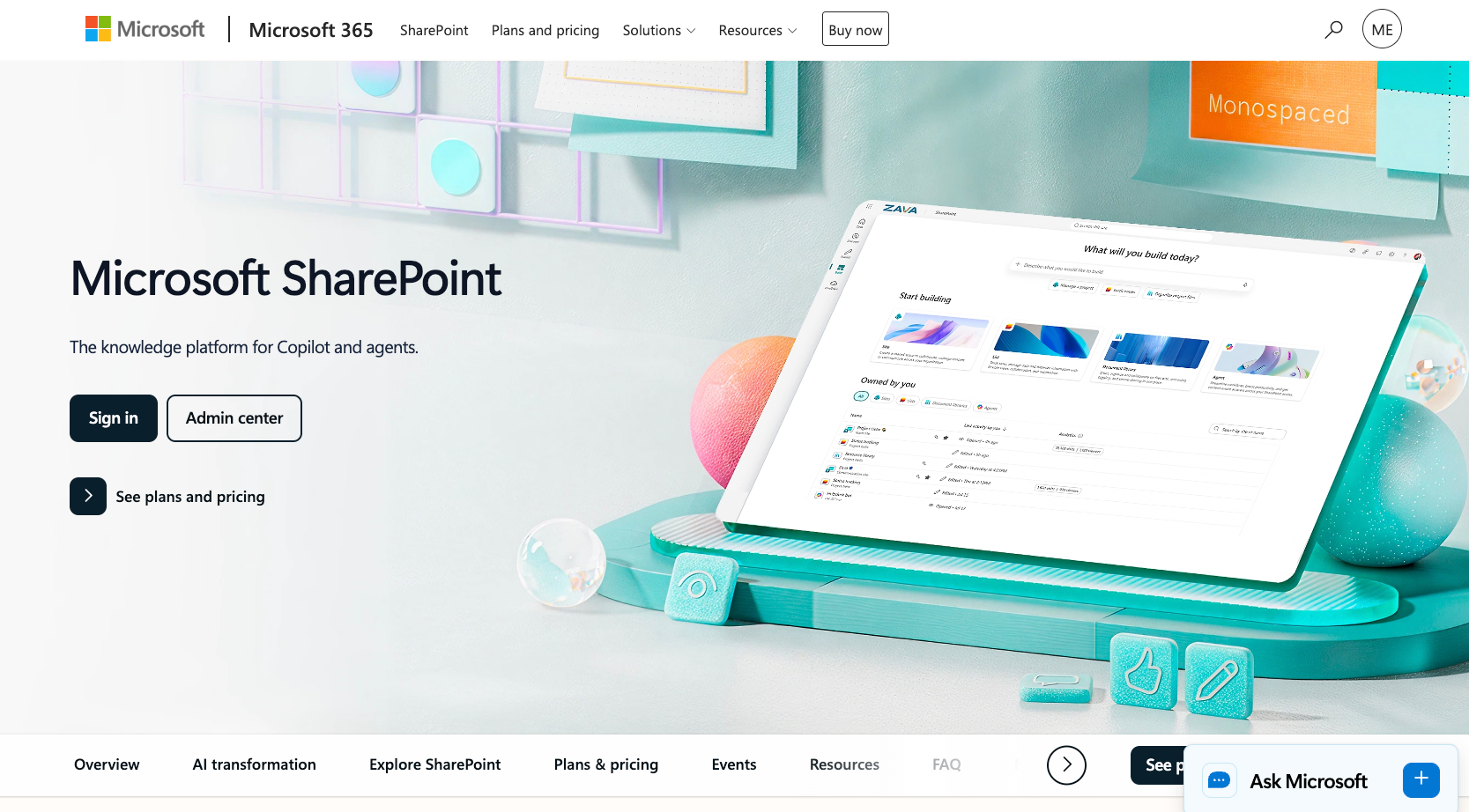
Microsoft SharePoint is a natural intranet option for organizations already operating within Microsoft 365. It combines team sites, communication sites, document libraries, access controls, version histories, Microsoft Lists, and search with integrations across Microsoft’s workplace ecosystem.
Its biggest advantage is how closely it sits alongside the tools your employees may already use, including Teams, OneDrive, Outlook, and Microsoft 365 apps.
- Key features: Team and communication sites, document libraries, version history, Microsoft Lists, file permissions, Microsoft Search, OneDrive integration, Microsoft 365 integration
- Pros: SharePoint integrates closely with Microsoft 365 tools such as Teams, OneDrive, Outlook, and Microsoft Lists, making it a practical option for organizations already using the Microsoft ecosystem; its document libraries, version history, permissions, and search capabilities give teams detailed control over how internal files and company resources are stored and accessed; the platform can support everything from small departmental sites to large enterprise intranets with multiple teams, content libraries, and permission structures
- Cons: Building and maintaining a well-organized SharePoint intranet can require significant configuration, governance, and ongoing IT involvement; organizations that don’t already rely heavily on Microsoft 365 may find the ecosystem less convenient than a standalone intranet platform
- Plans/pricing: SharePoint functionality is included with eligible Microsoft 365 business subscriptions; Microsoft 365 Business Basic currently starts at $7 per user per month when billed annually, with higher Business Standard and Premium tiers adding additional Microsoft apps and capabilities
2. Workvivo: Best for culture and employee engagement
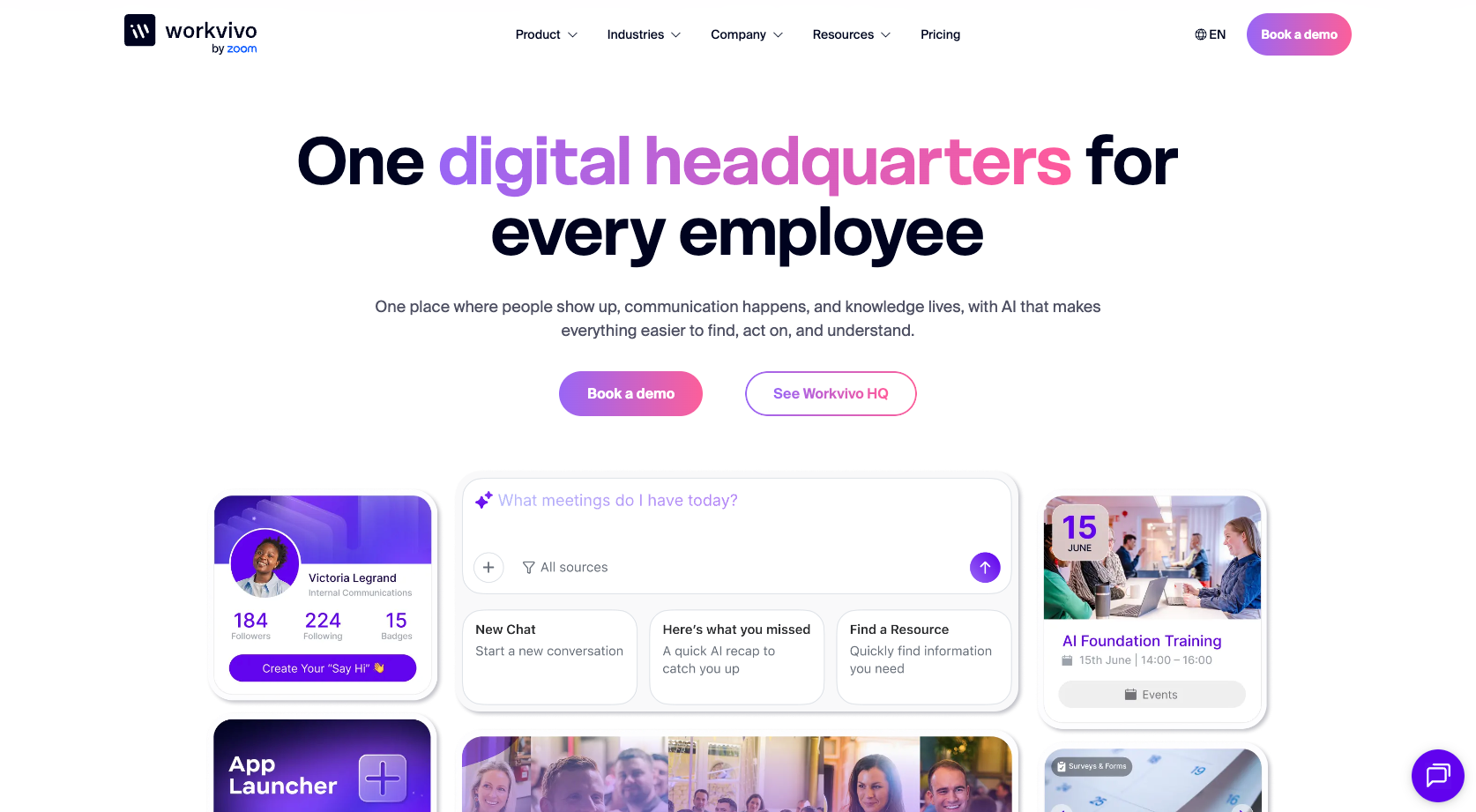
Workvivo, now part of Zoom, combines intranet functionality with internal communications and social-style employee engagement.
Organizations can create knowledge hubs, publish company updates, organize communities by team or topic, run surveys, recognize employees through shoutouts and awards, and communicate with both desk-based and frontline workers through mobile access. Workvivo also provides employee journeys for workflows such as onboarding and training.
- Key features: Social feeds, knowledge hubs, employee recognition, surveys and polls, communities, people directory, mobile app, analytics, employee journeys, AI-powered search
- Pros: Social feeds, communities, employee recognition, surveys, and polls give organizations multiple ways to encourage participation rather than using the intranet only as a document repository; mobile access helps organizations share company updates and resources with both desk-based and frontline employees; knowledge hubs and employee journeys bring communication, resources, onboarding, and other workplace experiences into the same platform
- Cons: Workvivo doesn’t publish standard pricing, so organizations need to request a quote before they can compare costs directly with other intranet platforms; the platform’s strong focus on communication and engagement may be more extensive than necessary for teams that primarily need document storage and a simple internal resource hub
- Plans/pricing: Workvivo uses customized pricing based on license volume and organizational requirements, organizations can request a tailored demo and quote
3. Jotform Apps: Best for building a custom no-code intranet
Jotform Apps takes a different approach to intranet software. Instead of adopting a predefined structure, teams can build their own internal app around the resources, forms, workflows, and information that employees actually need.
You can create an app without coding with Jotform’s drag-and-drop App Builder or start with a ready-made template. For example, the Intranet App provides a starting point for bringing internal forms and documents into one place, while the Company Portal App and Work Management App can support other internal workflows.
Teams can also add tracking forms, a Task Assignment Form, and feedback forms to collect and route employee information. Submissions can then be organized in Jotform Tables, while Jotform’s integrations connect forms with other business software. You can also embed Jotform Sign documents into an app when a workflow requires employees to review and provide e-signatures.
- Key features: Drag-and-drop app building; templates; forms; task assignment; feedback collection; Jotform Tables; integrations; e-signatures; mobile access; company resources; for larger organizations, Jotform Enterprise adds single sign-on (SSO), role-based access controls, and compliance-grade security
- Pros: Teams can build a customized intranet app with drag-and-drop tools and ready-made templates without writing code or hiring developers; forms for task assignments, feedback, tracking, onboarding, and employee requests can be added directly to the app, allowing teams to turn the intranet into an interactive workplace tool; Jotform Tables, integrations, and Jotform Sign can extend the app beyond information sharing by supporting data management, connected workflows, and e-signature collection; for organizations with stricter compliance needs, Jotform Enterprise adds centralized user management, data encryption, SSO support, and compliance options for regulatory requirements, as well as multiuser access with granular permission controls, which is useful for larger workforces coordinating across departments; Jotform is also used by organizations in healthcare, education, and government, with HIPAA- and SOC 2-enabled features available
- Cons: Jotform Apps doesn’t include some features found in dedicated intranet platforms, such as built-in social feeds or unified cross-platform knowledge search; form, submission, storage, and other usage limits vary by plan, so organizations with larger workforces may need a higher-tier or Enterprise subscription
- Plans/pricing: Jotform Apps offers a free Starter plan, with paid plans starting at $34 per month when billed annually for Bronze, followed by Silver and Gold plans with higher usage limits; Enterprise pricing is customized for larger organizations
Build an intranet app with ChatGPT or Claude
Create a custom intranet through conversation with Jotform App Builder for ChatGPT & Claude. Describe the employee portal your team needs, including directories, onboarding resources, and request forms. Then refine your app through simple prompts. Get started in ChatGPT or Claude.
4. Simpplr: Best for AI-powered search and employee experience
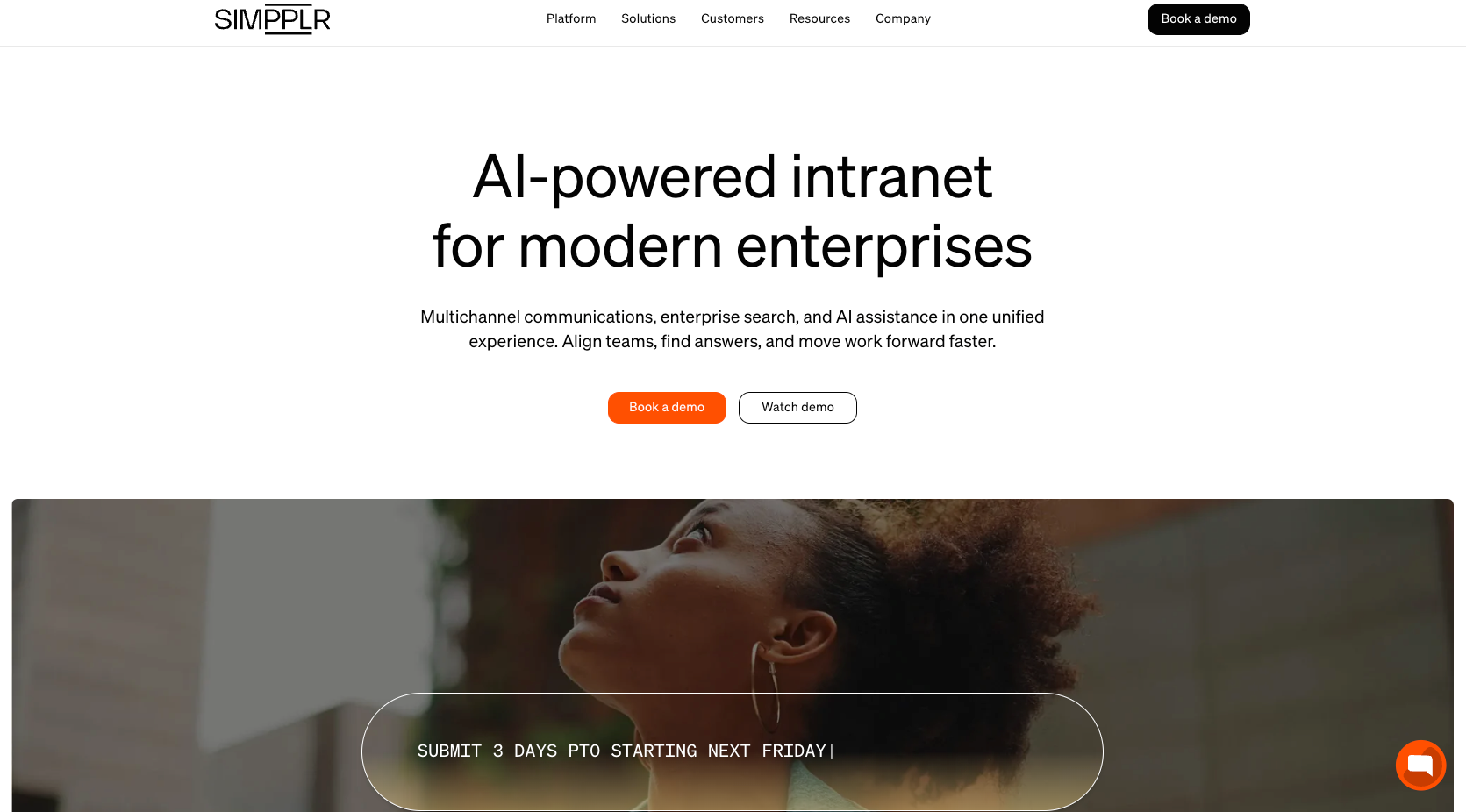
Simpplr combines intranet software, internal communications, enterprise search, and AI assistance in one employee experience platform.
Its search capabilities are designed to help employees find information across workplace systems instead of searching each repository individually. Simpplr can surface information from tools such as SharePoint, Box, Dropbox, and Google Drive while also providing personalized intranet content and communications.
- Key features: AI-powered search, personalized intranet content, multichannel communication, employee engagement tools, analytics, AI assistance, integrations with external knowledge sources
- Pros: AI-powered enterprise search can help employees locate information across the intranet and connected workplace systems without searching each source separately; personalization tools allow organizations to deliver more relevant content based on factors such as role, department, or employee needs; internal communications, analytics, search, and employee engagement features are combined within one employee experience platform
- Cons: Simpplr uses custom volume-based pricing, which makes upfront cost comparisons harder without contacting the vendor; its broad employee-experience feature set may be more complex than necessary for organizations that only need a straightforward document hub or company portal.
- Plans/pricing: Simpplr uses volume-based custom pricing tailored to company size, complexity, and support requirements; a trial is available; larger organizations can request customized pricing
5. Staffbase: Best for multichannel and frontline communications
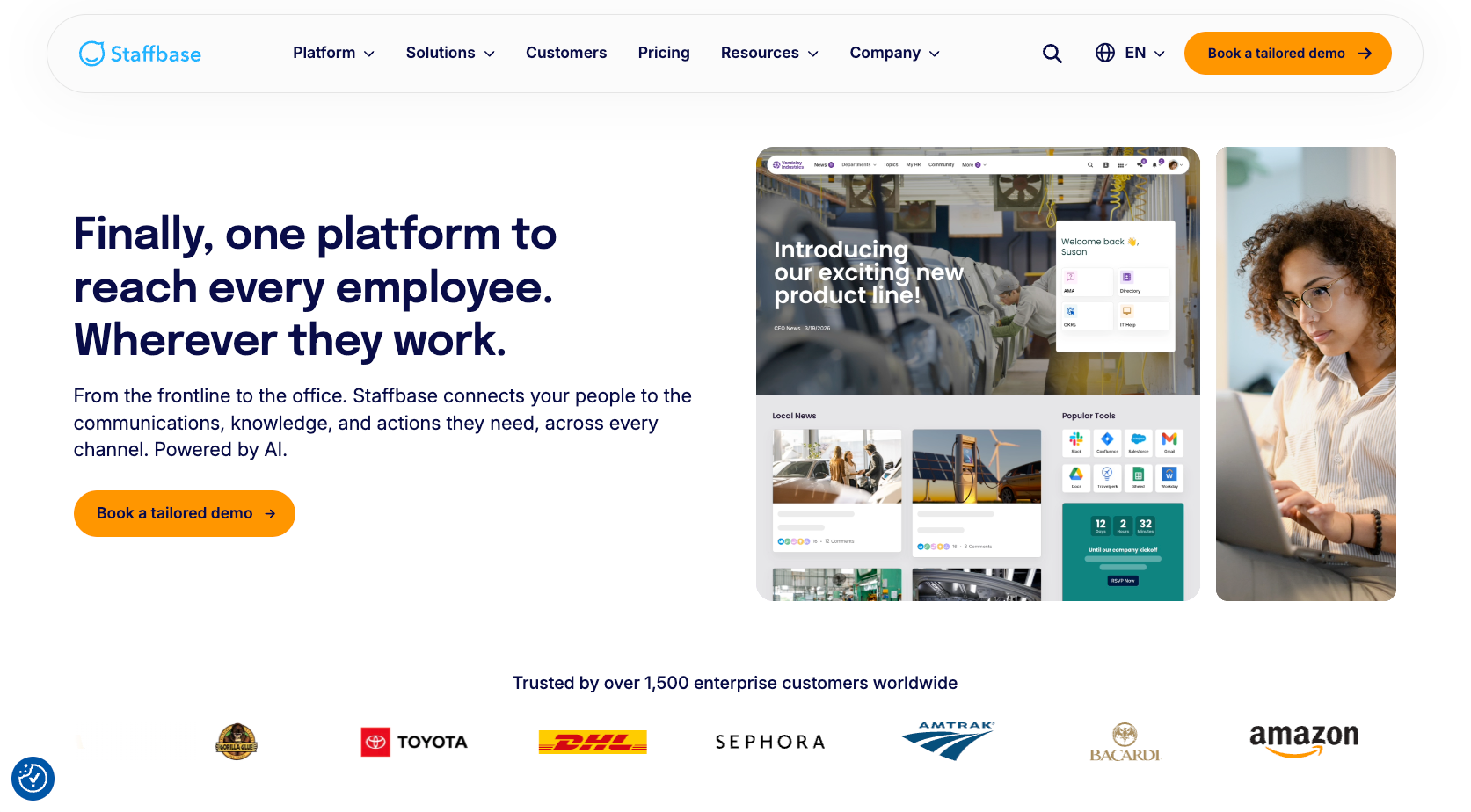
Staffbase is built around delivering internal communications across multiple channels, including intranet, mobile apps, email, SMS, chat, and digital signage.
That approach can be particularly useful for organizations with a mixture of office-based and frontline employees. Its employee app gives workers mobile access to company news, documents, employee directories, and workplace tools, while analytics help communication teams understand content reach and engagement.
- Key features: Employee intranet, mobile app, email, digital signage, analytics, personalization, search, surveys, chat, integrations, offline content access
- Pros: Staffbase supports communication across intranet, mobile apps, email, SMS, chat, and digital signage, giving organizations several ways to reach employees; its mobile-first capabilities can help frontline employees access company information even when they don’t regularly work from a desktop; analytics and personalization tools help communication teams understand content reach and deliver more relevant updates to different employee groups
- Cons: Staffbase doesn’t publish standard subscription prices, so organizations need a customized quote based on workforce size, channels, and requirements; companies with mainly desk-based employees may not need the full range of mobile, digital signage, and multichannel communication capabilities that the platform provides
- Plans/pricing: Staffbase doesn’t publish a standard price list — pricing is customized according to workforce composition, communication channels, and organizational requirements
How to choose the right intranet software for your team
The right platform depends less on which product has the longest feature list and more on how your employees already work.
If your company is deeply invested in Microsoft 365, SharePoint may require less disruption. Teams focused on internal culture and communication may prioritize Workvivo, while Simpplr can suit organizations putting enterprise search and personalization at the center of the employee experience. Staffbase is designed for organizations that need to reach both desk-based and frontline employees across several communication channels.
Also consider how much control you want over the intranet itself. A packaged platform gives you an established structure, while a no-code option such as Jotform Apps lets you build the experience around your own forms, tasks, resources, and processes.
Before committing to a platform, create a requirements list covering the features that your employees actually need. Jotform’s Intranet Feature Checklist Form can provide a starting point for that evaluation.
Build your own intranet app with Jotform Apps
The best intranet software depends on your workforce, existing technology, and what employees need the platform to accomplish. Some teams need deep document collaboration, others prioritize employee communication or enterprise search, and some want greater control over how their internal tools are organized.
For teams that want to shape the experience around their own processes, Jotform Apps offers a no-code approach to building an intranet.
You can start with an Intranet App, then add employee directories, forms, files, links, task assignments, feedback workflows, onboarding resources, and other tools as your requirements grow. An Employee Onboarding App, for example, can bring new-hire resources into the same internal environment.
The result is an internal app shaped around how your organization works, rather than a fixed structure your team has to adapt to.
Frequently asked questions
Yes. Microsoft SharePoint can be used to build intranets, communication sites, document libraries, and internal resource hubs. It also integrates with other Microsoft 365 tools, including Teams and OneDrive.
Start by identifying the information and workflows that your employees need most, such as policies, forms, directories, announcements, onboarding materials, and task requests. You can then create an app without coding with Jotform Apps or customize the ready-made Intranet App to bring those resources into one place.
This article is for IT managers, internal communications teams, HR and employee experience leaders, operations teams, and anyone who wants to compare the best intranet software or build a flexible no-code intranet for their organization.































































































Send Comment: