
Property management is a thankless job. One tenant texts a photo of a leaking sink at 10 p.m. Another is unresponsive to the latest round of late fees. You also have to deal with evolving state regulations and accounting requirements. Across a portfolio, these issues can turn into hours spent moving information between spreadsheets, email threads, and text messages.
Real estate software solutions promise to consolidate everything that crosses your desk into a single platform. Across a range of issues, you can create, update, log, and send whatever you need.
I reviewed and compared more than a dozen property management apps to see which deliver on that promise for the most common use cases. I ended up with nine picks for the best rental property apps based on portfolio size, property types, and budget.
| App | Best for | Ideal portfolio size | ACH deposit fees | Free trial |
|---|---|---|---|---|
 AppFolio |
Managing leases, accounting, and maintenance in large portfolios |
150 units |
$2.50 |
No |
 Buildium |
Midsize portfolios that prioritize transparent pricing and self-service onboarding |
50 units |
$0.60–$2.35 |
Yes |
 Jotform Apps |
Building unlimited custom property management apps with AI prompts |
10-100 units |
None |
Yes |
 Innago |
Basic but free property management tools |
10 units |
$2.50 |
Yes |
 Yardi Breeze |
Starting small and simple before transitioning into an enterprise platform |
50 units |
None |
No |
 TurboTenant |
Tenant screening and lease generation for small portfolios |
25 units |
$2 |
Yes |
 RentRedi |
Connecting unlimited bank accounts and letting tenants pay in cash |
25 units |
$1 |
Yes |
 TenantCloud |
Property management with a heavy focus on maintenance requests |
50 units |
$1.95 |
Yes |
 Entrata |
AI-centric property management for enterprise portfolios |
500 units |
$2 |
No |

1. AppFolio
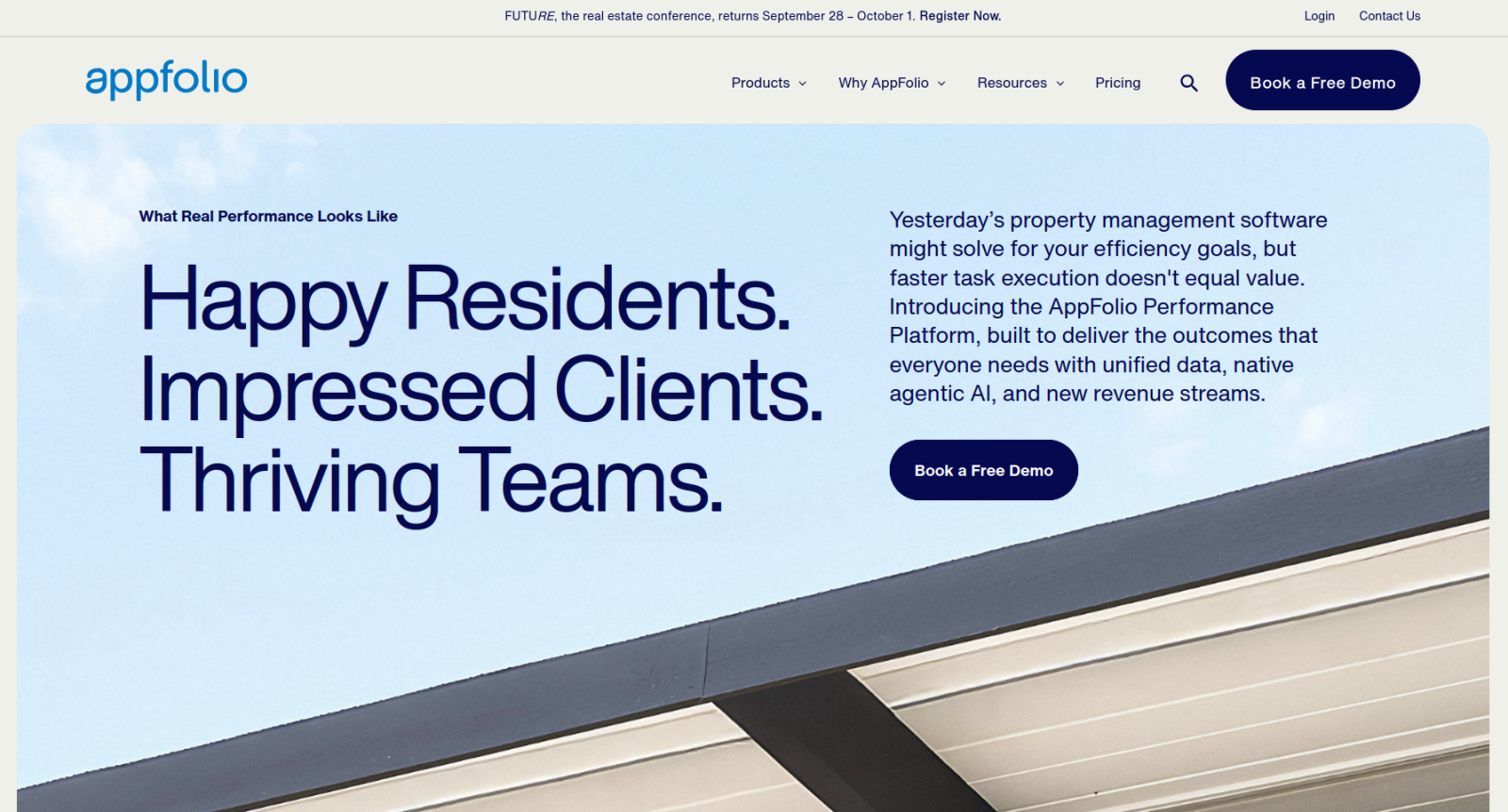
Best for: Managing leases, accounting, and maintenance in large portfolios
Why it made the list: It’s one of the best do-everything property management suites, built to handle a wide range of situations.
AppFolio’s somewhat plain user interface (UI) is surprisingly easy to learn, considering how much ground it covers. Your main tabs sit on the left side of the screen, broken down by Properties, People, Account, Maintenance, and Communication, with Calendaring and Reporting pulling data from all of them. Notifications, found in the settings section, are highly customizable, letting you set up alerts via email, SMS, or both for everything AppFolio tracks. You can also automatically syndicate your property listings to third-party rental marketplaces.
Homeowners association features let you geotag complaints (such as parking violations) and set up portals for architectural reviews (such as renovation requests). Student-housing-focused tools help with roommate matching, dorm portals, and automated surveys.
This amount of coverage is expensive, according to user reviews. Monthly minimums can make your per-unit cost skyrocket if your portfolio decreases in volume. Onboarding appears to be paid as well. Integrations, export options, and mobile capabilities are also underpowered. But the platform is useful if you’re managing hundreds of properties.
Pricing
There are two categories of AppFolio plans: Property Manager and Investment Manager. Each category lists two or three tiers with slightly different feature sets, but no prices are listed. You have to book a demo to receive a quote.
2. Buildium
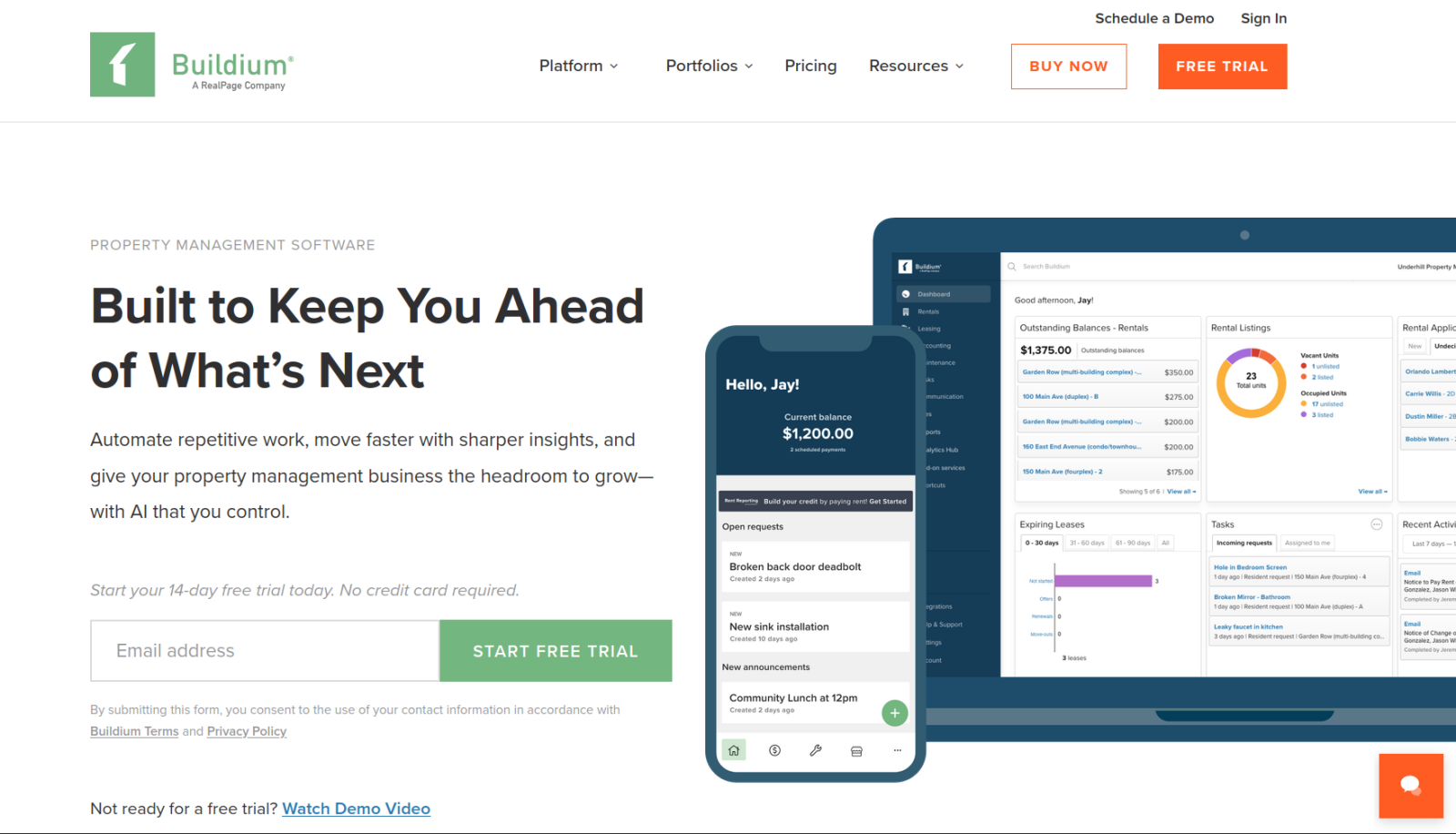
Best for: Midsize portfolios that prioritize transparent pricing and self-service onboarding
Why it made the list: There are no unit minimums on any plans, and it covers almost everything more expensive apps include.
Put Buildium side by side with AppFolio and it’s hard to tell their feature lists apart at first. But Buildium has two things that AppFolio does not: free trials (preloaded with sample data) and explicit dollar amounts on every plan. The available plans include syndication and a website builder, and there is a pay-per-lead option for property managers looking for tenants. You can drag and drop Buildium’s widgets, lists, and trackers to customize your main dashboard. And the Buildium Academy training library has helpful onboarding videos.
The features you’re most likely to miss are all related to enterprise-level flexibility. Reporting is almost entirely based on prebuilt charts and graphs with limited customization options. Maintenance and accounting tools cover most use cases but aren’t as robust as AppFolio’s features. Buildium wins on price and onboarding but falls slightly behind on adaptability.
Buildium pricing
- Essential ($62 per month): Rental listing syndication, prospect and applicant management features, and maintenance and resident portals
- Growth ($192 per month): Everything in the Essential plan plus staff time tracking, workflow automations, and two-way email and SMS
- Premium ($400 per month): Everything in the Growth plan and e-signature tools, AI-powered billing, API access, and priority support
3. Jotform Apps
Best for: Building unlimited custom property management apps with AI prompts
Why it made the list: Almost every tool in property management software’s repertoire begins with a form submission. With Jotform Apps, you can describe your workflows in plain language and have AI build tools that match them exactly.
The biggest downside of Jotform Apps as a property management app is also its strongest selling point: This is a no-code app builder rather than a platform built specifically for property management. You describe what you want and let the Jotform AI App Builder generate tenant, owner, or vendor portals to match your instructions. If it doesn’t produce exactly what you wanted, you can describe what it got wrong and it’ll iterate another attempt. Jotform Apps works with the platform’s other tools, so you can create payment and e-signature forms or use the Jotform Workflows tool to automatically route maintenance requests based on the type of issue and time of day.
If you’d rather not use AI to build your app, Jotform also includes dozens of real estate app templates. Every plan includes unlimited apps, charging you based on the number of submissions and file storage you use instead of features or number of listings in your Jotform Tables database. There are no unit minimums or contract-based pricing, and Jotform doesn’t add transaction fees to payments beyond what your processor already charges.
Pricing
- Starter (free): Unlimited apps, five published forms, 100 submissions, and 10 signed documents per month
- Bronze ($34 per month, billed annually): Up to 25 forms, 1,000 submissions, 100 signed documents, and the option to remove Jotform branding
- Silver ($39 per month, billed annually): Up to 50 forms, 2,500 submissions, and 250 signed documents per month
- Gold ($99 per month, billed annually): As many as 100 forms, 10,000 submissions, and 1,000 signed documents.
- Enterprise: Unlimited forms, submissions, and signed documents; advanced security controls; and dedicated support options
4. Innago
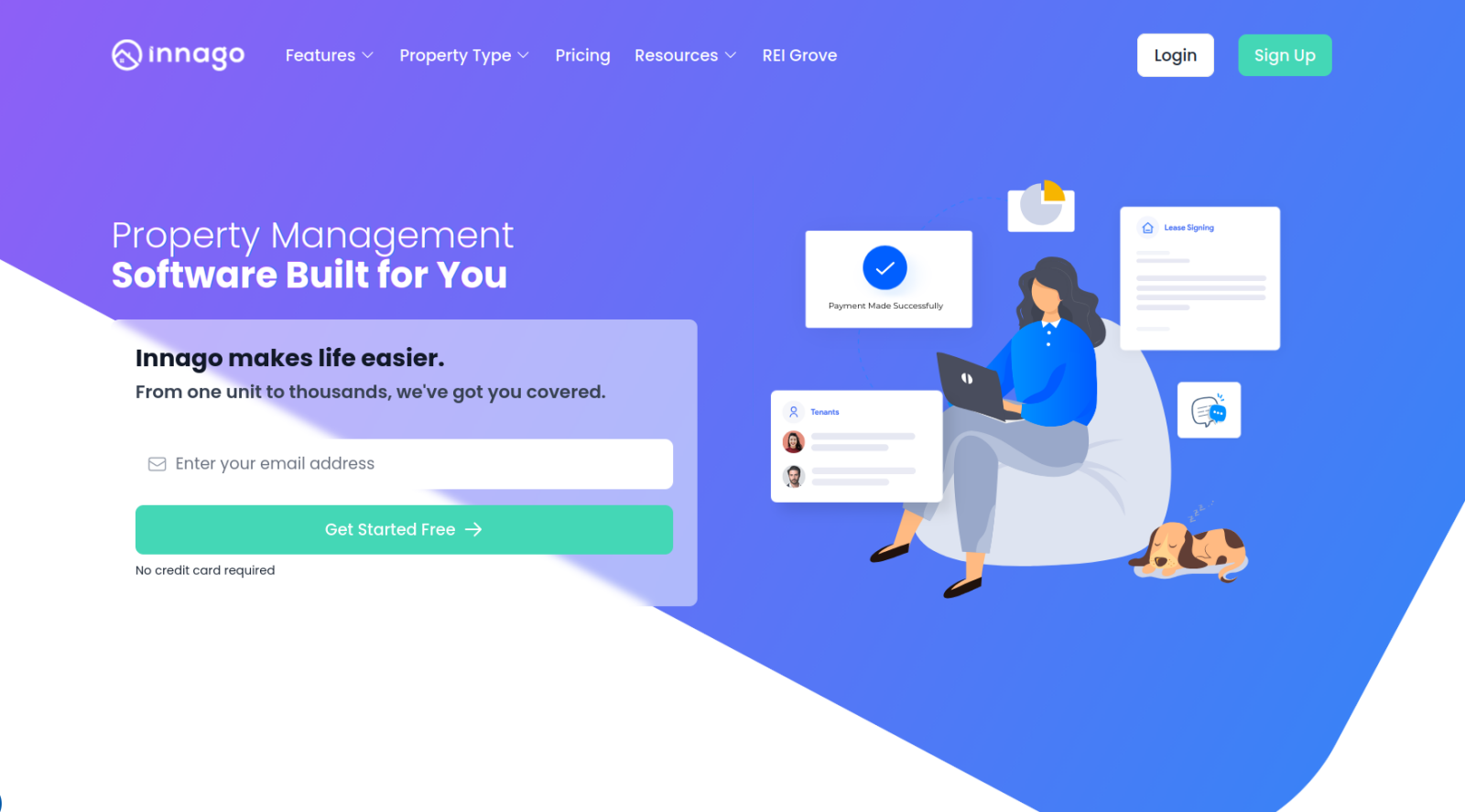
Best for: Basic but free property management tools
Why it made the list: Innago focuses solely on delivering the best possible free experience for new and small-portfolio property managers.
Most free plans offered by other platforms are intended to get users in the door who might pay for plans later. With Innago, the free tier is the only option. There is a $2 fee per ACH transfer and a 2.99 percent fee on card transactions, as well as $35 screening reports, all of which tenants pay for. That’s enough to subsidize features unrelated to payments, such as the option to create unlimited listings and automatically syndicate them to sites including Zillow, Realtor.com, and the Zumper network. The integration list is substantial considering the price point and includes Quickbooks, Plaid, and Dropbox Sign. If you’re on a shoestring budget, this is one of the best landlord apps for small portfolios.
The Innago interface feels empty rather than clean or minimalistic, and features such as the maintenance portal are barely more than a five-field form and a basic spreadsheet. Support is limited to 9 a.m. to 5 p.m. on weekdays, with responses in a few hours.
Pricing
There are no paid plans or tiered fee structures. Every tenant who pays for rent and screening via Innago pays $2 per ACH transfer, 2.99 percent per card transaction, and $35 per screening.
5. Yardi Breeze
Best for: Starting small and simple before transitioning into an enterprise platform
Why it made the list: As the entry point into Yardi’s suite of property management tools, Breeze lets you test the waters with a scaled-down app that does almost everything you need.
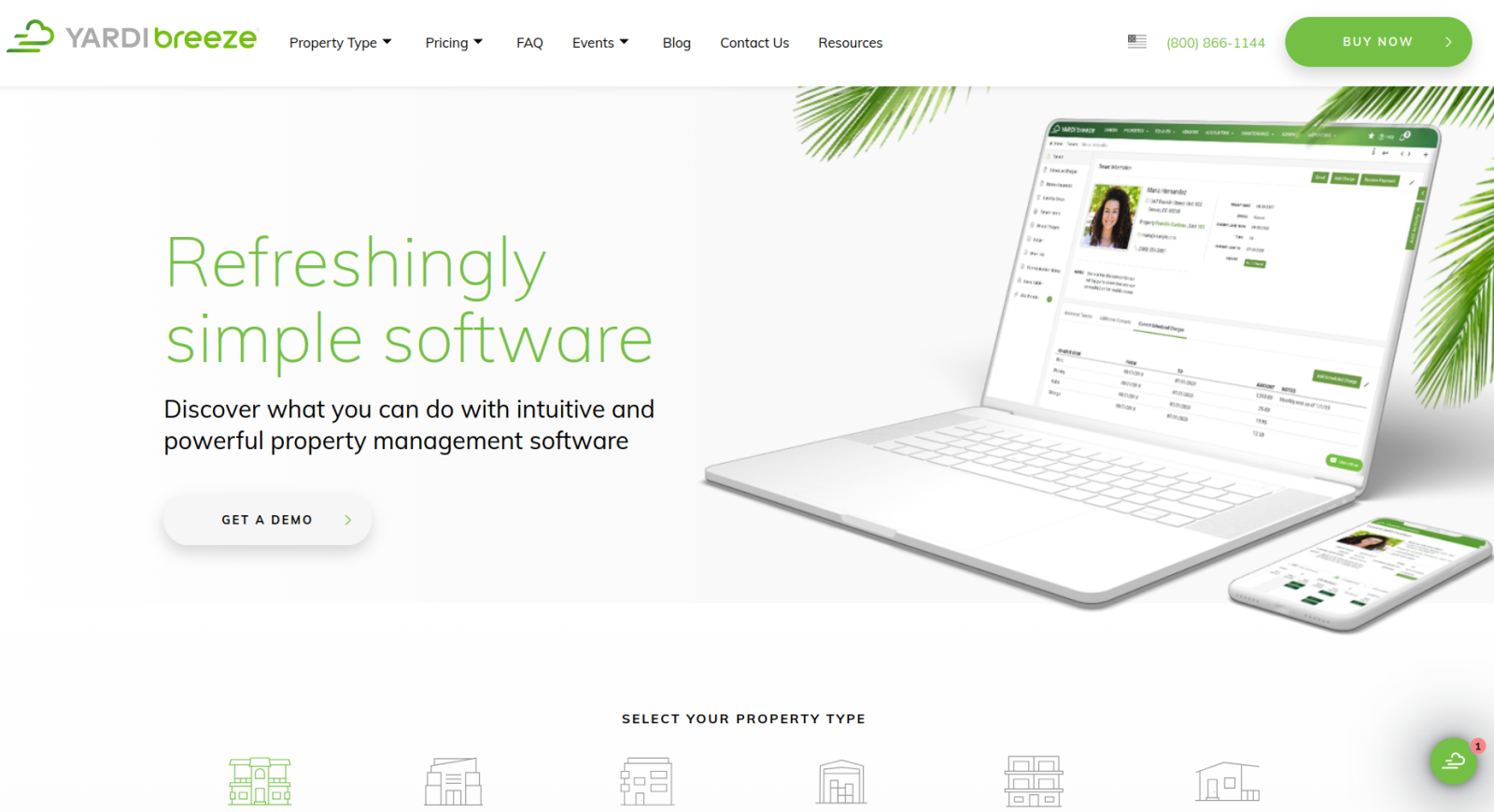
Yardi as a company has been in the property management business since 1984, and Yardi Breeze is its most affordable property management app. It covers all the fundamentals well and provides some extra features, including customizable tenant and owner portals, maintenance management, real estate automation, website listing, and syndication. Accounting tools include double-entry bookkeeping, accounts payable, and accounts receivable, based on the same foundation as Yardi’s enterprise-grade Voyager platform. Integrated utility billing, one of Breeze’s few unique features, helps to simplify and integrate how you collect utility costs from tenants rather than tracking them separately.
I didn’t love the app interface, but that may just be a matter of preference. There is a left-hand sidebar and a menu along the top of the screen, with a few of the same menus duplicated across both. Beyond that, there’s a lot to absorb. Also, while it seems competitively priced at first, with per-unit costs starting at $1, the $100 monthly minimum makes Yardi Breeze far from the cheapest option on this list. It does everything you need, though, and makes it easy to migrate to Yardi Premium or Voyager in the future.
Pricing
Tiers are based on the type of property you manage in the app. It’s unclear how some of the categories are defined or what accounts are charged when they span multiple categories. The website’s breakdown is as follows:
- Residential: From $1 per unit, with a $100 per month minimum
- Commercial: From $2 per unit, with a $200 per month minimum
- Affordable: From $3 per unit, with a $400 per month minimum
- Self-storage: Quote-based pricing
- Associations: From $1 per unit, with a $400 per month minimum
- Manufactured housing: Quote-based pricing
6. TurboTenant
Best for: Tenant screening and lease generation for small portfolios
Why it made the list: Free, automated listing syndication to over two dozen marketplaces is rare, especially on a free plan.
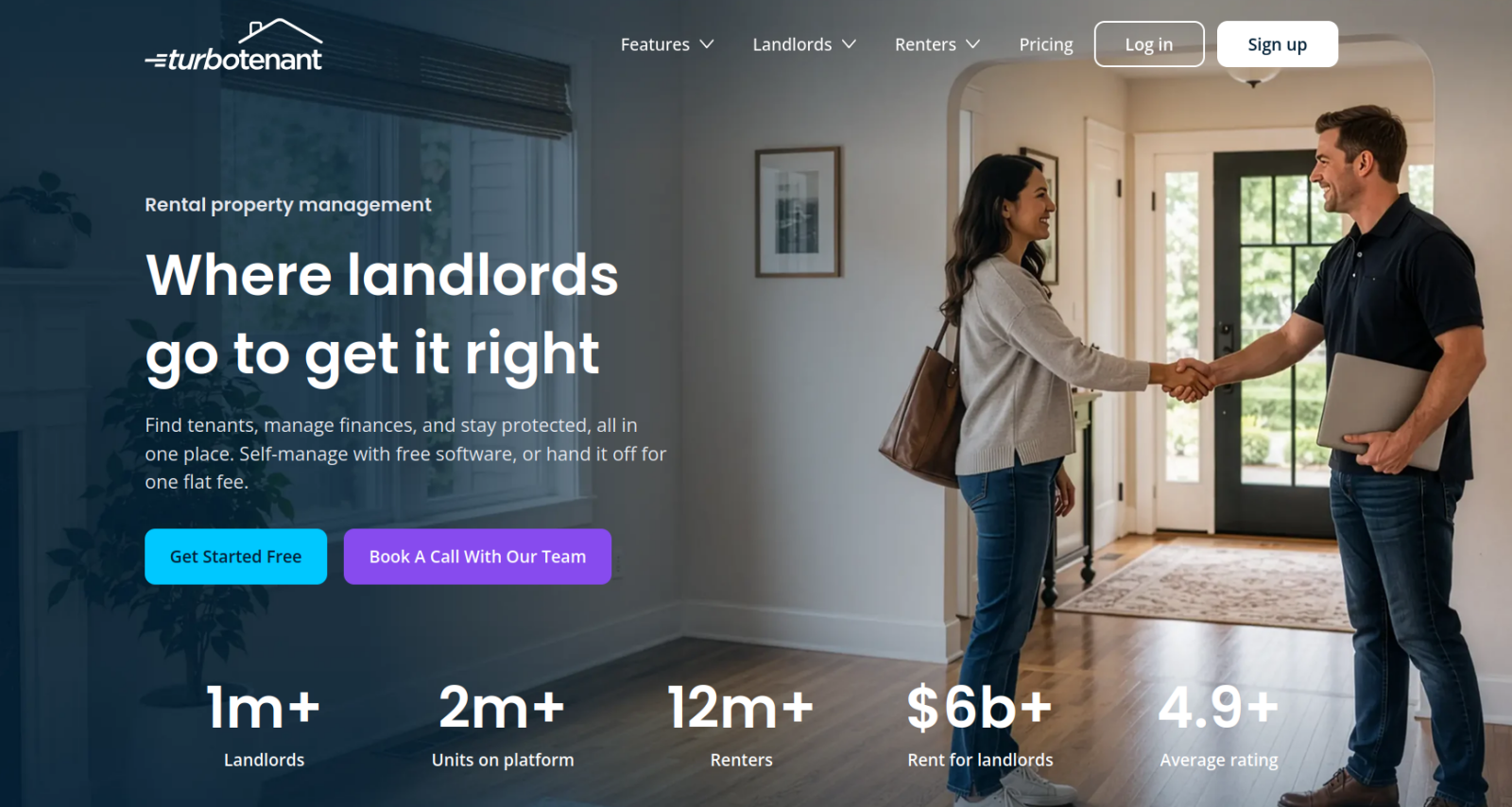
TurboTenant is one of the more narrowly scoped paid apps on this list. It has cursory accounting and maintenance tools while focusing on listing syndication (it posts to 26-plus marketplaces, even if you’re on the free plan) and tenant credit, criminal, and eviction checks (paid for by the applicant). One area in which TurboTenant outperforms Innago is its lease agreement tracker and state-specific lease templates. Every jurisdiction and the most common lease arrangements are covered, backed by unlimited e-signatures on all paid plans and ACH fees waived completely on Pro plans.
Like Innago, the free and low-cost paid plans translate into slower support turnarounds. But TurboTenant doesn’t offer as many integrations, and there’s no bank syncing. The monthly rates on the pricing page are only for portfolios with 10 or fewer units, so figuring out pricing can be difficult if you have more than that. It’s a solid fit for landlords managing a smaller number of units, but larger portfolios will outgrow its features and its pricing past the 30-unit mark.
Pricing
All the following TurboTenant prices are for portfolios of 10 or fewer units. If you have 30 or more units, prices are three to five times higher:
- Free plan: Lead management, showing scheduling, document management, and automated tenant reminders
- Essentials ($12.42 per month): Unlimited e-signatures and lease agreements, plus expedited payouts
- Pro ($16.48 per month): Improved applications and screening with tenant income and employer verification, free ACH transfers, automatic loan tracking, and team features
7. RentRedi
Best for: Connecting unlimited bank accounts and letting tenants pay in cash
Why it made the list: A partnership with Chime lets tenants pay rent in cash at places such as Walmart, CVS, and Walgreens, a payment option almost no other platform on this list offers.
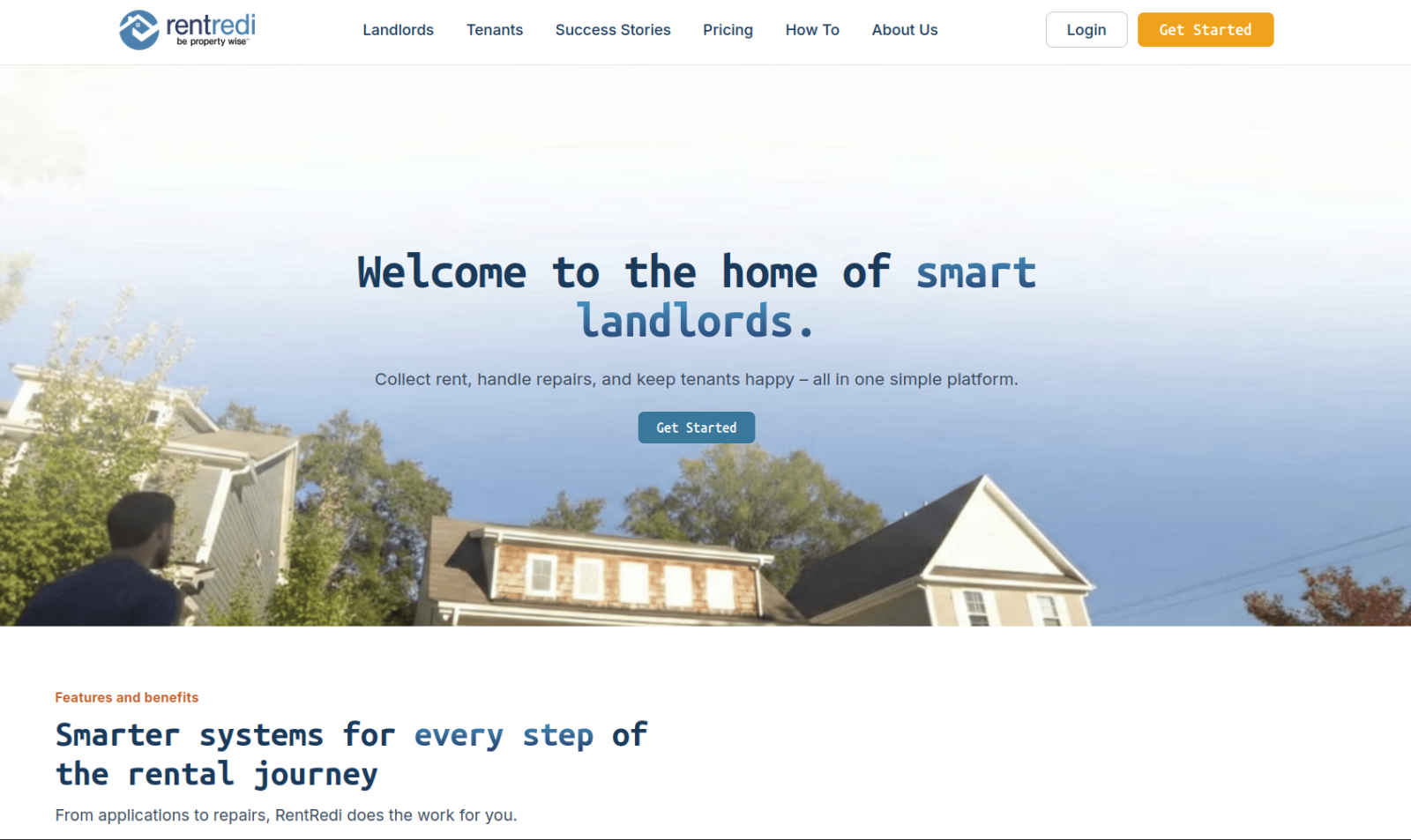
The RentRedi pitch is fairly simple: There’s only one plan tier (with discounts for annual and biannual payments), which comes with unlimited properties, tenants, e-signatures, and teammates. The website says you can connect unlimited payment accounts, but there must be an upper limit because no other tool I tested made similar claims. You can charge “convenience fees” ($1 per ACH transfer and 3.1 percent per card payment) to tenants or pay them yourself, and you can create automated screening questions and late fee ladders. RentRedi has also partnered with Chime so your tenants can make cash deposits at retail stores and apply those payments to their rent.
Another feature that stood out as rare among the apps I tested was rent-splitting so roommates can make payments independently of each other. There are also a few AI features throughout the platform, including tools to polish listing descriptions and auto-categorize scanned documents. Some parts of RentRedi are clunky, especially the application form builder and the notification settings. But it covers the basics, and you don’t have to worry about bumping up against any plan limits.
Pricing
There is only one RentRedi plan, with different pricing determined by whether you will pay monthly ($29.95 per month), biannually ($120 per six months), or annually ($144 per year).
8. TenantCloud
Best for: Property management with a heavy focus on maintenance requests
Why it made the list: A Thumbtack partnership, request automation, and granular team permissions make this an especially flexible platform for dealing with tenant service requests.
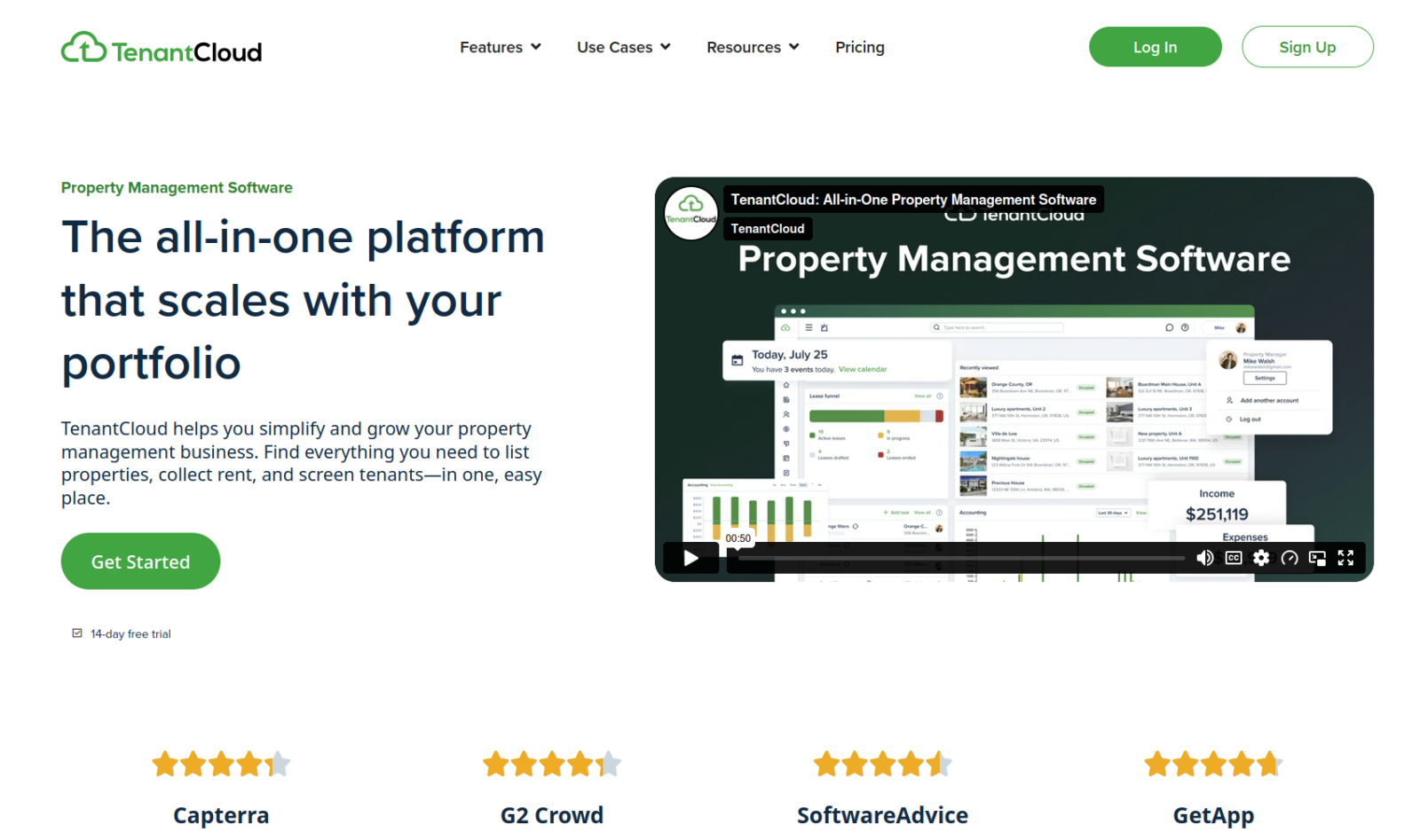
Best for small to midsize portfolios, TenantCloud provides good value for its monthly price tag. Every plan includes unlimited listings, along with listing syndication and tenant screening (paid for by applicants), and its reporting tools are among the best in this budget range. Arguably its most significant feature, however, is TenantCloud’s Thumbtack partnership, which lets owners find and recruit local contractors based on tickets submitted by tenants. You can keep preferred contractors in your digital Rolodex and automatically assign them new tickets by adjusting your automation settings.
For property managers with several people on staff, the Team Management tab lets you define line-item-level permissions. The most expensive TenantCloud plans are significantly cheaper than platforms such as AppFolio and Entrata, but the app locks important features such as bank reconciliation and application form customization behind those paid plans. Still, its focus on team and maintenance management makes it one of the best options for anyone who wants to improve the property management process.
Pricing
- Starter ($25 per month): Unlimited properties, up to 10 leases, basic rent collections, maintenance portals, and listing syndication
- Growth ($35 per month): Up to 30 leases, a PDF lease builder, rental inspections, and property message boards
- Pro ($60 per month): 60 leases, tax reporting, bank statement reconciliation, and customizable application forms
- Business: Unlimited leases, account storage, SMS messaging to leads, and more team members
9. Entrata
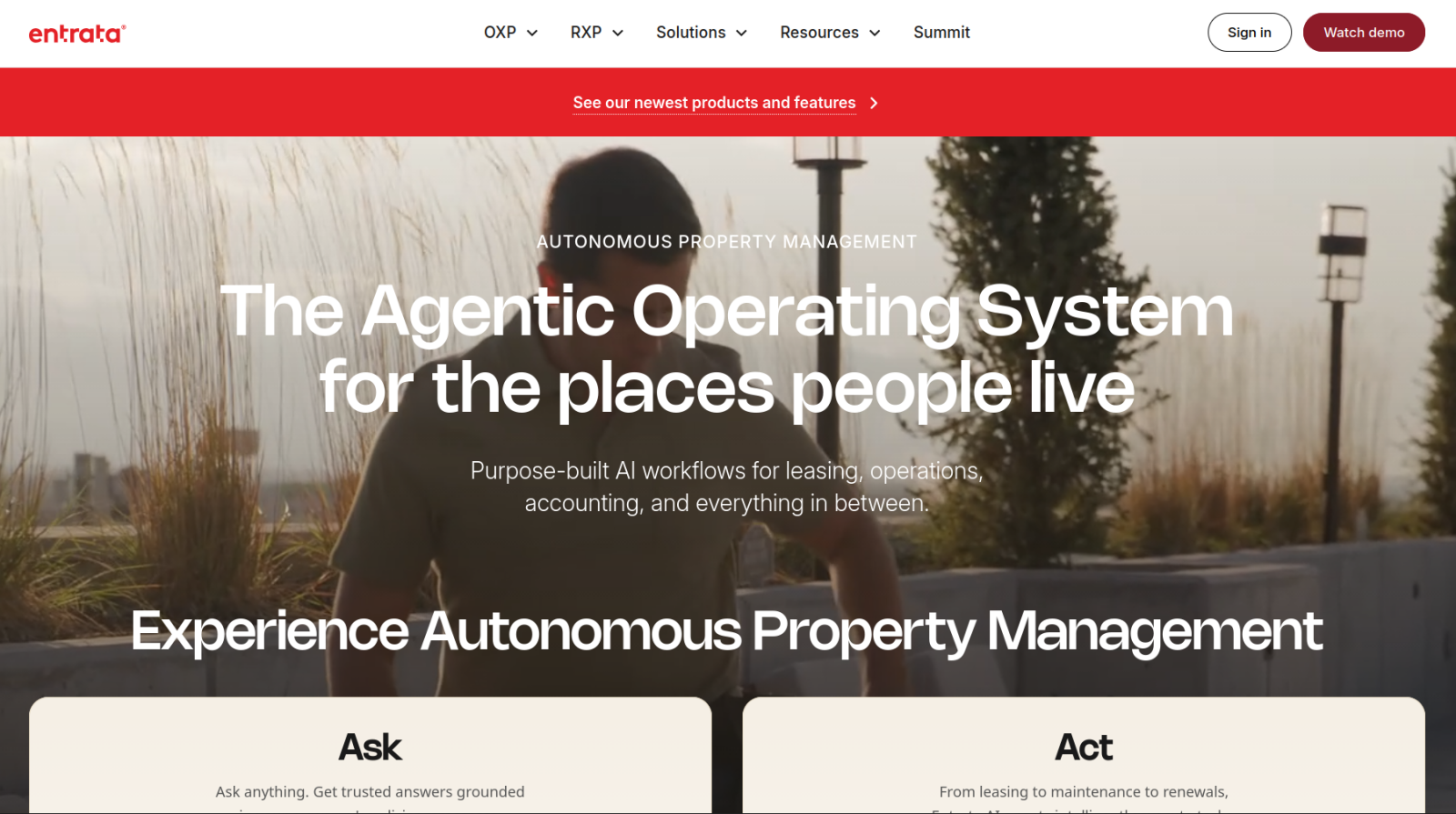
Best for: AI-centric property management for enterprise portfolios
Why it made the list: Its AI agents go well beyond other platforms’ chatbots, proactively routing maintenance issues, scheduling property showings, and qualifying leads autonomously, with guardrail settings to keep the agents from overstepping.
Entrata is both the most advanced and the most expensive tool on this list. It boasts more than 450 templated reports, and you can build custom reports. Its accounting suite is feature-rich, including accounts payable, asset tracking, bank reconciliation, and Revenue Intelligence, a feature for adjusting rental rates based on occupancy and market research. As tenant portal software, Entrata stands out with built-in text translation, a rewards program builder, and smart home integrations that let both managers and tenants interface with smart locks and other such devices. Both the feature list and the UI itself are overwhelming, and the learning curve is steep.
For better or for worse, almost every corner of the platform pushes AI agents and features. There are guardrails and security settings to prevent most mistakes, but you have to set up and manage them. Still, Entrata is clearly built by people who understand how large-portfolio property managers work.
Pricing
No pricing information is listed on Entrata’s website. The user reports I found all referred to six-figure annual bills.
How to choose the best property management app
Almost everything a property manager does in a typical day boils down to requesting or receiving information and deciding what to do with it (which applicant to pick, who should repair a broken screen door) or turning structured data into revenue growth (creating new listings, sending out lease renewals). Plenty of tools that handle those needs, at different levels of polish and price, customization and complexity:
- If you’re managing a large portfolio, pick Entrata or AppFolio. Both are built for scale, with features including AI agents that autonomously route maintenance issues, revenue intelligence tools that adjust pricing automatically, and dedicated tenant apps that go beyond basic screening and rent collection. Or, if you’re growing quickly, go with Yardi Breeze because of its more mature sibling platforms.
- If you want to customize your property management workflows to match how you operate, pick Jotform Apps or TenantCloud. Jotform lets you build tenant, owner, and vendor portals from scratch with no-code tools, so your app interfaces and style match your preferences and management tasks. TenantCloud’s line-item permission system offers a similar level of control over team access, even if its automation tools are much more limited.
- If budget is the priority, pick Jotform Apps, Innago, or TurboTenant. Innago is free outside of transaction and screening fees, TurboTenant is built for landlords with smaller portfolios who mainly need help with screening and paperwork, and Jotform charges based on submissions rather than per unit, which can be cheaper, depending on how many units you manage. All are great apps for small businesses.
There’s no substitute for testing a platform hands-on before committing your tenant and financial data to it. Jotform’s free trial, usage-based pricing, and lack of sales-call negotiations make it one of the easier options to try out for yourself before committing to anything long term.
This article is for independent landlords, residential property managers, real estate investors, and community association managers who are tired of managing rent checks via Venmo, dealing with unorganized maintenance texts, and filing paper leases.





































































































Send Comment:
1 Comment:
December 9, 2025
This guide is exactly what property managers need when evaluating new software. Clear comparisons, practical examples, and honest pros/cons. Thanks for sharing such a well-researched resource!