
Oh, the irony: It’s hard to procure a procurement app. You’d think a category built entirely around shopping for, evaluating, and comparing vendors would, itself, be well optimized for buyers. But because of the long list of departments and processes procurement touches and the precarious balance of automating the mundane without sacrificing redundancy and safety, choosing the right platform presents a challenge, even for people who specialize in the field.
Procurement platforms should, at their most basic, make sure spending requests are documented, visible to the right people, and processed as quickly and efficiently as possible. And every team has different needs, especially those at small businesses.
Some procurement apps are mainly interested in spending management and budget guardrails. Others put more weight on supplier sourcing and vendor relationships. A few of these apps try to do it all, either in a giant enterprise platform or a tool that helps users build exactly what they need. There are a lot of options. So I looked at the most popular and well-reviewed tools to narrow the list to what I believe are the nine best procurement apps for small businesses in 2026.
| App | Best for | Ease of use | Integrations | Starting price |
|---|---|---|---|---|
 Jotform Apps |
Building fully customized no-code procurement apps and workflows |
Easy |
QuickBooks, Xero |
$34/month |
 Procurify |
Communicating and collaborating on procurement workflows as they happen |
Somewhat easy |
QuickBooks, Sage Intacct, NetSuite, Microsoft Dynamics 365 |
Custom quote |
 Precoro |
Having audit-ready approval histories and compliance baked into everyday purchasing |
Hard |
QuickBooks, Sage Intacct, Xero, Slack |
$499/month |
 Zip |
Building AI-centric procurement workflows, oversight, and automation |
Easy |
QuickBooks, Sage Intacct, NetSuite, Workday |
Custom quote |
 Ramp |
Having software- and technology-focused procurement in a corporate card and spending platform |
Easy |
QuickBooks, Sage Intacct, NetSuite, Microsoft Dynamics 365 |
$15/month |
 Tradogram |
Managing procurement for small teams with distinct projects and budgets |
Somewhat easy |
QuickBooks, Sage Intacct, NetSuite, Microsoft Dynamics 365 |
$225/month |
 Order.co |
Creating company cards and catalogs for spending management and procurement |
Easy |
QuickBooks, NetSuite, Sage Intacct |
Custom quote |
 Spendesk |
Managing as a small business with multi-entity or multicurrency procurement workflows |
Somewhat hard |
QuickBooks, Xero, NetSuite, Slack, Workday |
Custom quote |
 Tipalti |
Supporting procurement workflows with complicated or difficult tax compliance requirements |
Hard |
QuickBooks, Sage Intacct, NetSuite, Microsoft Dynamics 365 |
$99/month |
1. Jotform Apps
Best for: Building fully customized no-code procurement apps and workflows
Key strengths
- AI App Builder generates web and mobile procurement apps from plain language prompts.
- Jotform Workflows can automatically route purchase requests by department, cost, or item type.
- Push notifications keep managers and requesters updated without having to check the app manually.
Main limitations
- It’s not a dedicated procurement tool.
- While apps are optimized for mobile, they can’t be listed in the Apple App Store or Google Play Store.
Some procurement teams stick to procedures and templates created by those who came before them, even when those templates aren’t best for the business. Jotform Apps lets you build something entirely your own, with options for everything from tailored purchase requisitions and supplier sourcing to vendor payments and reviews. When creating the user-facing part of your app, you might start from scratch with the drag-and-drop builder, use one of the app templates, or describe what you want and have the Jotform AI App Builder generate it.
Whatever you create will be reliable, because Jotform supports SOC 2 principles and is GDPR and CCPA compliant, and it has HIPAA-enabled workflows on higher-tier plans. So you’ll benefit from encrypted file-upload fields, PCI DSS payment gateways, and audit trails for digital contracts in Jotform Sign. You can connect all of these features to your existing inventory management tools before wiring them to your app’s front end with Jotform Workflows, which automatically updates a catalog or routes purchase requests to the appropriate approver.
Every form, file upload, e-signature, approval, and update gets saved and backed up to Jotform Tables, where you can create dashboards and chart, analyze, and export whatever data you like, whether it’s big-picture insights or daily routines.
Most procurement platforms are rigid, expensive, enterprise ordeals. For small businesses that prefer personalized data intake and workflows over broad industry standards, Jotform AI App Builder and Jotform Apps are more affordable, and scalable, alternatives.
Jotform pricing
- Starter (free): The free plan includes one user, unlimited apps with up to five connected forms, 100 submissions per month across all forms, 100 MB of storage, and 10 payments collected by your forms per month.
- Bronze ($34 per month on annual plan): Account limits are raised to up to 25 forms, 1,000 submissions per month, 1 GB of storage, 100 payment submissions per month, and the option to remove Jotform branding.
- Silver ($39 per month on annual plan): This plan includes up to 50 forms, 2,500 submissions per month, 10 GB of storage, and 250 payments per month.
- Gold ($99 per month on annual plan): The limit on the total number of forms jumps to 100, with up to 10,000 submissions per month, 100 GB of storage, 1,000 payments submissions per month, and support for HIPAA-enabled forms.
- Enterprise plans (custom pricing): These plans offer unlimited users, forms, submissions, and payments, in addition to enterprise-level security controls and higher-tier support, based on a conversation with sales.
Pro Tip
If you are a contractor, you can discover the best apps for contractors to find work, manage projects, and grow your business.
2. Procurify
Best for: Communicating and collaborating on procurement workflows as they happen
Key strengths
- Its intuitive in-app commenting helps create a single source of truth.
- Solid PunchOut integration lets requesters create purchase orders from e-commerce product pages.
- The mobile app is polished and easy to use.
Main limitations
- The integrations list is short compared to other platforms.
- Spending and budget analysis tools cover many areas but are relatively shallow.
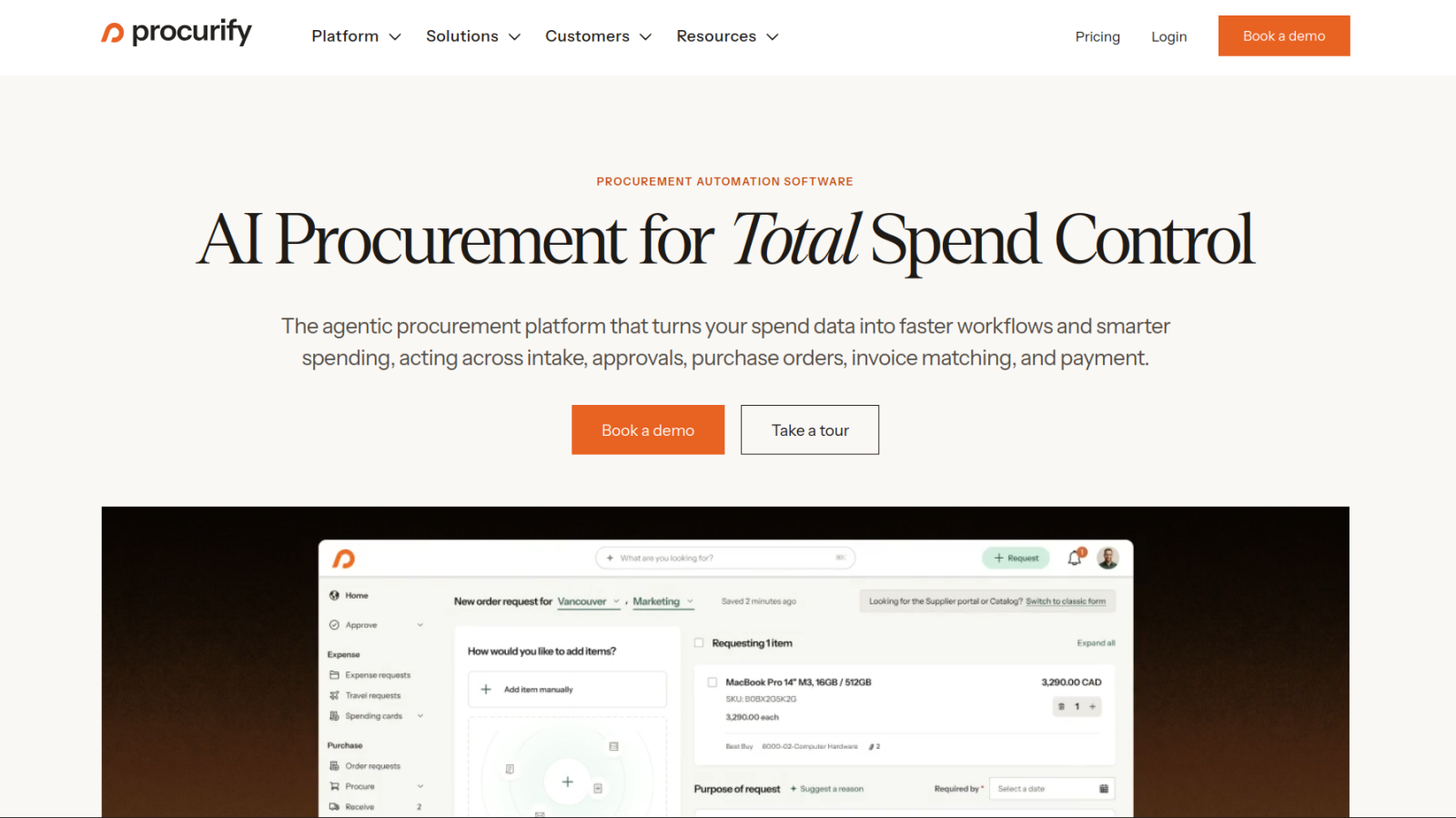
Almost everything good and bad about Procurify boils down to its user experience and interface. On the good side, dashboards and request queues feature just the right amount of information and don’t overdo it, and the built-in AI does a decent job generating responses to plain language questions (e.g., about closed and open orders, and reimbursements). Building customized automations and product catalogs is similarly straightforward, making it fairly easy to shape workflows to your existing processes and preferences.
Procurify’s issues involve its short integrations list and its analysis tools, which are adequate but not flexible enough for data fiends. Some users raised concerns about how taxes are calculated and applied on certain orders, although those issues might be specific to their locations or jurisdictions.
Procurify pricing: There is no publicly documented pricing, so you’ll have to schedule a call with sales to receive a quote.
3. Precoro
Best for: Having audit-ready approval histories and compliance baked into everyday purchasing
Key strengths
- Approval tracking and document version histories are built with audits and compliance in mind.
- Custom form builder simplifies the standardization of purchase orders and requisitions.
- Broad feature coverage handles most procurement use cases out of the box.
Main limitations
- Incredibly expensive
- No built-in vendor rating system
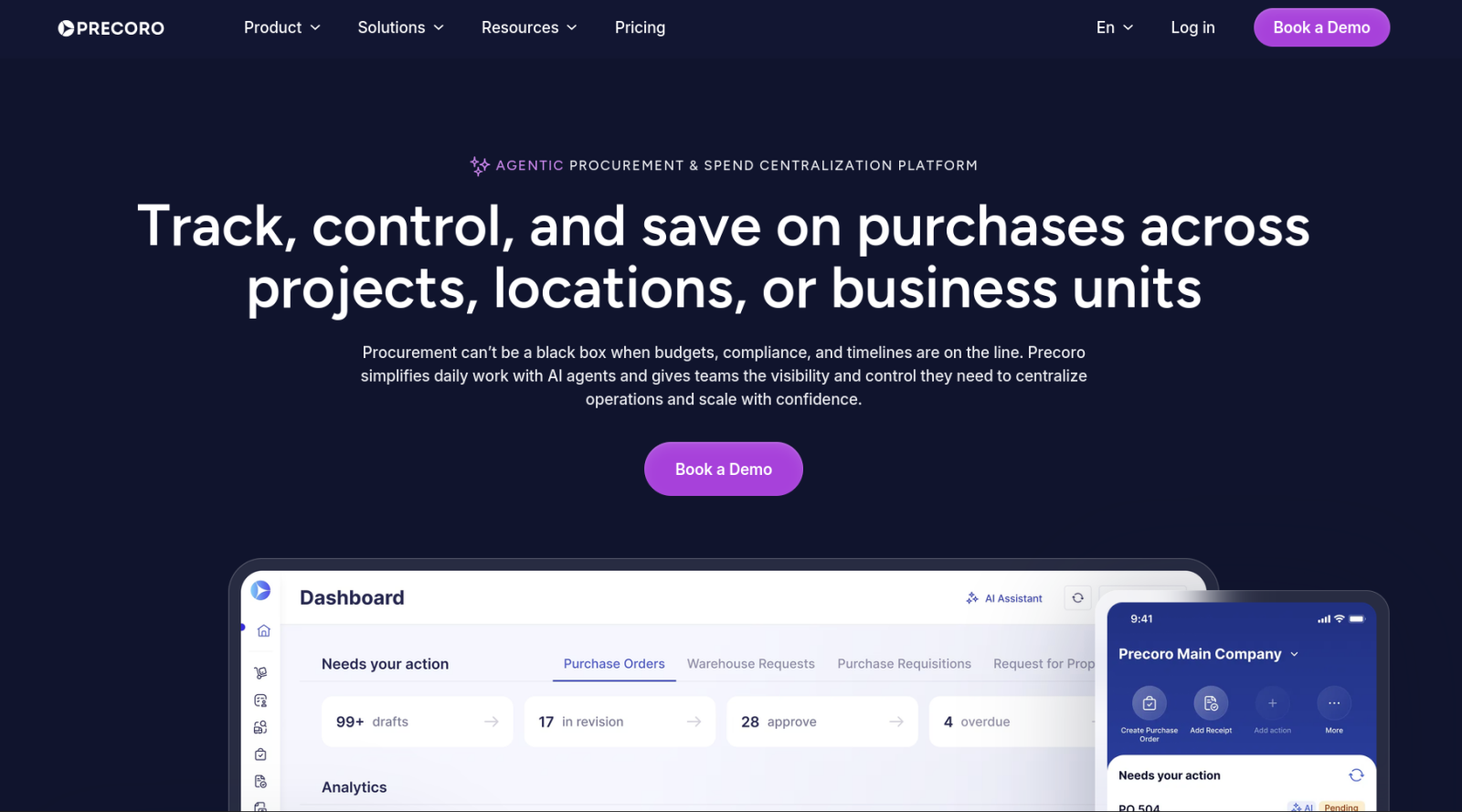
Precoro is easily one of the best procurement platforms for companies in regulated industries like healthcare, defense, and the public sector. Every contract, purchase order, and workflow step is tracked and documented in case of an audit, and the platform supports SOC 2 Type II principles, is GDPR and CCPA compliant, and has HIPAA compliance features.
Precoro does a really good job of covering all the procurement basics. There’s a custom form builder for purchase requests, purchase orders, and invoices. Automation workflows are flexible and straightforward to diagram and roll out. I was also happy to see automated inventory and stock management, which isn’t as common in these types of platforms as I had expected.
The trade-offs mostly come down to cost and a lack of niche features, like the ability to track vendor performance over time. Precoro publishes pricing estimates for basic use cases up front, which is an improvement over the gated pricing on other platforms, but you’ll still have to get on a sales call eventually. And $6,000 per year for the entry plan isn’t cheap. However, those downsides may be worth it for businesses beholden to onerous regulatory requirements.
Precoro pricing: Signing up for any of the plans requires getting a quote and talking with sales about your specific needs:
- Core ($499 per month when billed annually): All basic procurement features, in-app payments, vendor management tools, and standard integrations
- Automation ($999 per month when billed annually): Everything in Core plus inventory management, AI tools, PunchOut workflows, and premium integrations
- Enterprise plans (custom pricing): Based on a contract negotiations; include unlimited users, enterprise security and controls, custom integrations, and regional account servers
- AP Module Add-On ($499 per month when billed annually): Accounts payable and approval automations, advanced payment features, and API access
4. Zip
Best for: Building AI-centric procurement workflows, oversight, and automation
Key strengths
- You can use specialized “Superagents” that handle tasks autonomously, instead of having one generic AI chatbot.
- The App Studio lets you fine-tune Superagent permissions and skills.
- Integrated payments and vendor cards give real-time visibility into company spending.
Main limitations
- No custom product catalog or PunchOut support for online purchases
- No quality-of-life basics, like the ability to edit submitted purchase orders or add notes for approvers
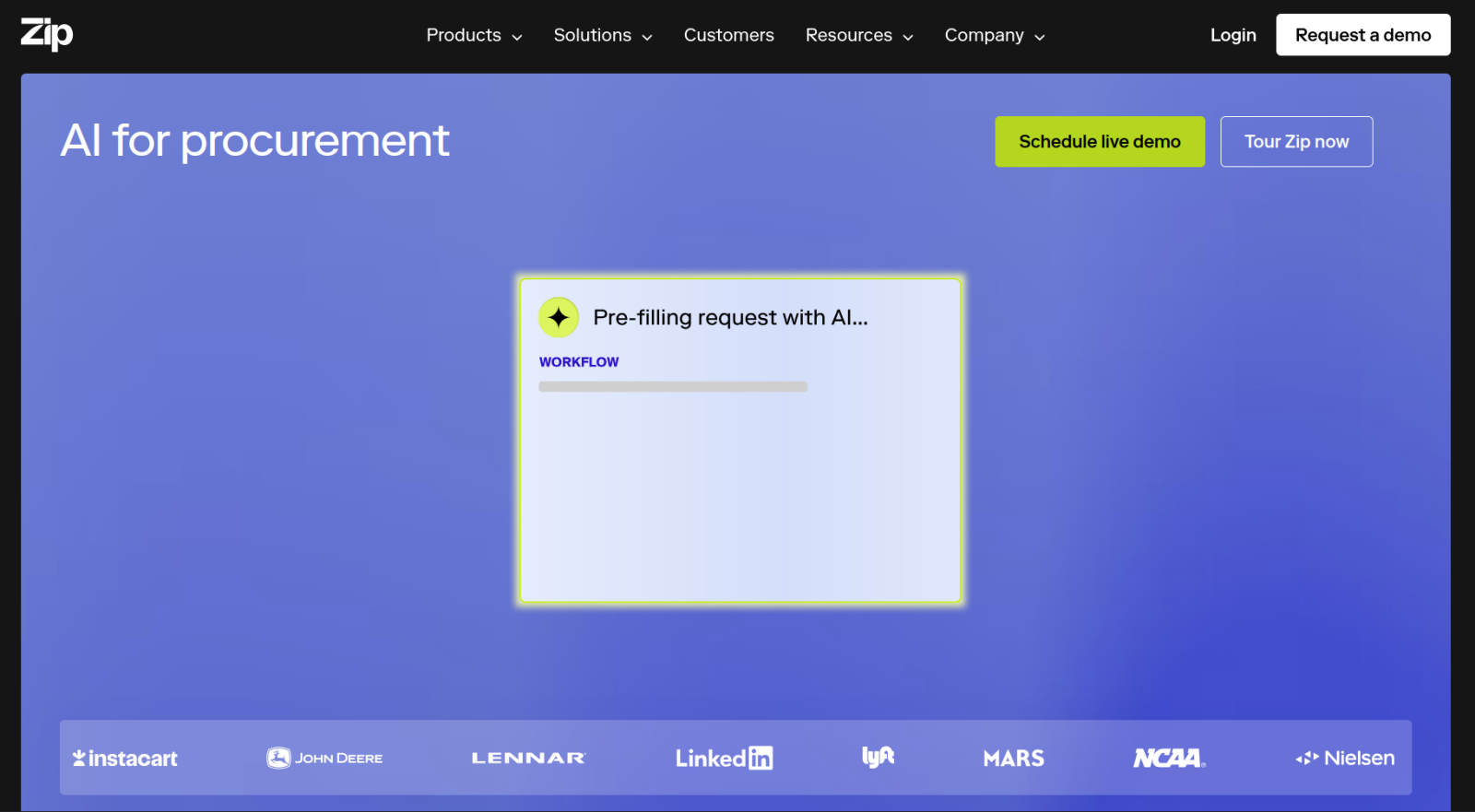
Your choice to use Zip will probably come down to how much you love or hate AI, because there’s barely a corner of the platform that doesn’t put an agent or a chatbot front and center. While that might be an uncomfortable addition to the procurement process for many, you can use these seemingly specialized Superagents for different types of jobs, rather than having a general purpose chat window. And with the App Studio window, you can allow or disallow specific agent actions and fine-tune how they operate by uploading policy documents and internal knowledge bases.
Zip feels less impressive everywhere the AI isn’t. Dashboards and analytics seem hard to wrangle compared with other procurement platforms, and there’s no support for custom or PunchOut product catalogs. Some Zip reviewers highlighted issues that you’ll notice only after spending a lot of time with the app (for example, not being able to edit a field on a purchase order after it’s submitted or add detailed notes to purchase orders or purchase requests).
Zip pricing: There are no pricing estimates or plan tiers listed on Zip’s website. You have to request a demo to receive a quote.
5. Ramp
Best for: Having software- and technology-focused procurement in a corporate card and spending platform
Key strengths
- Two- and three-way matching automatically validates invoices against purchase orders and receipts.
- Workflow, automation, and form builders are polished and easy to use.
- Its integration list is one of the strongest of the apps on this list.
Main limitations
- Procurement is an add-on module, not Ramp’s core focus or feature.
- Procurement features are heavily biased toward tech and software purchases.
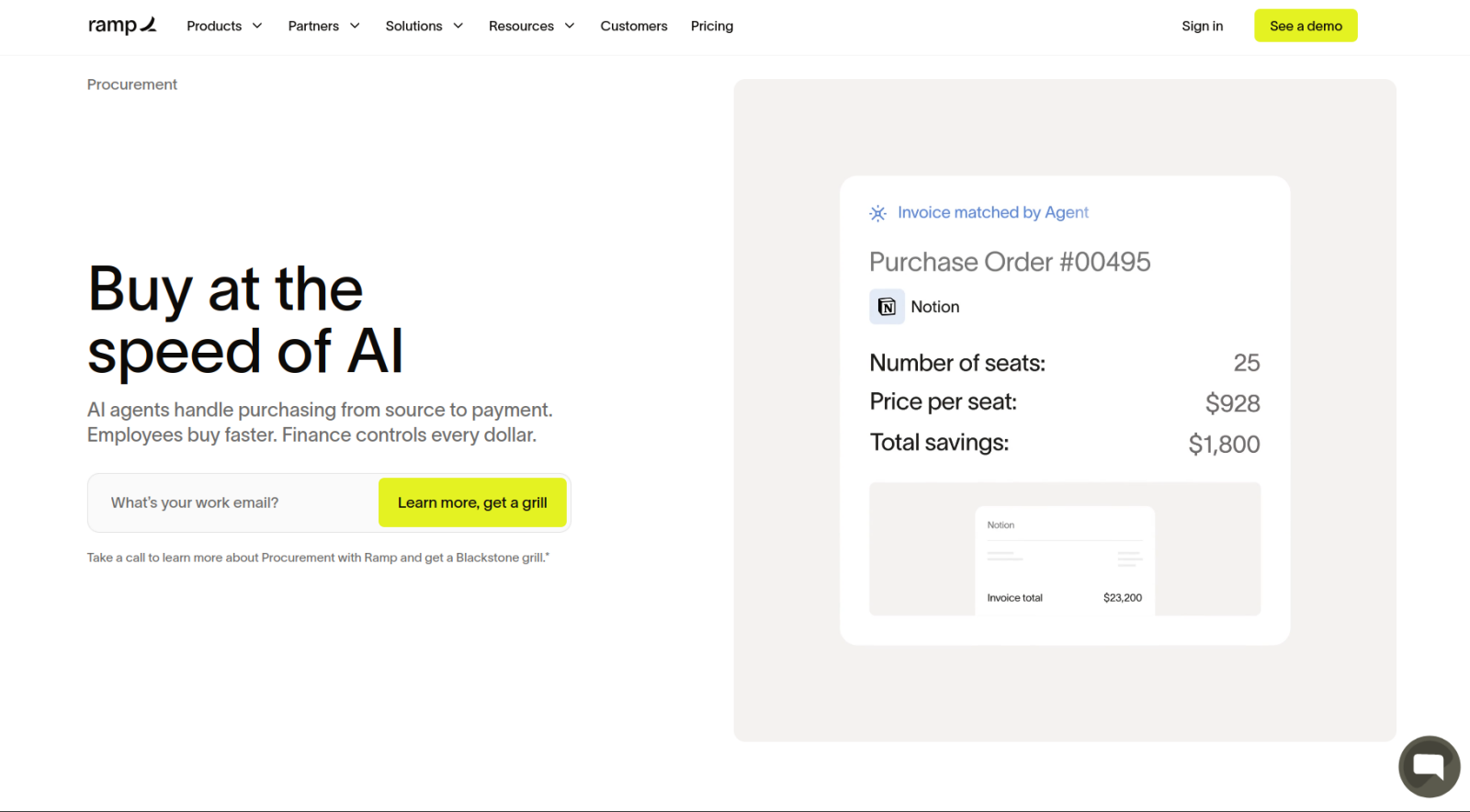
Ramp started as a provider of corporate cards and spending management, only adding purpose-built procurement in recent years. That’s fine for many small businesses but is probably a dealbreaker for mature or multiperson procurement teams, even if what’s on offer is solid. Workflow, automation, and form builders make it easy to route purchase requests without a lot of tedious configuration. And Ramp’s AI can suggest vendors or generate RFPs during intake, though those suggestions are noticeably optimized for software and other tech purchases rather than physical goods or services. A highlight of Ramp’s offerings for procurement for startups is RSVPay, an in-app price intelligence tool that draws on purchasing data from thousands of other Ramp customers to flag when you’re likely overpaying for business software.
In terms of more generic procurement features, the app’s two- and three-way matching validates invoices against purchase orders and receives records automatically, whether those purchase orders originated in Ramp or were imported from QuickBooks or NetSuite. Its spending controls and expense management are about as good as it gets (which tracks, given Ramp’s roots in company cards and banking). The app also has one of the most comprehensive integrations lists of the tools I reviewed, and its pricing is among the more affordable, despite the procurement module being an add-on rather than bundled into Ramp’s base plan.
Ramp pricing
- Free: Includes corporate cards, expense management, and basic accounts payable tools
- Plus ($15 per user, per month; plus a platform fee based on company size): Adds AI-assisted expense reviews, automatic card locks for compliance issues, batch payment automation, and accounting integrations
- Enterprise: Unlocks all integrations, global payment benefits, and custom security and onboarding sessions, based on a call with sales
- Procurement (add-on to Plus or Enterprise): Adds intake and approval workflows, AI-driven vendor compliance checks, automated purchase order creation and tracking, and three-way matching with Ramp purchase orders
6. Tradogram
Best for: Managing procurement for small teams with based on distinct projects and budgets
Key strengths
- Supplier evaluation tools have plenty of customizable fields and tagging options.
- In-app instant messaging keeps procurement conversations attached to associated transactions.
- Because its target audience is small businesses, it’s one of the more affordable procurement apps.
Main limitations
- Suppliers must have an account to respond to RFQs.
- Support documentation is lacking, making some features hard to master.
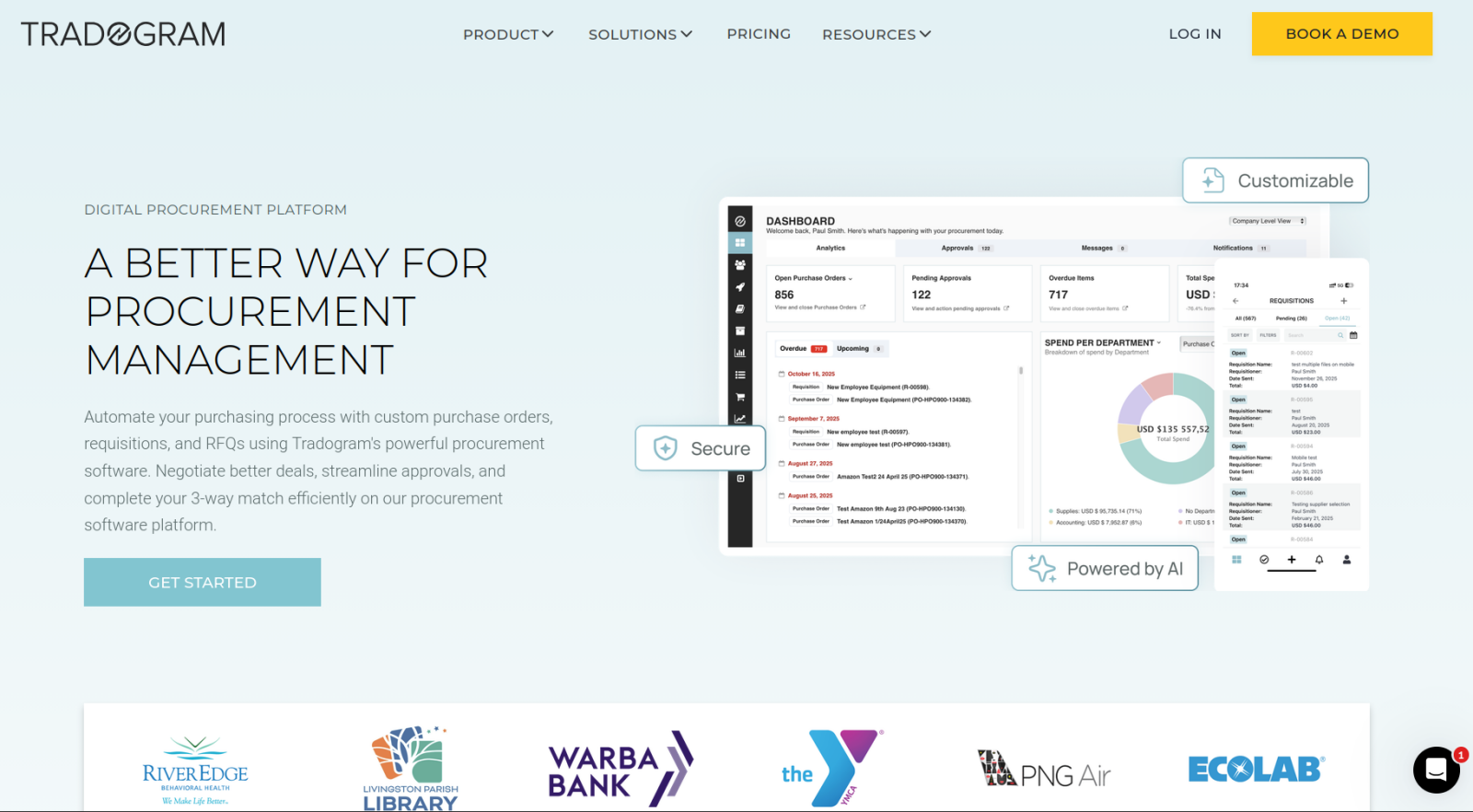
One of the major reasons Tradogram made this list was because of how well it differentiates between procurement tied to time-bound projects and open-ended company-wide purchasing. That distinction makes it an excellent option for contractors who track material costs against specific jobs, agencies that need procurement broken out by client engagement, and nonprofits that manage purchases against restricted grant funding. Users can ensure that valuable procurement data from one project informs future projects, with Tradogram’s supplier evaluation tools, which come with plenty of customizable fields and tagging. Pair that with in-app messaging and comments attached to each transaction, and you have an easily searchable procurement history.
Tradogram’s disadvantages mostly involve user friction. Tradogram is one of the few platforms of its kind to offer a free trial, but you can unlock it only after booking a demo. Suppliers responding to RFQs also need to create their own accounts, which seems like a burden for both suppliers and procurement teams. Some users felt that the support documentation was far too sparse to learn how to use the app quickly enough.
Tradogram pricing: Tradogram should be well within most small business budgets, especially considering that its entry-level plan offers more than most teams will ever need.
- Pro ($225 per month, billed annually): One user and unlimited transitions, items, suppliers, and categories
- Premium ($425 per month, billed annually): Ten users, priority support, multilocation procurement, and white label options
- Enterprise plans (custom pricing): Assigned account manager, unlimited users, custom integrations, and private cloud or on-premises hosting
7. Order.co
Best for: Creating company cards and catalogs for spending management and procurement
Key strengths
- Vendor-locked virtual cards track spending and enforce budgets automatically.
- AI catalog management flags duplicate items and enriches product listings.
- Onboarding requires low effort and a shallow learning curve.
Main limitations
- The integrations list is limited compared with more procurement-focused platforms.
- The streamlined design leaves less room for granular order control and communication.
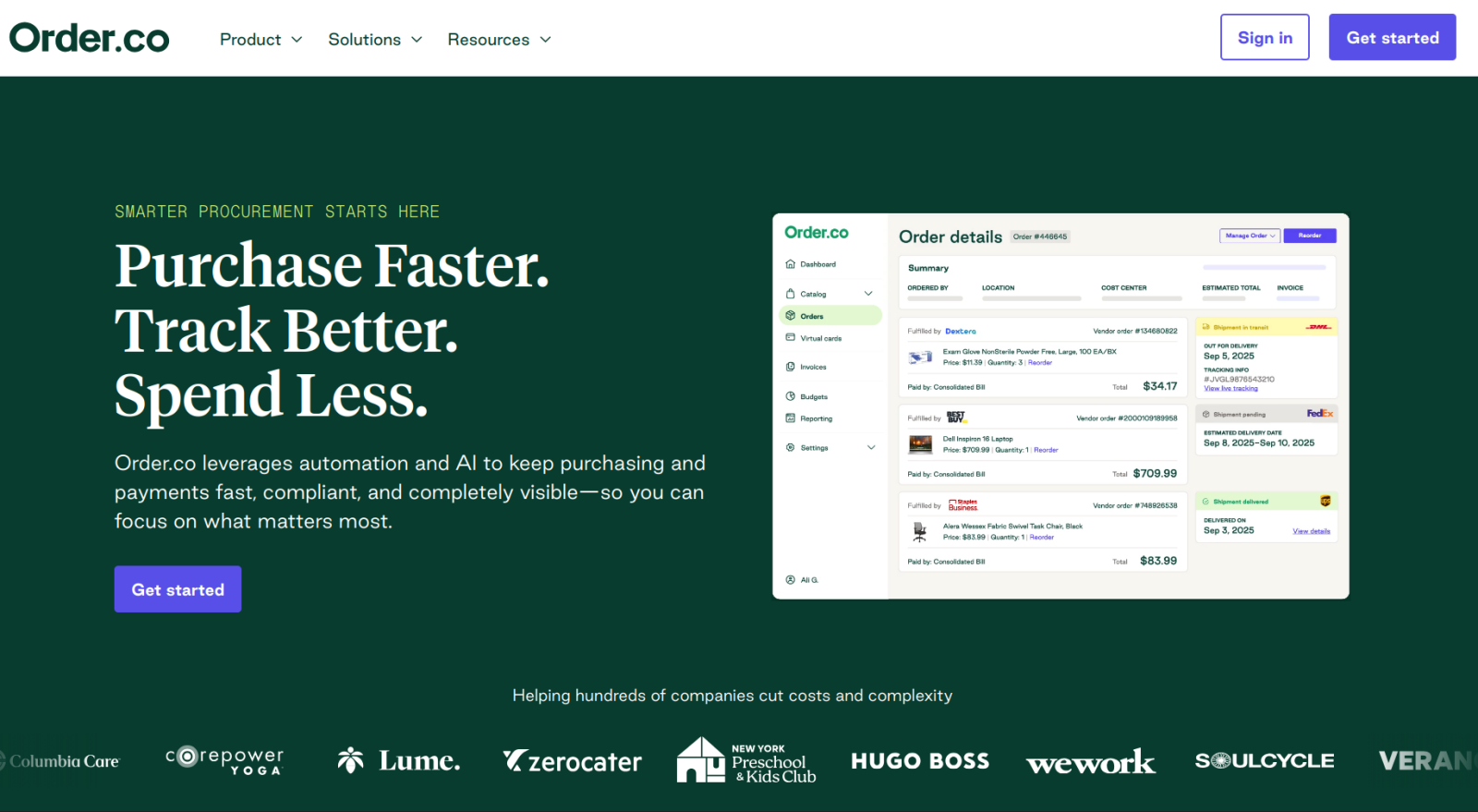
The first and most important thing to know about Order.co is that it’s closer to a spending management tool than an advanced procurement platform. It has more to offer than Ramp, but less than Procurify, potentially occupying a Goldilocks zone for small businesses. Vendor-locked virtual cards are arguably the best feature, tying spending directly to budgets so purchasers don’t have to fret over whether something is allowed. In terms of AI features, I was impressed by Order.co’s catalog management, which flags duplicate items and enriches product listings with missing details automatically. AI sourcing was harder to test but claims to reveal the best prices, without any human input, before a purchase order is finalized.
The app involves a lot less setup and configuration than other platforms on this list, but that simplicity comes from a fairly streamlined workflow. Some teams won’t like the minimized control over order details and vendor communication, especially if they work in industries or with products for which negotiation is unavoidable. And while the integrations list covers most of the basics (QuickBooks, NetSuite, Sage Intacct), it is on the short side. Nevertheless, it’s hard to beat for businesses that just want to control spending without a long and complicated onboarding process.
Order.co pricing: Plan tiers are not listed anywhere on the website, and there’s no free trial. The only option is to schedule a demo and discuss your procurement needs with a sales rep.
8. Spendesk
Best for: Managing as a small business with multi-entity or multicurrency procurement workflows
Key strengths
- The app’s advanced form builder supports field validation, file uploads, and conditional logic.
- Its integration list extends far beyond standard enterprise resource planning connectors.
- Spendesk’s dedicated subscription management tracks recurring costs and automates price-increase alerts.
Main limitations
- Because its AI is based on Model Context Protocol (MCP), there are no purpose-built automation features out of the box.
- The user interface can be confusing and difficult to navigate.
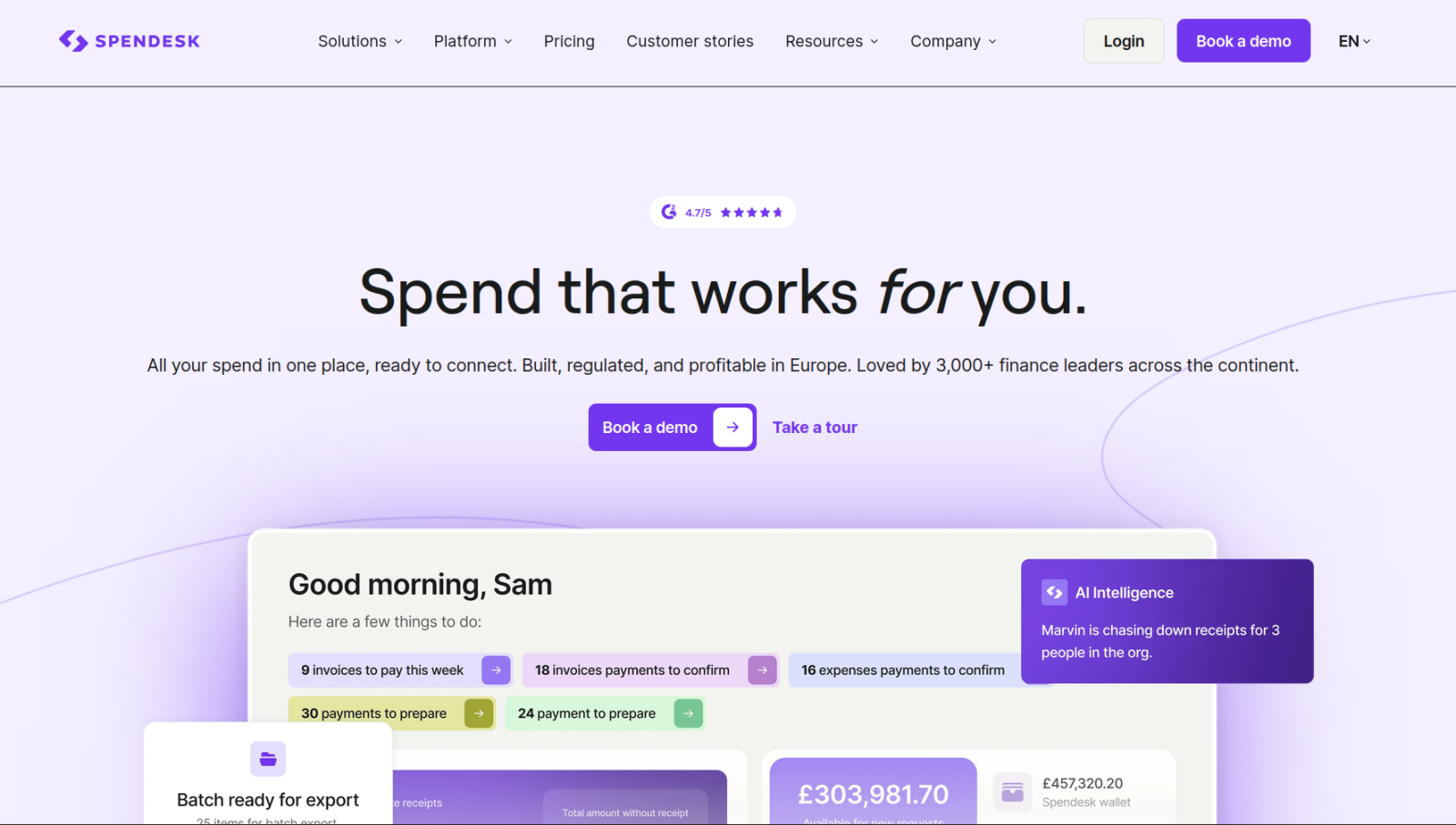
Spendesk markets itself to companies that have 50–250 employees and have outgrown spreadsheets and email-driven procurement but aren’t quite enterprise-scale yet. So you get some higher-end features (like multi-entity, multicurrency, and multilocation tools) paired with far more integrations than other small business-focused competitors. The dedicated subscription management tool also feels more polished and useful than similar tools from competitor apps. It can create virtual cards for every subscription, schedule regular reviews, and send alerts when a price increase crosses certain thresholds. The drag-and-drop automation builder, too, feels smooth and flexible enough for most use cases.
Spendesk is definitely not the best option if you’re looking for AI features, however. All you get is the option to connect your account to third-party models through MCP, meaning you have less control (you can at least pick your LLM of choice). But there’s less purpose-built AI functionality. The user interface isn’t awful, but it doesn’t seem to have had the same forethought put into it as other features.
Spendesk pricing: Your monthly or annual bill is calculated based on an unlisted fixed fee for platform access and variable transaction fees based on the number of transactions you make. To learn more, you will have to schedule a call with the Spendesk sales team.
9. Tipalti
Best for: Supporting procurement workflows with complicated or difficult tax compliance requirements
Key strengths
- Approvals can be synced from Slack, email, or other third-party apps.
- The supplier hub includes design customization and flexible payment options.
- The app’s “tax wizard” handles complex compliance forms for procurement reporting automatically.
Main limitations
- One of the most technical, difficult procurement apps to master
- Confusing billing, with a variety of fees contributing to subscription cost
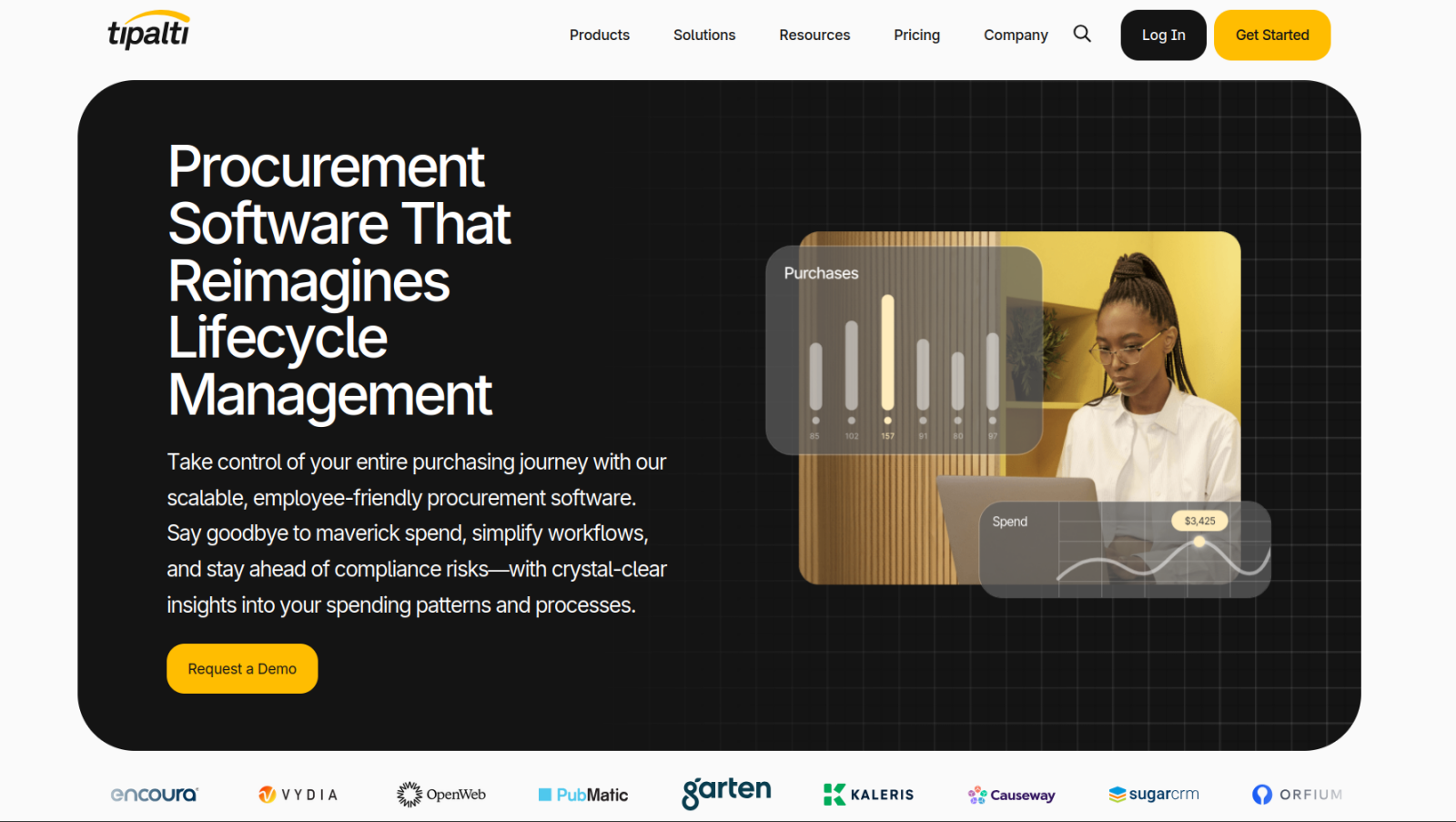
For all of its complexities, the things that stood out to me about Tipalti were the small, quality-of-life improvements. Approving purchase requests and purchase orders in a Slack or email reply is incredibly straightforward, and the app pipes those answers into its flow. So approvers don’t have to update their existing habits. You can customize the theme of your supplier portals. It also has advanced tools. The in-app tax wizard is the most valuable, helping you validate tax IDs across 62 countries and enforce proper form collection.
Still, Tipalti is absolutely on the enterprise end of the spectrum, with all of the baggage that entails. It’s not an easy tool to pick up, and it isn’t cheap. While there are fixed platform fees, those prices will be a far cry from your final bill after accounting for transaction fees, add-on modules (of which procurement is one), onboarding costs, and account funding requirements. Tipalti is worth the learning curve for businesses managing a lot of international suppliers and payment complexity, but it’s overkill for simpler procurement needs.
Tipalti pricing: There are two plan options: Accounts Payable (starting at $99 per month) and Mass Payments (starting at $249 per month). Each charges transaction fees determined by your account volume. There are also add-on fees, including the procurement module fee.
How to choose the best procurement app for your small business
Touching every aspect of your business (including accounting, legal, frontline employees, and executives), procurement is one of the most complex parts of keeping a business running smoothly. There’s no One True Way to go about it, and no platform will work perfectly for every use case. So before booking a demo call or signing up for a trial, make sure you know where you stand on a few essential questions.
Where do your purchasing workflows actually begin?
The purchasing process usually starts in one of two ways: An employee needs something and fills out a request, or a project’s new spending gets approved. Customization-focused Jotform Apps is great for either scenario, since you can create workflows with a single AI prompt, whereas Tradogram is worth considering for the way it handles project-oriented procurement and tracking.
How technical is your team?
The answer to this question will push you into one of two categories of apps. You can go for a complex tool that is difficult but rewarding to master, like Tipalti. If you don’t have people on staff who can manage complicated data structures, however, you’ll want to stick to platforms that guide you through the process of creating an app without coding, like Jotform Apps or Zip.
Do you need dedicated inventory matching or just spending guardrails?
Not every business needs full inventory and stock automation built into its procurement stack. For teams that need to match invoices against purchase orders and receive records, Precoro’s automated stock management is a good place to start. If your focus is instead on keeping spending inside a budget without incurring the overhead of managing a catalog or inventory, Order.co’s vendor-locked cards might cover everything you actually need.
How will a procurement app’s pricing scale alongside your needs?
Don’t just look at the entry-level price, especially if you’re working from a custom quote. Factor in where you expect your procurement volume to be in a few years, and make sure the pricing works out in both the short and long term. Jotform Apps and Tradogram are the most transparent about their pricing, which makes it easier to forecast costs as you scale.
When choosing any business app, it’s always tempting to default to the one with the longest feature list. Pricing considerations aside, that wasn’t necessarily the worst approach before the rise of no-code and AI app builders. However, now you can have a tool that’s more focused and less bloated, with everything you need and nothing you don’t. All you have to do is build it. Sign up for Jotform Apps today, and start customizing a procurement process that’s designed to work exactly the way you want.
This article is for small business owners, operations managers, and finance leads who are drowning in manual purchasing requests, rogue company spending, missing purchase orders (POs), and slow approval chains, and want a mobile-friendly tool to streamline their intake-to-payment cycle.






























































































Send Comment: