

Software Developer Forms

Software Survey Form
A software survey is a questionnaire used by a software company to collect feedback from its users. If you work in software, use our free Software Survey Form to talk to your customers and find out more about how they use your product!
Go to Category:Business Forms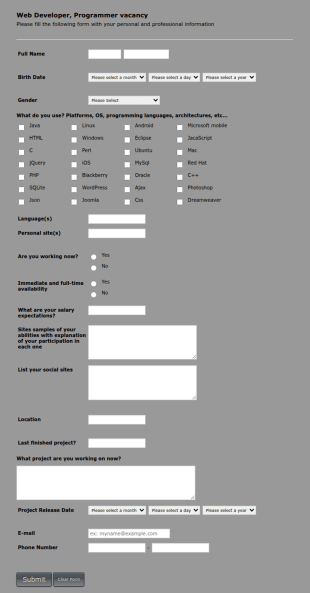
Web Developer/Programmer Application Form
A web developer/programmer/software engineer Job Application Form which collects personal/contact information, helps determining their skills, collects details regarding their projects, apps, websites, Github profile, and more.
Go to Category:Business Forms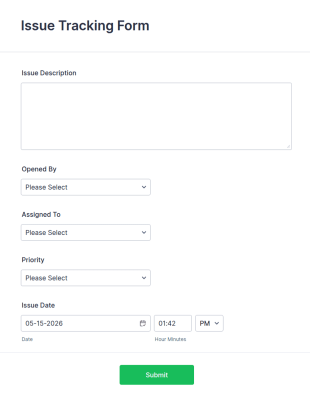
Issue Tracking Form
Collect issue reports from company members with a free online Issue Tracking Form. Great for IT departments. Sync with 100+ apps. View responses on any device.
Go to Category:Report Forms
Performance Review
A Performance Review form template is designed to streamline the process of evaluating employee performance.
Go to Category:Human Resources Forms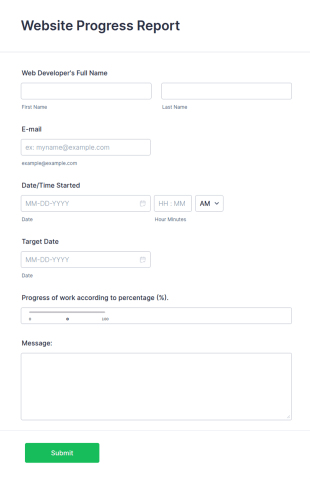
Web Development Progress Report Form
Do you want to follow the progress of your web developers? Web development report includes personal information, started date, target date, and progress of work.
Go to Category:IT Forms
Software Change Request Form
A software change request form is used by employees at software companies to request updates to the software that their company develops.
Go to Category:IT Forms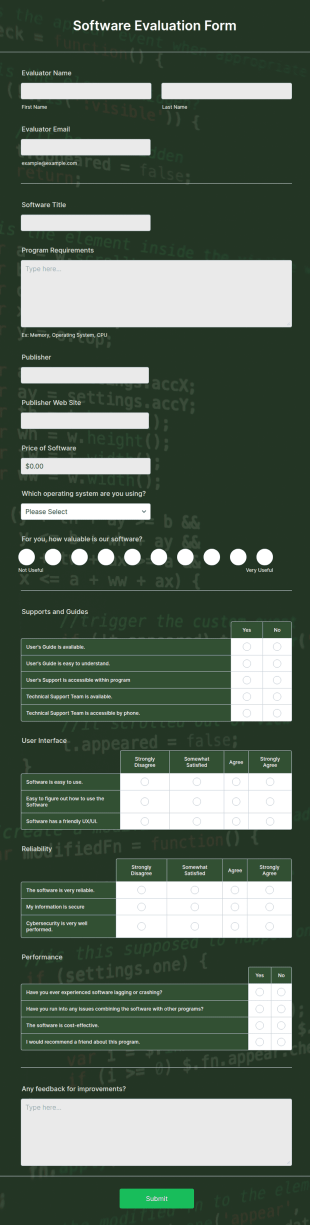
Software Evaluation Form
A software evaluation form is a questionnaire used to measure how effective a specific piece of software is. Customize this template without coding!
Go to Category:Web Design Forms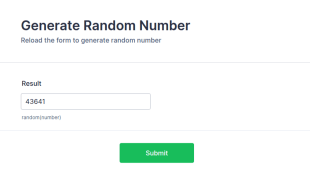
Generate Random Number
If you're looking for a long unique random numbers, you can start with this form. This has random math function that is generated every time the form loads. You can construct your formula to create more unique and lengthy value.
Go to Category:Calculation Forms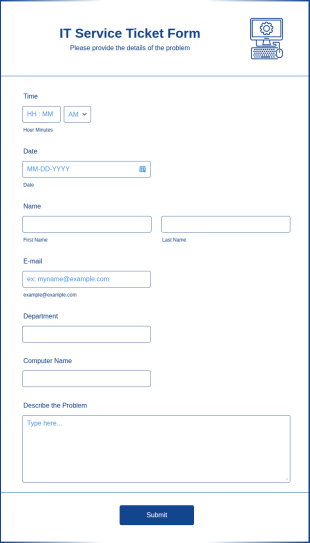
IT Service Ticket Form
An IT service ticket form is used by IT professionals to track requests and monitor the status of IT requests. Harness public demand!
Go to Category:IT Forms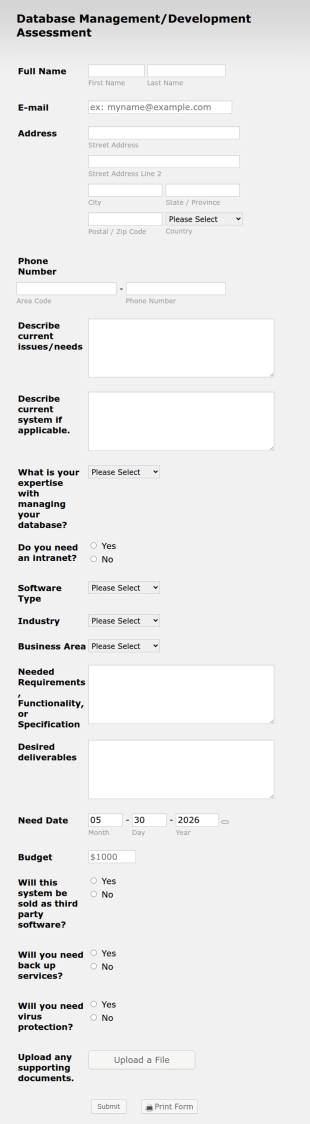
Software Development Assessment
A software development assessment, or software assessment, is a procedure that assesses software to determine its fitness for purpose.
Go to Category:IT Forms
Parental Leave Request Form
A Parental Leave Request Form is an intuitive template crafted for HR professionals to make it easier for employees to request parental leave.
Go to Category:Human Resources Forms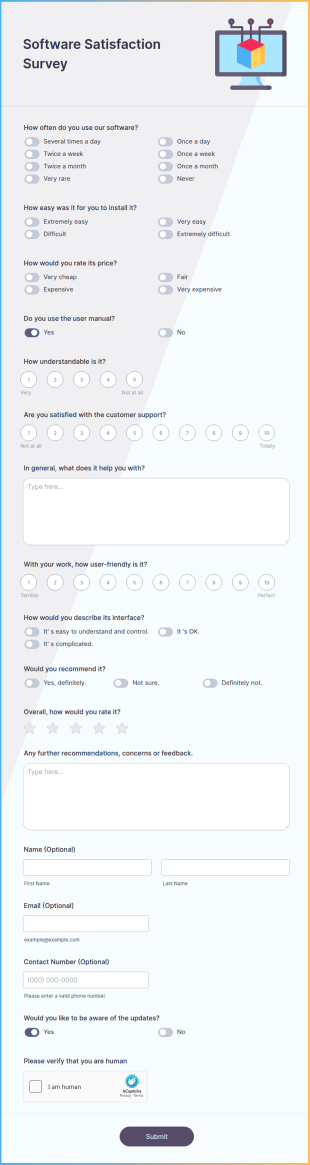
Software Satisfaction Survey
A software satisfaction survey is a questionnaire used by developers to find out how clients are enjoying their software application.
Go to Category:IT Forms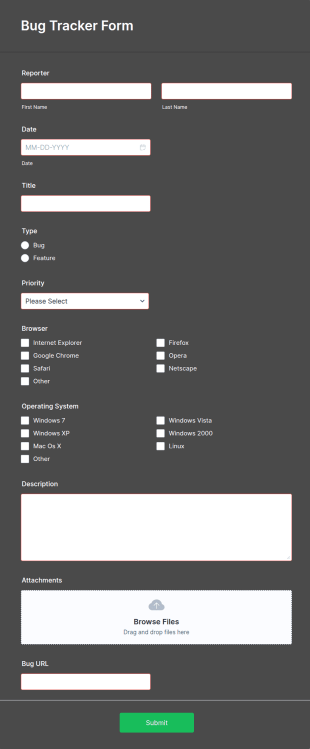
Bug Tracker Form
Are you looking for a form to track bugs? It is a great bug collection tool for a support team to respond to systems issues. Gives the actual bug, browser, OS being used, and urgency on how the issue needs to be sorted.
Go to Category:Customer Service Forms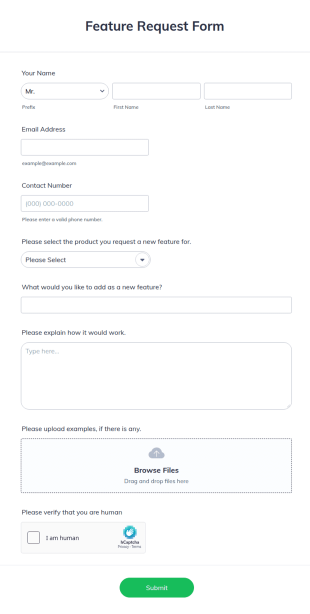
Feature Request Form
A feature request form is used by companies to collect suggestions either from their customers or from their teams about new features they want to see added to products or services. Fully customizable.
Go to Category:Business Forms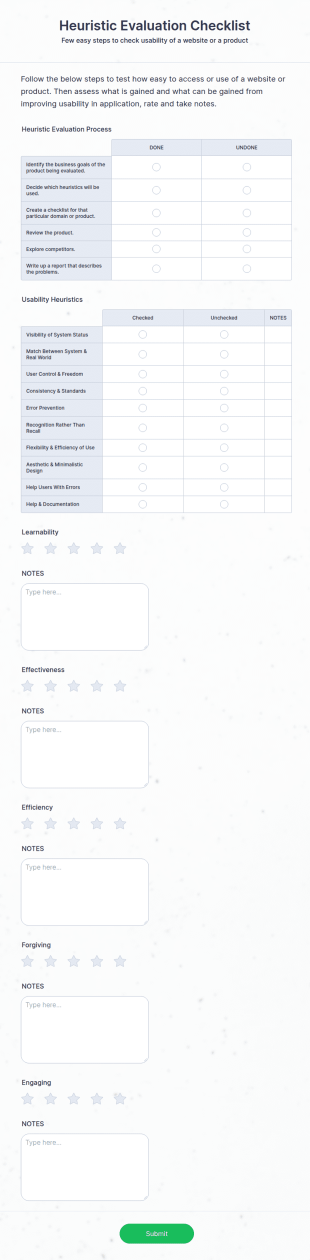
Heuristic Evaluation Checklist
A heuristic evaluation checklist is a list of usability-related criteria used by UX professionals to evaluate whether a digital or non-digital product is easy to use.
Go to Category:Business Forms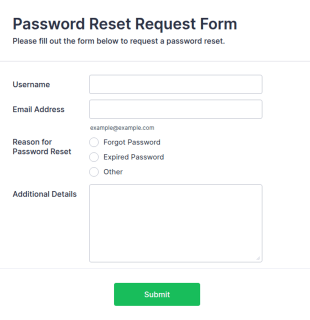
Password Reset Request Form
A Password Reset Request Form is a form template designed to allow users to request a password reset for their accounts.
Go to Category:Request Forms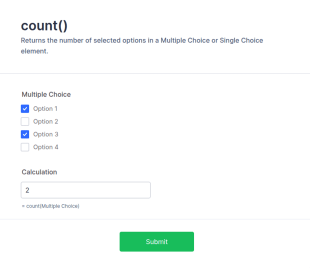
Form Calculation: Math Function Reference Count()
Returns the number of selected options in a Multiple Choice or Single Choice element.
Go to Category:Calculation Forms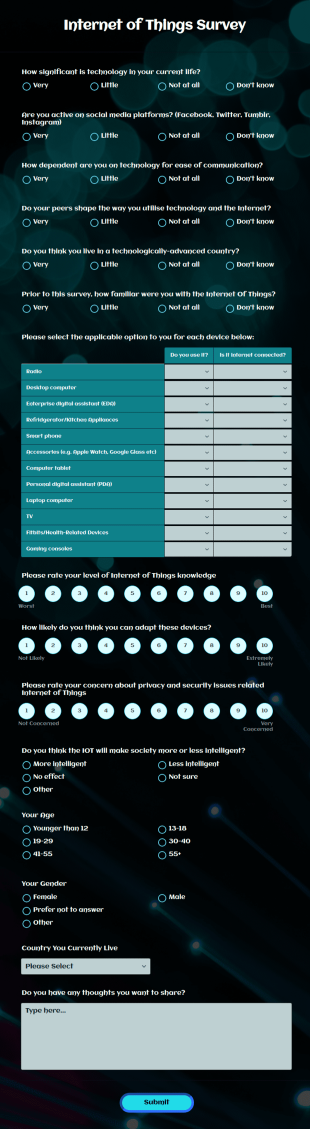
Internet Of Things Survey
An Internet of Things survey is a questionnaire used by software companies to learn about the applications for increasingly popular devices. No coding!
Go to Category:Survey Templates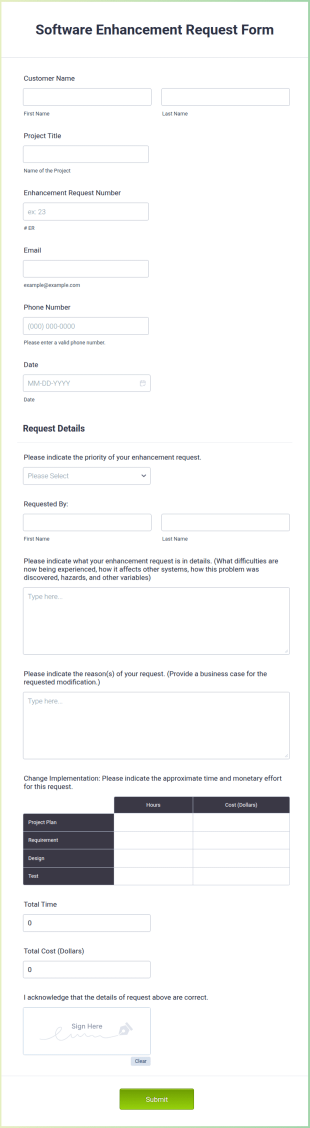
Software Enhancement Request Form
A software enhancement request form is a customer feedback form used by software developers to solicit suggestions from customers on how to improve their products.
Go to Category:Business Forms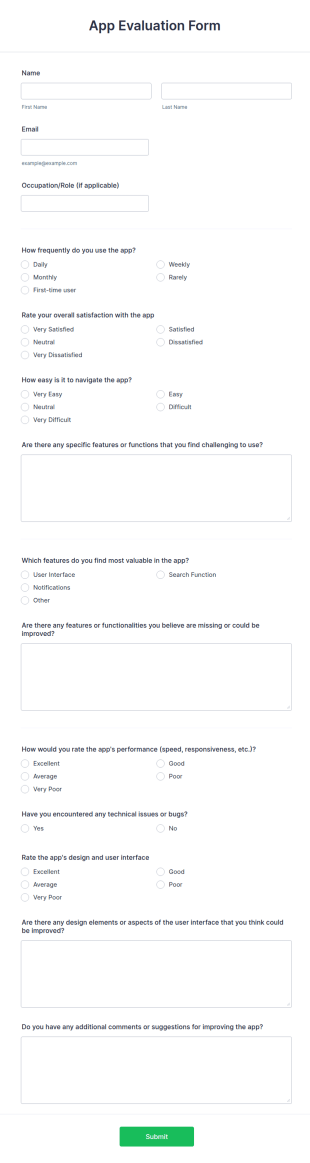
App Evaluation Form
The App Evaluation Form is a form template designed to assess users' experiences with an application.
Go to Category:Evaluation Forms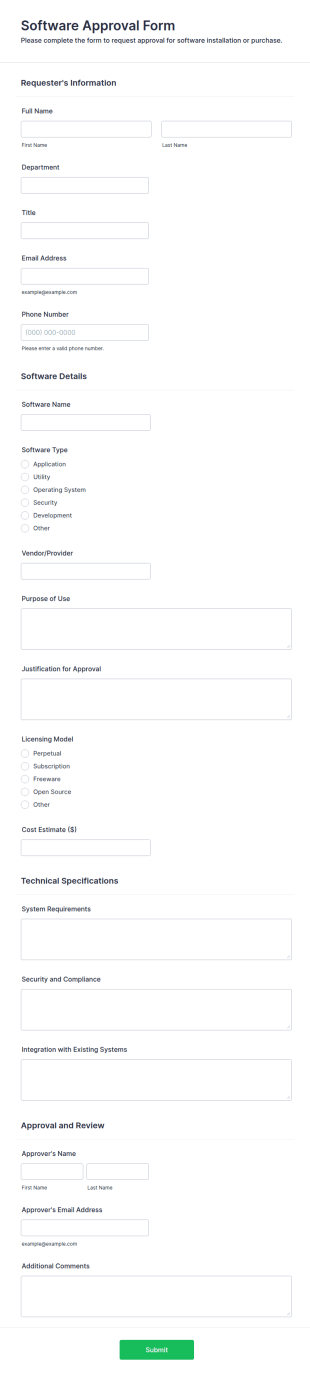
Software Approval Form
A Software Approval Form is a form template designed to help organizations manage software acquisitions effectively.
Go to Category:IT Forms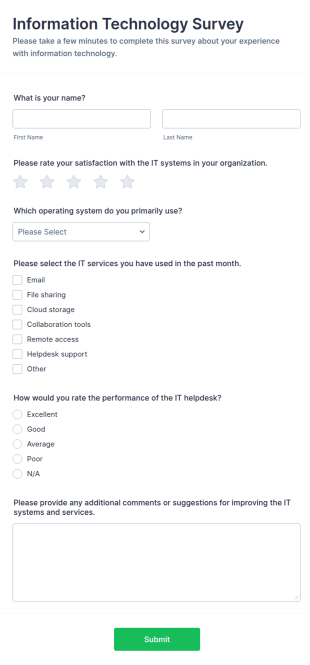
Information Technology Survey
An Information Technology Survey is a form template designed to gather information about the use, satisfaction, and needs related to information technology within a specific context.
Go to Category:Survey Templates
Technical Survey
A Technical Survey is a form template designed to gather detailed information about the technical requirements, specifications, and preferences of a client or a team involved in a technical project.
Go to Category:Survey Templates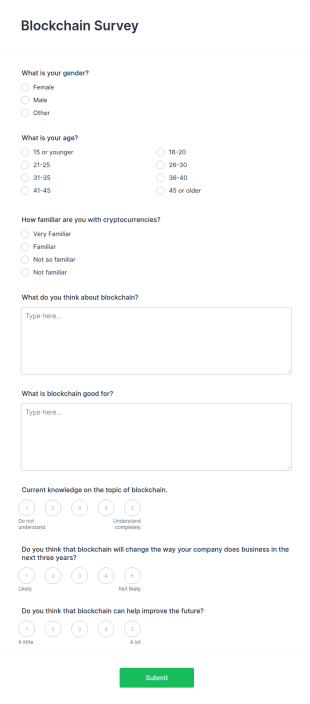
Blockchain Survey
A blockchain survey is a tool used by individuals and companies to get an indication of the general population's interest in blockchain and/or cryptocurrency businesses.
Go to Category:Business FormsAbout Software Developer Forms
Software Developer Forms are specialized digital forms designed to streamline and optimize the daily operations and workflows of software development teams. These forms play a crucial role in a variety of processes, such as gathering requirements from clients, managing bug reports, and tracking progress on development tasks. In the fast-paced world of software development, where accuracy and speed are paramount, these forms provide a structured way to collect and analyze data, ensuring that projects remain on track and stakeholders are kept informed. By utilizing these forms, development teams can enhance communication, improve project management, and maintain a clear overview of their tasks and timelines.
Jotform stands out as the premier online form builder for creating and managing Software Developer Forms due to its intuitive drag-and-drop interface and robust customization capabilities. Users can easily tailor forms to meet specific needs, automating data collection processes to save time and reduce errors. Additionally, Jotform Tables offers a centralized platform for managing and analyzing collected data, ensuring that all project-related information is easily accessible and organized. This comprehensive approach to form management allows software developers to focus more on their core tasks, while Jotform handles the intricacies of data collection and organization.
Why Use Software Developer Forms?
- Software Developer Forms enable teams to collect precise and relevant data swiftly, ensuring that all necessary information is captured without delay. This accuracy is pivotal in software development where even minor errors can lead to significant setbacks.
- By automating data collection, these forms expedite the process of gathering and processing information. This reduction in manual effort allows teams to focus more on development tasks rather than on administrative duties.
- Professional data handling is guaranteed with Software Developer Forms, as they provide structured and organized means of capturing data. This leads to cleaner data sets, which are easier to analyze and draw insights from.
- The use of digital forms significantly reduces the risk of data loss as compared to traditional paper-based methods. With cloud storage and secure data management, the collected data is safeguarded against accidental loss.
- These forms enhance communication within development teams by providing a standardized way of sharing information. Whether it's a client request or an internal update, everyone is kept on the same page, facilitating smoother project execution.
Common Problems Solved by Software Developer Forms
- One of the major challenges in software development is the cumbersome nature of paperwork, which can slow down processes and lead to errors. Software Developer Forms eliminate the need for physical paperwork, digitizing all entries for easier handling and access.
- Manual data entry is prone to human error and can be incredibly time-consuming. By automating this process, these forms drastically reduce the likelihood of mistakes and free up valuable time for developers to focus on coding and problem-solving.
- Lost data can be a critical issue, particularly when it pertains to client requirements or bug reports. Digital forms ensure that all data is securely stored and easily retrievable, preventing any loss of vital information.
- Streamlining communication is another pain point that these forms address. By providing a clear and consistent way to report issues or requirements, they enhance clarity and reduce the potential for miscommunication within development teams and with clients alike.
Matching Use Cases to Features
- For capturing client requirements effectively, the Drag-and-Drop Form Builder allows for the easy creation of detailed fields that ensure every client need is documented precisely. This capability streamlines the initial phase of project planning and ensures all team members have access to the same information.
- Conditional Logic can be employed to create dynamic forms that change based on user input, which is ideal for bug reporting forms. This feature guides the user through the process, ensuring that all necessary information is collected without overwhelming them with irrelevant fields.
- Integrating with 30+ Payment Gateways such as Stripe or PayPal is crucial for forms that handle client billing or subscription payments. This seamless integration allows for secure and efficient payment processing directly through the form.
- Electronic Signatures (Jotform Sign) are essential for obtaining necessary approvals or agreements from clients and stakeholders. This feature adds a layer of professionalism and legal validity to the forms, making them suitable for binding agreements.
- The PDF Editor (Automated PDF Generation) feature transforms form submissions into professional PDF documents, which can be used for reports or client presentations. This automation saves time and ensures that documents are consistently formatted and ready for distribution.
- With over 100 Third-party Integrations, such as Google Sheets and Slack, data collected through forms can be automatically synced with other platforms, enhancing cross-platform collaboration and data accessibility.
- Approval Workflows streamline the process of getting necessary sign-offs from various stakeholders, ensuring that all inputs are reviewed and sanctioned before moving forward. This feature is particularly useful in large projects requiring multiple layers of approval.
How to Create a Software Developer Form
- Browse the Template List for a Software Developers template or start from a blank form to cater specifically to your project's requirements.
- Customize the design and fields using the Drag-and-Drop Form Builder, ensuring that each form element aligns with your team’s unique needs.
- Publish and share via Direct Link, Email, or Website Embed, making it accessible to all necessary parties without unnecessary complications.
Top Use Cases for Software Developer Forms
- For Managers: Software Developer Forms provide managers with a clear and concise view of project progress, requirements, and team performance. By using these forms, managers can easily track tasks, identify bottlenecks, and allocate resources more efficiently. The structured data collected allows for informed decision-making, ensuring that projects are completed on time and within budget.
- For Teams: Development teams benefit from the use of these forms by having a centralized system for tracking issues, feedback, and updates. This enhances collaboration and keeps everyone aligned on project goals. With automated notifications and real-time data access, teams can quickly address problems and iterate on solutions, maintaining a high level of productivity and quality in their work.
- For Customers: Clients and stakeholders enjoy a more streamlined experience when interacting with development teams through structured forms. These forms ensure that all client requirements and feedback are documented accurately, leading to improved satisfaction and trust. By providing a clear channel for communication, clients feel more engaged and informed throughout the development process.
Summarizing Software Developer Forms
Software Developer Forms are an invaluable asset for any development team seeking to enhance their operational efficiency and data handling capabilities. By leveraging Jotform’s robust form-building features, teams can automate data collection processes, ensuring accuracy and accessibility of all project-related information. This not only streamlines workflows but also improves communication and collaboration across all levels of a project. With the ability to customize forms to fit specific needs and integrate them seamlessly into existing systems, Software Developer Forms are a critical component of effective project management and execution.
Frequently Asked Questions
1) Is it free to create Software Developer Forms on Jotform?
Yes, Jotform offers a free plan that allows users to create and share forms, although certain limitations on features and submission counts may apply depending on the plan.
2) Are the forms and submitted data secure?
Absolutely, Jotform prioritizes data security by implementing encryption and compliance with industry-standard security protocols to protect all form data.
3) Do I need coding knowledge to build a Software Developer Form?
No, Jotform’s intuitive Drag-and-Drop Form Builder requires no coding knowledge, making it easy for anyone to create customized forms.
4) Can I collect payments directly through my forms?
Yes, Jotform supports integration with over 30 Payment Gateways, allowing you to securely collect payments directly through your forms.
5) Can these forms be used on mobile devices?
Yes, Jotform forms are fully responsive and can be accessed and filled out on any mobile device, ensuring convenience and accessibility for users.
6) Can I turn form submissions into professional PDF documents?
Yes, with Jotform’s PDF Editor, you can automatically generate professional PDF documents from form submissions, which are perfect for reporting and record-keeping.
7) How do Software Developer Forms enhance team collaboration?
By providing a centralized platform for data collection and sharing, these forms ensure all team members have access to the same information, improving transparency and collaboration.
8) Are there templates available for specific software development processes?
Yes, Jotform offers a variety of templates tailored to different software development needs, simplifying the form creation process and ensuring relevance to specific tasks.