
“There’s an app for that,” Apple famously used to say. For many businesses, though, that’s not exactly true — unless they build it themselves.
Whether you need a niche feature or want to keep your data inside apps you control, with an AI app creator like Zoho Creator, you can design a custom app without even hiring a software developer. It lets you build internal tools to improve your workflows, set up payment portals for your clients, automate tasks, and more.
The main downside is that Zoho Creator can take a lot of time to learn. Luckily, you’re not stuck with it. There are plenty of Zoho Creator alternatives that are easier to use and have more flexible user interfaces (UIs). Here are our top five picks and why you might choose them over Zoho Creator.
Why businesses search for Zoho Creator alternatives
Zoho Creator is a low-code tool that helps businesses build custom apps. Users can work with Zia, an AI assistant, by describing what they want with text or sharing a wireframe. Zia will then generate a custom app and even recommend integrations.
That said, it’s not the best choice for every company. Here are a few reasons why you might consider alternatives to Zoho Creator:
- You want a tool that requires less training: While Zoho Creator doesn’t require a lot of coding knowledge, it still has a relatively steep learning curve. Its Developer Guide includes over 800 articles with instructions and tips. If you don’t have much programming experience, a simpler tool may feel less overwhelming.
- You want more control over your app’s design: Zoho Creator offers UI templates and widgets to help you design your app’s appearance. However, other platforms may give you more flexibility to add custom branding and personalize the layout.
- You use tools outside the Zoho ecosystem: Zoho Creator integrates with other Zoho tools, along with popular workplace software like Google Workspace. If your business uses other platforms, you may prefer an alternative with smoother integrations.
- You need an app builder that can handle large datasets: Some users report performance issues with Zoho Creator, especially when managing large amounts of data or adding several forms.
Pro Tip
Want to make it easier for customers to buy your products? Learn how to make a selling app using Jotform Apps.
5 best Zoho Creator alternatives in 2026
You don’t need a high-powered builder to start creating an app without coding. These Zoho Creator alternatives make it easy to design user-friendly apps for different workflows and needs. Here’s a quick comparison:
| Unique feature(s) | UI flexibility | Free trial? | |
|---|---|---|---|
 Jotform Apps |
Over 4,300 app templates, three ways to build apps |
Fully customizable with prompts, voice, or manual editing |
Permanent free tier |
 Softr |
Advanced security controls, builds apps around the user’s own data |
Block-based design with limited options for customization |
Yes |
 Kissflow |
Enterprise workflows |
Simple drag-and-drop interface with limited customization |
Yes |
 Microsoft Power Apps |
Part of the Microsoft 365 ecosystem, sophisticated automations |
Highly customizable with the ability to add custom code |
Yes |
 Lovable |
Fast prototyping, full-stack app development |
Highly customizable with editable source code |
Free tier |
1. Jotform Apps
With Jotform Apps, you can build fully customizable apps without any coding. From scheduling tools to inventory apps, Jotform makes it easy to create solutions that fit your business’s needs.
One simple way to get started is with a natural language prompt. Jotform AI App Builder lets you describe the kind of app you’re picturing or upload a file with your plans. You can even give it a screenshot of another app for inspiration. The AI uses these prompts to generate pages, layouts, menus, workflows, widgets, and data connections.
Once the AI App Builder has created the first version, you can then customize it with text or voice prompts. You might say, “Can you make the user experience more minimalist, but keep the images?” or “Can you use more lists on the home page?” For even more control, you can also edit elements manually without typing a line of code.
Suppose you ask the AI to build a reservation management app for a dog boarding kennel. With a few simple prompts, you could add a contact page, change the visuals, edit fields on the reservation form, and add an AI chatbot to answer pet owners’ questions.
If you’d rather build your app from scratch, use Jotform’s intuitive drag-and-drop interface. Add smart fields like LEGO pieces to create your app’s interface. You can also choose from a wide range of widgets, whether you’re building a selling app for customers or something more niche. It’s all fully no-code, so you can focus on making a functional app without having to remember how HTML works.
A third option is starting with one of the Jotform app templates and then tweaking it for your own use. Need help keeping track of customer orders? Use the Sales Portal App to capture incoming orders and monitor their status. You could even set up automatic reminders so nothing gets overlooked. If your team needs help juggling appointments, build a Scheduling App for your customers or patients. Choose from over 4,300 ready-to-use templates for different industries, workflows, and use cases.
Key features
Other Jotform Apps features include a wide selection of integrations. As part of the Jotform ecosystem, it connects to other products like Jotform Sign and Jotform AI Agents. It’s also compatible with many other platforms, including
- Airtable
- Asana
- Google Drive
- HubSpot
- Microsoft Excel
- Zoom
That makes it easy to connect your entire workflow with Jotform Apps, no matter which tools and platforms your team uses. For instance, a retailer might customize the customer support app template by integrating it with Asana. That way, the support team can track tickets and route complex requests to the right person.
Jotform also supports over 40 trusted payment gateways, including PayPal, Square, and Stripe. These gateways allow e-commerce businesses and online stores to collect payments and generate invoices, but you could even use them to manage inventory and accept subscriptions. There’s no extra fee for using the payment portals, which makes Jotform Apps a great option for small businesses or companies on a budget.
With Jotform Store Builder, you can also manage your online selling workflow in one place. List products in your store, accept customer orders, collect payments, and track everything in Jotform Tables.
Jotform Apps’ user-friendliness is another reason why it’s one of the best Zoho Creator alternatives. Anyone can set up any of these features and use cases in minutes, with no training required. Whether you’re a seasoned programmer or have never heard of CSS, you can start creating apps instantly.
- Pros
- Intuitive interface with three ways to build apps
- Wide range of integrations with different platforms and payment gateways
- Over 4,300 customizable templates
- Cons
- Designed to build apps from structured components, so you can’t write custom software with code; can only share apps through links or QR codes, not app stores
- Plans/pricing:
- Starter: Free
- Bronze: $34 per month (billed annually)
- Silver: $39 per month (billed annually)
- Gold: $99 per month (billed annually)
- Enterprise: Custom pricing
2. Softr
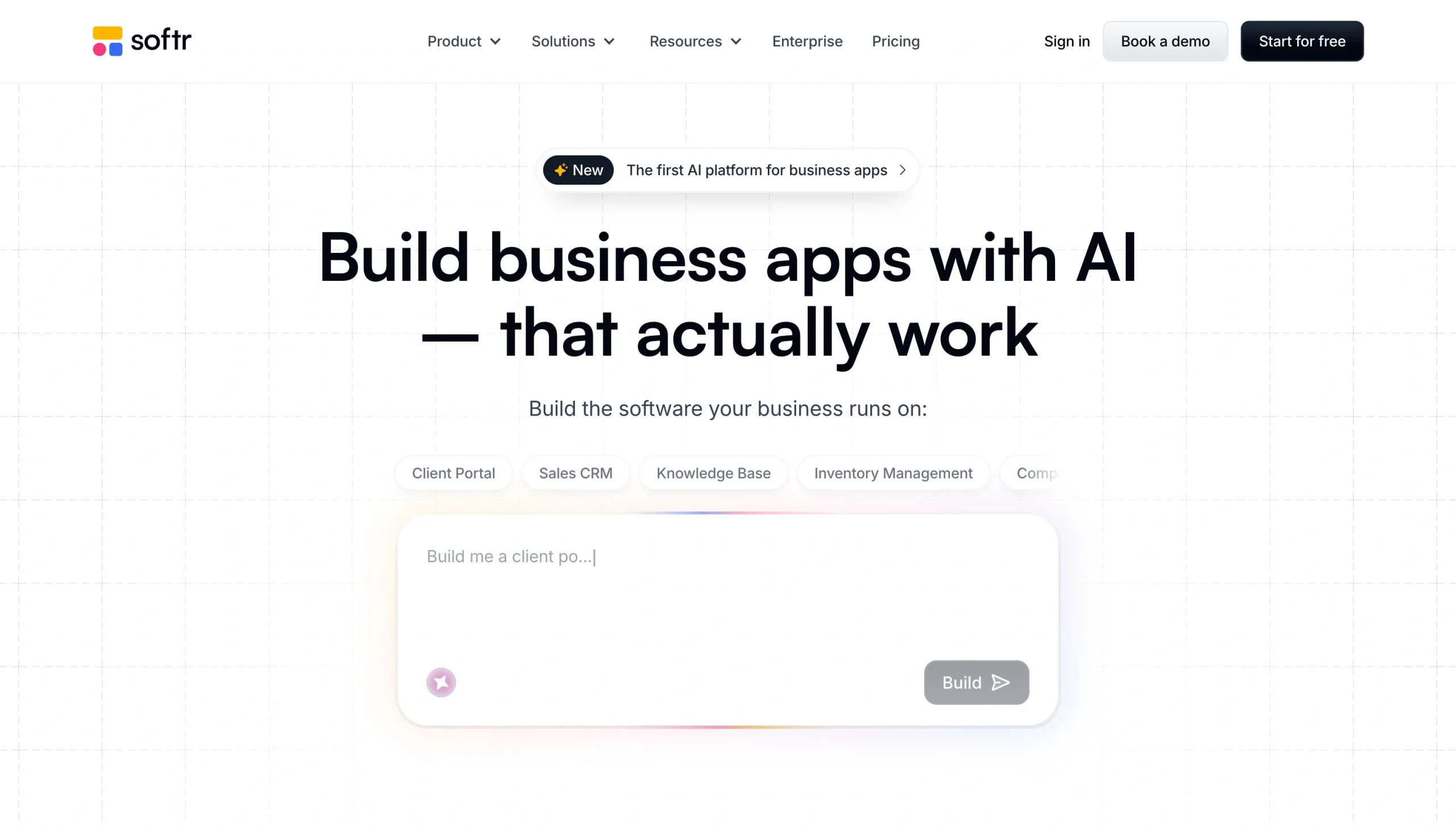
Softr is a low-code, AI-powered platform that helps businesses turn their existing data into custom apps. It supports many types of apps, from company intranets and dashboards to project management tools.
All you need to do is describe what you want to the AI builder and connect it to a data source, such as your team’s Notion workspace. Like the Jotform AI App Builder, Softr’s AI will use your prompt to generate a custom app and database structure. From there, you can tweak your app’s design visually or work alongside the AI assistant to make changes.
It’s a beginner-friendly option, though some users may find its limited design capabilities frustrating.
- Pros: Enterprise-grade security features, including permissions controls and audit logging; integrates with popular data sources and workplace tools; AI-generated business logic
- Cons: Designs are assembled from preset blocks, which limits opportunities for customization; lacks some basic features, such as the ability to segment email notifications
- Plans/pricing:
- Free
- Basic: $19 per month (billed annually)
- Pro: $99 per month (billed annually)
- Business: $329 per month (billed annually)
- Enterprise: Custom pricing
3. Kissflow
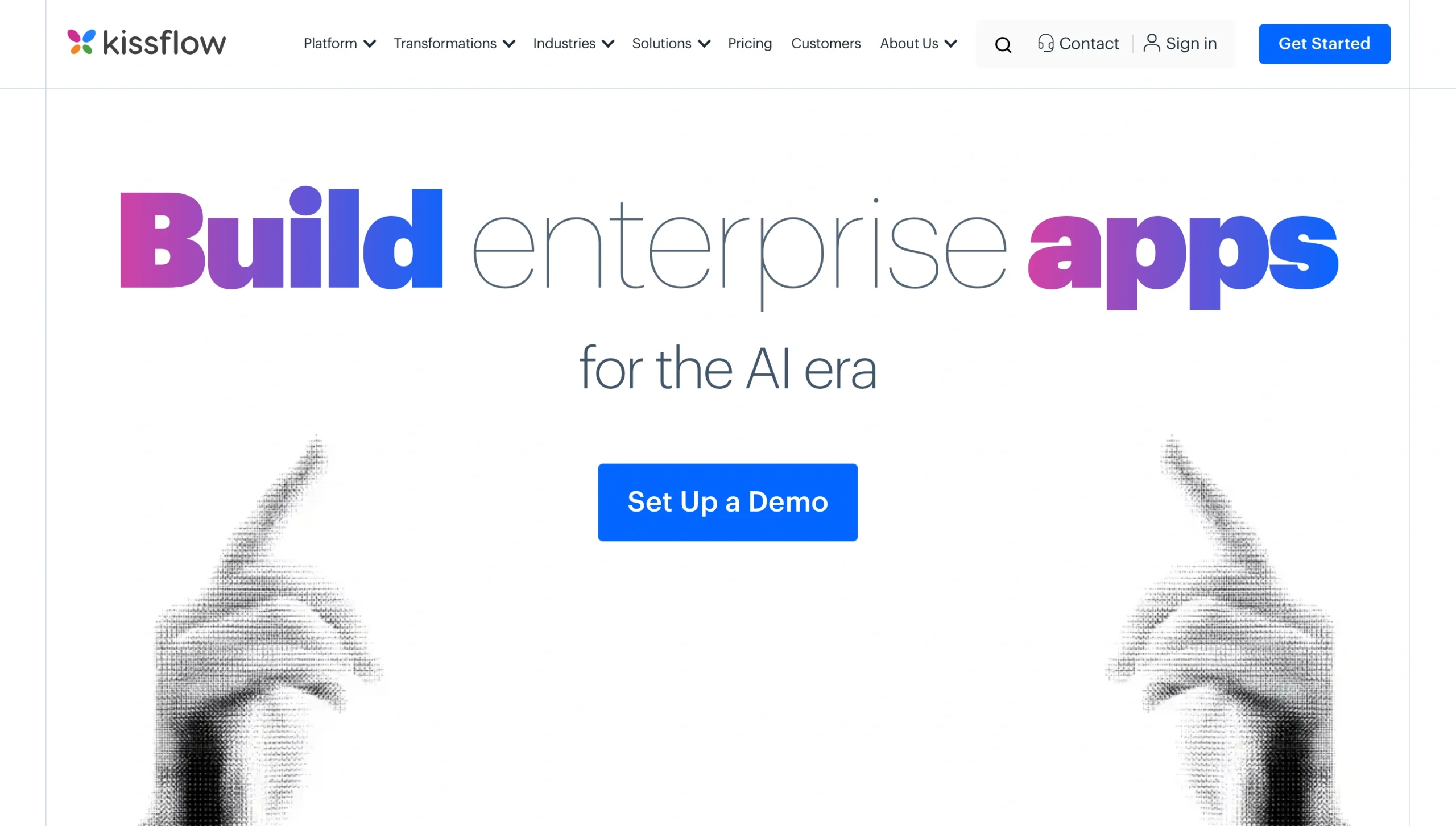
Designed for enterprises, Kissflow allows users to build scalable apps that can support thousands of users. This low-code tool provides simple templates, or you can start from scratch with a drag-and-drop page builder.
Its advanced conditional logic supports business process automation, operational dashboards, claims management systems, and other use cases. It also comes with strong governance and security measures, including role-based access controls. That’s useful if you plan to use your app to store confidential data like patient records.
- Pros
- Advanced logic
- Enterprise-level governance
- Integrations with over 1,000 apps
- Cons
- High price tag
- Limited reporting tools
- Plans/pricing:
- Starts at $1,500 for up to 50 users
- Custom enterprise plans
4. Microsoft Power Apps
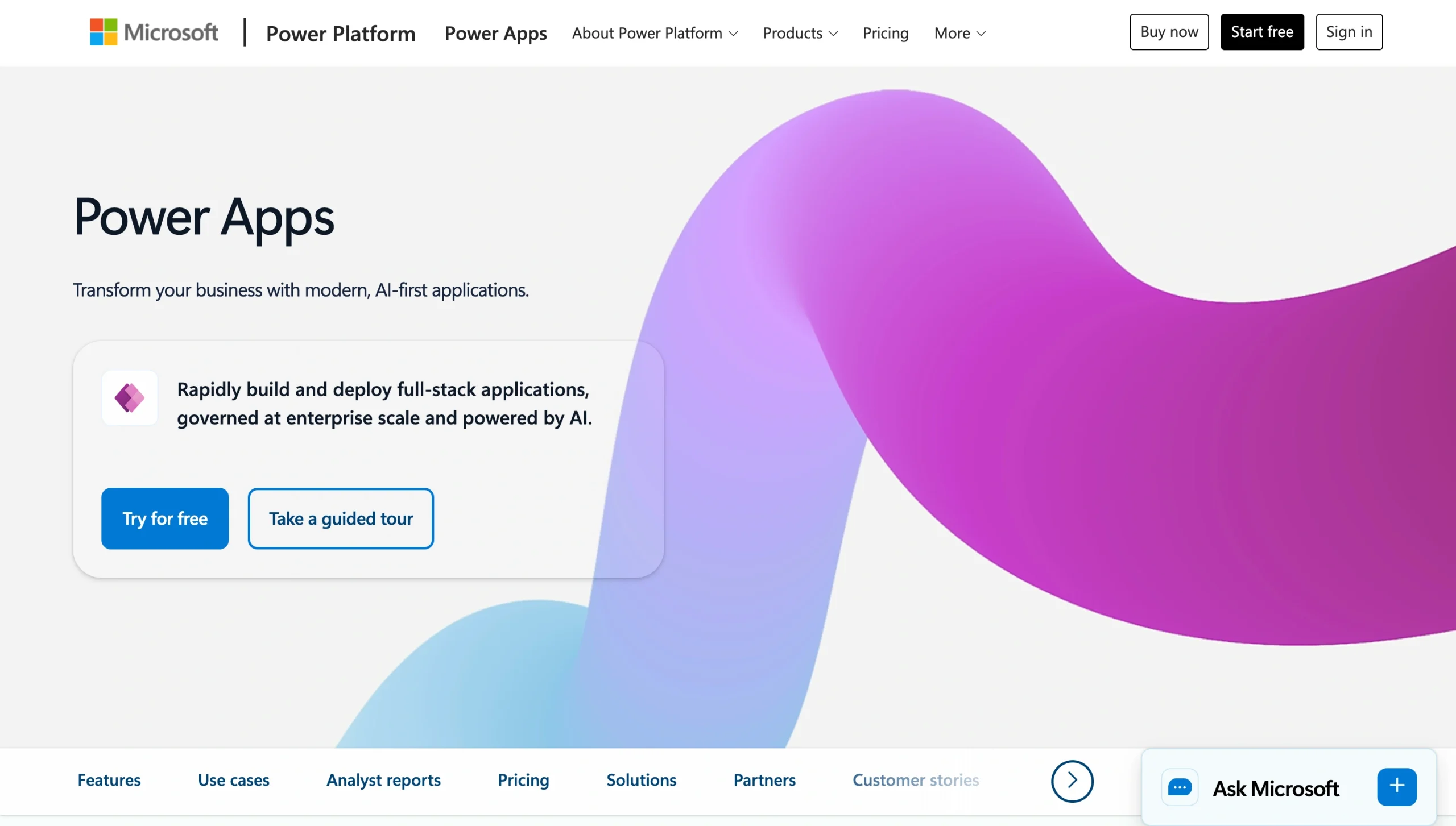
As an enterprise-level no-code app builder, Microsoft Power Apps is a popular Kissflow alternative.
While it offers AI assistance, it requires a more hands-on approach than some of the other Zoho alternatives. You’ll need to map out your processes and decision points before building your app. You’ll also need to design data models and choose how your data will connect. This extra setup gives you more control over your app, but it could overwhelm users who are less tech-savvy.
Power Apps is additionally designed to work as part of the Microsoft ecosystem, so it may not be the best fit if your business doesn’t already use these products.
- Pros
- AI assistance from Microsoft Copilot
- Embedded within the Microsoft ecosystem
- Highly customizable with generative AI or custom code
- Cons
- Requires more upfront planning
- Steeper learning curve
- Plans/pricing:
- Developer Plan: Free
- Premium: $20 per user per month (billed annually)
- Premium (2,000-seat minimum): $12 per user per month (billed annually)
5. Lovable
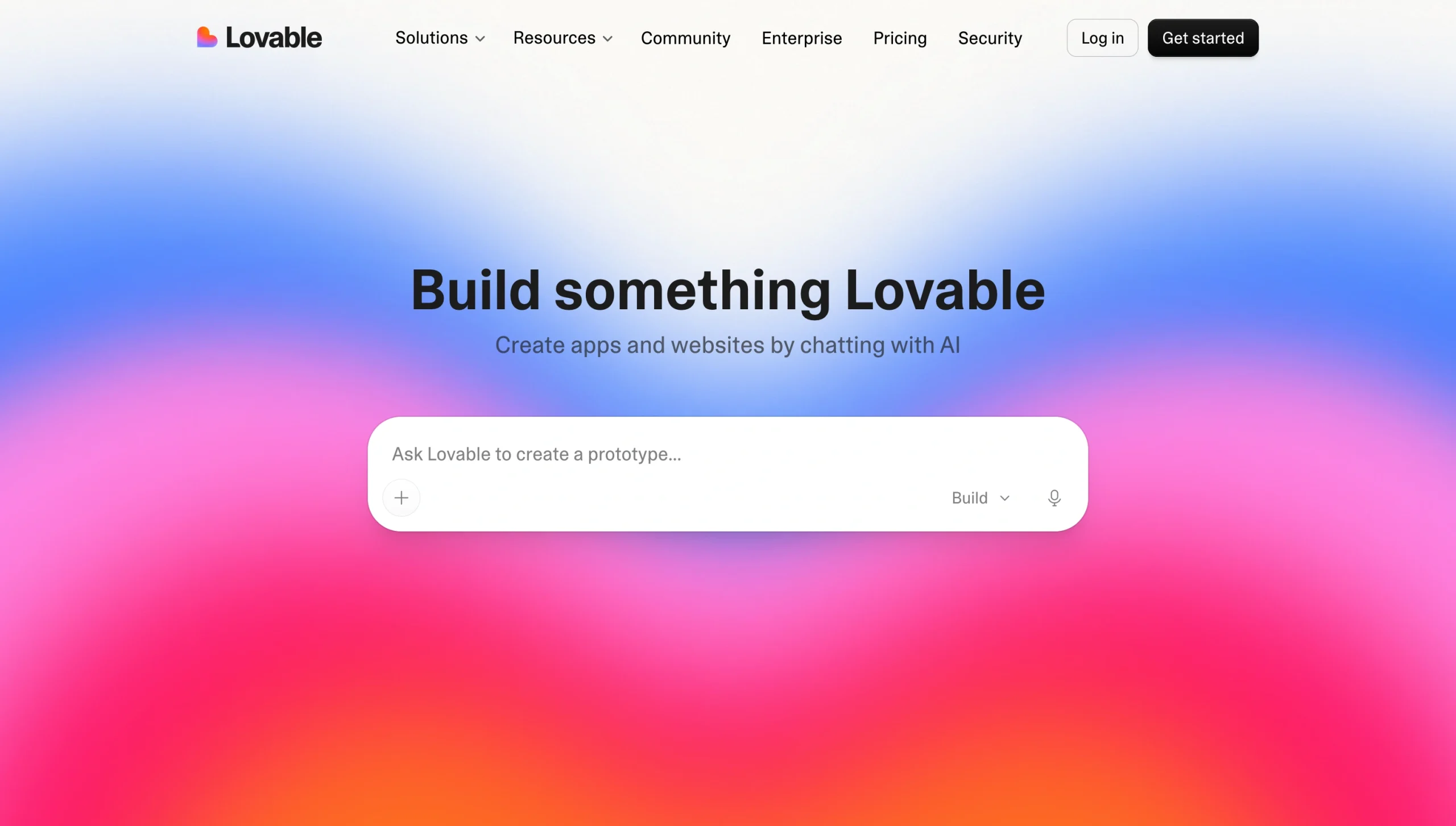
If you already have basic programming knowledge, consider Lovable. This flexible low-code tool allows you to create full-stack apps, which means you build the front end and back end.
Lovable stands out for its prototyping features and the ability to edit and export the source code. That makes it easier to experiment with different designs and add custom features. For example, you might use the AI assistant to mock up two versions of your app with different layouts and then test them with users to see which one works best.
The AI-powered app builder also offers over 60 templates for internal tools, including agile sprint boards, budget dashboards, sales roleplay trainers, and content calendars.
- Pros
- Allows you to export code to GitHub for collaborative projects
- Intuitive visual editing
- Fast prototyping
- Cons
- Credit-based pricing can lead to additional expenses
- May not have robust enough security measures for highly regulated industries
- Plans/pricing:
- Free
- Pro: $25 per month (billed monthly)
- Business: $50 per month (billed monthly)
- Enterprise: Custom pricing
How to choose the right Zoho Creator alternative for your needs
You don’t need to spend weeks test-driving different Zoho Creator competitors to find the right platform for your business. These steps will help you narrow down your options.
1. Analyze your business needs
Start by considering what problems or needs your app will address. Ask your team about their biggest challenges, or look for bottlenecks in your existing workflows.
Suppose a marketing team frequently hosts workshops and webinars for clients. They’ve been using a generic app to register attendees, but their clients often ask them to add their branding or special features. With a fully no-code tool like Jotform Apps, they can quickly launch custom apps without needing any tech experience.
Meanwhile, a manufacturing company may be using half a dozen tools to track inventory and manage different production schedules. Their team is struggling to keep the two in sync, leading to delays. They decide to use Microsoft Power Apps to build a custom tool that can pull data from multiple systems and automate processes like reordering raw materials.
2. Identify must-have features
Once you know which problem you want to solve, consider which app builder has the features you need to address it.
If managing data is a key part of your workflow, look for a platform that lets you build apps with forms. For example, Jotform Apps allows you to create custom forms and embed them directly into your apps. A sales team could use this platform to develop a custom app with forms to capture leads and order requests. Likewise, a healthcare office might build a scheduling tool that collects insurance information before appointments. These embedded forms save time by keeping information in one place.
For workflow apps, choose an app builder with automation features. With Jotform Apps, you can easily add actions, conditions, and triggers to automate routine tasks. For instance, you could build a customer support app that automatically routes tickets to the right department. That helps free up your team’s schedule for more meaningful tasks and reduces the risk of tickets getting overlooked.
3. Consider your team’s technical skills
Your team probably doesn’t want to spend weeks learning a complicated new platform. If they don’t have in-depth programming knowledge, keep it simple by choosing an app builder with beginner-friendly features.
Jotform Apps has no-code tools that anyone can use right away, such as
- AI assistant with natural language processing capabilities
- Drag-and-drop editor
- Prebuilt templates
- Widgets, including product lists and image sliders
If your team has more advanced technical skills, they may prefer a platform with more sophisticated developer tools. For instance, Lovable allows users to edit source code, giving them more freedom to experiment with designs and add custom features.
4. Determine how much customization you actually need
Designing a bespoke app may sound appealing, but it’s not always necessary. If you need a tool for a common workflow or straightforward process, a prebuilt template or AI-generated app may check most of your boxes. You can still add branding and simple features without building every element from scratch.
For more complex workflows, look for a platform that gives you more control over the app’s user experience and functionality.
5. Check your existing tech stack
The last thing you want to do is create an app that doesn’t work with the rest of your software. Look for a platform that seamlessly integrates with your tech stack, including payment gateways and data sources. That way, you won’t have to manually copy information between your new app and other business tools.
If you already spend half your day using Microsoft products, Microsoft Power Apps may be a solid choice. If you use more diverse tools from many different vendors, choose a platform with hundreds of integrations, like Jotform Apps.
6. Think about compliance and security requirements
If your business is in a highly regulated industry, your app may need to follow strict compliance requirements. Look for an app builder that already has the security and governance features you need instead of trying to build them from scratch.
Jotform, for instance, has HIPAA-enabled secure forms for healthcare organizations.
7. Plan ahead for your business’s future needs
While you may only need a simple app today, that could change as your business grows or takes on different projects.
Choose a platform that can scale with your company without making your costs skyrocket. That may mean steering clear of credit-based pricing models, which can quickly become too expensive as you add more users or advanced features.
8. Test your top contenders
Once you’ve found two or three Zoho alternatives that fit your criteria, it’s time to take them for a test drive. Sometimes, a platform that looks perfect on paper turns out to be too clunky or confusing to use.
Use our tips for creating a no-code app to build a simple test app with each platform. For example, you could create a scheduling tool or a selling app.
Pay attention to how much effort it takes to add features and customize the app’s appearance. If you spend a long time puzzling over basic tasks, your team may end up frustrated or avoid using the platform.
Consider the user experience, too. Is your test app sluggish and glitchy, no matter how much you try to improve it? The platform probably isn’t going to cut it for your business. On the other hand, if you can easily design a professional and practical app, that’s a good sign that it’ll meet your needs.
Create apps that adapt to your business
There are plenty of Zoho Creator alternatives, but they’re not all created equal. Some tools are low-code with accessible templates and intuitive workflows. Others require more technical knowledge but offer room for customization.
Here are our recommendations to bear in mind as you weigh your options:
- If you collect and process a lot of customer data, choose a forms-based program like Jotform Apps.
- If you’re building enterprise workflows, Kissflow is a solid option.
- If you want to create an app around your existing data, try Softr.
- If your company already relies on Microsoft products, Power Apps will fit right in.
- If you want to program custom features, Lovable’s advanced developer tools may provide the flexibility you need.
Ultimately, if you need to build an app and get work done quickly, try Jotform Apps. It’s the fastest and most functional option for businesses that need to create practical tools without any coding experience. With its AI builder, professional templates, and intuitive editing tools, you can create the app you need without calling a developer.
Start building your first app for free today.
FAQs about Zoho Creator alternatives
The steep learning curve and limited design flexibility are two of the biggest limitations of Zoho Creator. Users may need to spend many hours learning how to use its advanced features, especially if they don’t have much technical experience. Some people also experience glitches and other performance issues as their app grows more complex.
You should choose a Zoho Creator alternative if you’re looking for a no-fuss, user-friendly app builder. Platforms like Jotform Apps and Softr are easy to learn and don’t require coding expertise. You might also prefer an alternative if you want more control over your app’s user experience.
This article is for business owners, operations teams, project managers, and nontechnical users looking for a flexible no-code or low-code app builder that is easier to use, more affordable, or better suited to their workflow than Zoho Creator.
































































































Send Comment: