


Customer Service Agent Forms
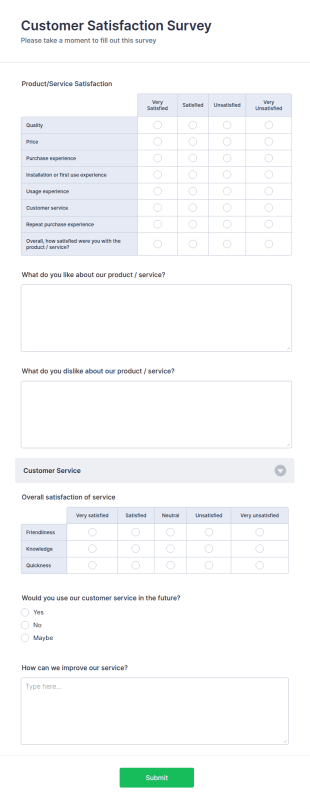
Customer Satisfaction Survey Form
Get to know your customers with a free online Customer Satisfaction Survey. Easy to customize, share, and embed. Analyze results to improve your business.
Go to Category:Services Forms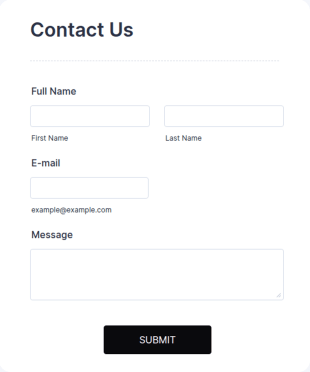
General Inquiry Contact Form
A General Inquiry Contact Form is a versatile tool that streamlines communication for businesses. Simplify your processes, save time and enhance customer satisfaction with a well-designed, easy-to-use form.
Go to Category:Contact FormsLime Theme Contact Us Form
Light gradient green background makes the form simple and elegant looking. Simple and practical, convenient to have it on the go!
Go to Category:Contact Forms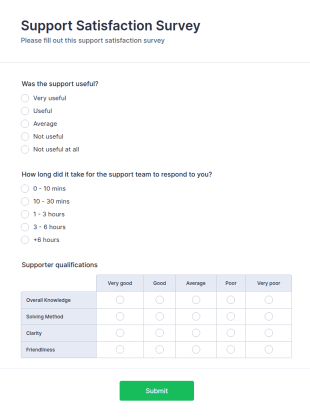
Support Satisfaction Survey
A support satisfaction survey is used by companies to collect feedback about their customer support services.
Go to Category:Satisfaction Surveys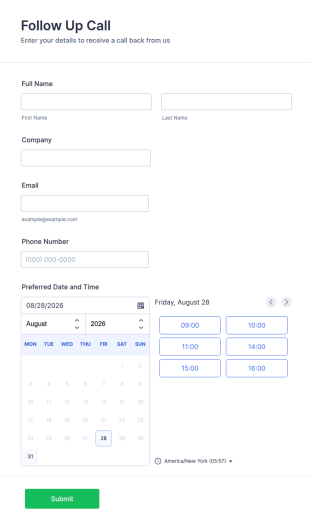
Call Back Form
A Call Back Form is a template designed to streamline your communication process. It is ideal for businesses striving to maintain a strong customer relationship by ensuring prompt response.
Go to Category:Banking Forms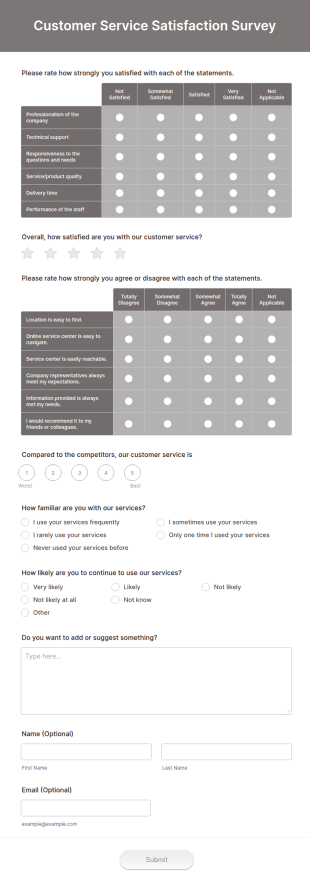
Customer Service Satisfaction Survey
Now it is easy to learn how your customers are satisfied with your service thanks to this Customer Service Satisfaction Survey. No code required!
Go to Category:Customer Service Forms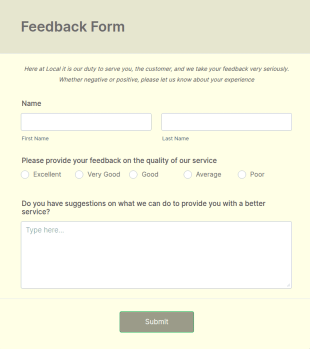
Service Quality Feedback Form
Service Quality Feedback Form is a tailored template designed to streamline the process of gathering customer feedback. It aids in identifying pain points, enhancing service quality, and fostering customer satisfaction. Perfect for service-based businesses in any industry.
Go to Category:Quality Surveys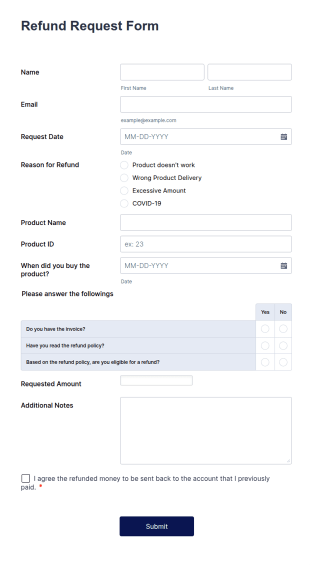
Refund Request Form
A Refund Request Form is a form template designed to collect information about refund requests from customers
Go to Category:Coronavirus Response Forms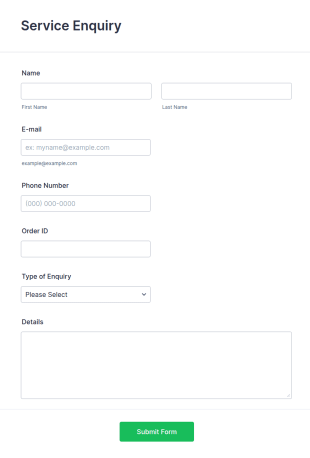
Service Enquiry Form
Receive service enquiries easily with details by using this service enquiry form.
Go to Category:Services Forms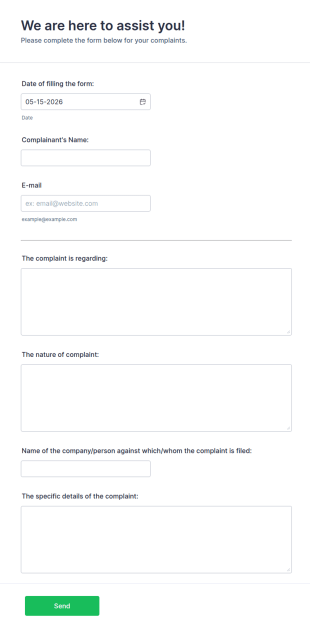
Online Complaint Form
An Online Complaint Form is a form template that streamlines customer feedback process. It's a perfect solution for businesses to efficiently capture, track and tackle customer complaints, boosting customer satisfaction rates and retention.
Go to Category:Complaint Forms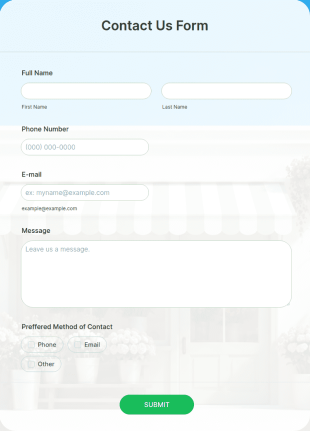
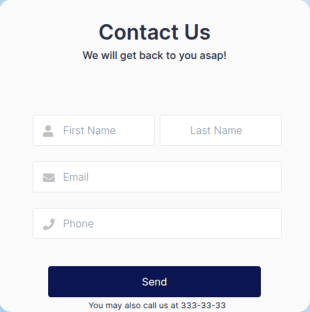
Contact Us Form
A Contact Us Form is a form template designed to provide a convenient and user-friendly way for website visitors to get in touch with the organization, business, or individual behind the website.
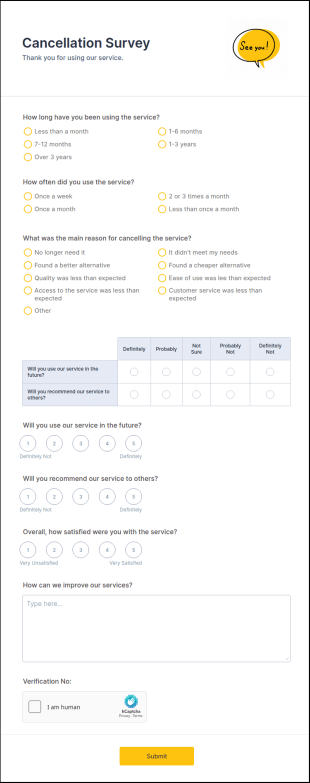
Go to Category:Shopify FormsCancellation Survey
A cancellation survey is a questionnaire used to determine the reasons why customers cancel their service. Fully customizable and free.
Go to Category:Marketing Forms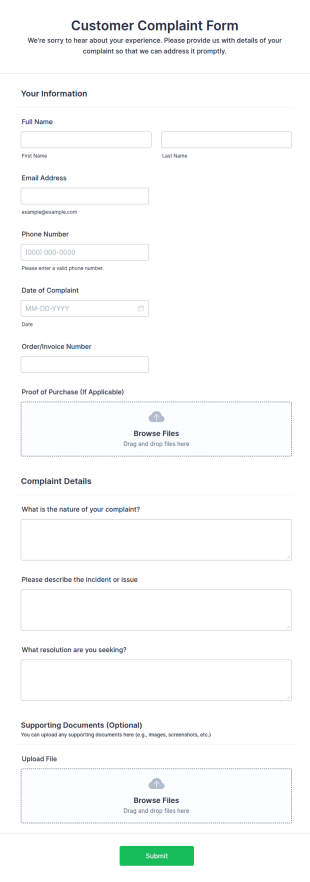
Customer Complaint Form
A customer complaint form is a questionnaire that is used to gather details about a customer’s complaint against a certain situation.
Go to Category:Customer Service Forms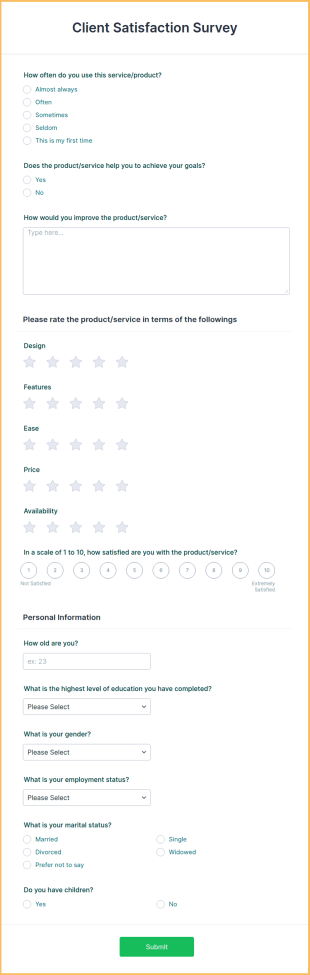
Client Satisfaction Form
Find out what clients think of your products or services with an easy-to-customize form. Share with a link or embed in your site. Analyze results with Jotform.
Go to Category:Survey TemplatesPurple Contact Form
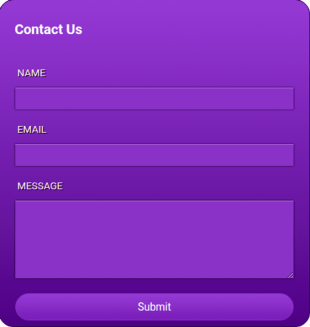
Form allows for the collection of basic information of users. Neat and beautiful with purple colors.
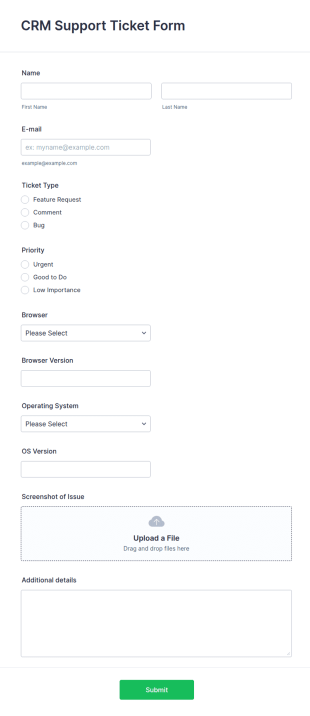
Go to Category:Contact FormsCRM Support Ticket Form
A CRM support ticket form is a customer feedback survey that can be filled out by a customer or representative.
Go to Category:Business Forms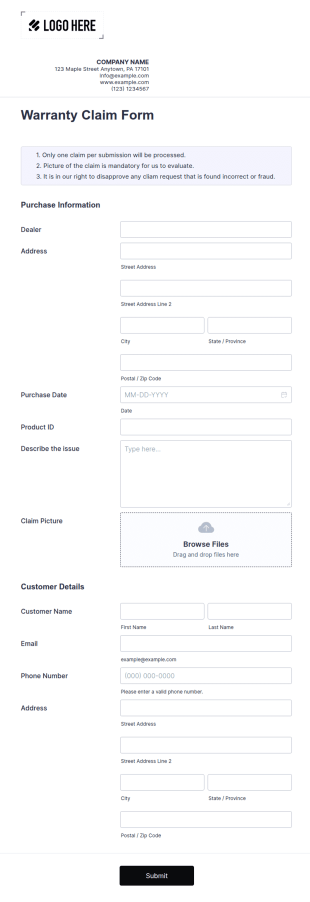
Warranty Claim Form
A warranty claim form is a document used by consumers to file a warranty complaint for a product or appliance.
Go to Category:Customer Service FormsDog Walking Client Form Template
Register new clients for your dog walking services and make appointments. Free online form template for dog walkers. Easy to customize, embed, and fill out on any device. No coding.
Go to Category:Services Forms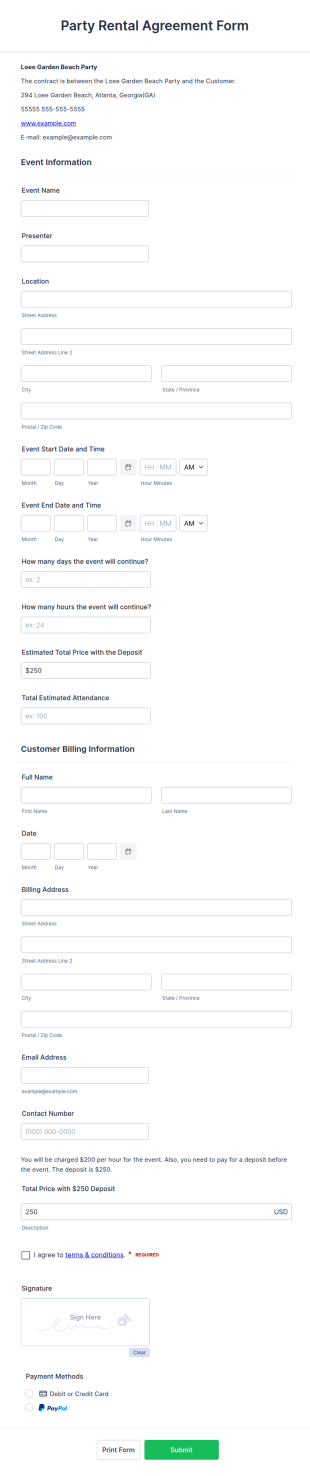
Party Rental Agreement Form
Let’s get this party started! Whether you’re renting out a party space, providing party equipment, or catering for hungry partygoers, our Party Rental Contract Form is a one stop shop for gathering the information you need.
Go to Category:Entertainment Forms
Call Center Coaching Form
Assess and evaluate the performance of an agent in a single call by using this Call Center Coaching Form as a guideline. This form will help the agent acknowledge his/her areas of opportunities.
Go to Category:Contact Forms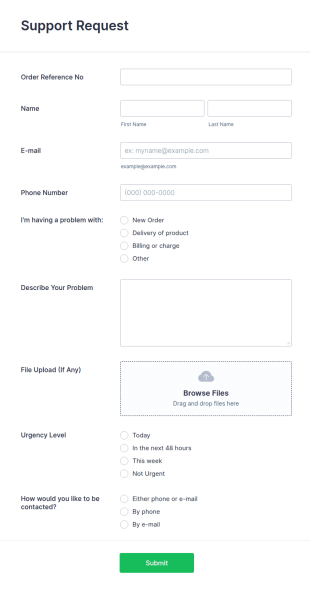
Support Request Form
A support request form is a form used to gather details of a customer's problem, request, or question. No coding!
Go to Category:Request Forms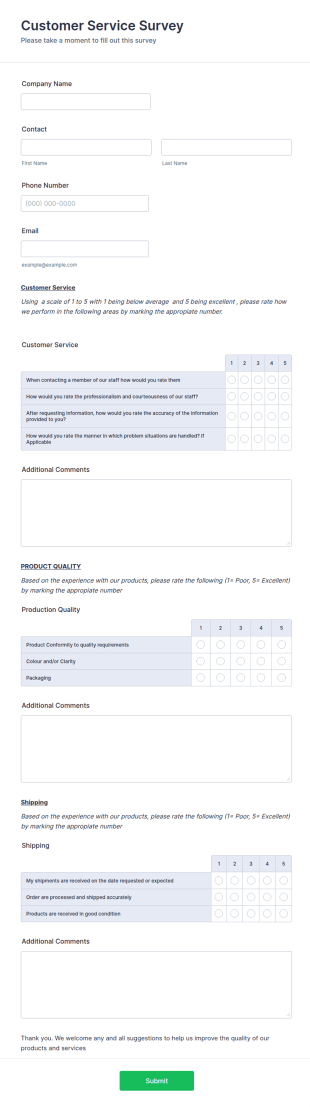
Customer Satisfaction Survey Form Template
This Customer Satisfaction Survey form template is designed to help businesses and organizations gather valuable feedback and assess the level of satisfaction customers have with their products, services, or overall experience.
Go to Category:Customer Satisfaction Evaluation Forms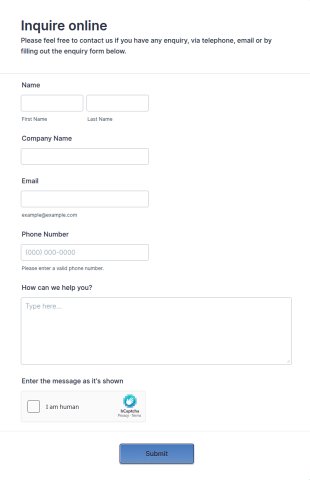
Sidebar Contact Form
A sidebar contact form is a form that is displayed in a sidebar of a website. The sidebar contact form is a versatile. Fully customizable and free.
Go to Category:Web Design Forms
Customer Information Form
A travel customer information form is used to collect contact information, travel plans and other details from travel customers for future reference.
Go to Category:Travel Booking FormsAbout Customer Service Agent Forms
Customer Service Agent Forms are specialized digital forms designed to streamline and enhance the efficiency of customer service operations. These forms cater to a variety of tasks frequently managed by Customer Service Agent, such as logging customer inquiries, tracking service requests, and managing feedback. By automating these processes, Customer Service Agent Forms help in cutting down response times and ensuring that customer interactions are recorded systematically and accurately. In real-world workflows, these forms are often used to facilitate seamless communication between customers and service teams, ensuring that the customer's voice is heard and addressed promptly.
Jotform stands out as the premier online form builder for Customer Service Agent Forms, offering unparalleled ease of customization and automation capabilities for data collection processes. With Jotform, creating a tailored form is as simple as using the intuitive drag-and-drop feature, allowing for a fully personalized user experience. Furthermore, Jotform provides centralized data management through Jotform Tables, enabling customer service teams to organize and analyze data efficiently. This integration ensures that all collected information is stored securely and is easily accessible, promoting a more organized and responsive customer service operation.
Why Use Customer Service Agent Forms?
- Customer Service Agent Forms streamline the data collection process, ensuring that information is captured accurately and consistently. This is critical in reducing errors that can occur with manual data entry, enhancing the overall reliability of the information gathered.
- These forms significantly speed up the process of handling customer inquiries and requests. By automating routine data entry tasks, Customer Service Agent can respond more quickly to customer needs, improving the overall customer experience.
- Professional data handling is a hallmark of Customer Service Agent Forms, as they ensure that sensitive customer information is managed securely. This is crucial in maintaining customer trust and complying with data protection regulations.
- The use of digital forms reduces the reliance on paper-based processes, which can be cumbersome and prone to misplacement or loss. By moving to a digital format, organizations can ensure that all data is easily retrievable and that physical storage space is minimized.
- With the ability to integrate with third-party applications, these forms offer enhanced functionality, allowing customer service teams to connect with tools like Google Sheets or Salesforce for more comprehensive data analysis and reporting capabilities.
Common Problems Solved by Customer Service Agent Forms
- The cumbersome nature of paperwork is a significant pain point in many customer service operations. Customer Service Agent Forms eliminate the need for physical documents, thereby reducing clutter and the risk of losing critical information.
- Manual data entry often leads to errors and inconsistencies, which can impact service quality. These forms automate data input processes, ensuring that information is captured accurately and consistently, minimizing the potential for human error.
- Lost data can severely hinder a customer service team’s ability to respond effectively to customer needs. By utilizing digital forms, all data is stored securely in the cloud, ensuring easy access and retrieval whenever necessary.
- Time-consuming processes are streamlined through the use of Customer Service Agent Forms, allowing customer service personnel to focus on more complex tasks that require human intervention. This increases overall productivity and enhances service delivery.
Matching Use Cases to Features
- The drag-and-drop form builder makes it easy to create customized forms that cater specifically to customer service needs, such as feedback forms or service request forms, enhancing the user experience and operational efficiency.
- Conditional logic allows forms to dynamically adjust based on user input, ensuring that customers only see questions relevant to their specific query, streamlining the data collection process and improving user satisfaction.
- With 30+ payment gateways, forms can be used to collect payments directly from customers, simplifying transactions and enhancing the customer service experience by offering a seamless payment process.
- Electronic signatures via Jotform Sign provide a convenient way to capture customer approvals or consent, reducing the need for physical paperwork and expediting service delivery processes.
- Integration with 100+ third-party applications enables the seamless transfer of data from forms to platforms like Slack or Salesforce, facilitating better communication and data management.
- The PDF Editor allows for automated generation of professional PDF documents from form submissions, ensuring that all interactions are documented in a formal and organized manner.
- Approval workflows can be set up within forms to automate the process of reviewing and approving customer requests, enhancing efficiency and ensuring a timely response to customer needs.
How to Create a Customer Service Agent Form
- Browse the Template List for a Customer Service Agent template or start from a blank form.
- Customize the design and fields using the Drag-and-Drop Form Builder.
- Publish and share via Direct Link, Email, or Website Embed.
Top Use Cases for Customer Service Agent Forms
- For Managers: Customer Service Agent Forms provide managers with a detailed overview of customer interactions and service performance. By leveraging these forms, managers can monitor the efficiency of their teams, identify areas for improvement, and ensure that customer service standards are consistently met. Centralized data collection also allows for more informed decision-making and strategic planning, contributing to the overall success of the service department.
- For Teams: Customer service teams benefit from the streamlined workflows facilitated by these forms. With automated data collection and processing, teams can focus more on engaging with customers and less on administrative tasks. The ease of access to up-to-date information ensures that all team members are aligned and able to provide consistent and high-quality service to customers, ultimately enhancing team productivity and morale.
- For Customers: From the customer's perspective, these forms simplify the process of communicating with service agents. Customers can quickly submit inquiries or feedback without the hassle of lengthy phone calls or waiting times. The convenience and efficiency of digital forms lead to a more positive customer experience, as their needs are addressed promptly and effectively, fostering greater satisfaction and loyalty.
Summarizing Customer Service Agent Forms
Customer Service Agent Forms are essential for any organization looking to improve its customer service operations. By utilizing Jotform's online form builder, organizations can create highly customizable and efficient forms that cater to specific service needs. The ease of use, coupled with robust data management and integration capabilities, ensures that customer service teams can operate more effectively, respond to customer inquiries swiftly, and maintain high standards of service quality. Ultimately, these forms contribute to a more organized, responsive, and customer-centric service environment.
Frequently Asked Questions
1) Is it free to create Customer Service Agent forms on Jotform?
Yes, Jotform offers a free plan that allows users to create and customize Customer Service Agent forms, although there are limitations on the number of forms and submissions compared to paid plans.
2) Are the forms and submitted data secure?
Absolutely, Jotform prioritizes security by offering features such as SSL encryption and compliance with various data protection standards to ensure that all forms and data submissions are kept safe and confidential.
3) Do I need coding knowledge to build a Customer Service Agent form?
No, Jotform's intuitive drag-and-drop form builder allows you to create forms without any coding knowledge, making it accessible to users of all technical levels.
4) Can I collect payments directly through my forms?
Yes, Jotform supports over 30 payment gateways, including Stripe, PayPal, and Square, enabling you to collect payments directly through your forms with ease.
5) Can these forms be used on mobile devices?
Yes, Jotform's forms are fully responsive and can be accessed and used on any mobile device, ensuring a seamless experience for users on the go.
6) Can I turn form submissions into professional PDF documents?
Indeed, Jotform's PDF Editor allows you to automatically generate professional PDF documents from form submissions, making it easy to maintain organized records.
7) Can I integrate these forms with my CRM system?
Yes, Jotform offers integration with a variety of CRM systems, including Salesforce, allowing you to seamlessly transfer data from forms to your CRM for enhanced customer relationship management.
8) How can I ensure that my form is user-friendly for customers?
By using Jotform's conditional logic and drag-and-drop builder, you can design forms that are intuitive and easy to navigate, enhancing the overall user experience for your customers.