

Equipment Management Forms

Equipment Breakdown Summary Report Form
Equipment Breakdown Summary Report Form helps maintenance and operations teams log equipment failures, capture repair details, and store incident history for better tracking and analysis.
Go to Category:Equipment Maintenance Forms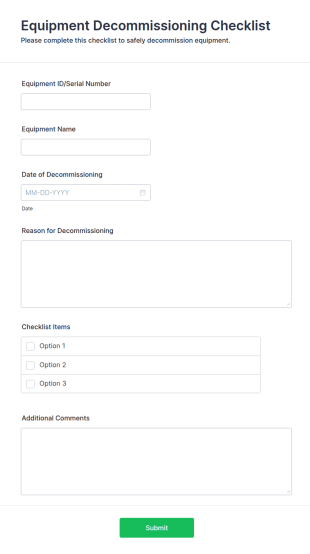
Equipment Decommissioning Checklist
The Equipment Decommissioning Checklist helps organizations manage the retirement of equipment effectively, ensuring proper procedures are followed for data wiping and disposal.
Go to Category:Business Forms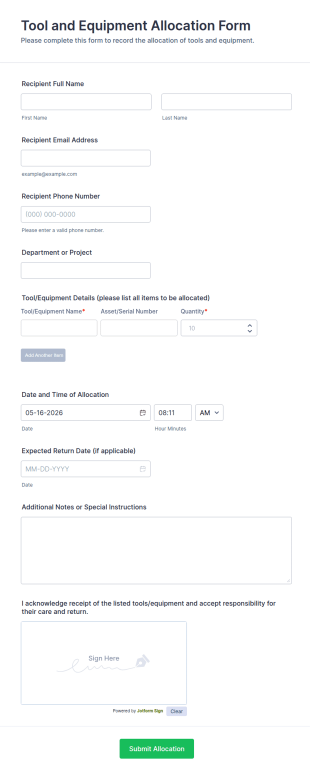
Tool And Equipment Allocation Form
Tool and Equipment Allocation Form tracks who receives tools or equipment, for which project, and when items are due back, helping operations, IT, and facilities teams manage inventory and accountability.
Go to Category:Equipment Management Forms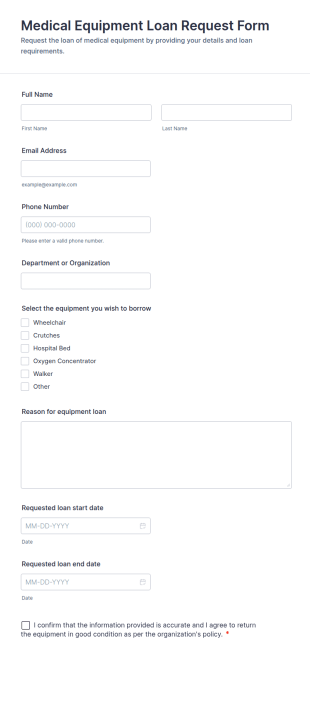
Medical Equipment Loan Request Form
Medical Equipment Loan Request Form helps hospitals, clinics, universities, and labs collect and track requests for borrowing medical equipment, including loan dates, reasons, and borrower details.
Go to Category:Equipment Request Forms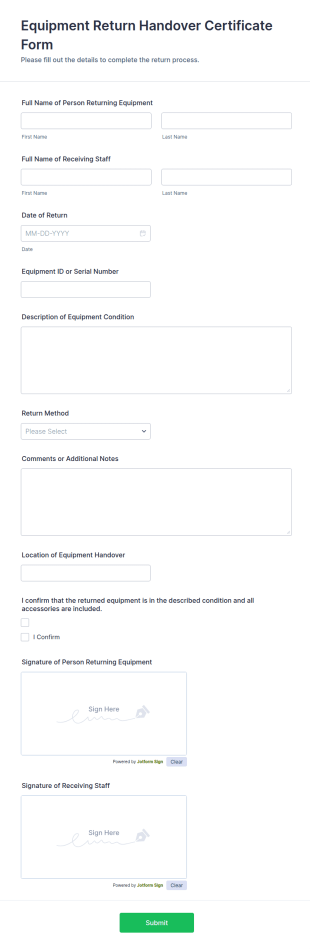
Equipment Return Handover Certificate Form
Track equipment handovers with the Equipment Return Handover Certificate Form for IT, facilities, and operations teams, capturing return details and signatures in one place through Jotform.
Go to Category:Equipment Management Forms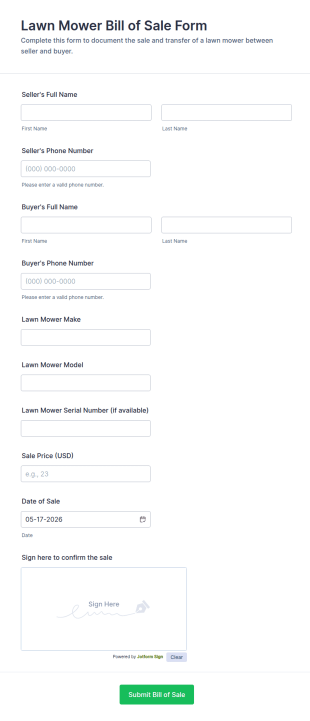
Lawn Mower Bill Of Sale Form
Lawn Mower Bill of Sale Form helps individuals and landscaping businesses document mower sales online with a simple, signed record for easy reference and organized data collection in Jotform.
Go to Category:Legal Forms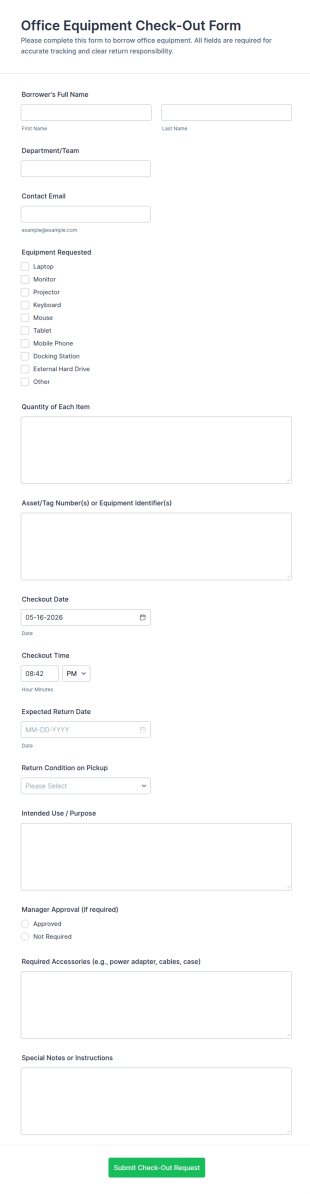
Office Equipment Check Out Form
Office Equipment Check-Out Form helps IT, facilities, and office teams track equipment loans, approvals, and return timelines in one place, improving data collection and visibility across internal requests with Jotform.
Go to Category:Check-Out Forms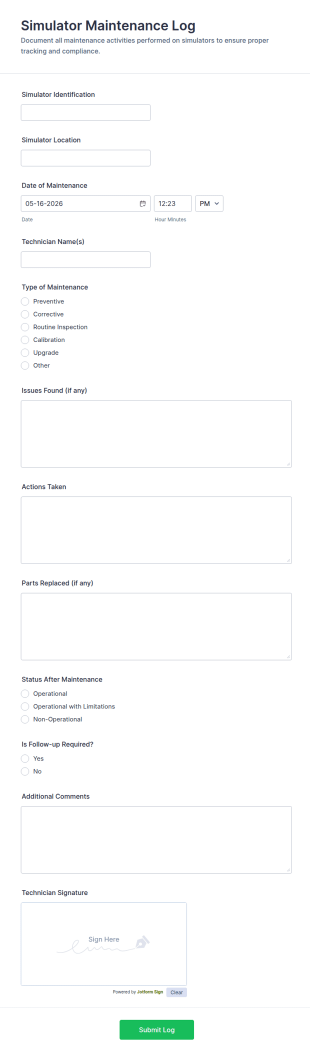
Simulator Maintenance Log Form
Track simulator service history with the Simulator Maintenance Log Form, ideal for technicians and facility teams to document maintenance activity, organize data collection, and manage each form submission in Jotform.
Go to Category:Maintenance Forms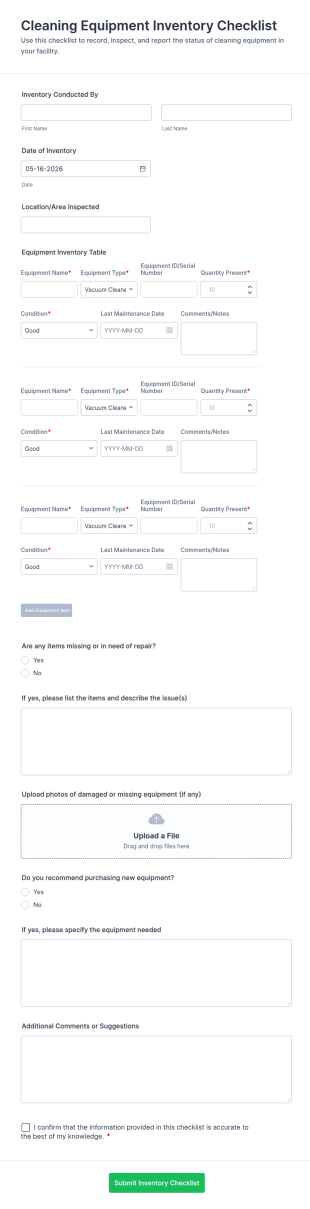
Cleaning Equipment Inventory Checklist
Track cleaning equipment across locations, document issues, and support repair or replacement decisions with the Cleaning Equipment Inventory Checklist in Jotform.
Go to Category:Checklist Forms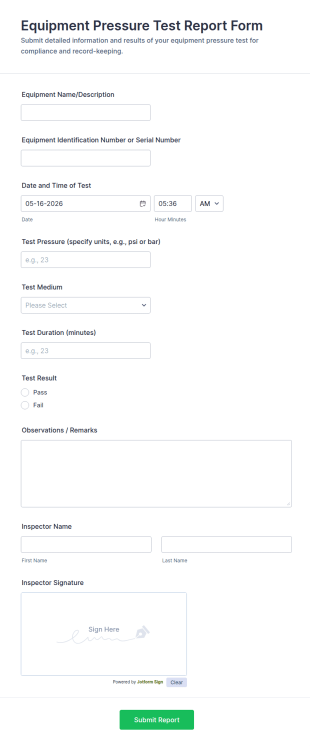
Equipment Pressure Test Report Form
Equipment Pressure Test Report Form helps maintenance teams, engineers, and inspectors document pressure tests on equipment consistently and store reports digitally for easy tracking and review.
Go to Category:Engineer Forms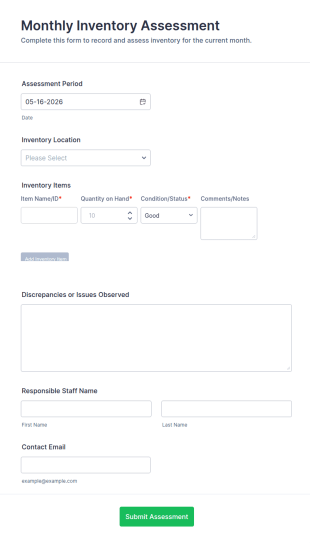
Monthly Inventory Assessment
Monthly Inventory Assessment Form helps warehouses, retailers, restaurants, and manufacturers record monthly stock counts, locations, and issues, with organized data collection in Jotform.
Go to Category:Assessment Forms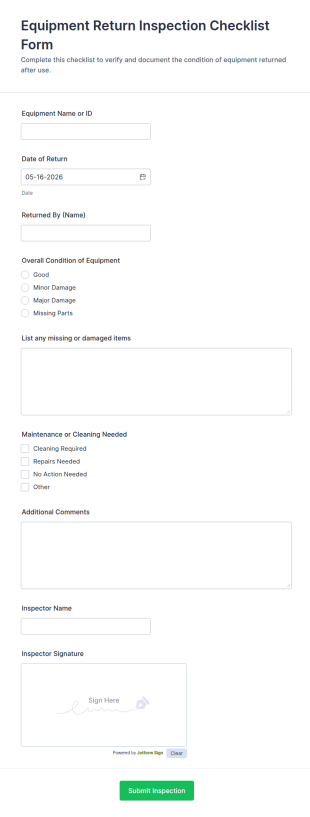
Equipment Return Inspection Checklist Form
Track returned equipment condition and inspection records with the Equipment Return Inspection Checklist Form, helping teams reduce losses, flag damage, and keep maintenance workflows organized with Jotform.
Go to Category:Checklist Forms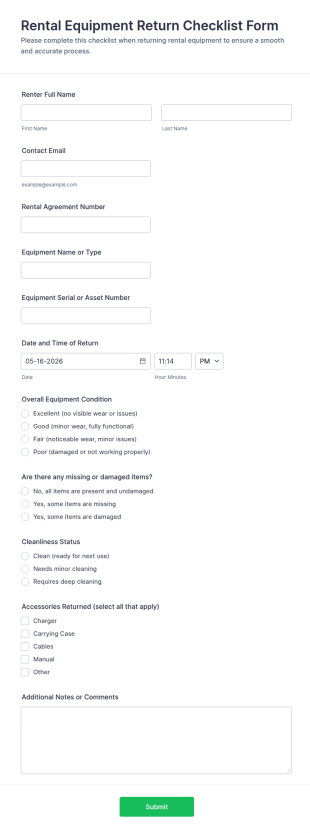
Rental Equipment Return Checklist Form
Track rental returns with the Rental Equipment Return Checklist Form and record item condition, accessory status, and return details so rental teams can improve data collection and keep inventory handoffs consistent.
Go to Category:Checklist Forms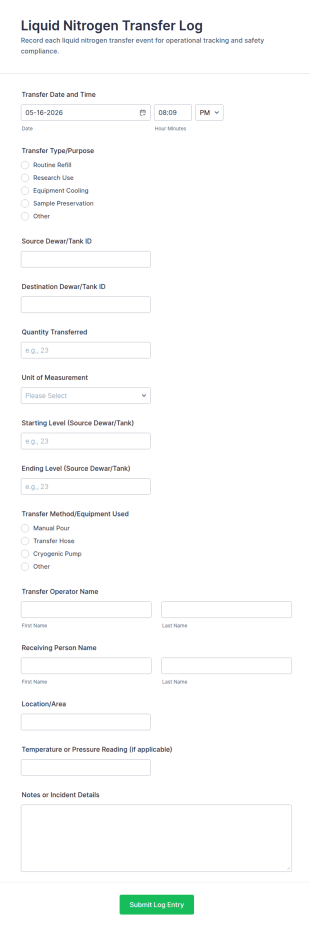
Liquid Nitrogen Transfer Log Form
Liquid Nitrogen Transfer Log Form helps labs and cryogenic storage teams document transfers between tanks, track quantities and responsible staff, and keep consistent records in Jotform for reliable data collection and reporting.
Go to Category:Laboratory Forms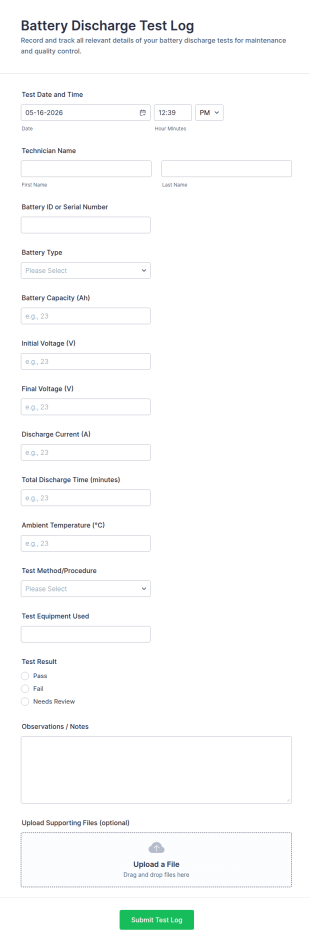
Battery Discharge Test Log
Track battery performance testing with the Battery Discharge Test Log Form in Jotform, a customizable form template for consistent data collection across maintenance, lab, and field service teams.
Go to Category:Equipment Maintenance Forms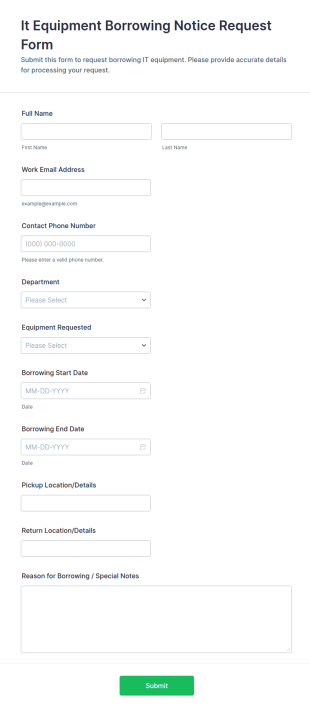
It Equipment Borrowing Notice Request Form
Collect and manage internal device loan requests with the IT Equipment Borrowing Notice Request Form in Jotform, ideal for IT teams tracking equipment availability, loan periods, and employee requests across departments.
Go to Category:IT Forms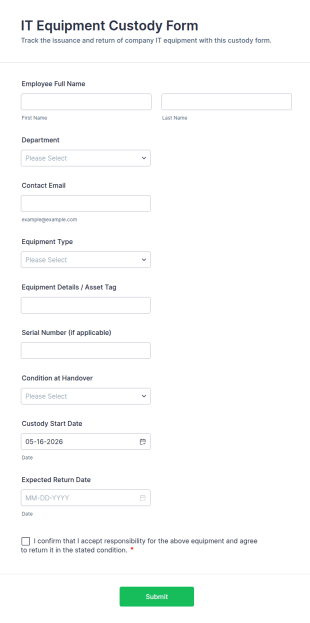
IT Equipment Custody Form
IT Equipment Custody Form helps IT teams and facilities track device handovers, assign responsibility, and organize equipment return timelines using Jotform for consistent data collection and form submission management.
Go to Category:IT Forms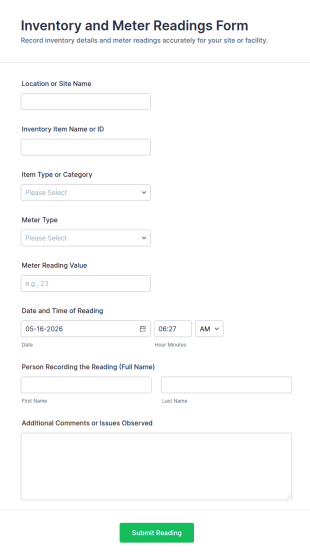
Inventory And Meter Readings Form
Inventory and Meter Readings Form helps facilities, utilities, and maintenance teams record meter values and inventory details by location, track issues, and centralize data collection in one organized form template.
Go to Category:Equipment Management Forms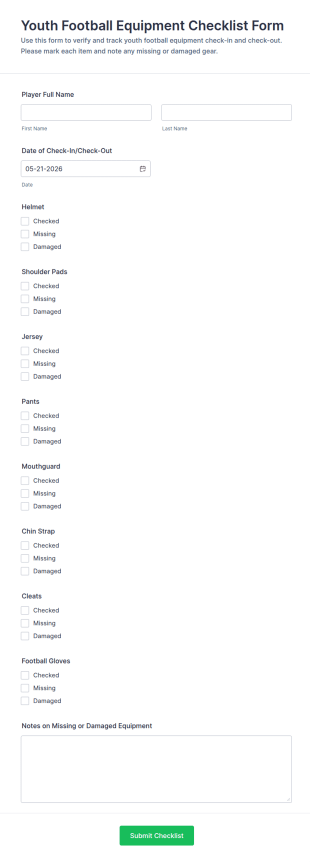
Youth Football Equipment Checklist Form
Youth Football Equipment Checklist Form helps leagues and teams track gear check-in and check-out, document missing or damaged items, and keep equipment distribution organized with Jotform data collection.
Go to Category:Checklist Forms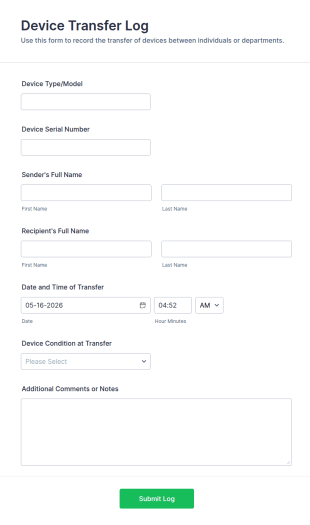
Device Transfer Log
Device Transfer Log Form helps IT teams, schools, and businesses record hardware handovers, track device responsibility, and document condition at transfer for accurate asset management.
Go to Category:IT Forms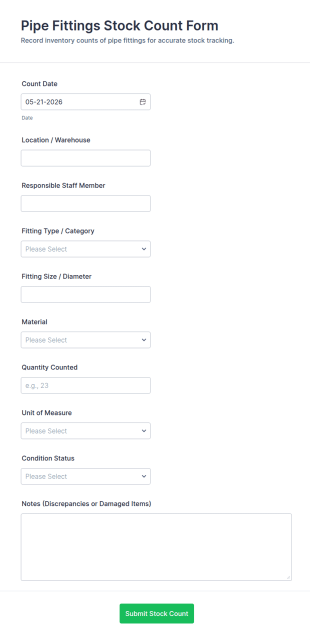
Pipe Fittings Stock Count Form
Track pipe fittings inventory across warehouses and job sites with the Pipe Fittings Stock Count Form in Jotform, helping maintenance teams and distributors standardize data collection and organize every form submission for faster reconciliation.
Go to Category:Storekeeper Forms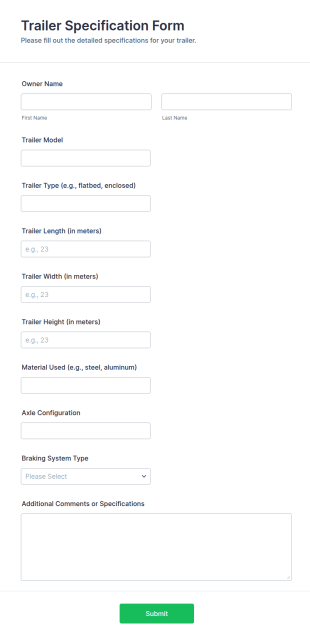
Trailer Specification Form
Trailer Specification Form simplifies trailer data collection for dealers, repair shops, and fleet teams by capturing consistent specs for quoting, service intake, and recordkeeping with Jotform.
Go to Category:Automotive Forms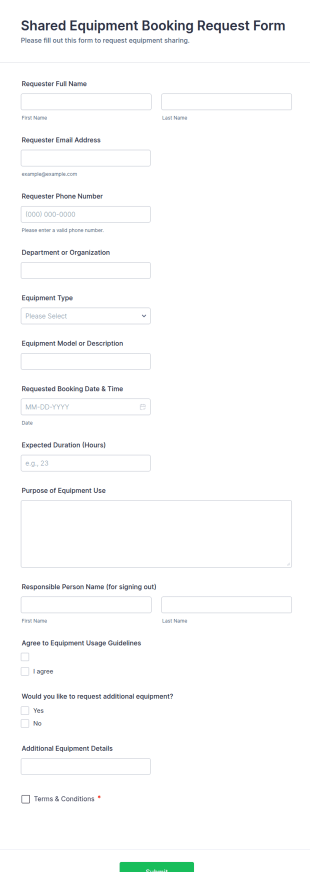
Shared Equipment Booking Request Form
Shared Equipment Booking Request Form helps organizations manage reservations for shared gear by collecting requests online and keeping booking details organized for facilities teams, departments, and coordinators.
Go to Category:Booking Forms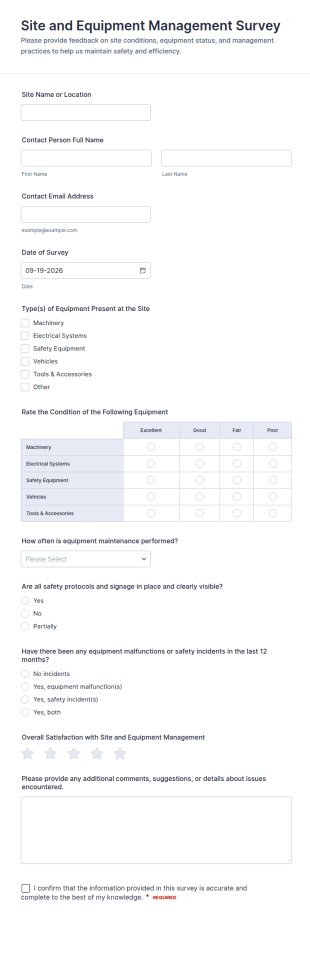
Site And Equipment Management Survey
Collect consistent site and equipment feedback with the Site and Equipment Management Survey Form in Jotform, helping facility and operations teams track maintenance and safety practices across locations with organized data collection.
Go to Category:Survey TemplatesAbout Equipment Management Forms
Equipment management forms are structured documents used to manage the full lifecycle of equipment, from onboarding and assignment to tracking, maintenance, and retirement. They help organizations keep accurate records of what equipment exists, who is responsible for it, where it is located, and what condition it is in. Equipment management forms are commonly used by IT teams, operations departments, facilities teams, warehouses, labs, schools, and field service organizations to manage assets like laptops, tools, instruments, devices, and specialized machinery. By standardizing equipment workflows, these forms reduce loss, improve accountability, and support better planning and compliance.
With Jotform, equipment management forms can be created quickly using a no-code, drag-and-drop Form Builder and connected to consistent tracking in Jotform Tables. Conditional logic can tailor fields based on equipment type or workflow action, while file upload fields can collect receipts, photos, warranties, and service documentation. Teams can use automated notifications to confirm assignments, flag overdue returns, or route maintenance requests. This makes it easier to manage equipment records in one place and keep equipment processes consistent across teams.
Use Cases of Equipment Management Forms
Equipment management forms support centralized control of equipment records and workflows across departments. Below are common ways these forms are used and the challenges they help solve.
Possible Use Cases:
- Equipment inventory registration and asset onboarding
- Equipment assignment and responsibility confirmation
- Equipment transfer, check-out, and return tracking
- Maintenance reporting and service documentation intake
- Equipment audits and location verification
- Equipment retirement, disposal, or replacement documentation
Problem-Solving Points:
- Create a single source of truth for equipment status and ownership
- Reduce loss by tracking assignments, transfers, and returns
- Improve maintenance planning with documented service history
- Support audits with clear, searchable equipment records
Possible Owners and Users:
- IT, asset management, and operations teams
- Facilities and maintenance staff
- Warehouse coordinators and inventory teams
- Team leads managing shared equipment
- Employees, students, or technicians using equipment
Differences of Creation Methods:
- Equipment inventory and onboarding forms focus on asset details like equipment type, serial number, asset tag, purchase info, warranty, and initial condition documentation.
- Equipment assignment and transfer forms emphasize custody changes, user confirmation, location updates, expected return dates (if temporary), and responsibility acknowledgments.
- Equipment maintenance and retirement forms prioritize service history, condition assessments, repair or replacement decisions, disposal documentation, and attachments like invoices or certificates.
How to Create an Equipment Management Form
Creating an equipment management form with Jotform helps you standardize asset workflows and keep equipment records consistent and easy to audit.
1. Choose a Template or Start from Scratch
In My Workspace, click “Create” and select “Form.” Start with an inventory or tracking template and customize it for equipment lifecycle management.
2. Add Equipment Identification Fields
Collect asset tag, equipment name/type, serial number, location, and department. Include purchase date and warranty fields if relevant.
3. Define the Equipment Workflow Action
Add an action type dropdown such as onboarding, assignment, transfer, maintenance, audit, or retirement. Use conditional logic to show the relevant section for that action.
4. Capture Accountability and Supporting Evidence
For assignments, include responsibility acknowledgments and signatures if needed. For maintenance and retirement, include condition notes, service details, and file uploads.
5. Set Up Notifications and Approvals
Route forms to the right team based on action type and urgency. Notify requesters when records are updated or when follow-up is needed.
6. Track Equipment in Jotform Tables
Store submissions in Tables and filter by asset ID, status, user, or location. Export records for audits, budgeting, or reporting.
Frequently Asked Questions
1. What are equipment management forms?
Equipment management forms are documents or online forms used to manage equipment records and workflows like inventory onboarding, assignments, transfers, maintenance, and retirement.
2. Why are equipment management forms important?
They improve accountability, reduce loss, support maintenance planning, and create audit-ready records for equipment lifecycle management.
3. What information is typically included in equipment management forms?
Common fields include asset ID, equipment details, location, responsible user, condition notes, maintenance history, and supporting attachments.
4. Who uses equipment management forms?
IT, operations, facilities, warehouse teams, and equipment users may all use these forms depending on the workflow.
5. How is equipment management different from equipment tracking?
Tracking focuses on location and movement, while management covers the full lifecycle including onboarding, assignment, maintenance, audits, and retirement.
6. Can equipment management forms include documents like warranties and invoices?
Yes. Jotform file upload fields can collect receipts, warranty documents, service invoices, and retirement documentation.
7. Can equipment management forms support audits?
Yes. They create a searchable record of equipment status, ownership, and history, which helps with inventory audits and compliance checks.
8. Can equipment management forms be customized for different equipment types?
Yes. Conditional logic and custom fields can tailor the form for IT devices, tools, lab equipment, machinery, and other asset categories.