

Productivity Evaluation Forms

Productivity Assessment Form
A productivity assessment form is used to track the productivity levels of employees and assess what changes need to be made to improve productivity.
Go to Category:Education Forms
Digital Product Development Form
A Digital Product Development Form is your gateway to seamless product planning. This form template streamlines data collection, helping businesses to gather critical insights for product development. It simplifies user feedback, idea evaluation and ensures swift progress from conception to launch.
Go to Category:Product Surveys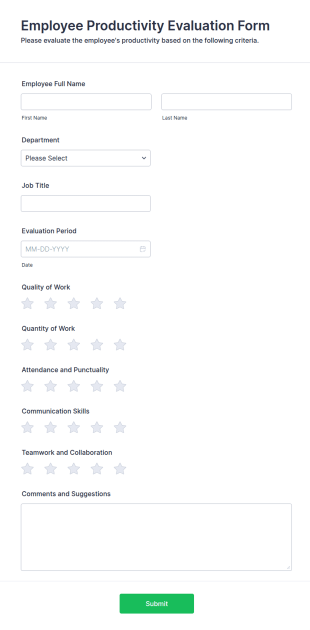
Employee Productivity Evaluation Form
Evaluate employee productivity with the Employee Productivity Evaluation Form, designed for structured feedback on performance, work quality, and collaboration skills, using Jotform's no-code form builder.
Go to Category:Human Resources Forms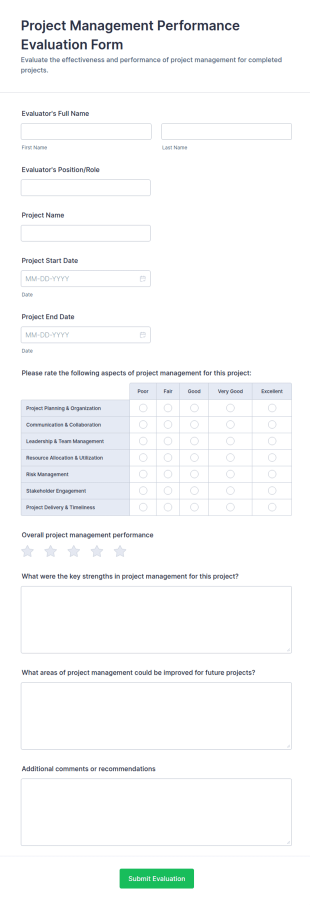
Project Management Performance Evaluation Form
Collect consistent project review feedback with the Project Management Performance Evaluation Form, ideal for PMOs and team leads to track performance across initiatives and centralize data collection in Jotform.
Go to Category:Evaluation Forms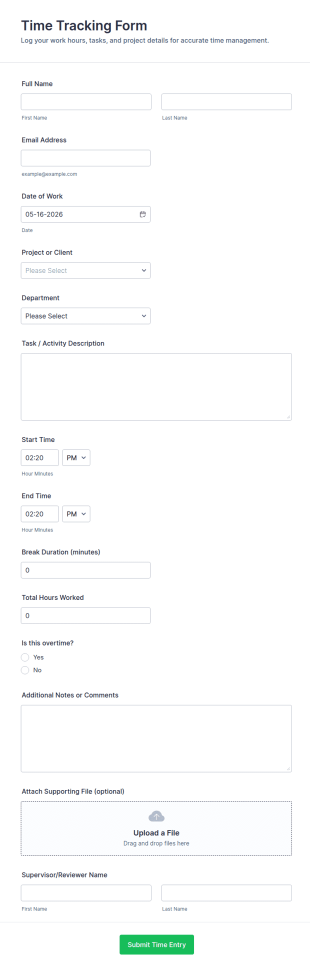
Time Tracking Form
Track employee and contractor hours by project and department with the Time Tracking Form in Jotform, ideal for payroll preparation, client billing, and supervisor review across teams and shifts.
Go to Category:Performance Tracking Forms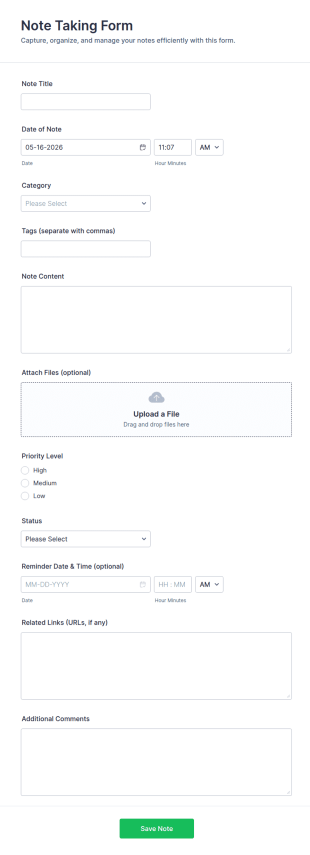
Note Taking Form
Capture, organize, and track notes with the Note Taking Form in Jotform, ideal for meetings, projects, and personal productivity with simple online data collection and easy sharing.
Go to Category:Productivity Evaluation Forms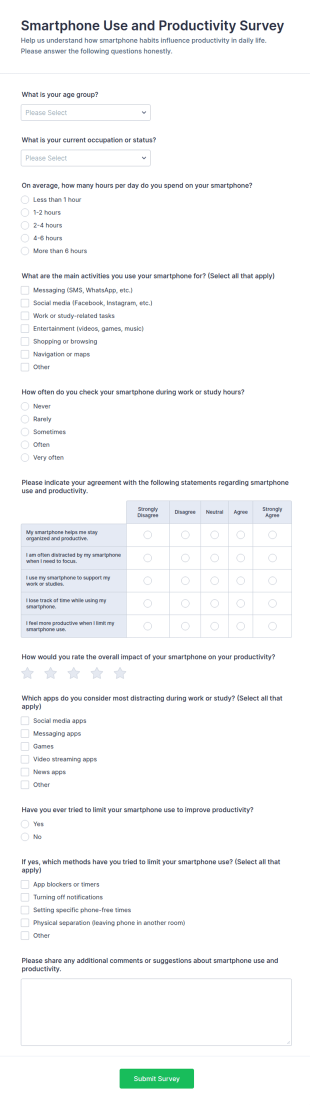
Smartphone Use And Productivity Survey Form
Collect data collection insights on smartphone habits and productivity with the Smartphone Use and Productivity Survey Form, ideal for workplaces, educators, coaches, and researchers who want clear trends and actionable findings.
Go to Category:Survey Templates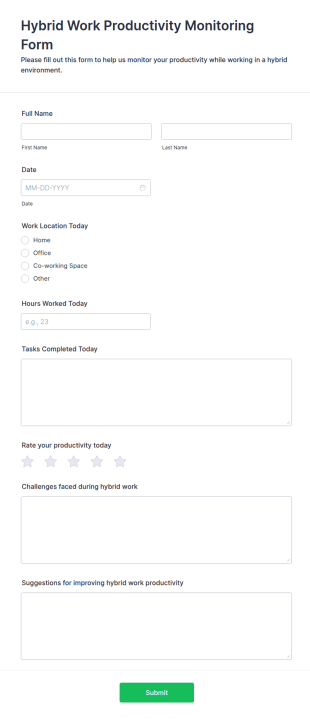
Hybrid Work Productivity Monitoring Form
The Hybrid Work Productivity Monitoring Form helps organizations track employee productivity and engagement in a hybrid work environment, ensuring effective performance monitoring.
Go to Category:Business Forms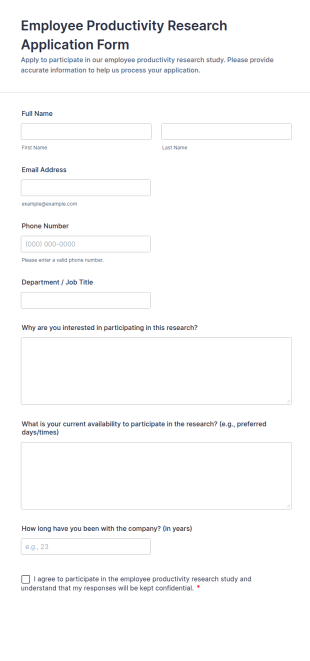
Employee Productivity Research Application Form
Employee Productivity Research Application Form collects applications from employees interested in joining productivity studies, helping HR and researchers manage volunteers, availability, and consent in one organized workflow.
Go to Category:Employee Surveys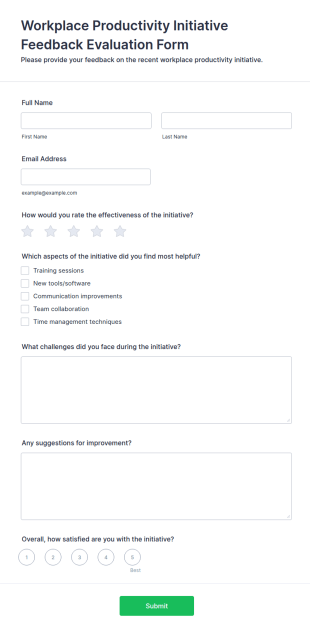
Workplace Productivity Initiative Feedback Evaluation Form
The Workplace Productivity Initiative Feedback Evaluation Form collects employee insights on workplace productivity programs, helping organizations improve initiatives and foster a better work environment.
Go to Category:Employee Surveys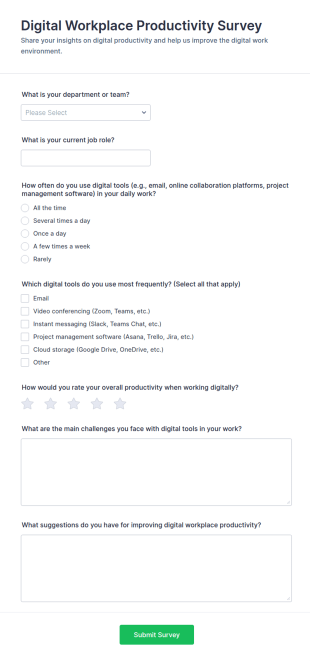
Digital Workplace Productivity Survey
Use the Digital Workplace Productivity Survey from Jotform to measure employee workflows and tool usage, built with Jotform Form Builder Form Templates for easy data collection via a drag-and-drop interface and no-code form builder.
Go to Category:Survey Templates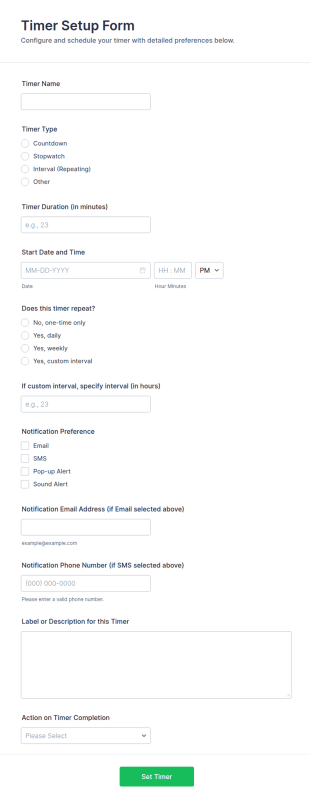
Timer Setup Form
Timer Setup Form helps teams schedule one-time or repeating timers, collect preferences for notifications, and standardize time-based workflows for operations, training, maintenance, and personal productivity with Jotform.
Go to Category:Time Tracking Forms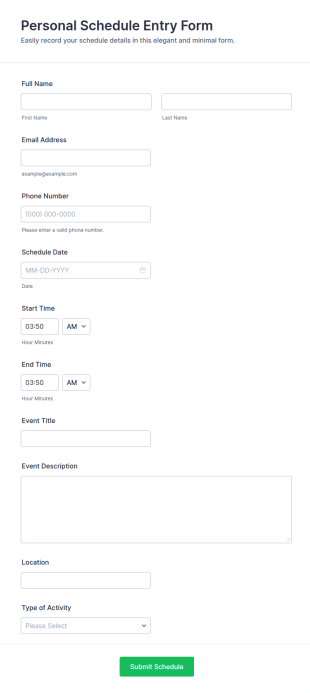
Personal Schedule Entry Form
Personal Schedule Entry Form makes it easy to collect schedule details online for meetings, tasks, and appointments, helping individuals, assistants, and small teams keep calendar entries organized with Jotform.
Go to Category:Personal Forms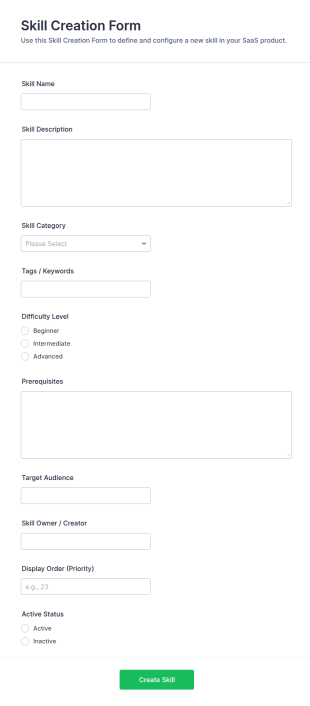
Skill Creation Form
Skill Creation Form helps teams define, organize, and manage new skills for internal catalogs, training programs, or SaaS product configuration using Jotform for fast data collection and simple review workflows.
Go to Category:IT Forms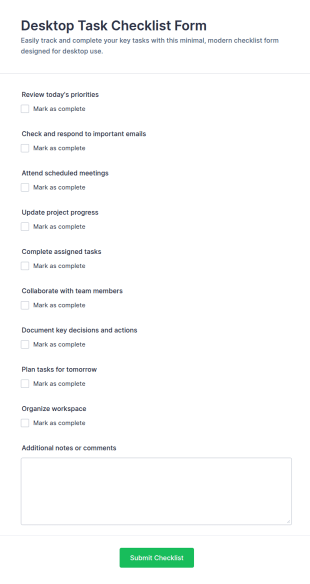
Desktop Task Checklist
Track daily work in one place with the Desktop Task Checklist Form for teams and individuals, built in Jotform to simplify data collection and manage every form submission from a shareable online checklist.
Go to Category:Checklist Forms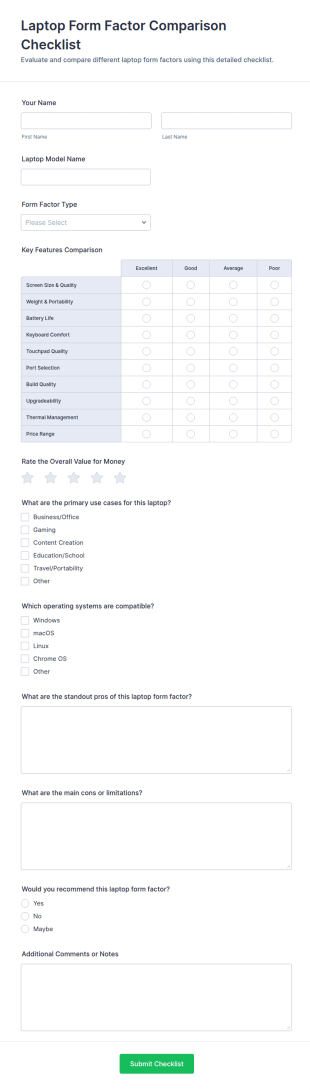
Laptop Form Factor Comparison Checklist Form
Compare laptop designs for purchasing and standardization with the Laptop Form Factor Comparison Checklist Form in Jotform, built for IT, procurement, and educators who need consistent evaluations and centralized data collection.
Go to Category:Checklist Forms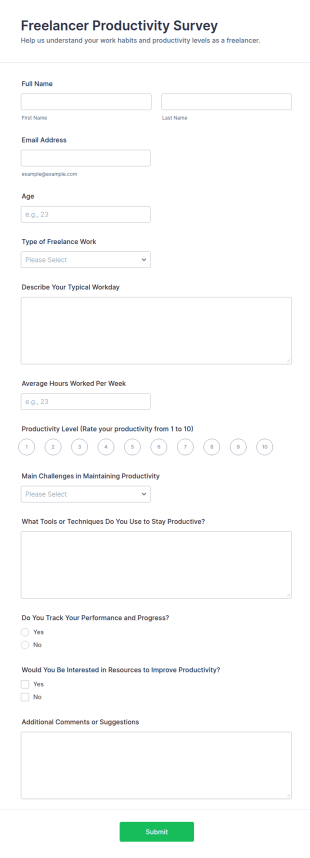
Freelancer Productivity Survey
Collect insights on freelancer work habits and productivity with the Freelancer Productivity Survey Form, ideal for coaches, communities, and research teams using Jotform for fast online data collection and easy follow-up.
Go to Category:Survey Templates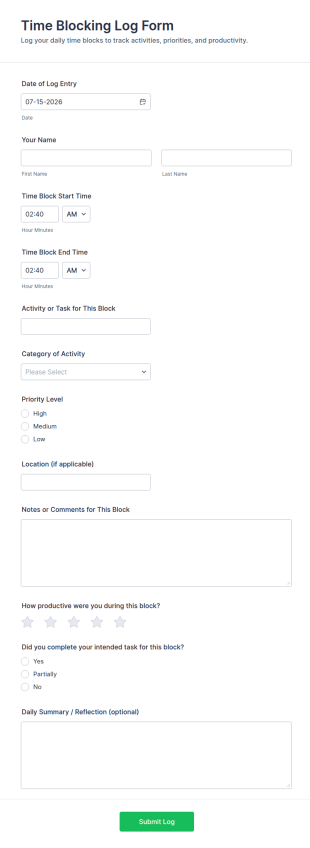
Time Blocking Log Form
Track focused work sessions, review priorities, and build better routines with the Time Blocking Log Form, a Jotform form template for individuals, coaches, and teams who want consistent productivity data collection.
Go to Category:Time Tracking Forms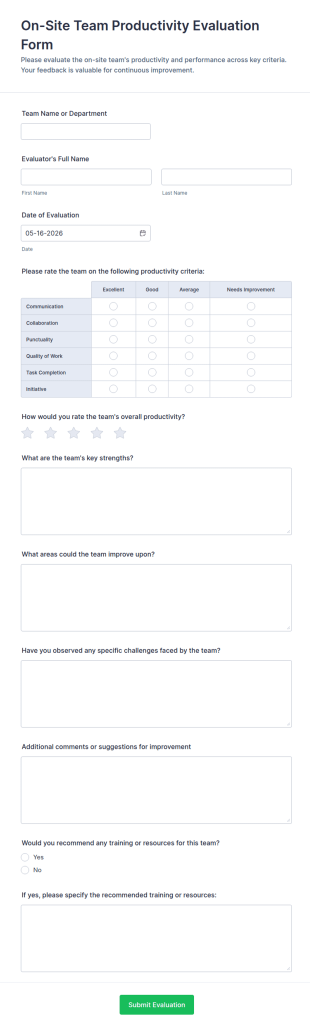
On Site Team Productivity Evaluation Form
On-Site Team Productivity Evaluation Form helps supervisors collect consistent on-site performance feedback, compare productivity over time, and document improvement opportunities using Jotform form templates.
Go to Category:Productivity Evaluation Forms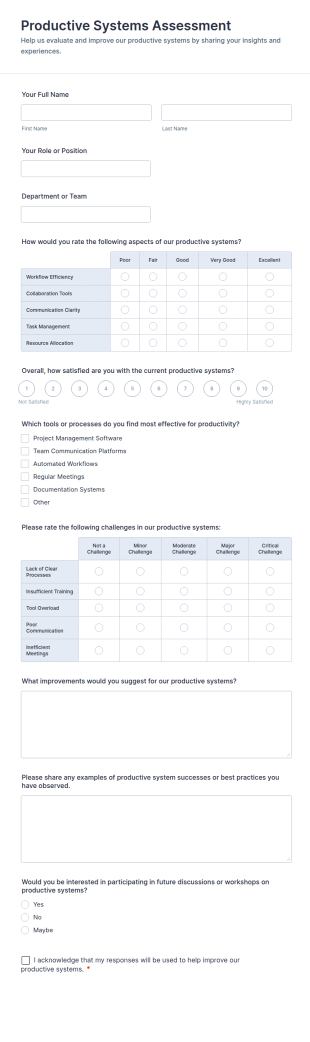
Productive Systems Assessment
Productive Systems Assessment Form helps teams collect internal feedback on productivity tools and processes, compare satisfaction across departments, and organize form submission data collection in Jotform for continuous improvement.
Go to Category:Assessment Forms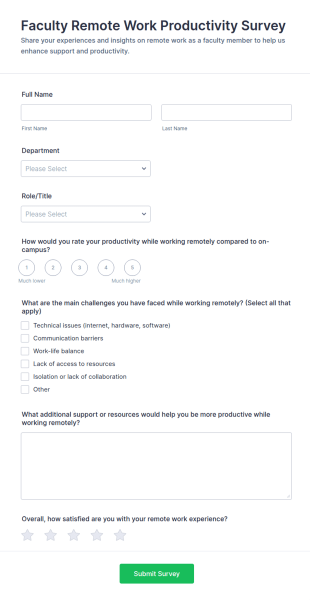
Faculty Remote Work Productivity Survey
Faculty Remote Work Productivity Survey Form helps universities and colleges measure faculty productivity, challenges, and satisfaction with remote work to guide better policies and support.
Go to Category:Education Forms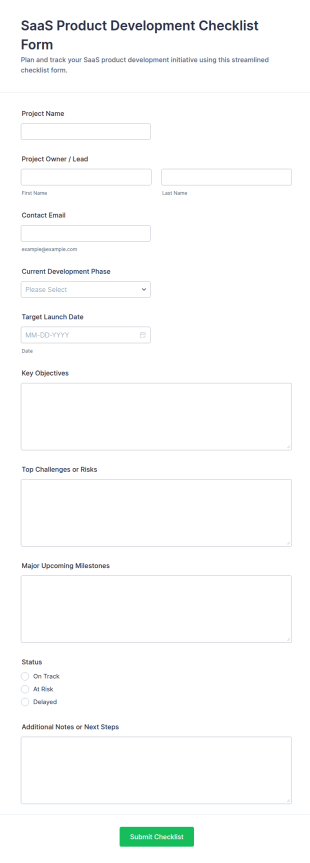
SaaS Product Development Checklist Form
Track product progress from ideation to launch with the SaaS Product Development Checklist Form for teams that need consistent status updates, milestone tracking, and centralized project reporting in Jotform.
Go to Category:Checklist Forms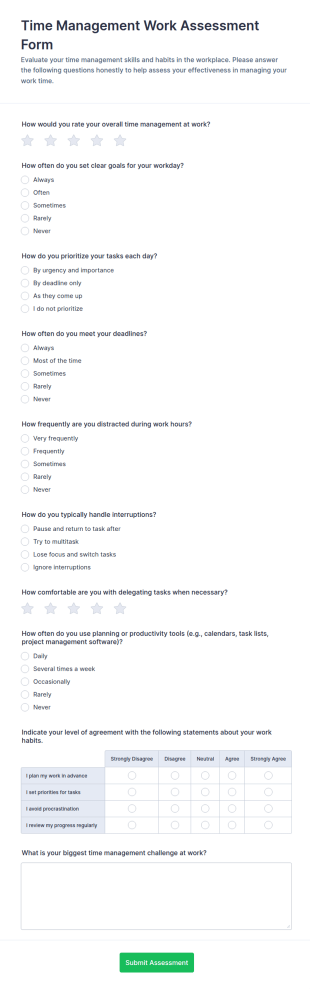
Time Management Work Assessment Form
Collect time management assessment responses with the Time Management Work Assessment Form to support coaching, employee development, and workplace training using Jotform Form Templates and simple online data collection.
Go to Category:Assessment Forms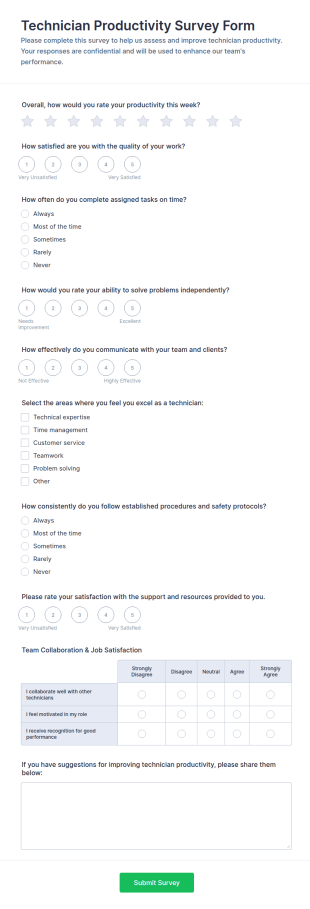
Technician Productivity Survey Form
Technician Productivity Survey Form helps service teams and supervisors measure weekly performance trends, identify coaching opportunities, and gather improvement ideas using Jotform for fast data collection and analysis.
Go to Category:Survey TemplatesAbout Productivity Evaluation Forms
Productivity Evaluation Form Templates are specialized digital forms designed to assess, track, and improve productivity within organizations, teams, or individual workflows. These templates are commonly used by managers, HR professionals, team leaders, and business owners to gather structured feedback on employee performance, work habits, goal achievement, and process efficiency. Use cases range from regular employee productivity reviews and project performance assessments to self-evaluations and departmental productivity audits. By standardizing the evaluation process, these forms help organizations identify strengths, uncover bottlenecks, and implement targeted improvements.
With Jotform, users can easily leverage Productivity Evaluation Form Templates to streamline their productivity assessment processes. Jotform’s intuitive drag-and-drop Form Builder allows anyone to customize templates to fit specific evaluation criteria, add conditional logic for dynamic questions, and integrate with other business tools for seamless data management. Automatic data storage, real-time notifications, and advanced filtering features ensure that productivity data is organized, accessible, and actionable. Whether you’re conducting one-on-one reviews or large-scale productivity surveys, Jotform’s no-code platform empowers you to collect and analyze productivity data efficiently, supporting better decision-making and continuous improvement.
Use Cases of Productivity Evaluation Form Templates
Productivity Evaluation Form Templates can be adapted to a variety of organizational needs, helping different stakeholders address unique challenges and objectives. Here’s how these templates can be used, who benefits from them, and how their content may differ:
- Possible Use Cases:
1. Employee Productivity Reviews: Regular assessments to monitor individual or team output and identify areas for growth.
2. Project Performance Evaluations: Measuring productivity and efficiency at the project level to ensure milestones are met.
3. Self-Evaluation Forms: Allowing employees to reflect on their own productivity and set personal improvement goals.
4. Departmental Productivity Audits: Analyzing productivity trends across departments to optimize resource allocation.
5. Remote Work Productivity Checks: Evaluating remote employees’ performance and identifying support needs.
- Problem Solving Points:
- Standardizes productivity measurement, reducing bias and inconsistency.
- Identifies bottlenecks and inefficiencies in workflows.
- Facilitates transparent feedback and goal-setting.
- Supports data-driven decision-making for performance improvement.
- Possible Owners and Users:
- HR professionals and managers conducting regular reviews.
- Team leaders overseeing project or departmental productivity.
- Employees engaging in self-assessment.
- Business owners seeking to optimize overall organizational performance.
- Differences of Creation Methods:
- Employee Reviews: May include fields for supervisor comments, rating scales, and goal tracking.
- Project Evaluations: Focus on project milestones, deadlines, and team collaboration metrics.
- Self-Evaluations: Emphasize personal goal setting, self-reflection, and perceived challenges.
- Departmental Audits: Aggregate data fields for team-wide analysis and cross-departmental comparisons.
In summary, Productivity Evaluation Form Templates are versatile tools that can be tailored to fit a wide range of productivity assessment scenarios, ensuring relevant data is collected for actionable insights.
How to Create a Productivity Evaluation Form
Creating a Productivity Evaluation Form with Jotform is a straightforward process that can be tailored to your specific use case, whether you’re evaluating individual employees, teams, projects, or entire departments. Here’s a step-by-step guide to help you design an effective productivity evaluation form:
1. Define Your Evaluation Objectives
- Determine what aspect of productivity you want to assess (individual, team, project, department).
- Identify the key metrics or criteria relevant to your goals (e.g., task completion, quality of work, time management, collaboration).
2. Start with a Template or Build from Scratch
- On your Jotform dashboard, click “Create” and select “Form.”
- Choose to “Start from Scratch” or browse the Productivity Evaluation Form Templates for a head start.
- Select the layout: Classic (all questions on one page) for comprehensive reviews, or Card (one question per page) for guided self-evaluations.
3. Add and Customize Form Fields
- Use the drag-and-drop Form Builder to add essential fields:
- Employee/Team/Project Name
- Evaluation Period
- Rating Scales (e.g., 1-5 for productivity metrics)
- Open-ended Questions (for comments and feedback)
- Goal Tracking and Achievement Checkboxes
- Conditional Logic (to show/hide questions based on responses)
- For project or departmental forms, include fields for milestone tracking, resource usage, and collaboration ratings.
4. Personalize the Form Design
- Click the Paint Roller icon to access the Form Designer.
- Adjust colors, fonts, and themes to match your organization’s branding.
- Add your company logo and customize the form URL for a professional touch.
5. Set Up Email Notifications and Data Management
- In the Settings menu, configure email notifications to alert managers or HR when a form is submitted.
- Set up autoresponder emails to confirm receipt to the respondent.
- Enable real-time notifications and automatic data storage in Jotform Tables for easy access and analysis.
6. Publish and Share Your Form
- Click “Publish” to generate a shareable link.
- Distribute the form via email, internal communication channels, or embed it on your company intranet.
7. Test and Refine
- Use the Preview feature to test the form’s functionality.
- Submit a test entry to ensure notifications and data collection work as intended.
- Refine questions or layout based on feedback from initial users.
By following these steps, you can create a tailored Productivity Evaluation Form that streamlines the assessment process, supports transparent feedback, and drives continuous improvement across your organization.
Frequently Asked Questions
1. What is a Productivity Evaluation Form Template?
A Productivity Evaluation Form Template is a pre-designed digital form used to assess and document productivity levels of individuals, teams, or projects within an organization.
2. Why are productivity evaluations important in the workplace?
Productivity evaluations help organizations identify strengths, address inefficiencies, set clear goals, and support employee development, ultimately leading to improved performance and business outcomes.
3. What information is typically collected in a productivity evaluation form?
Common fields include employee or team names, evaluation periods, rating scales for various productivity metrics, open-ended feedback, goal tracking, and supervisor comments.
4. Are there different types of productivity evaluation forms?
Yes, forms can be tailored for individual employee reviews, team or project assessments, self-evaluations, and departmental audits, each with unique fields and focus areas.
5. Who should use productivity evaluation forms?
Managers, HR professionals, team leaders, business owners, and employees themselves can use these forms for regular reviews, self-assessment, or organizational audits.
6. How do productivity evaluation forms support remote work management?
They provide a structured way to assess remote employees’ output, identify challenges, and ensure accountability, even when teams are distributed.
7. What privacy considerations should be taken when using productivity evaluation forms?
Ensure that collected data is stored securely, access is restricted to authorized personnel, and respondents are informed about how their information will be used.
8. Can productivity evaluation forms be integrated with other business tools?
Yes, with platforms like Jotform, forms can be integrated with HR systems, project management tools, and data analytics platforms for seamless workflow and reporting.