

Transportation Incident Forms

Bus Accident Incident Form
The Bus Accident Incident Form allows bus companies to report and document accidents efficiently, capturing essential details for safety and insurance purposes using Jotform's no-code form builder.
Go to Category:Administrative Forms
Hazardous Waste Manifest Form
Track hazardous waste shipments from generator to receiving facility with the Hazardous Waste Manifest Form in Jotform, ideal for EHS teams, labs, and industrial sites that need consistent data collection and clear shipment records.
Go to Category:Hazardous Material Forms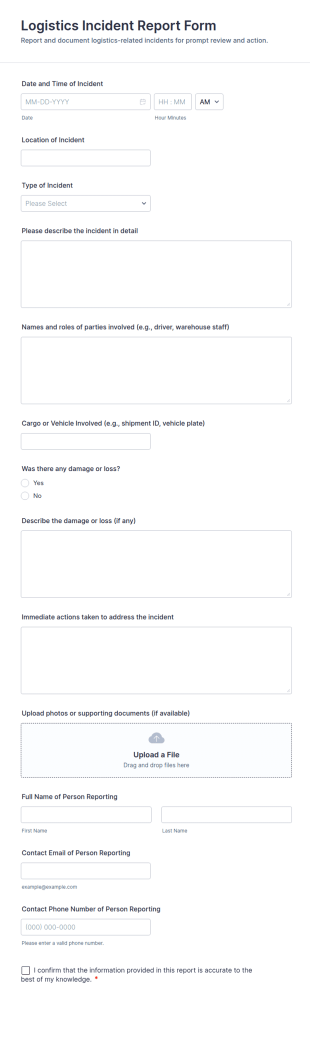
Logistics Incident Report Form
Document shipping, warehouse, and fleet issues with the Logistics Incident Report Form, helping logistics teams capture incident details quickly, centralize data collection, and follow up consistently with every form submission.
Go to Category:Incident Report Forms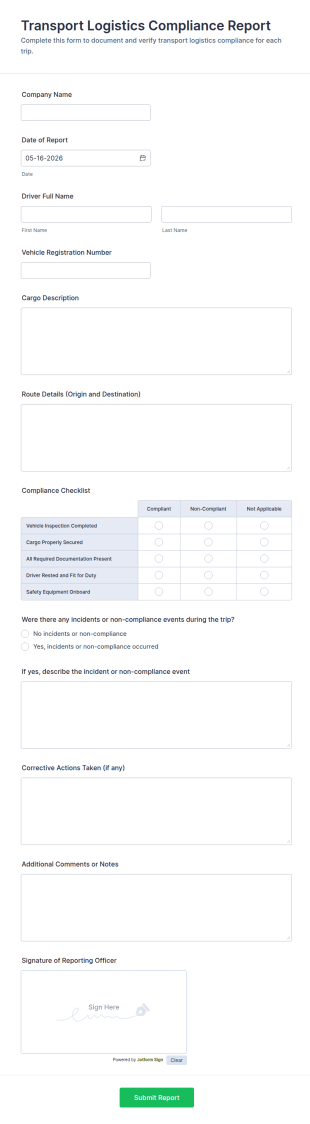
Transport Logistics Compliance Report Form
Transport Logistics Compliance Report Form helps fleets and logistics teams document trip compliance, track incidents, and standardize reporting with Jotform for faster review and follow-up.
Go to Category:Transportation Incident Forms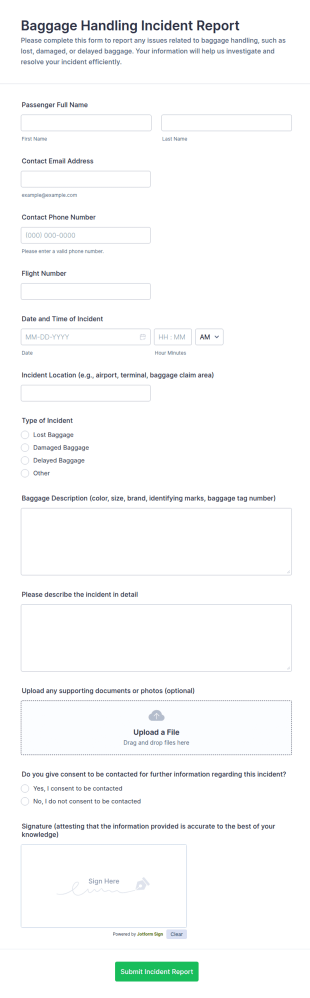
Baggage Handling Incident Report Form
Collect baggage incident reports for lost, damaged, or delayed luggage with the Baggage Handling Incident Report Form in Jotform, ideal for airlines and airports that need consistent data collection and fast follow-up after each form submission.
Go to Category:Incident Report Forms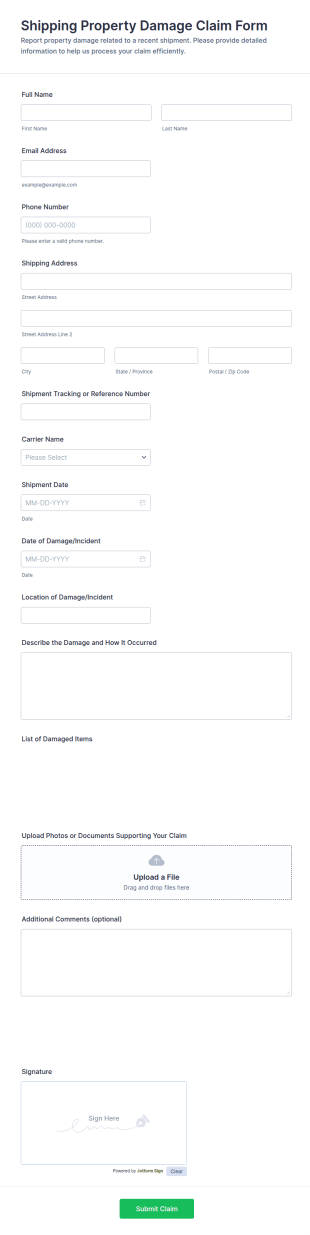
Shipping Property Damage Claim Form
Collect shipping damage reports in one place with the Shipping Property Damage Claim Form by Jotform, built for retailers, warehouses, and customer service teams to support fast, consistent data collection and follow-up after each form submission.
Go to Category:Claim Forms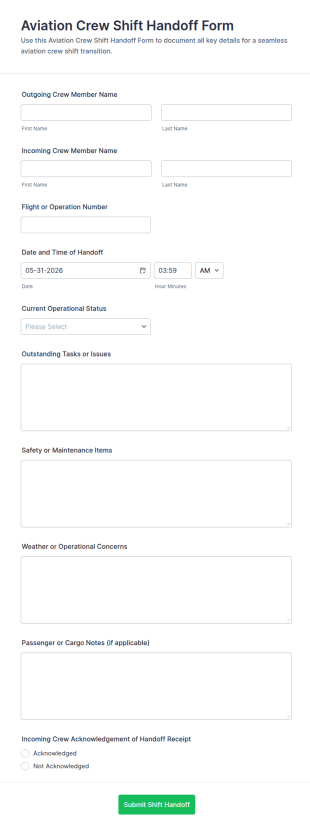
Aviation Crew Shift Handoff Form
Aviation Crew Shift Handoff Form supports consistent handovers between crews by documenting operational status and key notes, helping flight departments and aviation operators keep teams aligned across shifts.
Go to Category:Shift Report Forms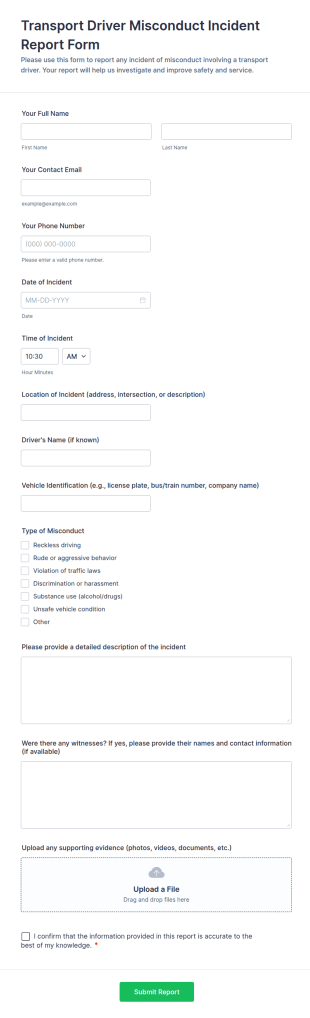
Transport Driver Misconduct Incident Report Form
Collect and manage rider complaints with the Transport Driver Misconduct Incident Report Form, a Jotform form template for transit teams and transport operators to document incidents online and keep reports organized.
Go to Category:Transportation Incident Forms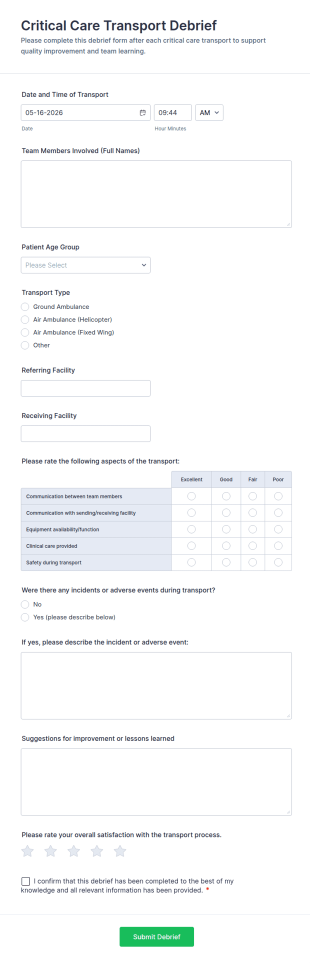
Critical Care Transport Debrief
Capture post-transport feedback with the Critical Care Transport Debrief form template in Jotform to support consistent data collection for clinical transport teams, quality reviews, and process improvement across facilities.
Go to Category:Healthcare Forms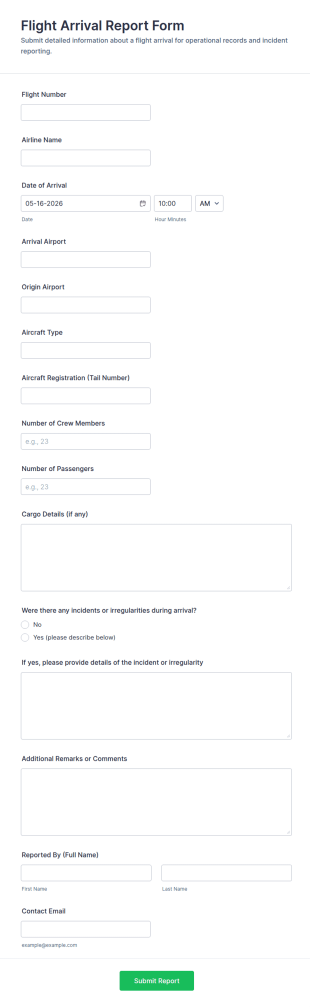
Flight Arrival Report Form
Track arrivals consistently with the Flight Arrival Report Form and simplify data collection for airport operations, ground handling, and flight departments using Jotform form templates.
Go to Category:Report Forms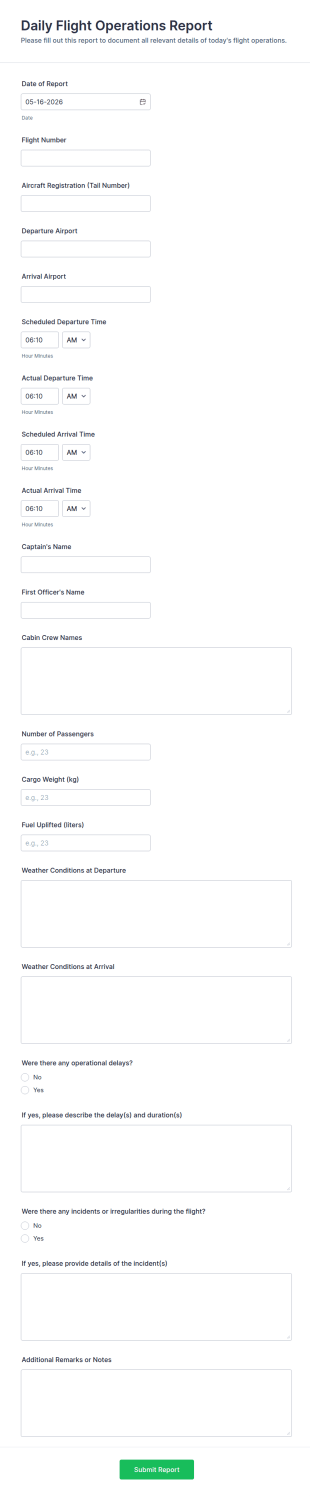
Daily Flight Operations Report
Daily Flight Operations Report Form Templates by Jotform help flight departments capture daily operational details, compare scheduled vs actual times, and document delays or incidents for consistent data collection and reporting.
Go to Category:Report Forms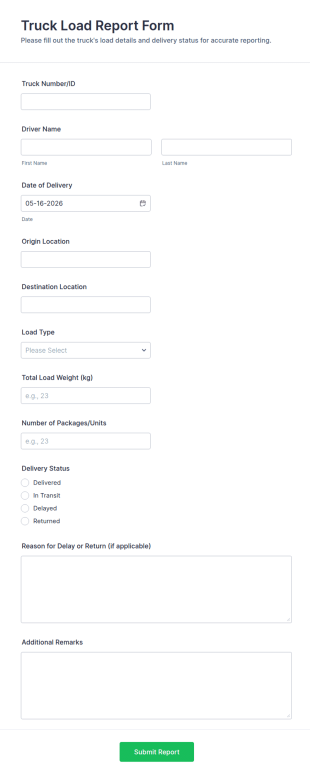
Truck Load Report Form
Truck Load Report Form makes it easy to document deliveries, track load outcomes, and support logistics data collection for carriers, dispatch teams, and warehouses using Jotform form templates.
Go to Category:Transportation Incident Forms
Aircraft Loadsheet Record Form
Track flight load planning and operational verification with the Aircraft Loadsheet Record Form by Jotform, ideal for dispatchers, load controllers, and operators who need consistent data collection and stored form submissions.
Go to Category:Transportation Incident Forms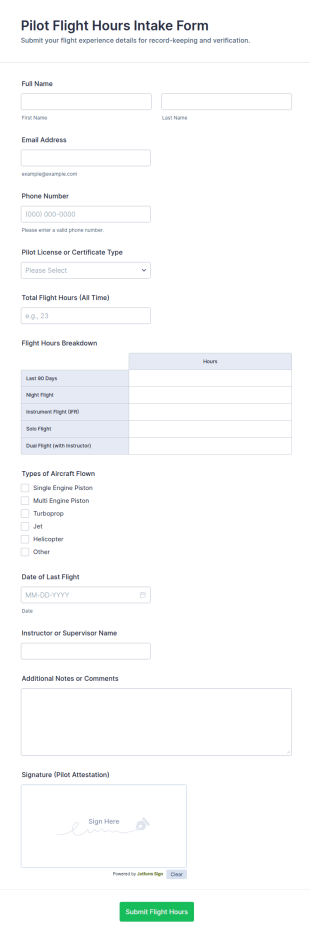
Pilot Flight Hours Intake Form
Collect and verify pilot experience with the Pilot Flight Hours Intake Form for flight schools and aviation operators, making flight-hour data collection and form submission consistent for training, scheduling, and recordkeeping.
Go to Category:Intake Forms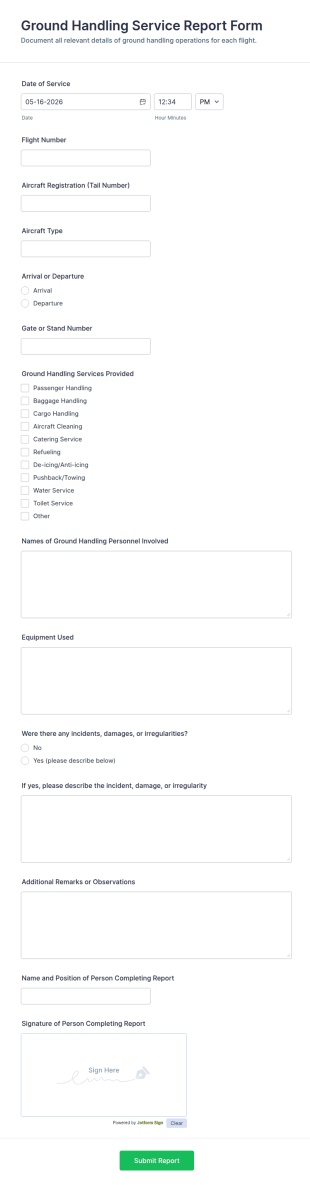
Ground Handling Service Report Form
Ground Handling Service Report Form helps airport operations and ground handling teams log services delivered per flight, document incidents, and keep data collection consistent across shifts with Jotform.
Go to Category:Report Forms
Aviation Baggage Handling Incident Report
Document baggage handling incidents in minutes with the Aviation Baggage Handling Incident Report form template for airlines, airports, and ground handling teams, supporting consistent data collection and faster internal follow-up in Jotform.
Go to Category:Incident Report Forms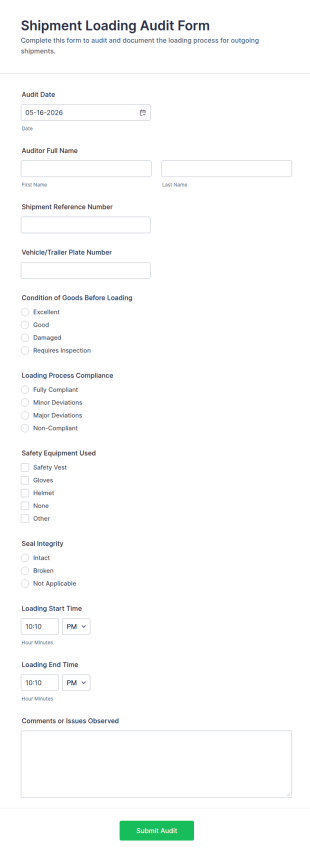
Shipment Loading Audit Form
Shipment Loading Audit Form helps warehouses, carriers, and 3PL teams document loading checks, safety steps, and issues during outbound shipments, creating consistent records for operational reviews.
Go to Category:Audit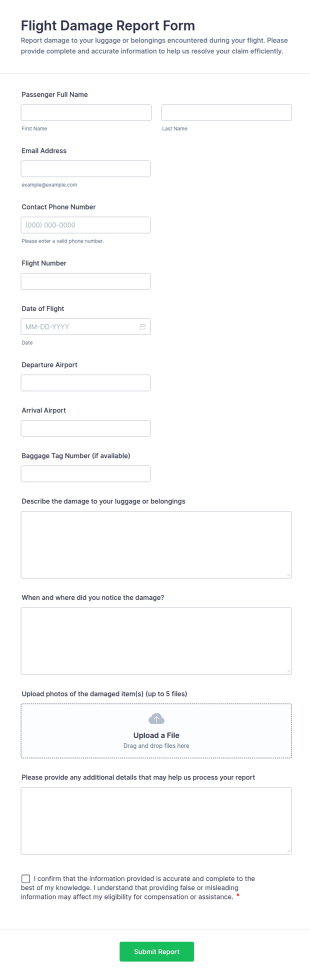
Flight Damage Report Form
Collect consistent flight damage reports for luggage and belongings with the Flight Damage Report Form, helping airlines and baggage services document incidents, manage data collection, and organize each form submission in Jotform.
Go to Category:Report Forms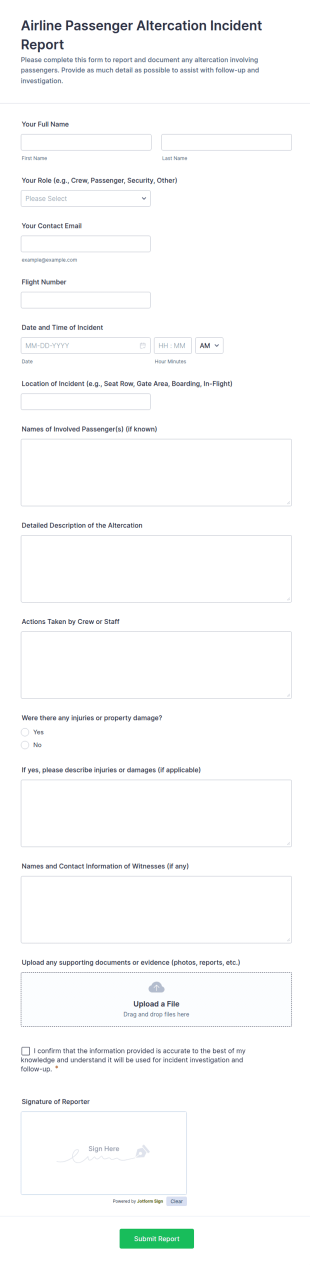
Airline Passenger Altercation Incident Report
Document onboard or airport conflicts with the Airline Passenger Altercation Incident Report Form, a Jotform form template for consistent data collection, fast follow-up, and organized form submission management.
Go to Category:Incident Report Forms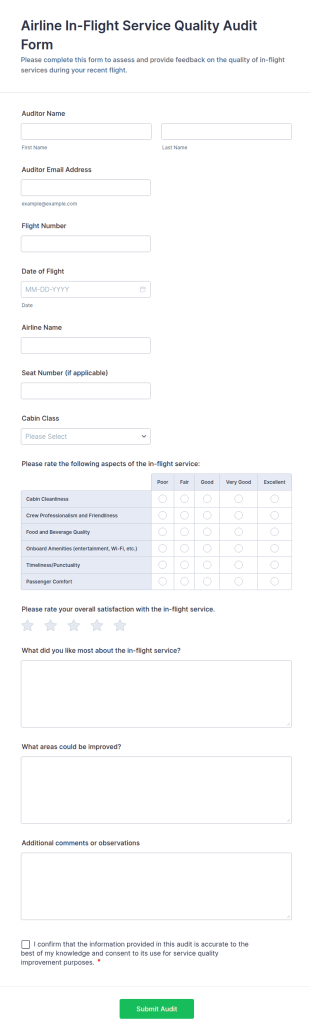
Airline In Flight Service Quality Audit Form
Evaluate onboard performance with the Airline In-Flight Service Quality Audit Form, a Jotform form template for consistent data collection by auditors and airline quality teams across flights and cabin classes.
Go to Category:Audit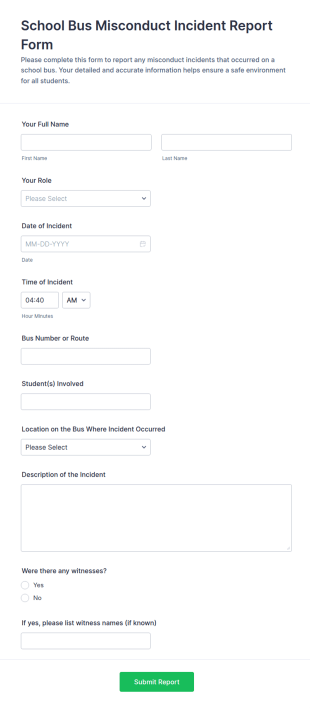
School Bus Misconduct Incident Report Form
Document student bus behavior incidents consistently with the School Bus Misconduct Incident Report Form, a Jotform template for schools and transportation staff that supports reliable data collection and fast internal follow-up.
Go to Category:Transportation Incident Forms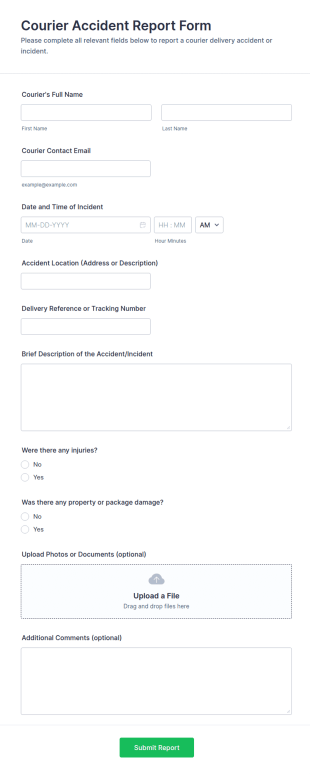
Courier Accident Report Form
Document delivery incidents in minutes with the Courier Accident Report Form for couriers and logistics teams, helping standardize internal reporting, improve follow-up, and keep accident records organized with Jotform.
Go to Category:Incident Report Forms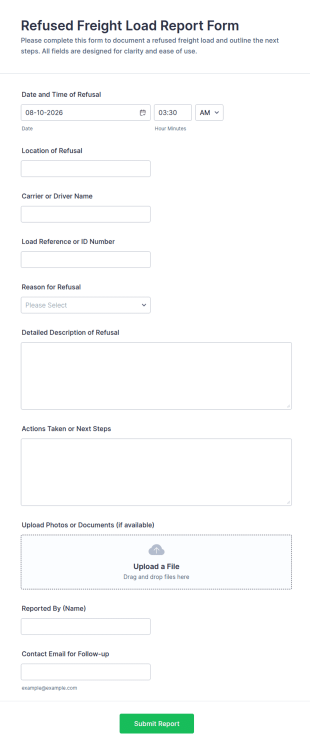
Refused Freight Load Report Form
Document refused shipments faster with the Refused Freight Load Report Form for carriers, warehouses, and logistics teams, supporting consistent data collection and clear next-step coordination after each form submission.
Go to Category:Report Forms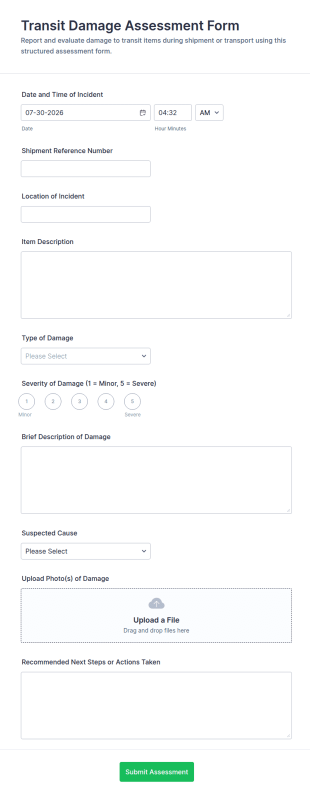
Transit Damage Assessment Form
Transit Damage Assessment Form helps logistics and receiving teams document shipping damage, standardize data collection, and organize every form submission in Jotform for faster follow-up across carriers and locations.
Go to Category:Assessment FormsAbout Transportation Incident Forms
Transportation incident forms are structured documents used to report, document, and track incidents that occur during vehicle and transportation operations. They help organizations capture consistent details about accidents, near misses, injuries, cargo damage, route disruptions, and safety hazards so teams can respond quickly and keep accurate records for investigations and compliance. Transportation incident forms are commonly used by logistics and delivery companies, fleet operators, public transportation teams, school transportation services, construction and field service fleets, and organizations that rely on regular vehicle movement. By standardizing incident reporting, these forms improve safety visibility, reduce reporting gaps, and support more effective corrective action.
With Jotform, transportation incident forms can be created quickly using a no-code, drag-and-drop Form Builder and optimized for mobile reporting in the field. Conditional logic can reveal follow-up questions based on incident type or severity, and file upload fields allow drivers to attach photos, documents, or evidence. Submissions are stored in Jotform Tables for organized review and filtering by vehicle, driver, location, and incident category. Automated notifications can alert managers or safety teams immediately when high-severity incidents are submitted.
Use Cases of Transportation Incident Forms
Transportation incident forms support safety reporting, operational follow-up, and documentation for internal and external reviews. Below are common ways these forms are used and the challenges they help solve.
Possible Use Cases:
- Vehicle accident and collision reporting
- Near-miss and unsafe driving behavior reporting
- Injury and safety incident documentation during transport
- Cargo, equipment, or property damage reporting
- Route disruption and delay incident reporting
- Insurance, claims, and investigation documentation intake
Problem-Solving Points:
- Capture complete incident details consistently across drivers and routes
- Speed up response and escalation with severity-based routing
- Create a time-stamped record for investigations, claims, and compliance
- Help identify recurring safety risks and improve training or policies
Possible Owners and Users:
- Drivers and vehicle operators
- Dispatch teams and fleet managers
- Safety and compliance teams
- Operations leaders and supervisors
- Insurance or risk management teams
Differences of Creation Methods:
- Accident and collision report forms focus on time and location, vehicles involved, what happened, injuries, damages, and evidence uploads like photos and documents.
- Near-miss and hazard report forms emphasize risk description, contributing factors (road, weather, behavior), severity level, and preventive action suggestions.
- Cargo damage and service disruption incident forms prioritize shipment or route identifiers, impact details (delays, loss), customer or stop information, and resolution steps taken.
How to Create a Transportation Incident Form
Creating a transportation incident form with Jotform helps you standardize incident reporting while making it easy for drivers and field teams to submit reports quickly.
1. Choose a Template or Start from Scratch
In My Workspace, click “Create” and select “Form.” Start with an incident report template and customize it for transportation workflows.
2. Add Incident Identification Fields
Collect date/time, location, route or trip ID, vehicle ID, driver name, and incident category. Structured dropdowns help standardize reports.
3. Capture Incident Details and Impact
Include description of events, injuries, damages, involved parties, and whether emergency services were contacted. Add fields for immediate actions taken.
4. Use Conditional Logic for Severity and Incident Type
Show different sections for collisions vs near misses vs cargo damage. For high severity reports, require additional detail and enable escalation steps.
5. Add File Uploads for Evidence
Include file upload fields for photos of the scene, damages, documents, or witness statements to reduce follow-up.
6. Publish and Track Reports in Jotform Tables
Publish the form and share it via link or QR code for drivers. Track submissions in Tables by vehicle, driver, date, and status.
Frequently Asked Questions
1. What are Transportation Incident Form templates in Jotform?
Transportation Incident Form templates in Jotform are ready-to-use digital forms that help teams report accidents, near misses, injuries, cargo damage, and other transportation-related incidents in a consistent format.
2. Why use Jotform templates instead of paper incident reports?
Jotform templates speed up reporting, reduce missing details, and make it easier to store and review incident records in one place. They also support mobile submissions from the field.
3. What information do these templates usually collect?
Typical templates collect incident date/time, location, vehicle and driver details, incident type, description, injuries or damages, immediate actions taken, and evidence attachments like photos.
4. Can drivers submit incident reports from a phone?
Yes. Jotform forms are mobile-friendly, so drivers can complete and submit incident reports on-site using a phone or tablet.
5. Can Jotform Transportation Incident Forms include photos and documents?
Yes. You can add file upload fields so users can attach photos of damage, the incident scene, insurance documents, or other supporting files.
6. Where do incident submissions go after someone submits the form?
Submissions are stored in Jotform Tables, where managers can filter and review reports by driver, vehicle, route, incident type, date, or severity.
7. Can incident reports trigger alerts for urgent cases?
Yes. You can set up notification emails that alert safety teams or managers immediately when a form is submitted, and you can route escalations based on severity using conditional logic.
8. Can these templates be customized for different fleets or incident types?
Absolutely. You can edit templates in Jotform’s drag-and-drop Form Builder, add conditional sections for collisions vs near misses, and tailor required fields to match your internal policy or compliance needs.