

Vehicle Operations Forms

Daily Vehicle Inspection Report
Daily vehicle inspection reports are often given to the maintenance staff of a company, company-owned vehicle, or a private vehicle by the manager or supervisor of the company. Use this form without coding!
Go to Category:Customer Service Forms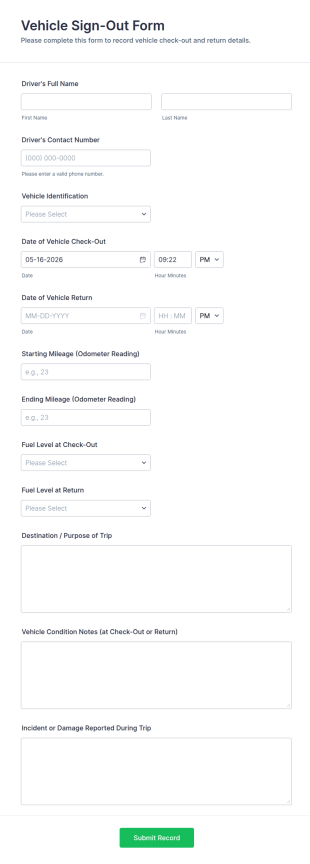
Vehicle Sign Out Form
Track shared vehicle usage with the Vehicle Sign-Out Form by recording driver details, check-out and return times, and trip notes for consistent fleet data collection across your organization.
Go to Category:Fleet Management Forms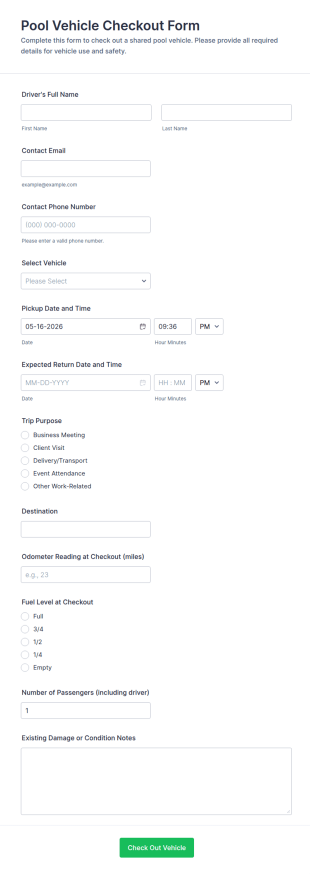
Pool Vehicle Checkout Form
Pool Vehicle Checkout Form helps teams track shared vehicle use by recording driver details, vehicle selection, and pickup and return timing, making it easier for offices, facilities, and nonprofits to coordinate fleet access with Jotform.
Go to Category:Check-Out Forms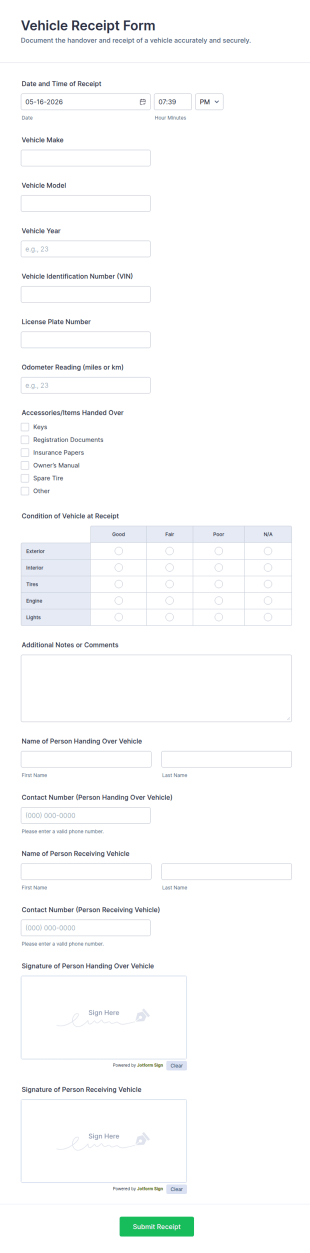
Vehicle Receipt Form
Document vehicle handovers with the Vehicle Receipt Form, capturing key intake details and signatures for clear records in shops, dealerships, rentals, and fleet operations using Jotform.
Go to Category:Automotive Forms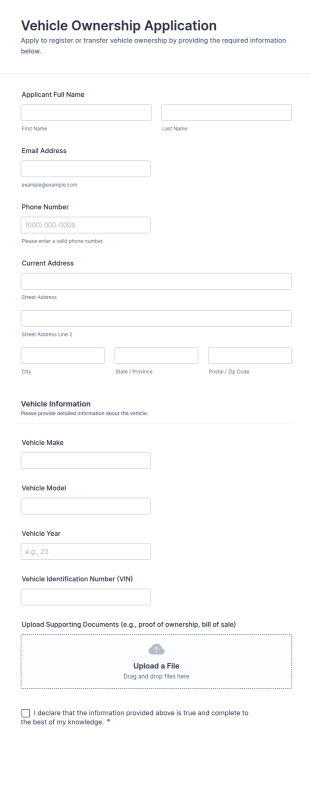
Vehicle Ownership Application
Vehicle Ownership Application Form helps dealerships, fleet managers, and organizations collect applicant details, vehicle information, and supporting documents online for ownership or transfer requests.
Go to Category:Application Forms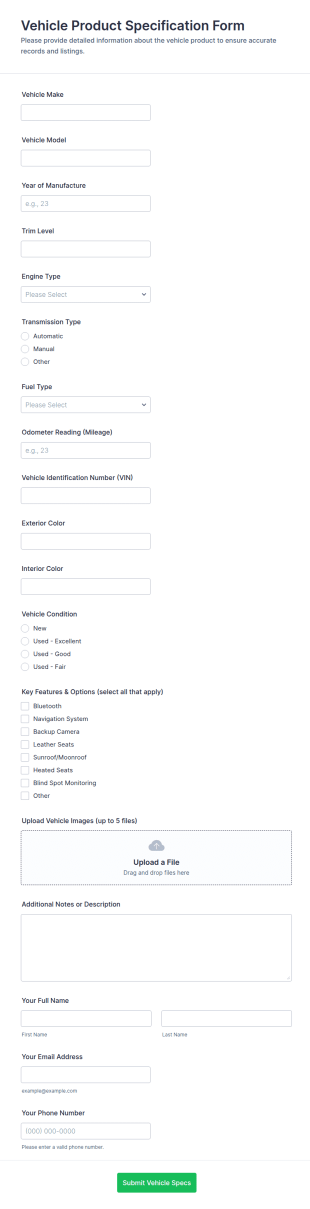
Vehicle Product Specification Form
Collect complete vehicle specs, photos, and contact details with the Vehicle Product Specification Form, ideal for dealerships, fleet teams, and auto marketplaces that need consistent data collection and fast handoffs.
Go to Category:Automotive Forms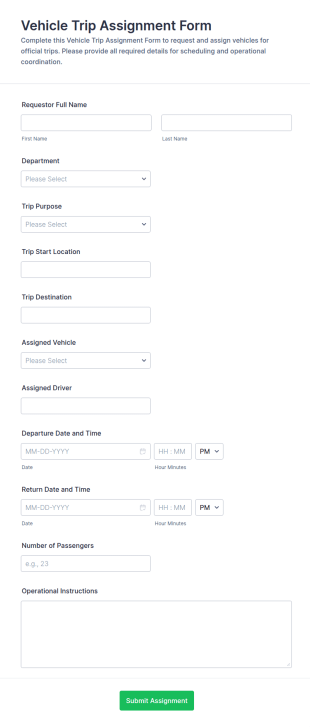
Vehicle Trip Assignment Form
Coordinate fleet scheduling with the Vehicle Trip Assignment Form in Jotform, ideal for departments and operations teams to assign vehicles and drivers, track trip timing, and centralize data collection in one shareable form template.
Go to Category:Fleet Management Forms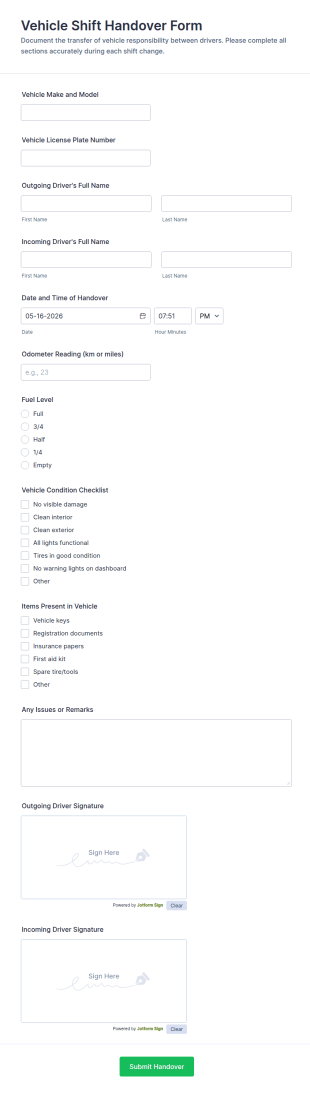
Vehicle Shift Handover Form
Track vehicle shift changes with the Vehicle Shift Handover Form, ideal for fleets and multi-driver teams that need consistent data collection and a reliable record of each handover in Jotform.
Go to Category:Automotive Forms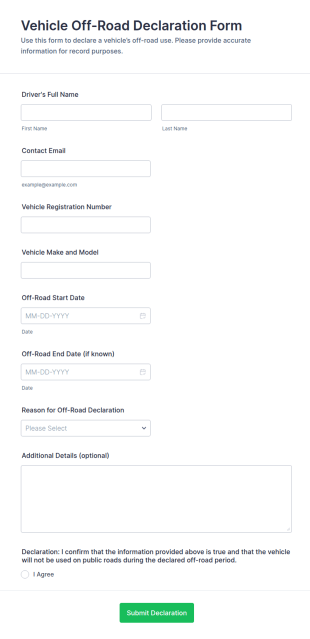
Vehicle Off Road Declaration Form
Vehicle Off-Road Declaration Form helps vehicle owners, fleets, and service teams record when a vehicle is taken off public roads for a set period, supporting accurate data collection and consistent recordkeeping in Jotform.
Go to Category:Declaration Forms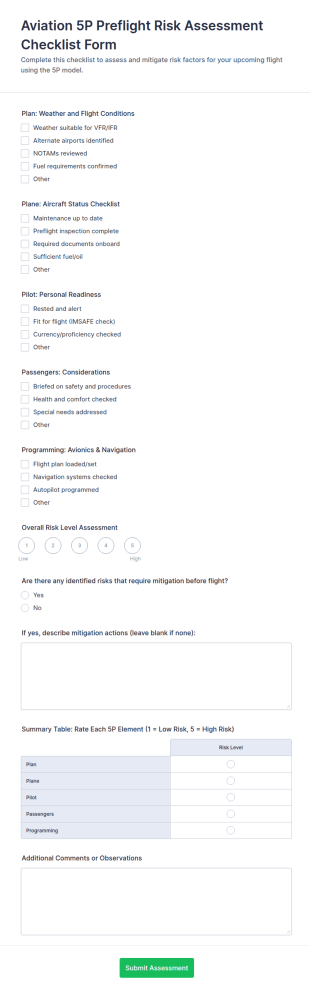
Aviation 5P Preflight Risk Assessment Checklist Form
Aviation 5P Preflight Risk Assessment Checklist Form helps pilots and operators document preflight risk reviews, standardize go or no-go decisions, and keep Jotform form submissions organized for ongoing safety tracking.
Go to Category:Checklist Forms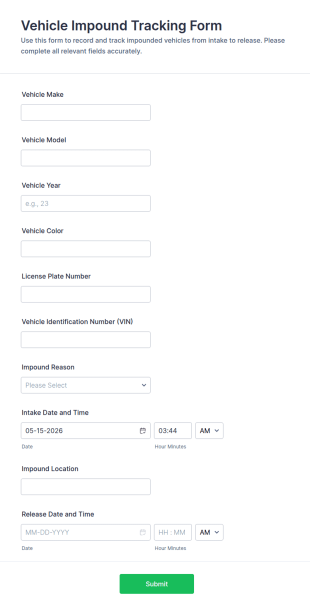
Vehicle Impound Tracking Form
Vehicle Impound Tracking Form helps towing companies, impound lots, and security teams track vehicles from intake to release, keeping records consistent and improving day-to-day operations with Jotform.
Go to Category:Automotive Forms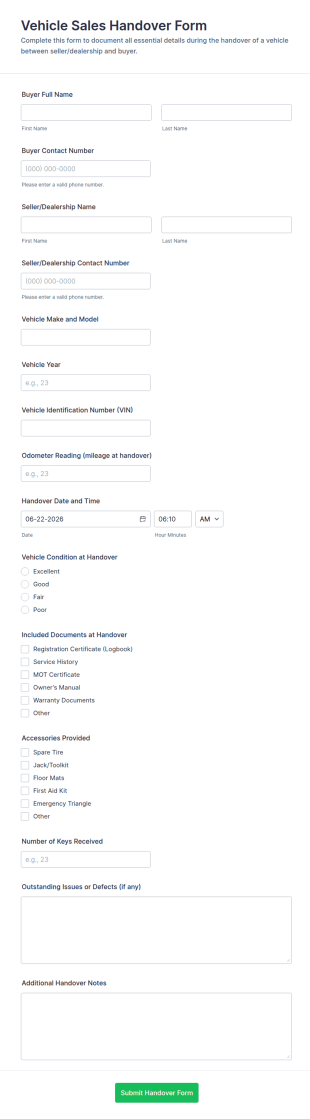
Vehicle Sales Handover Form
Vehicle Sales Handover Form helps dealerships and private sellers document vehicle handoffs, keep transfer records organized, and support consistent data collection with Jotform.
Go to Category:Automotive Forms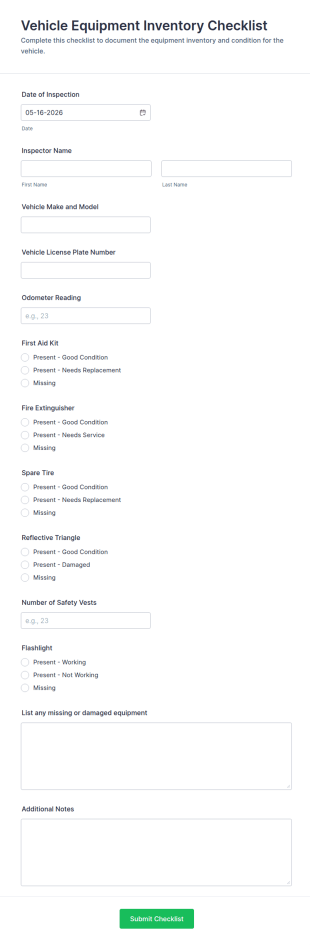
Vehicle Equipment Inventory Checklist
Track vehicle readiness and safety equipment checks with the Vehicle Equipment Inventory Checklist Form, ideal for fleet managers and operations teams who want consistent data collection and organized form submissions in Jotform.
Go to Category:Checklist Forms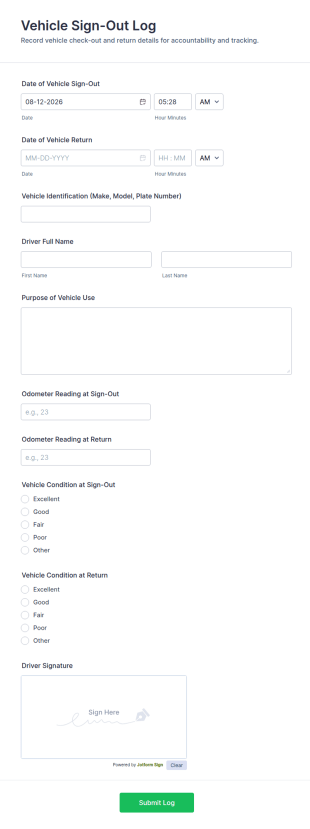
Vehicle Sign Out Log
Track shared vehicle usage with the Vehicle Sign-Out Log Form, helping teams document check-outs and returns, keep accountable records, and support ongoing data collection for fleet management in Jotform.
Go to Category:Fleet Management Forms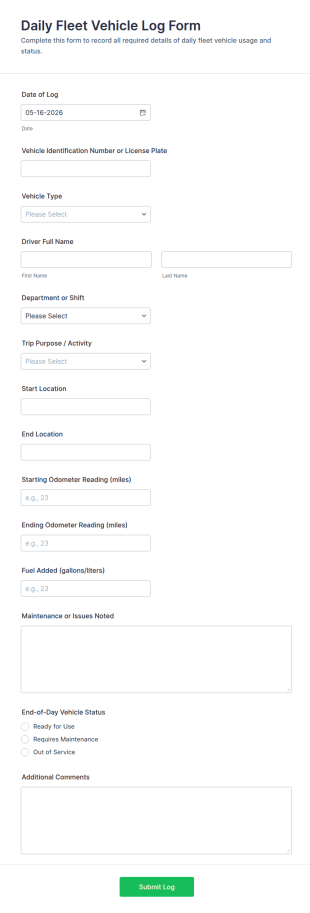
Daily Fleet Vehicle Log Form
Track daily fleet vehicle usage with the Daily Fleet Vehicle Log Form, helping fleet managers record trips, mileage, fuel activity, and vehicle status for consistent data collection across drivers and departments.
Go to Category:Fleet Management Forms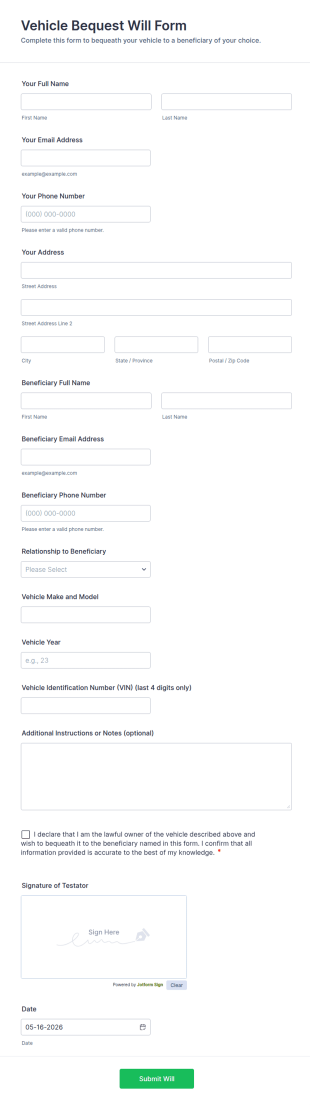
Vehicle Bequest Will Form
Collect essential details to document a vehicle bequest to a beneficiary with the Vehicle Bequest Will Form, a Jotform form template for individuals and offices that need clear online data collection and organized form submission records.
Go to Category:Legal Forms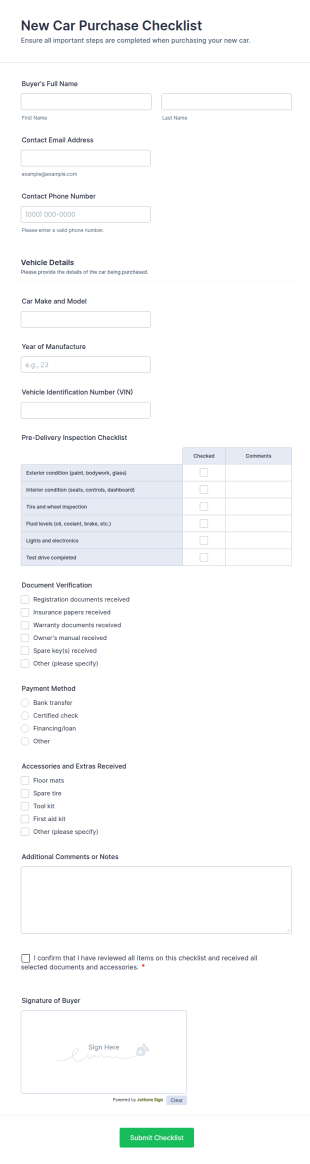
New Car Purchase Checklist
Track vehicle handovers with the New Car Purchase Checklist Form by Jotform, a ready-to-use form template for dealerships, brokers, and fleet teams to standardize data collection and keep every form submission organized.
Go to Category:Checklist Forms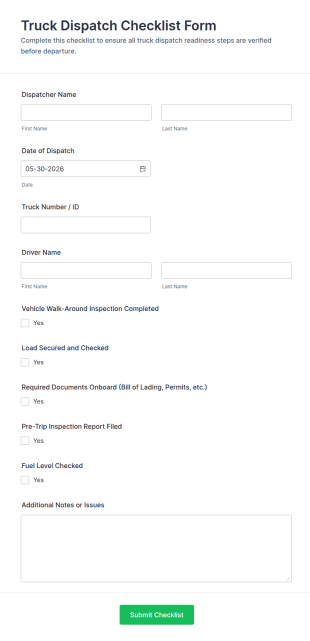
Truck Dispatch Checklist Form
Track readiness checks before every departure with the Truck Dispatch Checklist Form, built for dispatchers and fleet teams who need consistent pre-trip documentation and fast data collection in Jotform.
Go to Category:Checklist Forms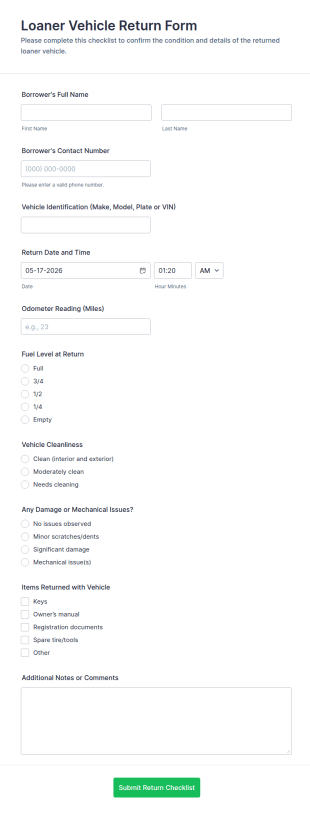
Loaner Vehicle Return Checklist Form
Track loaner car check-ins with the Loaner Vehicle Return Form for dealerships, repair shops, and fleet teams, helping standardize data collection and keep every form submission organized in Jotform.
Go to Category:Automotive Forms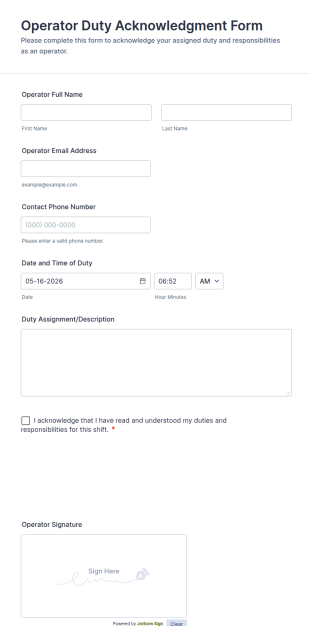
Operator Duty Acknowledgment Form
Operator Duty Acknowledgment Form records operator details, duty timing, assignment notes, and signed acknowledgment for shift-based teams in manufacturing, utilities, security, and more.
Go to Category:Vehicle Operations Forms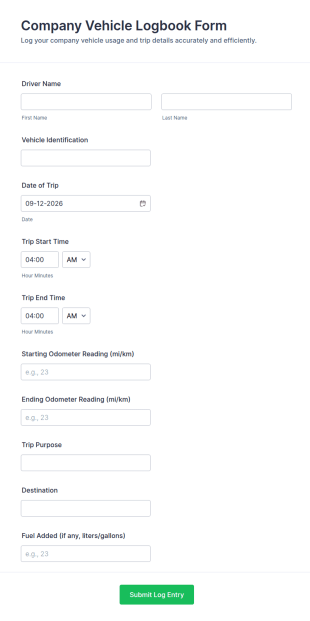
Company Vehicle Logbook Form
Track and document daily fleet usage with the Company Vehicle Logbook Form in Jotform, ideal for businesses with shared vehicles that need consistent trip records, mileage tracking, and reliable data collection in one place.
Go to Category:Fleet Management Forms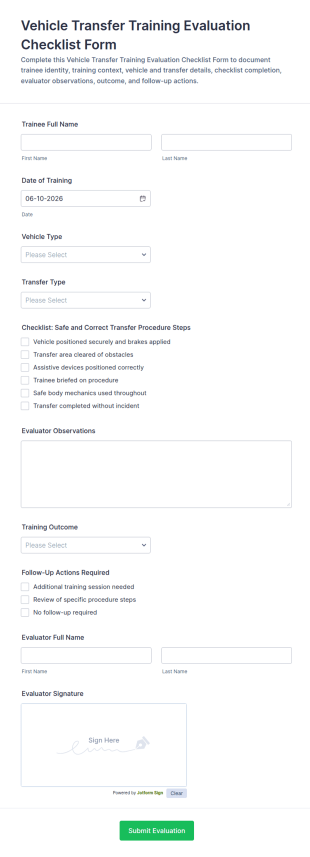
Vehicle Transfer Training Evaluation Checklist Form
Vehicle Transfer Training Evaluation Checklist Form supports training teams and fleet operators in documenting transfer evaluations, capturing outcomes, and maintaining consistent data collection records with Jotform.
Go to Category:Training Evaluation Forms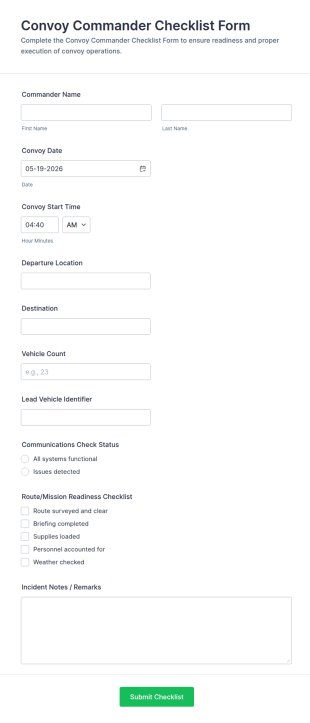
Convoy Commander Checklist Form
Track convoy readiness and document each movement with the Convoy Commander Checklist Form for logistics, security, and field operations teams, capturing critical details for consistent data collection and fast review in Jotform.
Go to Category:Checklist Forms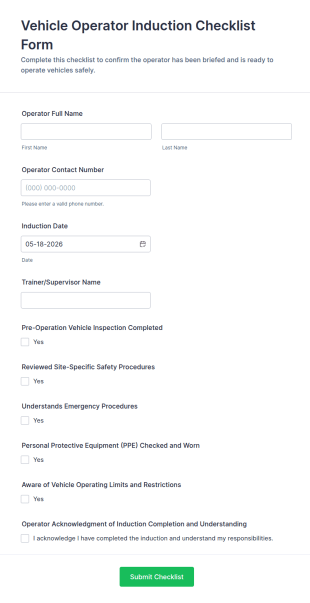
Vehicle Operator Induction Checklist Form
Vehicle Operator Induction Checklist Form helps supervisors document operator onboarding and site safety checks, track completion across teams, and keep induction records organized with Jotform.
Go to Category:Checklist FormsAbout Vehicle Operations Forms
Vehicle operations forms are structured documents used to manage and document day to day vehicle use, driver activity, and operational checks that keep vehicles running safely and efficiently. They help organizations standardize how trips are requested, vehicles are assigned, inspections are completed, mileage and fuel are recorded, and issues are reported during operations. Vehicle operations forms are commonly used by delivery and logistics teams, company car fleets, public service fleets, construction and field service teams, and any organization that coordinates regular vehicle usage. By organizing operational data in a consistent way, these forms improve accountability, reduce downtime, and support safer driving and better fleet visibility.
With Jotform, vehicle operations forms can be created quickly using a no-code, drag-and-drop Form Builder and optimized for mobile use in the field. Conditional logic can show different fields based on vehicle type or operation type, and file upload fields can collect photos, documents, or receipts. Submissions are stored in Jotform Tables so teams can track vehicle usage, inspections, and operational exceptions by vehicle, driver, route, and date. Automated notifications can alert managers when inspections fail, issues are reported, or urgent operational changes occur.
Use Cases of Vehicle Operations Forms
Vehicle operations forms support daily operations, driver reporting, and routine checks that keep transportation workflows consistent. Below are common ways these forms are used and the challenges they help solve.
Possible Use Cases:
- Vehicle check-out and check-in logs
- Pre-trip and post-trip inspection reporting
- Trip or route logs and daily driver activity records
- Fuel, mileage, and expense reporting
- Operational issue reporting during trips (delays, breakdowns, hazards)
- Vehicle assignment and schedule coordination requests
Problem-Solving Points:
- Create consistent daily records for vehicle usage and driver activity
- Improve safety by standardizing inspections and operational checks
- Reduce downtime by capturing issues early and routing follow-up faster
- Support cost tracking with mileage, fuel, and expense documentation
Possible Owners and Users:
- Drivers and vehicle operators
- Dispatch and operations coordinators
- Fleet managers and supervisors
- Maintenance and service teams
- Finance or admin teams reviewing costs
Differences of Creation Methods:
- Vehicle inspection and daily checklist forms focus on routine safety checks, pass-fail items, defect notes, and photo evidence when problems are found.
- Vehicle trip and driver log forms emphasize route or trip identifiers, start and end times, mileage, stops, load details, and operational notes.
- Fuel and operating expense forms prioritize fuel entries, receipts, odometer readings, expense categories, and approval fields for reimbursements.
How to Create a Vehicle Operations Form
Creating a vehicle operations form with Jotform helps you standardize how drivers and operations teams record daily vehicle activity.
1. Choose a Template or Start from Scratch
In My Workspace, click “Create” and select “Form.” Start with a checklist, log, or request template and customize it.
2. Add Vehicle and Driver Details
Collect vehicle ID, license plate, driver name, date, and shift details. Use dropdowns for vehicle type and route.
3. Build the Operational Workflow Section
Add inspection checklists, trip log fields, fuel and mileage entries, and issue reporting fields depending on the form purpose.
4. Use Conditional Logic for Exceptions
Show additional questions when an inspection fails or an issue is reported. For example, require photos and an “out of service” decision for critical defects.
5. Set Up Notifications and Routing
Notify dispatch, fleet managers, or maintenance teams immediately for urgent issues or failed inspections.
6. Track Records in Jotform Tables
Store submissions in Tables to filter by driver, vehicle, date, route, and status and export reports as needed.
Frequently Asked Questions
1. What are vehicle operations forms?
Vehicle operations forms are documents or online forms used to manage daily vehicle use, inspections, trip logs, and operational reporting for drivers and fleets.
2. Why are vehicle operations forms important?
They standardize daily records, improve safety checks, reduce downtime, and provide clear documentation for operational tracking and cost reporting.
3. What information is typically included in vehicle operations forms?
Common fields include vehicle and driver details, inspection results, trip logs, mileage, fuel usage, expenses, and operational issue notes.
4. Who uses vehicle operations forms?
Drivers, dispatch teams, fleet managers, maintenance teams, and finance or admin staff may use these forms depending on the workflow.
5. Are vehicle operations forms the same as incident report forms?
No. Vehicle operations forms focus on routine daily operations and logs, while incident forms are used for accidents, near misses, or unexpected safety events.
6. Can drivers complete vehicle operations forms on mobile?
Yes. Jotform forms are mobile-friendly and can be completed during shifts using a phone or tablet.
7. Can these forms include photos and receipts?
Yes. File upload fields can collect inspection photos, damage evidence, and receipts for fuel or expenses.
8. Can vehicle operations forms be customized by vehicle type or route?
Yes. Conditional logic and custom fields can tailor questions for different vehicles, routes, shifts, and operational requirements.