

Adjustment Request Forms

Weekly Timesheet Adjustment Request Form
A weekly timesheet adjustment request form is used by employees to make adjustments to their timesheets.
Go to Category:Employee Information Forms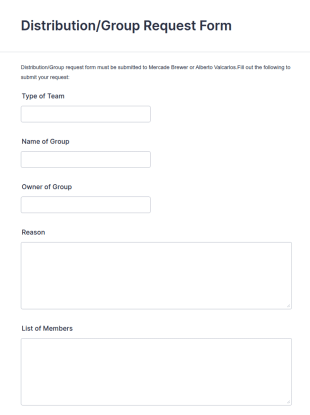
Distribution Group Request Form
A Distribution/Group Request Form template from Jotform streamlines your company's request process, enhancing efficiency and communication. Ideal for product distribution or team allocation.
Go to Category:Business Forms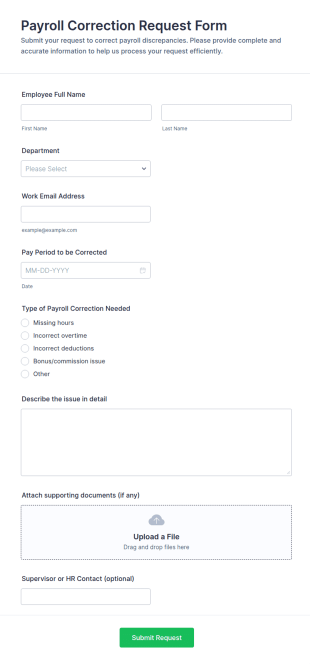
Payroll Correction Request Form
Payroll Correction Request Form helps employees submit detailed payroll error requests to HR or payroll teams, centralizing pay discrepancy reporting and supporting accurate payroll adjustments.
Go to Category:Adjustment Request Forms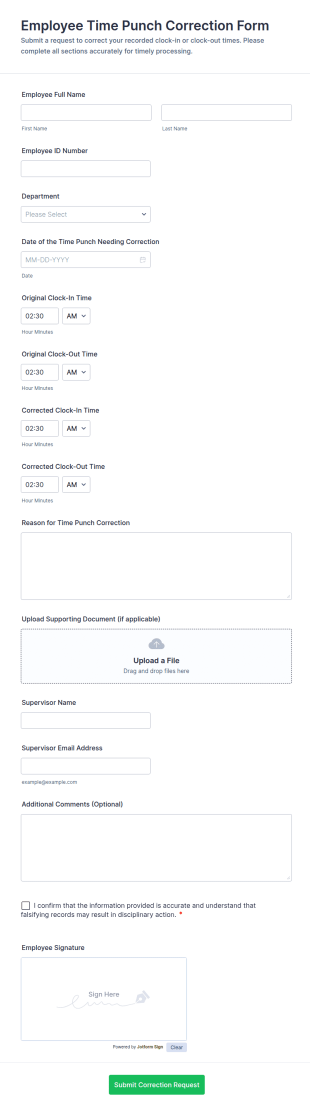
Employee Time Punch Correction Form
Employee Time Punch Correction Form helps teams document and review timekeeping adjustments so payroll and attendance records remain accurate, making it ideal for HR, managers, and payroll administrators who need consistent data collection.
Go to Category:Adjustment Request Forms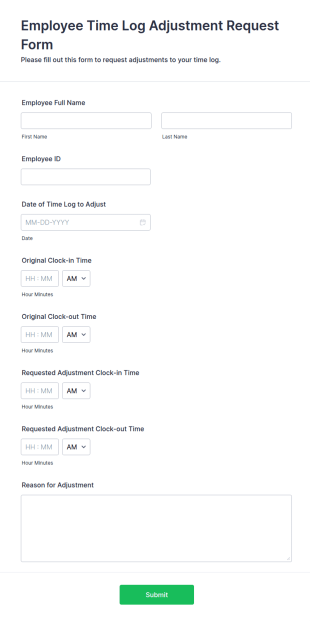
Employee Time Log Adjustment Request Form
The Employee Time Log Adjustment Request Form allows employees to request changes to their time logs, ensuring accurate payroll records and efficient communication with HR departments.
Go to Category:Administrative Forms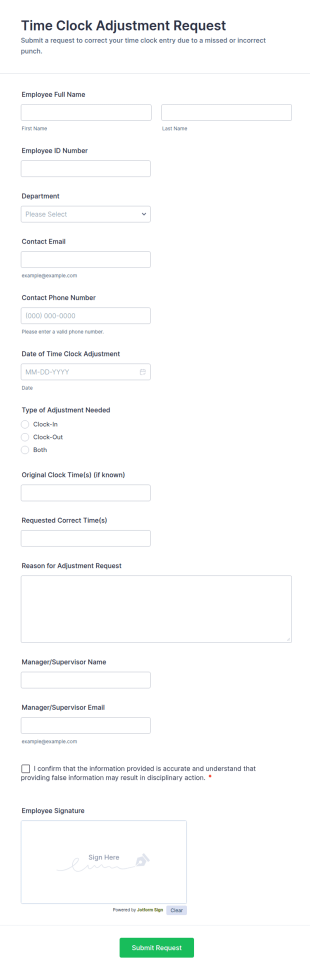
Time Clock Adjustment Request Form
Collect employee time clock correction requests with the Time Clock Adjustment Request Form in Jotform, giving managers a consistent way to review, approve, and track updates for hourly teams across locations.
Go to Category:Adjustment Request Forms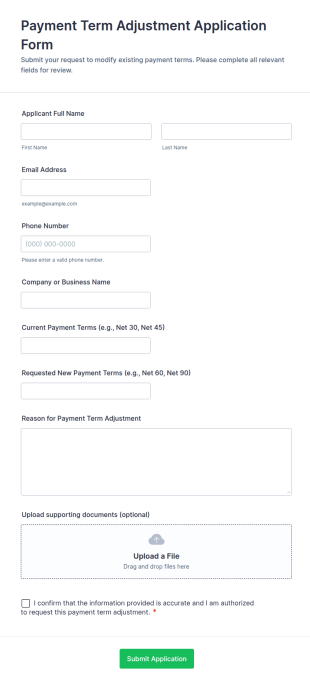
Payment Term Adjustment Application Form
Payment Term Adjustment Application Form helps finance and accounts teams collect, review, and track customer or vendor requests to change existing payment terms in a consistent, documented way.
Go to Category:Adjustment Request Forms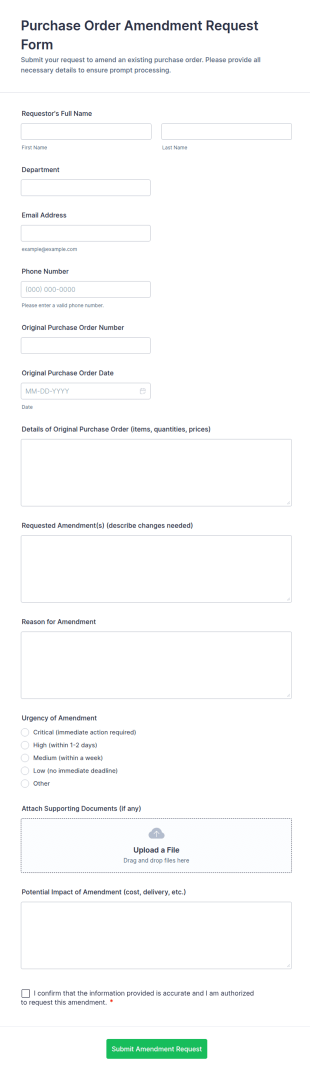
Purchase Order Amendment Request Form
Track and approve changes to existing POs with the Purchase Order Amendment Request Form, helping procurement, finance, and department teams document updates, attach supporting files, and keep a clear record in Jotform.
Go to Category:Purchase Order Forms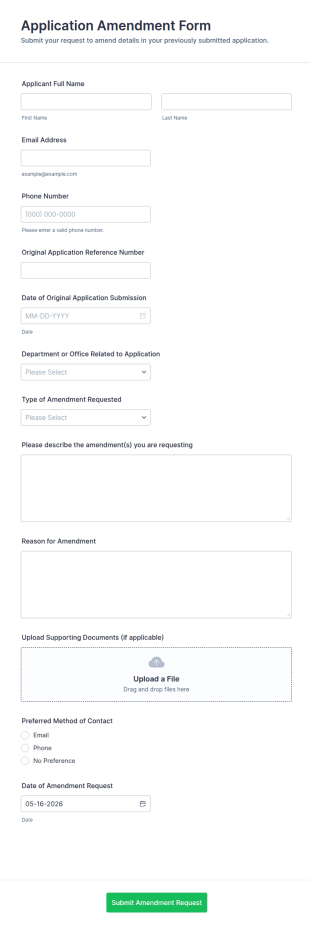
Application Amendment Form
Collect and route update requests with the Application Amendment Form, ideal for schools and organizations that need consistent data collection, supporting documents, and fast internal review of changes to previously submitted applications.
Go to Category:Application Forms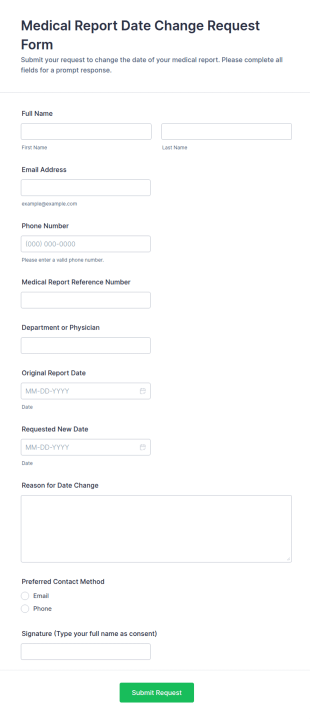
Medical Report Date Change Request Form
Medical Report Date Change Request Form helps clinics and medical records teams collect and manage patient requests to update report dates, improving intake consistency and follow-up across channels with Jotform.
Go to Category:Adjustment Request Forms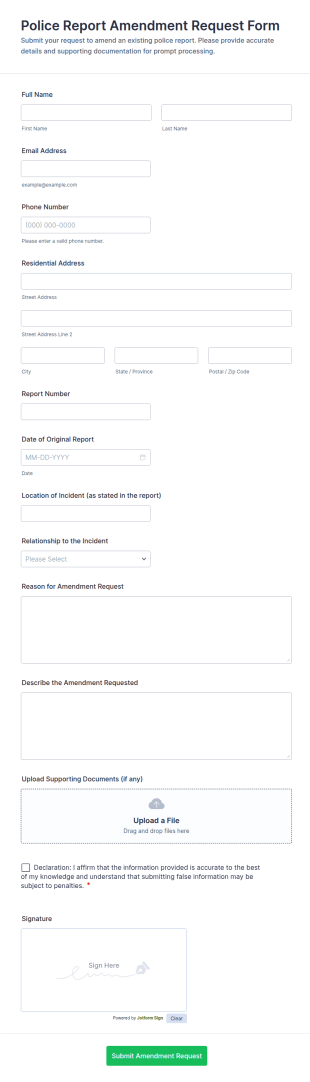
Police Report Amendment Request Form
Police Report Amendment Request Form helps public agencies and records units collect amendment requests online, capture supporting details, and manage each form submission in one place with Jotform.
Go to Category:Adjustment Request Forms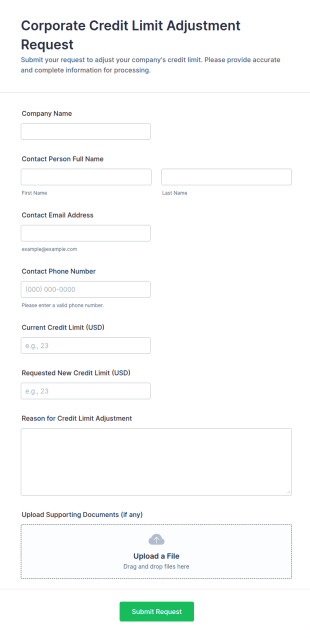
Corporate Credit Limit Adjustment Request
Corporate Credit Limit Adjustment Request Form helps businesses submit standardized credit limit change requests to finance or credit teams, with clear justification and supporting documents for easier review.
Go to Category:Adjustment Request Forms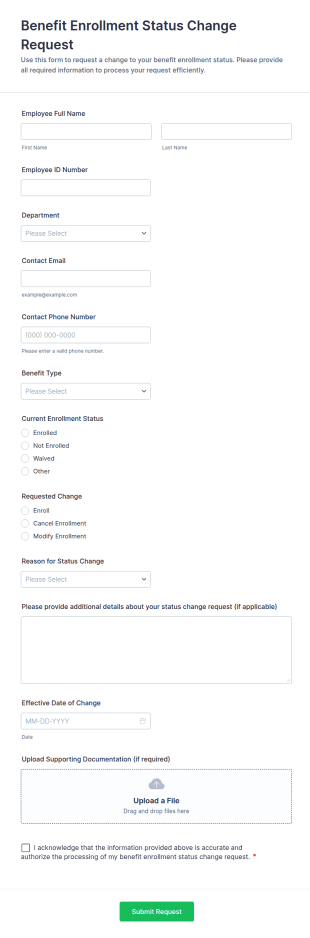
Benefit Enrollment Status Change Request
Benefit Enrollment Status Change Request Form Templates in Jotform help HR teams collect and track employee benefit status updates, supporting documentation, and effective dates for consistent processing and data collection.
Go to Category:Benefits Enrollment Forms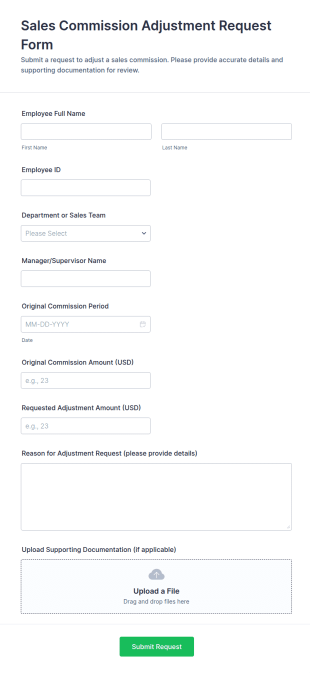
Sales Commission Adjustment Request Form
Sales Commission Adjustment Request Form helps sales, finance, and HR teams document, review, and track commission change requests with clear amounts, reasons, and supporting documentation.
Go to Category:Adjustment Request Forms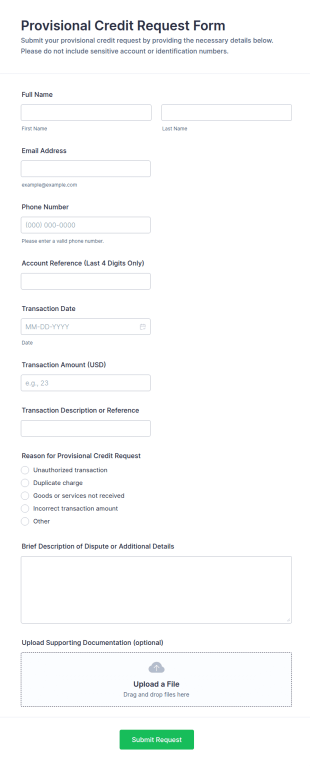
Provisional Credit Request Form
Collect provisional credit requests for disputed transactions with the Provisional Credit Request Form, built in Jotform for fast data collection and organized form submission for financial support and account service teams.
Go to Category:Adjustment Request Forms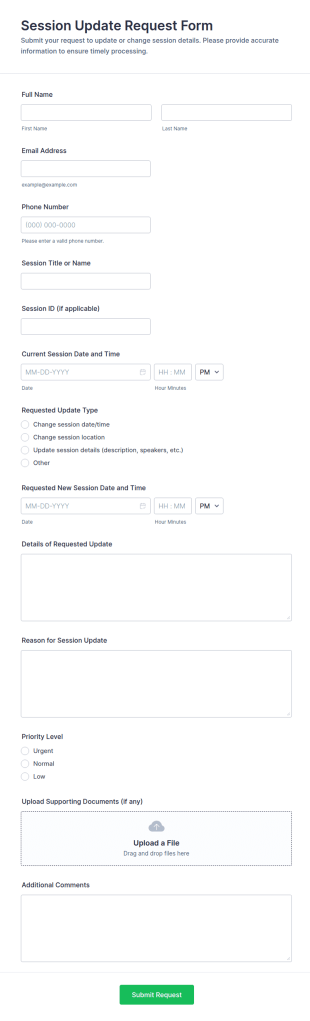
Session Update Request Form
Collect session rescheduling and change requests in one place with the Session Update Request Form, ideal for training teams, coaches, and event organizers who need fast, consistent updates and reliable data collection in Jotform.
Go to Category:Request Forms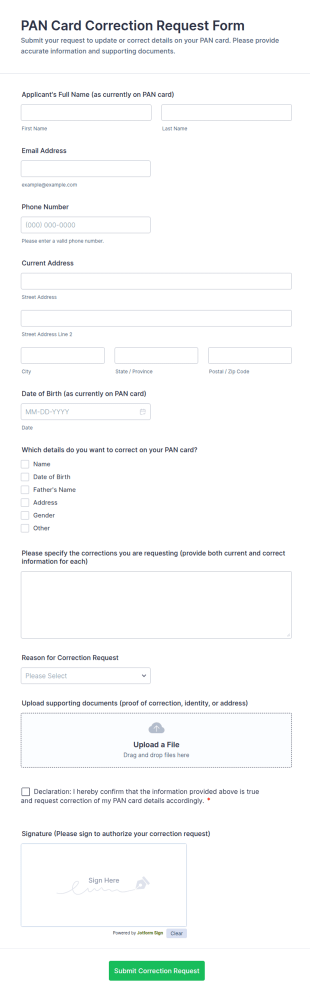
PAN Card Correction Request Form
Collect PAN card correction requests online with the PAN Card Correction Request Form, built for individuals and organizations that need consistent data collection, document intake, and clear authorization in one place.
Go to Category:Adjustment Request Forms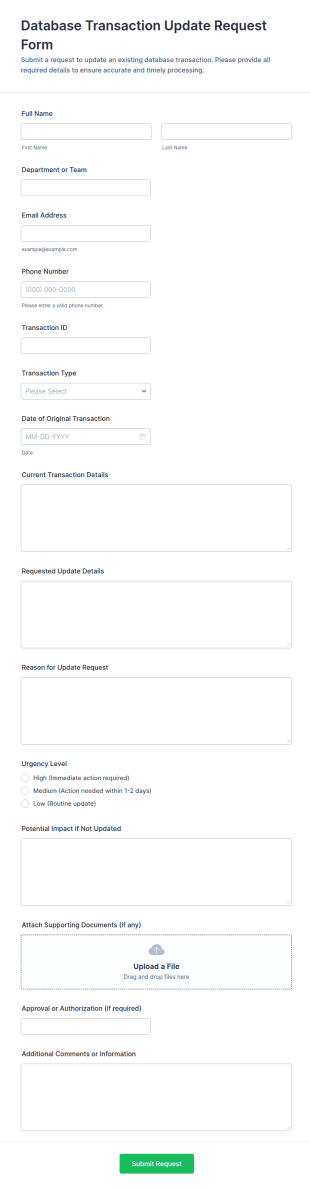
Database Transaction Update Request Form
Collect and manage database transaction correction requests with the Database Transaction Update Request Form in Jotform, ideal for IT and operations teams that need consistent approvals, documentation, and tracking.
Go to Category:IT Request Forms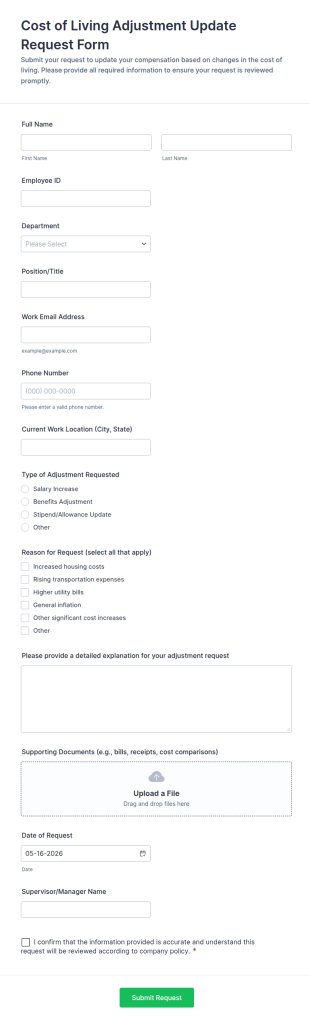
Cost Of Living Adjustment Update Request Form
Collect and manage employee cost-of-living adjustment update requests with Jotform, making data collection and form submission easier for HR teams and managers using customizable form templates.
Go to Category:Adjustment Request Forms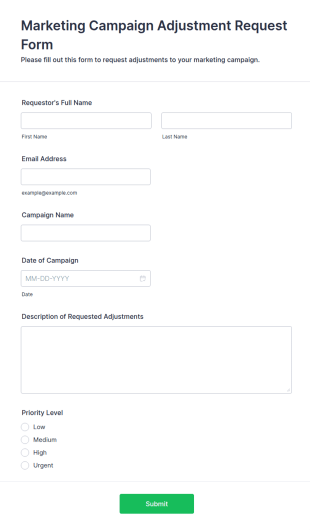
Marketing Campaign Adjustment Request Form
The Marketing Campaign Adjustment Request Form helps marketing teams streamline requests for changes to campaigns, ensuring efficient tracking and collaboration on adjustments.
Go to Category:Adjustment Request Forms
Inventory Control Adjustment Request Form
Inventory Control Adjustment Request Form helps warehouse, retail, and operations teams request and document stock corrections, improving inventory accuracy through consistent data collection and organized form submission in Jotform.
Go to Category:Adjustment Request Forms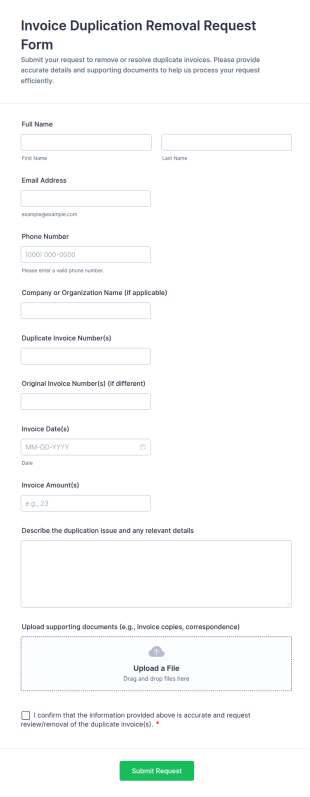
Invoice Duplication Removal Request Form
Invoice Duplication Removal Request Form helps finance teams, vendors, and customers report duplicate invoices, attach supporting documents, and centralize review requests for faster resolution.
Go to Category:Business Forms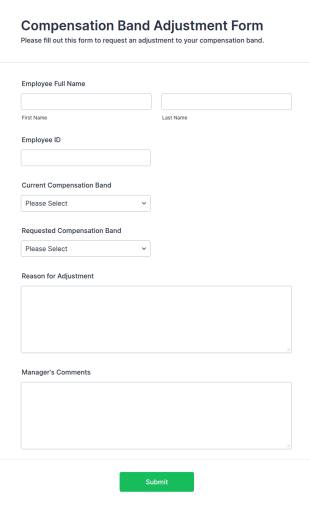
Compensation Band Adjustment Form
The Compensation Band Adjustment Form helps HR departments collect necessary data for employee salary adjustments, ensuring transparency and efficiency in the process.
Go to Category:Administrative Forms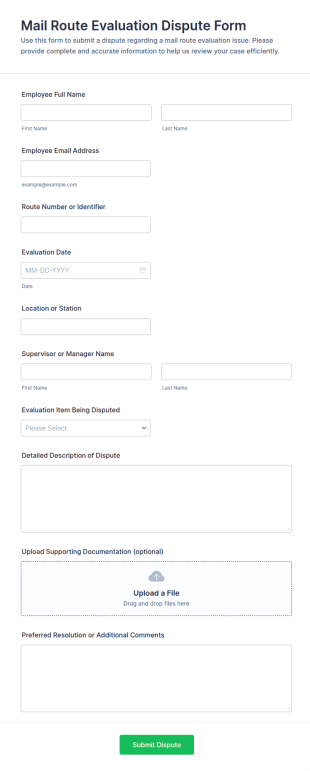
Mail Route Evaluation Dispute Form
Collect and manage employee disputes about mail route evaluations with the Mail Route Evaluation Dispute Form, ideal for postal operations and station managers who need consistent documentation and faster review workflows.
Go to Category:Complaint FormsAbout Adjustment Request Forms
Adjustment Request Form Templates are specialized digital forms designed to streamline the process of requesting changes, corrections, or modifications within an organization. These forms are commonly used for a variety of purposes, such as payroll adjustments, schedule changes, grade corrections, inventory updates, or policy amendments. By providing a standardized way to submit and track adjustment requests, these templates help ensure that all necessary information is collected upfront, reducing errors and delays. Whether you’re managing employee requests, student records, or operational changes, Adjustment Request Form Templates offer a reliable solution for handling modifications efficiently.
With Jotform, users can easily customize and deploy Adjustment Request Form Templates to fit their unique needs. Leveraging Jotform’s intuitive drag-and-drop Form Builder, you can add or modify fields, integrate with payment gateways, and set up conditional logic to tailor the form to your workflow. Submissions are automatically organized in Jotform Tables, making it simple to review, approve, or follow up on requests. Jotform’s no-code platform empowers anyone—regardless of technical skill—to create, share, and manage adjustment requests, helping organizations maintain accuracy and accountability in their processes.
Use Cases of Adjustment Request Form Templates
Adjustment Request Form Templates are versatile tools that can be adapted to a wide range of scenarios across different industries. Here’s how they can be used, who might use them, and how their content may vary:
- Possible Use Cases:
1. Payroll Adjustments: Employees or HR staff can request corrections to salary, overtime, or deductions.
2. Schedule Changes: Staff or students can submit requests to alter work shifts, class schedules, or appointments.
3. Inventory Adjustments: Warehouse or retail managers can report discrepancies or request stock updates.
4. Academic Grade Corrections: Students or teachers can request grade reviews or corrections.
5. Policy or Procedure Amendments: Department heads can propose changes to company policies or procedures.
- Problem Solving Points:
- Ensures all necessary details are captured for each request.
- Reduces manual errors and miscommunication.
- Provides a clear audit trail for accountability.
- Speeds up approval and resolution processes.
- Possible Owners and Users:
- HR departments, payroll managers, and employees.
- School administrators, teachers, and students.
- Operations managers, inventory staff, and warehouse supervisors.
- Department heads and compliance officers.
- Differences of Creation Methods:
- Payroll Adjustments: May require fields for employee ID, pay period, adjustment type, and supporting documentation.
- Schedule Changes: Might include date/time selectors, reason for change, and supervisor approval.
- Inventory Adjustments: Could feature product codes, quantity fields, and discrepancy explanations.
- Academic Adjustments: Often need student information, course details, and justification for the request.
In summary, Adjustment Request Form Templates can be tailored to fit the specific requirements of any adjustment process, ensuring efficient and accurate handling of requests.
How to Create an Adjustment Request Form
Creating an effective Adjustment Request Form with Jotform is a straightforward process that can be customized for any scenario, from payroll corrections to inventory updates. Here’s a step-by-step guide to help you design, implement, and manage your adjustment request workflow:
1. Define Your Use Case and Required Information
- Identify the type of adjustment (e.g., payroll, schedule, inventory, academic).
- List the essential information needed for processing (e.g., requester details, adjustment type, supporting documents).
2. Start Building Your Form
- Log in to your Jotform account and click “Create” on your My Workspace page.
- Choose “Form” and select either “Start from Scratch” or “Use Template” to access pre-built Adjustment Request Form Templates.
- Pick a layout: Classic Form (all questions on one page) or Card Form (one question per page).
3. Add and Customize Form Elements
- Use the “Add Element” menu to drag and drop fields such as:
- Name, Email, Department/Role
- Adjustment Type (dropdown or multiple choice)
- Date/Time of the adjustment
- Description or Reason for the request
- File upload for supporting documents
- Approval section for supervisors or managers
- For specific use cases, add custom fields (e.g., employee ID for payroll, product code for inventory).
4. Personalize the Form Design
- Click the Paint Roller icon to open the Form Designer.
- Adjust colors, fonts, and themes to match your organization’s branding.
- Choose the layout that best fits your workflow.
5. Set Up Conditional Logic and Notifications
- Use conditional logic to show or hide fields based on user responses (e.g., only display “Supporting Documents” if a certain adjustment type is selected).
- Set up autoresponder emails to confirm receipt of the request to the user.
- Configure notification emails to alert relevant staff or managers when a new request is submitted.
6. Publish and Share Your Form
- Click “Publish” in the navigation bar.
- Copy the form link to share via email, internal portals, or embed it on your website.
7. Test and Manage Submissions
- Use the Preview feature to test the form and ensure all workflows function as intended.
- Review and manage submissions in Jotform Tables, where you can filter, search, and track the status of each request.
By following these steps, you can create a tailored Adjustment Request Form that streamlines your organization’s change management processes, reduces errors, and ensures every request is handled efficiently.
Frequently Asked Questions
1. What is an Adjustment Request Form?
An Adjustment Request Form is a standardized document used to request changes or corrections to existing records, schedules, payments, or policies within an organization.
2. Why are Adjustment Request Forms important?
They help ensure that all necessary information is collected for each request, reduce errors, and provide a clear process for tracking and approving changes.
3. What information is typically included in an Adjustment Request Form?
Common fields include requester details, type of adjustment, reason for the request, relevant dates, and supporting documentation.
4. Are there different types of Adjustment Request Forms?
Yes, forms can be tailored for payroll, scheduling, inventory, academic, or policy adjustments, each with specific fields relevant to the use case.
5. Who can use Adjustment Request Form Templates?
These templates are useful for HR professionals, managers, teachers, students, operations staff, and anyone needing to request or process adjustments.
6. How do Adjustment Request Forms improve workflow efficiency?
They standardize the request process, reduce manual communication, and provide an organized way to track and resolve requests.
7. Are Adjustment Request Forms secure and private?
When created with Jotform, forms can be secured with encryption, access controls, and compliance with privacy regulations to protect sensitive information.
8. Can Adjustment Request Forms be integrated with other tools?
Yes, Jotform allows integration with email, cloud storage, project management, and other business tools to automate and streamline the adjustment process.