
Softr helps users create an app without coding. It builds employee hubs, customer portals, business directories, and other lightweight apps in a fraction of the time traditional development would take. It also can combine data from multiple sources, including Airtable, Google Sheets, HubSpot, and Notion.
As your projects grow, you may need more advanced workflows, extensive data sources, deeper customization, and stronger access control than Softr can offer. You could also outgrow the platform’s pricing model and integration capabilities.
If you’re looking to transition from Softr to a tool that better fits your current or future needs, plenty of alternatives to Softr offer the same level of simplicity while adding more advanced features.
Here are some top-ranked portal and internal tool builders that can replace Softr, along with their best use cases, features, pricing details, and trade-offs. We also guide you on how to choose the best option based on your priorities.
Why teams look for Softr alternatives
With Softr’s drag-and-drop builder and templates, you can get apps and portals up and running within hours rather than weeks or months. But while the platform simplifies product development, it can be limiting when your needs grow.
You may need to consider Softr competitors if
- You need to scale cost-effectively: Softr offers a free plan, but it caps you at 10 users and doesn’t include features you may need for scaling, such as API calls and CSV exports. To access more team seats and features, you need to upgrade to a paid plan.
- Your app requires deep customization: Softr’s block-based builder prioritizes ease of use and speed over customization. If you want highly customized interfaces or user experiences, more flexible Softr alternatives may be better fits.
- Your data model has become more complex: While Softr both offers a built-in relational database (Softr Databases) and integrates with external data sources such as Airtable, some users report that the platform can be limiting. If you’re working with highly relational data or custom SQL queries, a builder that provides more direct control over your data layer could be a better alternative.
- Your workflows have become more sophisticated: Softr excels at supporting straightforward, portal-centric processes. If your workflows include complex branching logic or multistep approval processes, you may benefit from a more sophisticated platform.
Quick comparison table for the best Softr alternatives in 2026
| Tool | Best for | Why it’s a good Softr alternative | Pricing |
|---|---|---|---|
 Jotform Apps |
Workflow-first portals and apps |
Offers form-driven workflows and rapid app deployment |
Free plan; paid plans from $34 per month |
 Glide |
Internal apps tied to structured data |
Turns data from sources such as Google Sheets, Airtable, MySQL, and Excel into functional internal apps |
Free plan; paid plans from $49 per month |
 Noloco |
Portals and internal tools that require workflow automation |
Supports advanced user management and workflow automation |
Free plan; paid plans from $99 per month |
 Stacker |
Applications built on existing business data |
Generates client and customer portals from natural language prompts and existing data |
30-day free trial; plans from $9 per month |
 Bubble |
Custom web apps |
Offers extensive flexibility, allowing for highly customized applications |
Free plan (app deployment not included); paid plans from $59 per month |
 Knack |
Database-driven business apps |
Offers strong data modeling for database-centric applications |
Free trial period; paid plans from $49 per month |
 Tadabase |
Advanced, data-heavy portals |
Allows for sophisticated portals with CRUD (Create, Read, Update, and Delete) workflow capabilities |
14-day free trial period; paid plans from $42 per month |
The 7 best Softr alternatives in 2026
If you’re looking to replace Softr with a platform that better aligns with your priorities, here are seven options to consider. Jotform Apps tops our list because it’s a no-code app builder like Softr, built for workflow-based portals and fast launch. Solutions such as Glide and Noloco follow because they meet adjacent needs such as more extensive customization and enterprise-grade app building capabilities.
The best Softr alternative for your business depends on whether you want to build a workflow portal, a database-first internal tool, or a custom web app.
1. Jotform Apps
Best for: Workflow-first portals and apps
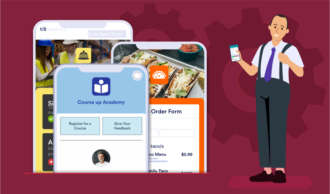
Jotform Apps is a no-code drag-and-drop tool that helps you package documents, forms, videos, links, and other business data into a single application. Our platform offers over 3,200 free templates, allowing you to build portals, web apps, and mobile apps without starting from scratch.
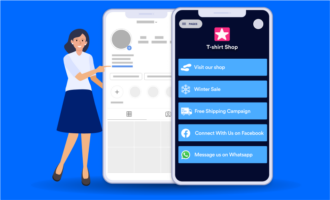
The Jotform App Builder also streamlines app distribution. You can share Jotform Apps via email, link, social media, or QR code, all from within the platform.
Jotform Apps integrates with Jotform Tables, our proprietary database platform, making it easy to view and manage your data. It also supports over 100 widgets that can expand your app’s capabilities beyond data collection. Jotform Apps features come in handy when building portals and apps.
Alongside its drag-and-drop builder, Jotform Apps provides a conversational way to start building. With Jotform App Builder for ChatGPT and Claude, you can describe an internal tool, customer portal, business directory, or employee hub and generate a ready-to-use first version directly within your AI workspace. You can then refine its layout, forms, widgets, and branding through follow-up prompts.
Connect now to build, publish, and share apps with Jotform App Builder in ChatGPT and Claude.
Features
- Customization options: Tailoring of your portal’s or app’s icon, name, header, screen, and navigation buttons to reflect your brand and aesthetic needs
- Jotform AI App Builder: Functional applications built using conversational prompts
- Collaboration capabilities: Multiple-user access for unified app development; specific roles and permissions for team members based on their input
- Integrations with identity providers such as Google and Okta: Single sign-on to provide frictionless login experiences for users
Limitations
- Data relationships and application logic that may not be flexible enough for enterprises with complex workflows
- Inability to publish apps to the App Store or Google Play
- Reliance on preconfigured structures, so design flexibility may feel limited
Pricing
- Starter plan (free): Unlimited apps, five forms, 100 monthly submissions, and 100 monthly AI Agent conversations
- Bronze plan ($34 per month, billed annually): Unlimited apps, up to 25 forms, 1,000 monthly submissions, and 1,000 AI Agent conversations
- Silver plan ($39 per month): Unlimited apps, up to 50 forms, 2,500 monthly submissions, and 2,500 AI Agent conversations
- Gold plan ($99 per month): Unlimited apps, up to 100 forms, 10,000 monthly submissions, and 10,000 AI Agent conversations
- Enterprise plan (custom pricing): Unlimited apps, forms, monthly submissions, and AI Agent conversations
2. Glide
Best for: Internal apps tied to structured data
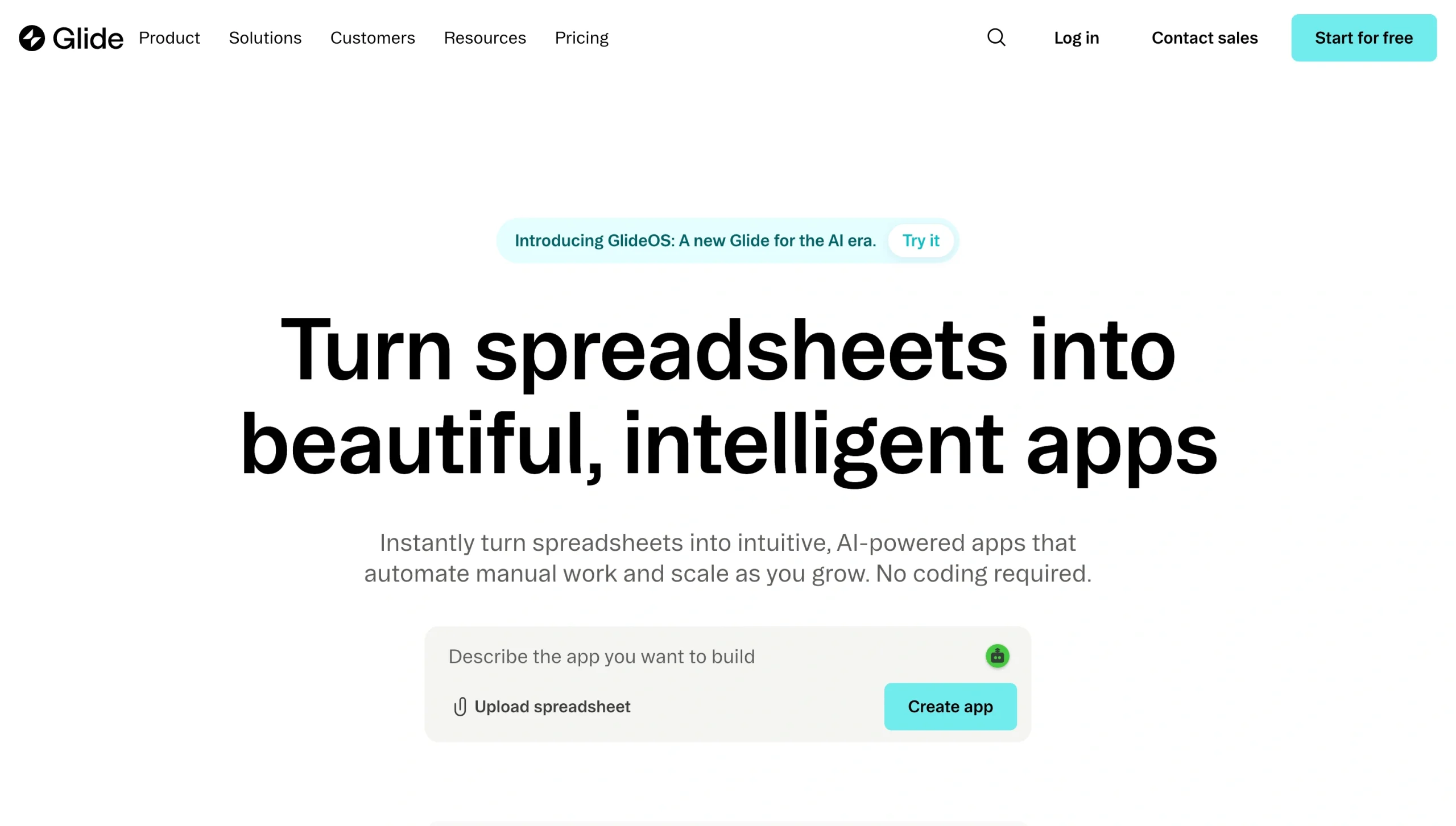
Initially a Google Sheets app builder, Glide has evolved into a comprehensive, full-stack no-code platform. It offers built-in tables, allowing you to store app data within the platform.
Glide also supports data sources such as Airtable, MySQL, Microsoft SQL Server, and PostgreSQL. These integrations make the builder a solid Softr alternative for building internal business apps, such as inventory trackers and project management boards.
According to Glide users, one of the platform’s strengths is its ease of use. Glide has an intuitive structure that makes it easy for nontechnical users to quickly build mobile apps. It features a drag‑and‑drop layout editor with live previews.
Features
- AI-powered app builder: Apps generated from natural language prompts
- Template library: Over 100 templates across categories including portals, event management, HR management, and project management
- Built-in workflow builder: Automation of reminders, email communications, calculations, and data extractions with features such as nested conditions and loops, with no coding required
- Pre-built integrations: Integrations with tools such as Salesforce, HubSpot, QuickBooks, Slack, Gmail, and DocuSign
- Responsive web apps: Automatic adaptation of apps to phones, tablets, and desktops
Limitations
- Inability to publish apps to native app stores such as Google Play
- Limited user interface (UI) flexibility (Glide alternatives, such as Bubble, could be a better fit if you want a fully customized app)
- Limited row usage on low-tier plans, which can affect scalability
Pricing
- Free plan: Unlimited app drafts, one editor, and up to 25,000 rows
- Explorer plan: ($19 per month, billed annually): One app, up to 100 personal app users, up to 25,000 rows, and access to Glide AI
- Maker plan ($49 per month): Three apps, unlimited personal users, up to 50,000 rows, and access to Glide AI
- Business plan ($199 per month): Unlimited apps, 30 business users, up to 100,000 rows, access to Glide AI and the Glide API
- Enterprise (custom pricing): Unlimited apps, custom users, custom rows, and enterprise integrations
3. Noloco
Best for: Portals built directly on Airtable and internal tools that require advanced permissions and workflow automation
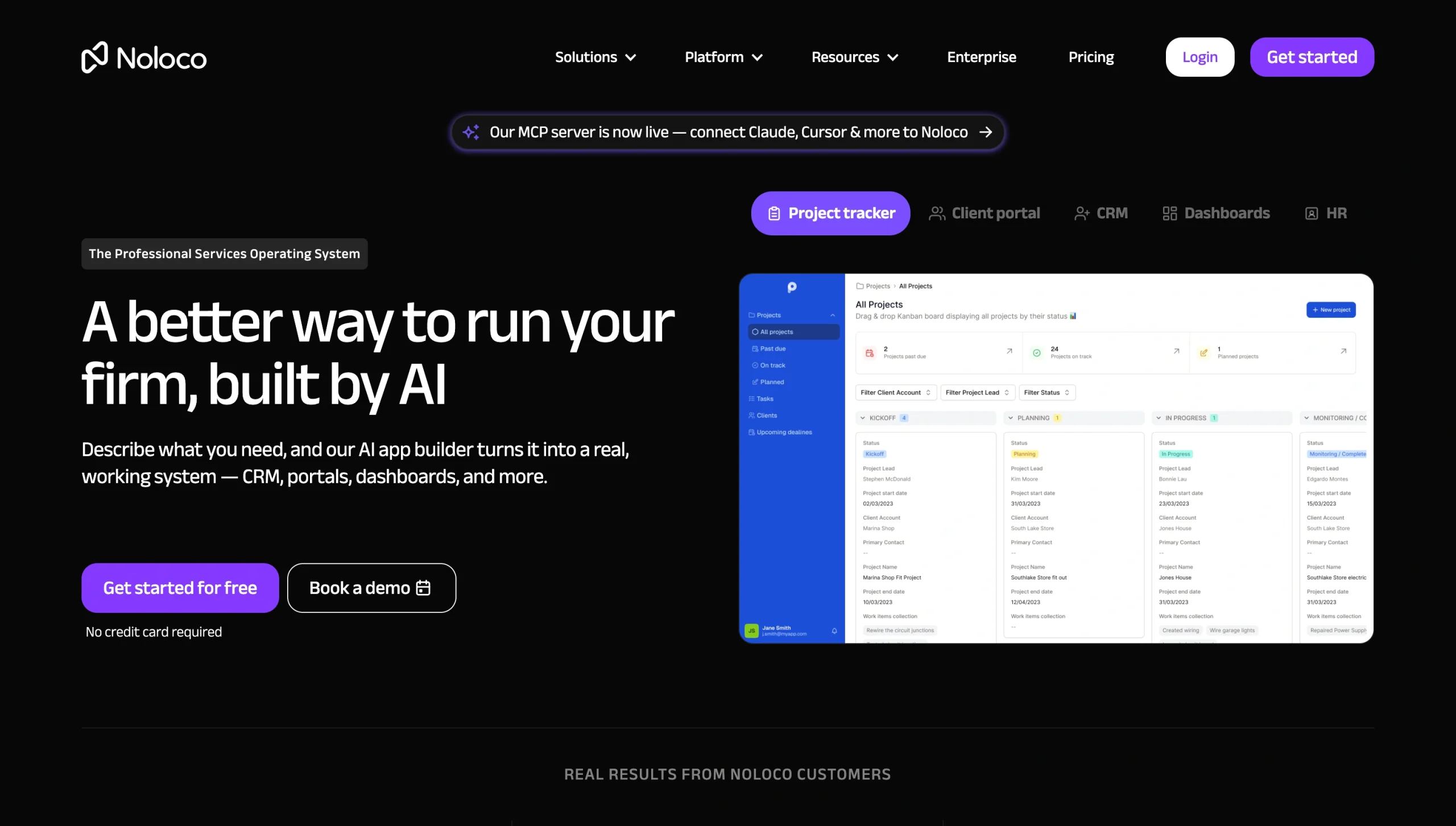
Noloco was built around Airtable, making it one of the best Softr alternatives for that platform, but the platform has become more versatile. It now supports two-way syncing with Airtable, Google Sheets, SQL databases, and its built-in database, Noloco Tables.
Like Softr, Noloco makes it easy to build applications by eliminating the need for coding. It offers more flexibility around user management and workflow automation than Softr does. If you’re looking to move from simple portals to more advanced business systems, the platform could be the right fit.
Features
- Advanced permissions and user management: User access control at the individual row or field level
- Noloco AI: Application-building from conversational prompts
- Workflow automation engine: Automatic event-driven workflows, such as sending notifications to clients when you upload new files to their portals
- Visual page builder: Drag-and-drop interface that allows you to create dashboards and layouts and to view and test your application in real time
Limitations
- Smaller template library than alternatives such as Softr and Jotform Apps
- Limitation of advanced features, such as workflow automation, to top-tier plans
- Limited client-side processing and design customization capabilities
Pricing
- Free plan: Three team seats, seven client seats, 2,000 rows, and 100 workflow runs
- Pro plan ($99 per month, billed annually): 10 team seats, 50 client seats, 50,000 rows, 3,000 workflow runs, and 25,000 synced rows
- Business plan ($213 per month): 30 team seats, 100 client seats, 200,000 rows, 100,000 synced rows, and 10,000 workflow runs
- Enterprise plan (custom pricing): Custom seats and volume-based data limits
4. Stacker
Best for: AI-assisted applications in which users interact with company data
Stacker streamlines portal-building through its AI builder and visual, drag-and-drop interface. It’s one of the best Softr alternatives for Notion, Airtable, and existing spreadsheets because it transforms data into web apps and portals code-free.
The platform can work with the systems you already use, making it an attractive option if you have well-established operational workflows or if you don’t want to migrate your data to a new platform.
Stacker also offers granular permission controls, allowing you to tailor what users can create, view, and edit without altering your main database. If you’re looking to create employee portals, client portals, or workflow and project management tools, the platform could be worth considering.
Features
- AI-powered builder: Application generation in minutes based on prompts
- Field-level and table-level permissions: Control of what different users see
- White label branding capabilities: Customization of features such as logos, colors, and domains (on higher-tier plans)
- Built-in workflow automation features: Automated actions based on specific triggers, plus a Zapier integration
Limitations
- Stacker’s branding on applications, which users must upgrade to higher-tier plans to remove
- Inability to publish apps on Apple App Store or Google Play Store
- Customer count caps per tier, which means scaling portals can hit ceilings quickly
Pricing
Stacker doesn’t offer a permanent free plan. Instead, it gives users a free 30-day trial for each paid plan.
- Personal plan ($9 per month, billed annually): 25 AI credits (consumed each time you use Stacker’s AI) per month, 100 cloud credits per month, one admin user, and up to 20 customers
- Starter plan ($49 per month): 100 AI credits per month, 1,000 cloud credits per month, up to 100 customers, and custom branding
- Plus plan ($99 per month): 250 AI credits per month, 2,500 cloud credits per month, up to 20 customers, and a custom domain
- Pro plan ($199 per month): 1,000 AI credits per month, 10,000 cloud credits per month, up to 1,000 customers, and full white labeling
5. Bubble
Best for: Custom, full SaaS products
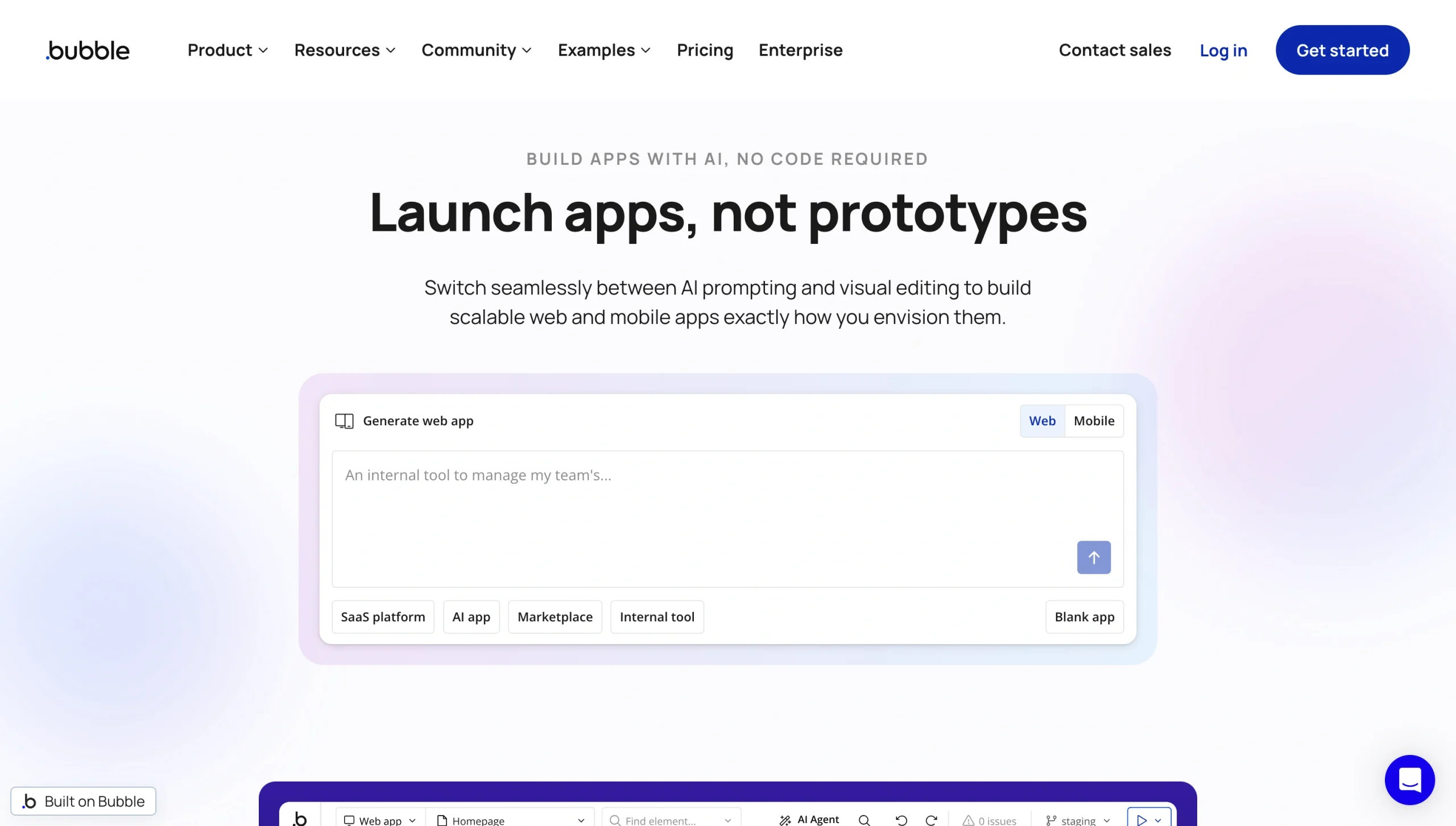
Bubble is a no-code development tool that works well if you need a platform that gives you more control over your applications. It allows you to build complete web applications with custom logic, design UIs on the pixel level, integrate with external APIs, and create custom database schemas.
Bubble offers thousands of plug-ins to add functionality to your applications. You can also build and publish your own plug-ins if you want full control over your apps’ performance.
Features
- Bubble AI Agent: Agent that quickly creates prototypes from your idea
- Built-in database: Application database development and management directly within Bubble
- Powerful workflow engine: Advanced workflows involving conditional logic and API calls
- Version control tools: Streamlined collaboration through permissions and version histories
- API integrations: Connections to thousands of external tools and services
Limitations
- Difficult learning curve for beginners with no technical skills
- Inability to export apps’ underlying source codes to external platforms
- Potentially unpredictable costs due to pricing based on workload units
Pricing
- Free plan: One app editor, 50,000 workload units per month, and six hours of server logs
- Starter plan ($59 per month, billed annually): Workflow automation capabilities, one app editor, 175,000 workload units per month, two days of server logs, and basic version control
- Growth plan ($209 per month): Automation capabilities, two app editors, 250,000 workload units per month, 14 days of server logs, and advanced version control
- Team plan ($549 per month): Automation capabilities, five app editors, 500,000 workload units per month, 20 days of server logs, and advanced version control
- Enterprise (custom pricing): Custom features
You can build and test apps under the free plan, but to launch applications, you must upgrade to a paid plan.
6. Knack
Best for: Data-heavy business apps
Knack offers a comprehensive library of templates that help streamline and accelerate app development, along with numerous integrations, allowing you to expand the platform’s capabilities without custom backend code.
Knack is worth considering if you’re looking for a structured way to manage records, relationships, and permissions, because it prioritizes data management, or if you want to replace legacy databases with custom apps your employees or customers can access via web interfaces.
Features
- Powerful relational database: Custom databases with multiple related tables, created without coding
- AI-powered application builder: Recommendations for tables, fields, rows, and data relationships based on your application’s purpose
- Drag-and-drop visual editor: Components such as forms and dashboards you can add when building your app’s front end
- Role-based permissions: User roles and record-level access rules to control who can view, create, edit, and delete records
Limitations
- Pricing structure based on database size, which can lead to high costs for businesses with large-scale databases
- Only basic automation capabilities
- Limited design customization compared with alternatives such as Bubble
Pricing
All plans have a no-code online database and include unlimited users, tables, fields, and forms.
- Starter plan ($49 per month, billed annually): 20,000 database records and 25 AI credits
- Pro plan ($110 per month): One custom domain, ability to remove Knack branding, 50,000 database records, and 50 AI credits
- Corporate plan ($250 or more per month): Three custom domains, ability to remove Knack branding, 125,000 to 2.5 million database records, and 100 AI credits
- Enterprise plan (custom pricing): Over 2.5 million database records, all Corporate plan features, and private server environment options
7. Tadabase
Best for: Advanced portals that require sophisticated data management
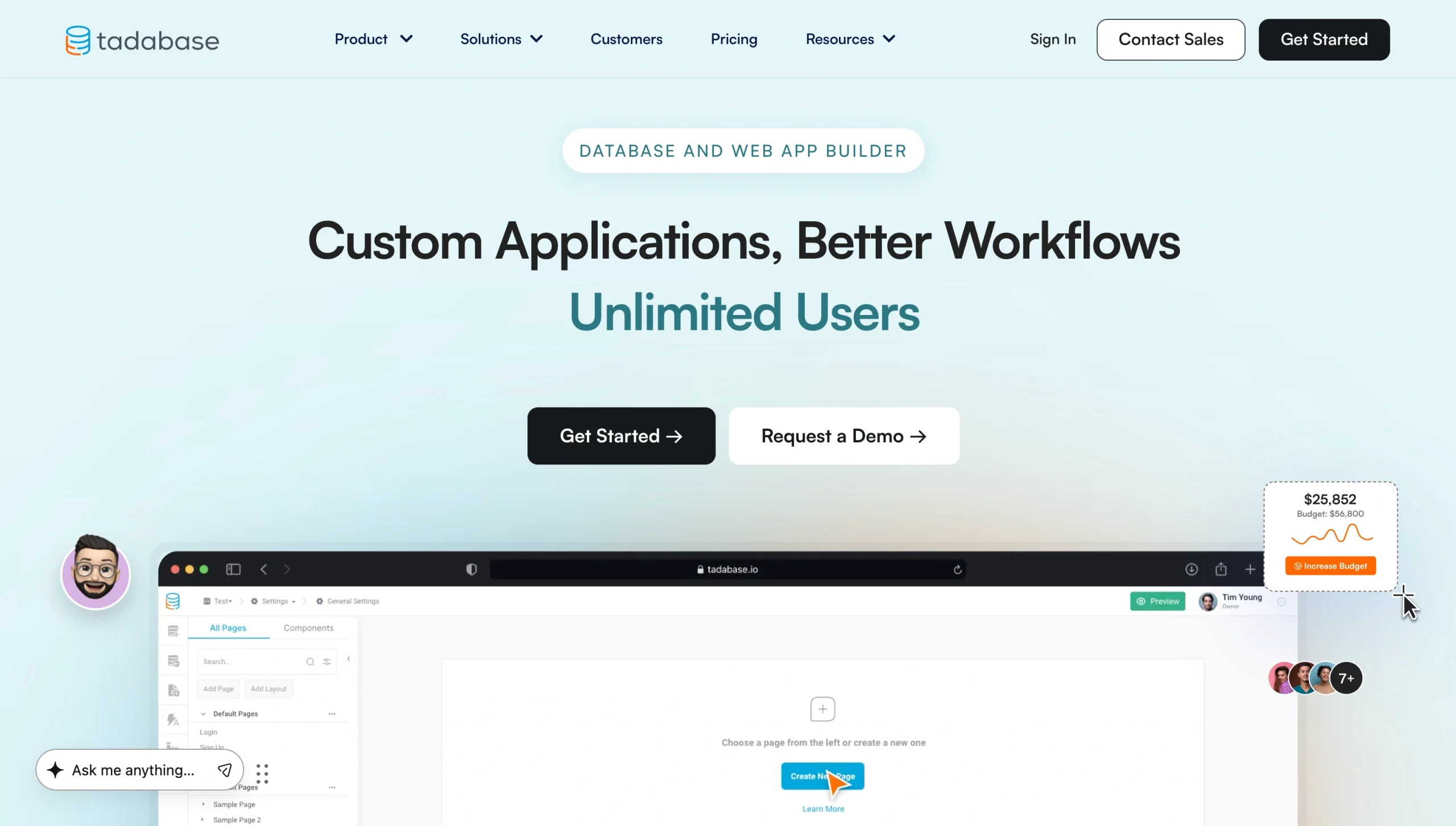
Tadabase’s drag-and-drop interface provides a more “application builder” feel than Softr and other alternatives. If you need to build data-heavy portals with robust CRUD (Create, Read, Update, and Delete) capabilities, advanced workflows, and granular permissions, Tadabase could be a suitable option.
Tadabase also supports heavier workloads and more complex workflows than standard no-code portal builders. It provides access to CSS and JavaScript, which expand customization capabilities.
Features
- Advanced relational database: Data structure capabilities that can contain custom equations, connections, fields, and tables
- Visual data and system component library: Quick integration of features such as maps, calendars, menus, and breadcrumbs
- Granular access control: Role-based permissions and filtered views so users can access only what they need
- Workflow automation tools: Automated task assignments, reminders, notifications, and recurring processes, such as document generation and form submissions
Limitations
- Custom-app design that isn’t beginner-friendly
- Complex third-party integrations that require API knowledge and authentication expertise
- Database records and storage limits depending on plan tier
Pricing
All plans allow unlimited users.
- Starter plan ($42 per month, billed annually): Three apps, 30,000 database records, 5 GB storage, and two custom domains
- Growth plan ($105 per month): Five apps, 125,000 database records, 10 GB storage, and three custom domains
- Pro plan ($210 per month): 10 apps, 250,000 database records, 50 GB storage, and four custom domains
- Elite plan ($375 per month): 15 apps, 500,000 database records, 100 GB storage, and five custom domains
How to choose the right Softr alternative for your use case
While all these platforms are good Softr alternatives, some will be better suited to your brand than others. To make the right choice, consider your needs and your application’s intended use cases:
- If you want a portal to support data collection, routing, client intakes, follow-ups, and approvals, prioritize workflow-first tools with forms, document generation, and automation capabilities.
- If you’re building internal business applications, consider platforms with strong database capabilities and granular permissions.
- If you want complete control over the user experience, prioritize custom-first platforms.
Pick the Softr alternative that matches your build style
There’s no universal “ideal” Softr replacement for all businesses. The best alternative typically varies from one business to another because each has varying use cases and build plans.
If you want to build a workflow-first portal, Jotform Apps could be your best choice. For a data-first internal tool, however, Glide, Stacker, Knack, or Tadabase may be better suited to you. If automation capabilities are your priority, Noloco is worth considering. And if you want a custom web app and can invest in build time, Bubble could be your best bet.
To find the most suitable choice for your needs, build a small pilot project on some Softr alternatives using their free plans or trials. Create a single workflow, portal page, user role, and integration on each platform, and populate your prototype with realistic data to identify the platform that works best for you.
Want to build a workflow portal or app without any coding? Try Jotform Apps today.
This article is for small business owners, operations managers, agencies, and no-code builders who use Softr for client portals or internal tools and now need more flexibility (data sources, user limits, permissions, workflows, and scaling) without hiring developers.



































































































Send Comment: