
When it comes to securing a new customer, coupon codes deliver real benefits. No customer wants to miss out on savings, especially if they need your products or services. When you display a highly visible promo code on your website, you create a sense of urgency that spikes conversion rates and minimizes cart abandonment.
But if you’re just learning how to use WordPress, creating a coupon block can be frustrating. WordPress doesn’t have a built-in coupon tool, so you have to rely on bloated third-party plug-ins or a free, serverless widget to do it. In this guide, we show you how to add a coupon code in WordPress using either option.
Option 1: Install a dedicated WordPress coupon plug-in
You can find a range of coupon plug-ins that embed promo codes with WordPress. These are created by external developers, and most provide some customization options, so you can tailor the coupon block to fit your site’s look.
To find and install a third-party coupon plug-in, take these steps:
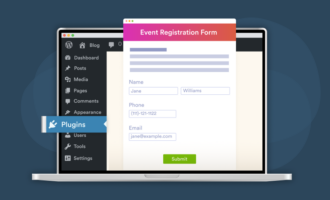
- Navigate to the administrator dashboard and click Plug-ins. Enter what you’re looking for into the search toolbar. In this example, we typed “custom coupon block WordPress.”
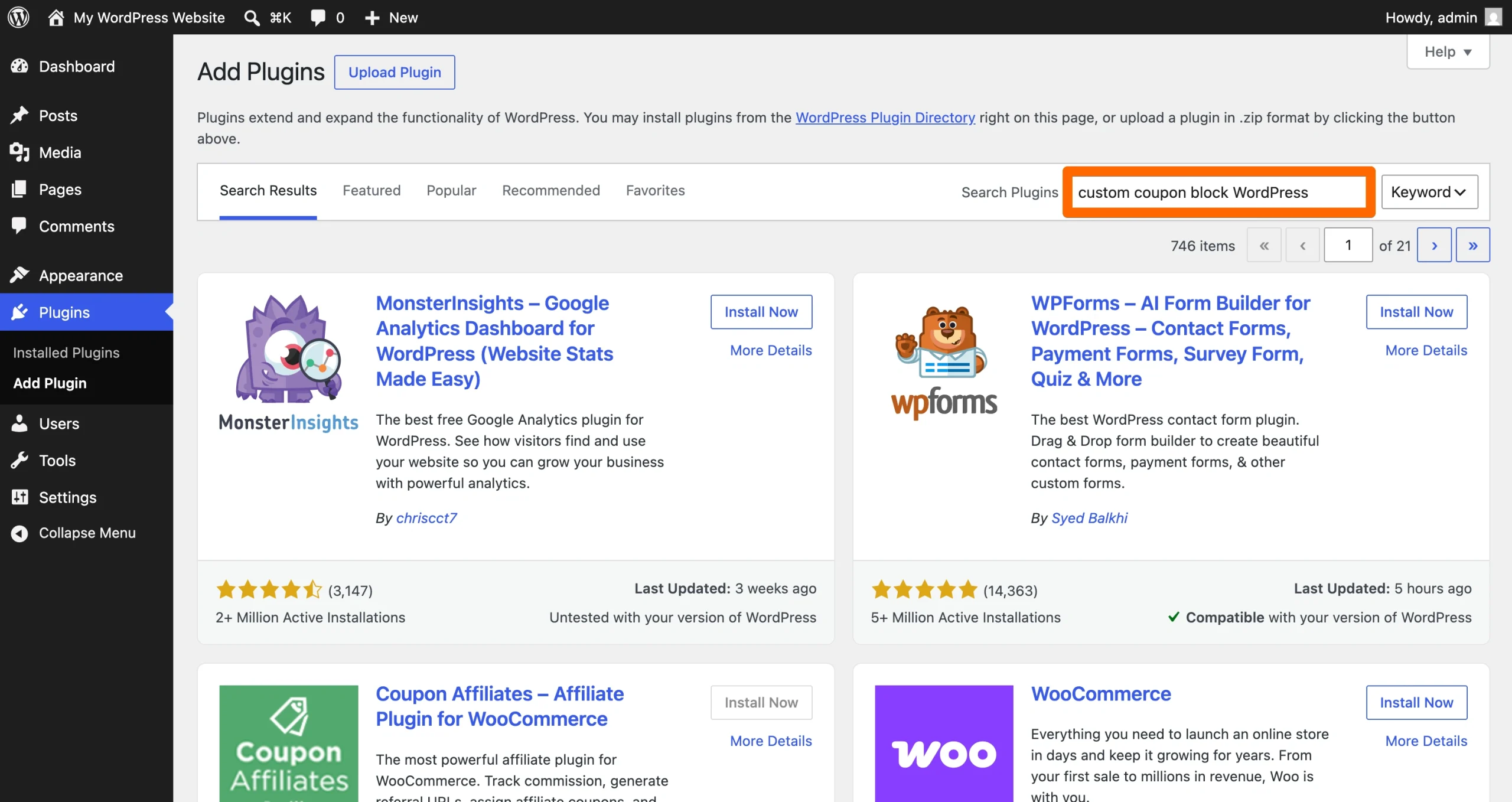
- Sort through the list of options to find one that suits your use requirements. Prioritize alternatives that are compatible with your theme, have strong reviews, and are up to date with the latest version of WordPress. These options are less likely to cause performance issues with your site.
When you’ve found one you like, click Install Now.
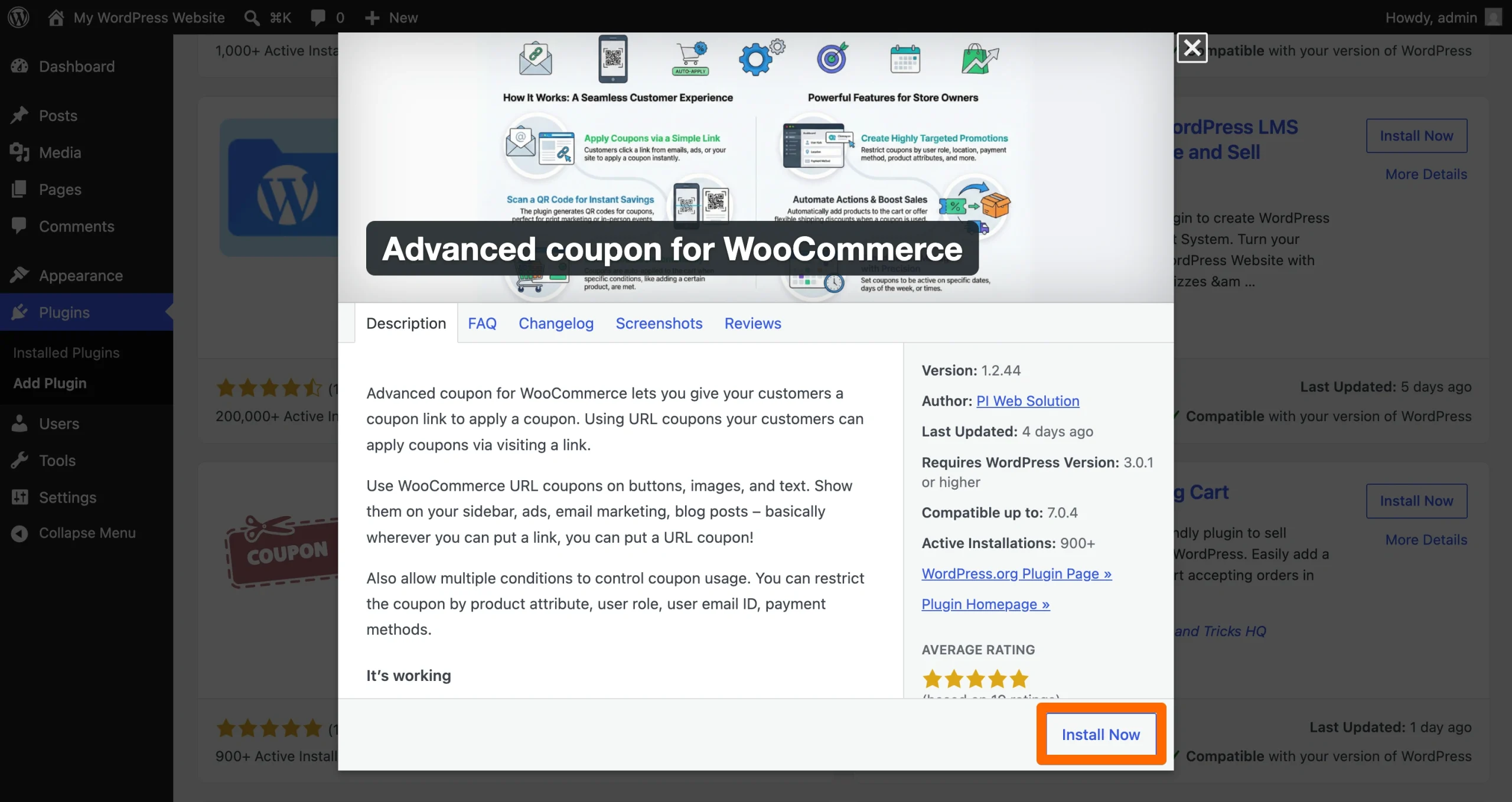
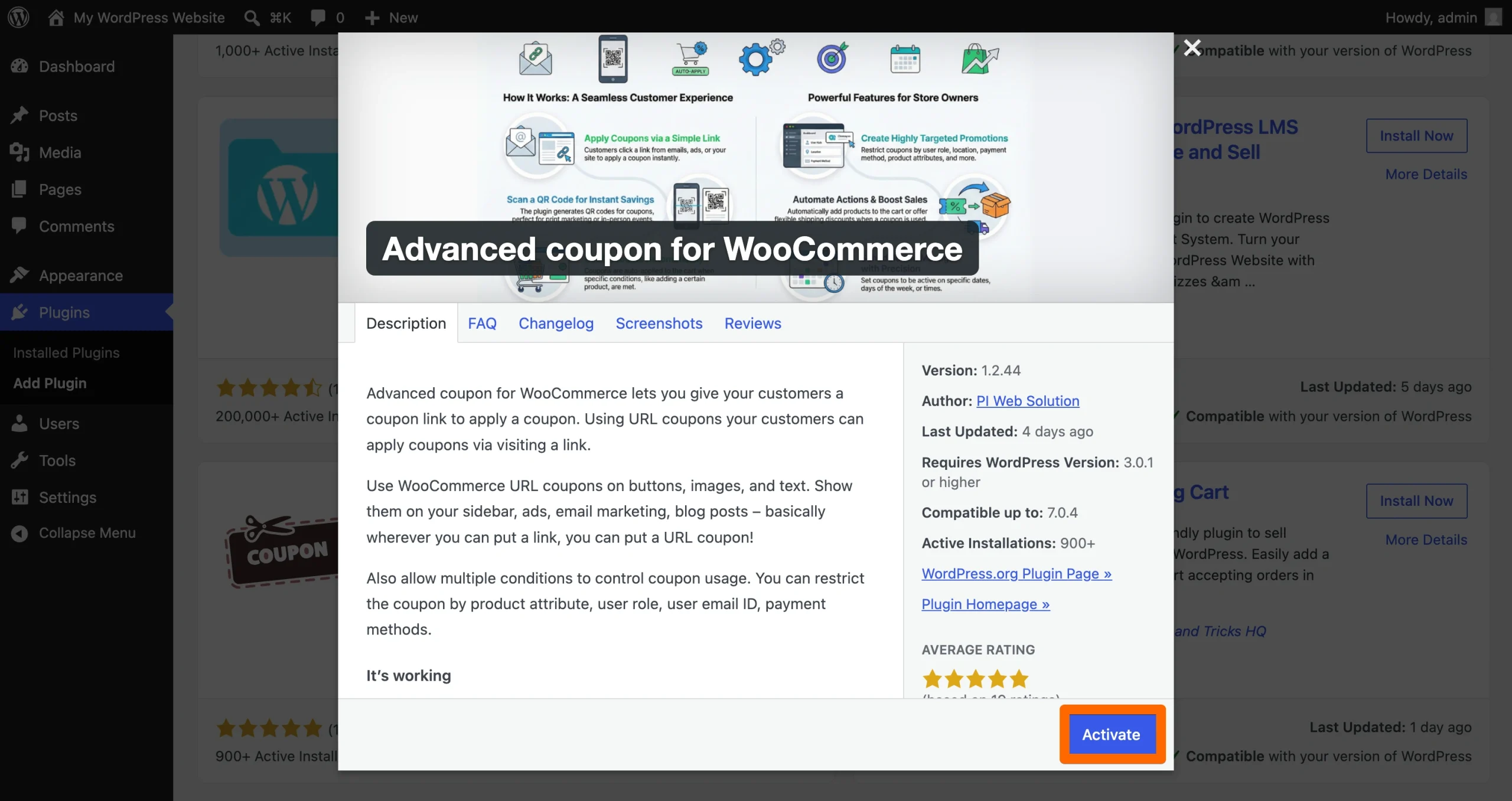
- After the plug-in finishes installing, click Activate to complete the process. Follow the developer’s instructions to set up your coupon block and make it available to site visitors. Note that you may need to sign up for a subscription to access extra customization features.
There are a few shortcomings to note when using the third-party plug-in approach. Some (but not all) plug-ins use loads of JavaScript and CSS that weigh down your website, slowing your loading speeds and worsening Core Web Vitals. To determine whether a plug-in causes performance issues, set a benchmark Core Web Vitals score before installing the program; then track how it changes after installation. This tells you whether a plug-in adversely affects your site.
Also, be aware free plug-ins sometimes limit the customization options available. Even worse, some developers display discount codes in WordPress with their watermark or branding. They do this to encourage users to sign up for a paid plan. Leaving the watermark enabled can confuse customers and make your site look unprofessional. However, paying for a subscription hurts your bottom line.
You can avoid these drawbacks with a WordPress coupon plug-in alternative like Jotform’s widget.
Option 2: Add a free, customizable coupon widget (recommended)
Jotform offers a free coupon widget for WordPress. It lets you customize the look and style of your coupons so they fit seamlessly within your website. There’s no coding required — simply copy the generated iframe snippet and paste it into a custom HTML block within WordPress.
To try it out, take these steps:
- Navigate to Jotform’s Coupon Widget page. Share basic information about your coupon, such as its purpose and button text, then click Continue.
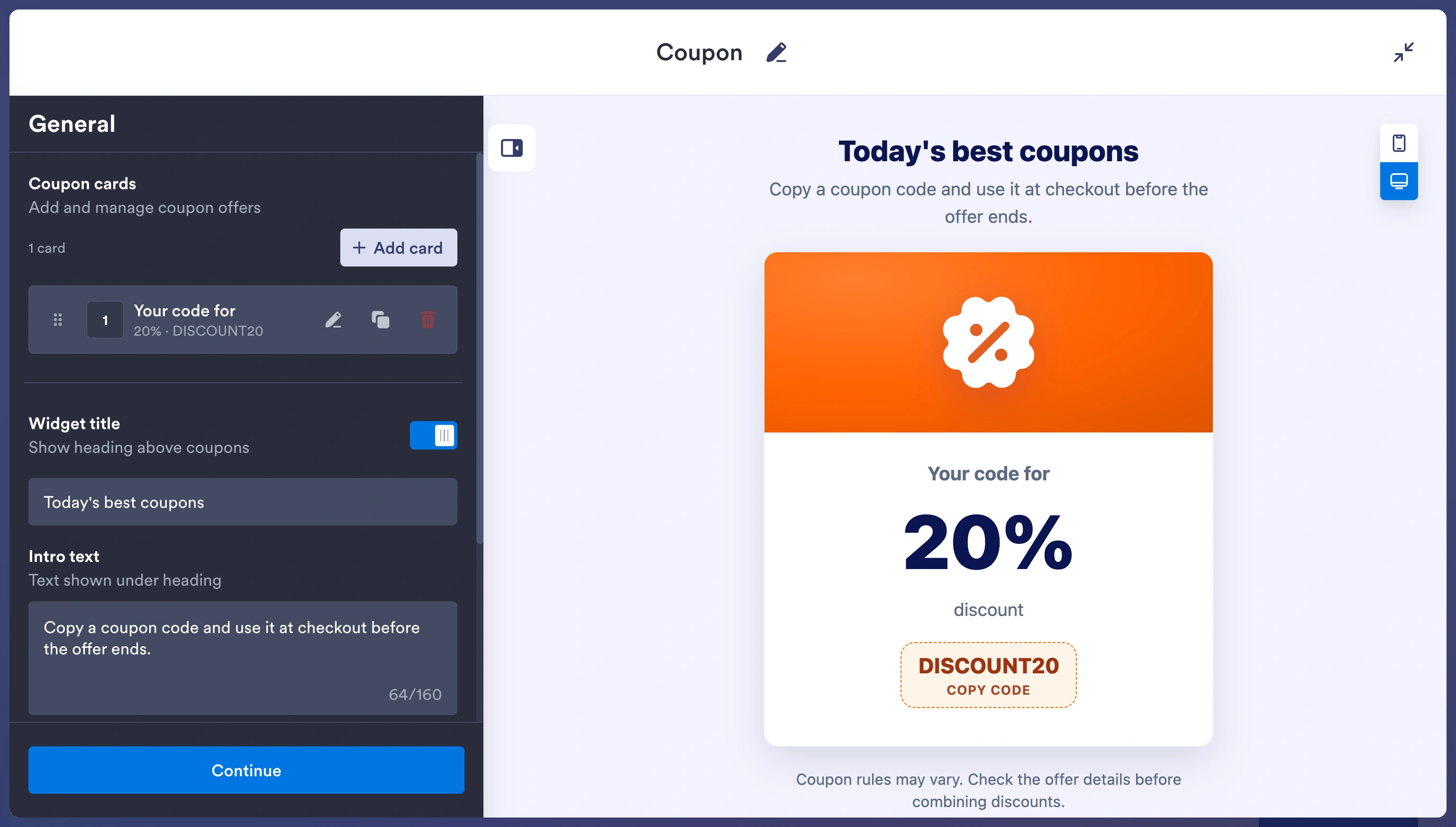
- Customize the coupon’s colors, fonts, corner radius, and other features. You can see how your changes affect the coupon’s appearance in the design workspace. Click Continue when you’re satisfied with the coupon’s look.
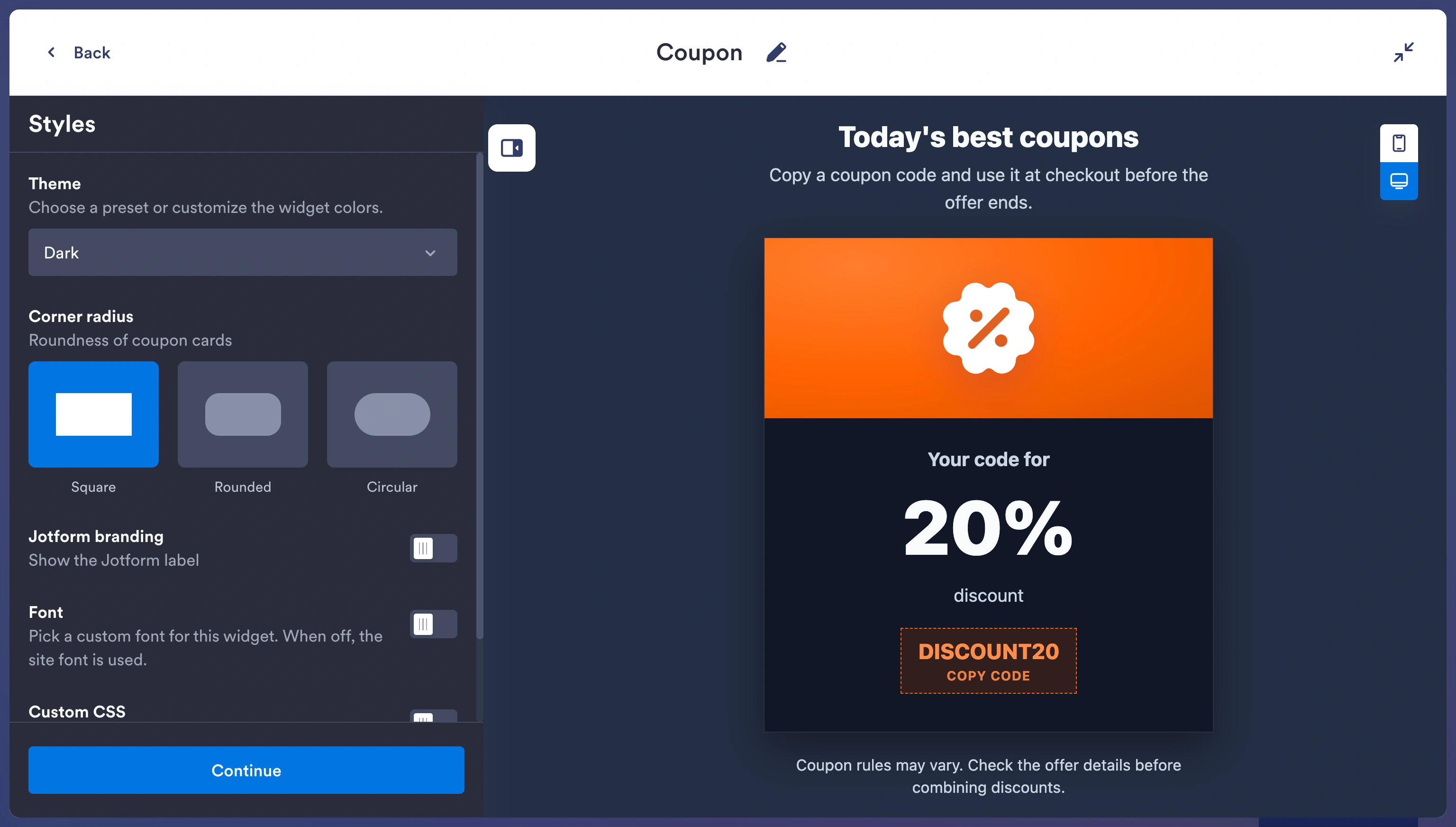
- Choose your layout options; then click Try it on your website for free.
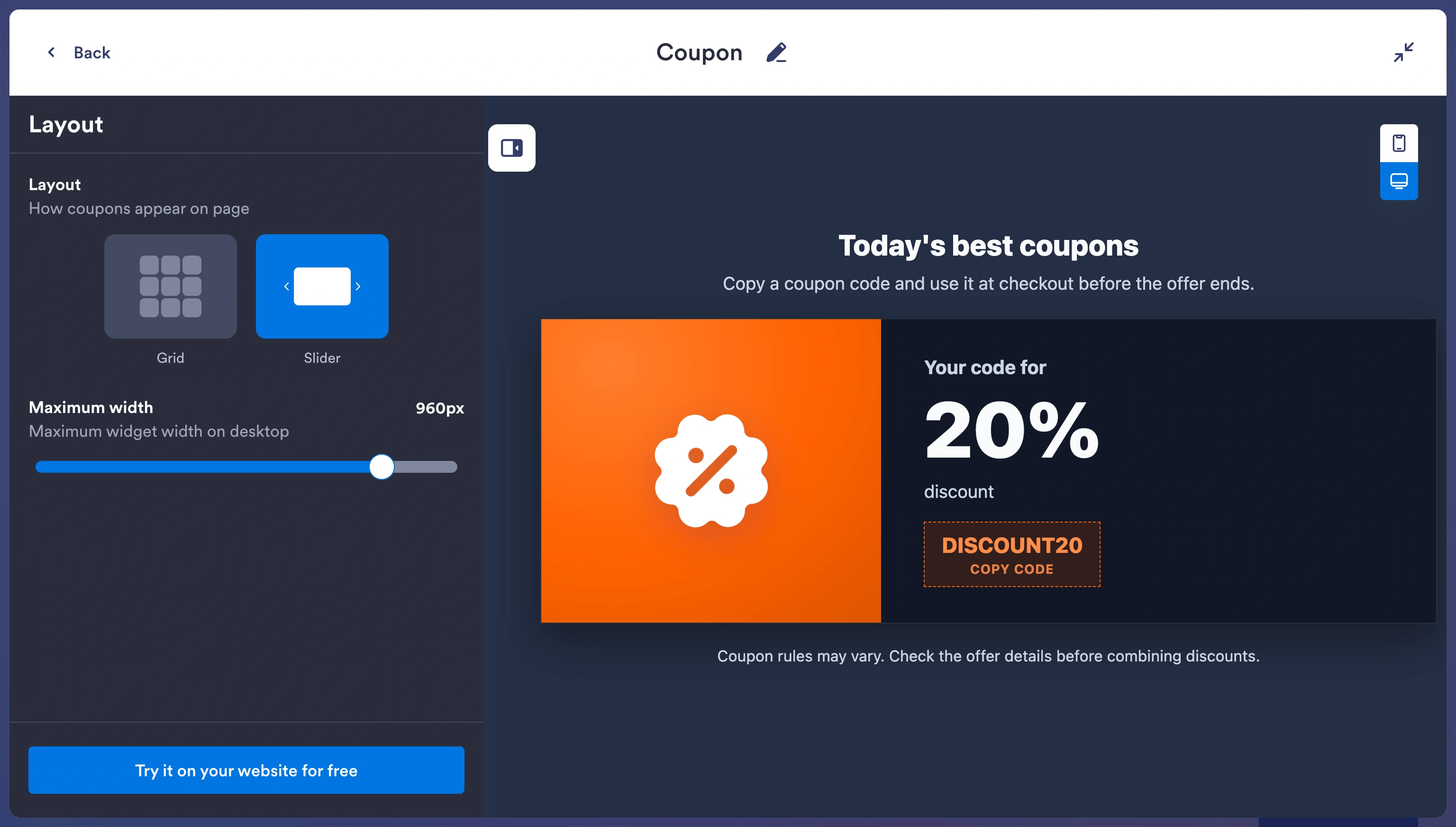
- Follow the prompts to create a free Jotform account. Then copy the generated code.
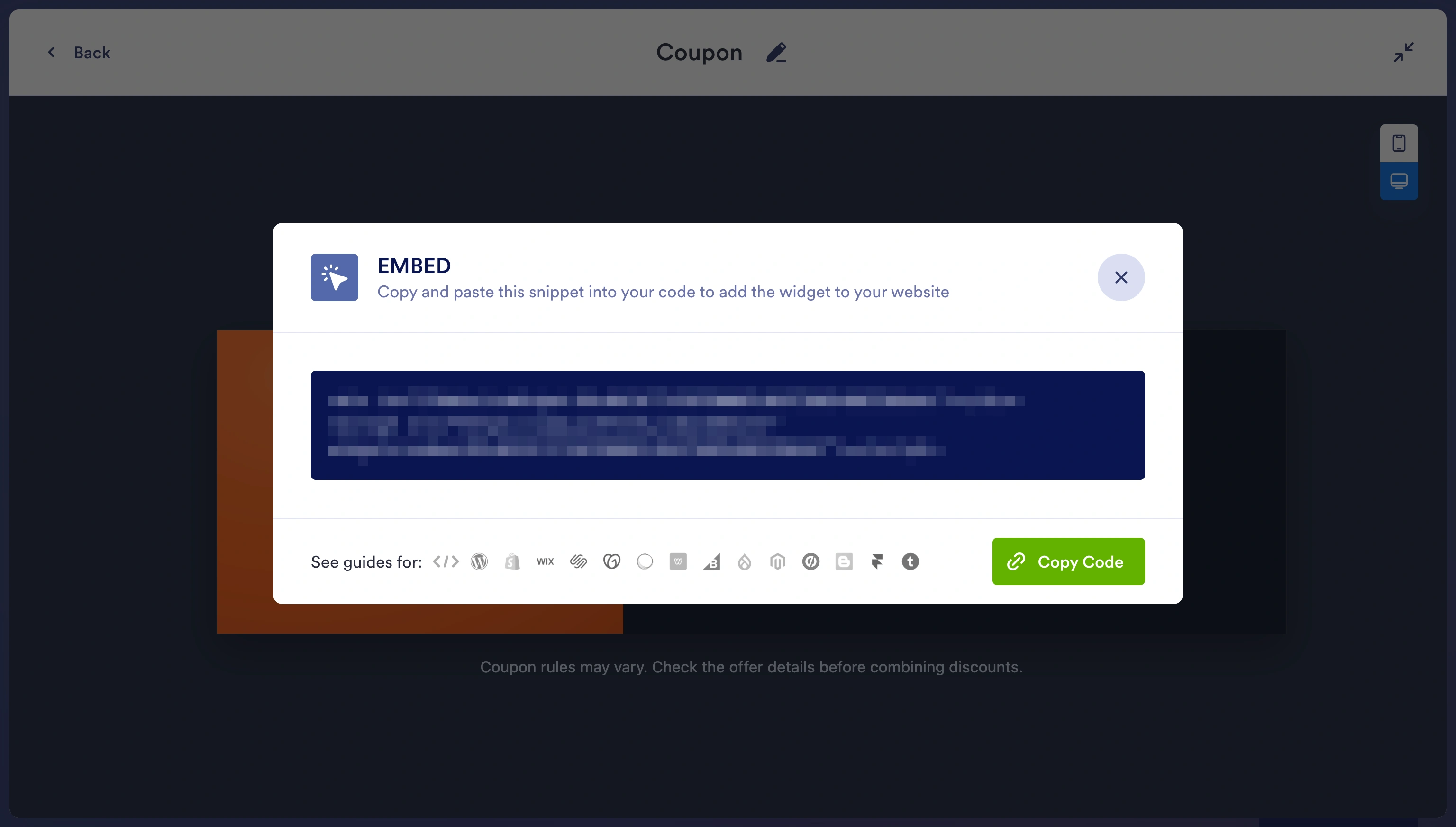
- Navigate to the WordPress editor and open the page or post where you want to add the coupon. Click the Block Inserter and search for “Custom HTML.” Paste the code into the block and click Update to save your changes.
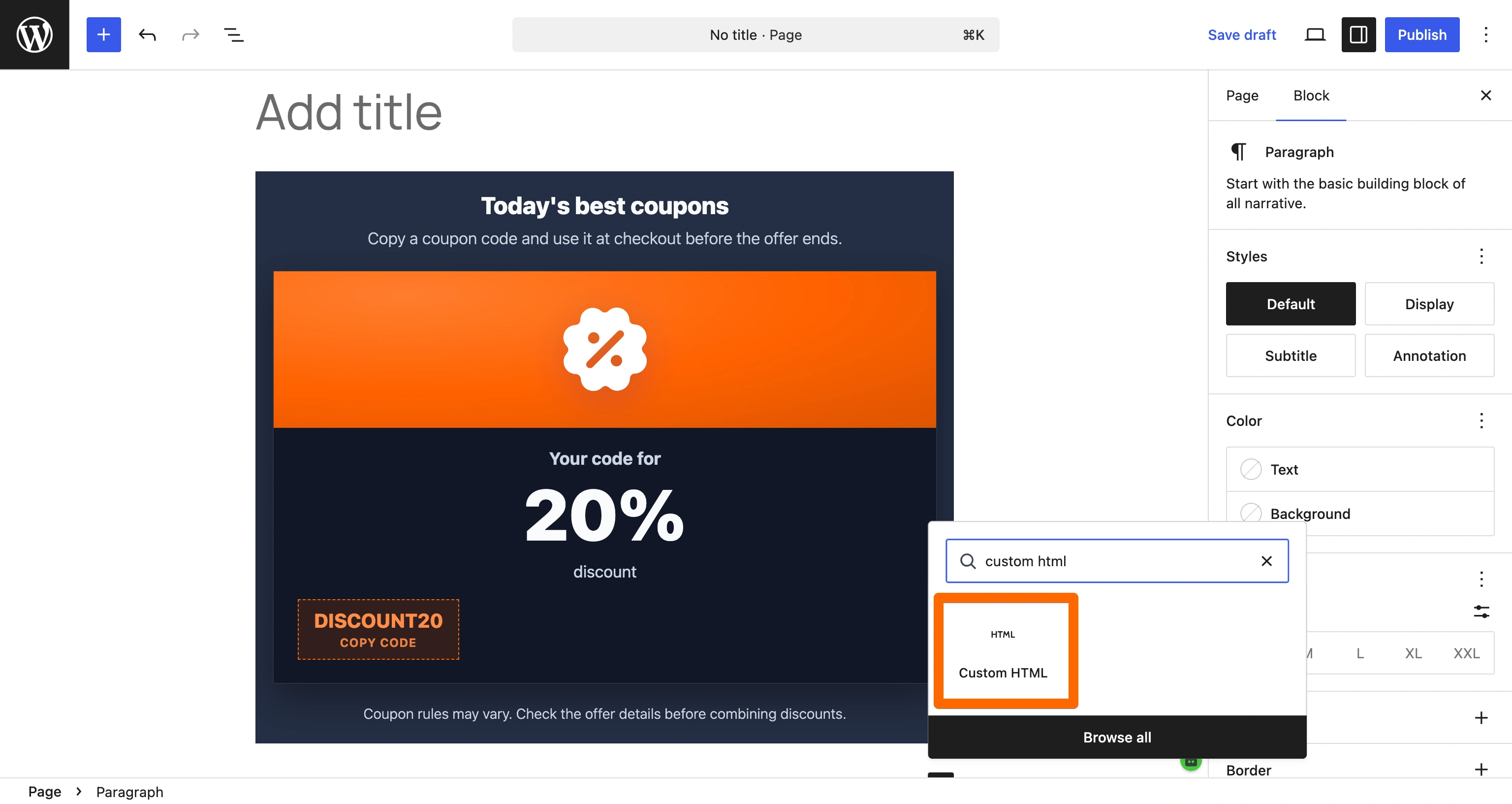
Besides the no-coding advantage, you benefit from Jotform’s off-server rendering. This minimizes the impact on page-loading speeds, protecting your website’s Core Web Vitals score. And since Jotform’s widgets are free, you don’t have to worry about hefty plug-in fees or forced watermarks.
Supercharge your WordPress site with smart, serverless widgets
Coupon codes aren’t the only thing you can create with Jotform. We offer more than 150 other free website widgets to enhance your website’s functionality and appearance, with absolutely no coding required.
One favorite is the Before and After Slider Widget. It’s ideal for displaying image transformations and includes plenty of customization options. E-commerce and service websites use this tool to show off their product benefits.
If customers leave you reviews through sites such as Google or Facebook, you can use our Google Reviews or Facebook Reviews widgets to show them. This establishes social proof with visitors who are unfamiliar with your brand.
Also handy is our WordPress forms tool. When you integrate Jotform with WordPress, you can use our forms to collect customer data, feedback, and more. Data collected is transferred to your preferred source, whether that’s a Google Sheet, Excel spreadsheet, or something else.
With Jotform, you can enhance your WordPress site’s functionality without the page bloat and expensive fees that are common with third-party plug-ins. Get started today, and explore all of Jotform’s features and tools!
This article is for WordPress site owners, WooCommerce merchants, and course creators who want to display an eye-catching promo code without slowing down their checkout pages or paying for heavy premium plugins.


































































































Send Comment: