
Top Yelp reviews plug-ins for WordPress
Local reviews do a lot of persuading before your customer ever contacts your business. In a 2026 BrightLocal survey, 97 percent of consumers said they read local reviews to guide their purchase decisions, even as concerns about fake reviews continue to grow. If you run a restaurant, service business, or retail brand, the best WordPress Yelp reviews plug-in will put social proof directly on your site to turn browsing visitors into confident leads.
However, traditional WordPress review plug-ins require tedious Yelp API key configurations that frequently break after Yelp API updates. Some plug-ins also pull heavy scripts that tank mobile page speeds and trigger layout conflicts with your active theme.
Before you consider the best Yelp plug-in for WordPress, you should know that there’s a simpler, completely unbloated way to display customer feedback. Jotform’s Yelp Reviews Widget is a serverless, zero-maintenance alternative that syncs your ratings from an external server and drops onto any WordPress page with a simple embed code.
But to help you weigh your options, here’s a comparison of the top five Yelp reviews plug-ins for WordPress.
| Yelp reviews plug-in | Best for | Plans/pricing | Customization | API dependency |
|---|---|---|---|---|
 WP Social Ninja |
Managing reviews, social feeds, and chat from one plug-in |
Free version, paid plans range from $44–$249 per year (renews at $89–$499 per year) |
Live-preview templates, color and star control, cross-platform review filtering |
Requires a Yelp API key and Place ID |
 Smash Balloon Reviews Feed |
Interactive surveys |
AI insights, Smart recommendations |
PDF, Excel, CSV |
Free – $83/month |
 Trustindex Yelp Widget |
Embedding Yelp reviews without API setup |
Free version, paid plans range from $65–$349 per year |
Eight preset display styles, limited color and style control |
No Yelp API required (uses a public Yelp URL) |
 WP Yelp Review Slider |
Creating simple Yelp review sliders |
Free version, paid plans range from $29–$149 per year |
Slider only, minimal style options |
Requires a Yelp API key |
 Widget for Yelp Reviews by Rich Plugins |
Displaying cached Yelp reviews for faster page loads |
Free version, paid plan is $85 per year |
Shortcode and sidebar placement, review trimming, basic display settings |
Requires a Yelp API key |
Pro Tip
If you’re a beginner, learn how to use WordPress first so you can get your site up and running before adding a social proof widget.
1. WP Social Ninja

WP Social Ninja by WPManageNinja is an all-in-one plug-in that lets you display Yelp reviews alongside social proof from more than 10 platforms. Beyond showcasing reviews, this plug-in lets you add social media feeds and chat widgets to your site, so you don’t rely on separate platforms for each function.
If your business wants to showcase Yelp reviews while maintaining a consistent social proof strategy across your site, you’ll appreciate WP Social Ninja’s integrated approach to customer engagement.
- Best for: Combining reviews, feeds, and chat in one plug-in
- Key features: WordPress Yelp review widget plus 10 other review platforms; review aggregation across multiple platforms into a combined feed; display templates with live preview editing; customization options for colors, star ratings, and borders
- Pros: All-in-one plug-in, so no need to stack reviews, feeds, and chat separately; extensive customization options; full features on every plan
- Cons: Requires a Yelp API key and Place ID to connect, higher unlimited-site pricing
2. Smash Balloon Reviews Feed
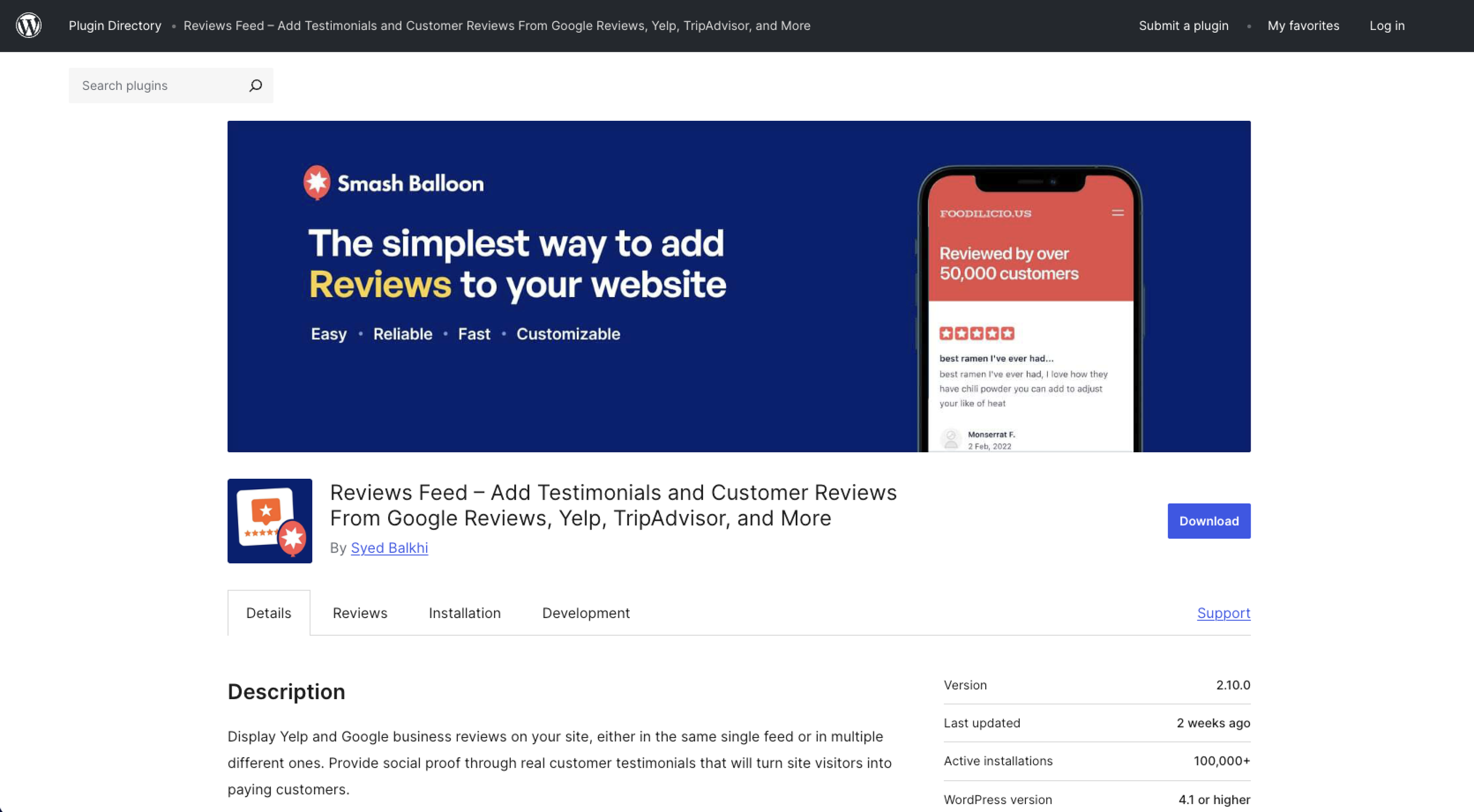
If all you need is to display customer reviews, Smash Balloon Reviews Feed is the best Yelp plug-in for WordPress. Unlike WP Social Ninja, which offers a broad range of social media feeds and chat features, this Smash Balloon tool focuses on displaying attractive, responsive reviews that blend with your site’s design.
It’s a good choice if you prioritize showcasing customer reviews through flexible layouts and styling options.
- Best for: Dedicated review feed displays
- Key features: Displays reviews from Yelp, Google, Facebook, TripAdvisor, and WordPress.org; review feed combines multiple platforms into a single display; visual feed builder with theme-matching and custom layouts; filtering options by rating, keywords, and review source
- Pros: Dedicated review feed plug-in with flexible layouts, responsive Yelp reviews on WordPress, user-friendly visual feed builder
- Cons: Higher renewal pricing than the first-year subscription, free version is limited to basic display only
3. Trustindex Yelp Widget
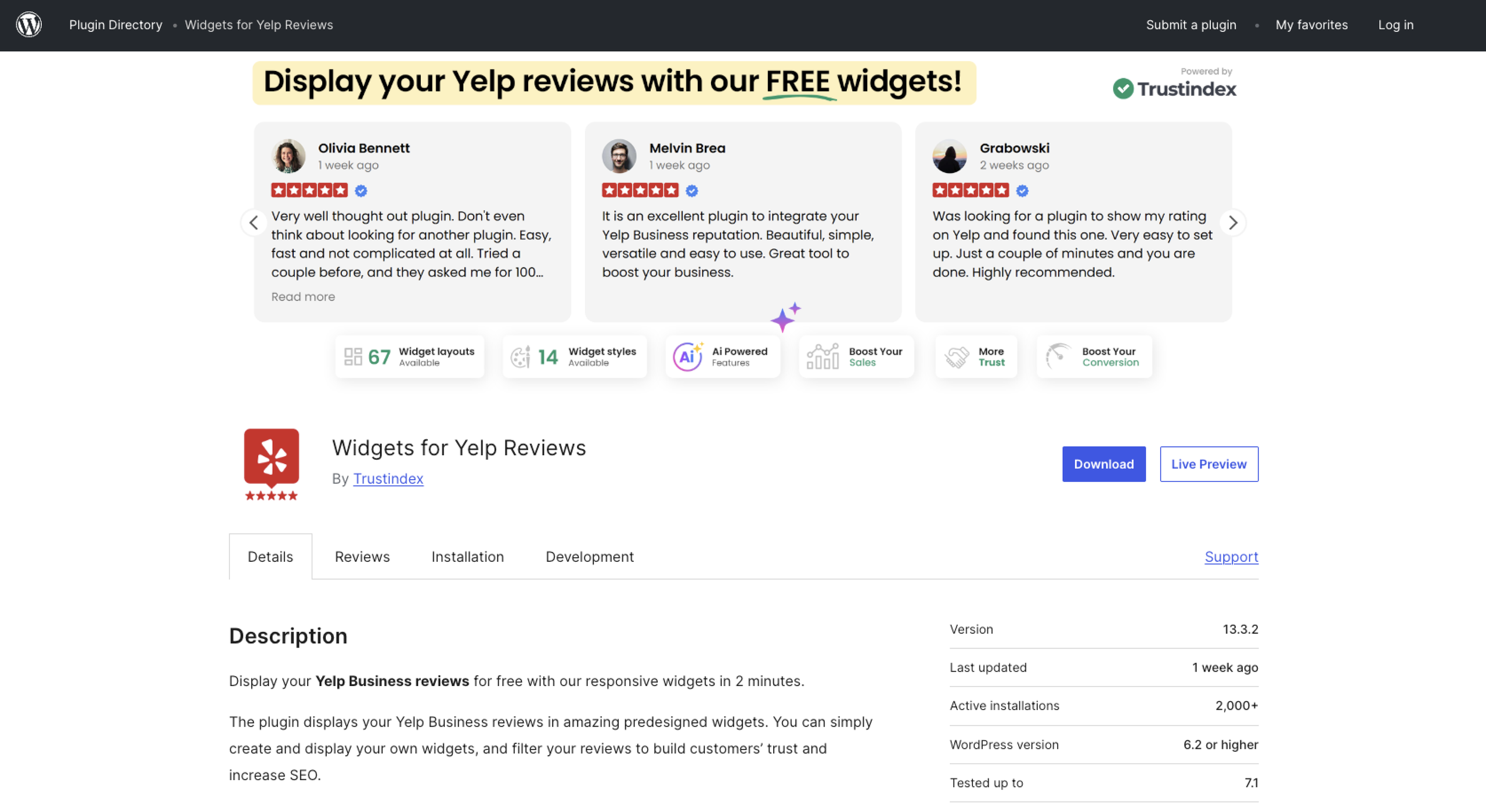
Trustindex Yelp Widget is a plug-in that’s hard to beat if you’re looking to bypass the traditional API key setup for a simple URL paste. This tool from Trustindex prioritizes a quick, no-code Yelp reviews WordPress setup, so it’s a practical choice if you’re a beginner or a site owner who wants to display social proof with minimal configuration.
It’s also the best free Yelp reviews plug-in for WordPress because the free tier isn’t a stripped-down trial.
- Best for: Setting up Yelp reviews without API keys
- Key features: Displays Yelp reviews on WordPress using your Yelp URL, eight pre-designed review display templates, review filtering by rating and review counts, responsive layouts with basic styling options
- Pros: No Yelp API key required; quick, beginner-friendly setup; all templates available in the free version
- Cons: Free tier is display-only, limited customization
4. WP Yelp Review Slider
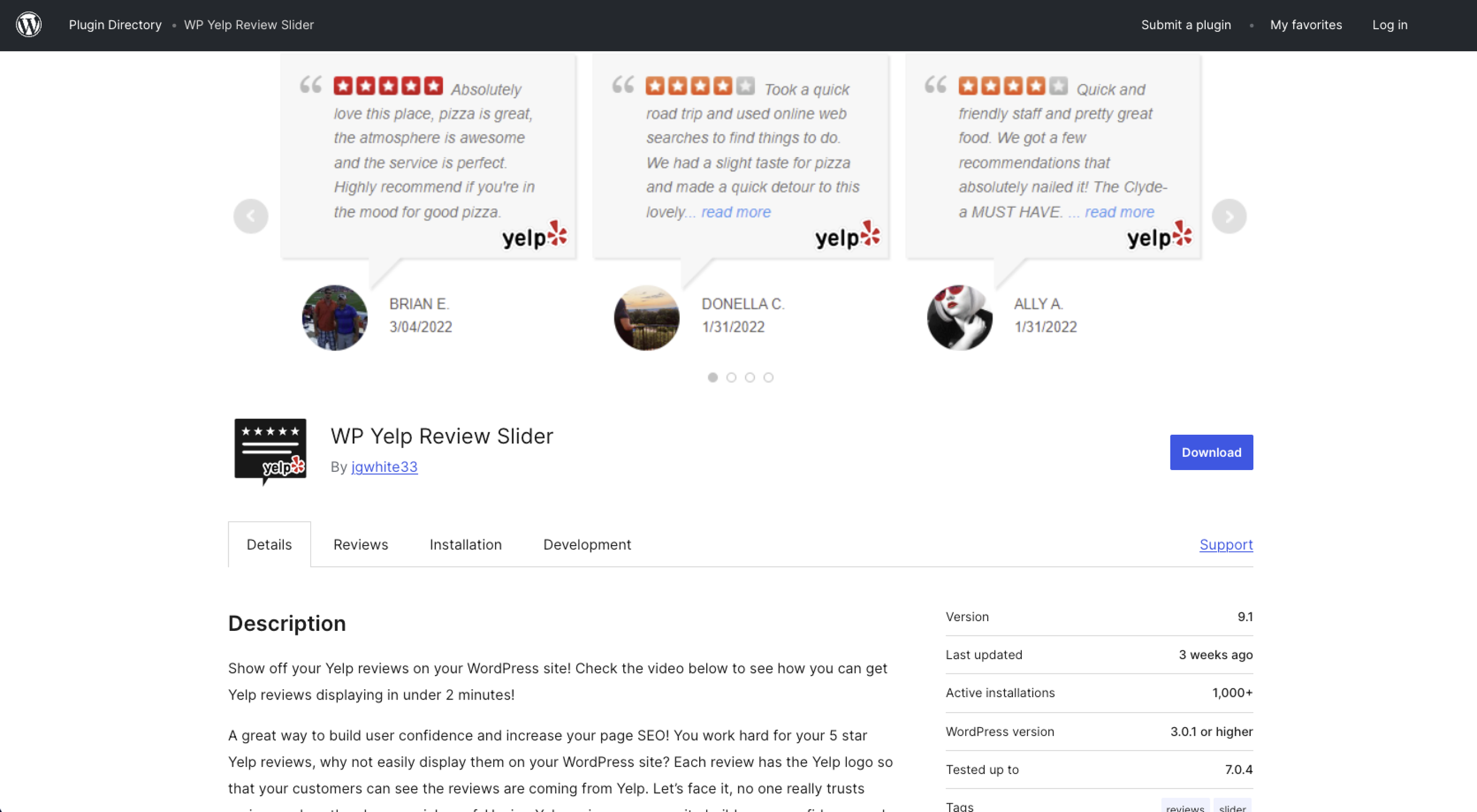
WP Yelp Review Slider does one job and does it without extra bloat: It turns Yelp reviews into a slider wherever you place it. This lightweight plug-in focuses on a single review source, making it suitable if you only need to add Yelp reviews without extra features or complex configuration.
If the free tier isn’t enough for your needs, you can unlock more features starting at $29 per year.
- Best for: Keeping costs as low as possible on a single site
- Key features: Single-purpose Yelp review slider, lightweight build, free version covers basic display, slider and carousel review layouts
- Pros: Purpose-built for Yelp reviews, simple setup, affordable paid tiers
- Cons: Requires a Yelp API key and business ID to connect, basic styling options
5. Widget for Yelp Reviews by Rich Plugins
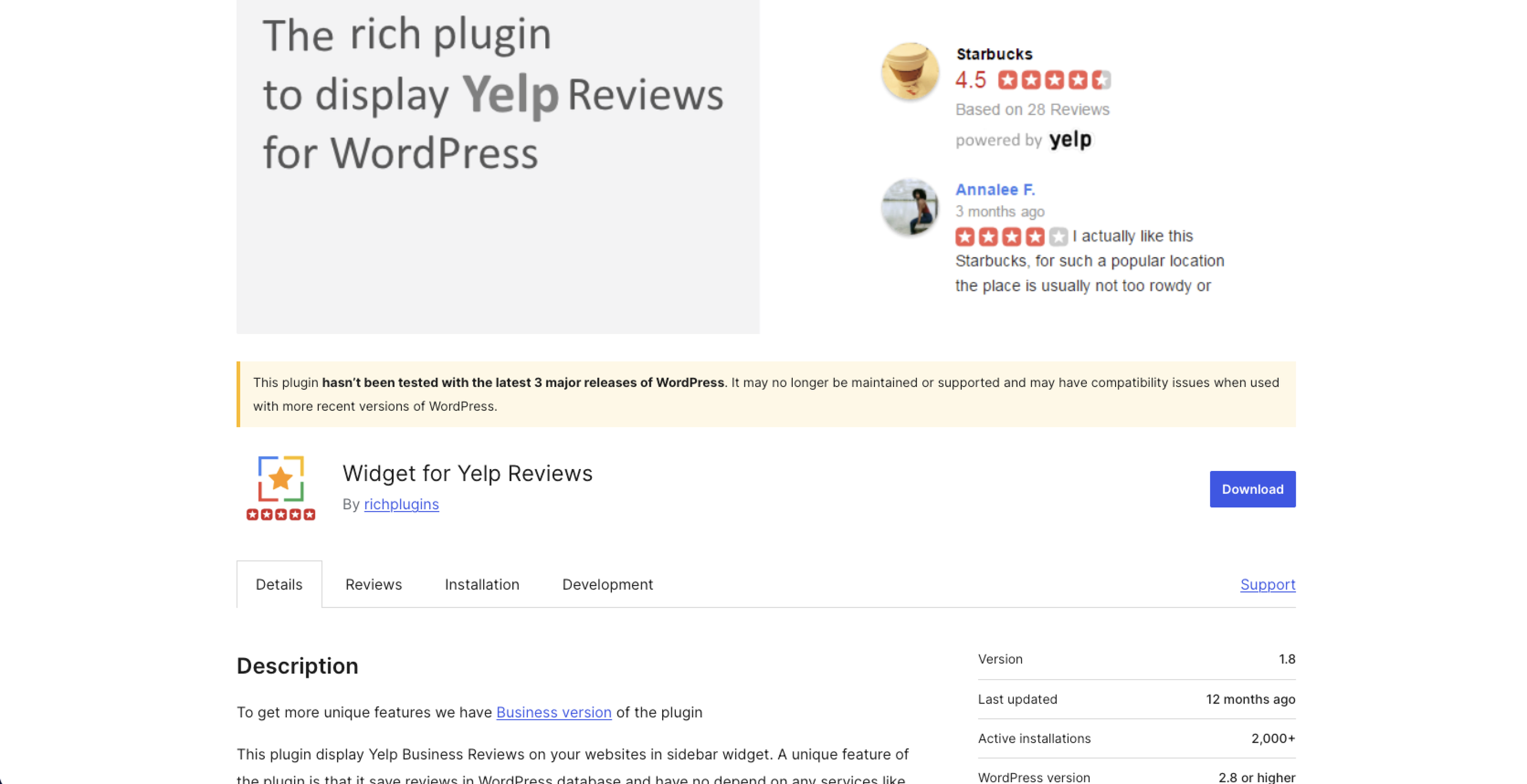
Widget for Yelp Reviews by Rich Plugins displays Yelp reviews on your site in a sidebar widget. Its standout feature is that it saves Yelp reviews in the WordPress database, so instead of requesting reviews from Yelp every time your page loads, it serves stored content. This approach improves loading time while keeping your Yelp testimonials visible to visitors.
- Best for: Showcasing cached Yelp reviews for faster page loads
- Key features: Connect to Yelp using API keys, locally cached reviews to improve performance, shortcode and widget placement options, basic display and review trimming settings
- Pros: Locally cached reviews load faster, simple setup, decent free version
- Cons: Free tier is limited to three reviews per location, requires API keys to set up
Showcase your reputation cleanly with a serverless Yelp Reviews widget
With Yelp reviews plug-ins, you have to install software on your WordPress back end to connect to Yelp. You’ll have to maintain that connection, too, because plug-in updates and changes to the Yelp API can affect compatibility. Even if you choose the API-free options such as Smash Balloon Reviews Feed or Trustindex Yelp Widget, you still add a plug-in’s worth of code, with a chance of shortcode conflicts down the line.
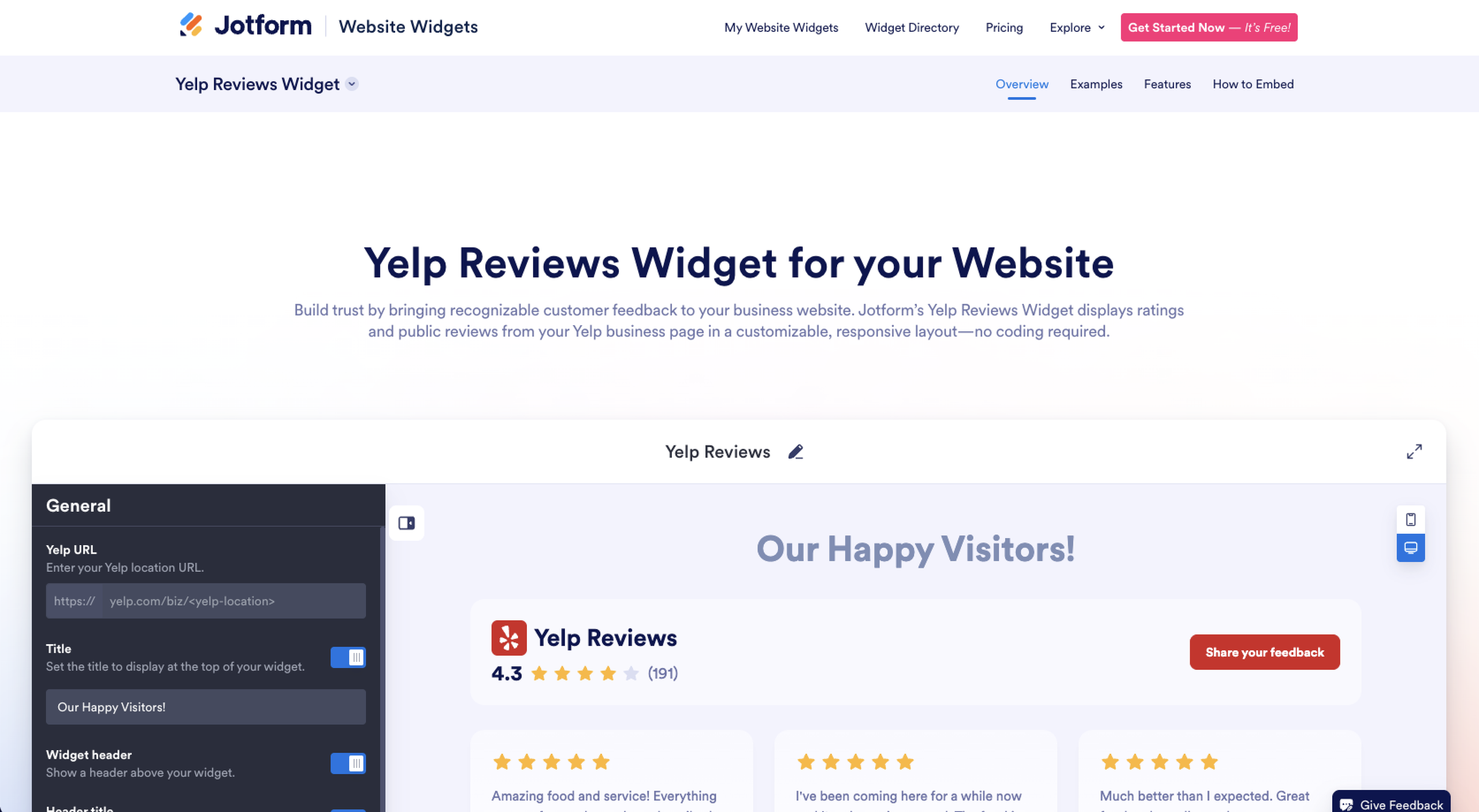
Jotform’s Yelp Reviews Widget skips the traditional, database-heavy plug-in step entirely. Because it runs independently of your WordPress site, the setup is easy:
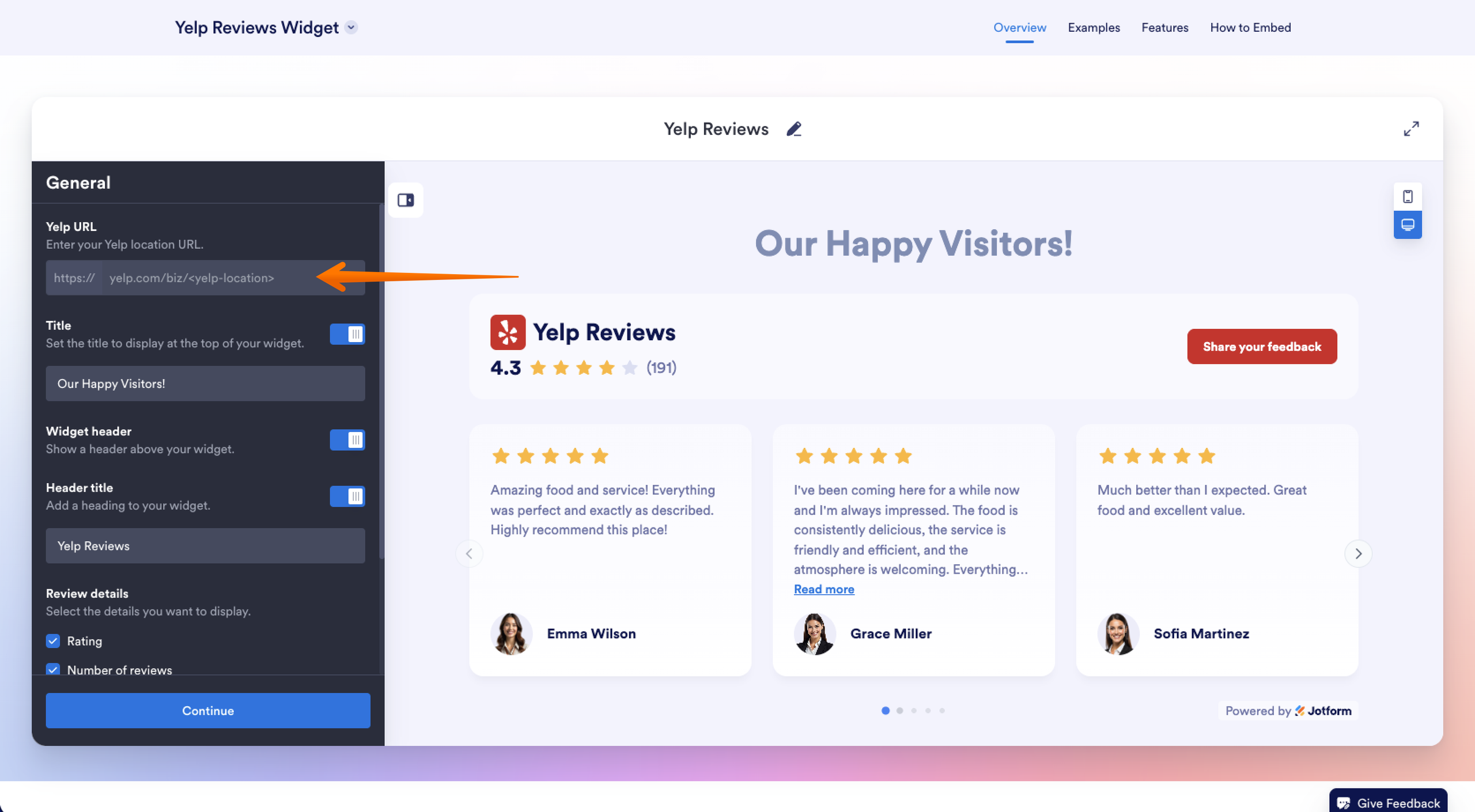
- Go to Jotform’s Yelp Reviews Widget and paste your public Yelp business page link into the source field.
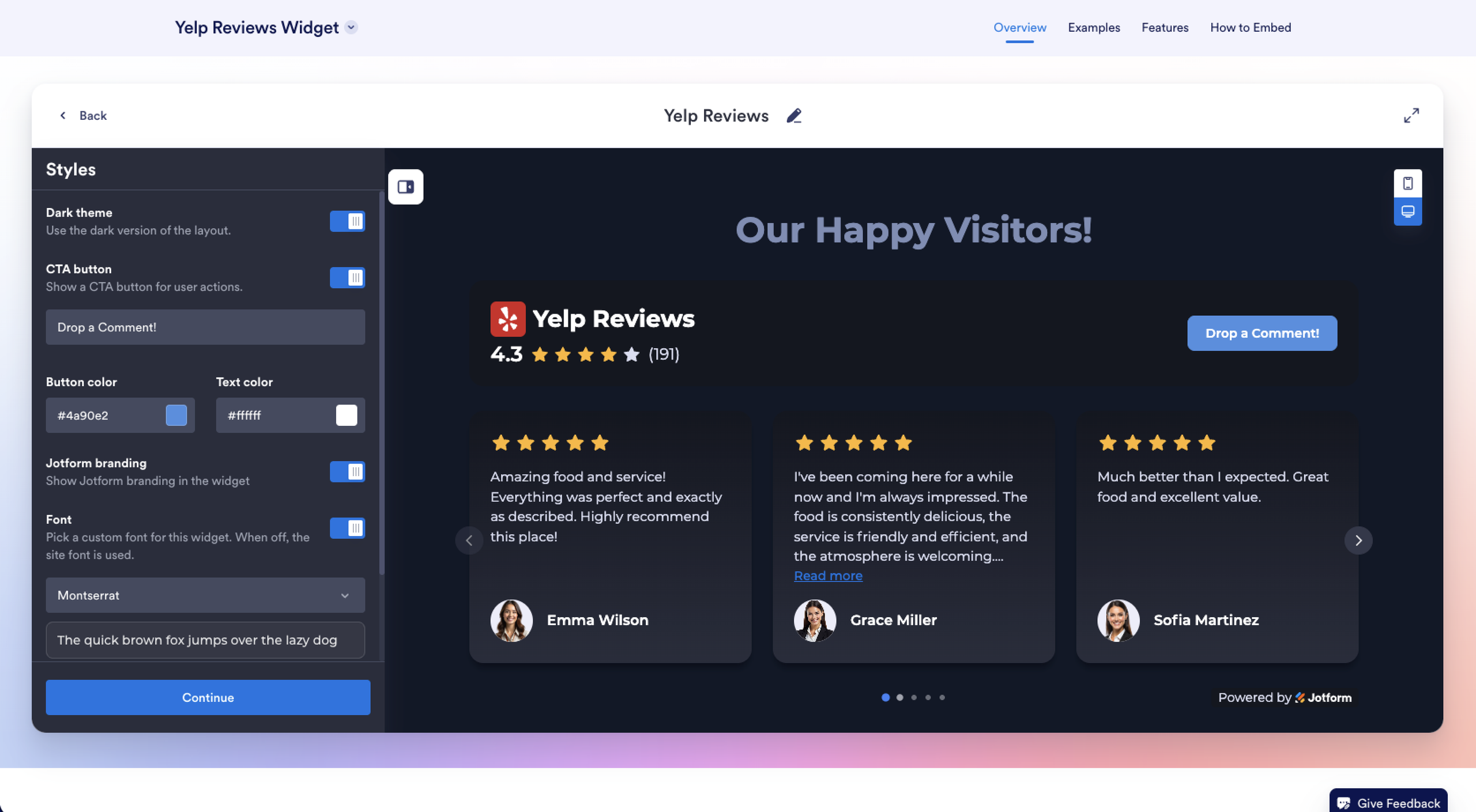
- Adjust colors, fonts, spacing, and width to meet your site’s branding.
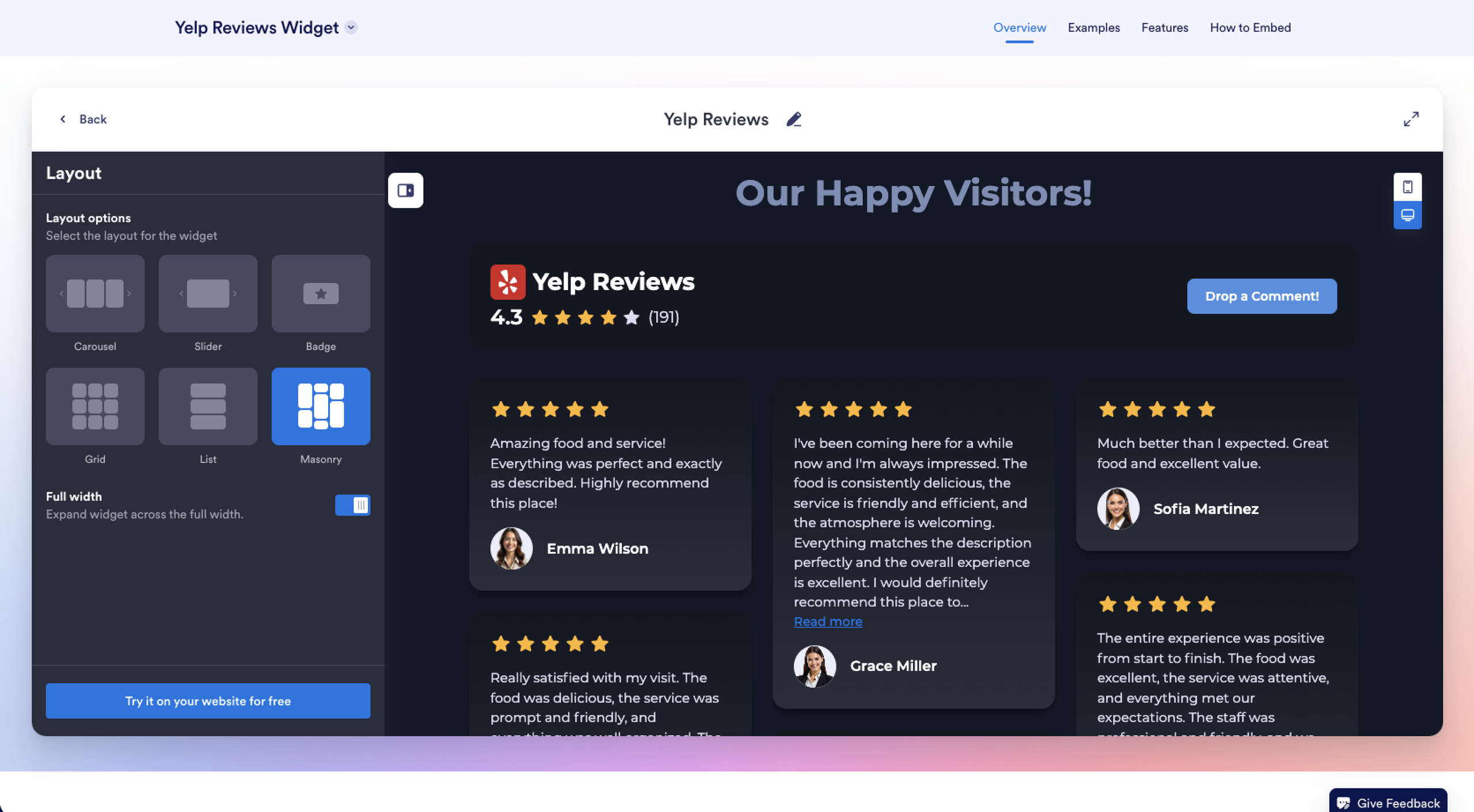
- Pick a layout such as carousel, slider, badge, grid, or list.
- Copy the embed code and paste it into an embed block on WordPress.
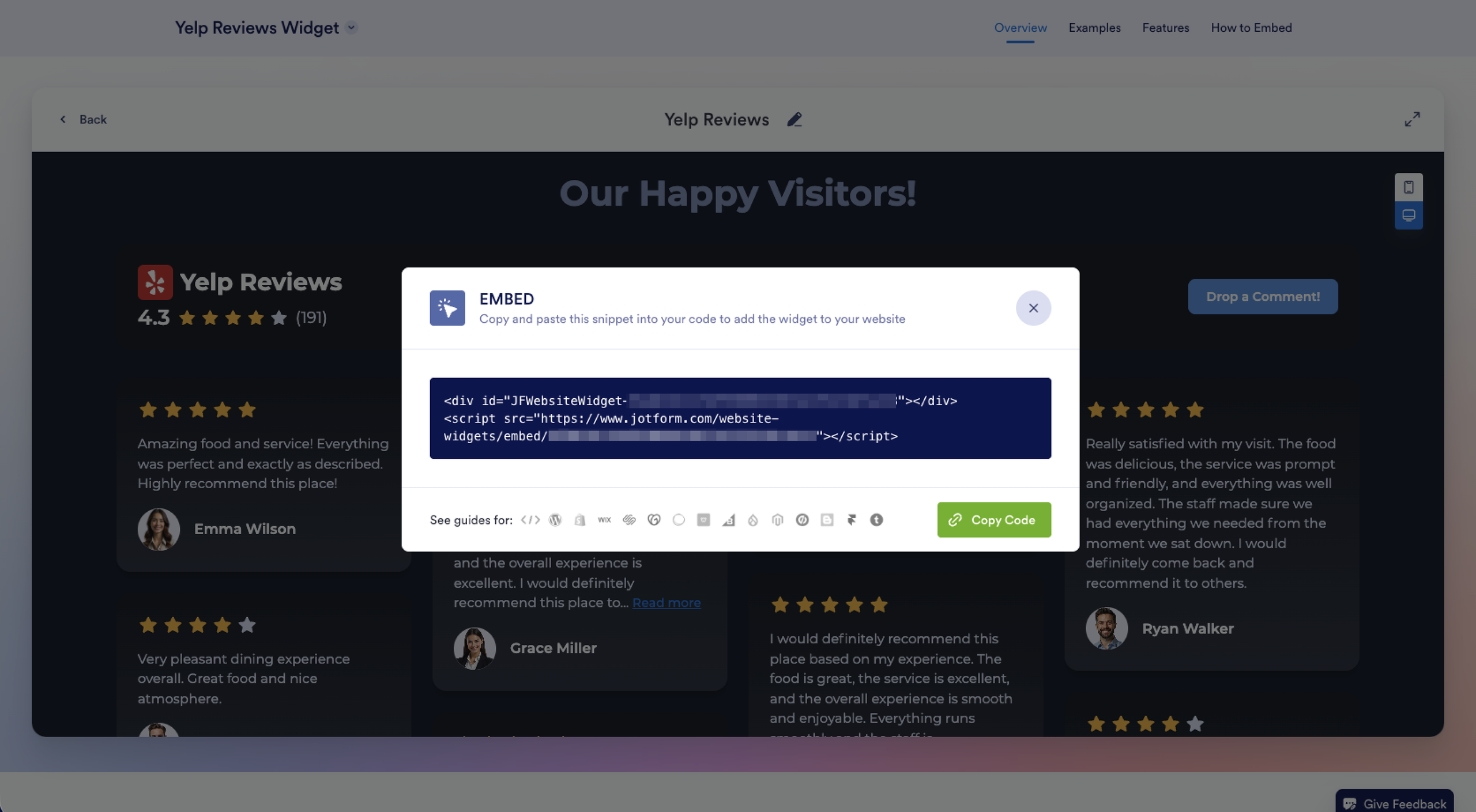
- Publish your Yelp review widget.
Once connected, your widget stays synced with your eligible business reviews and rating changes, so new feedback appears without a manual update on your end. For the full walkthrough, see how to embed Yelp reviews on your website.
Beyond Yelp reviews, you can forgo installing a range of new WordPress plug-ins for minor feature needs. The Jotform website widgets directory has hundreds of widgets that take the same serverless approach. To complement your Yelp Reviews Widget, for instance, consider adding a Google Reviews Widget to showcase feedback from multiple platforms and a Contact Form Widget to capture inquiries.
For a WordPress site, you can also take advantage of the Jotform-WordPress integration to embed WordPress forms without additional plug-ins. Explore the platform today and see how easy it is to add extra functionality to your web pages.
This article is for WordPress site owners, small business owners, restaurateurs, service providers, and web designers who want to showcase authentic customer feedback and star ratings from Yelp directly on their site to build social proof and boost local conversions.


































































































Send Comment: