
Top 5 flipbook plugins
Digital flipbooks give websites a modern appeal that’s hard to replicate. They resemble a digital magazine and are useful for sharing text or photo-heavy content. Visitors enjoy clicking through the animated pages of a flipbook, so they’re more likely to stay on your site longer if it includes flipbooks.
Flipbooks replace the need for bulky, downloadable PDFs. However, they’re not a native WordPress feature. Site administrators who want to use them often install third-party plug-ins, which can lead to performance issues.
Flipbook plug-ins aren’t known for being lightweight. Most require a heavy local setup that weighs down your site and consumes significant browser memory. This can cause the page layout to shift, especially on a mobile device. Visitors may also notice slow loading speeds as the plug-in renders larger PDF files.
The Jotform Flipbook Widget eliminates the performance bottlenecks common in plug-ins. Since it runs on an offsite server, it won’t hog valuable site resources. You can customize your flipbook’s appearance through a no-code drag-and-drop editor. When you’re done, you simply cut and paste the rendered code into your WordPress site.
While the Jotform Flipbook Widget is our preferred solution, it’s smart to consider all your options. That’s why we put together this guide to the best flipbook plug-ins for WordPress. Use it to compare alternatives and decide what’s right for your site.
| Best for | Price | Layout modes | Supported formats | |
|---|---|---|---|---|
|
Real3D Flipbook |
Integrating PDFs into a 3D digital magazine |
Free. Paid plans start at $49/year. |
3D flip, scroll, slide, CSS flip, lightbox |
PDF, JPG, and PNG |
|
Flipa |
Multilingual PDF e-books, reports, brochures |
Free. Paid plans start at $39/year. |
Double-spread, single-page, and lightbox |
|
|
TNC FlipBook 3D |
Interactive e-books with a read-aloud option |
Free. Paid plans start at $59/year. |
3D, vertical scroll, horizontal scroll, reading mode, lightbox |
PDF and image sources |
|
3D Flipbook |
Creating HTML, image, or PDF magazines |
Free. Paid plans start at $39/year. |
Full-screen, 3D, lightbox |
PDF, image sources, and HTML |
|
DearFlip |
Displaying 2D flipbooks with minimal impact on page speed |
Free. Paid plans start at $39/year. |
3D, 2D, vertical scroll viewer, slider viewer |
PDF and image sources |
1. Real3D Flipbook
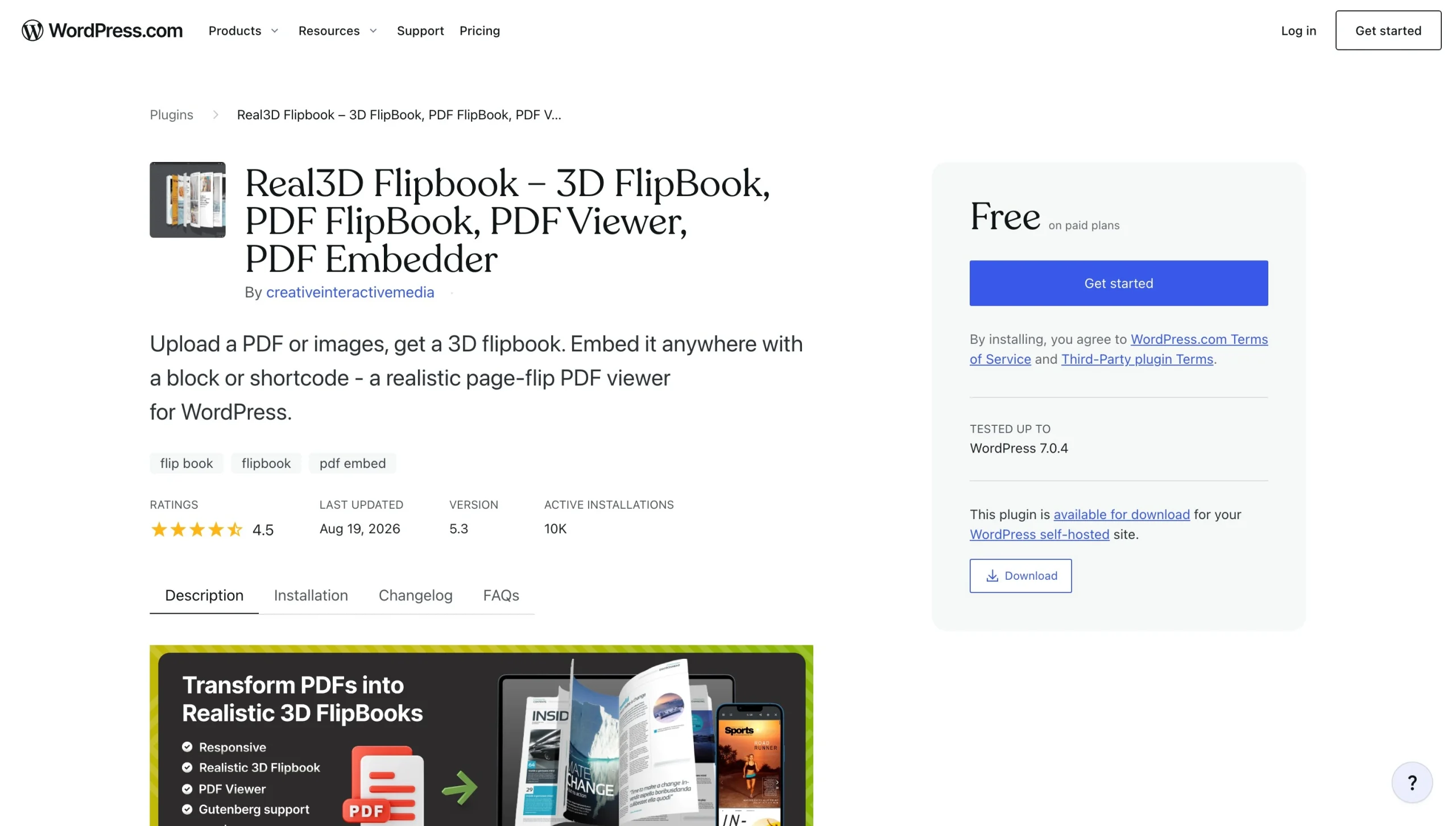
Real3D Flipbook has over 10,000 active installations and a 4.5/5* rating on WordPress. It’s a no-code solution that turns your photos and PDF files into digital magazines with minimal effort.
Of the tools we reviewed, Real3D Flipbook has the most realistic page-flip feature. It includes sound effects, so users hear a page turning when they interact with your content. The plug-in also includes a lightbox mode that supports zooming in and out.
Real3D Flipbook is fully responsive and mobile friendly. It can adapt to any screen size. Basic customizations are included for toolbar settings, background, and colors.
After installing the plug-in, you visit the developer’s website to upload your images or PDFs. You can customize your flipbook on their site with a drag-and-drop editor. Once finished, you copy the PDF viewer flipbook shortcode into your selected post or page. This is convenient if you’re learning how to use WordPress and don’t have time to mess with custom CSS code.
While the free version offers robust features, upgrading to the paid version unlocks advanced tools, including a customizable toolbar and PDF hyperlinks. It also offers more styling options. Note that page loading speeds may slow if you don’t compress images or take advantage of Real3D Flipbook’s web optimization settings.
2. Flipa
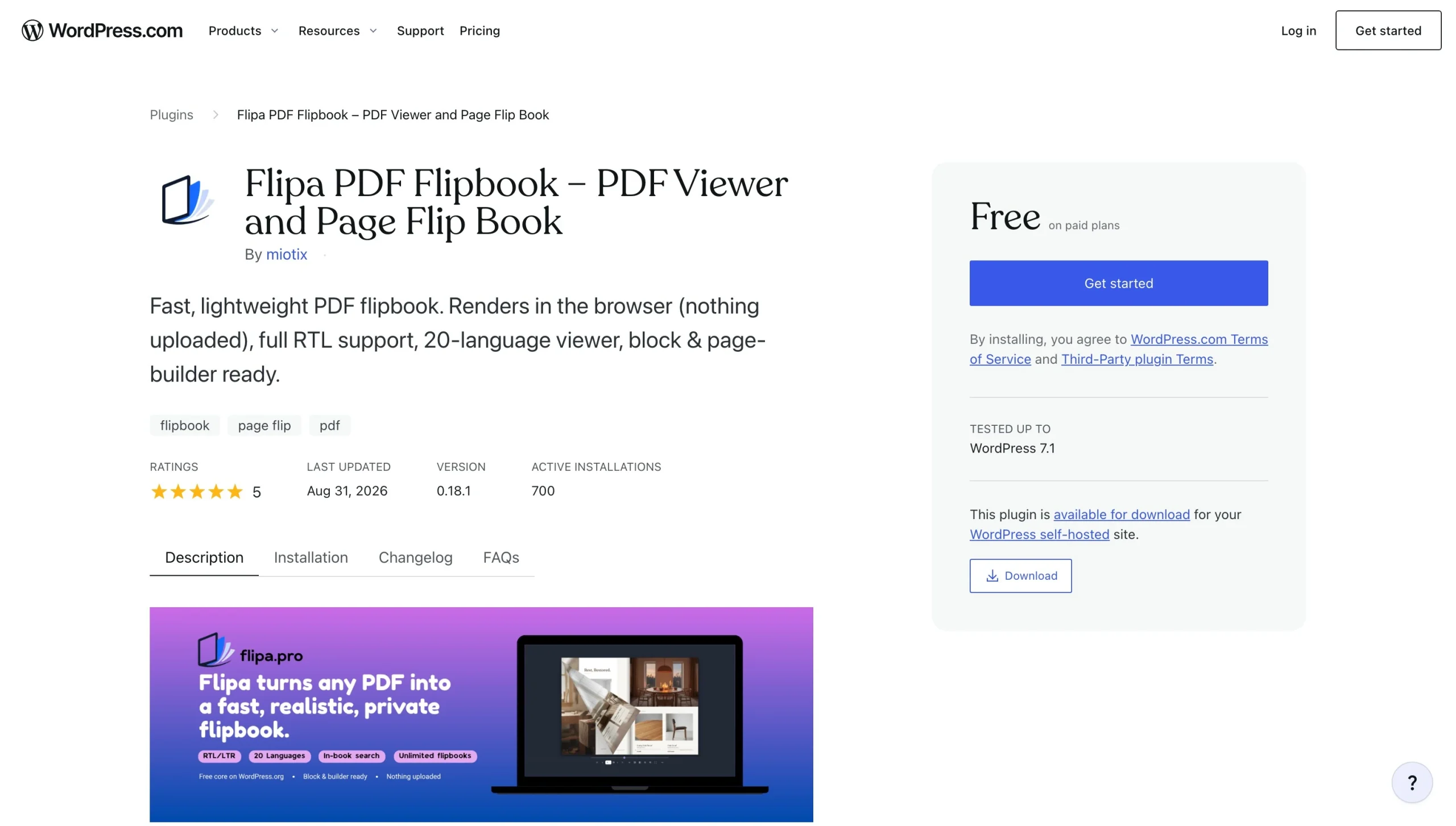
Flipa ranks as one of the best free PDF flipbook makers for WordPress, with an average rating of 5/5.* It’s built exclusively for PDF documents and turns them into catalogs, e-books, reports, or any other multipage documents right on your website.
Unique to Flipa is its multilingual support. It supports over 20 languages, including Spanish, French, German, and Chinese. It also provides right-to-left reading support for Hebrew, Arabic, and Persian.
Flipa doesn’t use a WebGL or 3D engine, so it won’t weigh down your site. And there’s no cap on the number of pages or flipbooks you can create.
The free version of Flipa credits the developer when displayed on your site. To turn off the branding, you’ll need to upgrade to the pro version. Other features available with a subscription include automated updates, audio support, and extra customization tools.
3. TNC FlipBook 3D
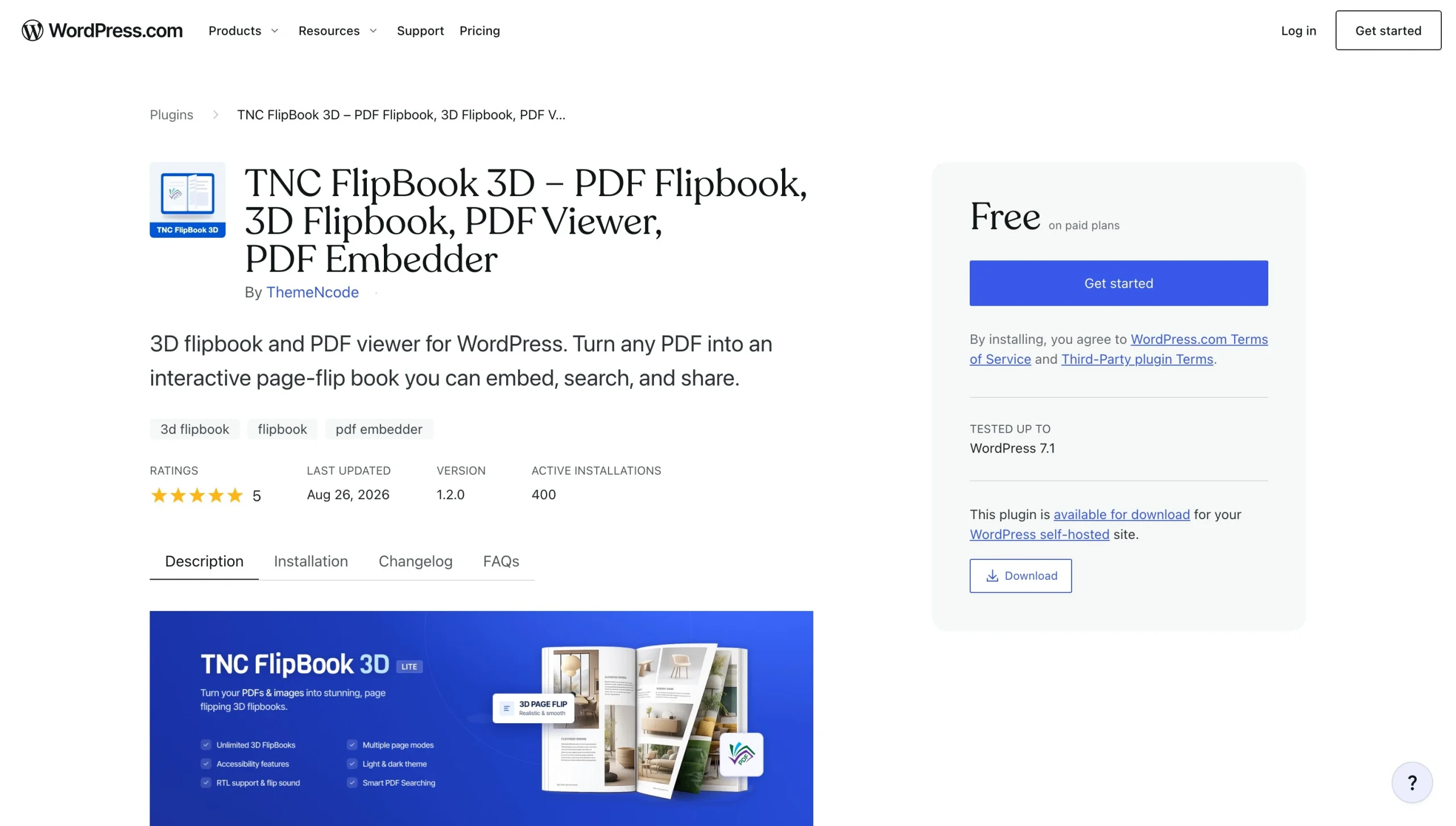
TNC is a WordPress 3D flipbook plug-in with interactive features. While it’s fairly new, it already has over 400 active installations and an average rating of 5/5.*
Like other flipbook plug-ins, TNC Flipbook 3D works with images and PDFs. You upload your content, and TNC turns it into a magazine, portfolio, or brochure. It supports document search (something that’s unavailable with other free tools) and provides several color schemes and viewing modes. Developer branding is excluded, so you don’t have to pay to remove unwanted watermarks.
Upgrading to the paid version introduces extra features such as interactive hotspots, AI read-aloud tools, and Google Analytics 4 tracking. You also get access to more customization features, including content protection tools.
TNC relies on WebGL to render 3D flipbooks on your site’s server, so you may notice slower page loading speeds. Using a lighter tool that hosts your documents offsite (like Jotform) can prevent this issue.
4. 3D FlipBook
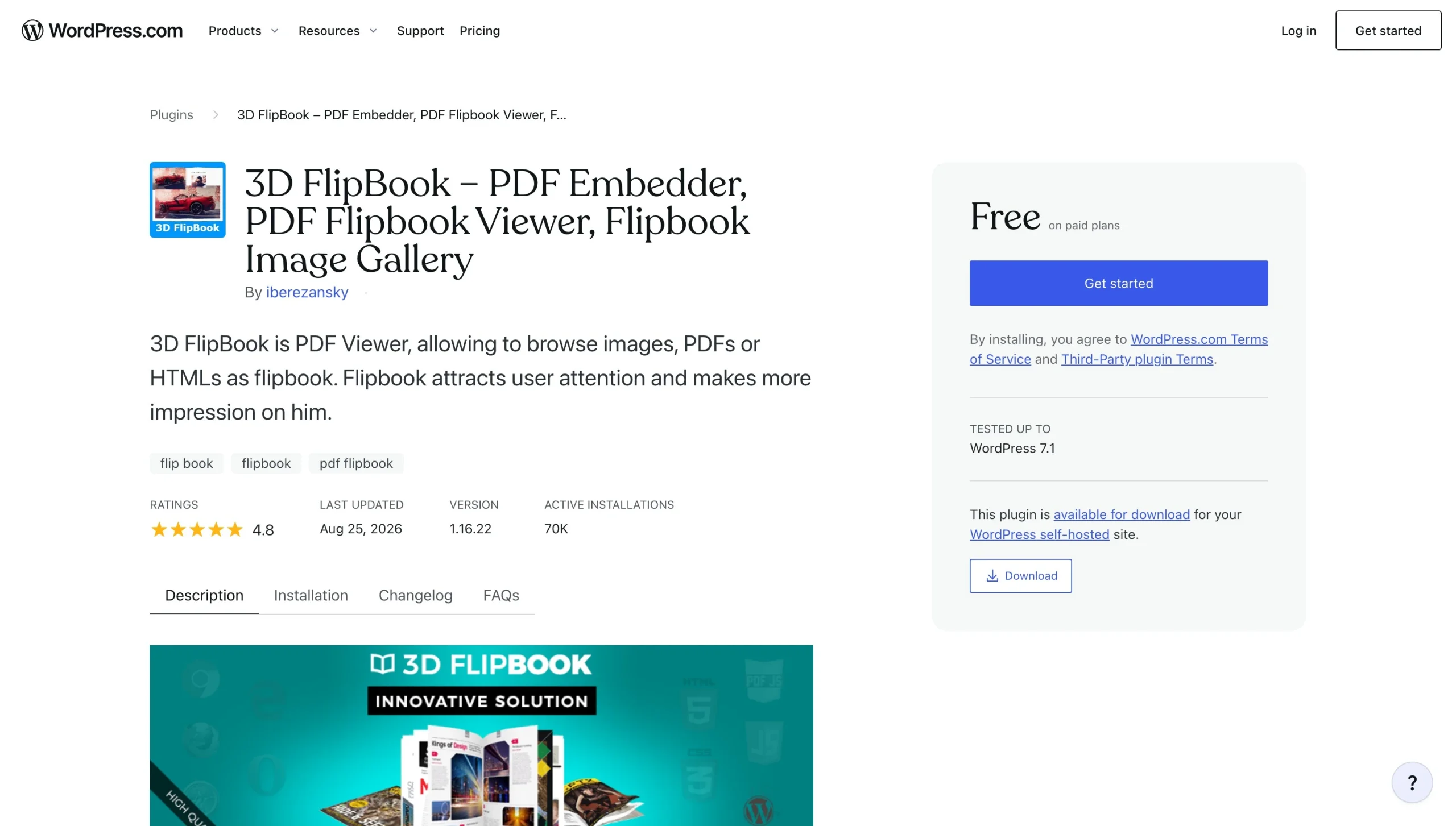
3D FlipBook is a solid contender for converting images and PDFs to interactive magazines, e-books, brochures, and booklets. It boasts over 70,000 active installations and an average rating of 4.8/5.*
With the free version, you can create an unlimited number of flipbooks for your site. Basic controls and customizations are available, and the developer’s branding is visible to viewers.
Upgrading to a paid subscription allows you to organize multiple flipbooks into categories, add auto thumbnails, enable lightbox and resolutions, and access new skins. The paid tool removes developer branding and includes limited customer support.
Similar to other flipbook plug-ins, this tool runs on WebGL technology, which weighs down your site and slows page loading.
5. DearFlip
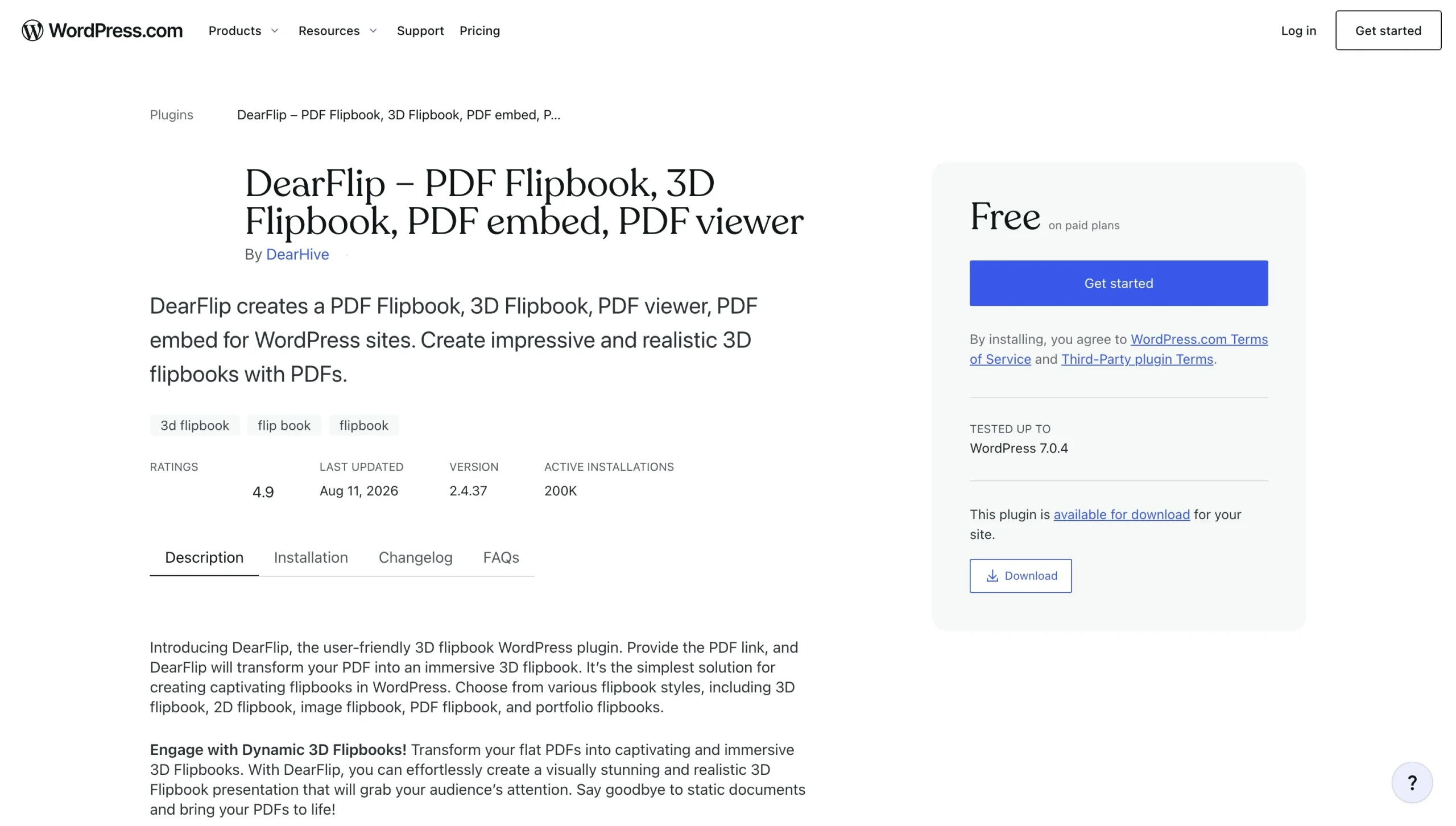
DearFlip is the original WordPress flipbook plug-in. It was released several years ago and has added new features with every update. Currently, the plug-in has over 200,000 active installations and an average rating of 4.9/5.*
With DearFlip, you have two main viewing modes: 2D and 3D flipbooks. The 2D version is light, relying entirely on HTML and CSS to generate interactive books that won’t drag your site’s loading speeds. It’s one of the only HTML5 flipbook embeds on WordPress.
DearFlip’s 3D viewing mode runs on WebGL, which supports animations and sounds for immersive viewing. Again, this can result in slower loading times, especially for users with low-end devices and slow internet speeds. However, the 3D viewing mode does add extra flair to flipbooks, which is critical for businesses that rely on clean visuals.
The free version of DearFlip supports up to 1,000 pages per flipbook. It includes in-document links, a custom table of contents, and some styling features. With the paid version, you can choose between various book covers and styles, integrate Google Analytics, and access zoom and mouse options. Paid users can also insert clickable links to pages and posts.
Deliver a seamless digital reading experience with a cloud-hosted Flipbook widget
With the Jotform Flipbook Widget, you can say goodbye to expensive, heavy plug-ins. It runs off-server in a cloud-hosted environment separate from your WordPress site. This setup enables smooth page-turn animations while protecting page load times. And, because the Jotform Flipbook Widget doesn’t use shortcodes, you won’t have to worry about configuration bugs that cause frustration during setup.
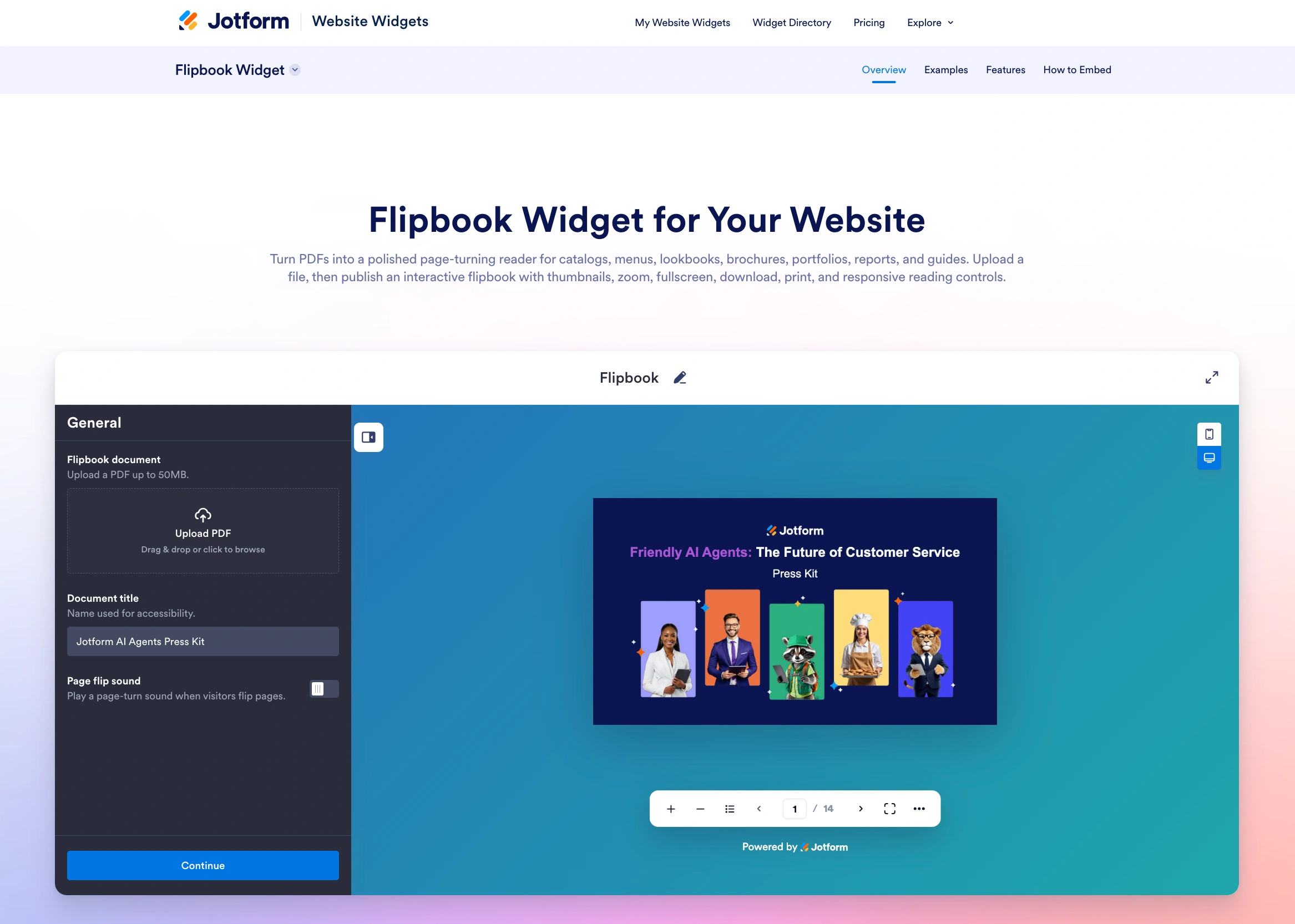
Jotform takes the headaches out of third-party plug-in management. We offer over 150 website widgets to support your site. Among our most popular lightweight tools is the Feedback Widget, which gives visitors a way to share their feedback with you. Also available is the Social Feed Widget, which displays your most recent posts from various platforms, including Instagram, TikTok, X, and Facebook.
When you integrate Jotform with WordPress, you get access to our WordPress forms. These powerful components allow you to collect and save data from site visitors and clients. They also support online payments, with integration support for over 40 gateways.
Now’s the time to step away from redundant plug-ins and adopt a new strategy. Sign up for a free account with Jotform and explore our wide variety of tools that enhance your website without the bulk!
* Ratings and number of installations reflect statistics at the time of writing.
This article is for WordPress site owners, digital publishers, authors, educators, and e-commerce store managers who want to present static PDFs, magazines, product catalogs, or brochures as interactive, responsive 3D flipbooks without causing site drag or dealing with server-side processing errors.































































































Send Comment: