
Top 5 WordPress timeline plugins
I’m rebuilding my WordPress website, and for my About page, I’m using an interactive timeline to show my professional history. The timeline walks through my roles, pivots I’ve made, and projects that have shaped how I work, making it easy for visitors to follow my story. Timelines add visual storytelling to your site, displaying important events, personal milestones, company stories, or project road maps with images, videos, and icons in clean chronological order that people can scan and follow in seconds. In WordPress, you can insert a timeline using any of several plug-ins.
Not every timeline plug-in works the same way. Some are built around the Elementor website building platform; some live in WordPress’s native editor, Gutenberg; and others rely on a shortcode you can drop into any editor. Like any plug-in, they can conflict with the ones you already run, break on mobile, or slow your site when they fall out of date. To find the plug-ins that deserve your time, I installed a range of them on my site, tested their features, read through their user reviews, and narrowed them down to the five best.
The following is a walkthrough of that experience. But before you install any plug-in, it’s worth checking out the Jotform Timeline Widget, which avoids the hassle of plug-ins entirely. It’s a cloud-based option hosted on Jotform rather than installed on your site. It doesn’t conflict with other plug-ins, slow down your pages, or require installation. You simply paste its embed code into a custom HTML block on any Gutenberg page template.
Pro Tip
If you’re still finding your way around WordPress, our guide on how to use WordPress covers the fundamentals before you start layering on plug-ins.
| Tool | Best for | Layout options | Limitation |
|---|---|---|---|
 Cool Timeline |
Website owners or agencies building timelines in different WordPress page builders |
Four layout options |
The separate-plug-in approach for different page builders adds extra installation steps |
 Post Timeline |
Blog-heavy or content-driven websites |
Four layout options |
It has a slower release cadence compared to other plug-ins on this list, plus a smaller user base |
 Bold Timeline Lite |
Lightweight, personal storytelling such as CVs, author bios, or event histories |
Two layout options |
Some users have reported responsive display issues, including timeline items not appearing correctly on mobile devices. |
 Timeline by bPlugins |
Websites built primarily in the Gutenberg block editor |
Two layout options |
The plug-in does not offer a native Elementor widget |
 Qi Addons for Elementor |
Elementor-based website owners looking for a library of tools |
Four layout options |
The plug-in activates dozens of widgets by default, so you’ll need to clean up manually right after installation |
1. Cool Timeline
Best for: Website owners or agencies building timelines in different WordPress page builders
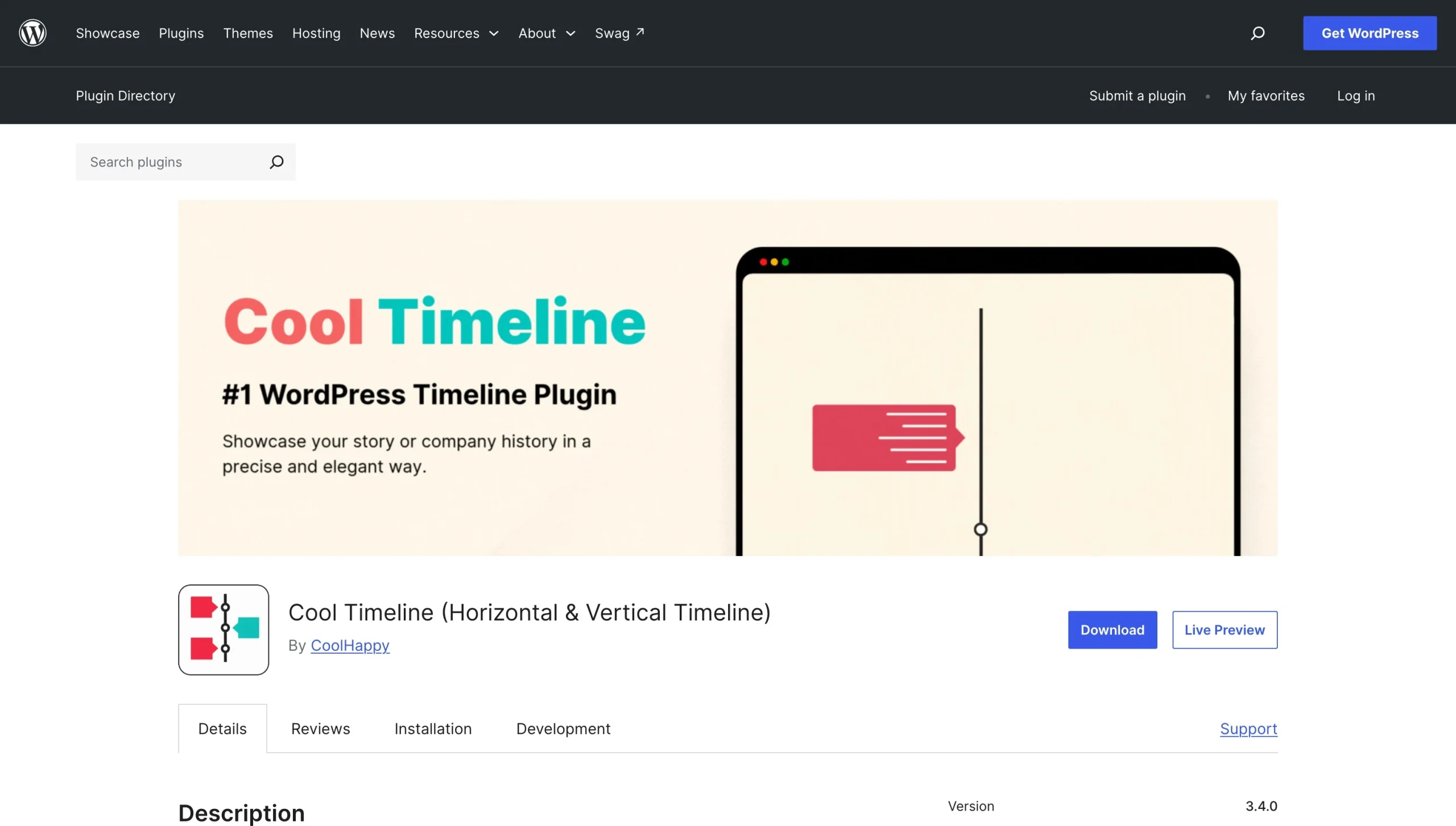
Cool Timeline offers a family of timeline plug-ins designed for Elementor, Gutenberg, and Divi, and a core Cool Theme plug-in that offers a shortcode. Each plug-in from Cool Timeline lets you create vertical and horizontal layouts to display your timeline.
To test, I used the Elementor and shortcode options. After installation, the plug-in appeared as a “Story Timeline” widget in Elementor’s widget panel. From there, I could add story entries, apply styling, and adjust the layout. In the shortcode workflow, I could add stories through the WordPress editor screen with a simple list view of my stories, complete with year, date, and icon columns.
Cool Timeline offers deep customization options. You can add animations, sort stories, and position the timeline on your website. You can also create multiple timelines side by side, add scrolling navigation, and use custom labels. However, most of these capabilities are available only to paid subscribers. Cool Timeline has over 100,000 active installations across all its plug-ins.
- Key features
- Dedicated plug-ins for different page builders
- Advanced customization
- Limitation
- The separate-plug-in approach for different page builders adds extra installation steps.
- Pricing
- Free for limited access.
- Paid plans start at $128 per year to access all features
- It’s $288 for a lifetime subscription for one website.
- You can purchase each plug-in individually or bundle all of them.
2. Post Timeline
Best for: Blog-heavy or content-driven websites
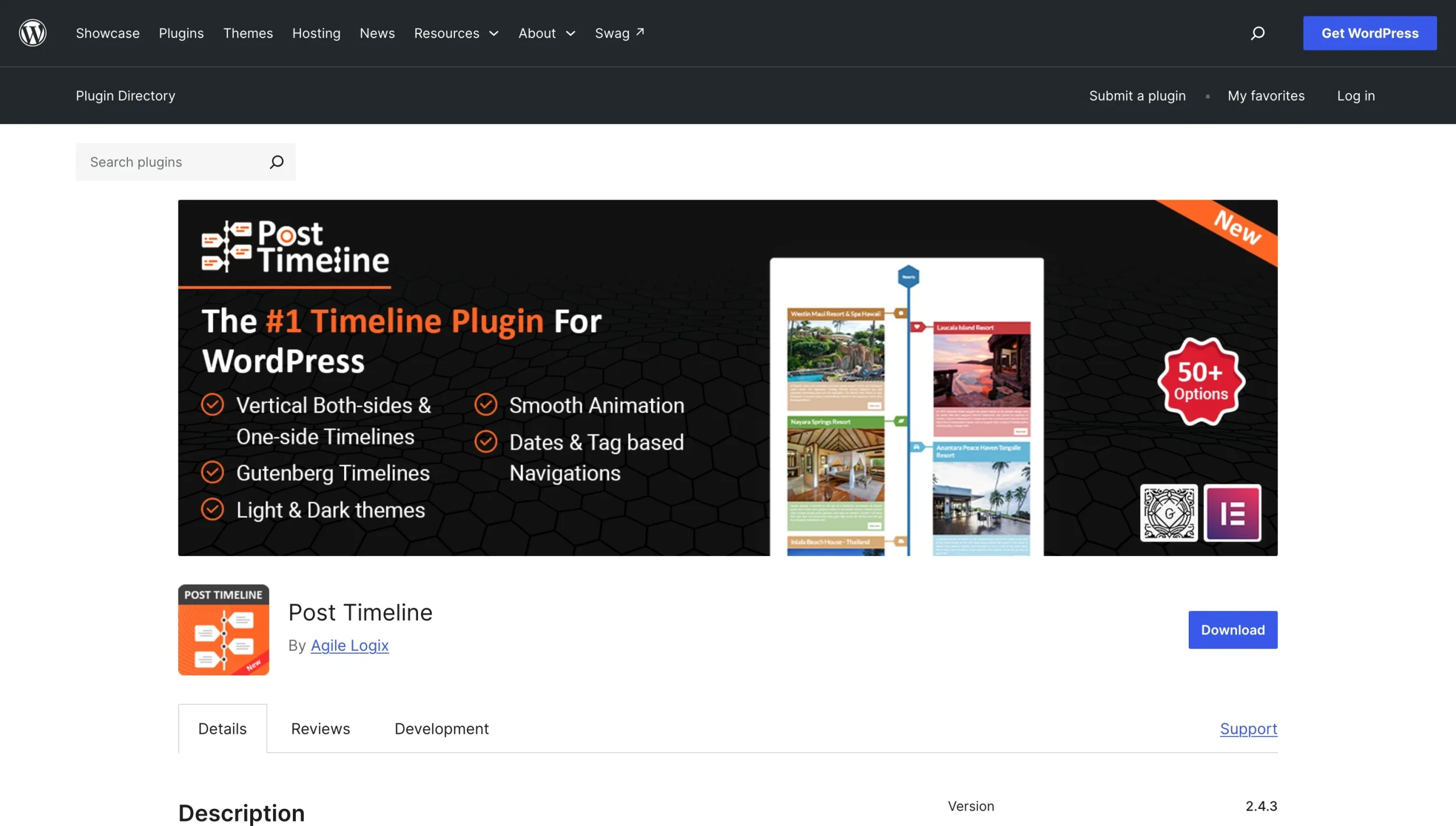
Post Timeline is an advanced plug-in that lets you build interactive timelines from a dedicated interface that looks like the native WordPress post editor. It’s a flexible tool that lets you build entries from scratch or create a timeline from content you’ve already published.
Post Timeline offers four layout options (vertical, left side, right side, and horizontal) plus three more for the Gutenberg editor. There are 50 timeline templates (15 on the free plan) for different audiences and projects. You can add animations, show or hide navigation, and enable sliders, line styles, lazy load, and social sharing. Post Timeline also provides dedicated timeline widgets for both Elementor and Gutenberg, plus a configurable shortcode that lets you filter timeline posts by category, exclude posts, choose date-based or tag-based navigation, and set sorting order. Even with a relatively small user base (about 800 active installs), the Post Timeline plug-in is one of the most flexible options I tested.
- Key features
- Timelines you can create from scratch or by converting existing posts to entries
- Three timeline types for the Gutenberg page editor: notification timeline, chat timeline, and post timeline
- Social sharing options
- Limitation
- It has a slower release cadence compared to other plug-ins on this list, plus a smaller user base.
- Pricing
- Free for limited access
- Paid plans start at $25 per year for a single-site license.
3. Bold Timeline Lite
Best for: Lightweight, personal storytelling such as CVs, author bios, or event histories
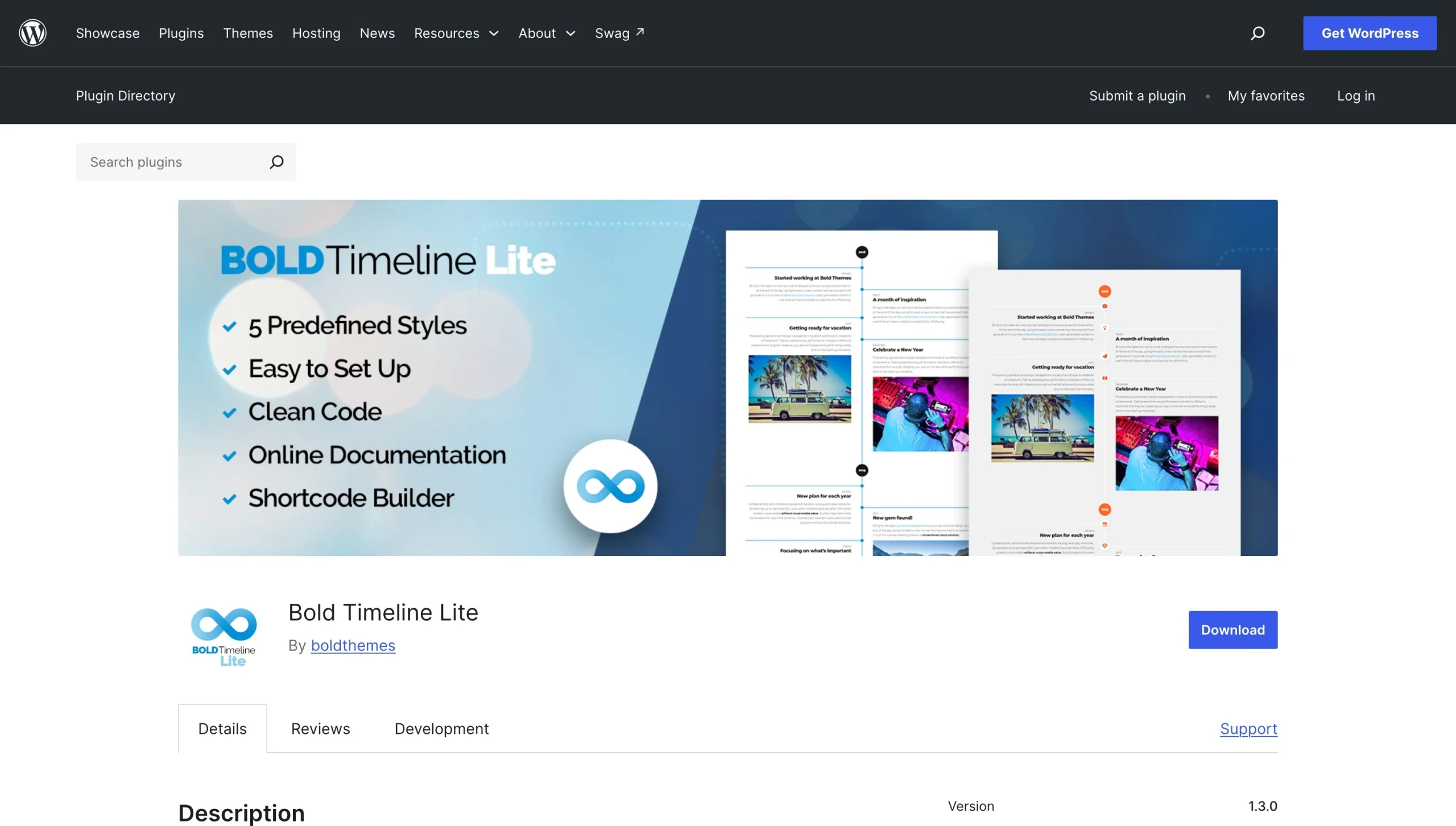
Bold Timeline Lite is a simple WordPress history timeline plug-in compatible with any WordPress page builder. It organizes content into timeline groups that you configure in a dedicated editor in the WordPress dashboard. You can choose from five predefined timeline styles (classic, retro, clean, travel, and CV), add text and images, and adjust colors, fonts, and icons.
Bold Timeline Lite offers a minimal widget for inserting the timeline into Elementor, but you can’t style the timeline directly in Elementor. All the editing, styling, and configuration happens in the Bold Timeline Lite editor. Once you set up a timeline, the plug-in generates a shortcode that you can paste anywhere on your site. Bold Timeline Lite has over 10,000 active installs on WordPress.
- Key features
- Dedicated dashboard for managing timeline groups
- Compatibility with any WordPress page builder
- Limitation
- Some users have reported responsive display issues, including timeline items not appearing correctly on mobile devices.
- Pricing
- Free plan available
- Paid plans start at $4 per month for annual billing and include more features.
4. Timeline by bPlugins
Best for: Websites built primarily in the Gutenberg block editor
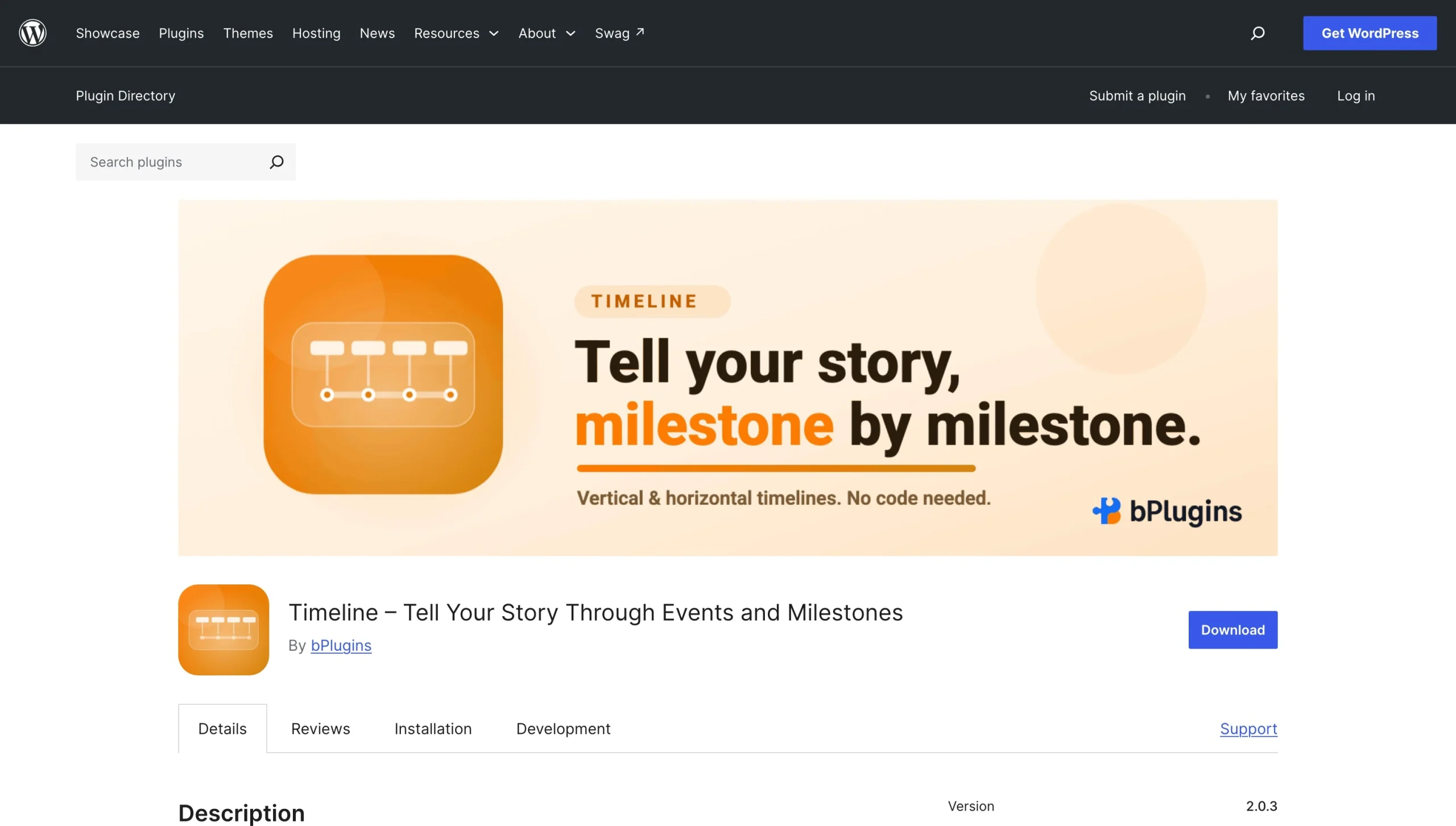
Timeline by bPlugins focuses on straightforward visual storytelling for journeys, milestones, and histories. It lets you create horizontal and vertical timeline layouts, use titles and descriptions in a unified structure, add labels and dates, toggle content positions on the timeline, and switch between timeline types.
Like other post-style plug-ins, you’ll use Timeline by bPlugins inside a WordPress post-style screen. It offers responsive timelines with customization options including start index control, visible item limit on horizontal layouts, and custom HTML. The Pro version lets you build timeline layouts in the Gutenberg editor, choose from nine templates, use customizable icons, and add animation. Timeline by bPlugins doesn’t offer a native Elementor widget, but it generates a shortcode you can enter into any page, post, or shortcode-compatible widget on your site.
- Key features
- Enhanced customization and styling options on both the free and paid versions
- Mobile-responsive timelines by default
- A dedicated tab in the timeline editor to handle typography, style settings, and content and image fields for each entry
- Limitation
- The plug-in does not offer a native Elementor widget.
- Pricing
- Free with limited capabilities
- Paid plans start at $29.99 for single sites, $79.99 for three sites, and $199.99 for unlimited sites. All of these are one-time payments with lifetime access.
5. Qi Addons for Elementor
Best for: Elementor-based website owners looking for a library of tools
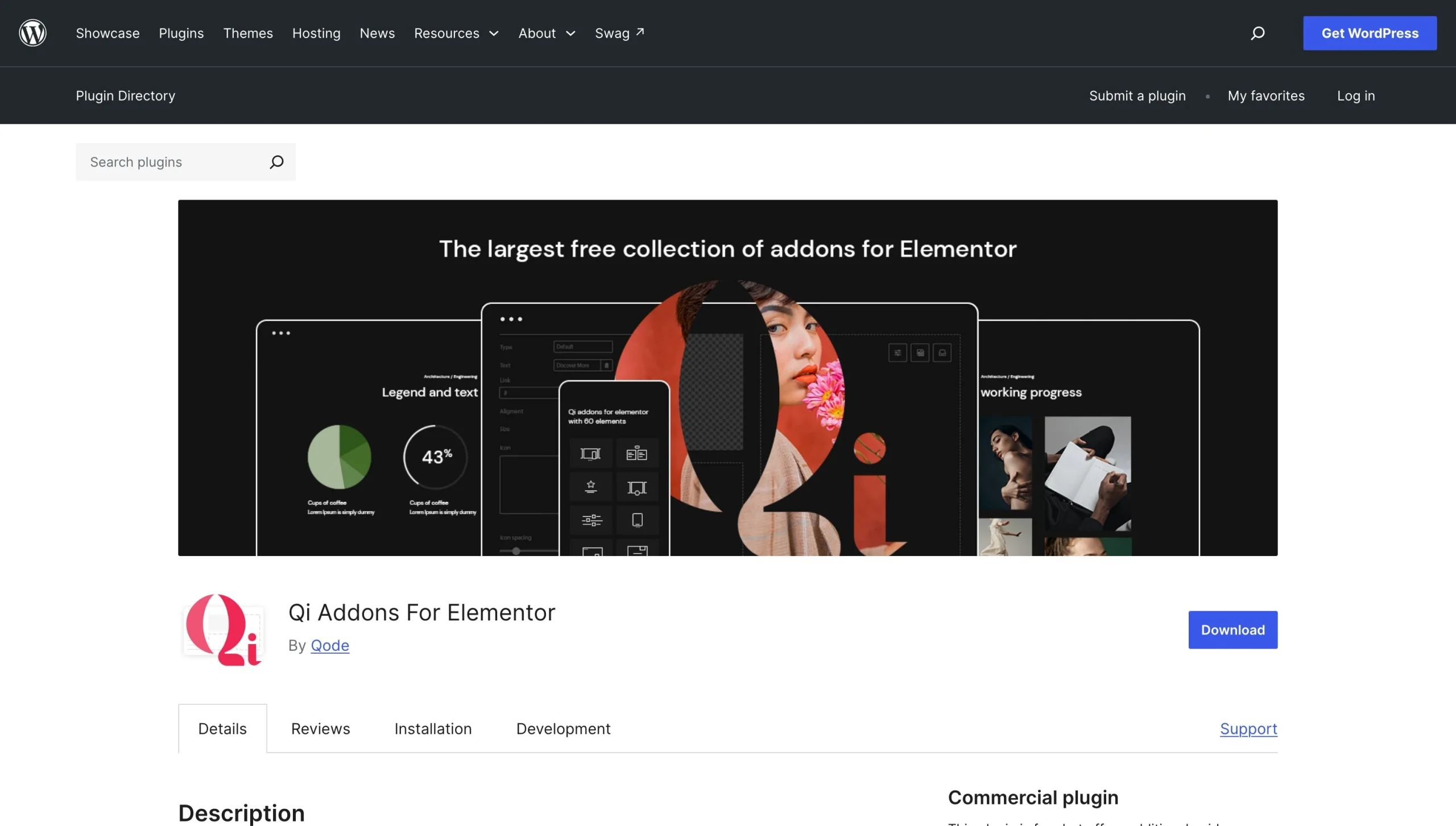
Qi Addons for Elementor is a WordPress plug-in with a large library of add-ons, including a Timeline Showcase widget. When you activate the plug-in, it imports its entire suite of website add-ons into your WordPress admin panel, so you’ll have to start by turning off every widget except the ones you need.
The Timeline Showcase widget offers four layout options: horizontal alternating, horizontal standard, vertical separated, and vertical side. With its item-based editor, you can add individual items as events, configure animations, set column counts, and configure general styling settings. Once you’re done, you can drag and drop the native Elementor widget anywhere on your page. The timeline widget is mobile responsive, with settings for adjusting how the timeline displays across different screen sizes.
The Qi plug-in has over 200,000 active installs. Timeline Showcase is one of its 60 free widgets, but it also offers a premium widget library of 40-plus tools, including a more advanced vertical timeline widget.
- Key features
- Large collection of add-ons for Elementor
- Full control over layout, appearance, animations, and general styling
- Limitation
- The plug-in activates dozens of widgets by default, so you’ll need to clean up manually right after installation.
- Pricing
- Free for 60+ widgets
- Paid plans start at $49 (Qi Addons for Elementor) and $79 (Qi Theme and Addons for Elementor) for single websites and $99 and $139 annually for unlimited websites.
Showcase your journey with a modern, cloud-based timeline widget
All the plug-ins I’ve covered here are well-built and provide similar features for telling visual stories through timelines. The right pick among them depends on your workflow. However, they all share the same drawback: You’re installing something in your WordPress database, which means potential plug-in conflicts, security patches, and compatibility issues that can affect your website’s performance.
If you’d rather sidestep that, the Jotform Timeline Widget is worth a look. It lets you create responsive timelines for milestones, events, product road maps, updates, and brand stories without writing code or installing anything on your website. You can display entries as lists, horizontal carousels, snap-scroll views, sliders, or story views. Jotform lets you match the timeline to your website with light or dark themes, customizable colors, text, and custom CSS. Each event on your timeline can include dates, a milestone label, supporting copy, images, and an optional call-to-action button.
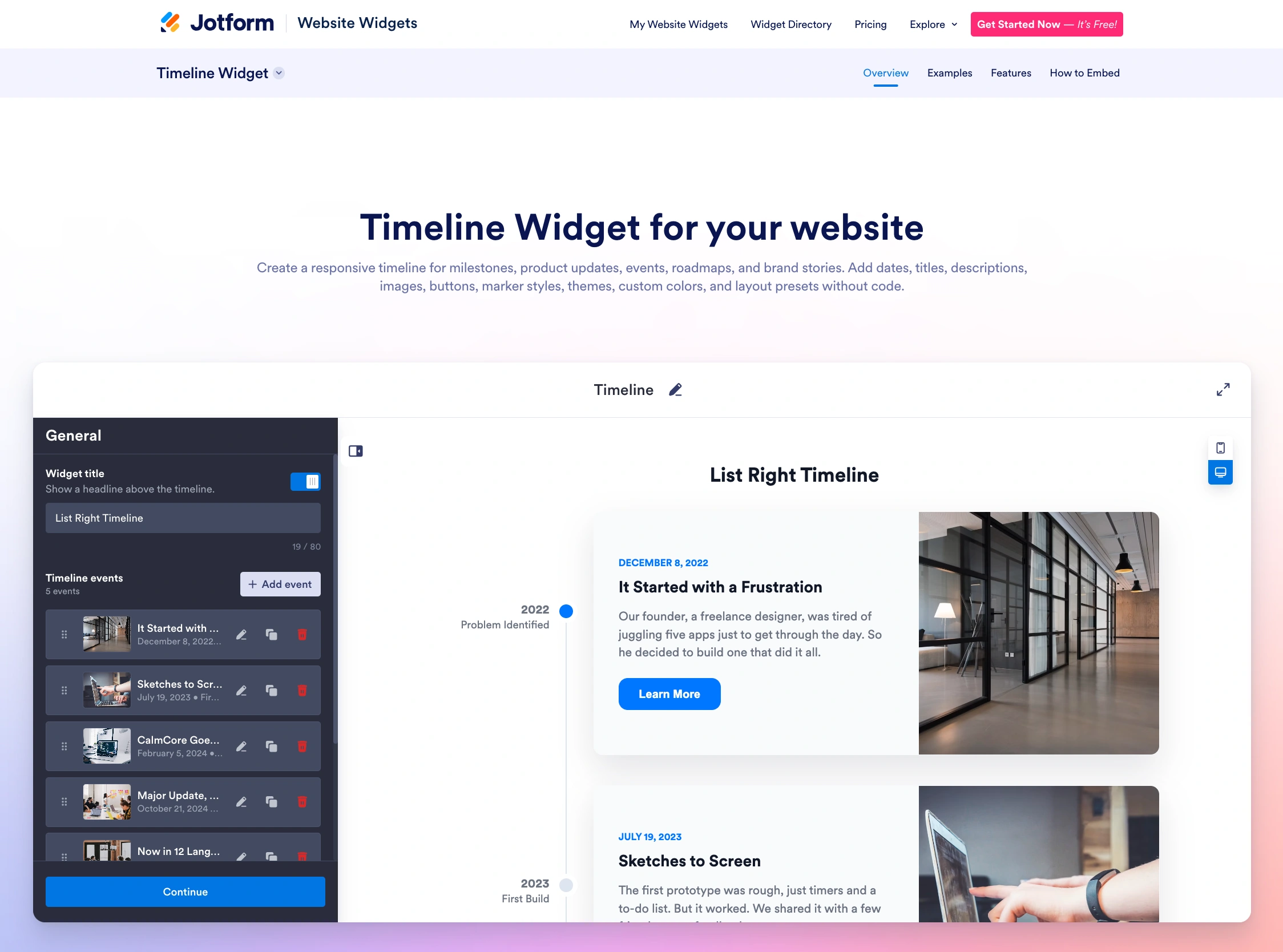
Because the Jotform Timeline Widget doesn’t install on your website, image-rich and long milestone lists load and resize smoothly across desktop and mobile without adding to your site’s database or slowing down your admin dashboard. There’s no risk of a WordPress core update, theme change, or plug-in conflict affecting your site’s performance. All your changes happen inside Jotform’s app, including customizing markers and card styles or adjusting corner radius, themes, colors, and spacing. Once you’re happy with the timeline’s look and feel, you can copy and paste the embed code into your website. And unlike other plug-ins limited to Elementor, Gutenberg, or Divi, the Jotform Timeline Widget works with all WordPress page builders and website builders such as Squarespace, Wix, Shopify, and Framer.
In addition, Jotform has over 150 widgets that handle other aspects of your website. Instead of installing a plug-in for every new feature you want and bloating your WordPress back end, use Jotform Website Widgets to add capabilities to your site without plug-ins. For example, you can embed WordPress forms into your website to collect inquiries, give web visitors multiple ways to get in touch using the Jotform Contact Us Widget, or add a floating Click-to-Call Widget to let visitors quickly reach your business by phone.
This article is for WordPress site owners, web designers, project managers, and content creators who want to display a chronological brand history, project milestone map, or product roadmap visually on their site without slowing down page rendering or breaking responsivity.





































































































Send Comment: