
Top 5 visitor counter plug-ins
Seeing “Over 100,000 customers served” or “More than 80,000 monthly visitors” on a website immediately builds social proof. These visible numbers reassure first-time visitors that others trust the brand, making them more likely to engage.
However, showing your visitor count isn’t always as straightforward as it sounds. While WordPress visitor traffic statistics plug-ins do offer valuable data, they log hits locally, which can lead to significant database bloat. They can also cause caching conflicts that prevent your visitor count from updating and clutter your admin panel with heavy scripts, potentially causing usability issues.
Fortunately, there’s a more efficient workaround: the Jotform Visitor Counter Widget. The cloud-hosted widget tracks website visits off your server and embeds seamlessly on WordPress pages with a simple copy-paste code, delivering the same visual social proof as plug-ins without the server overhead.
That said, some traditional plug-ins still offer features you may find valuable. To help you choose the right tool for your website, below are some of the best visitor counter plug-ins for WordPress. We also look at why a serverless widget, such as the one from Jotform, is an excellent alternative.
| WordPress plug-in | Best for | Plans/pricing | Customization | Performance impact |
|---|---|---|---|---|
 StatCounter |
Site owners who want in-depth visitor insights |
Free version, paid plans start at $9 per month |
Moderate: Focuses more on data than visual counter customization |
Low: Processes data on cloud servers |
 Post Views Counter |
Sites that want to highlight popular pages and posts |
Free version, paid plans start at $29.50 per year (introductory first-year rate) |
High: Supports automatic counter displays and flexible placements |
Relatively high: Stores view data locally |
 Statify |
Privacy-conscious site owners who want basic analytics |
Free |
Low: Doesn’t offer a built-in front-end visitor counter |
Moderate: Doesn’t collect cookies, but it still stores data locally |
 WP Visitor Statistics |
Website owners who need real-time visitor and site performance data |
Free version, paid plans start at $29 |
Moderate: Provides configurable dashboard reports and supports widgets and shortcodes for front-end data display |
High: Processes analytics within WordPress |
 WPS Visitor Counter |
Sites looking to display basic traffic data |
Free |
Moderate: Supports shortcodes and Gutenberg blocks and allows you to choose which metrics to display |
High: Processes and stores visitor data locally |
1. StatCounter
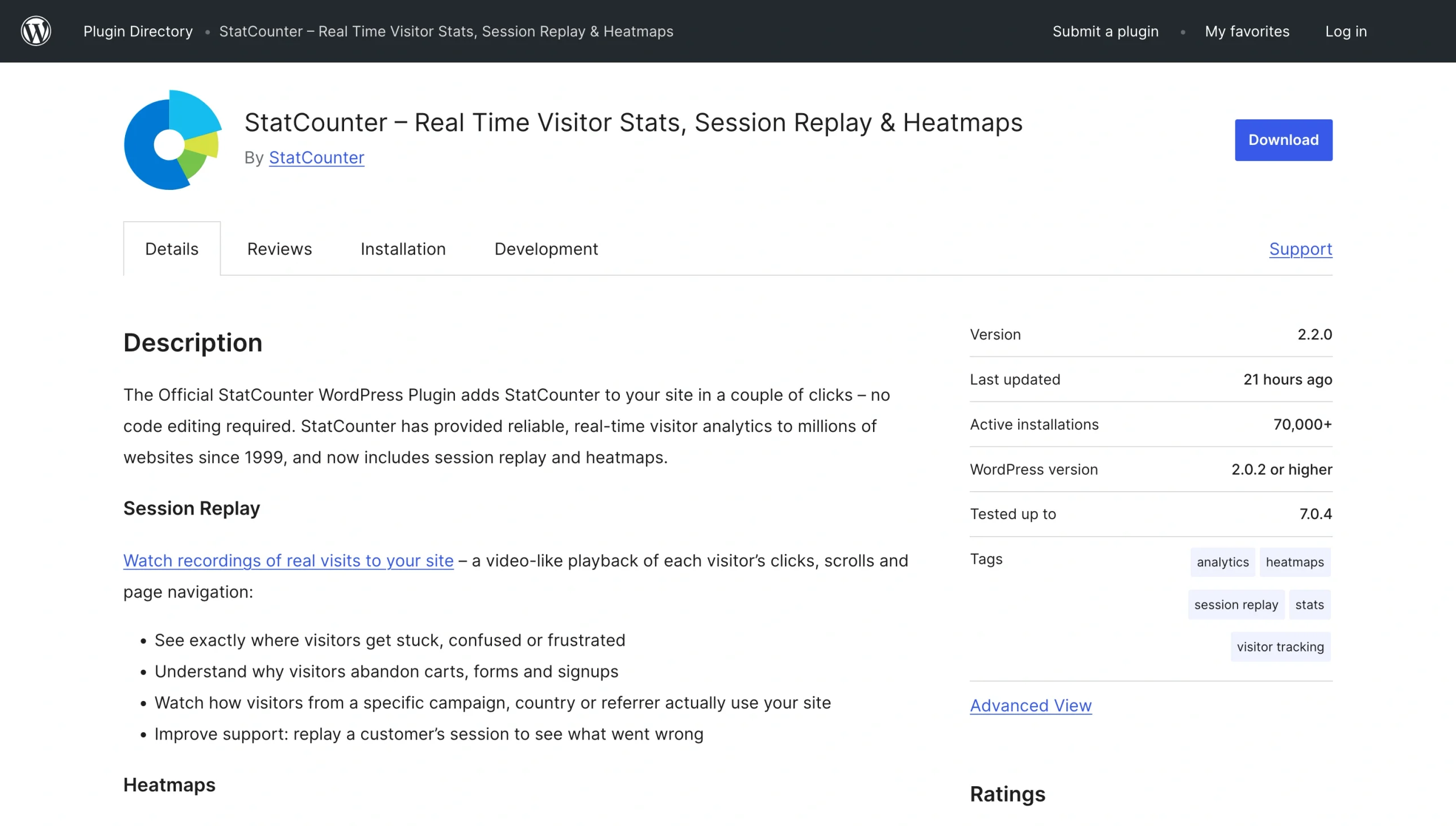
StatCounter is a comprehensive analytics tool that provides not only visitor counts but also valuable insights into visitor behavior to help web admins improve site performance. If your main reason for seeking a visitor counter is to better understand your target audience and what drives them to engage with you, this plug-in may be worth considering.
- Best for: Collecting comprehensive site visitor intelligence
- Key features: Real-time visitor tracking across all your pages; visitor path reports, highlighting the journeys people take through your website; traffic trend reports that break down how key metrics such as visitor counts and page views compare over time
- Layout choices: StatCounter is primarily built for backend functionality, but you can configure your counter for public visibility to share unique visit or page load data with your audience
- Limitation: StatCounter’s reporting interface and configuration needs can feel overwhelming if you only want a basic visitor counter
- User reviews: 4/5, users praise the plug-in’s detailed analytics
2. Post Views Counter
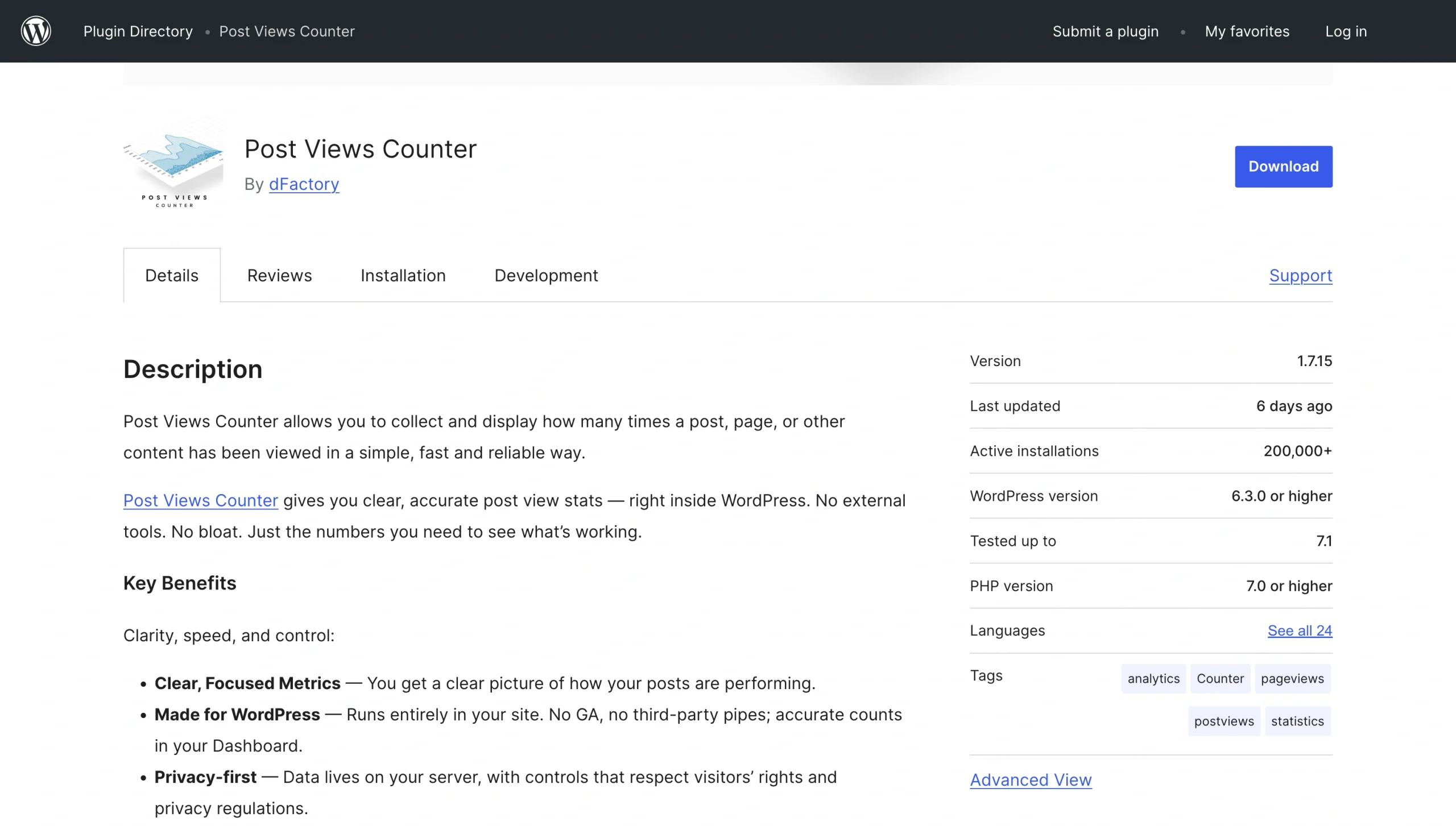
If you want to share post-specific metrics rather than total website views on WordPress, Post Views Counter may be the tool for you. The plug-in allows you to track and display the number of times a specific post or page gets viewed right within WordPress.
- Best for: Highlighting your most popular posts or pages.
- Key features: Three counting methods (PHP, JavaScript, and REST API); view filtering capability that allows you to exclude logged-in users, bots, specific IP addresses, and certain roles from visitor counts; ability to customize count intervals; one-click data imports from competing plug-ins such as Statify
- Layout choices: With Post Views Counter, visitor counts can appear automatically before or after content, or anywhere on your site through blocks or shortcodes
- Limitation: It might be limiting for website owners who want comprehensive visitor analytics on top of view counts
- User reviews: 4.9/5, users praise the plug-in’s ease of use and developer support
3. Statify
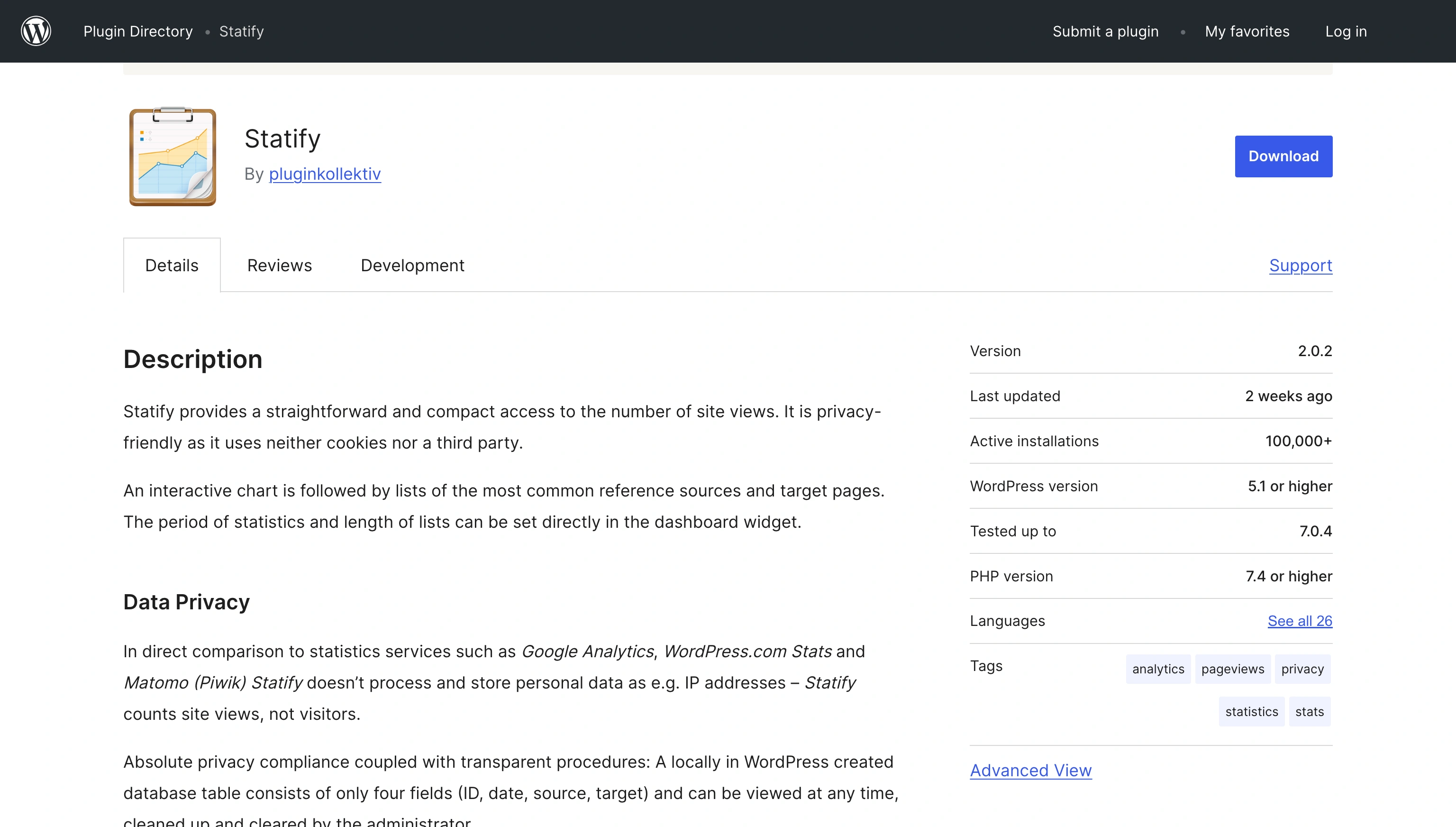
Statify is an open-source plug-in. According to its contributors and developers, it takes a minimalist approach to website visitor tracking, typically counting site views instead of monitoring individual visitors.
- Best for: Collecting privacy-friendly traffic data
- Key features: Privacy-first tracking model — it records page views without relying on visitors’ IP addresses and cookies; JavaScript tracking capability for compatibility with caching solutions such as Cachify; interactive dashboard widget that lets you configure data collection periods
- Layout choices: Unlike other choices, most of Statify’s functionality is on the WordPress dashboard; if you want to showcase traffic in your front end, you’ll need to manually add the data or pair Statify with a separate display solution
- Limitation: Statify prioritizes privacy over data, so it may not offer detailed analytics
- User reviews: 4.8/5, users applaud the plug-in’s simplicity and commitment to privacy
4. WP Visitor Statistics
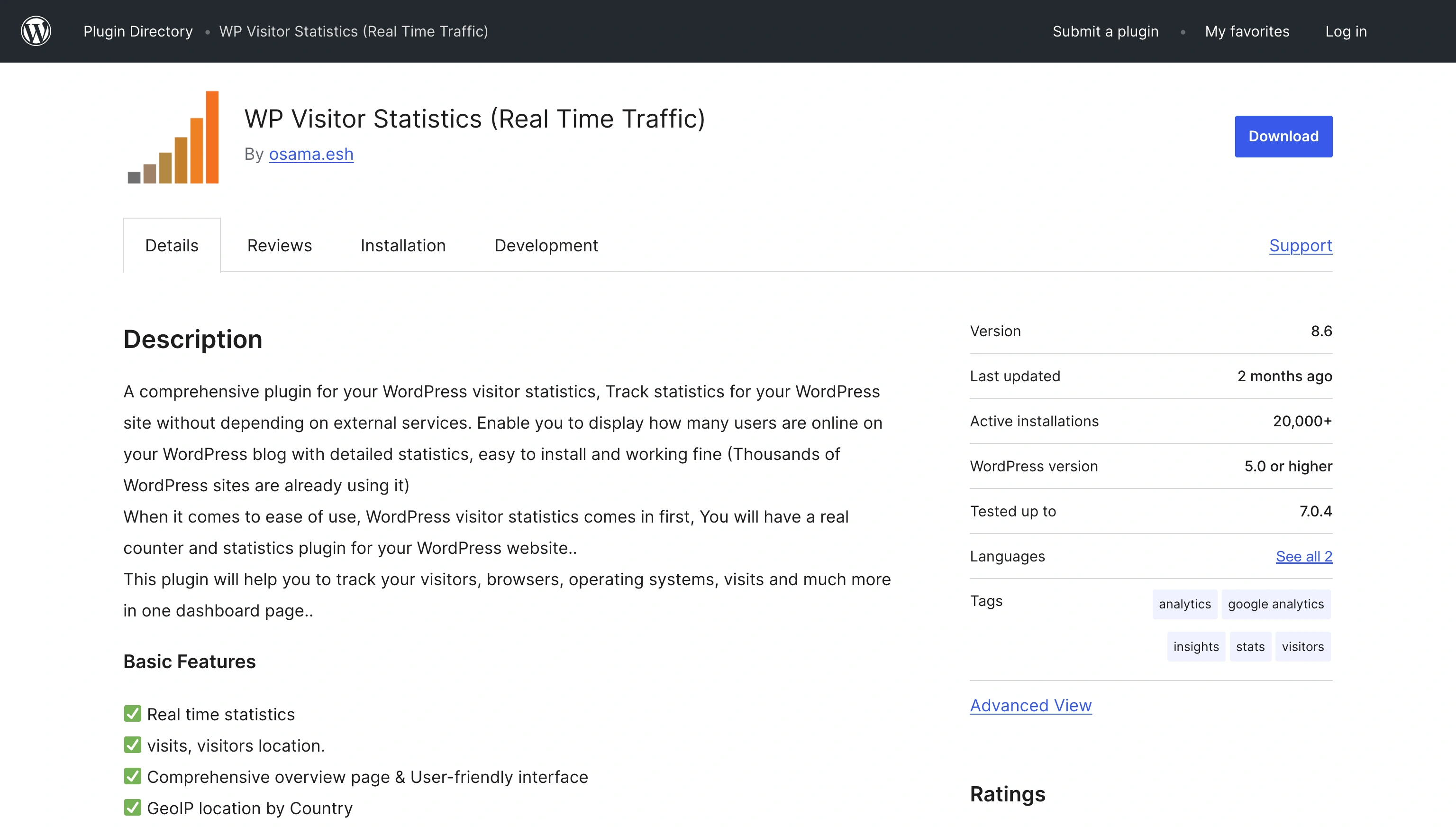
WP Visitor Statistics is a comprehensive real-time traffic counter plug-in that offers detailed WordPress site analytics. If you need comprehensive site performance data on top of your visitor counter without relying on external tools, this plug-in may be the ideal choice.
- Best for: Tracking real-time site traffic metrics
- Key features: Real-time visitor tracking and data displays; detailed visitor data — the plug-in not only tracks website visits but also visitors’ browsers, operating systems, geographic locations, and IP addresses; support for widgets and shortcodes; automatic old data cleanups
- Layout choices: WP Visitor Statistics presents data using charts, tables, and summary cards in the WordPress admin dashboard; on the front end, the plug-in allows you to showcase data using widgets and shortcodes
- Limitation: Features such as the online counter and widget and shortcode support are only available in the Pro version
- User reviews: 4.5/5, users praise its comprehensive reporting
5. WPS Visitor Counter
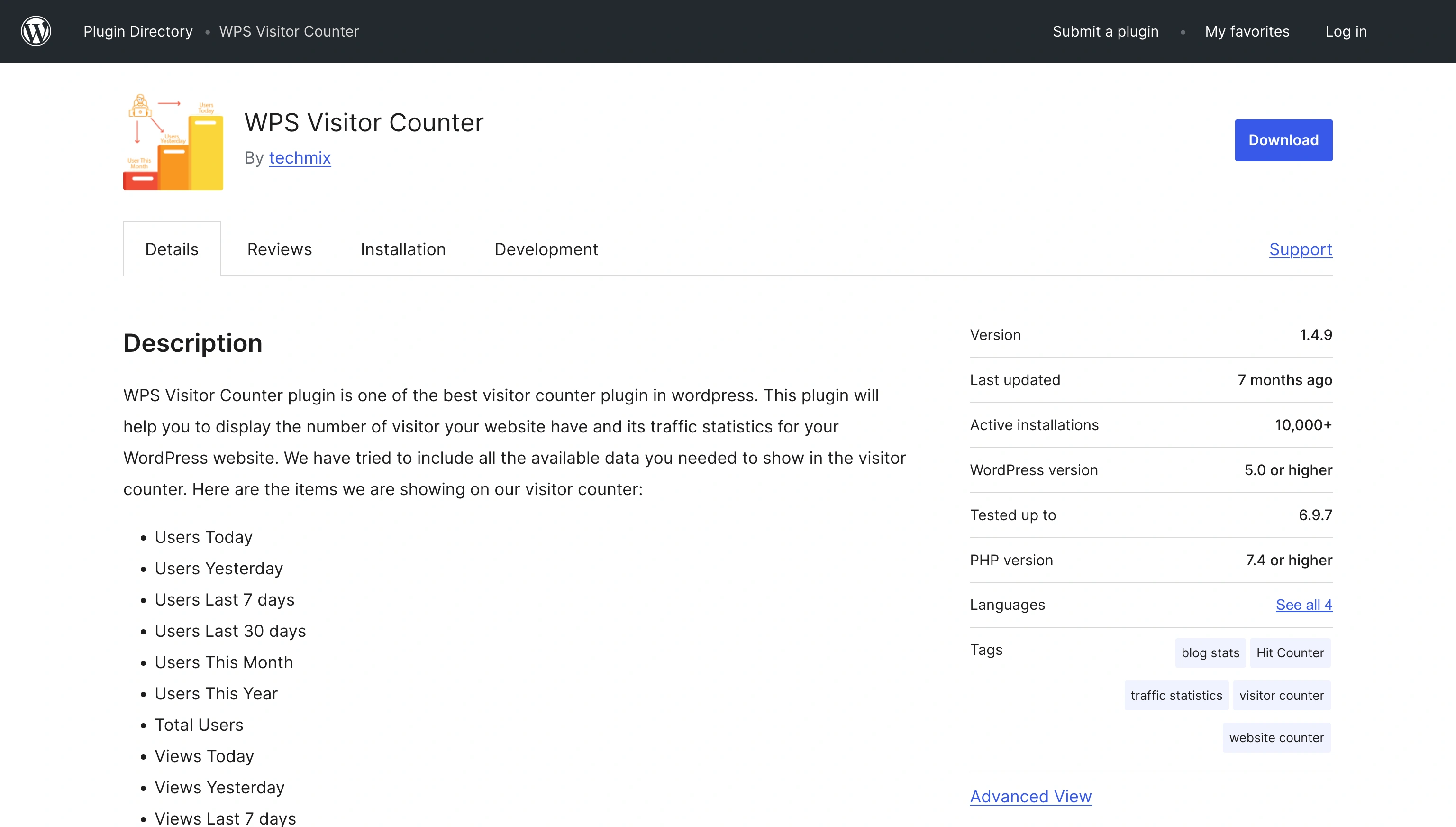
WPS Visitor Counter is one of the most straightforward plug-ins for site owners whose primary goal is to display visitor counters. It can show total website views on WordPress both within your admin dashboard and on your site’s front end for visitors to see.
- Best for: Displaying standard visitor counts
- Key features: Wide range of visitor metrics — the free WordPress live visitor counter records users and views over different periods (today, yesterday, last seven days, last 30 days, this month, and this year); Who’s Online counter that displays the number of visitors currently browsing your site; additional data such as visitors’ IP addresses and server time
- Layout choices: WPS Visitor Counter supports shortcodes and Gutenberg blocks, enabling you to display digit-style counters on any post or page
- Limitation: It provides surface-level analytics, which may not be enough for site owners looking for comprehensive visitor data
- User reviews: 3.9/5; user reviews are mixed — it offers a generous free feature set, but some site owners report broken counter images
Display your traffic stats cleanly with a serverless visitor counter
While traditional visitor counter plug-ins offer some pretty great features, site owners are increasingly adopting solutions such as the Jotform Visitor Counter Widget to reduce the strain on their servers.
The Jotform Visitor Counter widget is a lightweight, cloud-hosted tool that bypasses caching issues and preserves fast loading times while also building up your social proof. The simple hits counter widget for WordPress gives you control over which data to display and offers multiple layout options, including vertical, inline, detailed, mini, and daily. What’s more, you can customize your widget to match your brand’s aesthetic, even without technical knowledge. As long as you know how to use WordPress, you’re good to go.
If you want to scale your WordPress site without relying on outdated and heavy plug-ins, Jotform has many other widgets that can complement your visitor counter. For example, our WordPress forms can help you collect data on visitors’ experiences, while our Social Widgets can showcase content from your social media pages.
Want to enhance your WordPress website without causing performance issues? Browse the Jotform’s website widgets directory for more serverless widgets.
This article is for WordPress site owners, bloggers, e-commerce managers, and web designers who want to showcase their site’s popularity and track traffic metrics publicly without slowing down page load times or overloading their hosting servers.





































































































Send Comment: