Podcasts are an excellent way to deepen relationships with audiences and share content that boosts your authority. However, if they’re only on platforms such as Spotify, they may not always reach your target audience.
Fortunately, you can boost your content’s visibility by adding it to your website. Embedding your podcast, even a standalone episode, directly on your WordPress website can turn casual readers into listeners and subscribers.
That said, how you add podcasts to your website matters.
Traditional WordPress podcast plug-ins have been the default solution for many website owners. The problem is, they often load heavy JavaScript players across websites, repeatedly parse large RSS feeds on servers, fill databases with cached metadata, and run scheduled background tasks that can affect your site’s performance.
Modern solutions, such as the Jotform Podcast Player Widget, take a different approach. Rather than relying on server-side processing, the WordPress podcast widget acts as a serverless, zero-maintenance solution that streams your audio feeds off-server. The solution is also easy to embed on any WordPress page because you need only a simple copy-and-paste code snippet.
Of course, some plug-ins offer great features that come in handy when trying to build your listener base. If you prefer traditional solutions, here are some of the best WordPress podcast plug-ins for 2026.
| Best for | Pricing | Customization | Feed sync mechanism | |
|---|---|---|---|---|
 Seriously Simple Podcasting |
Brands just getting started with podcasting |
Free; from $19 per month with Castos hosting |
High |
Generates and maintains podcast RSS feeds locally within WordPress |
 PowerPress |
Experienced creators who want precise control over podcast distribution |
Free; from $7 per month with Blubrry hosting |
High |
Generates RSS feeds locally |
 Podlove Podcast Publisher |
Podcasters with technical knowledge |
Free |
Very high |
Generates WordPress RSS feeds natively |
 Podcast Player |
Creators who want a straightforward way to embed podcast players |
Free plan; premium licenses from $39.99 per year |
High |
Pulls episodes and their information; periodically refreshes data for display |
 Podcast Importer |
Creators looking to import entire podcasts |
Free plan; premium licenses from $24 per year |
Moderate |
Imports podcast episodes and supporting data from external RSS feeds to WordPress; can refresh content automatically |
1. Seriously Simple Podcasting
Best for: Brands just getting started with podcasting
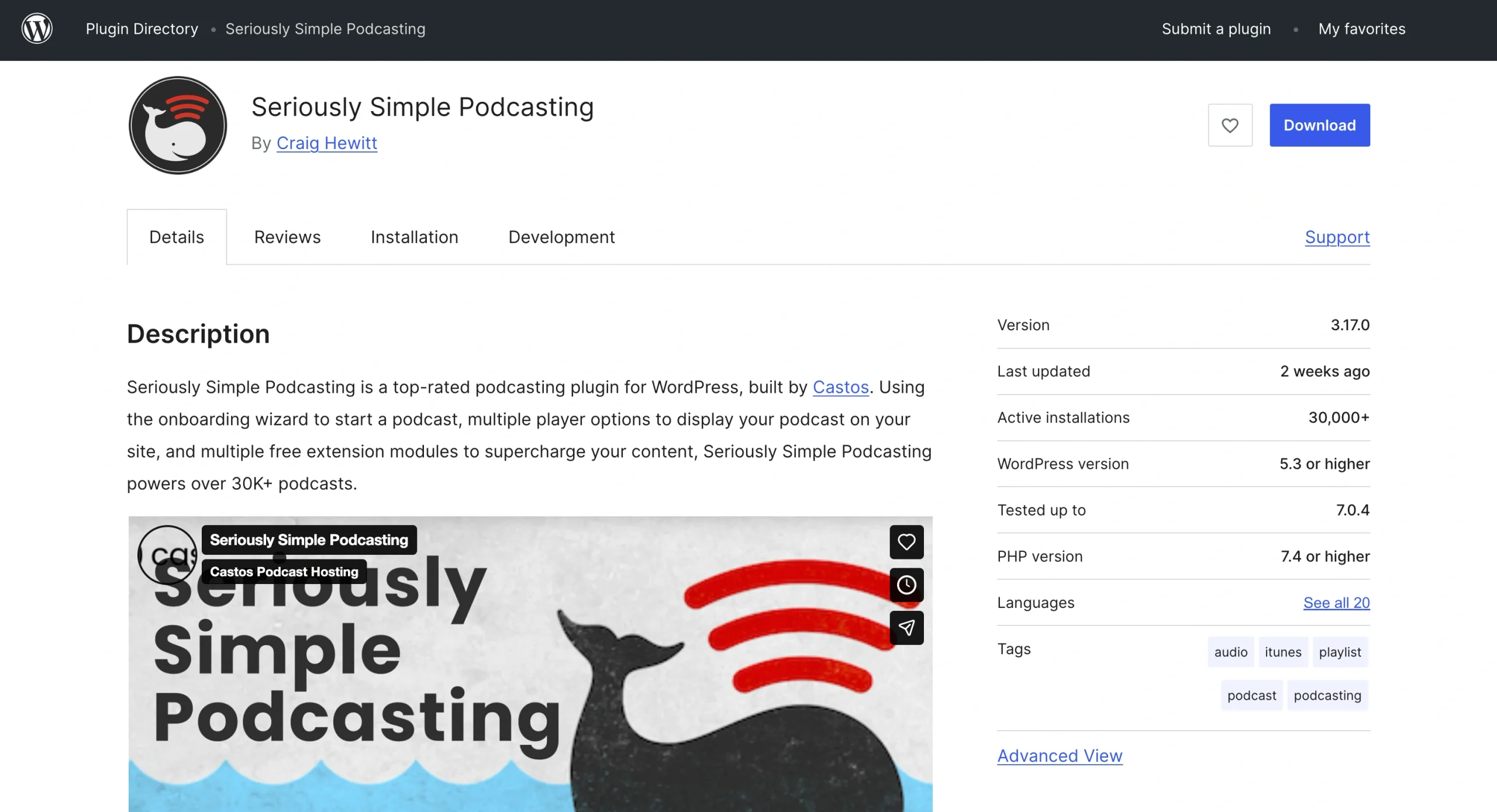
Built by Castos, a popular podcast hosting provider, Seriously Simple Podcasting is a free podcast player plug-in for WordPress. It transforms WordPress into a podcast management system, allowing you to upload audio or video files directly from your dashboard.
While it was developed by Castos, Seriously Simple Podcasting doesn’t require you to use Castos hosting. That said, integrating the two can unlock features such as advanced analytics and automatic episode transcriptions.
- Key features
- Automatic RSS feed that’s already compatible with platforms such as Spotify and Apple Podcasts
- Responsive podcast player shortcodes that make it easy to embed podcast episodes on your site
- Private podcast functionality, with Castos hosting
- Customizable podcast subscription links, player placements on your site, player progress bars, and podcast metadata
- Limitations
- Advanced features, such as episode transcriptions, require Castos hosting.
- Site performance issues may arise the more episodes you host on your WordPress site.
- User rating and reviews: 4.7 out of 5 stars.* Many users highlight the plug-in’s smooth WordPress workflow and reliable RSS generation.
2. PowerPress
Best for: Experienced brands that want precise control over podcast distribution
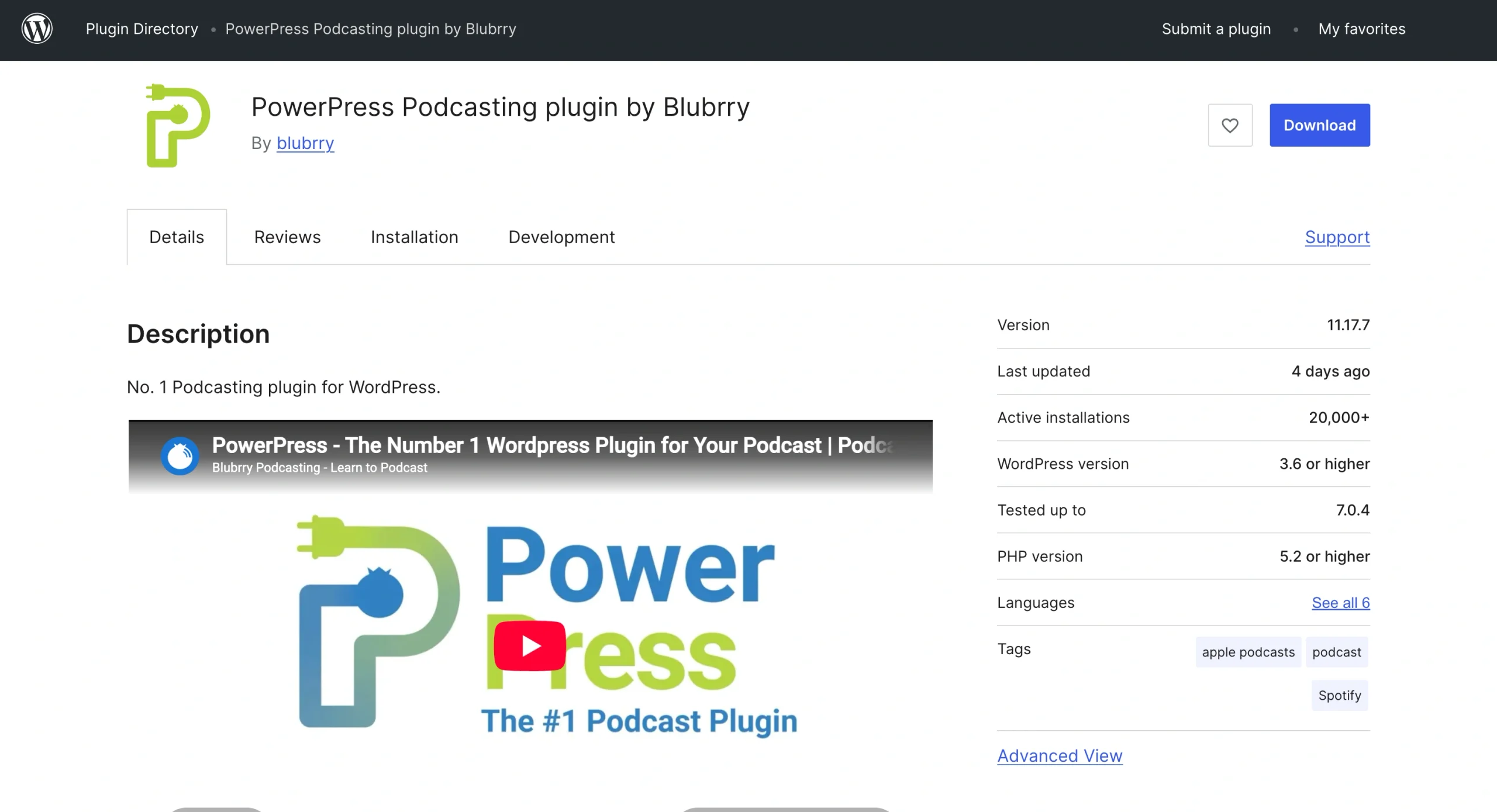
PowerPress by Blubrry Podcasting allows you to publish and manage podcast episodes right from your WordPress dashboard. The plug-in has a relatively easy podcast publishing process, thanks to its automatic RSS feed generation and its built-in HTML5 media player.
- Key features
- Integrated playlist players that allow you to show page visitors multiple episodes at a glance
- Subscribe tools
- Built-in migration tools that streamline transitions from platforms such as Spotify
- Video and audio player availability
- Limitations
- Some users say the plug-in can be glitchy.
- Advanced analytics, such as download metrics, are tied to Blubrry.
- Channel configurations require an in-depth understanding of how to use WordPress and also WordPress podcast RSS feed plug-ins.
- User rating and reviews: 4.6 out of 5 stars. While some users criticize the plug-in’s interface, many love its comprehensive features.
3. Podlove Podcast Publisher
Best for: Podcasters with technical knowledge who want complete feature and customization control
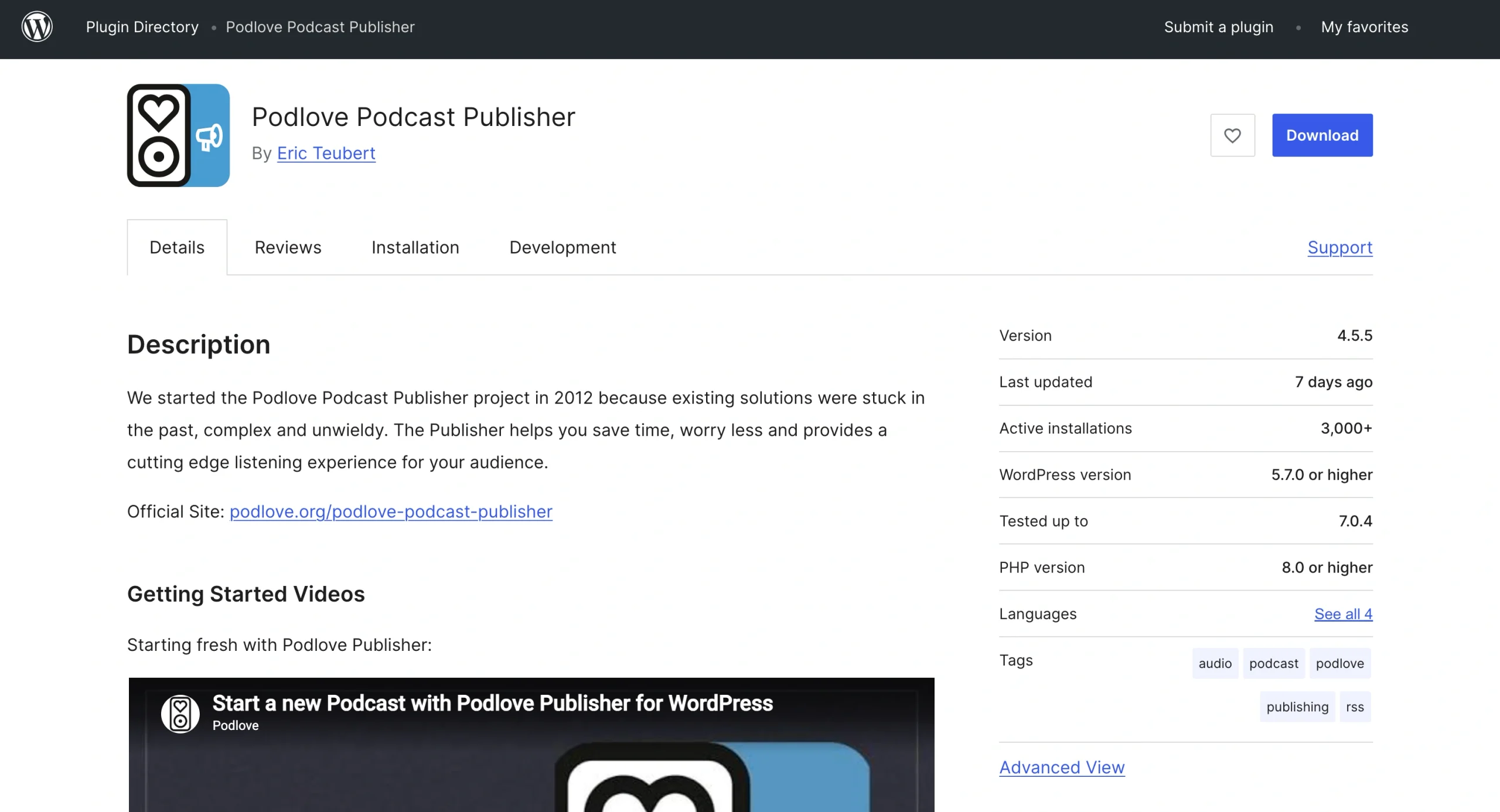
Podlove Podcast Publisher, developed by the Podlove community, is an open-source plug-in. The tool’s Podcast Publisher makes it easy to upload episodes to your WordPress site, and it offers granular control of your feeds.
- Key features
- HTML5-compatible web player that supports multiple audio and video formats, including MP3, AAC, MP4 H.264, and WebM
- Multi-format publishing capability, allowing you to create individual feeds for different audiences and use cases without extra work
- Detailed podcast statistics
- Limitations
- Plug-in requires advanced knowledge of podcasting mechanics and server configurations.
- It stores access log data in your site’s database, which can cause performance issues as your traffic grows.
- User rating and reviews: 4.4 out of 5 stars. Many users say the plug-in is reliable, but others say it’s difficult to use and “buggy.”
4. Podcast Player
Best for: Creators who want a straightforward way to embed podcast players on WordPress
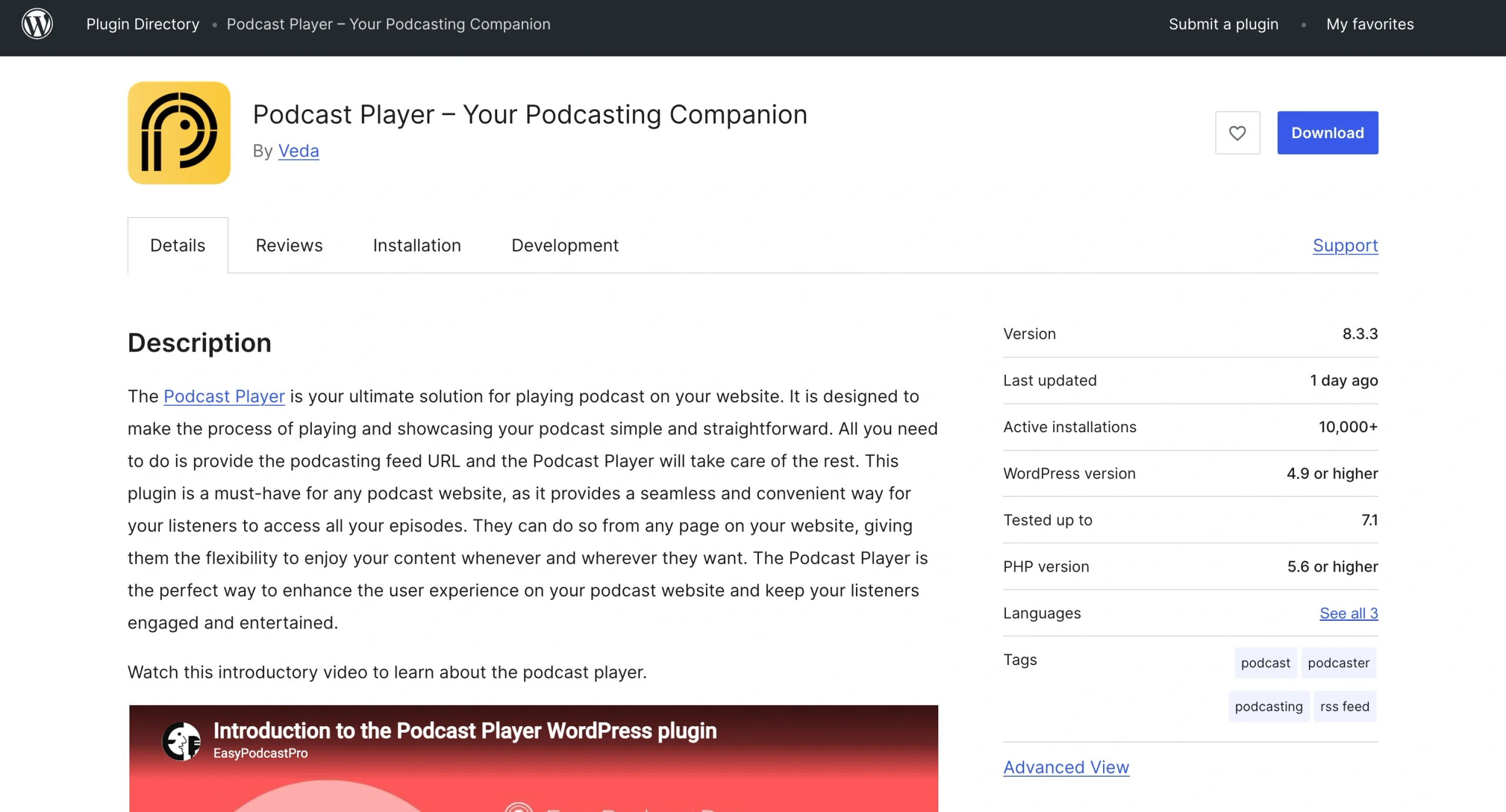
Podcast Player by Veda is designed to get podcasts to websites as quickly as possible. You provide your podcast feed URL, and the plug-in pulls your episodes and their information. The tool’s flexibility allows you to add your player to any page and location on your WordPress site, including the sidebar and footer.
- Key features
- Subscription buttons from platforms such as Spotify and Google Podcasts
- Live episode lookup that lets you search for content in real time
- Comprehensive customization capabilities that allow you to arrange episodes as you like, choose accent colors that align with your site, change your display layout, and choose to hide or show player elements such as episode descriptions
- Multiple control buttons: play, pause, next and previous episode, and jump forward and skip backward
- Limitations
- You need a pro account to unlock the plug-in’s advanced search feature and display layouts.
- Built-in tracking and analytics are minimal.
- User rating and reviews: 4.8 out of 5 stars. Users love the plug-in’s fast setup.
5. Podcast Importer
Best for: Creators looking to import entire podcasts
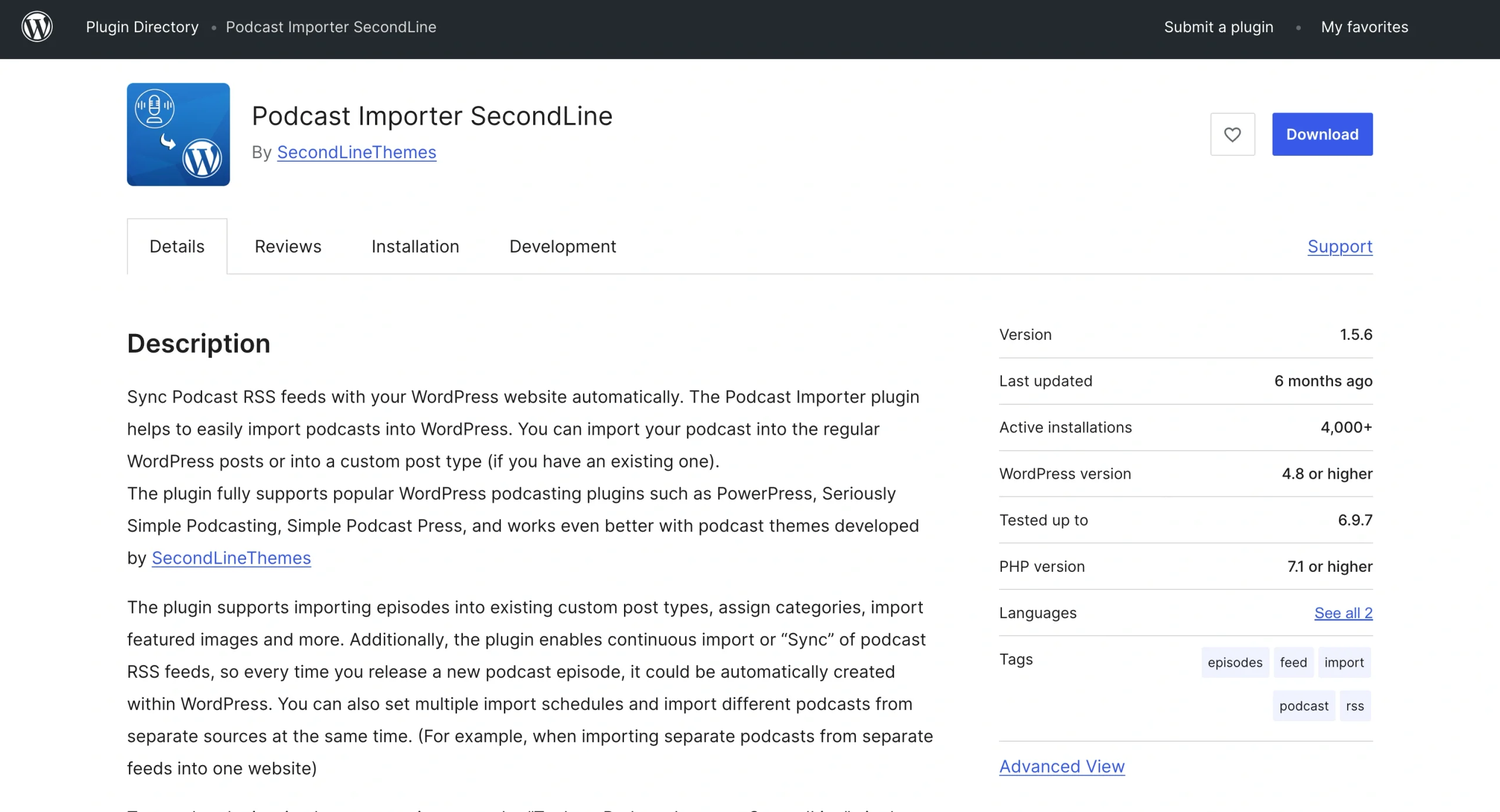
Built by SecondLineThemes, Podcast Importer pulls episodes and featured images into existing custom post types and allows you to assign incoming feed data to specific site taxonomies. The plug-in also lets you sync podcast RSS feeds, facilitating automatic updates within WordPress whenever you add a new episode.
- Key features
- Support for other podcast plug-ins, such as Simple Podcast Press, allowing access to more features
- Automatic episode, metadata, and media file migration
- Ability to import podcasts from separate sources simultaneously
- Limitations
- Specialized custom post types are available only to premium users.
- Plug-in relies entirely on working RSS feeds from external hosts.
- User rating and reviews: 4.8 out of 5 stars. Users say they love it because it imports podcast episodes and their supporting files automatically.
Publish flawless audio episodes with a serverless Podcast Player widget
While the previously discussed solutions are some of the best WordPress podcast plug-ins, they can bloat your database and slow down your site. That’s why website owners are moving to modern plug-and-play alternatives, such as the Jotform Podcast Player Widget.
The Jotform Podcast Player Widget handles audio playback logic and RSS feed streaming via an off-server, cloud-hosted component instead of hosting files on your WordPress site. As a serverless widget, the solution preserves site bandwidth, protects mobile page performance, and provides a polished listening experience without ongoing plug-in maintenance to resolve script conflicts and bugs.
Here’s how to add a podcast player to your website and get it running in just a few steps.
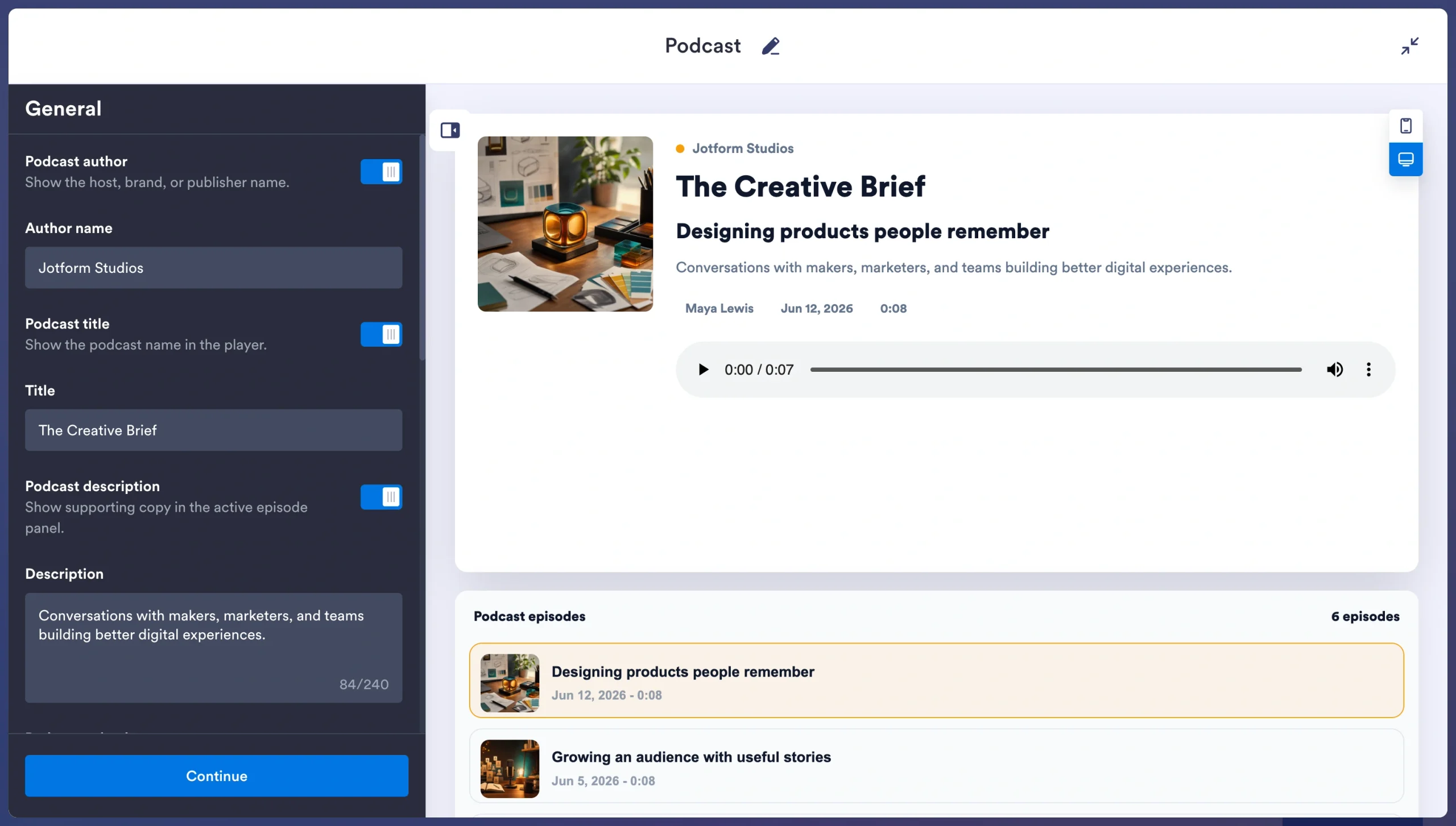
Beyond the Podcast Player Widget, Jotform offers audio widgets and other tools that allow you to add more front-facing features without overloading your back end. For live broadcasts, a radio player widget lets visitors listen without leaving your site. Whether you want to add a social feed, showcase reviews, share WordPress forms, or even create interactive e-commerce experiences, the platform can help you do it all without plug-ins.
Tired of overloading your WordPress dashboard with complex backend plug-ins? Explore the Jotform Website Widgets directory for tools that will keep your site lean.
This article is for WordPress site owners, podcasters, content creators, audio engineers, and digital marketers who want to stream audio episodes or full show feeds seamlessly on their website without dragging down page load speeds or straining local server bandwidth.





























































































Send Comment: