


Calibration Forms
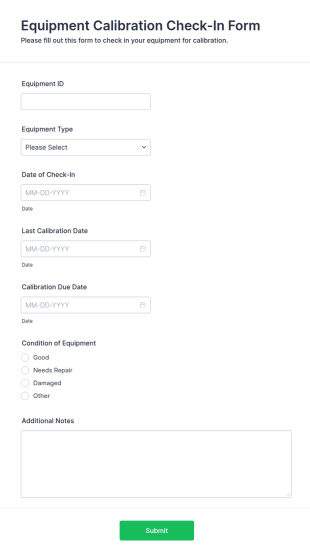
Equipment Calibration Check In Form
The Equipment Calibration Check-In Form helps businesses manage equipment calibration efficiently by recording essential details like equipment ID, calibration date, and technician information.
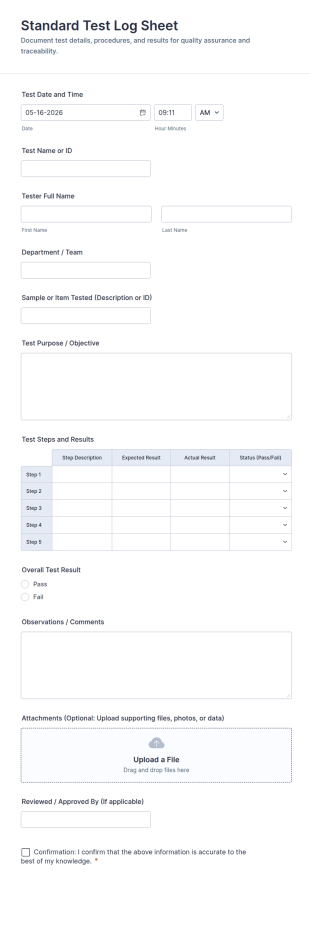
Go to Category:Application FormsStandard Test Log Sheet
Record routine tests consistently with the Standard Test Log Sheet Form Template for labs, QA teams, and operations, making data collection and review easier with Jotform.
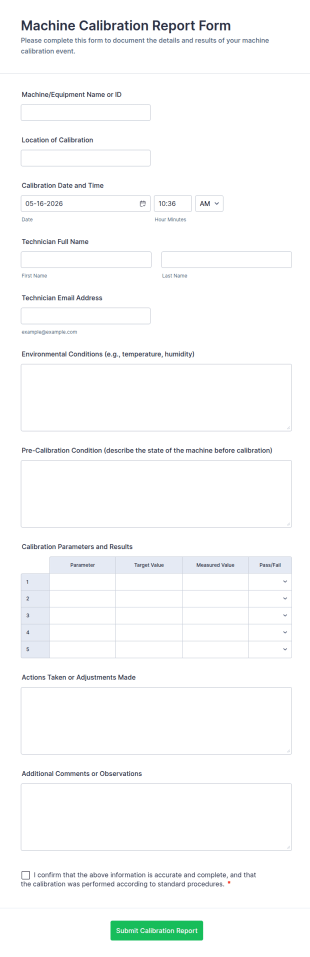
Go to Category:Calibration FormsMachine Calibration Report Form
Document equipment calibration activities with the Machine Calibration Report Form for consistent data collection across technicians and locations, and manage every form submission in Jotform for faster reviews and follow-ups.
Go to Category:Calibration Forms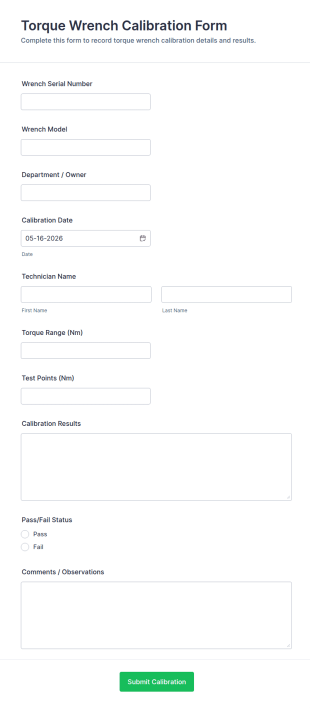
Torque Wrench Calibration Form
Track tool accuracy and document calibration outcomes with the Torque Wrench Calibration Form, ideal for maintenance, manufacturing, and quality teams that need consistent online records in Jotform.
Go to Category:Calibration Forms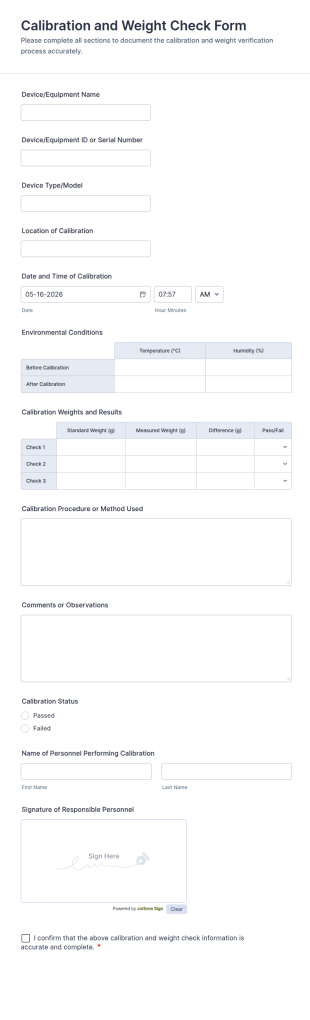
Calibration And Weight Check Form
Calibration and Weight Check Form Template for documenting equipment calibration records across labs, production, and field teams, including consistent data collection and tracked form submission in Jotform.
Go to Category:Calibration Forms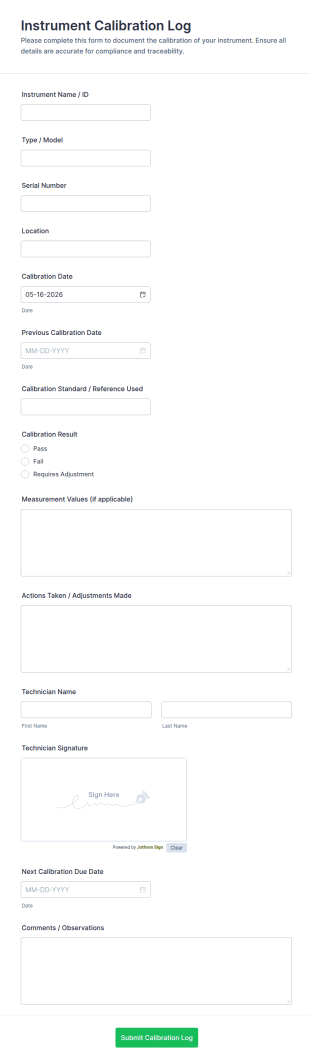
Instrument Calibration Log
Track equipment checks with the Instrument Calibration Log Form for consistent calibration records across labs, facilities, and maintenance teams, with simple online data collection and centralized form submission tracking in Jotform.
Go to Category:Calibration Forms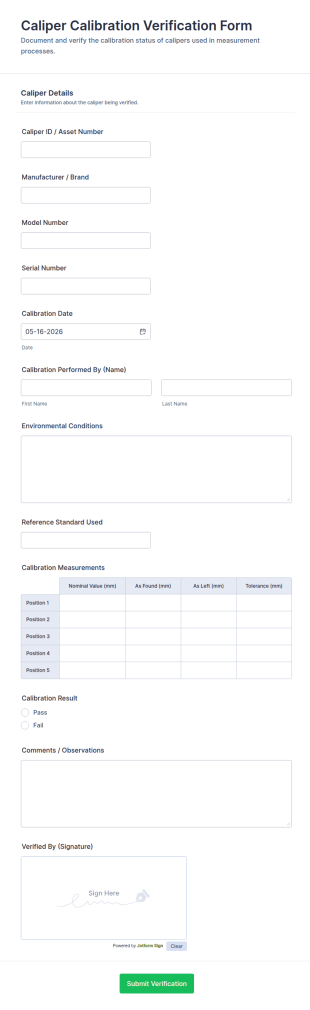
Caliper Calibration Verification Form
Caliper Calibration Verification Form helps manufacturers, labs, and quality teams document calibration checks and keep consistent records for equipment verification using Jotform.
Go to Category:Calibration Forms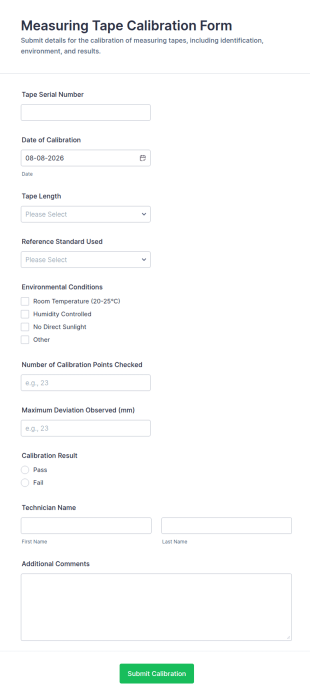
Measuring Tape Calibration Form
Measuring Tape Calibration Form helps maintenance and quality teams record calibration checks, standardize data collection, and keep clear calibration records across job sites or facilities using Jotform.
Go to Category:Calibration FormsGas Detector Calibration Certificate Form
Document gas detector maintenance and issue records with the Gas Detector Calibration Certificate Form, ideal for technicians and safety teams who need consistent calibration documentation across sites and departments.
Go to Category:Calibration Forms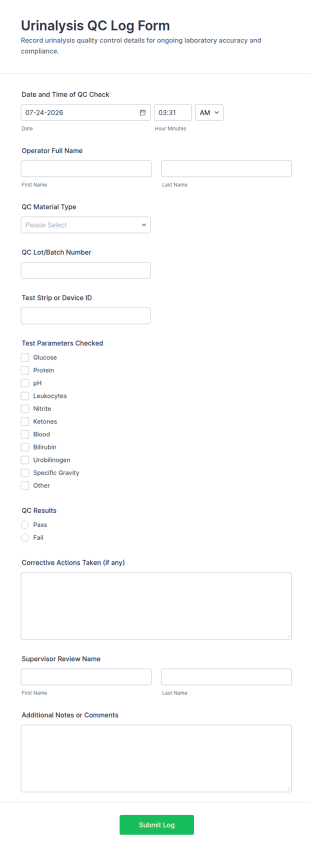
Urinalysis QC Log Form
Urinalysis QC Log Form helps labs record routine urinalysis quality control checks, standardize documentation across operators and shifts, and keep QC records organized in Jotform for reliable data collection.
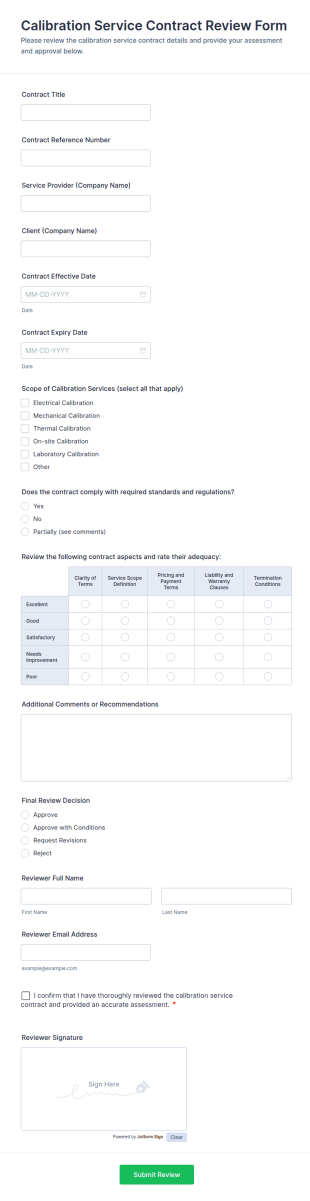
Go to Category:Laboratory FormsCalibration Service Contract Review Form
Collect and document calibration service contract approvals with the Calibration Service Contract Review Form in Jotform, helping quality, lab, and procurement teams standardize reviews, track decisions, and centralize data collection.
Go to Category:Calibration Forms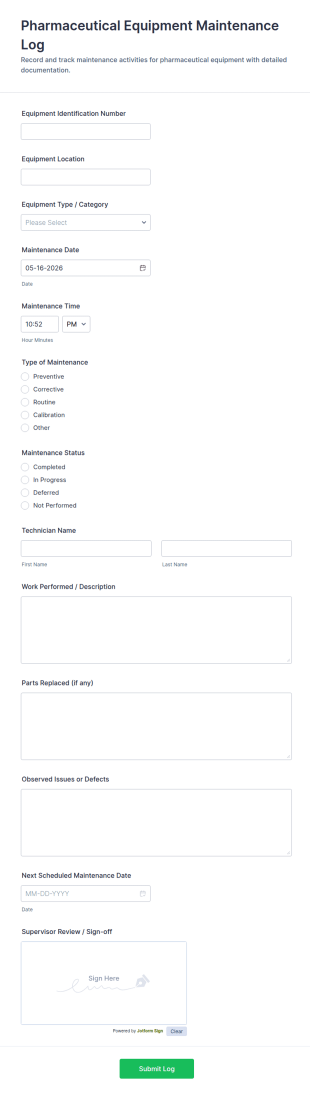
Pharmaceutical Equipment Maintenance Log
Track servicing and oversight for lab and production assets with the Pharmaceutical Equipment Maintenance Log FORM in Jotform, ideal for maintenance, operations, and QA teams that need consistent equipment records.
Go to Category:Equipment Maintenance Forms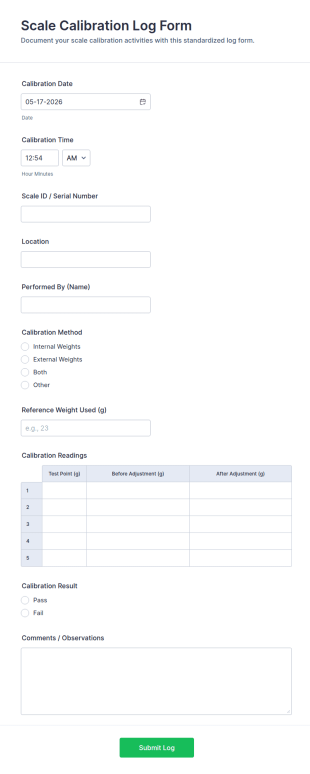
Scale Calibration Log Form
Track routine scale checks with the Scale Calibration Log Form for consistent data collection across sites, capturing calibration records in one place with Jotform form templates for labs, warehouses, and production teams.
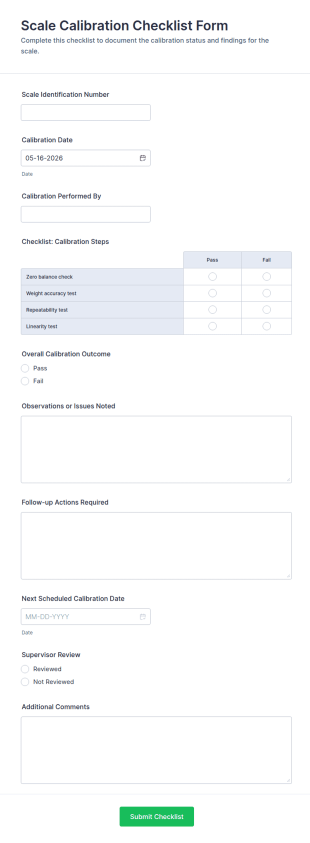
Go to Category:Calibration FormsScale Calibration Checklist Form
Scale Calibration Checklist Form helps teams record calibration activity, track outcomes, and organize quality documentation for scales across facilities using Jotform.
Go to Category:Calibration Forms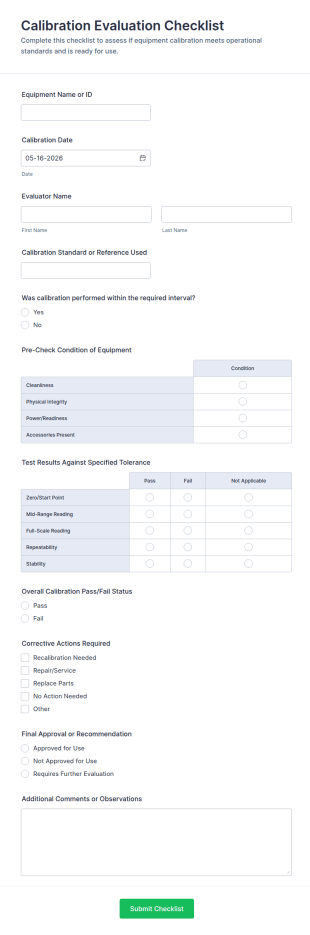
Calibration Evaluation Checklist
Calibration Evaluation Checklist Form helps teams record calibration outcomes, track corrective actions, and standardize equipment reviews for labs, manufacturing, and maintenance using Jotform.
Go to Category:Calibration Forms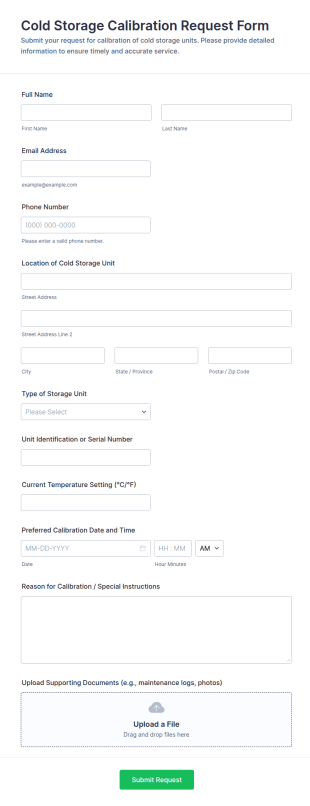
Cold Storage Calibration Request Form
Cold Storage Calibration Request Form helps labs, hospitals, warehouses, and food facilities submit and track cold storage calibration requests with accurate unit details and preferred service dates.
Go to Category:Calibration Forms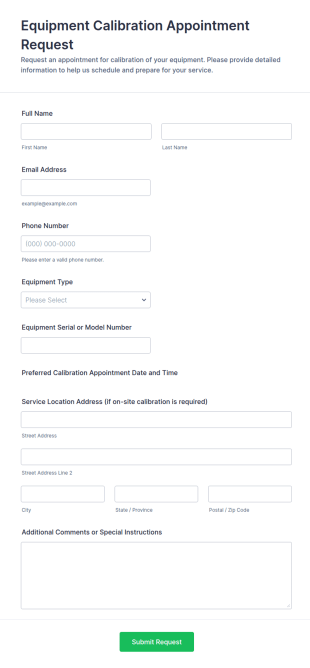
Equipment Calibration Appointment Request
Equipment Calibration Appointment Request Form helps labs, manufacturers, and service providers collect equipment details, preferred dates, and locations to organize and schedule calibration appointments efficiently.
Go to Category:Appointment Forms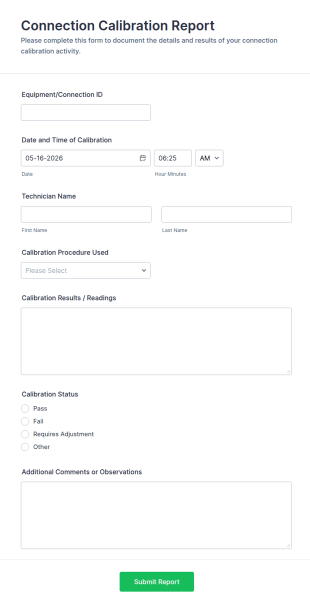
Connection Calibration Report
Connection Calibration Report Form standardizes how technicians record equipment IDs, procedures, results, and status for each calibration, helping engineering and maintenance teams keep accurate, searchable records.
Go to Category:Calibration Forms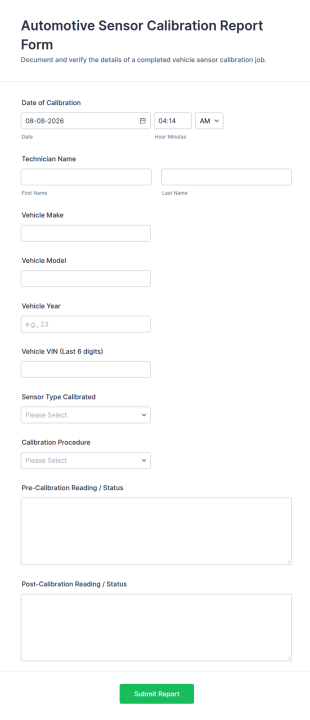
Automotive Sensor Calibration Report Form
Automotive Sensor Calibration Report Form helps service teams document completed calibration work, standardize reporting across technicians, and keep data collection organized through Jotform Form Templates and form submissions.
Go to Category:Automotive Forms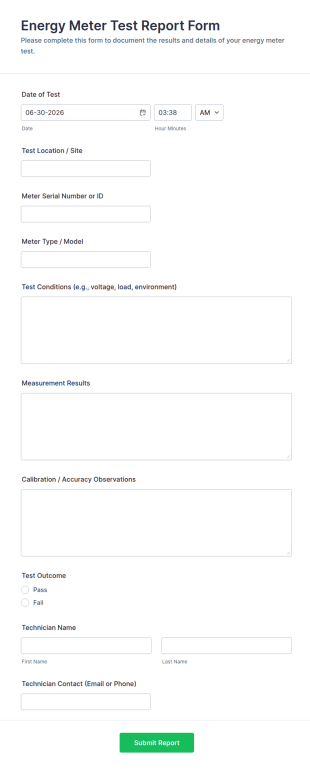
Energy Meter Test Report Form
Collect and standardize energy meter testing documentation with the Energy Meter Test Report Form, ideal for utilities, electricians, and facility teams managing field or lab test reporting and data collection in Jotform.
Go to Category:Calibration Forms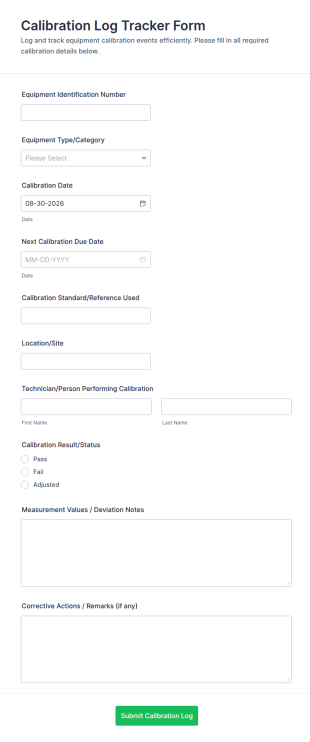
Calibration Log Tracker
Calibration Log Tracker Form helps maintenance, quality, and lab teams document equipment calibration activity, monitor due dates, and centralize records for better traceability across sites using Jotform.
Go to Category:Calibration Forms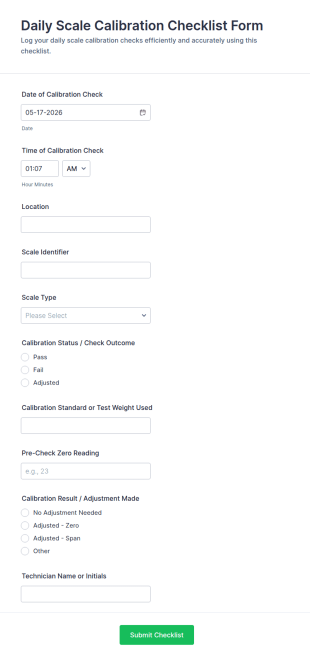
Daily Scale Calibration Checklist Form
Record daily scale calibration checks by location and equipment so teams can track outcomes, improve consistency, and keep accurate measurement logs using Jotform Form Templates.
Go to Category:Calibration Forms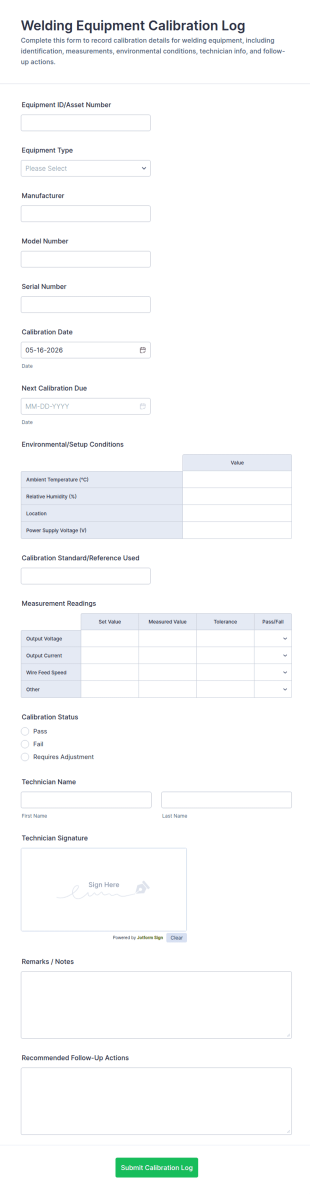
Welding Equipment Calibration Log Form
Track welding tool calibration history with the Welding Equipment Calibration Log Form by Jotform, built for maintenance and fabrication teams to standardize data collection and keep schedules consistent across equipment.
Go to Category:Calibration Forms
Calibration Lab Audit Checklist
Calibration Lab Audit Checklist Form supports consistent lab audit documentation, findings tracking, and sign-off for calibration teams and quality managers using a ready-to-customize Jotform template.
Go to Category:AuditAbout Calibration Forms
Calibration forms are structured documents used to record, verify, and manage calibration activities for instruments, tools, and measurement equipment. They help teams document calibration schedules, methods, results, and approvals so equipment stays accurate, reliable, and compliant with internal standards or industry requirements. Calibration forms are commonly used in manufacturing, laboratories, healthcare, engineering, quality assurance, and field service environments for equipment like scales, gauges, sensors, lab instruments, and testing devices. By standardizing calibration documentation, these forms reduce measurement errors, support audit readiness, and help organizations maintain consistent quality.
With Jotform, calibration forms can be created quickly using a no-code, drag-and-drop Form Builder and customized for different equipment types and calibration procedures. Conditional logic can show the correct fields based on instrument category or calibration outcome, and file upload fields can collect calibration certificates, reference readings, and supporting documents. Submissions are stored in Jotform Tables, making it easy to track calibration status by asset ID and due date. Automated notifications can alert teams when calibration is due or when equipment fails calibration and needs corrective action.
Use Cases of Calibration Forms
Calibration forms support equipment accuracy management, preventive quality controls, and compliance tracking. Below are common ways these forms are used and the challenges they help solve.
Possible Use Cases:
- Scheduled calibration logs for instruments and measuring devices
- Calibration checklists and procedure documentation
- Calibration result reporting and pass fail tracking
- Calibration certificate collection and record storage
- Out-of-tolerance reporting and corrective action tracking
- Calibration schedule planning and due date reminders
Problem-Solving Points:
- Ensure equipment readings remain accurate and consistent
- Create audit-ready calibration records with clear timestamps
- Help prevent quality issues caused by measurement drift
- Support planning by tracking calibration due dates and failures
Possible Owners and Users:
- Quality assurance and compliance teams
- Lab technicians and engineers
- Maintenance and metrology teams
- Operations managers and supervisors
- Vendors providing calibration services
Differences of Creation Methods:
- Calibration scheduling and due-date forms focus on equipment ID, calibration frequency, next due date, responsible owner, and service provider assignment.
- Calibration procedure and results forms emphasize reference standards, measured readings, tolerance limits, pass-fail outcomes, and technician sign-off fields.
- Out-of-tolerance and corrective action forms prioritize failure details, impact assessment, equipment status (in service/out of service), and required follow-up actions with documentation uploads.
How to Create a Calibration Form
Creating a calibration form with Jotform helps you standardize calibration documentation and keep calibration records organized by asset.
1. Choose a Template or Start from Scratch
In My Workspace, click “Create” and select “Form.” Start with a maintenance or QA log template and customize it for calibration.
2. Add Equipment Identification Fields
Collect asset ID, instrument name, serial number, location, and department. Include calibration frequency and due date fields.
3. Capture Calibration Method and Readings
Add fields for reference standard used, procedure notes, readings, tolerance limits, and results. Use structured tables or repeating sections when multiple readings are required.
4. Use Conditional Logic for Failures
If the calibration fails, show additional fields for corrective action, retesting plans, and equipment removal decisions.
5. Collect Certificates and Attachments
Use file upload fields for calibration certificates, vendor documents, and evidence files.
6. Publish and Track Records in Jotform Tables
Store submissions in Tables and filter by asset ID, calibration status, due date, and technician.
Frequently Asked Questions
1. What are calibration forms?
Calibration forms are documents or online forms used to record and manage calibration activities for instruments and measurement equipment.
2. Why are calibration forms important?
They help maintain measurement accuracy, prevent quality issues, and provide clear records for compliance and audits.
3. What information is typically included in calibration forms?
Common fields include equipment ID, calibration date, reference standards, readings, tolerance limits, results, technician sign-off, and attachments like certificates.
4. Who uses calibration forms?
QA teams, lab technicians, metrology teams, engineers, maintenance staff, and calibration vendors may use calibration forms.
5. What happens if equipment fails calibration?
Many workflows require documenting the failure, removing the equipment from service, and tracking corrective action and re-calibration steps.
6. Can calibration forms store calibration certificates?
Yes. Jotform supports file uploads so certificates and vendor documents can be stored with the submission record.
7. Can calibration forms help track due dates?
Yes. Forms can collect due-date fields and teams can use Tables and notifications to manage upcoming calibration schedules.
8. Can calibration forms be customized for different equipment types?
Yes. Conditional logic and custom fields can tailor calibration questions based on instrument category, procedure, and tolerance requirements.