
Top image slider plug-ins
Visual sliders grab a visitor’s attention from the moment they land on your page. But they’re notoriously hard to create on WordPress, especially if you’re not experienced with CSS or JavaScript. That’s why some site administrators use third-party plug-ins for their landing page carousels.
However, plug-ins aren’t always optimal, often killing website performance with huge animation libraries and heavy code. Some cause Cumulative Layout Shift issues that hurt your site’s rankings and conflict with modern image optimization plug-ins.
Before turning your landing page carousel over to a third-party plug-in, consider a lightweight alternative: the Jotform Image Slider Widget. It’s a serverless, maintenance-free solution that embeds into any Gutenberg block or page builder with a simple copy-paste code. The Jotform Image Slider Widget is fully customizable, so you can select fonts, colors, and styles that match your page.
But what if you’re not 100 percent sure whether Jotform is for you? That’s where this roundup of WordPress image slider plug-ins can help. Use it to understand what’s available and decide whether Jotform is the better option.
| Best for | Price | Customization | Touch responsiveness | |
|---|---|---|---|---|
 MetaSlider |
Basic image sliders on free WordPress themes |
Free. Paid plans start at $39.50/year. |
Individual styling with CSS code. A drag-and-drop editor is available with a paid plan. |
Yes |
 Carousel Slider Block for Gutenberg |
Themes using the Gutenberg editor |
Free |
Individual styling with CSS code. Documentation is available for support. |
Yes |
 Carousel Slider |
Everyday image, video, and product carousels |
Free |
Options to adjust height, width, colors, and fields. |
Yes |
 GutSlider |
Advanced animated/dynamic sliders with drag-and-drop editing |
Free. Paid plans start at $99 for lifetime use. |
Options to adjust padding, height, width, text, colors, delays, fonts, and positions. |
Yes |
 Soliloquy |
Specialized image carousel needs (PDFs, lightbox, WooCommerce) |
Free. Paid plans start at $39/year. |
Options to adjust height, width, padding, text, colors, and transitions. Advanced CSS styling available. |
Yes |
1. MetaSlider
With over 500,000 active installations and a 4.6/5* rating, MetaSlider is the leading WordPress plug-in for image and carousel sliders. It’s fully compatible with most themes that use the Gutenberg editor, as well as page-builder plug-ins such as Elementor and Divi.
MetaSlider’s image slider tools let you combine multiple images into a single slider, complete with a caption and link. It matches your site design, so you won’t need to worry about odd borders or styles that don’t align with your theme.
The free plan has powerful features, but you will need some basic CSS skills to add WordPress slider shortcodes for customization. Advanced styling with a drag-and-drop editor is possible only with a MetaSlider Slideshow Pro subscription.
MetaSlider aims to keep page bloat minimal while still providing lots of features. And while it is fully compatible with most free WordPress themes, some users do experience conflicts. It’s best to test the plug-in with your website before committing to a paid subscription.
2. Carousel Slider Block for Gutenberg
The Carousel Slider Block has over 50,000 active installations and an average rating of 4.8/5.* Its focus is hero, testimonial, and logo sliders for WordPress sites using the Gutenberg block editor. The tool is fully responsive, so images adjust to fit your user’s screen size.
With the Carousel Slider Block, you can add an unlimited number of slides to any block. It’s fully responsive and touch-enabled and includes controls to help you customize how the carousel appears. For example, by enabling “Pause on hover,” the slideshow stops while visitors read the content, then resumes. You can also set slide speeds and designate the number of slides to scroll at one time.
The main drawback of the Carousel Slider Block is that it lacks a drag-and-drop editor, so you’ll need to edit the CSS to fit your site’s colors, fonts, and styles. The developer provides documentation to help with this, but it still requires a bit of work, especially if you’re not tech-savvy.
3. Carousel Slider
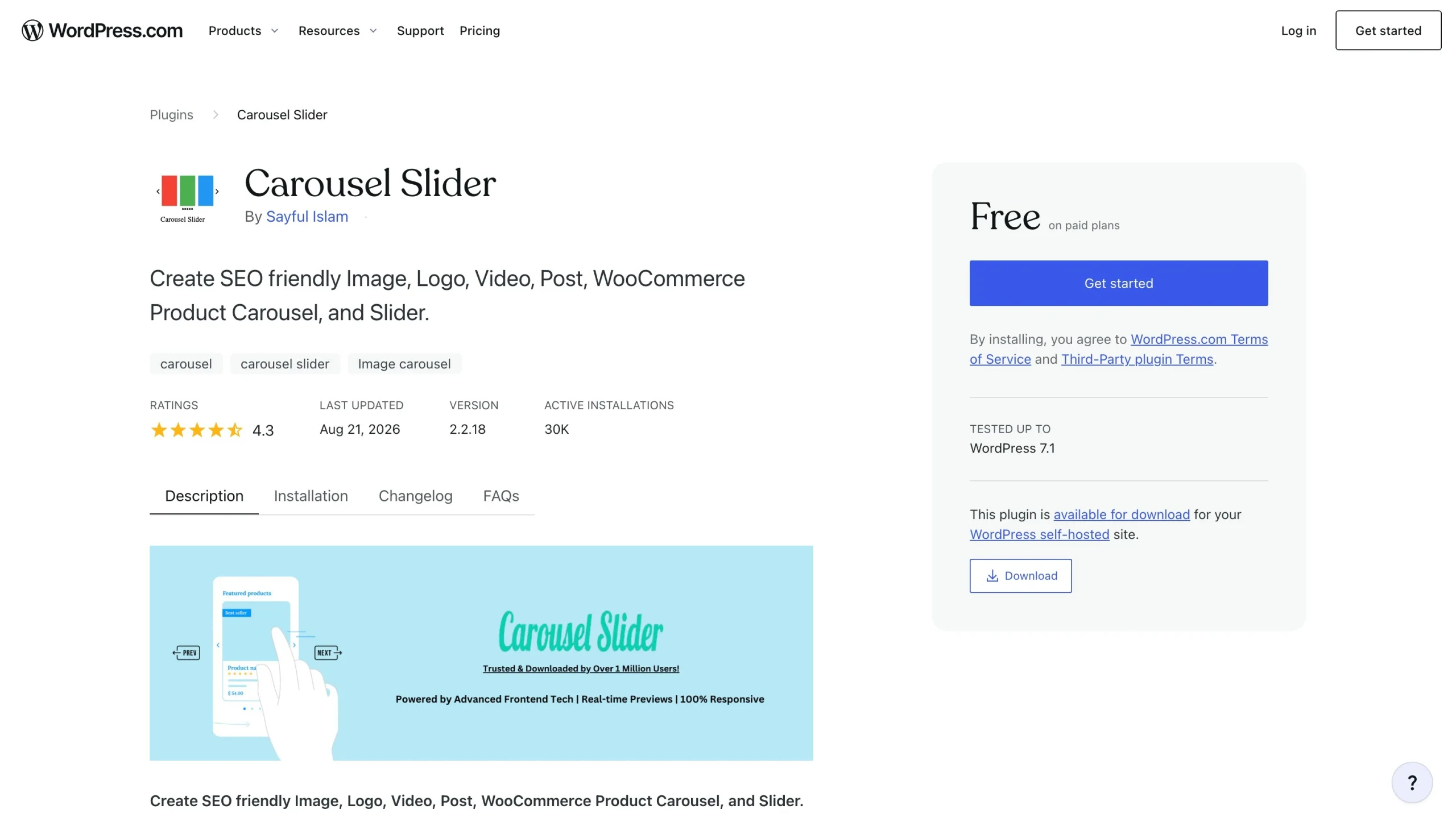
Carousel Slider provides hero, carousel, post, and video sliders suitable for everyday website requirements. It’s one of the top free responsive image sliders for WordPress, with over 30,000 active installations and an average rating of 4.3/5.*
You can use Carousel Slider with most WordPress builders, including Gutenberg, Elementor, and Divi Builder. It’s lightweight and loads images and content only when a visitor is actively using your page. The tool is fully responsive and is enabled for touch and grab.
Each slider includes the fields and features you’d expect. For example, hero sliders include background images, titles, descriptions, and a call-to-action button. Carousels support media of all types, including images, YouTube and Vimeo videos, social media posts, and WooCommerce products. You can add multiple carousels to the same page, which is useful for e-commerce sites.
The main drawback of Carousel Slider is its limited customization options. While you can hide and remove fields, extensive styling of padding, animations, and effects aren’t available.
4. GutSlider
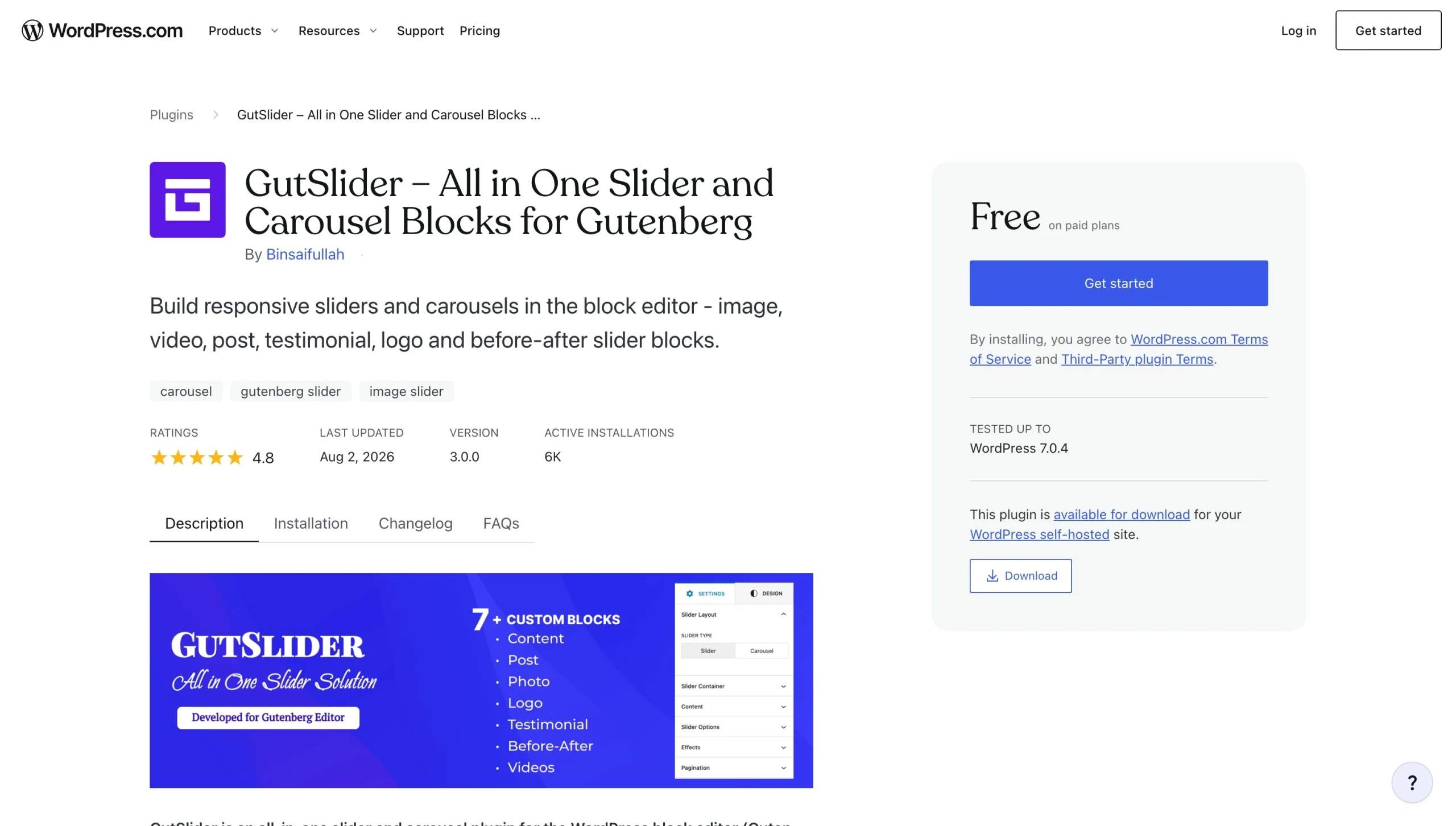
GutSlider is a true no-code banner slider for WordPress. This plug-in installs blocks that you can customize with the Gutenberg editor without any CSS adjustments. It has over 5,000 active installations and a 4.8/5 rating.*
With GutSlider, the emphasis is on speed and ease of use. Instead of using jQuery, which is known for slowing page load times because of its heavy file size, GutSlider uses Swiper JS and minimal CSS. Scripts and styles load only when a user interacts with them. Because slider blocks are built with Gutenberg components, you can adjust settings directly within your WordPress editing dashboard.
The free version of GutSlider includes support for basic sliders, including photo carousels, hero sliders, testimonial and logo sliders, video carousels, blog post sliders, and marquees. Upgrading to the Pro version gives you far more options, including product carousels, 3D sliders, and animated/dynamic sliders.
While GutSlider claims to work with all block and classic themes, testing was limited to the most popular WordPress themes. If you’re using a more obscure theme, test the plug-in thoroughly before integrating it into your site. Support is limited to the plug-in’s WordPress forum, with no guarantee of a prompt response.
5. Soliloquy
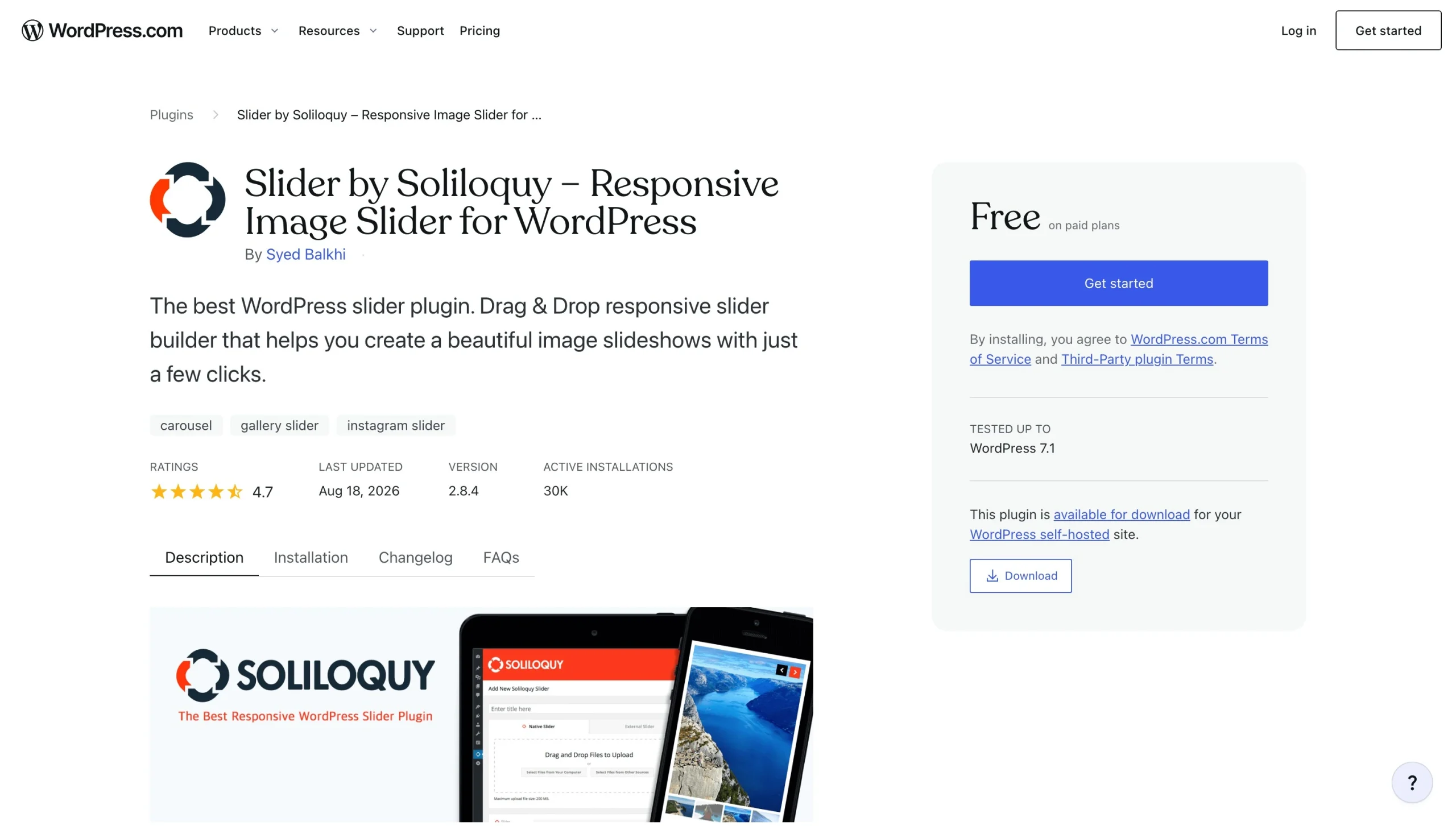
Soliloquy is a touch swipe slider plug-in for WordPress. It provides free sliders for nearly any use, including image and video carousels, Instagram and Pinterest posts, and PDFs. It uses a drag-and-drop editor, so you don’t need any coding expertise to use it, and advanced styling with CSS is also available.
Soliloquy is installed on over 30,000 websites and has an average rating of 4.7/5.* Clients say it’s easy to navigate and blends in with the WordPress user interface.
A few features make Soliloquy stand out. One is its image protection tool, which prevents visitors from downloading copies of your photos. This is a welcome option for photographers and designers who want to protect their work. Other uncommon features include custom HTML slides, which are ideal for quotes, and lightbox support, which allows users to view images in full-screen mode.
The main downside of Soliloquy is its cost. Basic features are available with the free plug-in, but you’ll need to upgrade to a paid plan to access slider templates, custom CSS, image protection, and dynamic sliders. Unlike other solutions, Soliloquy doesn’t offer a lifetime purchase option; users must pay annually.
Speed up your visual layouts with a serverless image slider widget
After trying a few WordPress plug-ins, you’ll likely reach some conclusions: The strongest features are hidden behind paywalls, and tools aren’t always compatible with your theme. That’s why we recommend the Jotform Image Slider Widget as the best WordPress slider plug-in.
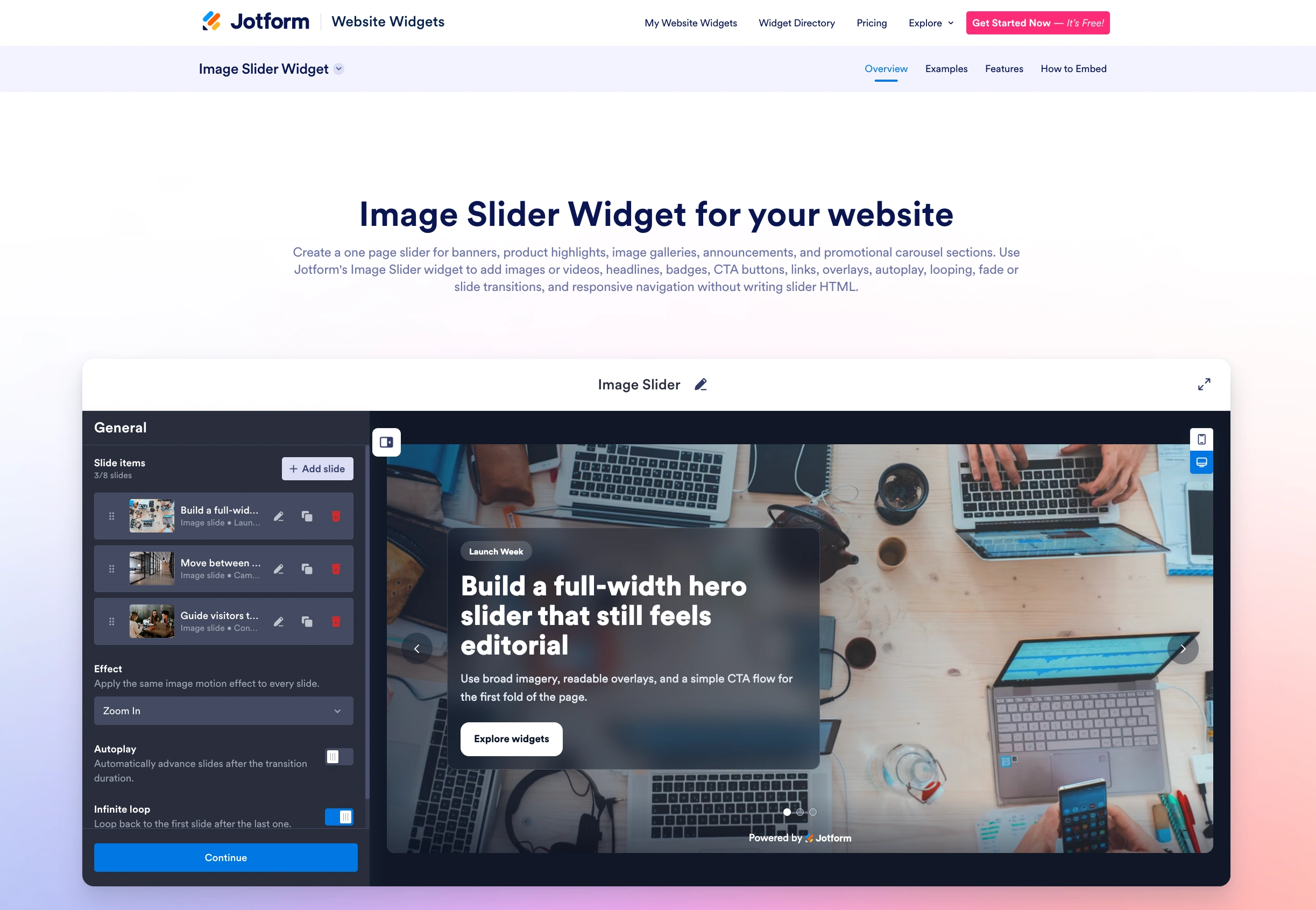
Our widget handles image transitions and carousel animations in an off-server, cloud-hosted environment, so they don’t impact your Core Web Vitals. Pages load fast and scale flawlessly on mobile devices. You also don’t have to worry about breaks in your theme layout when WordPress releases a new core update.
Rather than overloading your WordPress dashboards with random plug-ins, explore Jotform Website Widgets. You’ll find over 150 tools that enhance your site’s interface, such as our Video Gallery Widget and Popup Widget. These tools take only a few minutes to set up and blend seamlessly into your site.
We also offer a full Jotform WordPress integration. With it, you can access WordPress forms that allow you to conveniently collect customer data and payments.
Learning how to use WordPress is hard enough. Jotform simplifies the tedious tasks so you can focus on driving customers to your website. Set up a free account to start exploring Jotform today!
* Ratings and installation numbers reflect statistics at time of writing.
This article is for WordPress site owners, photographers, e-commerce brands, portfolio curators, and web designers who want to showcase beautiful image carousels or rotating banners on their website without slowing down loading speeds or causing visual layout shifts.


































































































Send Comment: