
Top 5 RSS feed plug-ins
Lately, you’ve thought about adding an RSS feed to your site to give your visitors access to real-time industry news. Having relevant articles at their fingertips could encourage your followers to engage more frequently, and it establishes your authority as a leader in your space.
However, there are a few downsides. Most RSS feeds are available through WordPress plug-ins, which may slow down your site and drain server resources, and some aren’t reliable. If you’re learning how to use WordPress, you may want to steer clear of them until you understand how they impact your site’s performance.
The Jotform RSS Feed Widget is an efficient workaround. It’s a cloud-hosted alternative that renders feeds off-server. It’s also fully customizable, so you can add the RSS feeds of your choice and tailor how articles appear.
This guide will help you compare options. We look at the best RSS feed plug-ins for WordPress and explain Jotform’s benefits, so you can pick the option that best suits your use case.
| Plug-in | Best for | Price | Layout flexibility |
|---|---|---|---|
 Super RSS Reader |
Classic WordPress sites |
Free; paid plans start at $25 annually |
Vertical layout; some styling options |
 Feedzy RSS Feeds Lite |
News aggregator websites that need up-to-date content |
Free; paid plans start at $99 annually |
Embeds RSS content into blocks, posts, or pages |
 Nokko RSS Aggregator |
Sites with limited RSS design customization needs |
Free |
Featured, grid, list, newspaper, or masonry layouts |
 Redefined Zero Post Scrollers |
Investment or news sites that need real-time stock price data |
Free; paid plans start at $35.88 annually |
Horizontal or vertical dynamic scrolling |
 RSS Content Curator |
Content discovery |
Free |
None. Content is displayed as a draft; you can rewrite it and include your own unique insights. |
1. Super RSS Reader
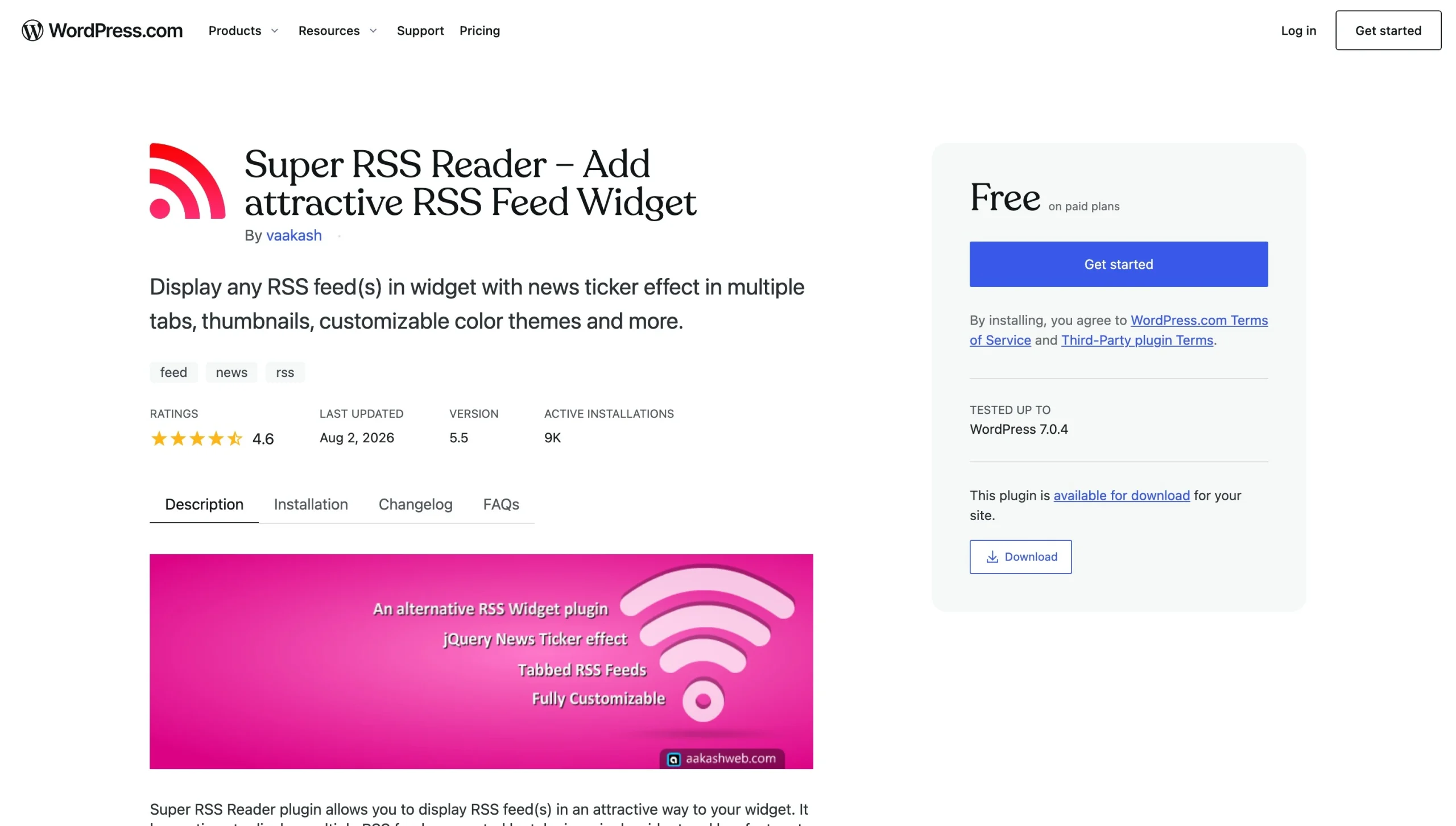
Super RSS Reader connects your website with multiple RSS feeds and displays them in a customized format. It categorizes feeds by tabs, so visitors can pick the one they want to view. Currently, the tool has over 9,000 active installations and a 4.6/5 rating.*
The free version provides a custom RSS block for WordPress and several styling options, such as color themes and thumbnail alignment. You can also choose whether you want to display your feed by date or randomly.
Upgrading to the paid version unlocks more features, including grid or paginated display options, keyword filtering, and merging multiple feeds with RSS news feed shortcodes. You also can access additional color themes.
The tool retrieves new content every 12 hours by default. This limits your server load while providing timely content. You can change the retrieval period if you want feeds to update faster.
Super RSS Reader is built for WordPress themes that support widgets. Generally, these are sites using the Classic Editor. If you’re using the Gutenberg editor, this plug-in may not work for you.
2. Feedzy RSS Feeds Lite
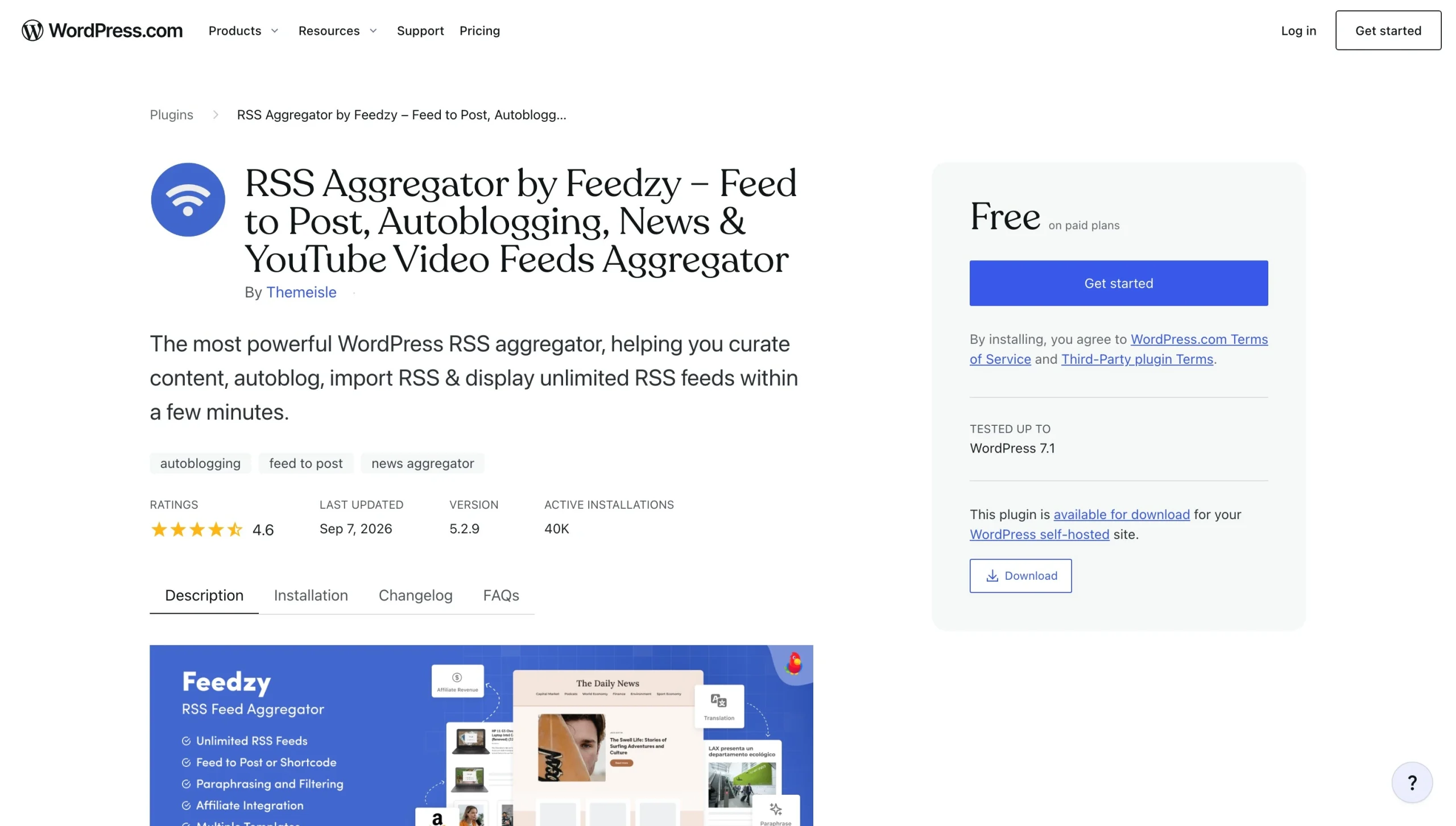
Feedzy is an RSS aggregator with over 40,000 active installations and average reviews of 4.5/5. Its primary feature is the import tool, which embeds RSS feeds in WordPress blocks, posts, or pages. You can add an unlimited number of feeds and filter posts.
Feedzy’s free plan is basic, but its paid plans deliver more benefits. Depending on your plan you choose, you can use additional smart filters and paraphrasing tools that help you publish unique content. Feedzy also pulls from YouTube, which is helpful if you regularly share videos and want your site to import them.
3. Nokko RSS Aggregator
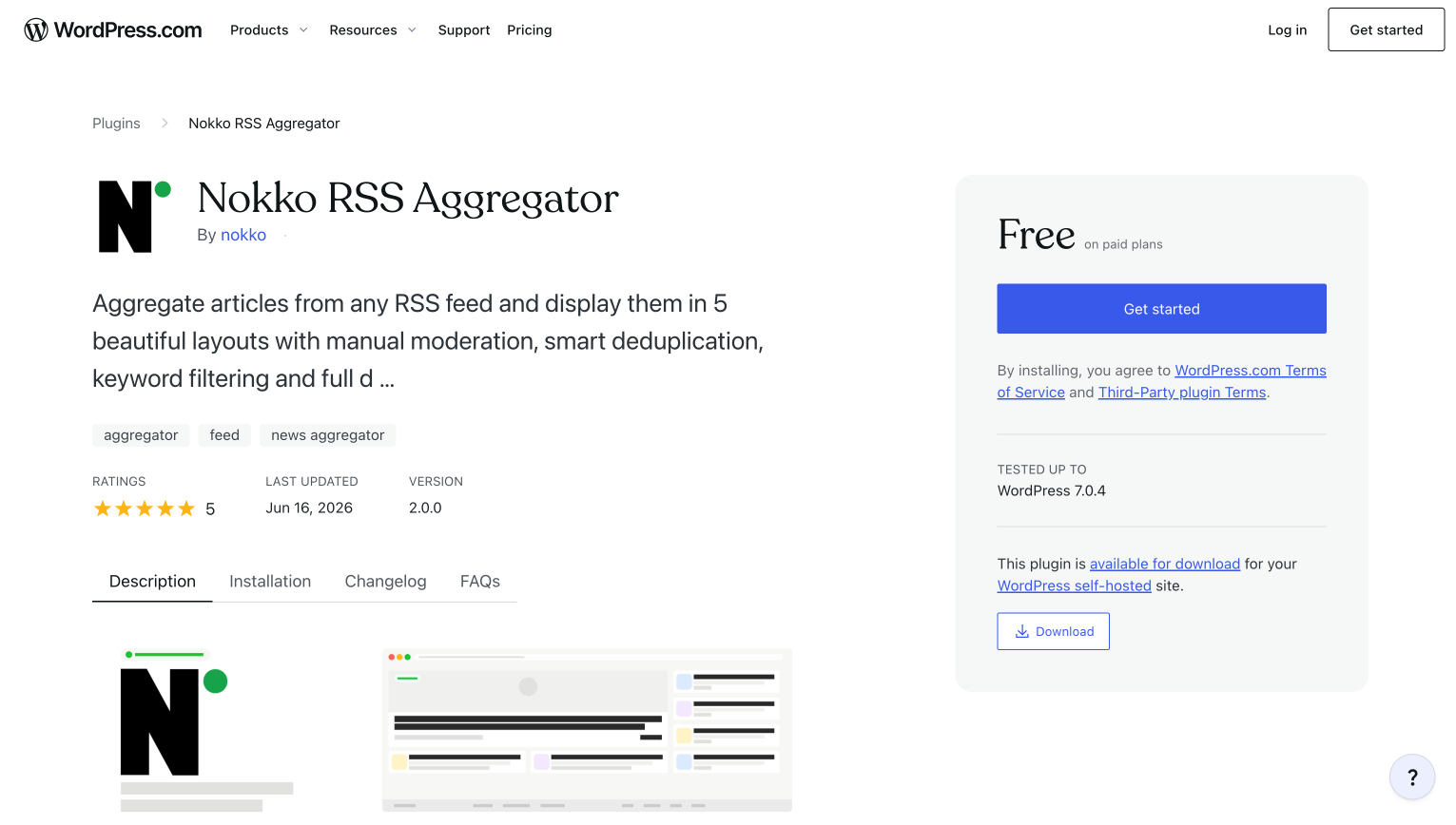
The Nokko RSS Aggregator is a free plug-in for WordPress. It’s a newer, popular tool; reviews average 5/5. It offers simple tools that allow you to import content extracts from RSS feeds. Visitors can click a link to the source to view the full article.
There is no limit to the number of feeds you can subscribe to, and you can select from five display layouts. Other useful features include keyword exclusion, which blocks articles that contain specific words, and smart deduplication, which prevents the same story from loading multiple times from different sources.
By default, Nokko RSS Aggregator refreshes content every 30 minutes. However, settings allow you to change the refresh rate to times ranging from five minutes to 24 hours.
Nokko lacks the deep customization that some other tools offer. This may make it difficult to blend RSS content in with your website’s colors and fonts.
4. Redefined Zero Post Scrollers
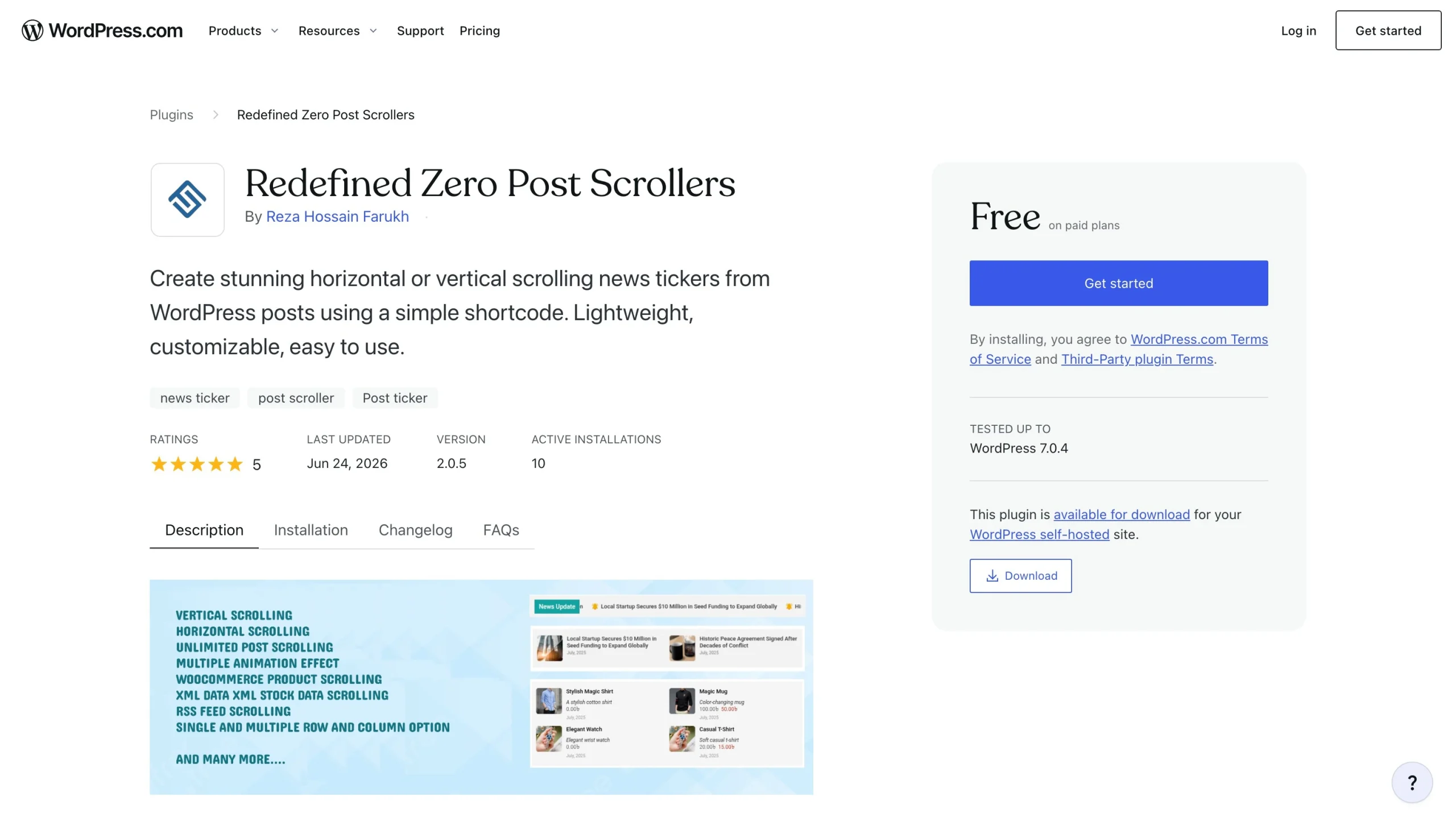
Most RSS feed tools format articles as a standard vertical list. But Redefined Zero Post Scrollers offers dynamic scrolling in a horizontal or vertical setup. Current reviews for the tool are 5/5, indicating strong satisfaction among site administrators.
The free version displays your own blog posts and provides basic animations, such as slides and fades. To access the RSS feed and stock ticker capabilities, you’ll need to upgrade to the Ultimate paid plan, which starts at $59.88 annually.
Is the upgrade worth it? It depends on your use case. Stock market and exchange data is useful for investment-oriented blogs and news sites. However, if your focus is RSS feed curation, you may want to consider other options.
5. RSS Content Curator
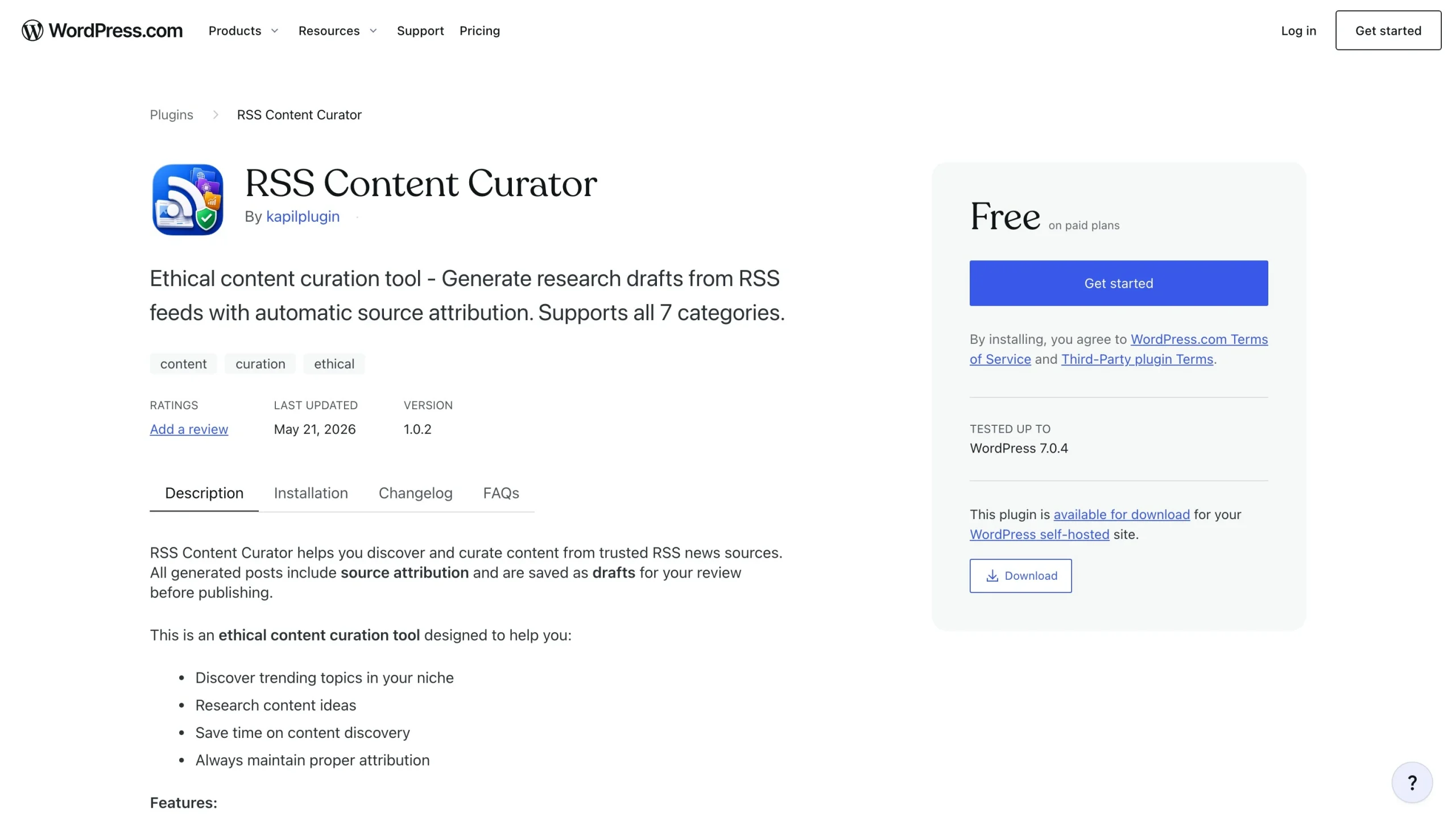
If you use RSS feeds for content discovery, you can’t go wrong with the RSS Content Curator. This WordPress RSS feed widget pulls articles across seven categories: technology, business, science, sports, entertainment, health, and general. While this is a new tool, it stands out from other solutions because of its emphasis on privacy and source attributions.
RSS Content Curator includes a filter tool, enabling you to target specific keywords or topics. When it finds content that fits your requirements, the widget transfers it to a draft post, where you can rewrite it with your own insights before publishing. RSS Content Curator automatically links to the source.
While the RSS Content Curator doesn’t publish an automated RSS feed on your website, it is useful for finding authoritative content in your niche. This is especially helpful if you’re an industry leader in the health, business, or technology sectors.
Streamline your content feeds with a cloud-hosted RSS feed widget
Finding a suitable RSS feed plug-in directly on WordPress can be challenging. There are hundreds of options to sort through, and some are outdated. For others, there’s a risk that the developer will stop supporting it or that it will fail whenever WordPress releases a core update.
That’s where the Jotform RSS Feed Widget reveals its value. We host our tools off-server, so they don’t fail when WordPress updates, weigh down your site database, or slow your loading speeds. Plus, Jotform offers multiple layout, color, and font customizations, which most plug-ins include only with a paid subscription. Setting it up takes just a few steps. Here’s how to add an RSS feed to your website.
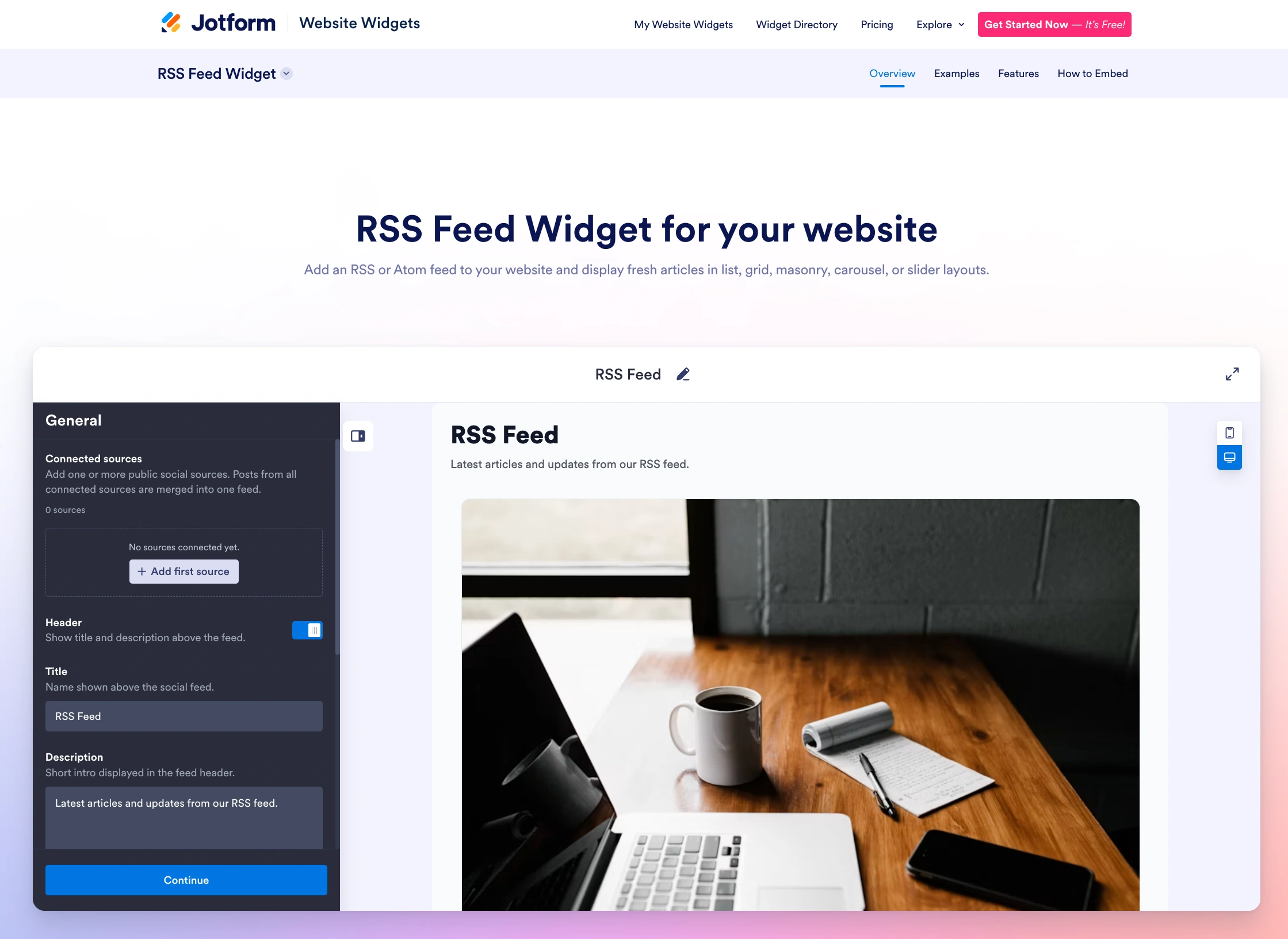
Instead of using plug-ins for your RSS feed needs, consider the Jotform solution. In addition to our RSS Feed tool, we offer over 150 Jotform Website Widgets that extend your site’s functionality. For example, our Social Feed Widget displays the latest posts from your social media accounts, while our Feedback Widget encourages visitors to share their insights when they visit your page.
Jotform’s WordPress integration also gives you access to our WordPress forms, which you can share on your website to collect customer information. You can store that data in your preferred repository, such as a Google Sheets or Microsoft Excel worksheet.
With Jotform, you can free your site from heavy plug-ins while elevating its style and utility. To explore more of our tools, create a free Jotform account today!
This article is for WordPress site owners, bloggers, news publishers, and content curators who want to aggregate external news feeds, blog posts, or social streams directly onto their site without slowing down page loading times or overloading their hosting servers.




































































































Send Comment: