
Top 5 photo gallery plug-ins
No matter your profession or industry, you likely know the value of visuals on your website. A thoughtfully designed image gallery doesn’t just showcase your work and products; it also encourages people to spend more time on your site and boosts engagement. Of course, that depends on the quality of your galleries.
While WordPress photo gallery plug-ins can help you embed photos on your site, they’re notoriously heavy. Plug-ins typically provide rich layouts by loading large CSS style sheets and JavaScript libraries on your website. They can cause Cumulative Layout Shift (CLS) errors, server strain, and compatibility issues with image optimization or lazy-loading setups, sometimes even affecting pages without galleries.
Luckily, tools such as the Jotform Photo Gallery Widget reduce website bloat by handling gallery rendering and masonry structures completely off-server. What’s more, the widget doesn’t require complex setup and installation; it embeds galleries on WordPress pages with quick copy-and-paste codes.
If you’re still on the fence about transitioning to widgets, the following quick look at some of the best WordPress gallery plug-ins in 2026 can help you weigh your options. We also explore why a lightweight alternative such as the Jotform Photo Gallery widget may be your smartest choice.
| Best for | Price | Customization | Grid flexibility | |
|---|---|---|---|---|
 Envira Gallery |
Photographers, brands, and artists who want a beginner-friendly plug-in |
Free plan; paid plans from $79/year |
High |
Great; includes justified, masonry, mosaic, grid |
 Modula Image Gallery |
Creatives and brands that want highly customizable galleries |
Free plan; premium licenses from $39/year |
Very high |
Great; includes creative grid, custom grid, masonry |
 FooGallery |
Users seeking a solution that delivers strong performance on free version |
Free plan; premium tiers from $39.99/year |
High |
Excellent; includes masonry, justified, simple portfolio, carousel, single thumbnail, image viewer, responsive, polaroid, spotlight, slider, grid |
 Portfolio Filter Gallery |
Photographers, agencies, freelancers, and designers who want to showcase categorized portfolios |
Free core version; premium from $49/year |
High |
Great; includes masonry, packed, justified, grid |
 NextGEN Gallery |
Photographers who want a unified image management ecosystem |
Free plan; premium plans from $139/year |
Very high |
Excellent; includes mosaic, thumbnail, slideshow, tiled, masonry, filmstrip |
1. Envira Gallery
Best for: Photographers and brands looking for a responsive image gallery WordPress plug-in with drag-and-drop functionality
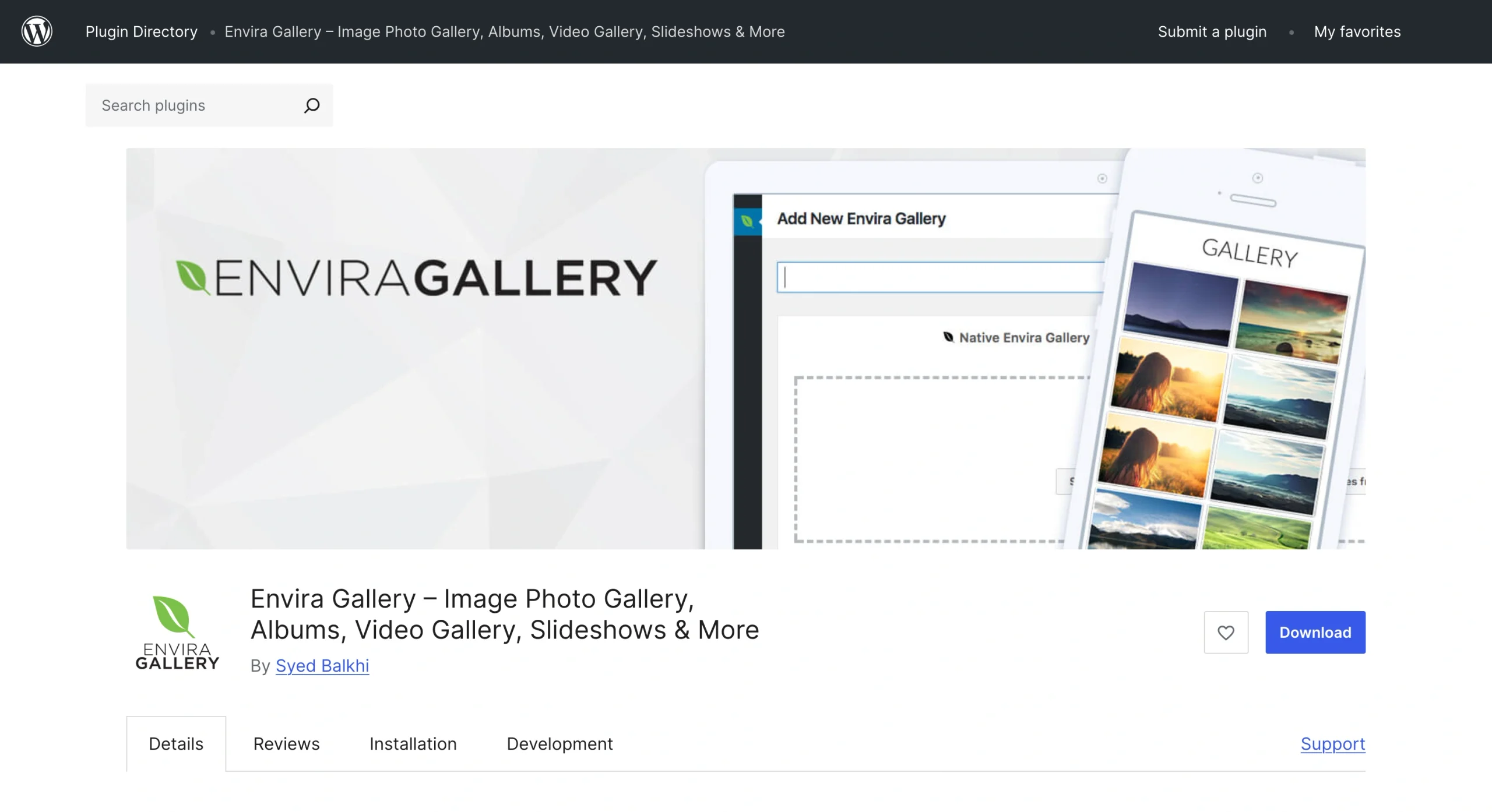
Envira Gallery’s drag-and-drop builder lets you upload and organize unlimited images on your WordPress website with a few clicks. The plug-in also integrates with tools such as Adobe Lightroom, which can help with optimizing images.
- Key features
- Built-in responsive lightbox that comes with keyboard navigation support, full-screen mode, zoom capability, and slideshow autoplay feature
- Video gallery support that’s compatible with platforms such as YouTube and Twitch, plus support for self-hosted recordings on your device
- WooCommerce integration, which is valuable if you want to open a revenue stream directly from your photo gallery
- Multiple layouts, allowing you to create justified, masonry, mosaic, and grid gallery blocks on WordPress
- Limitations
- Plug-in adds bloat to your backend configuration.
- The free version has limited features.
- User reviews: 4.7 out of 5 stars.* Users praise the plug-in’s clean drag-and-drop usability but criticize its aggressive upsell prompts.
2. Modula Image Gallery
Best for: Creators and brands looking for creative visual grids and that have the budget and bandwidth for extensions

If you’re feeling restricted by the native WordPress Gallery block and tools that provide only predefined layouts, Modula Image Gallery may be worth considering. This plug-in’s drag-and-drop builder allows you to create custom grid layouts, making it easier to match your gallery with your overall site aesthetic.
- Key features
- Responsive image galleries, allowing for optimal viewer experiences on everything from computers to smartphones
- AI-optimized image titles, captions, and alt text
- Built-in lightbox displays
- Video support for YouTube, Vimeo, and self-hosted recordings
- Limitations
- Many advanced features require a premium subscription.
- Some capabilities, such as video integration, require separate extensions, which can complicate plug-in management.
- User reviews: 4.7 out of 5 stars. Users frequently praise the plug-in’s simple configuration and excellent support. Some dislike that advanced features require a premium license.
3. FooGallery
Best for: Creatives looking for strong performance on the free version of a plug-in

FooGallery is one of the most comprehensive free photo gallery plug-ins for WordPress. While it has premium versions, its free plan offers many of the core features you need for incorporating images on your WordPress site.
The plug-in is also relatively easy to use, especially for site owners who already know how to use WordPress, because it’s designed to work closely with WordPress’s native media library.
- Key features
- Wide range of gallery layouts: masonry, justified, simple portfolio, carousel, single thumbnail, image viewer, responsive, polaroid, spotlight, slider, and grid
- Visual gallery builder that offers live previews
- Built-in lazy loading and pagination for better page performance
- Built-in lightbox
- Limitations
- You need to upgrade to a paid plan to access advanced features such as video integration.
- Lightbox support may feel limited on the free version.
- User reviews: 4.8 out of 5 stars. Users appreciate the plug-in’s seamless migration capabilities and comprehensive features.
4. Portfolio Filter Gallery
Best for: Photographers, brands, agencies, artists, and designers who want to showcase projects by category

As its name suggests, Portfolio Filter Gallery lets you sort images into categories. When you categorize your work, page visitors can use filter buttons to view specific images instead of scrolling through your entire portfolio.
- Key features
- Category-based filtering capability
- Masonry, packed, justified, and grid layouts
- Drag-and-drop and bulk image uploads
- Comprehensive layout design features; multiple hover effects, six filter button styles, extensive column control, and diverse color schemes for filter buttons on premium version
- Limitations
- The free version has heavy feature restrictions, meaning you need to upgrade if you want certain advanced capabilities.
- Image filtering occurs dynamically in the browser, potentially affecting page load speed.
- User reviews: 4.8 out of 5 stars. Many users praise the plug-in’s easy filtering feature and responsive support.
5. NextGEN Gallery
Best for: Professional photographers seeking a complete photo management ecosystem
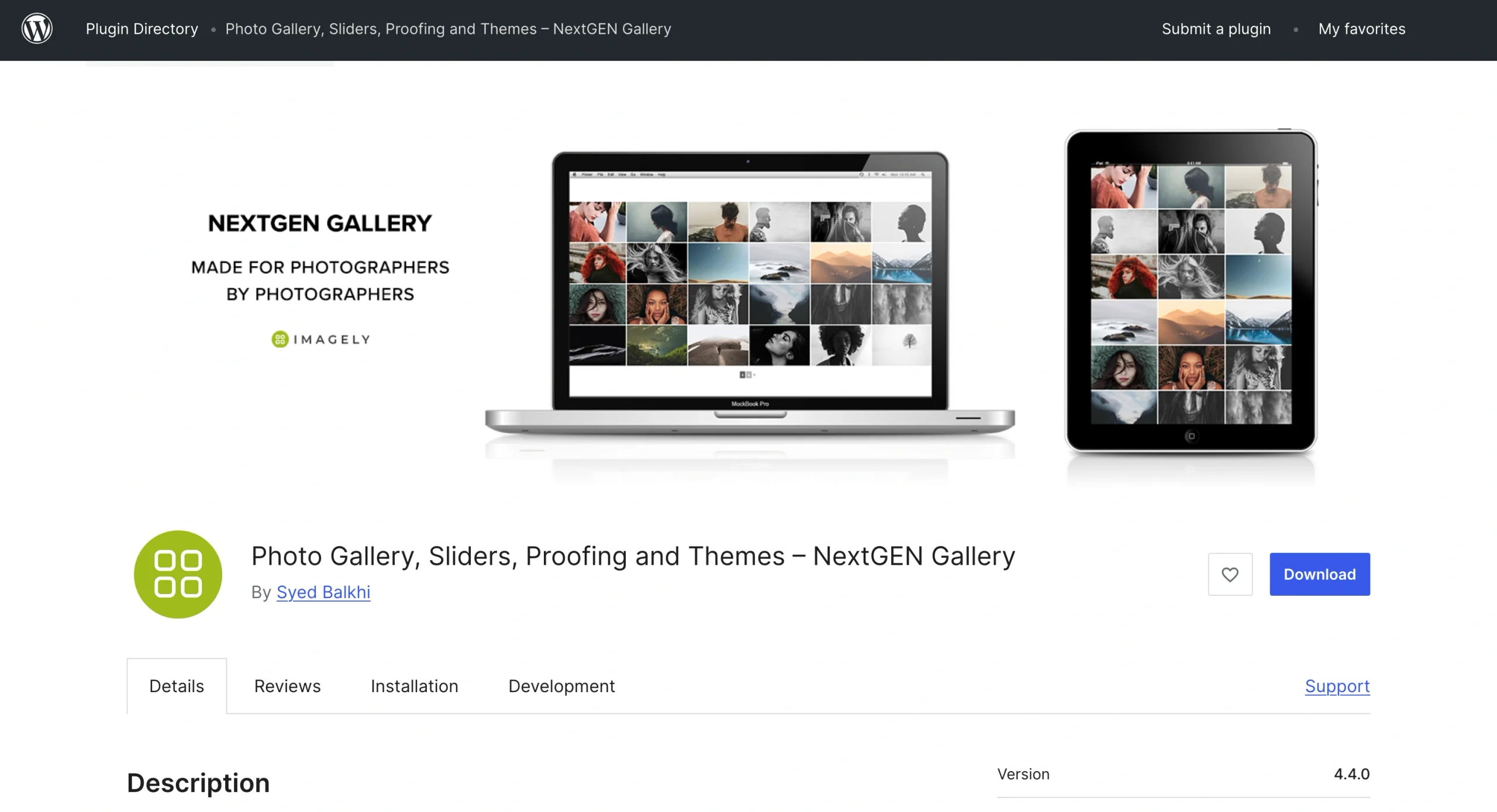
Developed with photographers, imaging professionals, and visual artists in mind, NextGEN Gallery offers a comprehensive image management ecosystem. The plug-in allows you to bulk upload images, create unlimited galleries, import relevant metadata automatically, and rearrange photos as needed.
- Key features
- Integration with Stripe and PayPal for seamless e-commerce activities and Adobe Lightroom for automatic gallery syncs
- Albums and nested galleries for easy photo organization
- Image and text-based watermarks to protect your projects
- Tags for quick image grouping
- Limitations
- The free version’s lack of access to a wide range of gallery and album styles may feel limiting.
- It loads additional scripts and style sheets, which affect load speed and mobile user experiences.
- User reviews: 4.3 out of 5 stars. Users appreciate the plug-in’s professional-grade photo management system. However, some have raised concerns about its 4.2.2 version, citing issues such as broken HTML links.
Build stunning media portfolios with a serverless photo gallery widget
While the WordPress photo gallery plug-ins we’ve discussed here offer many great features, they’re heavy and can cause site performance issues. To promote positive site experiences, consider modern solutions such as the Jotform Photo Gallery Widget.
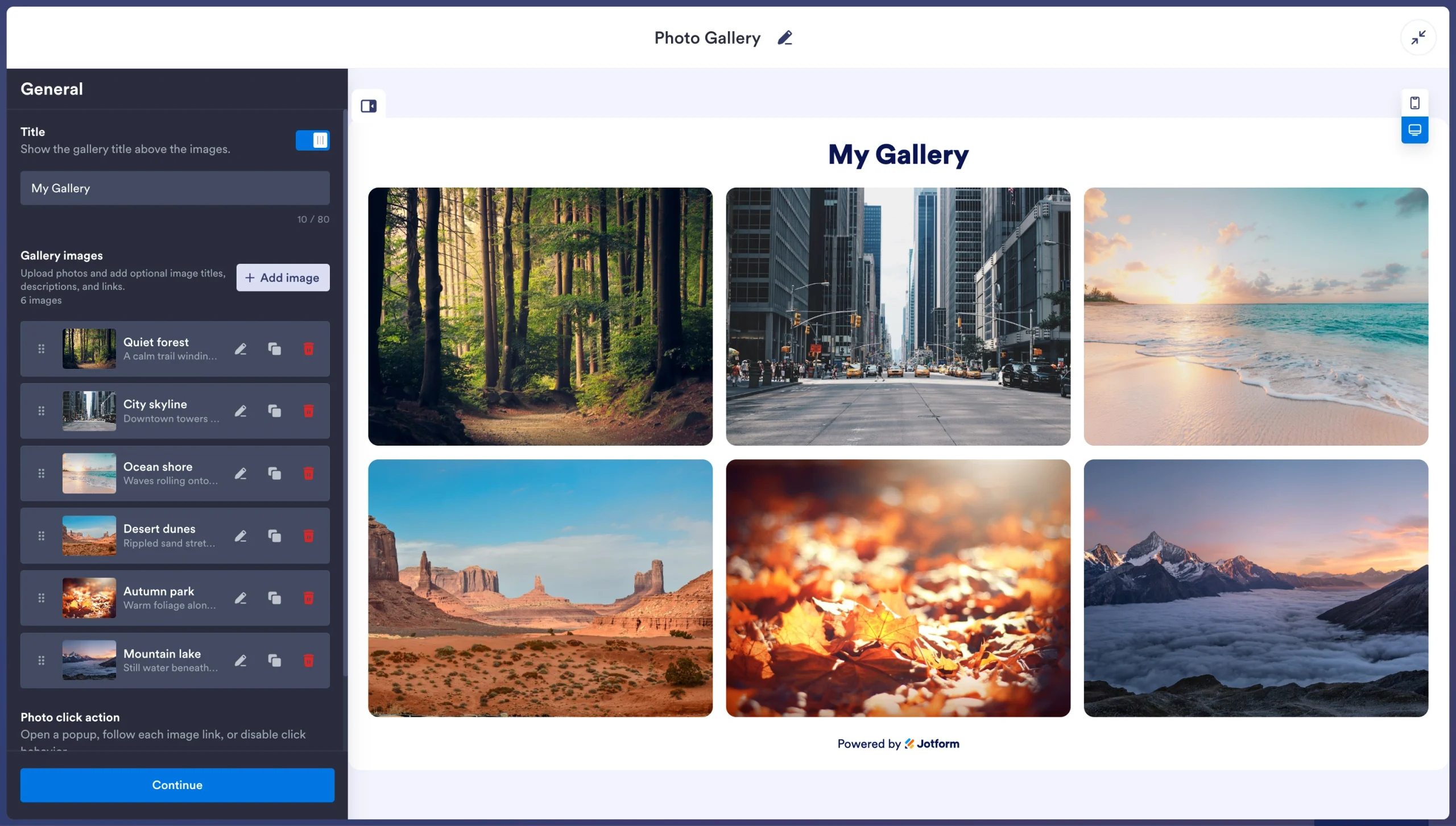
Our widget handles lightbox operations, image scaling, and fluid grids via an off-server, cloud-hosted component, reducing the strain on your database. By processing your photos off-server, our tool protects web vitals, reduces the risk of theme breakages during WordPress core updates, helps you maintain fast load speeds, and supports a positive browsing experience.
The best part? You don’t have to give up core photo gallery features. The Jotform Photo Gallery Widget supports a wide range of display layouts, including grid, horizontal masonry, vertical, carousel, thumbnails, panoramic, and slider. It also lets you add up to 16 photos, filter your images, customize your display to match your site’s aesthetic, and choose popup or link behavior, all without coding or running complex installations.
We don’t stop at our photo gallery solution: Jotform offers over 150 widgets that can reduce your dependence on heavy plug-ins for basic front-end features. If you want to pair your portfolio with elements such as customer reviews, social media posts, videos, and WordPress forms, our Jotform WordPress integrations and widgets have you covered.
Tired of overloading your WordPress dashboard with massive plug-ins? Browse the Jotform Website Widgets directory for lightweight, no-code solutions built for easy embedding on your website.
* Ratings and number of reviewers reflect statistics at time of writing.
This article is for WordPress site owners, photographers, artists, e-commerce brands, and web designers who want to showcase beautiful photo portfolios or product grids on their website without slowing down page loading times or causing visual layout shifts.







































































































Send Comment: