
Top age verification plug-ins
WordPress age verification plug-ins seem simple. Each plug-in manages an age gate that appears on your site and asks how old the visitor is. These WordPress age verification popups keep your site legally compliant and prevent you from selling or offering age-restricted products or services to minors.
However, site owners who use traditional WordPress plug-ins often encounter issues. Some plug-ins store unique database rows for every verification check, creating database bloat and slowing page load times. Others have rigid caching issues that make the WordPress age verification popup show constantly or not at all. Still others need incessant updates to patch security vulnerabilities.
Fortunately, owners and developers now have alternative solutions, such as the Jotform Age Verification Widget, a serverless, zero-maintenance widget you can embed anywhere with a simple copy-paste code. Jotform lets you choose your verification method and customize your age gate’s messaging and appearance, making it an organic part of your website.
For owners still comparing traditional plug-ins, we’ve selected five options appropriate for different age-restricted products and services. Read on to determine which plug-in fits your needs the best.
| Plug-in | Plans/pricing | Customization | Setup difficulty |
|---|---|---|---|
 Age Gate |
Free |
Provides multiple options for input methods and visual styling |
Very easy, requires no coding knowledge |
 Easy Age Verify |
Free version; paid plans start at $3.99 per month |
Turnkey options pre-configured for multiple industries; premium options allow for color, logo, and style customization |
Easy |
 WP Terms Popup |
Free version; paid add-ons start at $4.99 one-time |
Basic package allows you to modify popup settings, but premium add-ons are needed to change popup appearance |
Easy |
 AgeChecker.Net |
Paid plans start at $25 per month, plus $0.50 per verification |
Can create custom rulesets from the account dashboard |
Free, same-day installation by the team |
 Age Verification for Elementor |
Free version; paid plans start at $39 per year |
Widgets allow extensive customization of logos, colors, branding elements, and more |
Easy, but using the age verification widget requires installing the entire package |
1. Age Gate
- Best for: Business sites that don’t need physical verification at checkout and deal with jurisdictions that only mandate basic “reasonable steps” warnings
Age Gate is a popular free age verification plug-in for WordPress with over 40,000 active installations. The plug-in lets you select background and foreground colors and add legal notices at the bottom of your form to customize your age gate. It also provides a non-caching option (JavaScript mode) that prevents the popup from freezing or vanishing.
One helpful feature allows you to restrict either your entire site or only selected content from specific visitors. For instance, a winery can restrict minors from shopping at its online store or viewing vintage galleries while still keeping its blog, brand story, and contact pages open to the public.
However, the plug-in only provides three choices for inputting age: a yes/no button, input fields, or a dropdown. It doesn’t verify whether users are lying, which can be an issue for online businesses shipping regulated goods into regions with strict legal liability laws.
2026 reviewers note that Age Gate’s setup is easy, and the customization options make it simple to restrict selected content. However, other reviews point out a lack of documentation on how to use the plug-in.
2. Easy Age Verify
- Best for: Websites that want an age gate that can be configured in one click
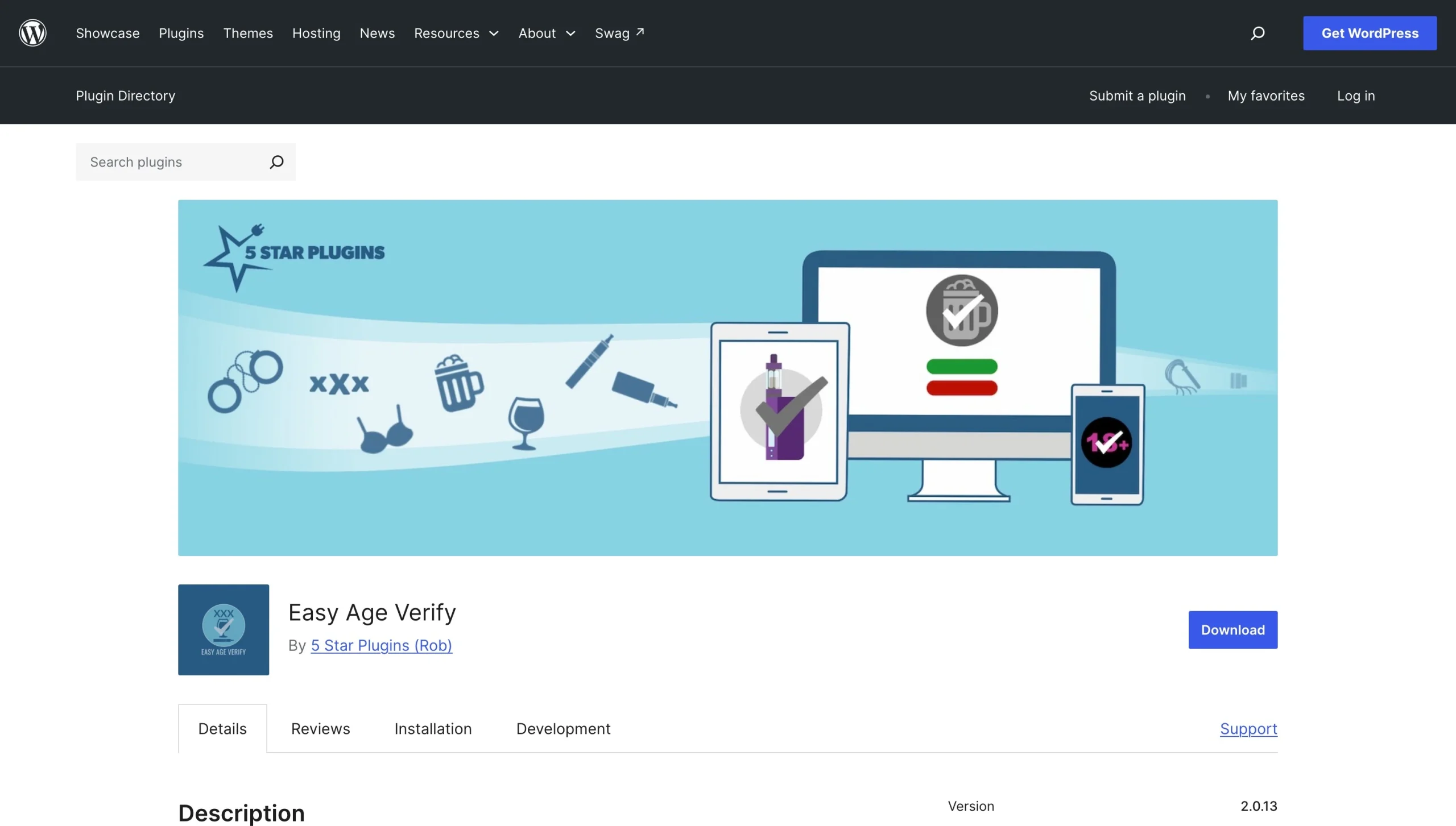
Easy Age Verify is an entry-level plug-in with built-in configurations for sites offering vaping or alcohol products as well as adult content. It requires zero coding knowledge to install and doesn’t block search crawlers, allowing users to find your website more easily.
However, the free version of Easy Age Verify only provides standard yes/no button checks. More advanced features, like birthdate calendar validation and custom branding and styling, require paid options. Its self-certification popup also doesn’t protect online businesses from strict legal liability if they ship physical regulated goods into regions that require extensive identity checks.
Reviewers applaud Easy Age Verify’s support staff and fast setup. One reviewer from 2022 noted that the popup doesn’t hide all website content, although the current website states that a new feature hides everything behind an opaque blackout background.
3. WP Terms Popup
- Best for: Sites that need visitors to agree to terms and provide documented consent
If you run a website that requires visitors to provide documented consent as well as age verification, WP Terms Popup with its Collector add-on offers an effective solution. This terms-acceptance plug-in requires visitors to read and agree to your terms and conditions, terms of service, or privacy policy before they can view your site.
You can also add an age verification check to the same popup instead of stacking two popups together. By hitting two legal requirements at once, you streamline the check-in process, which can be useful for an online casino or data-sensitive community. However, if you run a standard e-commerce shop, forcing users to look at several lines of legal policy can hurt your conversion rates.
Keep in mind that if you want to adjust the appearance of your popups without writing code or storing information about your website’s visitors, you’ll have to use premium add-ons. Reviewers find the plug-in easy to install, though, and say it provides good support.
4. AgeChecker.Net
- Best for: Sites that need to verify user ages against official records

Where other age verification plug-ins rely on self-certification, AgeChecker.Net actually verifies the user’s identity and age by cross-checking their name, address, and date of birth against public records. This makes it one of the best age gate plug-ins for WordPress if your business is legally required to prevent the sale of tobacco, alcohol, or vaping products to minors.
If the initial database lookup fails, customers are prompted to upload a photo of their government ID, which can be reviewed by artificial intelligence and live agents. This significantly reduces fraudulent transactions.
However, AgeChecker.Net relies largely on U.S. public and credit records, making it harder to instantly verify international buyers. Keep in mind, too, that while the plug-in is free to download and install, the actual service costs $25 per month plus $0.50 per accepted verification.
Reviewers appreciate AgeChecker.Net’s simplicity, customer service, and affordable pricing. Some find the data sources limited.
5. Age Verification by The Plus Addons for Elementor
- Best for: Sites built with Elementor

If your site is already built with the Elementor page builder, Age Verification by The Plus Addons for Elementor is a great widget to build, style, and preview your age gate inside the Elementor visual editor. This is especially true if you use or plan to buy The Plus Addons for Elementor, which includes other useful web design widgets.
This age verification widget lets you customize everything from logos to buttons to images. You can also choose different types of age verification methods, including yes/no click screens and manual date-of-birth selections.
That said, using this widget only makes sense if your website is built with Elementor. In addition, since this widget is one of several tools in The Plus Addons for Elementor package, it doesn’t make sense to use it if you don’t intend to use the other widgets.
Users of The Plus Addons for Elementor appreciate the wide variety of widgets and their ability to customize their sites. Many also highlight the support team. However, a few have left reviews stating that the plug-ins contain bugs.
Secure your WordPress site with a serverless age verification widget
While the plug-ins listed above are highly rated among WordPress users, there is a way to bypass the usual plug-in route. For a more lightweight, cloud-hosted option, consider the Jotform Age Verification Widget.

Where traditional plug-ins can introduce security vulnerabilities and sluggish page speeds, the Jotform Age Verification Widget lets you create a standalone age verification popup from a code-free template that can be securely embedded on your WordPress site. This reduces local server load, improving site performance.
Jotform provides other ways to boost engagement and build trust. You could add a Security Widget to display your business’s privacy programs, or employ a Cookie Consent Widget to grant visitors control over cookie preferences. By taking advantage of the Jotform Website Widget directory, you can quickly build a high-performance, compliant web stack that’s completely plug-in-free.
This article is for WordPress site owners, web designers, and developers running age-restricted websites (such as e-commerce vendors for alcohol, vape, or cannabis; 18+/21+ event pages; or mature media communities) who need a reliable, compliant way to gate their content without slowing down their site or adding security vulnerabilities.





































































































Send Comment: