

Facility Management Forms
Facility Usage Form
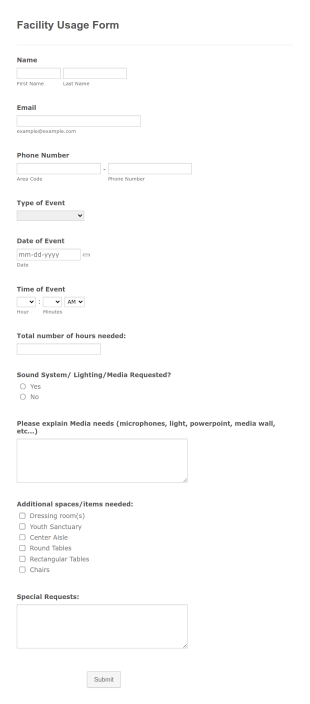
A Facility Usage Form is a form template that streamlines the management of your premises. This handy resource lets users request access to your facility, ensuring every usage is properly authorized and recorded. Simplify your administrative tasks and reduce paperwork.
Go to Category:Tracking FormsKey Issuance Log
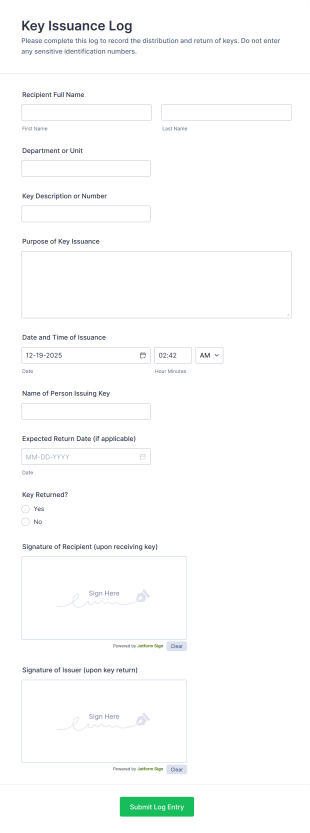
The Key Issuance Log form template from Jotform helps offices, schools, and property managers track keys issued and returned using the Jotform Form Builder no-code form builder and drag-and-drop interface for accurate data collection and form submission records.
Go to Category:Access Control Forms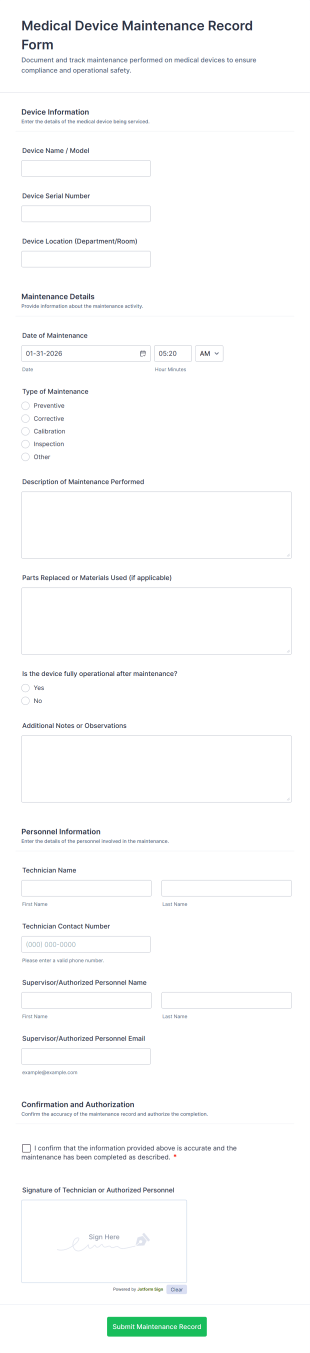
Medical Device Maintenance Record Form
Document and track equipment service history with the Medical Device Maintenance Record Form in Jotform, helping healthcare facilities standardize data collection and keep maintenance records organized across departments.
Go to Category:Equipment Maintenance Forms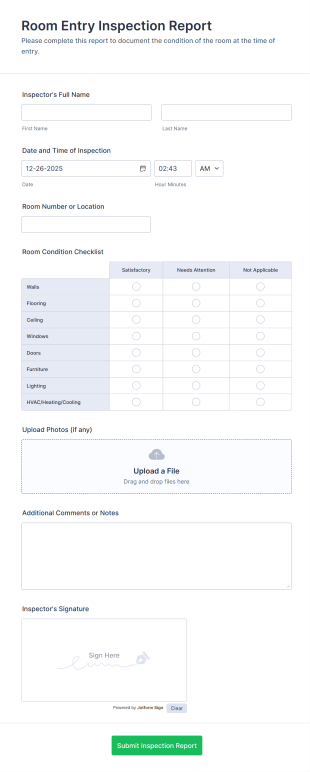
Room Entry Inspection Report
Room Entry Inspection Report Form helps property managers, facility teams, and hospitality staff document room conditions, capture photos, and record inspection details in a single, trackable report.
Go to Category:Inspection Forms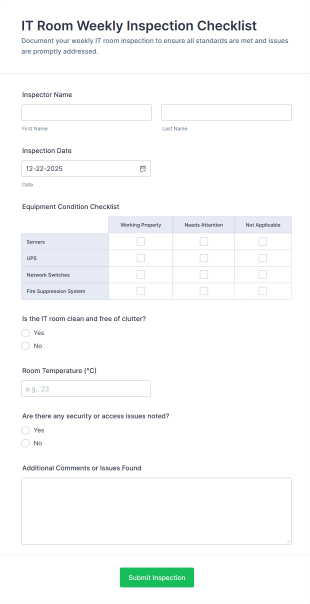
IT Room Weekly Inspection Checklist
Use the IT Room Weekly Inspection Checklist Form from Jotform to record inspector details, dates, equipment condition, cleanliness, temperature, and security issues with an easy drag-and-drop interface for efficient data collection.
Go to Category:IT FormsSchool Facility Maintenance Inspection Form
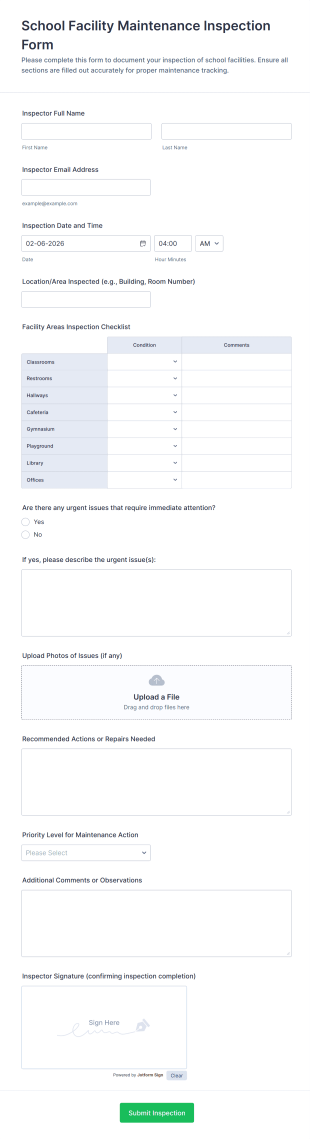
Track school building inspections with the School Facility Maintenance Inspection Form in Jotform, helping staff record issues, prioritize maintenance, and keep documentation consistent across campuses.
Go to Category:Facility Management FormsBuilding Maintenance Log
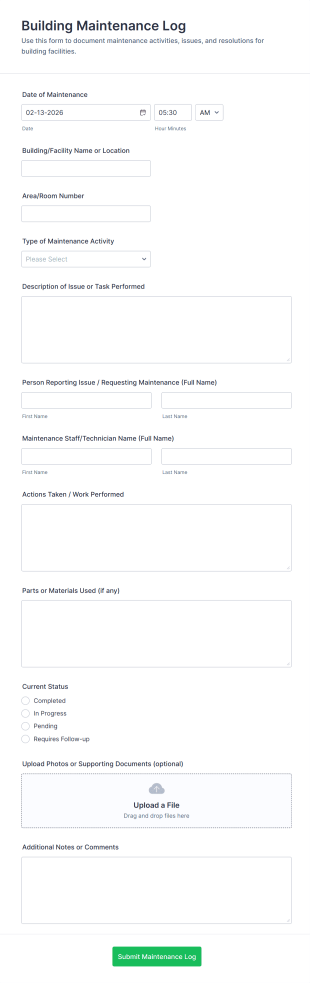
Track repairs, routine upkeep, and service requests with the Building Maintenance Log Form, a Jotform form template for facility managers and property teams who need consistent maintenance records and faster follow-ups.
Go to Category:Maintenance Forms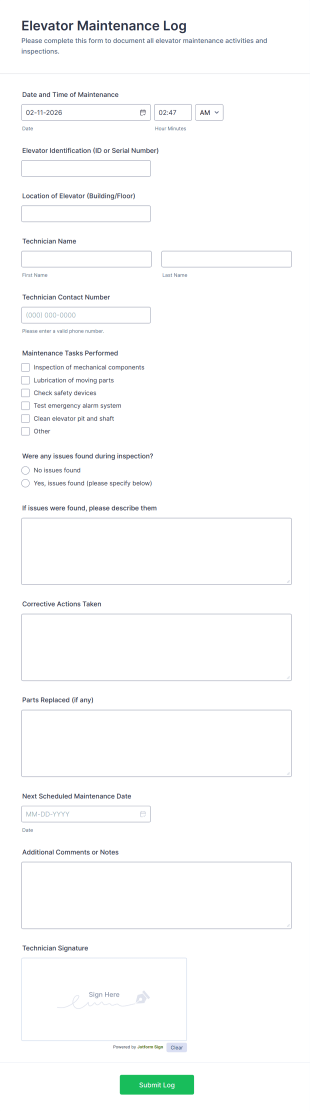
Elevator Maintenance Log
Track inspections and service history with the Elevator Maintenance Log Form, a Jotform form template for property teams and technicians to document maintenance activity and keep elevator records organized.
Go to Category:Maintenance Forms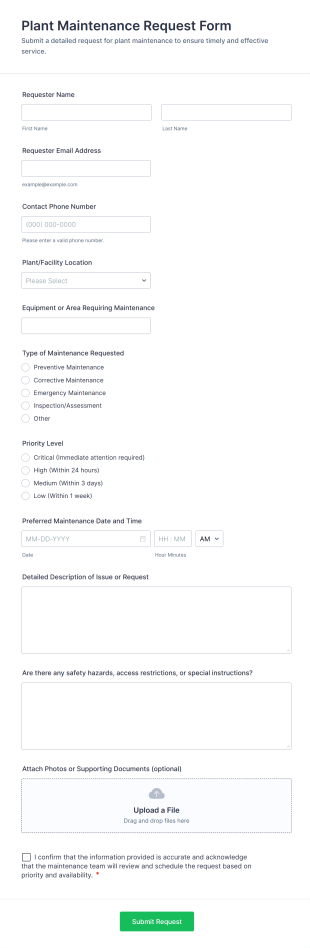
Plant Maintenance Request Form
Plant Maintenance Request Form supports facility and maintenance teams with consistent data collection for repair requests, prioritization, and scheduling, helping operations track each form submission from report to resolution in Jotform.
Go to Category:Maintenance Forms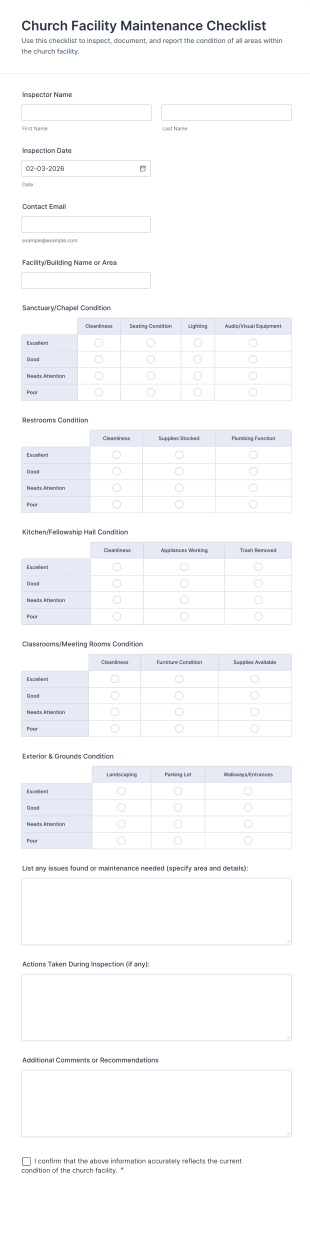
Church Facility Maintenance Checklist
Track church building inspections and maintenance needs with the Church Facility Maintenance Checklist Form, ideal for staff and volunteers who want consistent data collection, clear records, and fast follow-up after each form submission.
Go to Category:Church Forms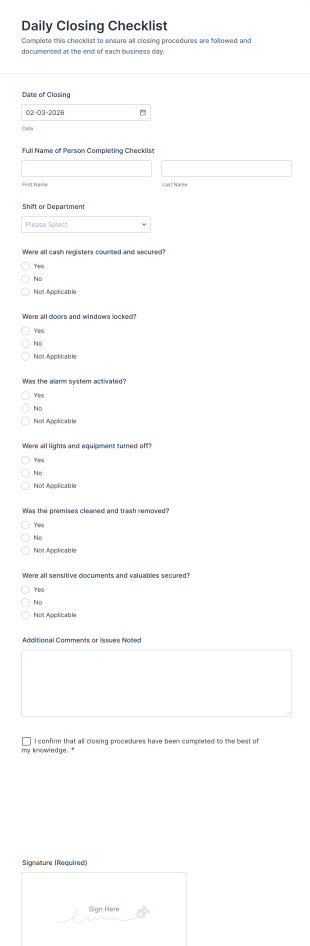
Daily Closing Checklist
Track end-of-day procedures with the Daily Closing Checklist Form, helping managers and staff confirm closing tasks, reduce missed steps, and keep consistent records across shifts and locations with Jotform.
Go to Category:Checklist Forms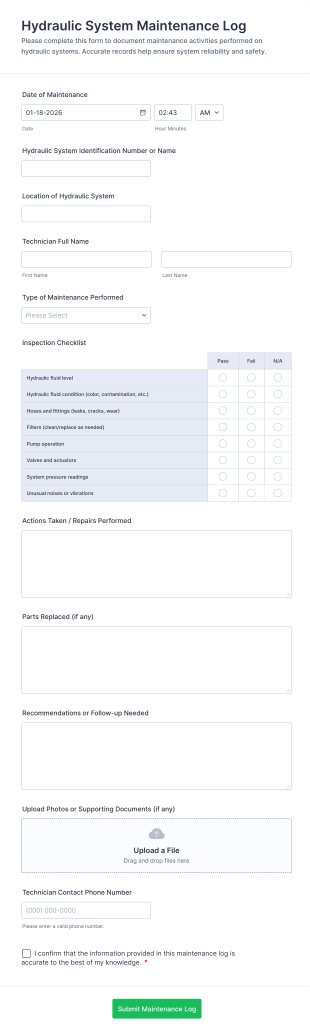
Hydraulic System Maintenance Log
Hydraulic System Maintenance Log Form Template for documenting inspections and repairs on hydraulic equipment, helping technicians and facility teams standardize data collection and keep maintenance records organized in Jotform.
Go to Category:Maintenance Forms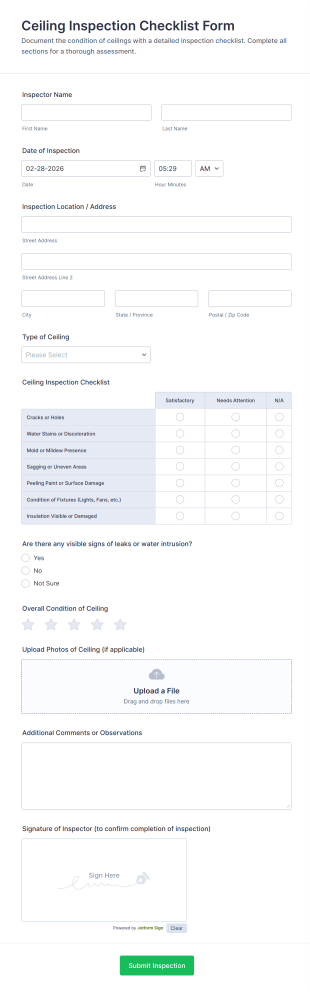
Ceiling Inspection Checklist Form
Document routine ceiling inspections with the Ceiling Inspection Checklist Form, ideal for property managers, maintenance teams, and inspectors who need consistent records, photo support, and organized form submission tracking in Jotform.
Go to Category:Checklist Forms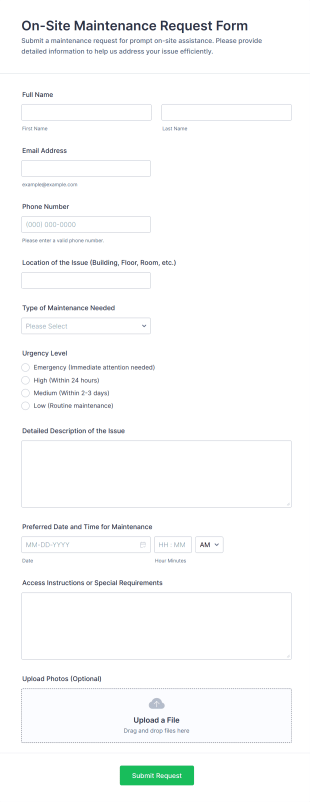
On Site Maintenance Request Form
Collect and track facility issues faster with the On-Site Maintenance Request Form in Jotform, ideal for offices, schools, and property managers who need consistent maintenance requests and clear follow-up from every form submission.
Go to Category:Maintenance Forms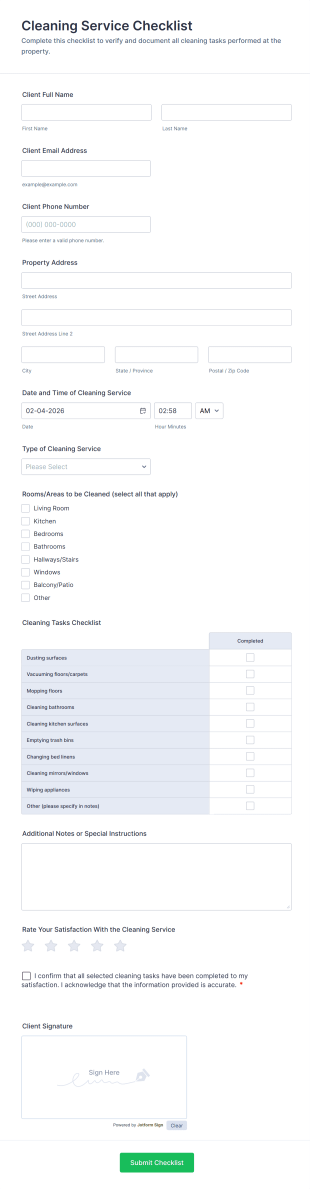
Cleaning Service Checklist
Document completed cleaning tasks, capture client confirmation, and track satisfaction with the Cleaning Service Checklist Form in Jotform for fast data collection across residential, rental, and commercial cleaning services.
Go to Category:Checklist Forms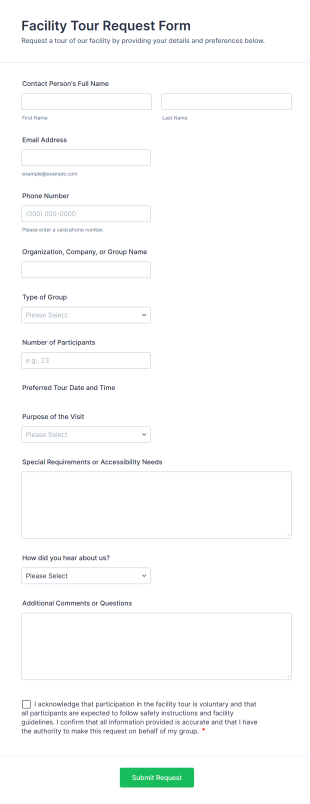
Facility Tour Request Form
Collect and manage group visit requests with the Facility Tour Request Form in Jotform, making it easy for organizations to schedule tours, share requirements, and support reliable data collection from every form submission.
Go to Category:Request FormsCleaning Shift Checklist
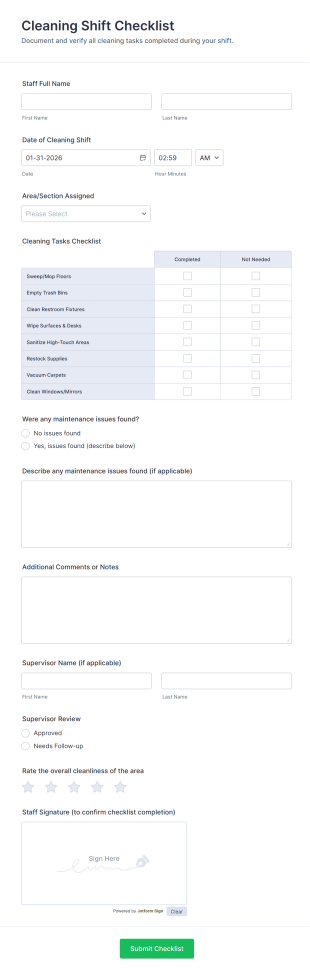
Track daily cleaning work by shift with a Jotform Cleaning Shift Checklist Form template that supports consistent data collection, supervisor review, and clear accountability across facilities.
Go to Category:Checklist FormsLOTO Authorization Form
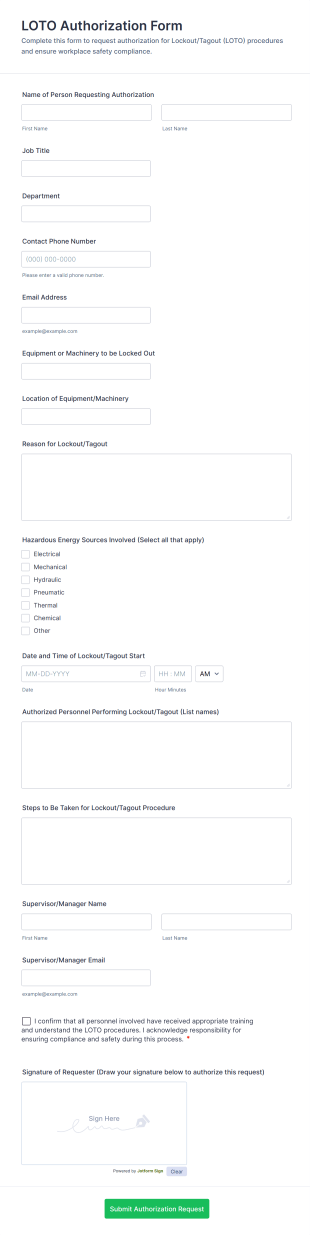
Collect and track lockout and tagout authorization requests with the LOTO Authorization Form, helping facilities, manufacturing, and maintenance teams standardize approvals and centralize data collection in Jotform.
Go to Category:Authorization Forms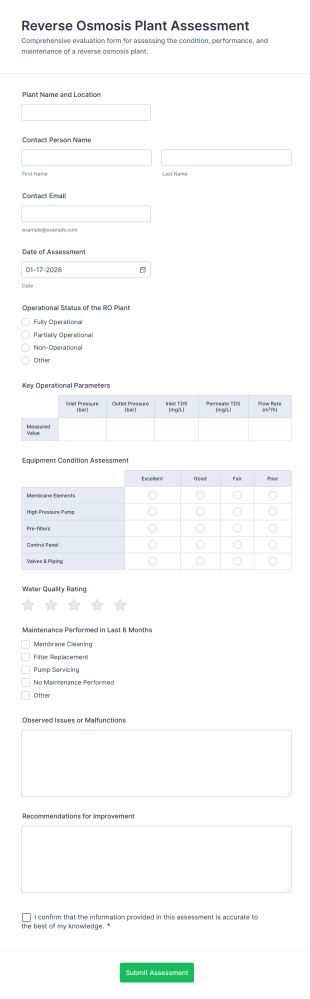
Reverse Osmosis Plant Assessment
Reverse Osmosis Plant Assessment Form Template for documenting RO plant performance and maintenance findings, collecting consistent assessment data, and organizing form submissions in Jotform for operators, engineers, and facility teams.
Go to Category:Assessment Forms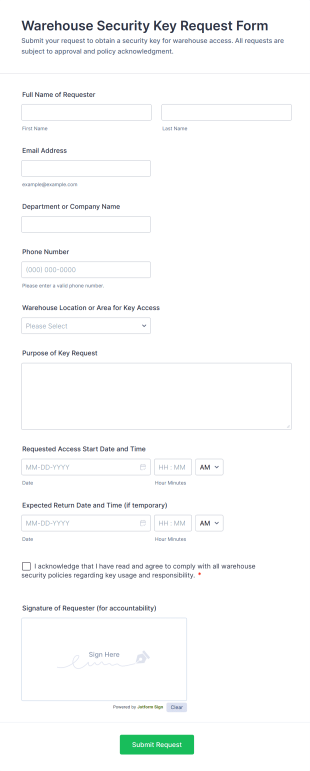
Warehouse Security Key Request Form
Warehouse Security Key Request Form helps warehouse, operations, and facilities teams capture, track, and approve key access requests with signatures, dates, and policy acknowledgment in one standardized form template.
Go to Category:Access Control FormsFacility Equipment Reallocation Request
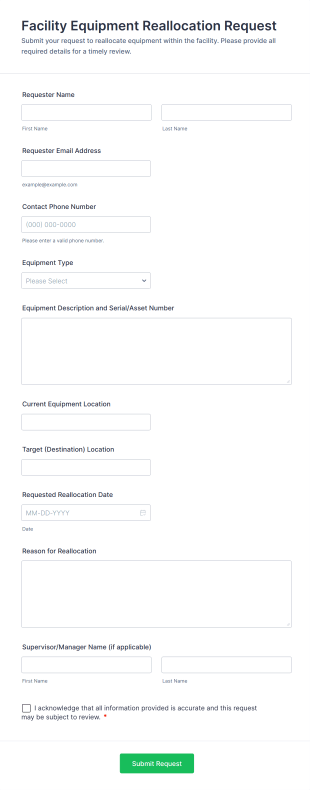
Facility Equipment Reallocation Request Form helps facilities, IT, and operations teams capture, track, and review internal requests to move equipment between locations in a clear, documented workflow.
Go to Category:Facility Management Forms
Maintenance Record Verification Request
Maintenance Record Verification Request Form helps maintenance, facilities, and operations teams collect detailed verification requests for completed work on assets or equipment, including dates, descriptions, and supporting documents.
Go to Category:Maintenance Forms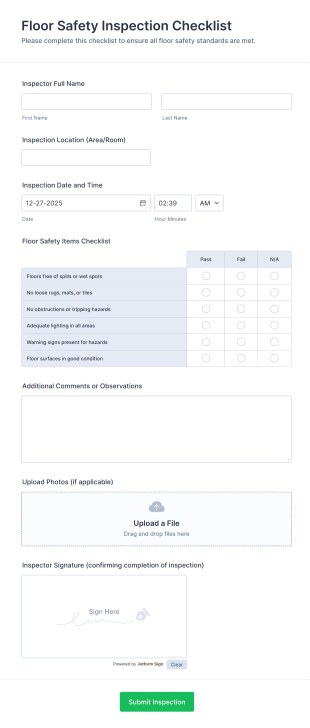
Floor Safety Inspection Checklist
Floor Safety Inspection Checklist Form helps safety officers and facility managers document floor hazards, record inspection details, upload photos, and track inspections across multiple locations with Jotform.
Go to Category:Inspection Forms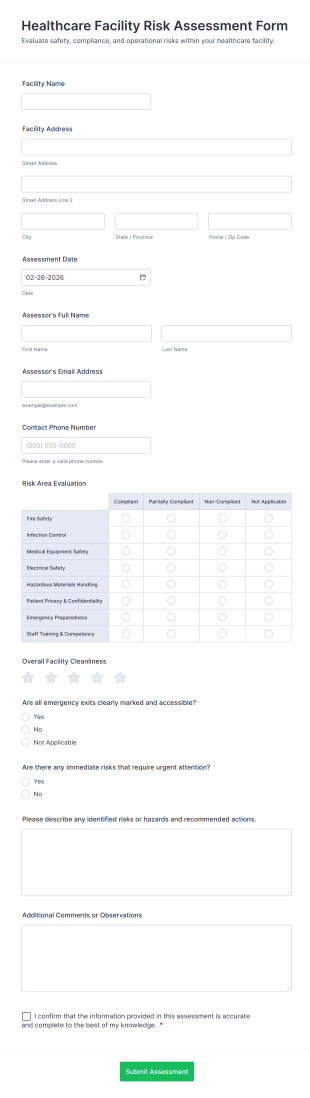
Healthcare Facility Risk Assessment Form
Healthcare Facility Risk Assessment Form helps healthcare teams standardize risk reviews, capture inspection findings, and route form submissions for faster follow-up using Jotform.
Go to Category:Healthcare Assessment FormsAbout Facility Management Forms
Facility management forms are structured documents used to manage and document facility operations such as maintenance, inspections, space requests, and service coordination. They help organizations collect consistent information about building issues, work orders, safety checks, vendor visits, and operational needs so facilities can run smoothly and safely. Facility management forms are commonly used in offices, campuses, hospitals, hotels, retail locations, warehouses, and industrial sites. Typical workflows include maintenance requests, preventive inspection checklists, cleaning schedules, access requests, and incident reporting. By standardizing these processes, facility management forms reduce delays, improve accountability, and create clear records for follow-up and compliance.
With Jotform, facility management forms can be created quickly using a no-code, drag-and-drop Form Builder and tailored to different buildings, departments, or service categories. Conditional logic can show relevant questions based on request type or urgency, and file upload fields can collect photos of issues, invoices, or vendor documents. Submissions are stored in Jotform Tables, making it easy to track requests by location, priority, and status. Automated notifications can alert the right facility staff when urgent repairs, safety risks, or service interruptions are reported.
Use Cases of Facility Management Forms
Facility management forms support maintenance workflows, safety operations, and service coordination across buildings. Below are common ways these forms are used and the challenges they help solve.
Possible Use Cases:
- Facility maintenance and repair request intake
- Work order approvals and service scheduling
- Inspection and safety checklist reporting
- Cleaning, janitorial, and upkeep reporting
- Vendor access and service visit coordination
- Facility incident and hazard reporting
Problem-Solving Points:
- Centralize facility requests instead of scattered calls and emails
- Improve response time by capturing location and urgency clearly
- Support preventive maintenance through structured inspections
- Create documentation for compliance, audits, and vendor management
Possible Owners and Users:
- Facility managers and building operations teams
- Maintenance technicians and service desk staff
- Office administrators and department coordinators
- Vendors and contractors (for scheduled work)
- Employees or tenants submitting requests
Differences of Creation Methods:
- Facility maintenance request forms focus on issue type, exact location, urgency, impact, photos, and preferred access times for repairs.
- Facility inspection and compliance checklist forms emphasize pass-fail checkpoints, condition ratings, safety notes, and corrective action tracking.
- Facility service scheduling and vendor coordination forms prioritize work scope, visit timing, site access details, contact person, and required approvals or documents.
How to Create a Facility Management Form
Creating a facility management form with Jotform helps you standardize how facility issues and requests are reported, routed, and tracked.
1. Choose a Template or Start from Scratch
In My Workspace, click “Create” and select “Form.” You can start with a maintenance or request template and customize it for your facility workflow.
2. Add Location and Request Context Fields
Use Add Element to collect building name, floor/room, request category (electrical, HVAC, plumbing, cleaning), and urgency level.
3. Capture Details Needed for Action
Include description, photos, preferred access times, and whether operations are impacted. Use structured dropdowns to keep data consistent.
4. Use Conditional Logic for Different Request Types
Show different sections for maintenance, inspections, or vendor visits. For urgent safety issues, show escalation and “area closed” fields.
5. Set Up Notifications and Routing
Notify the right team based on category or urgency, and send confirmation to the requester with next steps.
6. Track Requests in Jotform Tables
Use Jotform Tables to filter by building, status, priority, and date and export data for reporting.
Frequently Asked Questions
1. What are facility management forms?
Facility management forms are documents or online forms used to manage building operations such as maintenance requests, inspections, service scheduling, and incident reporting.
2. Why are facility management forms important?
They standardize reporting, improve response times, and create clear records for repairs, compliance, and follow-up.
3. What information is typically included in facility management forms?
Common fields include location details, issue category, urgency, description, attachments like photos, and service scheduling information.
4. Who uses facility management forms?
Facility managers, maintenance teams, office administrators, vendors, and employees or tenants submitting requests may all use these forms.
5. Are facility management forms only for offices?
No. They’re used in many settings including campuses, hospitals, hotels, retail spaces, warehouses, and industrial facilities.
6. Can facility issues be reported from a phone?
Yes. Jotform forms are mobile-friendly, so users can report facility issues on-site using a phone or tablet.
7. Can facility management forms support inspections and compliance?
Yes. Facilities can use checklist-based forms for safety inspections, condition assessments, and corrective action documentation.
8. Can forms be customized for different buildings or departments?
Yes. Conditional logic and custom fields can tailor forms to different locations, request types, and approval processes.