


Meeting Forms
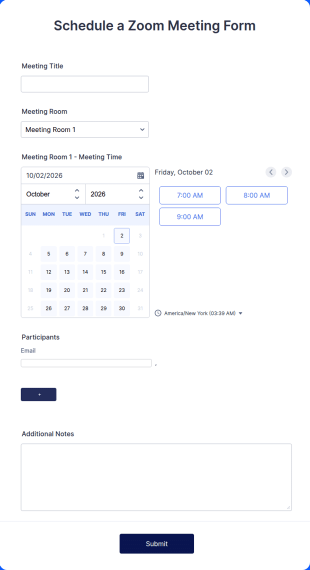
Schedule A Zoom Meeting Form
Let coworkers or clients schedule Zoom meetings directly through your website. Add new registrants automatically. Automate your workflow today!
Go to Category:Appointment Forms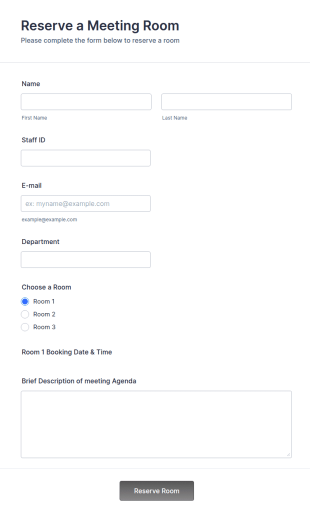
Meeting Room Reservation Form
Meeting Reservation Form is useful for a streamlined solution to shared meeting rooms by simply providing your name and ID, select a room and provide a brief information of meeting topic.
Go to Category:Booking FormsMeeting Feedback Form
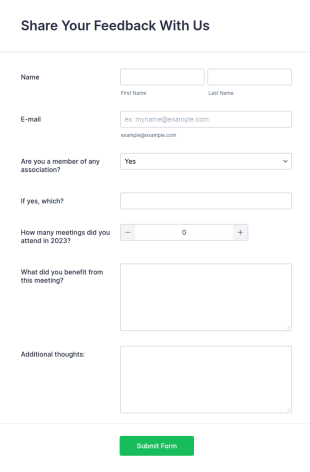
Do you want to get a feedback about the meeting from your clients? This meeting feedback template allows gathering name, email, comment.
Go to Category:Event Feedback Forms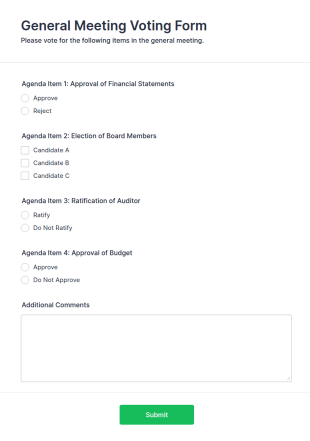
General Meeting Voting Form
A General Meeting Voting Form is a form template designed to allow attendees to record their votes on each agenda item as they are discussed during a corporate meeting.
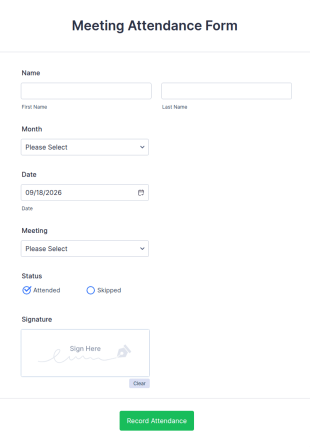
Go to Category:Business FormsMeeting Attendance Record Form
Keep track of meeting attendance online. Great for managers and HR reps. Easy to customize and fill out on any device. Connect with 100+ popular platforms.
Go to Category:Business Registration Forms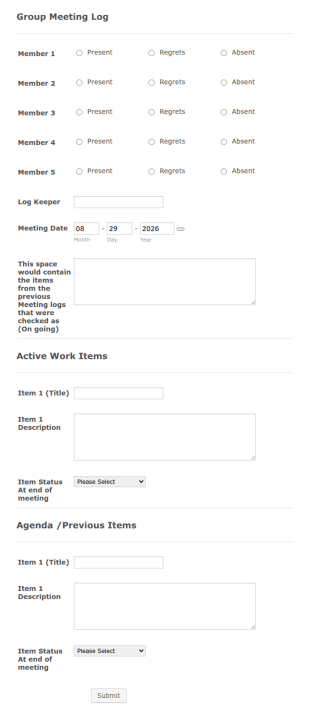
Group Meeting Log
Group Meeting Log is a form template that enables teams to track, record, and review their meetings' details, utilizing the user-friendly interface of Jotform for seamless communication and collaboration.
Go to Category:Business Forms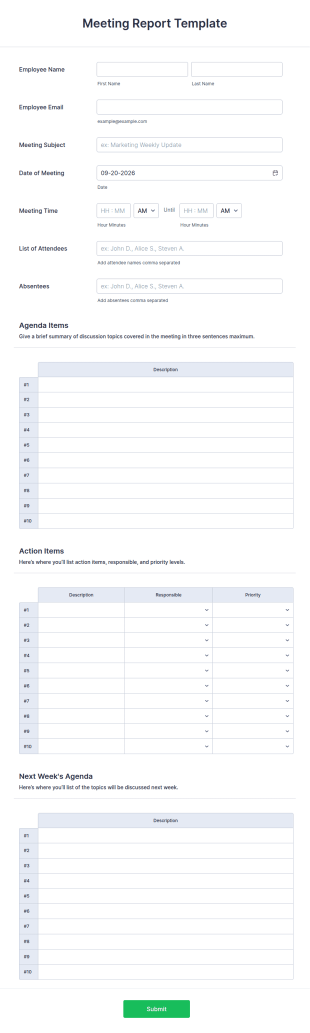
Meeting Report Template
A meeting report template is a document that is designed to collect the details of a meeting. Customize and fill out anywhere, anytime.
Go to Category:Report Forms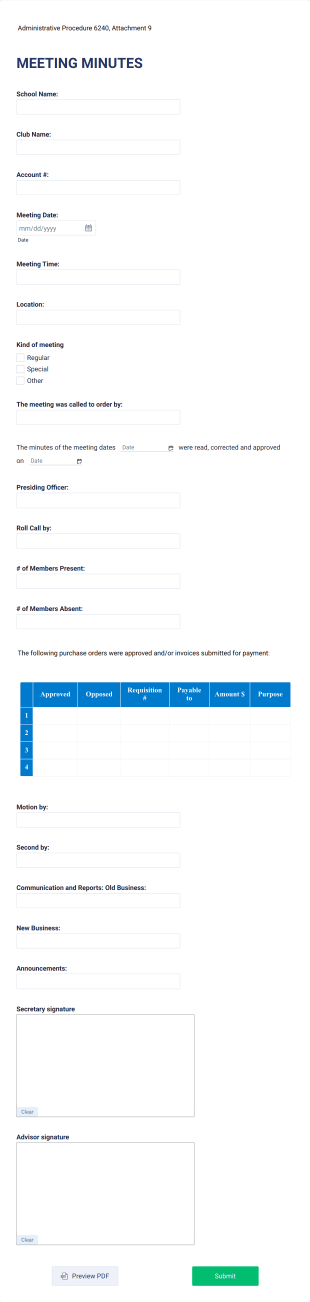
Educational Meeting Minutes Form
An Educational Meeting Minutes Form template is a game-changer for educators and administrators. It streamlines the process of recording, organizing, and sharing essential meeting details, saving precious time and enhancing collaborative efforts. Simplify your meeting documentation today!
Go to Category:Education FormsMatrimonial Meet Form
A Matrimonial Meet Form is a form template designed to collect personal information, preferences, availability, and event preferences from individuals interested in participating in a matrimonial meet event.
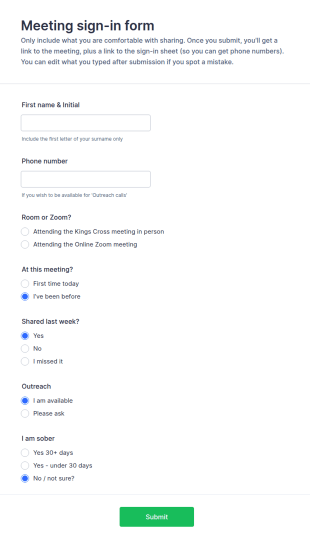
Go to Category:Registration FormsMeeting Sign In Form
A Meeting Sign-in Form is a form template designed to help meeting organizers efficiently manage the attendees of their meetings.
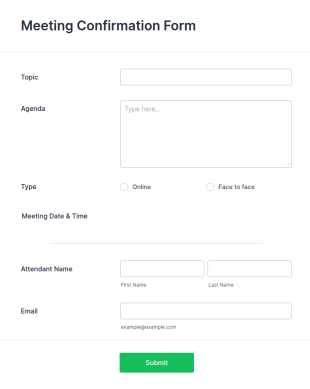
Go to Category:Questionnaire TemplatesMeeting Confirmation Form
A Meeting Confirmation Form helps businesses and event planners collect attendee details, confirm participation, and organize meeting logistics efficiently.
Go to Category:Appointment Forms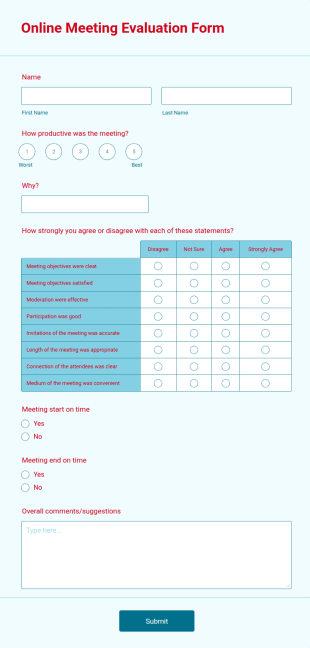
Online Meeting Evaluation Form
An online meeting evaluation form is an online feedback survey that collects opinions from participants, presenters, and organizers of a meeting. No coding is required!
Go to Category:Education Forms
Schedule A Virtual Meeting Form
Delta Sigma Theta Virtual Meeting Request Template
Go to Category:IT Request Forms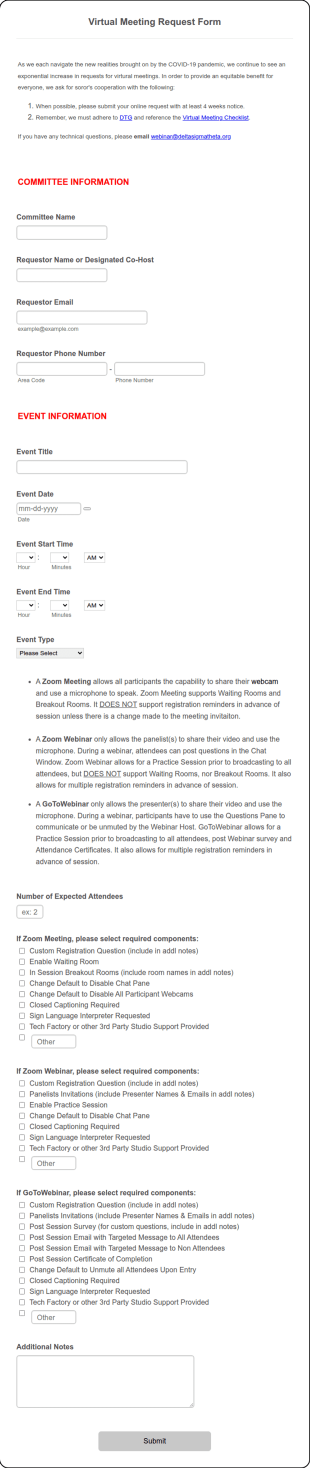
Virtual Meeting Request Form
A Virtual Meeting Request Form is a form template designed to streamline the process of scheduling virtual meetings for team collaboration, client consultations, interviews, and training sessions
Go to Category:IT Forms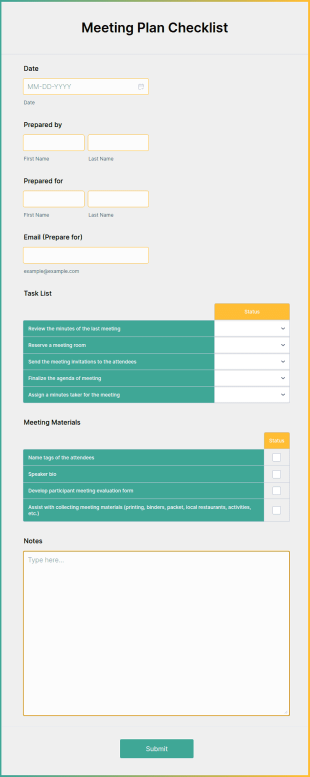
Meeting Plan Checklist
A meeting plan checklist is a document detailing the steps needed to prepare for a meeting. Just customize without coding!
Go to Category:Tracking Forms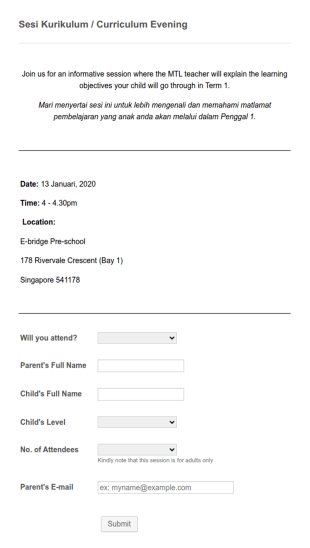
School Meeting Attendance Form
Meeting attendance form where the submitters provide their attendance status with their personal and contact details.
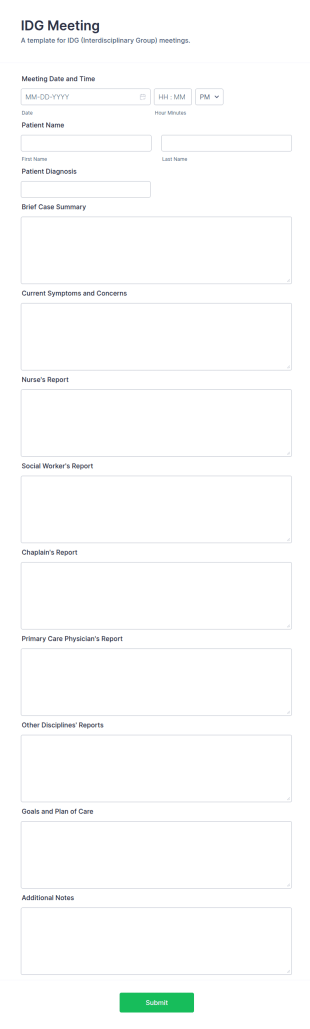
Go to Category:Education FormsIDG Meeting Template
The IDG Meeting Template by Jotform is a tool for hospice organizations looking to streamline their interdisciplinary group meetings.
Go to Category:Hospice Forms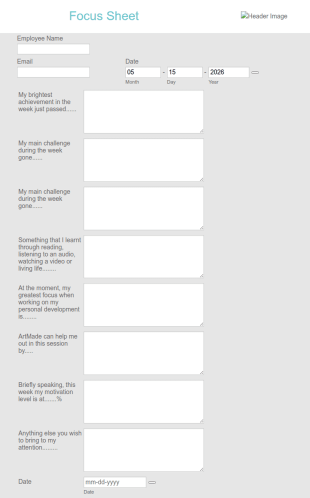
One On One Meeting Focus Sheet Form
A One on One Meeting Focus Sheet Form offers businesses a streamlined approach to organizing and conducting one-on-one meetings.
Go to Category:Business Forms
Interdisciplinary Team Meeting Template
An interdisciplinary team meeting template is a group meeting consisting of members of different disciplines or professions in healthcare
Go to Category:Healthcare Forms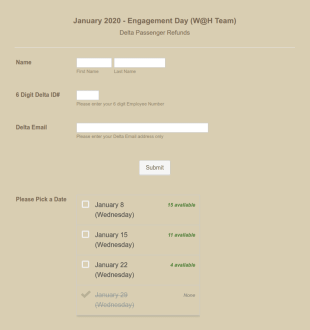
Team Meeting Application Form
A Team Meeting date selection and application form that simply gathers applicants name, ID, email address with their preferred date for the meeting.
Go to Category:Entertainment Forms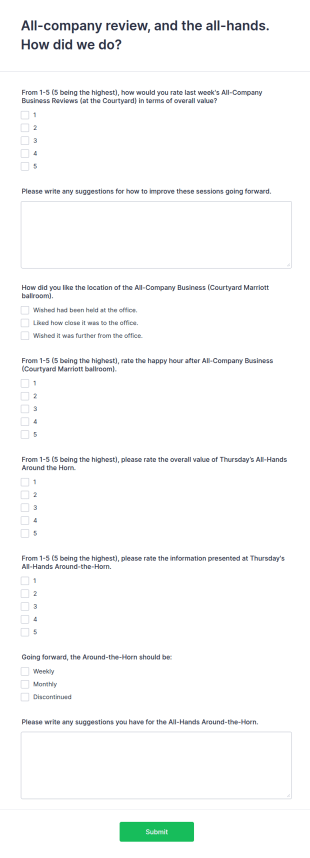
Company Meeting Review Form
A Company Meeting Review Form is a form template thoughtfully designed to gather feedback and opinions about company meetings.
Go to Category:Business Forms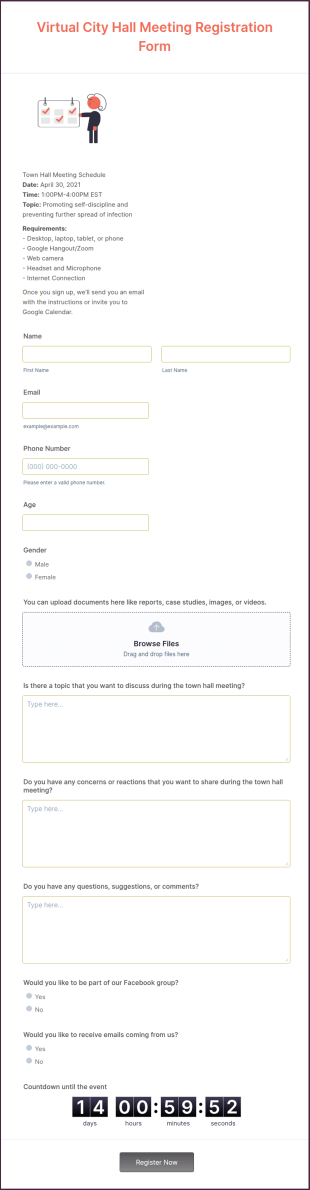
Virtual City Hall Meeting Registration Form
Identify the number of participants who are interested in attending the meeting event by using this Virtual City Hall Meeting Registration Form. This form can easily be accessed using a desktop, laptop, and mobile devices.
Go to Category:Virtual Event Forms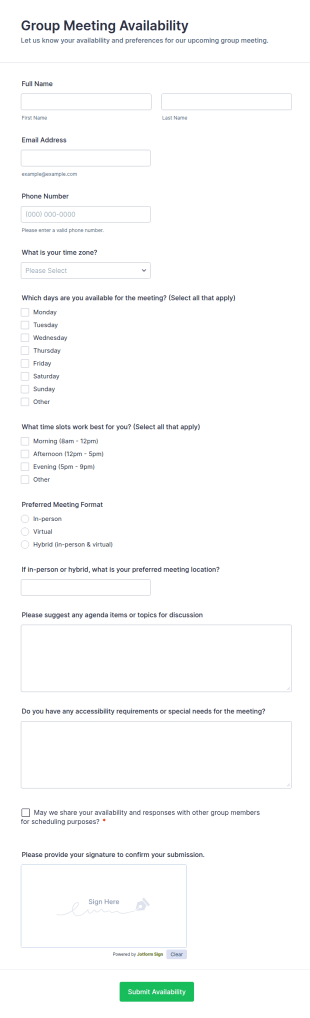
Group Meeting Availability
Collect group meeting availability across time zones with Jotform’s Group Meeting Availability Form template, ideal for teams, committees, and community groups coordinating schedules and meeting formats.
Go to Category:Meeting Forms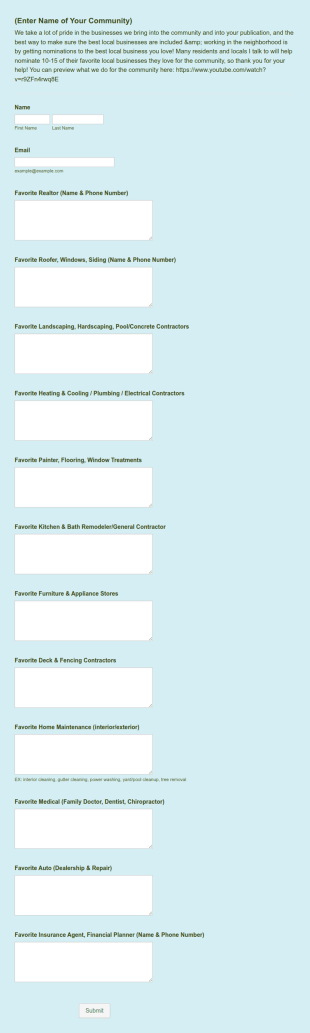
Community Meet Up Form
A Community Meet Up Form is a form template designed to assist organizers in gathering important details from attendees interested in joining a community meetup.
Go to Category:Entertainment FormsAbout Meeting Forms
Meeting Forms are digital forms specifically designed to streamline and enhance the efficiency of organizing, scheduling, and managing meetings. These forms are used across various industries to capture crucial details such as participant information, agenda items, meeting objectives, and feedback. By employing Meeting Forms, businesses can ensure that all pertinent information is collected in a structured manner, facilitating smoother operations. Real-world workflows often involve using these forms to plan corporate meetings, client consultations, or team briefings, where timely and accurate data collection is paramount.
Jotform stands out as the premier online form builder for creating Meeting Forms, offering a platform that is both versatile and user-friendly. With Jotform, users can easily customize their forms to suit specific needs, thanks to its intuitive drag-and-drop interface. The platform also allows for the automation of data collection processes, reducing manual workloads and minimizing errors. Additionally, all collected data is managed centrally through Jotform Tables, which provides a secure and organized way to store and access information, enhancing overall data management capabilities.
Why Use Meeting Forms?
- Meeting Forms provide a structured approach to collecting essential information, ensuring that nothing is overlooked during the planning process. This accuracy is crucial for effective meeting preparation and execution, reducing the likelihood of missed details.
- The speed at which data can be collected and accessed using Meeting Forms is a significant advantage. Instantaneous data retrieval allows for quick decision-making and adjustments, keeping meetings efficient and on track.
- Professional data handling is enhanced with Meeting Forms, as they offer secure methods for capturing and storing sensitive information. This is vital for maintaining confidentiality and complying with data protection regulations.
- By digitizing the information collection process, Meeting Forms eliminate the need for paper forms, which can be cumbersome and prone to loss. This not only streamlines operations but also supports environmental sustainability by reducing paper waste.
- Automated workflows integrated with Meeting Forms save time by minimizing repetitive tasks, allowing staff to focus on more strategic activities. This leads to increased productivity and better resource allocation within the organization.
Common Problems Solved by Meeting Forms
- One of the primary issues solved by Meeting Forms is the cumbersome nature of paperwork. By transitioning to digital forms, businesses can significantly reduce the time spent managing physical documents and the risk of losing important information.
- Manual data entry is another challenge addressed by Meeting Forms. Automated data capture means less room for human error, leading to more accurate and reliable information for decision-making.
- The risk of data loss is mitigated with Meeting Forms, as they provide secure storage options. This ensures that all collected data is preserved and easily retrievable, safeguarding against the loss of critical meeting information.
- Meeting Forms also address the problem of disorganized data management. With centralized data collection and storage, businesses can maintain a clear overview of all meeting-related information, facilitating better analysis and follow-up actions.
Matching Use Cases to Features
- For teams looking to streamline meeting scheduling, the Drag-and-Drop Form Builder allows for easy customization of forms to include all necessary scheduling fields. This feature enables quick setup and modification of meeting forms, ensuring all relevant details are captured effortlessly.
- The incorporation of Conditional Logic in Meeting Forms can greatly enhance operational outcomes by displaying only relevant questions to respondents based on their previous answers. This leads to more concise forms and a better user experience.
- With over 30 Payment Gateways like Stripe and PayPal, collecting payments for events or paid consultations directly through Meeting Forms becomes seamless. This integration simplifies the payment process, ensuring timely and secure transactions.
- Electronic Signatures via Jotform Sign can be utilized to capture consent or approvals, ensuring that all agreements are formalized and legally binding. This feature is crucial for meetings involving contracts or sensitive agreements.
- Jotform's PDF Editor facilitates automated PDF generation, allowing for the conversion of form submissions into professional documents. This is particularly useful for sharing meeting minutes or summaries with stakeholders.
- For organizations using multiple platforms, the 100+ Third-party Integrations, such as Google Sheets and Salesforce, enable seamless data flow between systems. This connectivity enhances data consistency and accessibility across different departments.
- Secure Data Management with Jotform Tables ensures that all meeting data is stored safely, protecting against unauthorized access and ensuring compliance with data protection regulations.
How to Create a Meeting Form
- Start by browsing the Template List for a Meetings template that suits your needs or begin from a blank form to create a custom solution.
- Customize the design and fields of your form using the Drag-and-Drop Form Builder, ensuring it meets all specific requirements for your meetings.
- Once your form is ready, publish it and share it with participants via Direct Link, Email, or Website Embed to start collecting responses.
Top Use Cases for Meeting Forms
- For Managers: Meeting Forms enable managers to efficiently coordinate meetings by providing a structured framework to gather necessary details such as agendas, participant lists, and objectives. This organization aids in setting clear expectations and ensuring that all participants are prepared, leading to more productive meetings. Additionally, the ability to collect feedback post-meeting helps managers assess the effectiveness of the meeting and make improvements for future sessions.
- For Teams: Teams benefit from Meeting Forms by having a centralized system to schedule and manage meetings, ensuring that all team members are aligned and informed. The ease of data sharing and integration with other platforms facilitates seamless communication and collaboration, enhancing team productivity. Moreover, the ability to capture meeting outcomes and actions ensures accountability and follow-through on discussed items.
- For Customers: Customers experience a streamlined interaction when Meeting Forms are used to schedule consultations or service meetings. The forms allow for easy submission of requests and preferences, ensuring that meetings are tailored to meet customer needs. This level of personalization improves customer satisfaction and fosters stronger relationships. Additionally, the secure handling of personal data reassures customers of their privacy and builds trust.
Summarizing Meeting Forms
Meeting Forms are an indispensable asset for businesses aiming to enhance their meeting management processes. By leveraging the capabilities of Jotform's online form builder, organizations can create highly customized and efficient forms that streamline data collection and improve overall meeting productivity. The centralized data management and automation features not only save time but also ensure that all meeting-related information is accurately captured and securely stored. Ultimately, Meeting Forms contribute to more organized, effective, and impactful meetings.
Frequently Asked Questions
1) Is it free to create Meeting Forms on Jotform?
Yes, Jotform offers a free plan that allows users to create and customize Meeting Forms without any cost. However, certain advanced features and higher submission limits are available with paid plans.
2) Are the forms and submitted data secure?
Absolutely, Jotform prioritizes data security and employs industry-standard measures to protect both forms and submitted data. This includes using secure servers, SSL encryption, and compliance with data protection regulations.
3) Do I need coding knowledge to build a Meeting Form?
No, you do not need any coding knowledge to build a Meeting Form. Jotform's drag-and-drop form builder is designed to be user-friendly, enabling anyone to create a form with ease.
4) Can I collect payments directly through my forms?
Yes, you can collect payments directly through your Meeting Forms using one of the over 30 integrated payment gateways such as Stripe, PayPal, or Square. This feature facilitates seamless and secure transactions.
5) Can these forms be used on mobile devices?
Yes, Meeting Forms can be accessed and submitted on mobile devices, ensuring flexibility and convenience for users on the go. Jotform Mobile Forms also support offline data collection, making it possible to gather information without an internet connection.
6) Can I turn form submissions into professional PDF documents?
Indeed, Jotform's PDF Editor allows you to automatically convert form submissions into professional PDF documents. This is particularly useful for documentation purposes, such as sharing meeting minutes or reports.
7) How can Meeting Forms improve client interactions?
Meeting Forms can enhance client interactions by providing a structured way to schedule and manage meetings, ensuring that all client needs and preferences are captured accurately. This leads to more personalized and efficient service delivery, improving client satisfaction.
8) Can I integrate Meeting Forms with my existing CRM system?
Yes, Jotform supports integration with over 100 third-party applications, including popular CRM systems like Salesforce. This integration ensures that data collected through Meeting Forms is seamlessly transferred to your CRM, enhancing data management and accessibility.