

Management Forms

Risk Profile Management Form Template
Risk Profile Management Form Template is a form template that meticulously collects and organizes risk profile data for businesses, simplifying the task through Jotform's user-friendly interface.
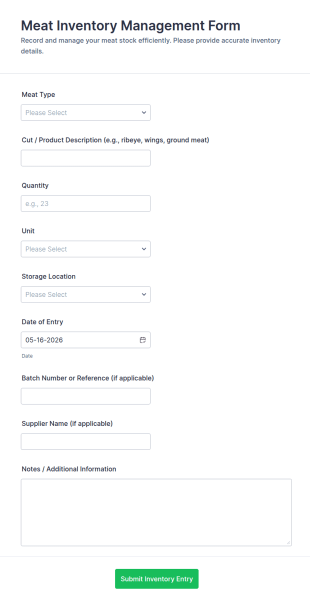
Go to Category:Banking FormsMeat Inventory Management Form
The Meat Inventory Management Form from Jotform helps food businesses track meat stock, suppliers, and expiration dates with an online form template built in Jotform Form Builder for accurate data collection and organized form submission.
Go to Category:Business FormsShift Handover Communication Form
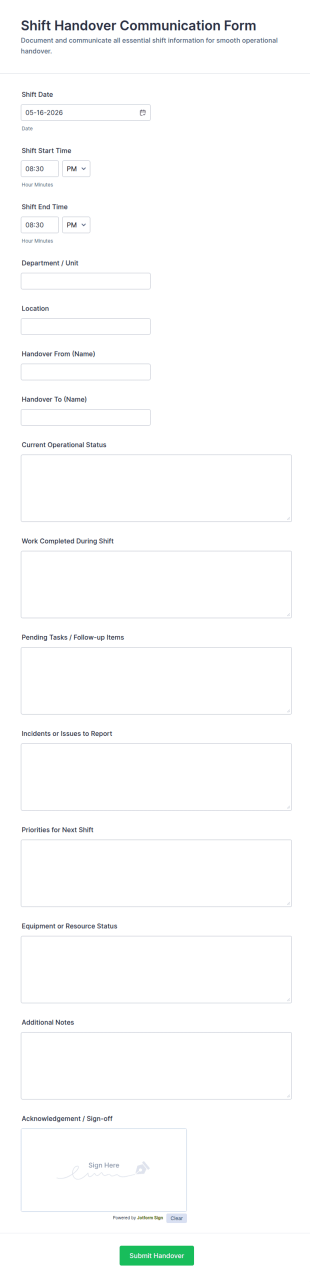
Shift Handover Communication Form supports consistent shift transitions by recording operational updates, open work, and sign-offs for teams in healthcare, manufacturing, security, and facilities using Jotform.
Go to Category:Staff Forms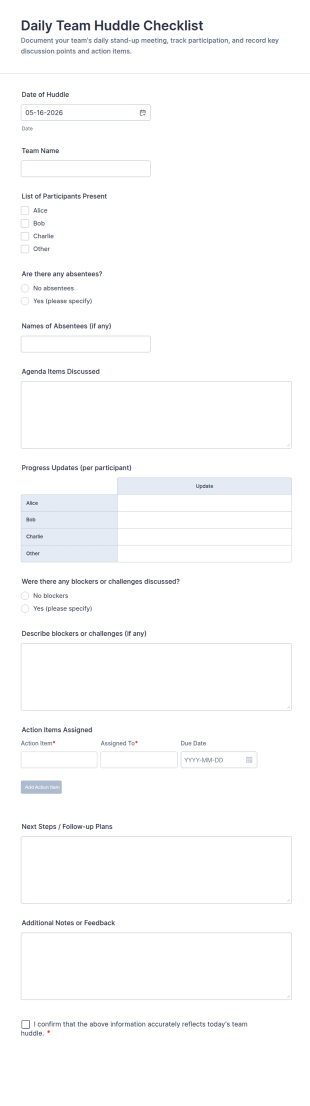
Daily Team Huddle Checklist
Daily Team Huddle Checklist Form Template for capturing standup notes, attendance, progress updates, blockers, and next steps in one Jotform form submission for consistent team data collection.
Go to Category:Checklist Forms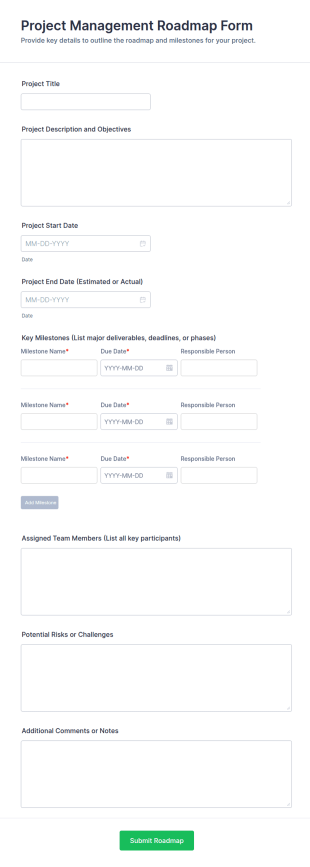
Project Management Roadmap Form
Project Management Roadmap Form helps teams capture project objectives, timelines, milestones, owners, and risks in a single online form for consistent planning and stakeholder alignment.
Go to Category:Business Forms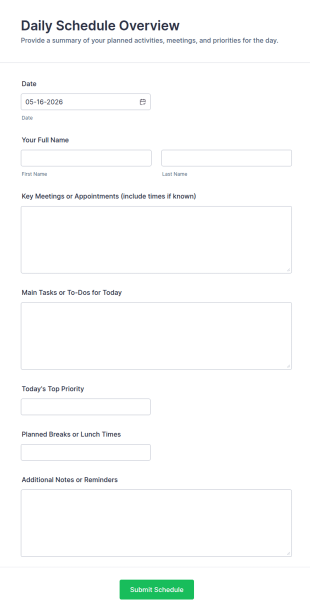
Daily Schedule Overview
Daily Schedule Overview Form helps individuals, teams, and students plan their day by capturing priorities, meetings, tasks, and notes in a single Jotform template for easy tracking.
Go to Category:Business Forms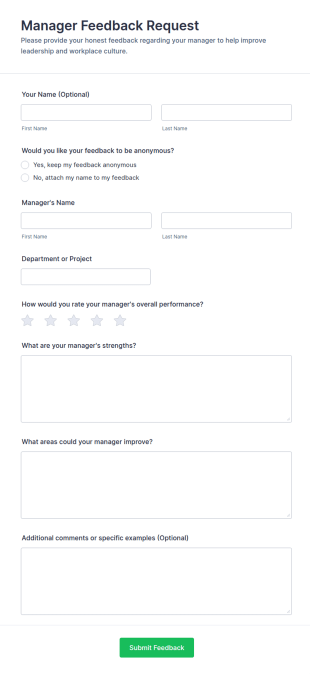
Manager Feedback Request
Manager Feedback Request Form helps HR and leadership teams collect anonymous or named feedback on managers’ performance, strengths, and improvement areas for reviews and development programs.
Go to Category:Employee Surveys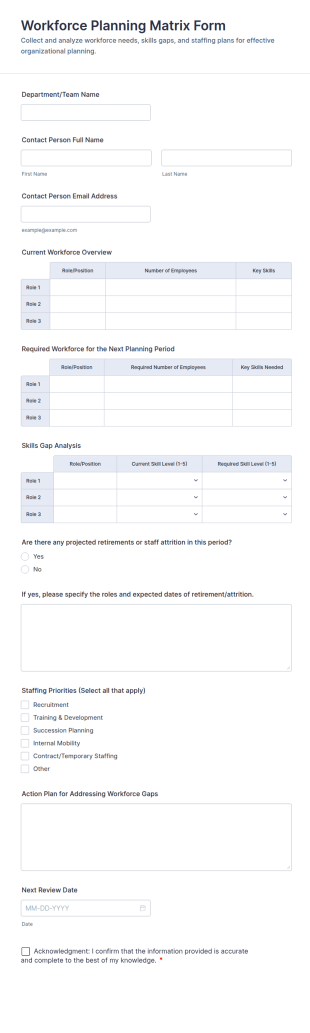
Workforce Planning Matrix Form
Capture workforce needs by department, document staffing priorities, and plan next steps with the Workforce Planning Matrix Form in Jotform for consistent data collection across planning cycles.
Go to Category:Human Resources FormsFacility Management Meeting Agenda Form
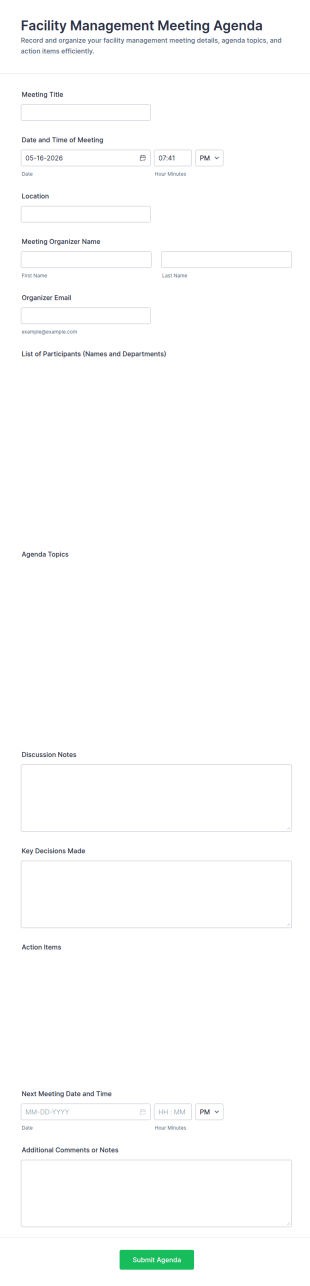
Facility Management Meeting Agenda Form helps facilities and property teams plan meetings, capture outcomes, and track follow-ups using a shareable Jotform form template built for fast data collection and consistent form submission.
Go to Category:Facility Management FormsRecurring Task Management Form
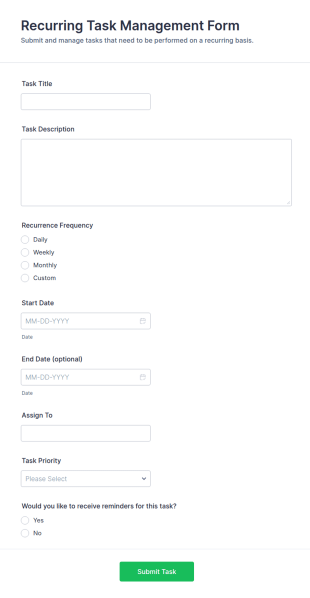
Recurring Task Management Form helps teams capture, schedule, and prioritize repeating tasks with assignees and reminders, providing an organized intake process for ongoing work.
Go to Category:Management Forms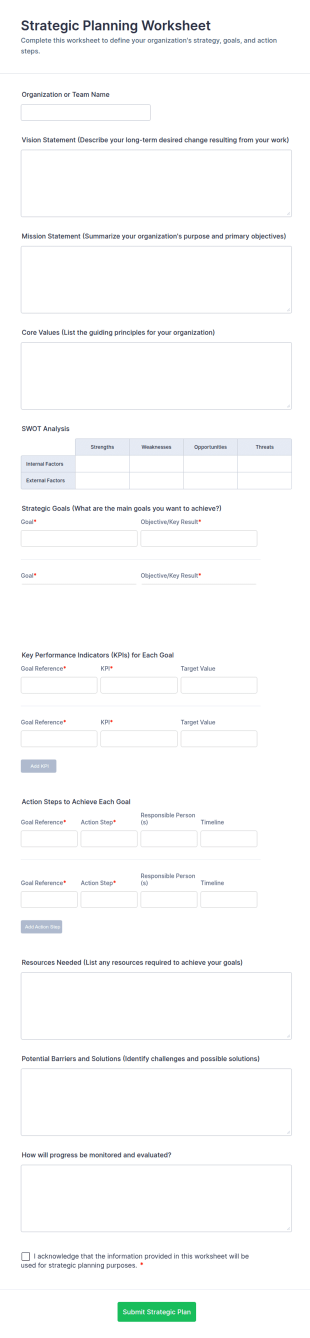
Strategic Planning Worksheet
Capture vision, mission, goals, and progress tracking in one place with the Strategic Planning Worksheet, a Jotform form template for teams and organizations that want consistent data collection during planning cycles.
Go to Category:Business Forms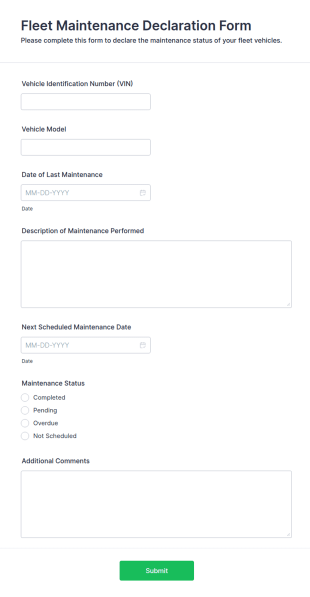
Fleet Maintenance Declaration Form
The Fleet Maintenance Declaration Form helps businesses document vehicle maintenance and repairs, ensuring compliance and efficiency in fleet management.
Go to Category:Business FormsManagement Request Form
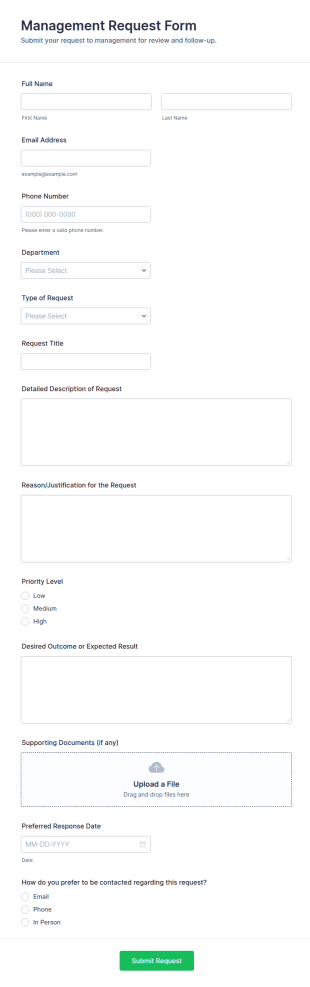
Management Request Form helps teams collect and prioritize internal requests for approvals, budget needs, resources, and policy changes, making it easier for managers and operations leaders to review and respond through Jotform.
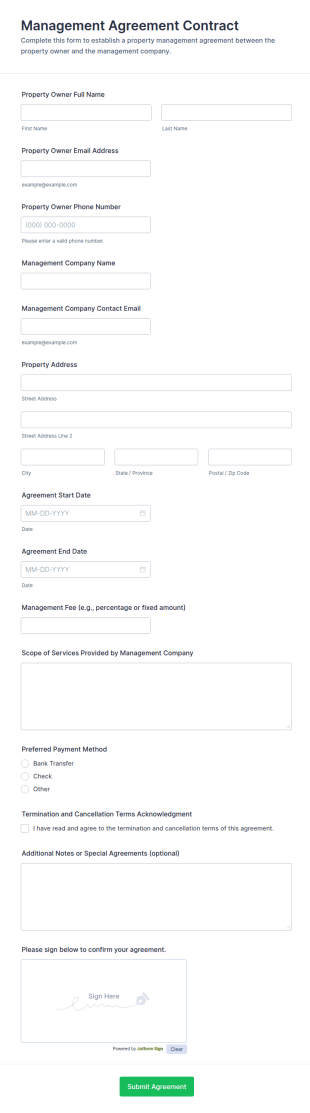
Go to Category:Request FormsManagement Agreement Contract Form
Management Agreement Contract Form helps property managers, agencies, and businesses capture management terms online for faster approvals, consistent data collection, and reliable form submission handling with Jotform.
Go to Category:Contractor Forms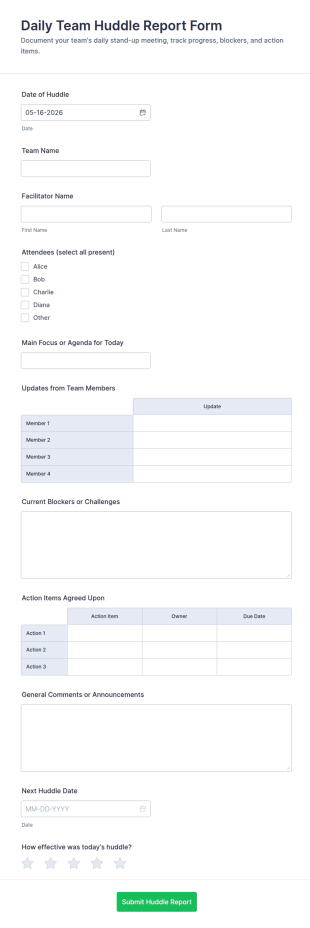
Daily Team Huddle Report Form
Daily Team Huddle Report Form makes it easy for managers and teams to record daily stand-up notes, track blockers, and assign action items with Jotform for consistent data collection and fast follow-up.
Go to Category:Report Forms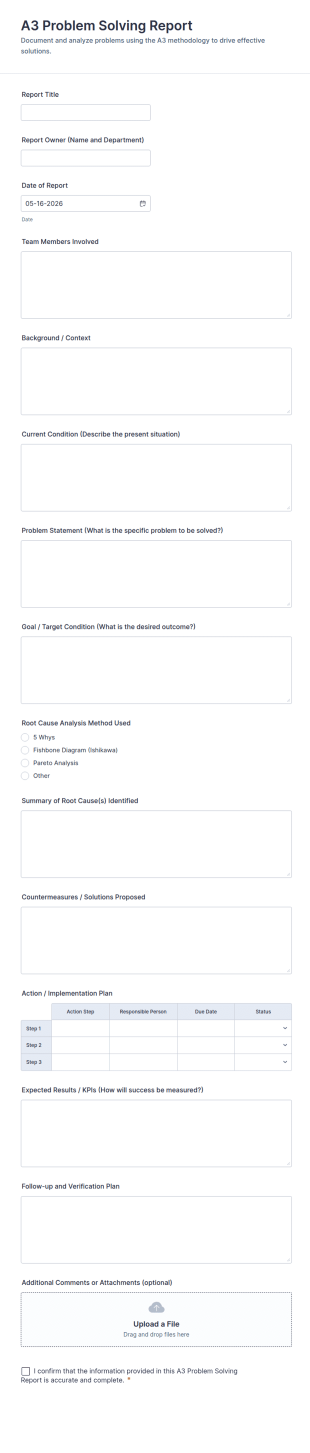
A3 Problem Solving Report
A3 Problem Solving Report Form Template for documenting issues, root cause analysis, countermeasures, and follow-up across teams, supporting consistent data collection and form submission tracking in Jotform.
Go to Category:Business Report Forms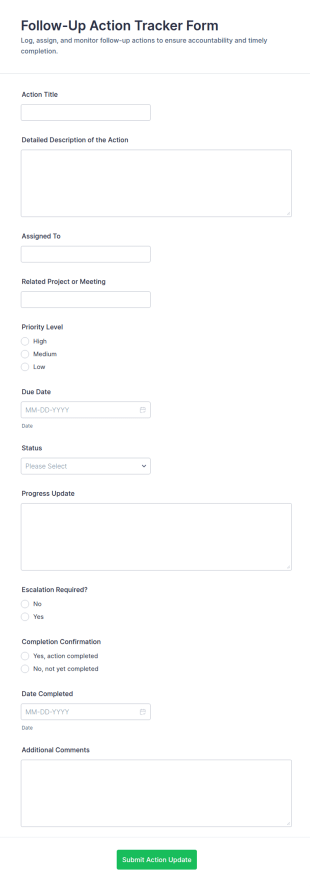
Follow Up Action Tracker Form
Track and manage follow-up tasks from meetings and projects with the Follow-Up Action Tracker Form in Jotform, keeping owners, priorities, and timelines aligned for consistent data collection across teams.
Go to Category:Tracking Forms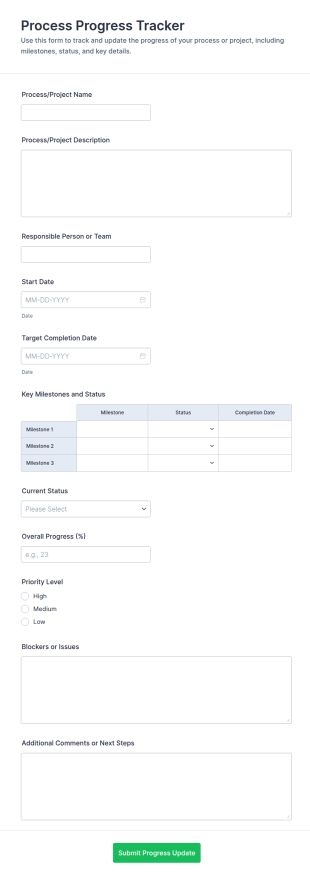
Process Progress Tracker
Track project updates, milestones, and priorities with the Process Progress Tracker Form in Jotform, ideal for teams managing ongoing work and recurring check-ins across departments or client projects.
Go to Category:Tracking Forms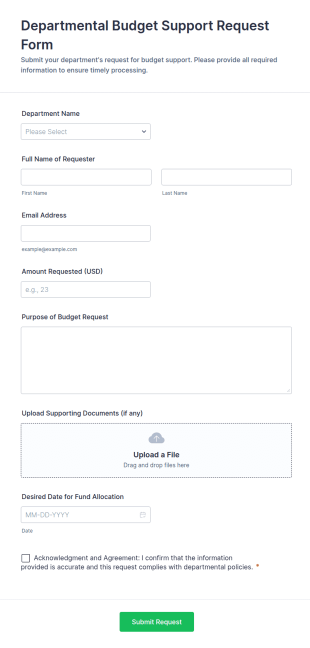
Departmental Budget Support Request Form
Departmental Budget Support Request Form helps departments submit funding requests with context, documents, and timelines so finance and admin teams can review and track internal budget needs.
Go to Category:Business Forms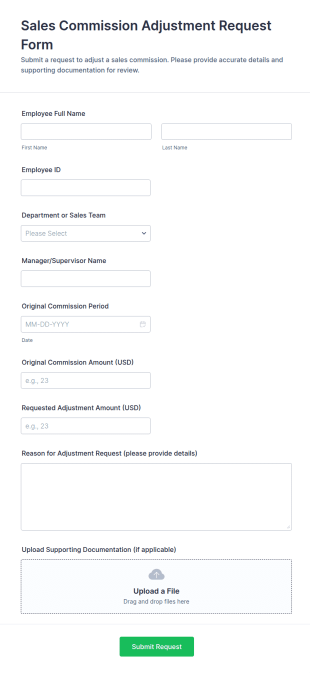
Sales Commission Adjustment Request Form
Sales Commission Adjustment Request Form helps sales, finance, and HR teams document, review, and track commission change requests with clear amounts, reasons, and supporting documentation.
Go to Category:Adjustment Request Forms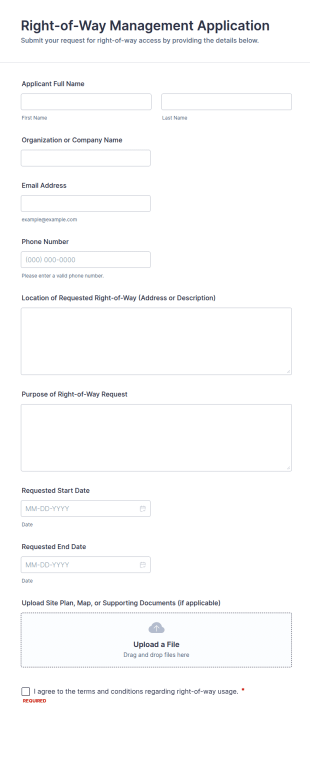
Right Of Way Management Application
Right-of-Way Management Application Form helps municipalities, utilities, and contractors collect online requests for right-of-way use, including location, purpose, dates, and supporting documents.
Go to Category:Infrastructure Forms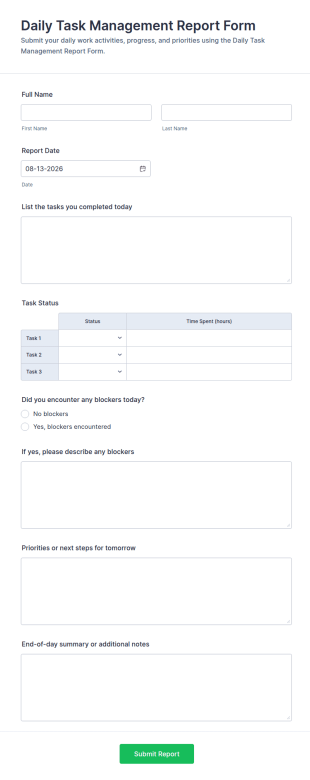
Daily Task Management Report
Daily Task Management Report Form keeps daily updates consistent by capturing progress, blockers, and next steps, making it ideal for managers and teams who want reliable reporting through Jotform.
Go to Category:Business Report Forms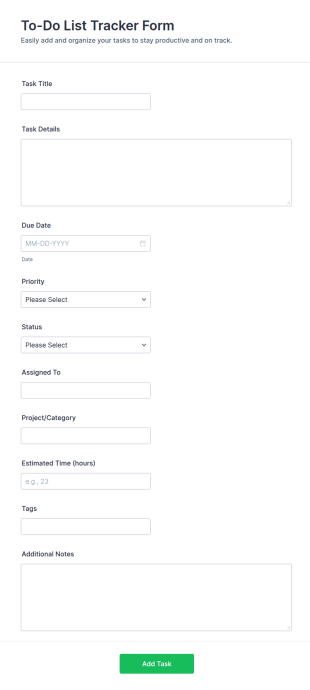
To Do List Tracker Form
Track tasks, priorities, and progress in one place with the To-Do List Tracker Form in Jotform, ideal for teams, freelancers, students, and admins who want cleaner task intake and better visibility.
Go to Category:Checklist Forms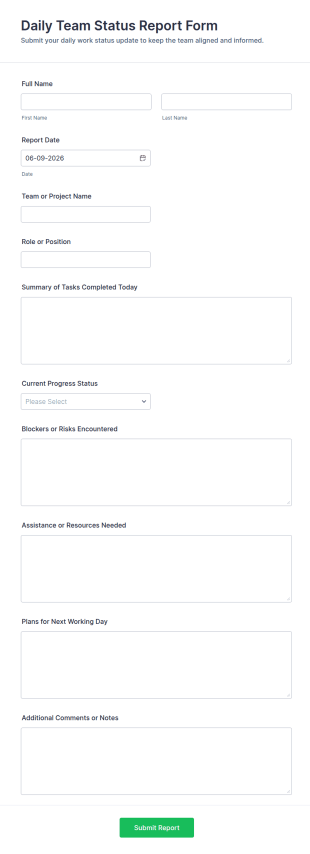
Daily Team Status Report Form
Daily Team Status Report Form makes daily check-ins consistent for managers and project teams by centralizing updates, progress, and blockers for clearer planning and better visibility across workstreams.
Go to Category:Business Report Forms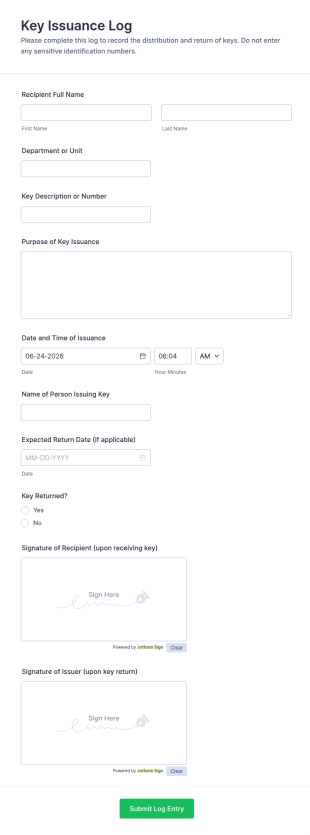
Key Issuance Log Form
Key Issuance Log Form makes it easy for facilities and operations teams to track key handoffs, improve access control records, and centralize data collection with Jotform for fast review of every form submission.
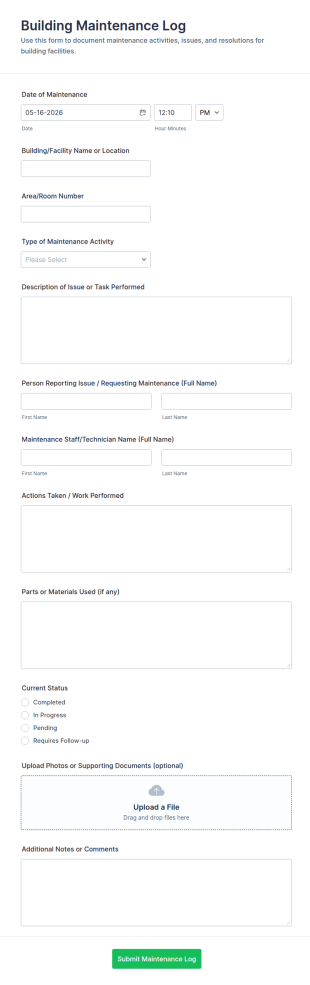
Building Maintenance Log
Track repairs, routine upkeep, and service requests with the Building Maintenance Log Form, a Jotform form template for facility managers and property teams who need consistent maintenance records and faster follow-ups.
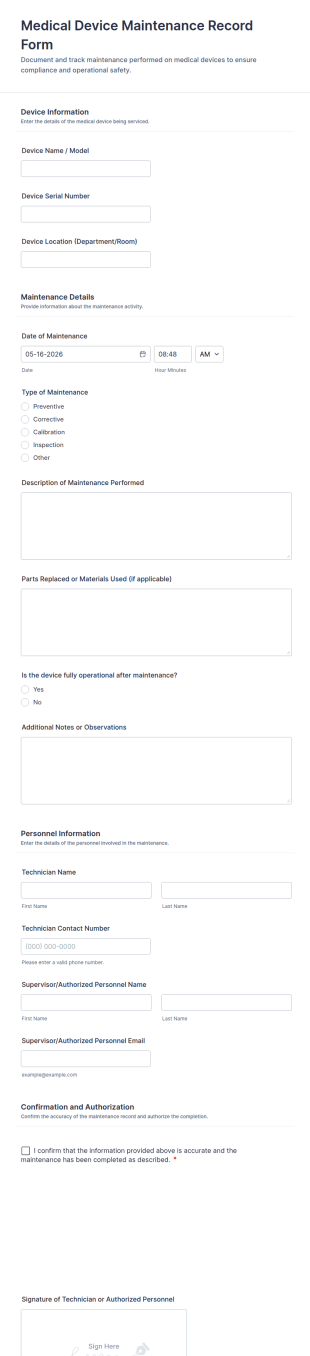
Medical Device Maintenance Record Form
Document and track equipment service history with the Medical Device Maintenance Record Form in Jotform, helping healthcare facilities standardize data collection and keep maintenance records organized across departments.
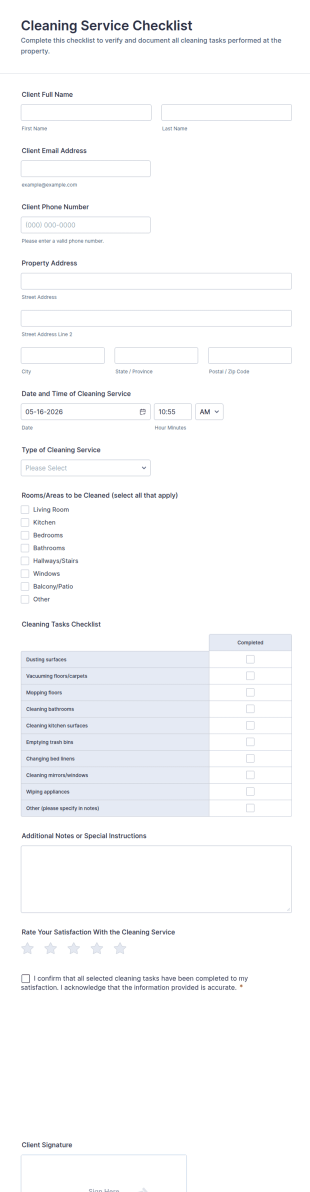
Cleaning Service Checklist Form
Track completed cleaning work, confirm service details, and collect client sign-off with the Cleaning Service Checklist Form, ideal for cleaning businesses, property managers, and short-term rental teams using Jotform Form Templates.
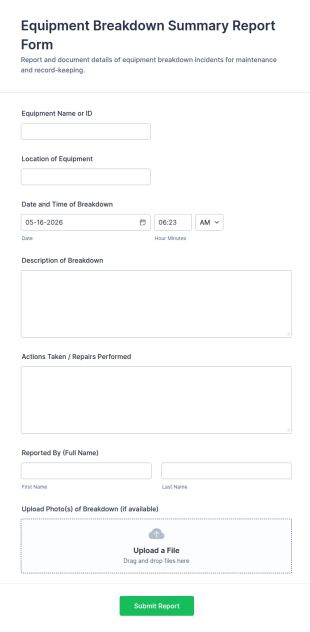
Equipment Breakdown Summary Report Form
Equipment Breakdown Summary Report Form helps teams document breakdown incidents, track downtime impact, and route maintenance follow-ups using Jotform for consistent data collection across facilities and job sites.
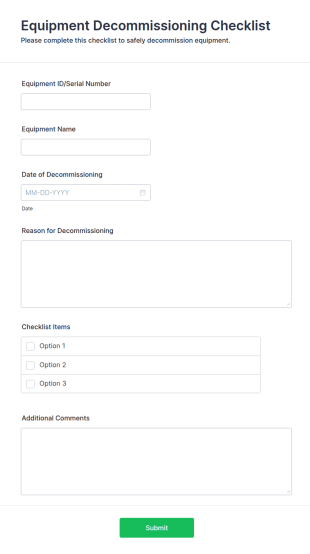
Equipment Decommissioning Checklist
The Equipment Decommissioning Checklist helps organizations manage the retirement of equipment effectively, ensuring proper procedures are followed for data wiping and disposal.
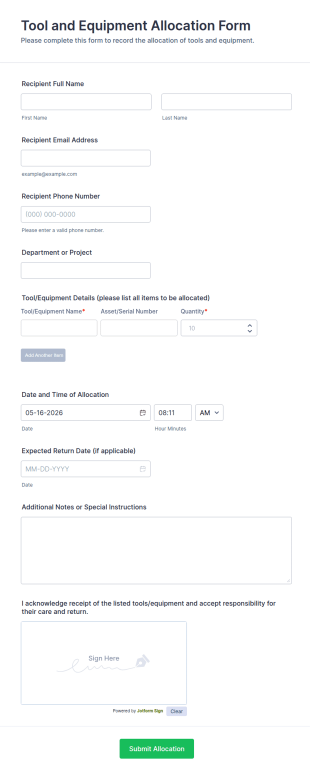
Tool And Equipment Allocation Form
Tool and Equipment Allocation Form tracks who receives tools or equipment, for which project, and when items are due back, helping operations, IT, and facilities teams manage inventory and accountability.
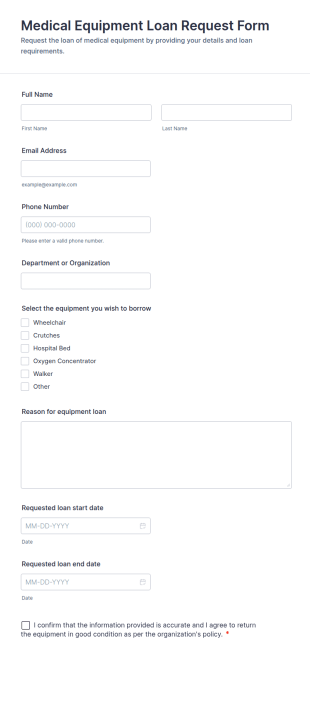
Medical Equipment Loan Request Form
Medical Equipment Loan Request Form helps hospitals, clinics, universities, and labs collect and track requests for borrowing medical equipment, including loan dates, reasons, and borrower details.
About Management Forms
Management forms are structured documents used to organize and document management-related processes such as planning, approvals, performance tracking, reporting, and operational decision-making. They help teams collect consistent information, assign responsibilities, and maintain clear records for review and follow-up. Management forms are commonly used across departments for project planning, status reporting, policy approvals, goal setting, meeting decisions, and internal requests that require leadership review. By standardizing management workflows, these forms reduce confusion, improve accountability, and make it easier to manage operations at scale.
With Jotform, management forms can be created quickly using a no-code, drag-and-drop Form Builder and tailored to different business functions. Conditional logic can route forms based on department or request type, while approval workflows and notification emails help managers respond faster. Submissions are stored in Jotform Tables so teams can track requests, decisions, and outcomes in one place. This makes management processes more consistent, measurable, and easier to audit over time.
Use Cases of Management Forms
Management forms support approvals, reporting, and coordination across teams. Below are common ways these forms are used and the challenges they help solve.
Possible Use Cases:
- Management approval requests (budgets, purchases, policy changes)
- Team status updates and weekly reporting
- Performance and goal-setting documentation
- Meeting decisions and action item tracking
- Operational issue escalation and resolution intake
- Resource planning and staffing requests
Problem-Solving Points:
- Centralize requests and decisions instead of scattered emails and chats
- Improve accountability by documenting owners, timelines, and approvals
- Speed up decision-making with consistent, complete submissions
- Create a searchable management record for follow-ups and reporting
Possible Owners and Users:
- Managers and team leads
- Operations and administrative teams
- HR and performance management teams
- Department coordinators and project owners
- Employees submitting requests or reports
Differences of Creation Methods:
- Management approval request forms focus on request purpose, budget or cost details, justification, urgency, and required approver confirmations.
- Management reporting and status update forms emphasize KPIs, progress summaries, blockers, next steps, and ownership for action items.
- Management planning and goal-setting forms prioritize objectives, timelines, success metrics, resource needs, and periodic review checkpoints.
How to Create a Management Form
Creating a management form with Jotform helps you standardize how information flows to managers and how decisions are recorded for accountability.
1. Choose a Template or Start from Scratch
In My Workspace, click “Create” and select “Form.” You can start from scratch or use a request or reporting template. A Classic Form works well for detailed submissions. A Card Form can guide employees step by step and reduce incomplete entries.
2. Define the Management Workflow Type
Add a dropdown for workflow type such as approval request, status update, escalation, or planning. This keeps a single form adaptable to multiple management needs while keeping submissions consistent.
3. Add the Core Fields for Decision-Making
Include fields for requester name, department, request summary, impact, priority, cost or resource needs, and any supporting attachments. For reporting forms, include KPIs, progress notes, and blocker fields.
4. Use Conditional Logic and Approvals
Use conditional logic to show the right sections based on workflow type. Set up approval routing or notification emails to ensure the correct manager is alerted and decisions are tracked.
5. Publish and Track Submissions in Jotform Tables
Test the form, publish it, and share it with relevant teams. Use Jotform Tables to filter by status, owner, department, and priority and export information for leadership reporting.
Frequently Asked Questions
1. What are management forms?
Management forms are documents or online forms used to collect and document management workflows such as approvals, reporting, planning, and decision tracking.
2. Why are management forms important?
They standardize communication, reduce missing details, and create clear records for accountability and follow-up.
3. What information is typically included in management forms?
Common fields include request or report type, summary, owner, priority, justification, metrics or progress notes, and approvals or next steps.
4. Who uses management forms?
Managers, team leads, employees, HR teams, and operations staff use management forms to submit requests, report status, and document decisions.
5. Are management forms specific to one department?
No. They can be used across departments and customized for different management workflows.
6. Can management forms be used to track approvals?
Yes. They can collect required approver confirmations and document approval outcomes and action items.
7. How do management forms improve decision-making?
They provide consistent inputs, make priorities clearer, and reduce back-and-forth by capturing key details upfront.
8. Can management forms be customized for different workflows?
Yes. Teams can use conditional logic and workflow routing to tailor fields for approvals, reporting, escalation, and planning needs.