




Dermal Filler Consent and Treatment Forms
Skincare Facial Consent Form
A Skincare Facial Consent Form is a form template designed to gather information from clients about their upcoming visit and their expectations of the service.
Go to Category:Dermal Filler FormsDermal Filler Consent Form
Get this Dermal Filler Consent Form and easily start collecting your clients’ consents before applying any procedures. No coding required!
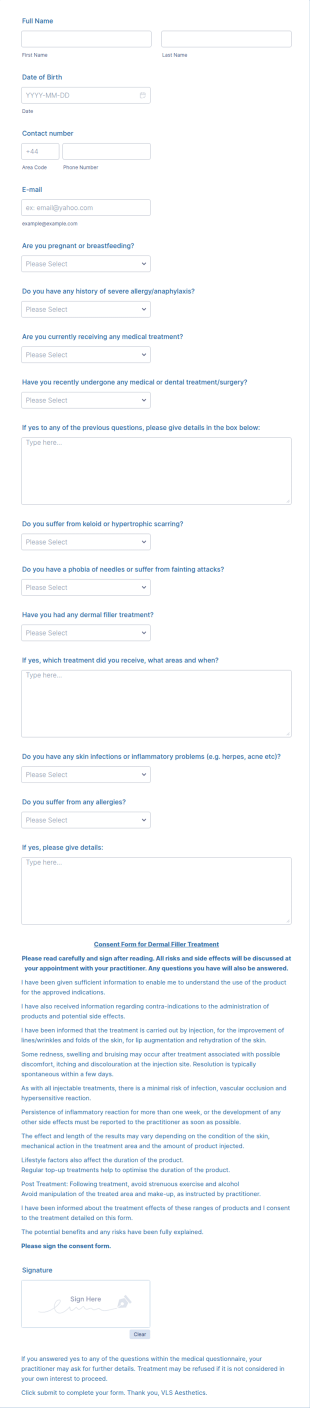
Go to Category:Dermal Filler FormsDermal Filler Treatment Medical Consent Form
A Dermal Filler Treatment Medical Consent Form is a form template designed to enable patients to easily provide their medical consent online.
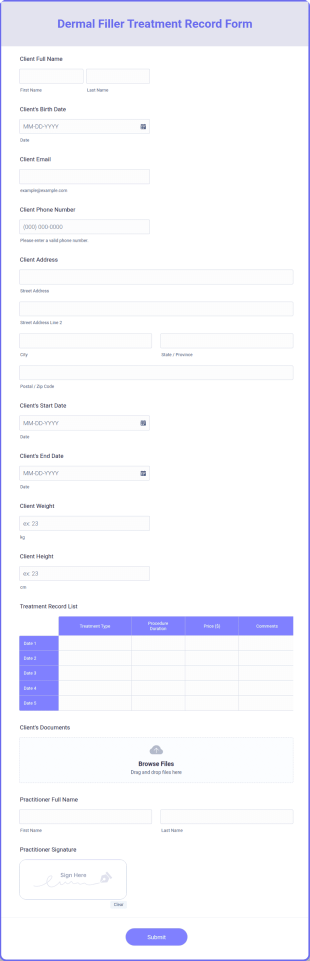
Go to Category:Healthcare FormsDermal Filler Treatment Record Form
Get the clients’ treatment record information with a Dermal Filler Treatment Record Form easily after applying any procedures. Keep organized all the time. No coding required.
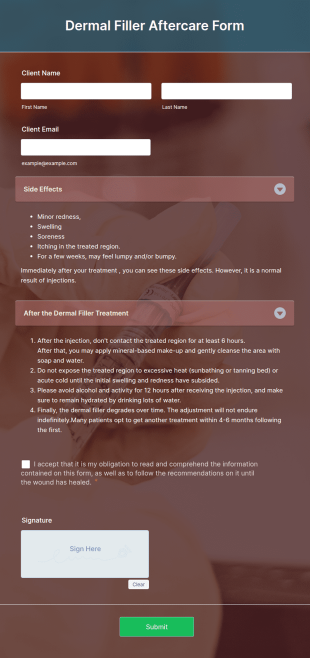
Go to Category:Dermal Filler FormsDermal Filler Aftercare Form
Make the process easier with the Dermal Filler Aftercare Form and help your clients with your after-care process advice. All can be achieved without coding!
Go to Category:Dermal Filler Forms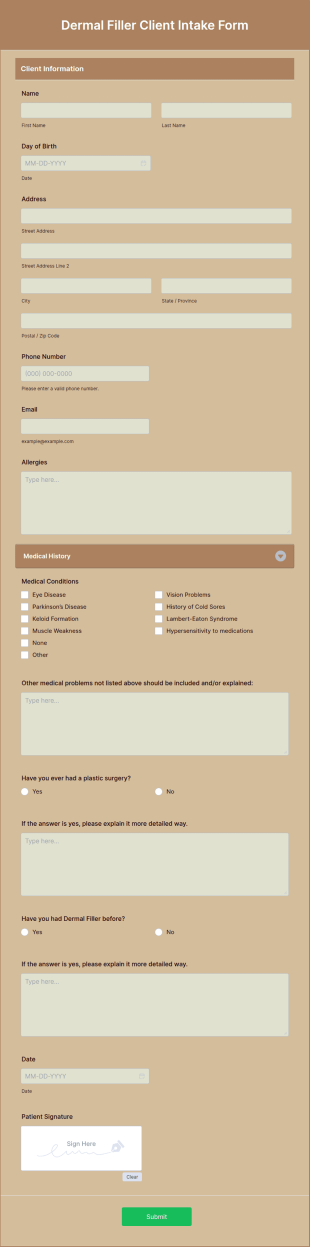
Dermal Filler Client Intake Form
Gather data to understand better your clients’ needs before setting an appointment by using this Dermal Filler Client Intake Form that can be opened on any device. No coding required.
Go to Category:Dermal Filler FormsAesthetic Injection Charting Form
Aesthetic Injection Charting Form helps aesthetic clinics and med spas record injectable treatment details, standardize documentation, and support consistent aftercare notes using Jotform form templates for online data collection.
Go to Category:Healthcare Forms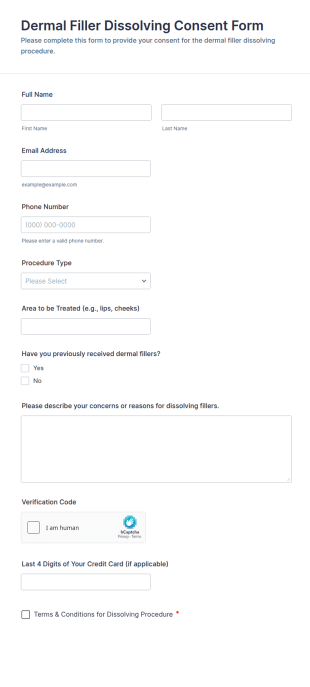
Dermal Filler Dissolving Consent Form
Collect client consent for filler-dissolving procedures with the Dermal Filler Dissolving Consent Form, ideal for aesthetic clinics and med spas that need consistent documentation and organized data collection in Jotform.
Go to Category:Consent Forms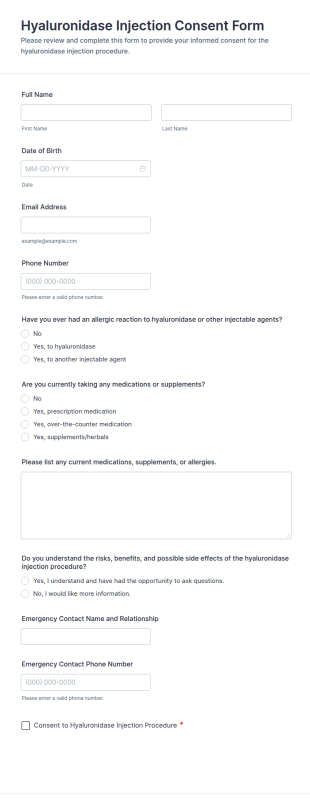
Hyaluronidase Injection Consent Form
Collect informed consent for hyaluronidase injections with a Hyaluronidase Injection Consent Form from Jotform, ideal for med spas and cosmetic clinics that need clear documentation and organized data collection.
Go to Category:Consent Forms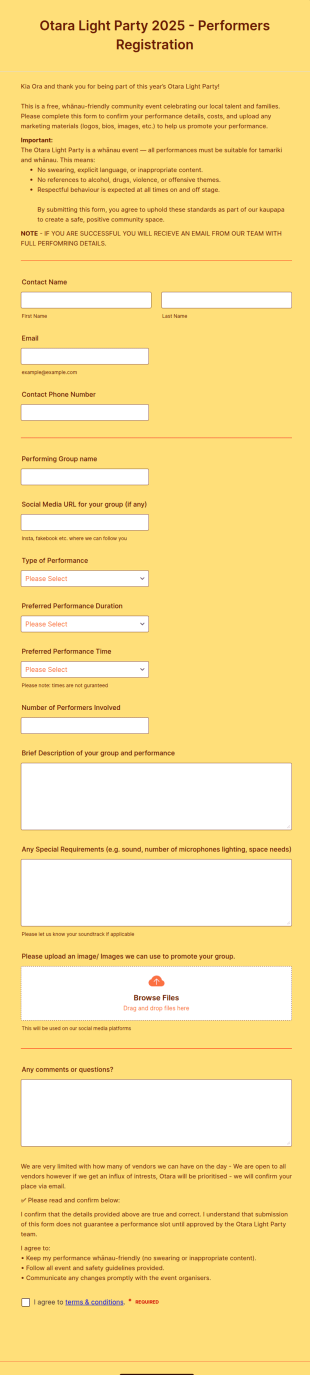
Light Party Performers Form
Light Party Performers Form is a form template that streamlines the process of hiring entertainers for light shows, making it easy to collect information about the artists' skills, availability, and rates, thanks to Jotform's intuitive design.
Go to Category:Dermal Filler Forms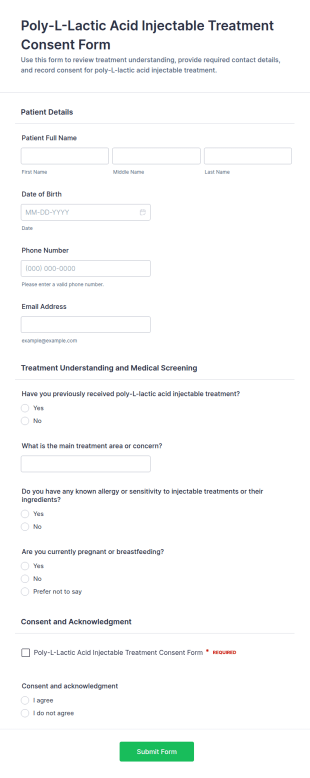
Poly L Lactic Acid Injectable Treatment Consent Form
Poly-L-Lactic Acid Injectable Treatment Consent Form helps clinics collect informed consent and pre-treatment screening details online, improving patient documentation and preparation before injectable treatment appointments.
Go to Category:Consent Forms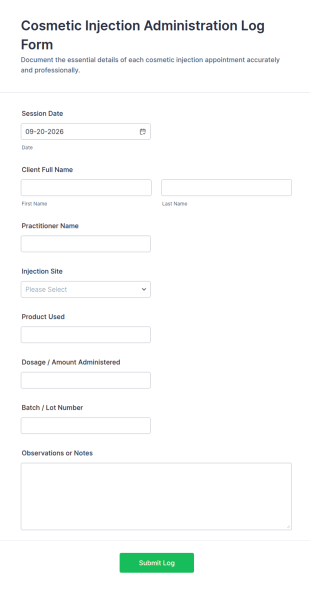
Cosmetic Injection Administration Log Form
Cosmetic Injection Administration Log Form supports clinics and practitioners in documenting injection sessions online, organizing visit records, and improving data collection with Jotform for consistent internal tracking and reporting.
Go to Category:Healthcare Forms
Level 7 Aesthetics Diploma Form
Level 7 Aesthetics Diploma Form is a form template that enables aesthetic practitioners to systematically collect and manage client data for aesthetic treatments, simplifying the process with Jotform's easy-to-use interface.
Go to Category:Dermal Filler FormsAbout Dermal Filler Forms
Dermal Filler Consent and Treatment Forms are specialized digital forms designed to streamline the documentation process within the cosmetic and medical aesthetics industry. These forms serve a critical role by ensuring that clients are fully informed about the procedures they will undergo, the potential risks involved, and the expected outcomes. They provide a systematic way for healthcare professionals to gather necessary consent from patients before administering dermal filler treatments. In real-world workflows, these forms are used during patient consultations to collect personal information, medical history, and consent, facilitating a seamless operation for clinics and enhancing overall service delivery.
Jotform stands out as the premier online form builder for creating and managing Dermal Filler Consent and Treatment Forms, offering a user-friendly interface that allows for extensive customization. The platform's drag-and-drop functionality makes it effortless to tailor forms to specific clinic needs, enabling the automation of data collection processes. This not only saves time but also reduces the likelihood of errors. Jotform Tables provides a centralized system for data management, allowing clinics to efficiently organize, access, and analyze patient information, thus promoting a more integrated approach to patient care and clinic administration.
Why Use Dermal Filler Consent and Treatment Forms?
- Dermal Filler Consent and Treatment Forms ensure that all patient information is captured accurately and comprehensively. This is crucial in maintaining precise records, which is vital for both patient safety and legal compliance. By using structured forms, clinics can avoid common errors associated with manual data entry, such as missing information or illegible handwriting.
- These forms significantly speed up the patient intake process. By allowing patients to fill out forms online before their appointments, clinics can reduce wait times and improve the efficiency of their operations. This streamlined process not only enhances the patient experience but also enables staff to focus on more critical tasks during the appointment.
- Professional data handling is another key advantage of using these forms. With Jotform’s secure data management capabilities, sensitive patient information is protected through encryption and other security measures, ensuring that clinics comply with regulations like HIPAA. This level of security builds trust with patients and protects the clinic from potential data breaches.
- Automating the consent process with these forms reduces the administrative burden on staff. By integrating electronic signatures, clinics can collect consent digitally, eliminating the need for physical paperwork and reducing storage requirements. This digital approach leads to a more organized and environmentally friendly operation.
- Utilizing Dermal Filler Consent and Treatment Forms can enhance communication between patients and healthcare providers. By clearly outlining the procedure details and consent requirements in an easily understandable format, these forms help ensure that patients are well-informed, leading to better patient satisfaction and outcomes.
Common Problems Solved by Dermal Filler Consent and Treatment Forms
- One of the primary challenges in the aesthetics industry is managing extensive paperwork. Traditional methods can lead to misplaced documents and incomplete patient records. Dermal Filler Consent and Treatment Forms solve this by digitizing records, ensuring that all documents are stored securely and can be accessed instantly.
- Manual data entry is time-consuming and prone to errors, which can affect the quality of patient care. By automating data collection with online forms, clinics can eliminate the inefficiencies and inaccuracies associated with manual processes. This allows staff to allocate more time to patient interaction and care.
- Lost data is a significant concern in any medical setting, as it can lead to legal issues and compromise patient safety. By using Jotform’s online forms, clinics can ensure that all patient information is backed up and easily retrievable, reducing the risk of data loss and enhancing compliance with regulatory requirements.
- Another common issue is the lack of integration across systems. Dermal Filler Consent and Treatment Forms can be seamlessly integrated with existing clinic management software and third-party applications like Google Sheets and Salesforce, enabling smooth data flow and enhancing operational efficiency.
Matching Use Cases to Features
- The drag-and-drop form builder is invaluable for clinics that require customized forms tailored to their specific consent and treatment processes. This feature allows healthcare providers to design forms that accurately reflect the unique aspects of their services, leading to better data capture and patient satisfaction.
- Conditional logic is a powerful feature for personalizing the patient experience. By using this, clinics can create forms that adapt based on patient responses, ensuring that only relevant questions are presented. This dynamic approach streamlines the filling process and improves user engagement.
- Jotform supports over 30 payment gateways, including Stripe, PayPal, and Square, which is ideal for clinics offering treatments that require upfront deposits or payments. This feature facilitates secure and convenient financial transactions directly through the forms, enhancing the overall patient experience.
- Electronic signatures via Jotform Sign are essential for obtaining legally binding consent from patients. This feature allows clinics to collect signatures digitally, ensuring that consent is documented efficiently and complies with legal standards, thereby protecting both the clinic and the patient.
- With Jotform’s PDF Editor, clinics can automatically generate PDF documents from completed forms. This feature is particularly useful for producing professional records that can be easily shared with patients or stored in the clinic’s database for future reference.
- The Report Builder feature allows clinics to generate insightful reports from collected data. This capability enables clinics to analyze trends, patient demographics, and treatment outcomes, supporting data-driven decision-making and helping to improve service offerings.
How to Create a Dermal Filler Consent and Treatment Form
- Begin by browsing the Template List to find a suitable Dermal Filler Consent and Treatment template, or start from a blank form if you prefer a custom design.
- Customize the design and fields using the Drag-and-Drop Form Builder. This allows you to add or remove questions, adjust layouts, and insert your clinic’s branding for a personalized touch.
- Once your form is ready, publish and share it with patients via a Direct Link, Email, or Website Embed to facilitate easy access and completion.
Top Use Cases for Dermal Filler Consent and Treatment Forms
- For Managers: Managers benefit greatly from the streamlined data collection and management that these forms afford. By using Jotform, they can ensure that all patient information is collected accurately and stored securely, reducing the risk of compliance issues. Furthermore, the ability to generate reports and analyze data helps managers make informed decisions about clinic operations and patient care strategies.
- For Teams: For clinical teams, these forms facilitate better coordination and communication. The integration capabilities allow seamless sharing of patient data across platforms, ensuring that all team members have access to up-to-date information. This enhances collaborative efforts in providing high-quality patient care and improves overall team efficiency by minimizing redundant tasks.
- For Customers: Patients enjoy a more convenient and informative experience when engaging with Dermal Filler Consent and Treatment Forms. The clarity and accessibility of online forms ensure that they are well-informed about their treatments and can provide consent with confidence. The ability to complete forms at their convenience, even before visiting the clinic, greatly enhances their satisfaction and trust in the services provided.
Summarizing Dermal Filler Consent and Treatment Forms
Dermal Filler Consent and Treatment Forms are indispensable for clinics seeking to enhance their operational efficiency and patient care quality. By leveraging Jotform’s customization and data management capabilities, clinics can automate and streamline their consent processes, reducing errors and improving compliance. The integration of advanced features such as electronic signatures and conditional logic further enhances the usability and functionality of these forms. Overall, these digital forms represent a significant advancement in how aesthetic services are delivered, ensuring that patient interactions are smooth, informed, and professional.
Frequently Asked Questions
1) Is it free to create Dermal Filler Consent and Treatment forms on Jotform?
Yes, Jotform offers free plans that allow you to create and use Dermal Filler Consent and Treatment forms. However, there are paid plans available that offer additional features and higher submission limits if needed.
2) Are the forms and submitted data secure?
Absolutely, Jotform prioritizes data security. All forms and data transmitted are encrypted, and Jotform complies with industry standards like GDPR and HIPAA, ensuring that patient information is protected at all times.
3) Do I need coding knowledge to build a Dermal Filler Consent and Treatment form?
No coding knowledge is required to create these forms. Jotform’s user-friendly drag-and-drop form builder allows you to customize forms easily without any technical skills.
4) Can I collect payments directly through my forms?
Yes, you can collect payments directly through your forms using Jotform’s integration with over 30 payment gateways, including Stripe, PayPal, and Square.
5) Can these forms be used on mobile devices?
Yes, all Jotform forms are mobile-responsive and can be filled out on any device, enabling patients to complete forms conveniently from their smartphones or tablets.
6) Can I turn form submissions into professional PDF documents?
Jotform’s PDF Editor allows you to automatically convert form submissions into professional PDF documents, which can be saved, printed, or shared as needed.
7) How can I ensure my forms comply with industry regulations like HIPAA?
Jotform offers HIPAA-compliant plans that ensure your forms meet all necessary regulatory requirements, providing peace of mind that patient data is handled appropriately.
8) Can I integrate these forms with my clinic management software?
Yes, Jotform supports over 100 third-party integrations, allowing you to connect your forms with various clinic management systems and applications such as Google Sheets, Salesforce, and Slack.