

Meetup RSVP Forms

Happy Hour Party RSVP Form
Happy Hour Party RSVP Form is a form template that simplifies the process of managing guest lists for social gatherings, designed with Jotform's intuitive interface, providing essential information like attendee's name, contact details, and party preferences.
Go to Category:RSVP Forms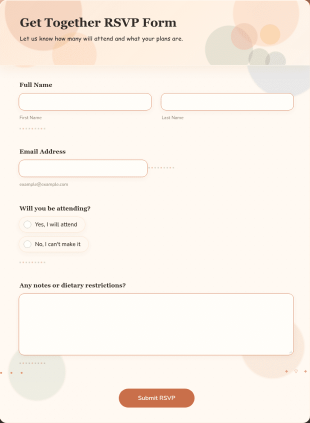
Get Together RSVP Form
Get Together RSVP Form is a form template that simplifies your event planning process by collecting attendee confirmations efficiently, powered by Jotform's intuitive form builder technology.
Go to Category:Entertainment Forms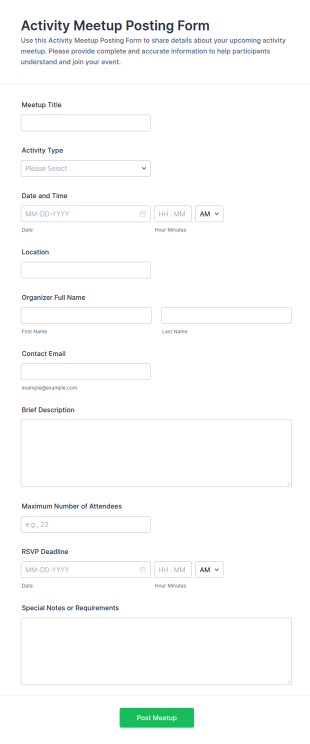
Activity Meetup Posting Form
Activity Meetup Posting Form makes it easy for clubs, communities, and organizers to collect meetup details online and publish consistent event listings using Jotform Form Templates for fast data collection.
Go to Category:Meetup RSVP Forms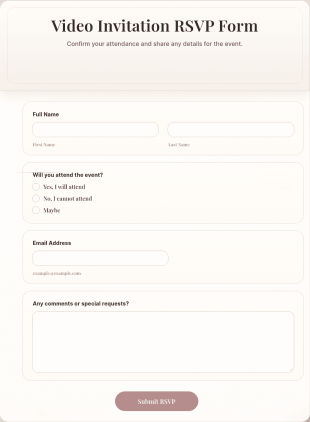
Video Invitation RSVP Form
Video Invitation RSVP Form is a form template that simplifies the process of collecting responses for your virtual event, making it easy and efficient with Jotform's intuitive interface.
Go to Category:Business Forms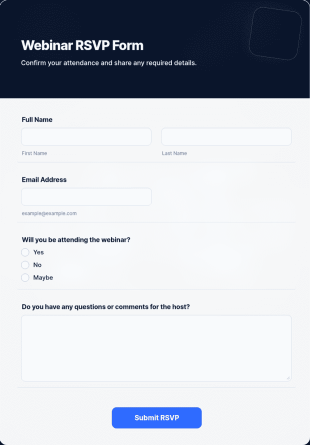
Webinar RSVP Form
Webinar RSVP Form is a form template that allows attendees to easily register for your online events, all powered by the seamless functionalities of Jotform.
Go to Category:RSVP Forms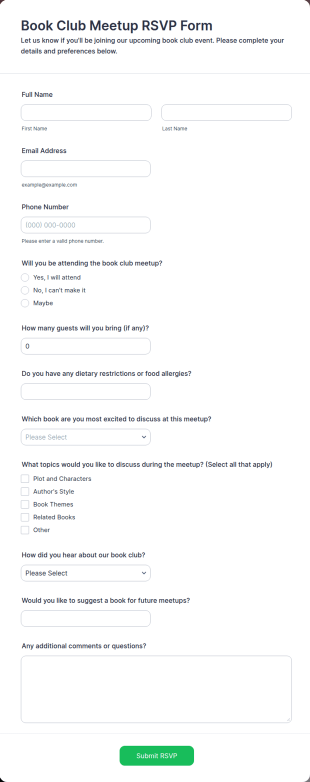
Book Club Meetup RSVP Form
Collect book club RSVP responses, guest counts, and discussion preferences with the Book Club Meetup RSVP Form so organizers can plan meetups, send updates, and manage attendance with Jotform.
Go to Category:Event Registration Forms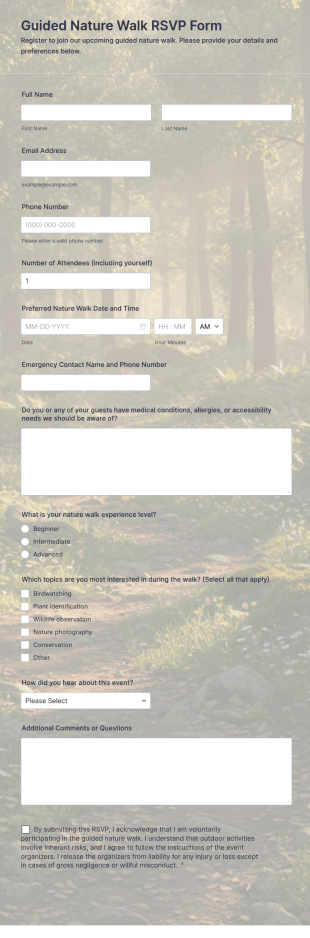
Guided Nature Walk RSVP Form
Collect RSVPs for a guided nature walk with Jotform, including attendee counts and preferred dates, so parks, nature centers, and community organizers can plan groups and manage form submissions in one place.
Go to Category:Registration Forms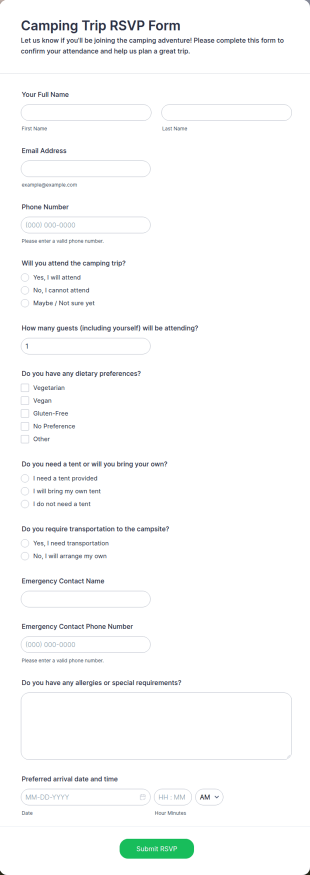
Camping Trip RSVP Form
Camping Trip RSVP Form helps organizers collect attendance confirmations and planning details for a camping event, making it easier for clubs, schools, and groups to coordinate guests and logistics in Jotform.
Go to Category:Registration Forms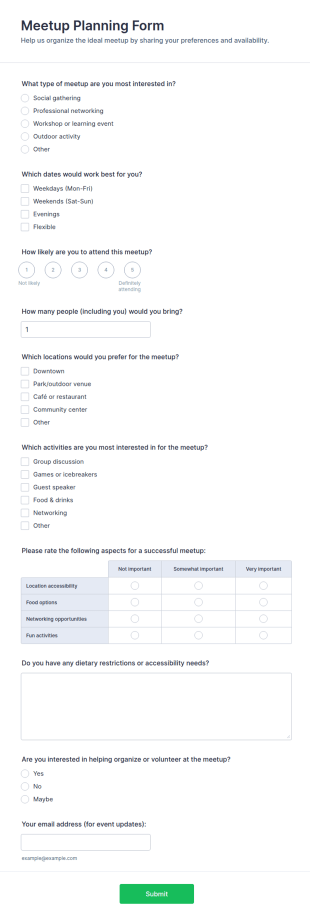
Meetup Planning Survey
Meetup Planning Form helps organizers collect attendee preferences and availability so they can plan better meetups, estimate turnout, and coordinate volunteers using Jotform form templates and fast online data collection.
Go to Category:Event Planner Forms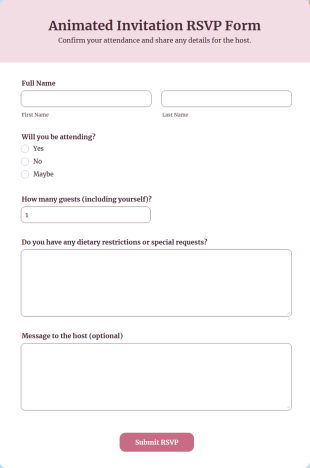
Animated Invitation RSVP Form
Animated Invitation RSVP Form is a form template that simplifies the process of organizing events by collecting guest responses digitally, powered by Jotform's intuitive interface and customizable features.
Go to Category:Business Forms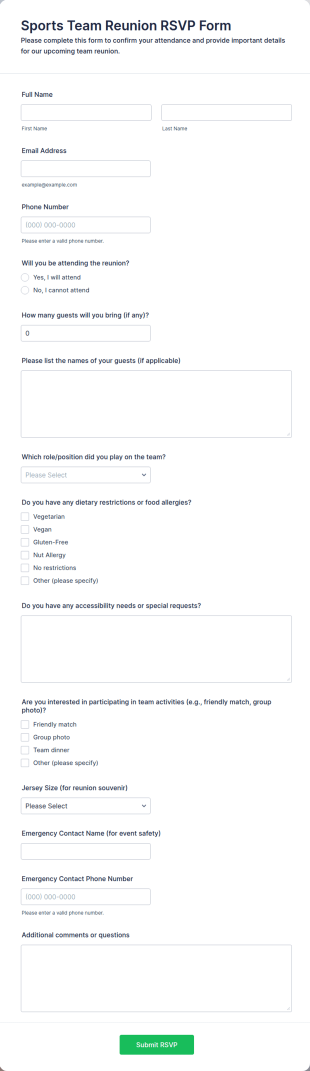
Sports Team Reunion RSVP Form
Sports Team Reunion RSVP Form makes it easy for organizers to collect attendance responses online, estimate headcount, and coordinate reunion details with Jotform for smoother event planning.
Go to Category:Sports Forms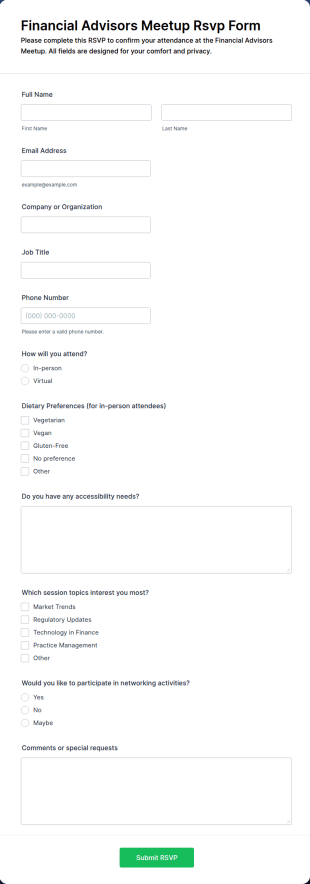
Financial Advisors Meetup RSVP Form
Collect and manage event confirmations with the Financial Advisors Meetup RSVP Form, ideal for firms and organizers planning in-person or virtual meetups while keeping attendee data collection and follow-ups organized in Jotform.
Go to Category:Event Registration Forms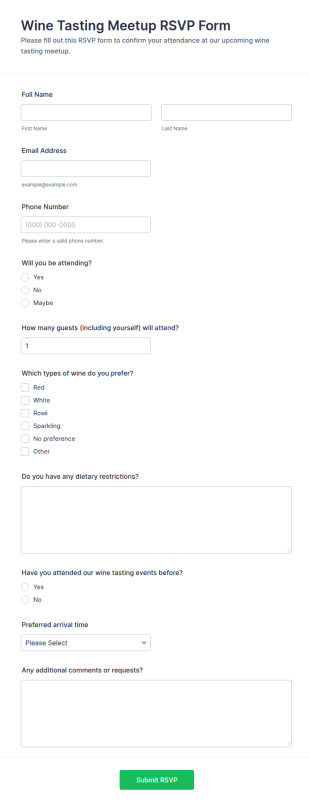
Wine Tasting Meetup RSVP Form
Collect RSVPs for your next tasting event with the Wine Tasting Meetup RSVP Form, so wineries, restaurants, and event hosts can confirm attendance, plan guest counts, and keep data collection organized in Jotform.
Go to Category:RSVP Forms
Networking Cocktail Event RSVP
Collect RSVPs for your next mixer with the Networking Cocktail Event RSVP Form in Jotform, helping event organizers track attendance, guest counts, and hosting needs through simple online data collection.
Go to Category:RSVP Forms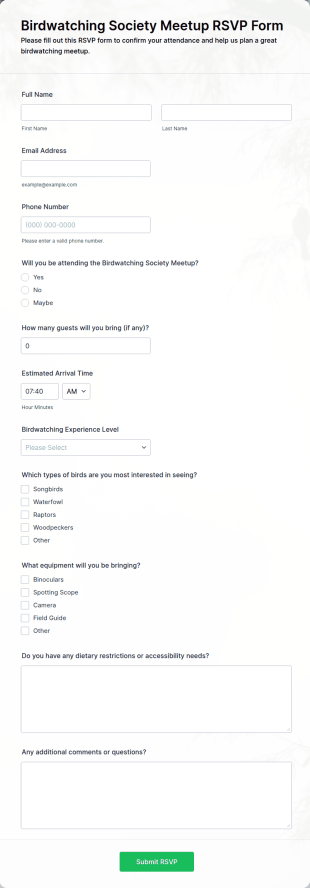
Birdwatching Society Meetup RSVP Form
Birdwatching Society Meetup RSVP Form helps birding clubs and nature groups collect RSVPs online, estimate headcount, and plan arrival timing and event preferences using Jotform form templates.
Go to Category:Registration Forms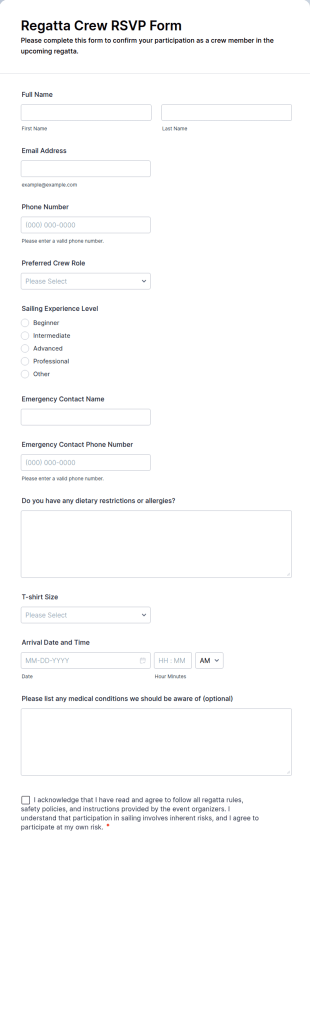
Regatta Crew RSVP Form
Regatta Crew RSVP Form makes it easy for yacht clubs and sailing teams to collect RSVPs, confirm crew participation, and organize event logistics with Jotform data collection and form submissions.
Go to Category:Sports Forms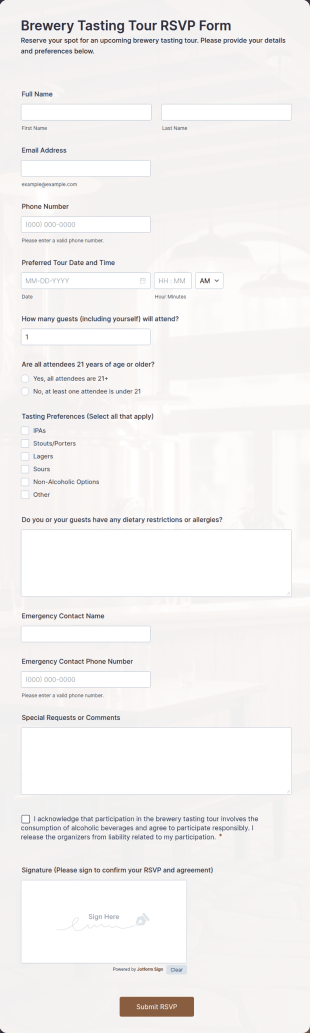
Brewery Tasting Tour RSVP Form
Collect brewery tour RSVPs, confirm attendance details, and organize guest information for tastings with the Brewery Tasting Tour RSVP Form in Jotform for fast, accurate event planning.
Go to Category:Registration Forms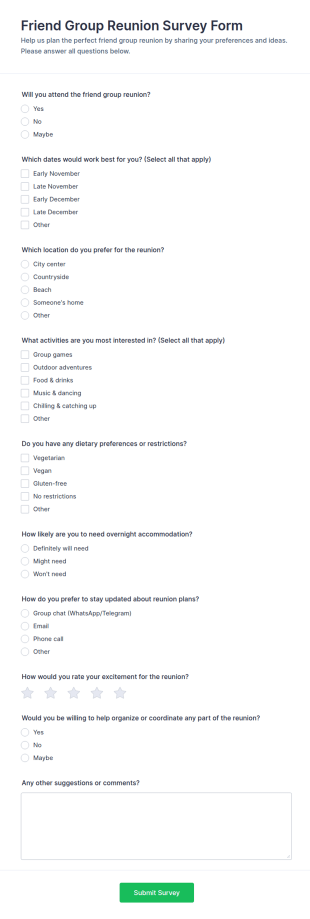
Friend Group Reunion Survey
Collect friend group availability and preferences for a reunion with the Friend Group Reunion Survey Form, making it easier for organizers to confirm attendance, choose dates and locations, and coordinate plans in one place.
Go to Category:Survey Templates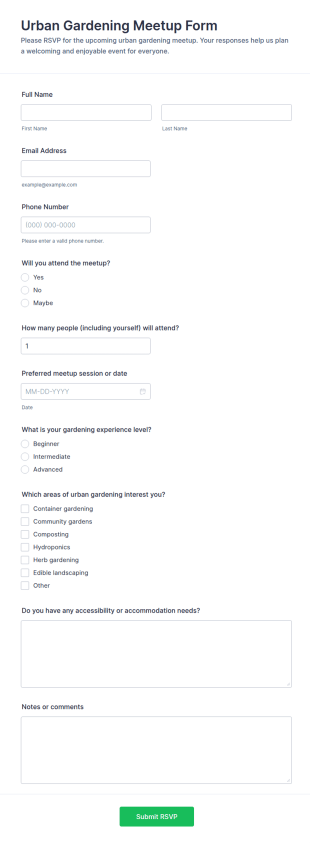
Urban Gardening Meetup RSVP Form
Plan attendance for your next community event with the Urban Gardening Meetup Form, a Jotform RSVP template for gathering responses, estimating headcount, and organizing outreach with fast sharing and simple data collection.
Go to Category:RSVP Forms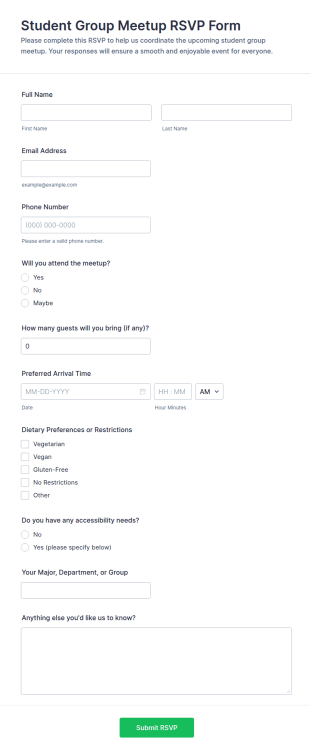
Student Group Meetup RSVP Form
Collect student meetup RSVPs with the Student Group Meetup RSVP Form in Jotform to manage attendance, plan logistics, and support smooth event coordination for clubs, departments, and campus organizations.
Go to Category:RSVP Forms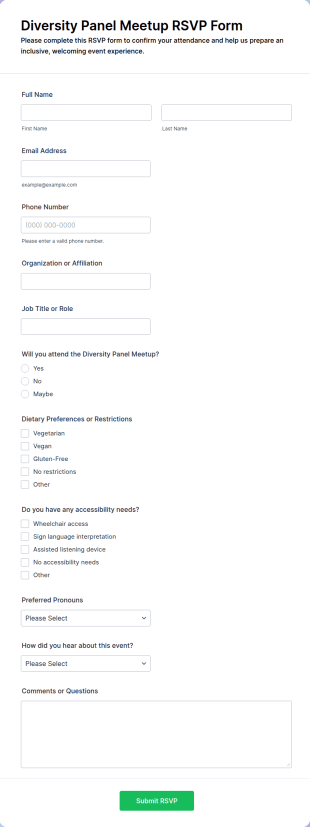
Diversity Panel Meetup RSVP Form
Collect RSVPs for an inclusive panel event with the Diversity Panel Meetup RSVP Form by Jotform, making it easy for organizers to confirm attendance, plan guest needs, and manage event data collection in one place.
Go to Category:Registration Forms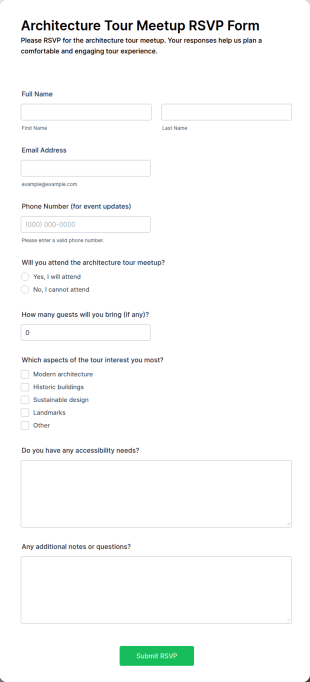
Architecture Tour Meetup RSVP Form
Architecture Tour Meetup RSVP Form helps organizers collect RSVPs, manage headcount, and gather attendee preferences for tours and design meetups using Jotform Form Templates for smooth online data collection.
Go to Category:Registration Forms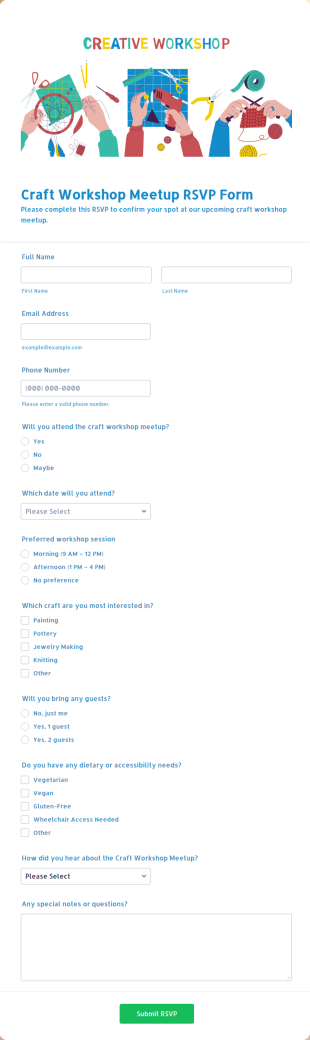
Craft Workshop Meetup RSVP Form
Collect craft meetup RSVPs, confirm attendance, and plan sessions with the Craft Workshop Meetup RSVP Form in Jotform, a customizable form template for makerspaces, studios, libraries, and community events.
Go to Category:Registration Forms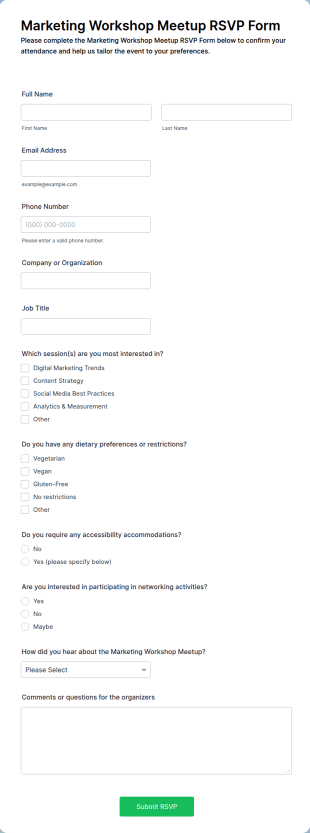
Marketing Workshop Meetup RSVP Form
Collect RSVPs for your next workshop with the Marketing Workshop Meetup RSVP Form in Jotform, making it easy for organizers to confirm attendance, plan sessions, and manage event communication from one place.
Go to Category:Marketing FormsAbout Meetup RSVP Forms
Meetup RSVP Forms are a vital component in the successful organization and management of events by allowing event planners to efficiently gather and manage attendee information. These forms are specifically designed to facilitate the RSVP process for events, enabling organizers to collect responses from potential participants, track attendance, and manage event logistics seamlessly. In real-world scenarios, Meetup RSVP Forms are often used by event coordinators, corporate event planners, community organizers, and social clubs to streamline the registration process, minimize the chaos of manual sign-ups, and ensure that the event runs smoothly with accurate headcounts and detailed participant information.
Jotform stands out as the premier online form builder for creating and managing Meetup RSVP Forms, offering a user-friendly platform that simplifies the process of form creation and customization. With Jotform’s intuitive drag-and-drop interface, users can effortlessly tailor their forms to meet specific event requirements, ensuring that all necessary information is captured accurately. Additionally, Jotform automates data collection, making it easier to manage attendee information without the hassle of manual data entry. The centralized data management capabilities provided by Jotform Tables allow for seamless organization and retrieval of participant data, ensuring that event organizers can focus on delivering a successful event experience.
Why Use Meetup RSVP Forms?
- Meetup RSVP Forms offer unparalleled accuracy in data collection, which is crucial for event planning. By using digital forms, event organizers can ensure that all attendee information is captured correctly, reducing the risk of human error associated with manual entry. This accuracy helps in managing logistics, such as seating arrangements and catering orders, with confidence.
- Speed is another significant advantage of using Meetup RSVP Forms. These forms enable rapid dissemination and collection of RSVP information, allowing organizers to quickly assess attendee numbers and make necessary adjustments to their event plans. This is particularly beneficial for large events where timing is critical.
- Professional data handling is facilitated through the use of Meetup RSVP Forms. Jotform's platform ensures that all data collected is organized and stored in a secure manner, which is essential for maintaining the privacy and trust of event participants. Additionally, the ability to integrate with third-party applications further enhances data management capabilities.
- The automation of data collection processes through Meetup RSVP Forms eliminates the need for manual tracking and updating of attendee lists. This automation not only saves time but also reduces the likelihood of data loss or errors, ensuring a smooth and efficient event management process.
- Customization options available in Meetup RSVP Forms allow organizers to tailor their forms to suit the specific needs of their events. Whether it's adding custom fields for dietary preferences or incorporating branding elements to maintain consistency with the event's theme, Jotform provides the flexibility needed to create a form that aligns with the organizer’s objectives.
Common Problems Solved by Meetup RSVP Forms
- One of the most common challenges faced by event organizers is the inefficiency associated with paper-based RSVP systems. These systems are prone to errors, data loss, and require significant manual effort to maintain. By switching to Meetup RSVP Forms, organizers can digitize the RSVP process, minimizing errors and streamlining data collection.
- Manual data entry is not only time-consuming but also increases the risk of inaccuracies. Meetup RSVP Forms eliminate the need for manual entry by allowing participants to submit their information directly, ensuring data integrity and saving valuable time for event staff.
- Losing participant data can lead to significant logistical issues, such as overbooking or underestimating attendance. Meetup RSVP Forms provide a digital solution that securely stores all participant information, reducing the risk of data loss and ensuring that event planning decisions are based on accurate data.
- Traditional RSVP methods often result in delayed responses, making it difficult for organizers to plan effectively. Meetup RSVP Forms facilitate instantaneous data collection, enabling organizers to receive real-time updates on attendee numbers and make timely decisions regarding event logistics.
Matching Use Cases to Features
- For event planners who require flexibility in designing their RSVP forms, Jotform's Drag-and-Drop Form Builder is an invaluable feature. It allows users to create customized forms that can accommodate specific event details, ensuring that all relevant information is captured efficiently.
- The Conditional Logic feature is particularly useful for events with varying attendance options or tiered ticketing. This feature enables forms to dynamically adjust based on the participant's responses, providing a tailored experience that can adapt to different scenarios, such as offering additional questions for VIP attendees.
- With over 30 Payment Gateways, including Stripe, PayPal, and Square, Meetup RSVP Forms can facilitate direct payment collection for ticketed events. This integration allows organizers to streamline the payment process, providing a seamless experience for attendees and simplifying revenue tracking.
- Jotform Sign, the electronic signature feature, is ideal for events that require signed agreements or waivers. By incorporating electronic signatures into RSVP forms, organizers can ensure that all necessary legal documentation is completed and stored securely.
- The ability to generate professional documents through the PDF Editor is a significant advantage for event coordinators. This feature allows for the automatic creation of PDFs from form submissions, which can be used for printing attendee lists or providing detailed reports to stakeholders.
How to Create a Meetup RSVP Form
- Browse the Template List for a Meetup RSVP template or start from a blank form. This initial step involves selecting the most suitable template that aligns with the event's requirements or opting to build a form from scratch for a more personalized approach.
- Customize the design and fields using the Drag-and-Drop Form Builder. This step allows users to tailor the form's appearance and content, ensuring it captures all necessary information and aligns with the event's branding.
- Publish and share via Direct Link, Email, or Website Embed. Once the form is complete, it can be distributed to potential attendees through various channels, making it easy for them to access and submit their responses.
Top Use Cases for Meetup RSVP Forms
- For Managers: Managers overseeing event planning can greatly benefit from Meetup RSVP Forms by having a centralized platform for tracking attendee responses and managing logistical details. These forms offer the ability to generate real-time reports and insights, enabling managers to make informed decisions quickly. The secure data management features provided by Jotform ensure that all participant information is stored safely, reducing the risk of data breaches and maintaining the privacy of attendees.
- For Teams: Event planning teams can use Meetup RSVP Forms to streamline their workflow, ensuring that all team members have access to up-to-date attendee information. This collaborative approach allows teams to coordinate effectively, as they can easily share data and updates through Jotform’s integration capabilities with platforms like Slack and Google Sheets. With the ability to automate routine tasks, team members can focus on enhancing the event experience rather than being bogged down by administrative duties.
- For Customers: Customers receive a seamless and professional experience when using Meetup RSVP Forms to register for events. The intuitive design and ease of use ensure that participants can quickly complete the RSVP process without encountering technical difficulties. Payment integration options further enhance the customer experience by allowing for straightforward and secure transactions, making the registration process smooth and hassle-free.
Summarizing Meetup RSVP Forms
Meetup RSVP Forms are essential for modern event management, offering a digital solution that enhances accuracy, efficiency, and data security. By utilizing Jotform’s online form builder, event organizers can create customized, professional forms that streamline the RSVP process and automate data collection. This leads to a more organized and successful event planning experience. The ability to integrate with a wide range of third-party applications and the options for secure data management make Meetup RSVP Forms an invaluable asset for any event planning team.
Frequently Asked Questions
1) Is it free to create Meetup RSVP forms on Jotform?
Yes, Jotform offers a free plan that allows users to create and use Meetup RSVP forms, although there may be limitations on the number of submissions and features available.
2) Are the forms and submitted data secure?
Absolutely, Jotform takes data security seriously by employing industry-standard encryption and compliance with privacy regulations to ensure that all form submissions are protected.
3) Do I need coding knowledge to build a Meetup RSVP form?
No, Jotform’s Drag-and-Drop Form Builder is designed to be user-friendly, allowing anyone to create custom forms without the need for coding expertise.
4) Can I collect payments directly through my forms?
Yes, Jotform supports integration with over 30 payment gateways, enabling you to collect payments directly through your Meetup RSVP forms.
5) Can these forms be used on mobile devices?
Yes, Jotform’s forms are fully responsive and can be accessed and submitted via mobile devices, ensuring a seamless experience for users on the go.
6) Can I turn form submissions into professional PDF documents?
Yes, Jotform’s PDF Editor feature allows you to automatically generate and customize professional PDF documents from form submissions.
7) Can I track attendance automatically through the forms?
Yes, you can use Jotform’s features to automate the tracking of attendance by setting up notifications and integrations with platforms like Google Sheets for real-time updates.
8) Are there options to customize the RSVP form for different event types?
Yes, Jotform provides extensive customization options that allow you to tailor the RSVP form to suit various event types and specific participant information needs.