

Equipment Maintenance Forms
Equipment Maintenance Request Form
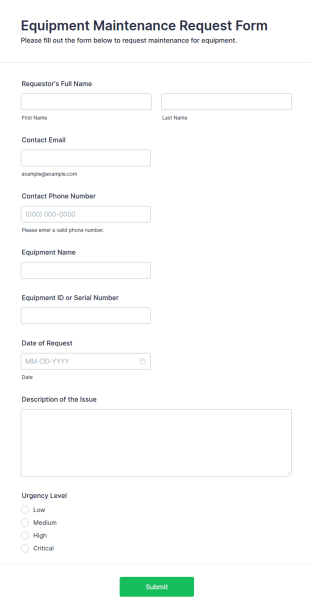
The Equipment Maintenance Request Form simplifies the process of submitting maintenance requests for equipment, allowing organizations to manage repairs and inspections efficiently.
Go to Category:Business Forms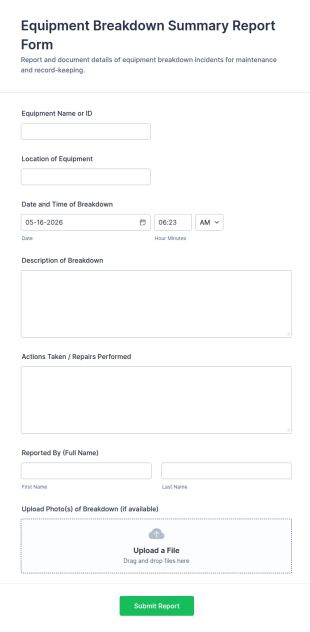
Equipment Breakdown Summary Report Form
Equipment Breakdown Summary Report Form helps teams document breakdown incidents, track downtime impact, and route maintenance follow-ups using Jotform for consistent data collection across facilities and job sites.
Go to Category:Equipment Maintenance Forms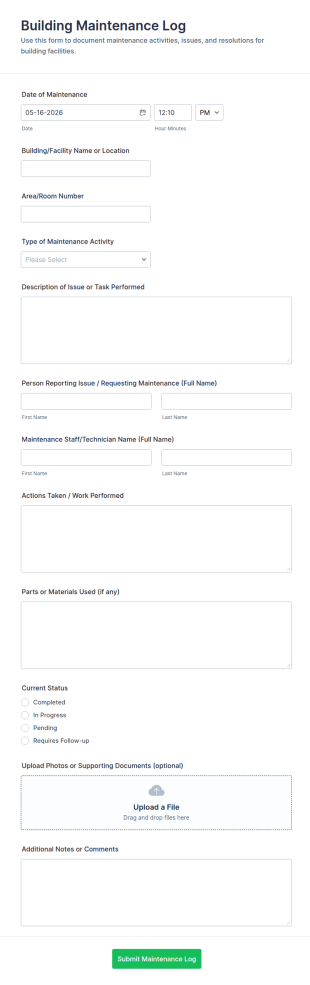
Building Maintenance Log
Track repairs, routine upkeep, and service requests with the Building Maintenance Log Form, a Jotform form template for facility managers and property teams who need consistent maintenance records and faster follow-ups.
Go to Category:Maintenance Forms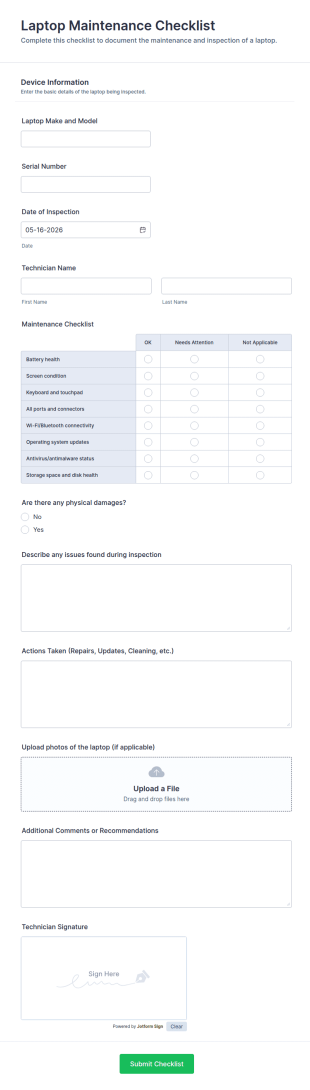
Laptop Maintenance Checklist Form
Track and document device upkeep with the Laptop Maintenance Checklist Form, ideal for IT teams, schools, and repair shops that need consistent maintenance records and faster data collection across laptop fleets.
Go to Category:Checklist Forms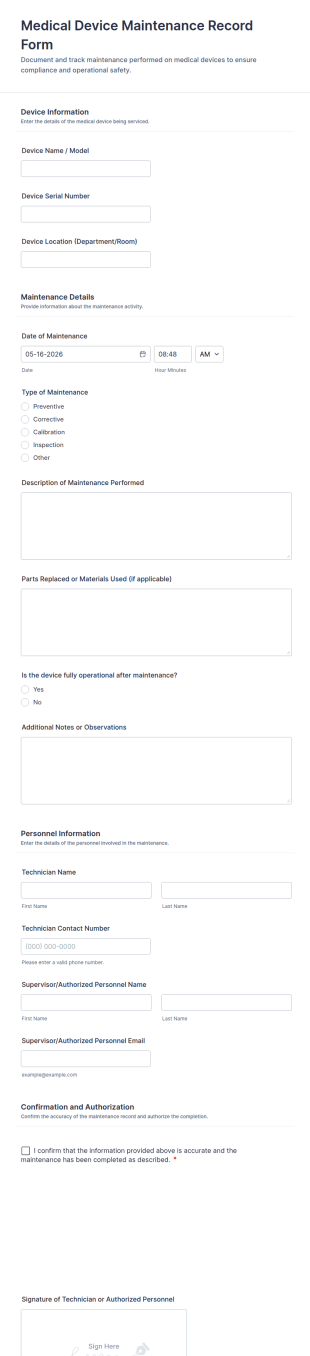
Medical Device Maintenance Record Form
Document and track equipment service history with the Medical Device Maintenance Record Form in Jotform, helping healthcare facilities standardize data collection and keep maintenance records organized across departments.
Go to Category:Equipment Maintenance Forms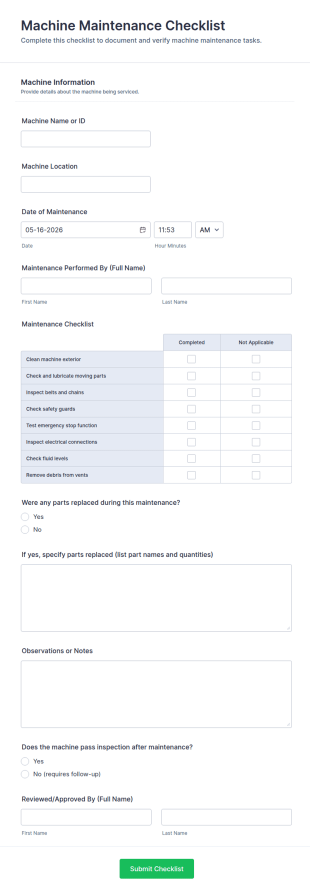
Machine Maintenance Checklist
Track equipment upkeep with the Machine Maintenance Checklist Form for consistent data collection across sites, helping technicians and supervisors document inspections, replacements, and outcomes with every form submission in Jotform.
Go to Category:Checklist FormsMedical Exam Room Supply Checklist
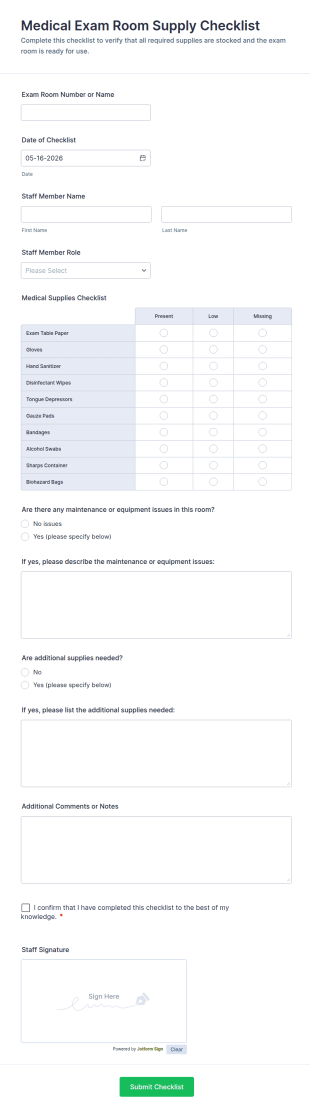
Keep exam rooms stocked and ready with the Medical Exam Room Supply Checklist Form for clinics and medical offices, making it easy for staff to document room readiness, flag issues, and standardize daily checks.
Go to Category:Checklist Forms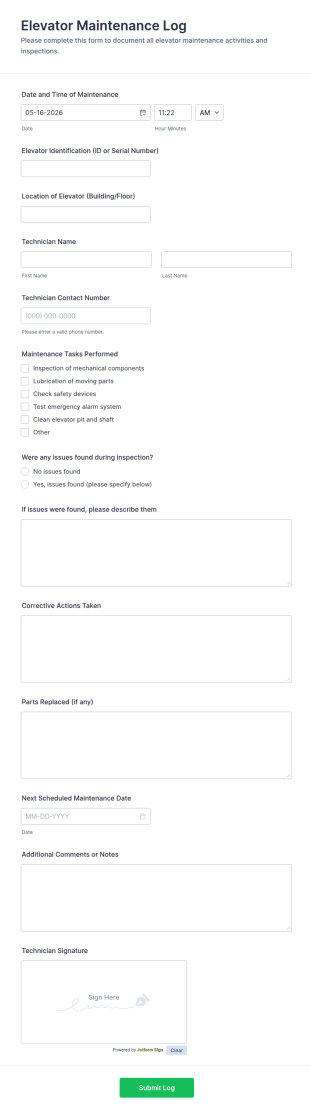
Elevator Maintenance Log Form
Elevator Maintenance Log Form helps property managers and maintenance teams track elevator inspections and service history, centralize data collection, and keep organized records with Jotform form templates.
Go to Category:Maintenance FormsMachine Calibration Report Form
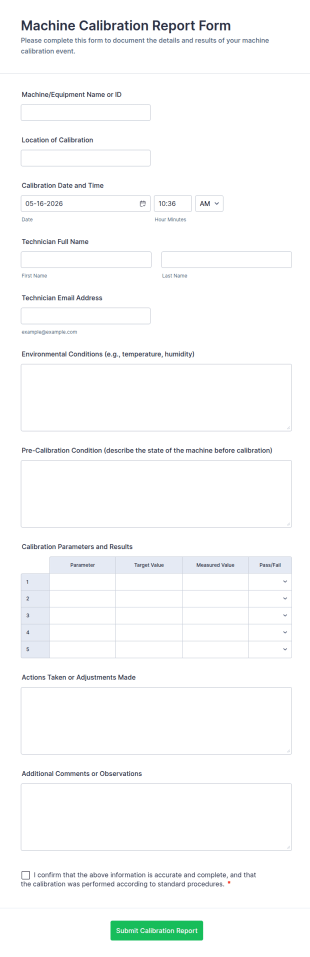
Document equipment calibration activities with the Machine Calibration Report Form for consistent data collection across technicians and locations, and manage every form submission in Jotform for faster reviews and follow-ups.
Go to Category:Calibration Forms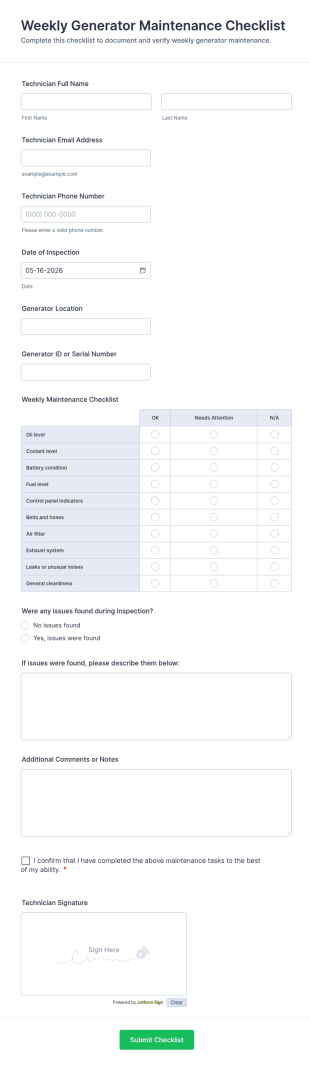
Weekly Generator Maintenance Checklist Form
Track inspections, document findings, and standardize weekly service routines with the Weekly Generator Maintenance Checklist Form in Jotform, ideal for facilities teams, property managers, and maintenance contractors.
Go to Category:Checklist Forms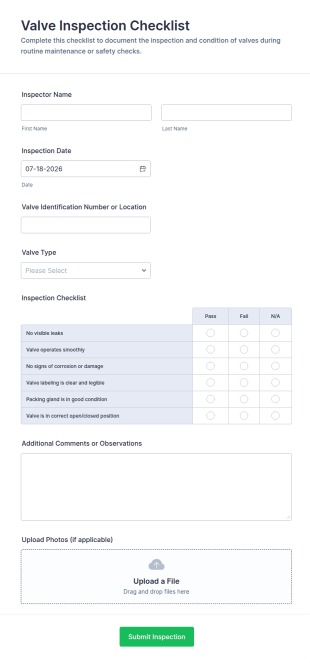
Valve Inspection Checklist
Valve Inspection Checklist Form helps maintenance and safety teams document valve condition, record inspection details, and store photo evidence for reliable asset and maintenance tracking.
Go to Category:Inspection Forms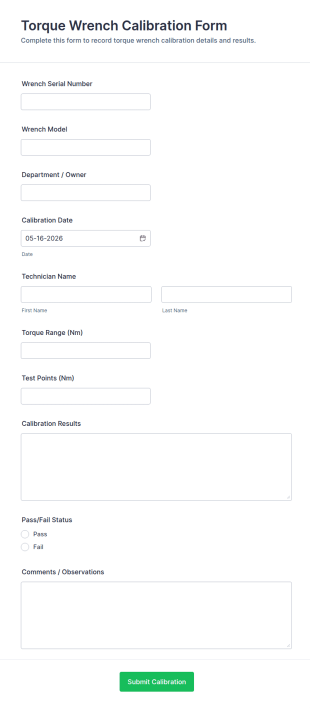
Torque Wrench Calibration Form
Track tool accuracy and document calibration outcomes with the Torque Wrench Calibration Form, ideal for maintenance, manufacturing, and quality teams that need consistent online records in Jotform.
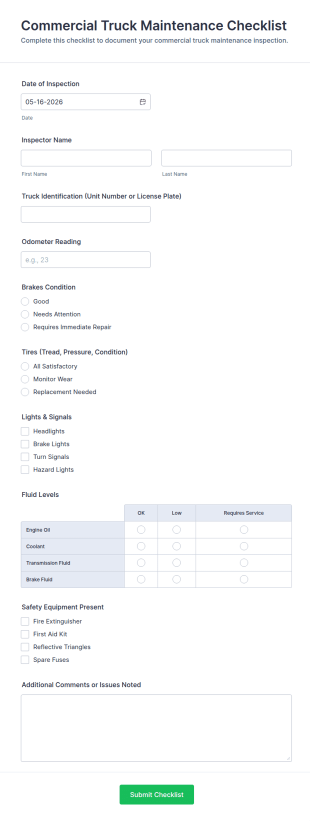
Go to Category:Calibration FormsCommercial Truck Maintenance Checklist Form
Track fleet inspections with the Commercial Truck Maintenance Checklist Form for consistent data collection, faster maintenance follow-ups, and centralized form submission records in Jotform.
Go to Category:Checklist Forms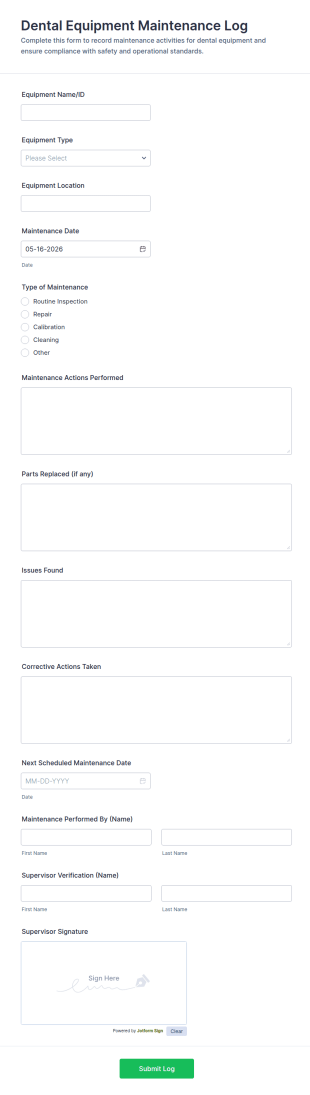
Dental Equipment Maintenance Log Form
Track upkeep and repairs in your practice with the Dental Equipment Maintenance Log Form, making it easy for dental teams to document service history, coordinate oversight, and keep maintenance records organized in Jotform.
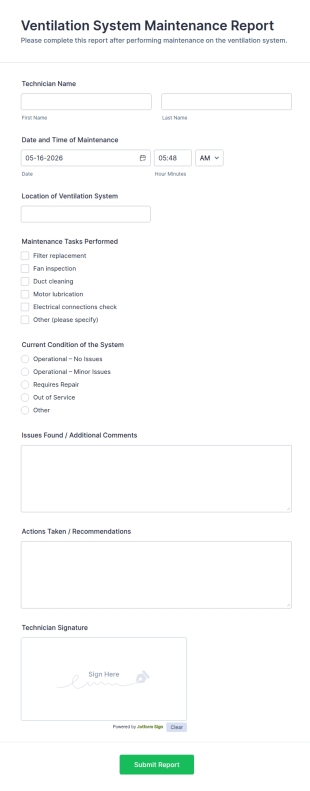
Go to Category:Equipment Maintenance FormsVentilation System Maintenance Report
Ventilation System Maintenance Report Form helps technicians and facility managers document HVAC service visits, record system condition, and track maintenance history with organized digital reports.
Go to Category:Equipment Maintenance Forms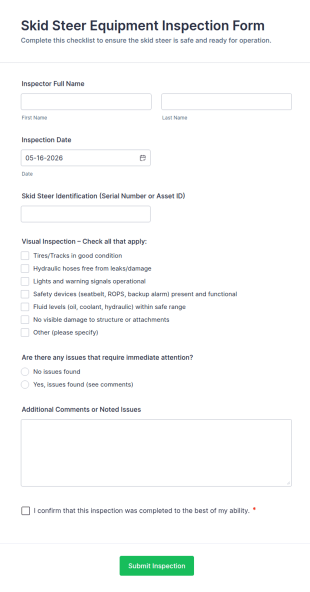
Skid Steer Equipment Inspection Form
Skid Steer Equipment Inspection Form helps construction, landscaping, and maintenance teams document skid steer checks, track issues requiring attention, and organize inspection records online.
Go to Category:Construction Forms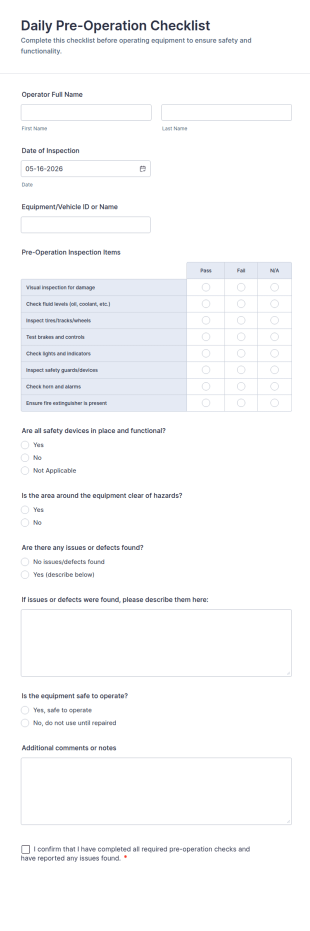
Daily Pre Operation Checklist Form
Daily Pre-Operation Checklist Form helps operations teams record daily equipment safety checks, standardize data collection, and review each form submission in Jotform before work begins.
Go to Category:Checklist FormsCalibration And Weight Check Form
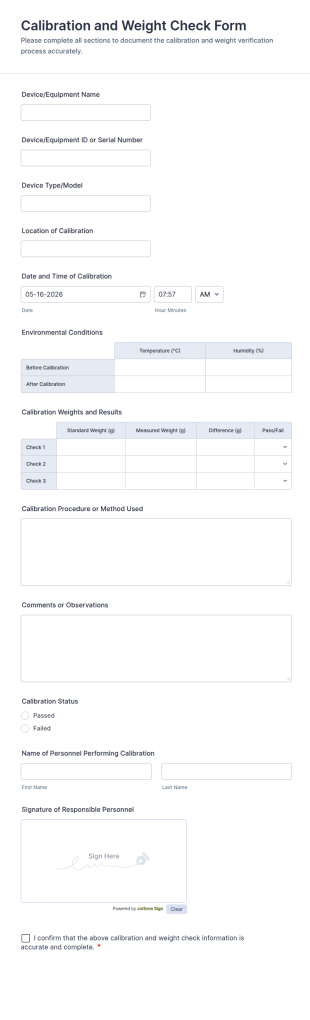
Calibration and Weight Check Form Template for documenting equipment calibration records across labs, production, and field teams, including consistent data collection and tracked form submission in Jotform.
Go to Category:Calibration Forms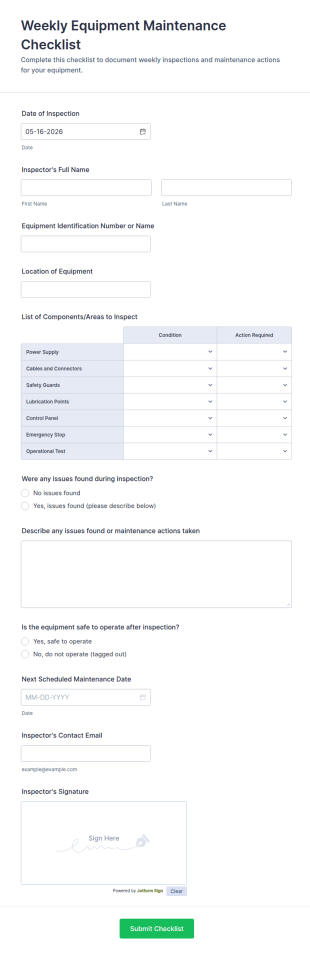
Weekly Equipment Maintenance Checklist Form
Track weekly inspections and maintenance actions with the Weekly Equipment Maintenance Checklist Form in Jotform, ideal for facilities, field teams, and operations managers who need consistent equipment data collection and organized form submission records.
Go to Category:Checklist Forms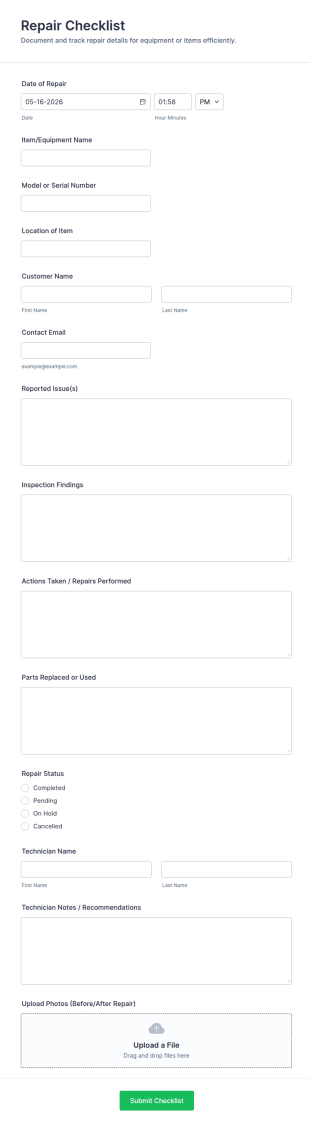
Repair Checklist
Track service work consistently with the Repair Checklist Form for documenting repairs, statuses, and photo records, helping technicians, facilities teams, and repair businesses manage data collection and follow-ups in Jotform.
Go to Category:Checklist Forms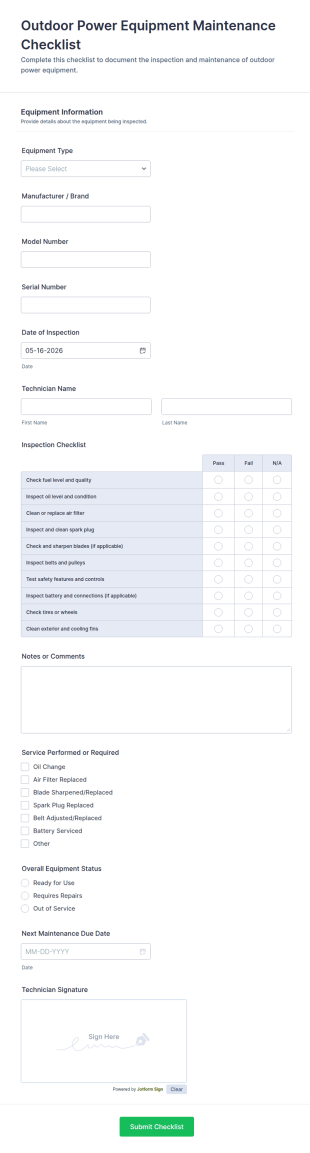
Outdoor Power Equipment Maintenance Checklist
Track inspections and service needs for mowers, trimmers, and other tools with the Outdoor Power Equipment Maintenance Checklist Form, helping technicians and facilities teams keep maintenance records organized in Jotform.
Go to Category:Equipment Maintenance Forms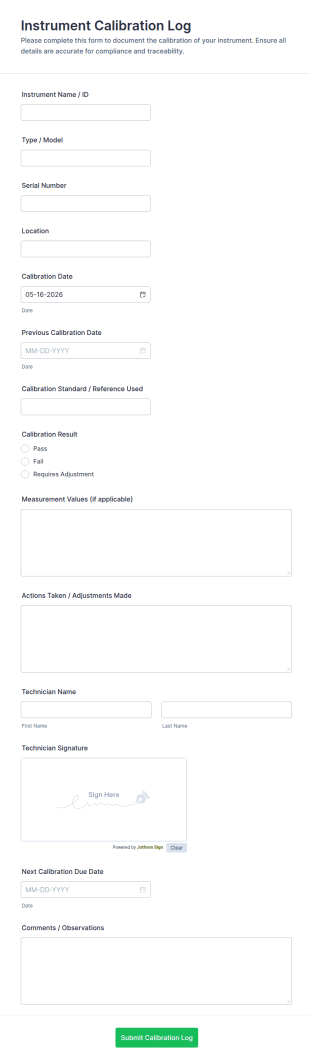
Instrument Calibration Log
Track equipment checks with the Instrument Calibration Log Form for consistent calibration records across labs, facilities, and maintenance teams, with simple online data collection and centralized form submission tracking in Jotform.
Go to Category:Calibration Forms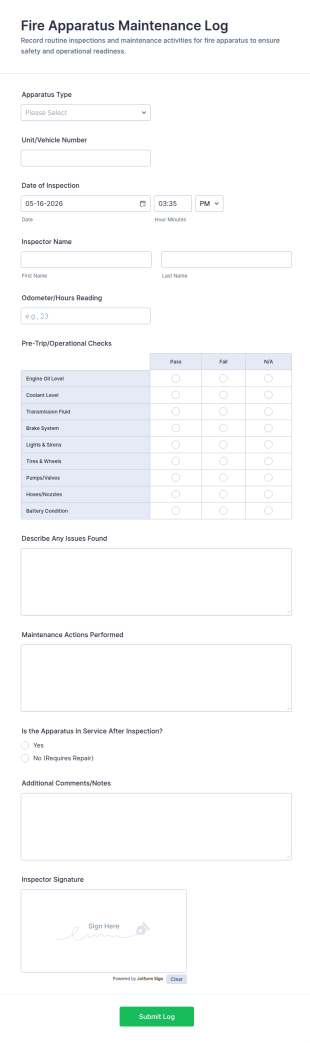
Fire Apparatus Maintenance Log Form
Track fire apparatus inspections and maintenance with the Fire Apparatus Maintenance Log Form, a Jotform form template for consistent data collection across stations, crews, and fleet operations with fast, searchable form submissions.
Go to Category:Equipment Maintenance Forms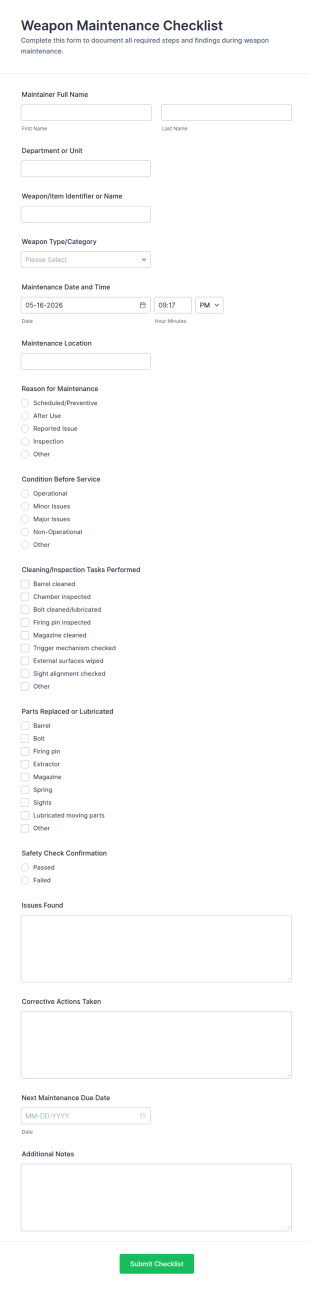
Weapon Maintenance Checklist
Track routine firearm servicing with the Weapon Maintenance Checklist Form by Jotform to standardize maintenance records, improve data collection, and keep teams aligned across departments, armories, and training facilities.
Go to Category:Checklist FormsAbout Equipment Maintenance Forms
Equipment maintenance forms are structured documents used to report, schedule, and document maintenance activities for equipment and assets. They help teams track maintenance needs, record service actions, and maintain a clear history of repairs, inspections, and preventive maintenance. Equipment maintenance forms are commonly used in manufacturing, facilities, healthcare, laboratories, construction, and IT environments to reduce downtime and extend equipment lifespan. Typical workflows include maintenance requests, inspection logs, preventive maintenance checklists, repair reports, and service completion confirmations. By standardizing maintenance documentation, these forms improve response time, support compliance, and make maintenance planning more reliable.
With Jotform, equipment maintenance forms can be created quickly using a no-code, drag-and-drop Form Builder and customized for different equipment types and maintenance workflows. Conditional logic can adjust fields based on issue type, priority, or equipment category, and file upload fields can collect photos, invoices, or service reports. Submissions are stored in Jotform Tables, allowing teams to track maintenance status, filter by equipment ID, and keep audit-ready maintenance records. Automated notifications can alert maintenance teams when urgent issues are submitted or when scheduled maintenance is due.
Use Cases of Equipment Maintenance Forms
Equipment maintenance forms support preventive maintenance, repair intake, and service documentation. Below are common ways these forms are used and the challenges they help solve.
Possible Use Cases:
- Equipment repair and maintenance request intake
- Preventive maintenance checklist submissions
- Inspection and condition assessment logs
- Work order completion and service documentation
- Maintenance scheduling and downtime coordination
- Vendor service visit documentation and approvals
Problem-Solving Points:
- Reduce downtime by capturing issues early and routing requests faster
- Improve maintenance planning with consistent records and schedules
- Support compliance through documented inspections and service history
- Help teams track recurring issues and equipment performance over time
Possible Owners and Users:
- Maintenance technicians and supervisors
- Facility and operations managers
- Production or lab teams reporting issues
- Asset management and compliance teams
- Vendors and contractors providing service
Differences of Creation Methods:
- Equipment maintenance request forms focus on equipment ID, issue description, severity, impact on operations, and preferred service timing.
- Preventive maintenance and inspection forms emphasize checklist items, condition ratings, measured readings, and pass-fail confirmations with corrective actions when needed.
- Repair completion and service record forms prioritize work performed, parts used, downtime details, technician notes, attachments like invoices, and next maintenance due dates.
How to Create an Equipment Maintenance Form
Creating an equipment maintenance form with Jotform helps you standardize maintenance reporting and keep service history organized and easy to track.
1. Choose a Template or Start from Scratch
In My Workspace, click “Create” and select “Form.” Start with a maintenance or work order template and customize it for your equipment.
2. Add Equipment Identification and Location Fields
Collect equipment name, asset ID, serial number, location, and department so maintenance can be routed correctly.
3. Capture Maintenance Request or Checklist Details
Add issue type, urgency, description, and any symptoms. For preventive maintenance, add checklist items and readings.
4. Use Conditional Logic for Failures and Urgent Issues
Show additional fields for safety risks, “remove from service” decisions, and photo uploads when problems are reported.
5. Add Attachments and Service Evidence
Include file upload fields for photos, invoices, technician notes, or service provider documents.
6. Publish and Track Records in Jotform Tables
Publish the form and store submissions in Tables for filtering by equipment, issue type, and maintenance status.
Frequently Asked Questions
1. What are equipment maintenance forms?
Equipment maintenance forms are documents or online forms used to report, schedule, and document equipment maintenance, inspections, and repairs.
2. Why are equipment maintenance forms important?
They reduce downtime, improve maintenance planning, and create a documented service history for compliance and asset performance tracking.
3. What information is typically included in equipment maintenance forms?
Common fields include equipment ID, issue description, priority, inspection results, work performed, parts used, attachments, and next due dates.
4. Who uses equipment maintenance forms?
Maintenance teams, operations staff, facilities managers, and vendors may all use these forms depending on the workflow.
5. Are equipment maintenance forms only for repairs?
No. They are also used for preventive maintenance checklists, inspections, service documentation, and scheduling.
6. Can equipment maintenance forms include photos and invoices?
Yes. Jotform supports file uploads for photos, invoices, service reports, and other maintenance evidence.
7. How do equipment maintenance forms support preventive maintenance?
They provide a consistent checklist and record of inspections and service actions, making it easier to plan future maintenance and avoid breakdowns.
8. Can equipment maintenance forms be customized by equipment type?
Yes. Conditional logic and custom fields can tailor the form for different machines, devices, or facility assets.