

Supplier Management Forms

Army Supply Request Form
Army Supply Request Form template simplifies the process of requesting, tracking, and managing military supplies. Designed for efficiency, it eliminates paperwork, reducing errors and speeding up response times. Ideal for military logistics and operations.
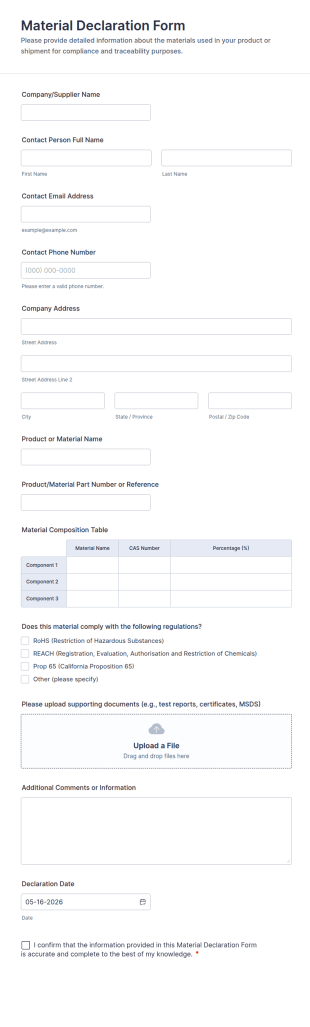
Go to Category:Request FormsMaterial Declaration Form
Material Declaration Form helps manufacturers and suppliers collect standardized material information online for product documentation, vendor onboarding, and traceability using Jotform Form Templates.
Go to Category:Declaration Forms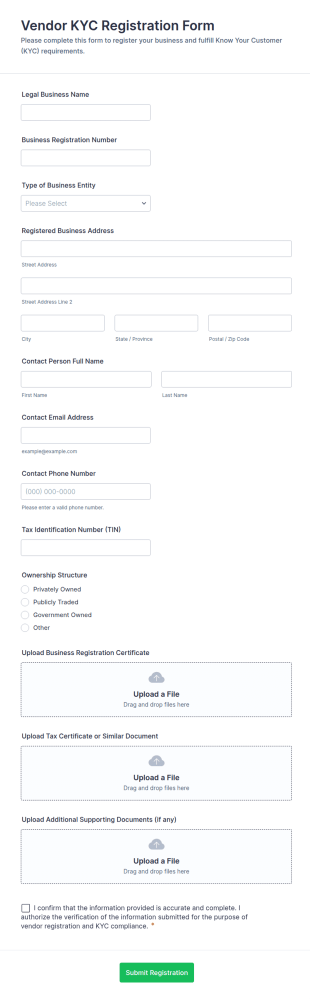
Vendor KYC Registration Form
Collect vendor onboarding details and documentation with the Vendor KYC Registration Form, helping procurement and finance teams standardize data collection and review each form submission in Jotform.
Go to Category:Vendor Application Form Templates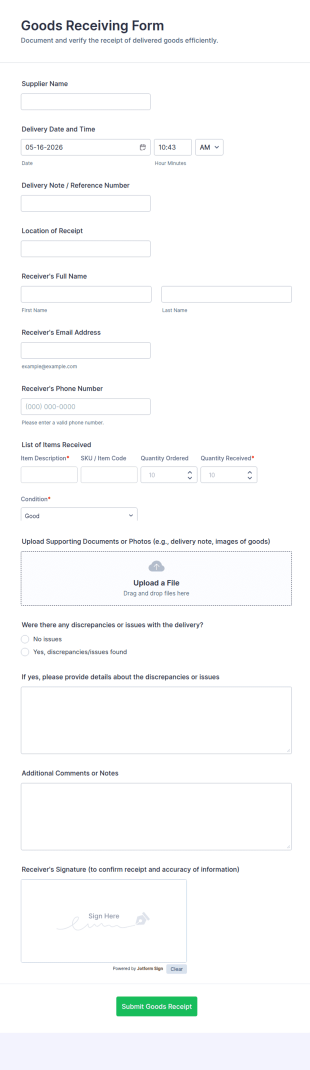
Goods Receiving Form
Document inbound deliveries with the Goods Receiving Form in Jotform, capturing receiving details, item checks, and supporting documentation for inventory, warehouse, and operations teams.
Go to Category:Order Forms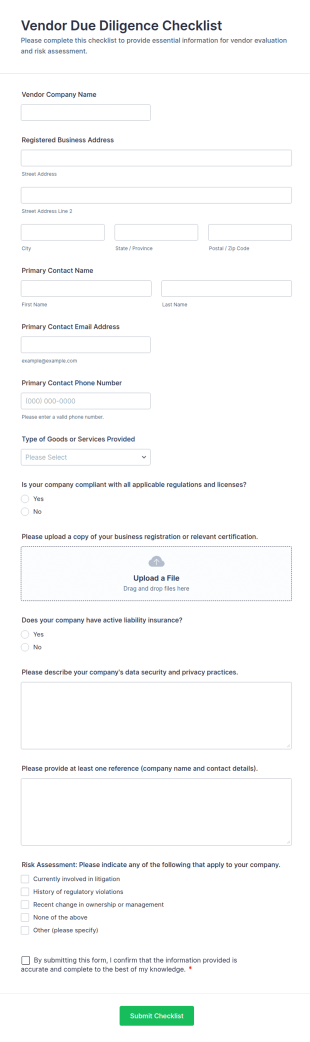
Vendor Due Diligence Checklist
Collect and review vendor information consistently with the Vendor Due Diligence Checklist Form in Jotform, supporting supplier evaluation for procurement, finance, and operations teams with organized data collection and tracking.
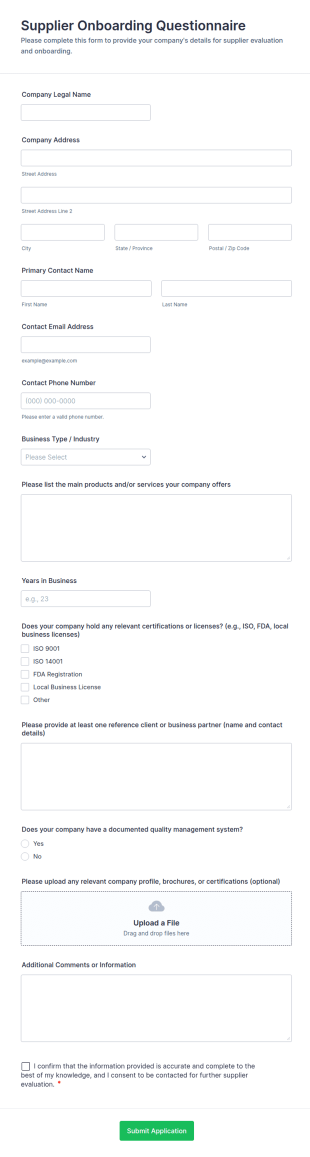
Go to Category:Checklist FormsSupplier Onboarding Questionnaire
Collect and review supplier details in one place with the Supplier Onboarding Questionnaire Form, a Jotform template for procurement teams to standardize vendor evaluation and keep onboarding information organized.
Go to Category:Questionnaire Templates
Third Party Due Diligence Form
Third-Party Due Diligence Form helps procurement, compliance, and finance teams collect and review third-party business information in one place, standardizing data collection and keeping each form submission organized in Jotform.
Go to Category:Questionnaire Templates
Raw Material Rejection Report Form
Document incoming material issues with the Raw Material Rejection Report Form for manufacturing and quality teams, capturing rejection details, follow-up actions, and supporting evidence in one shareable workflow.
Go to Category:Manufacturing Forms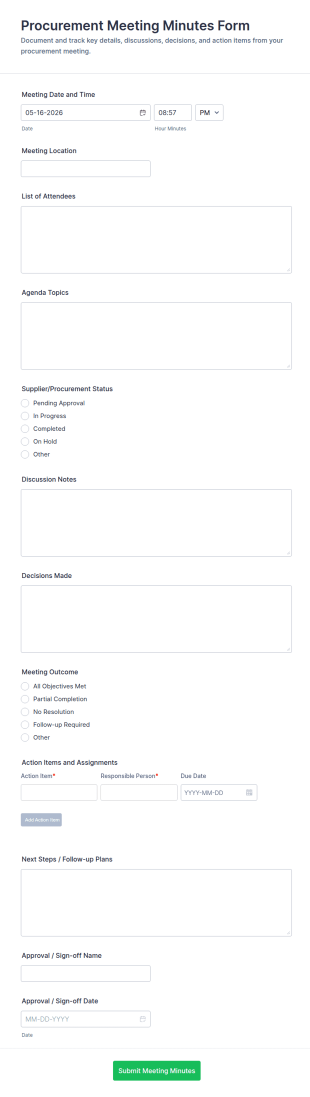
Procurement Meeting Minutes Form
Procurement Meeting Minutes Form helps procurement and vendor management teams document meeting notes, decisions, and follow-ups, improving data collection and consistency across recurring supplier check-ins with Jotform.
Go to Category:Meeting Forms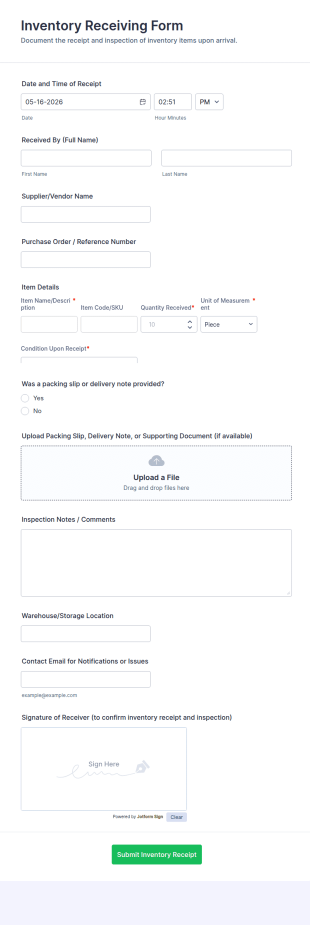
Inventory Receiving Form
Inventory Receiving Form helps teams record incoming shipments, track receiving activity, and keep warehouse intake organized with consistent data collection through Jotform.
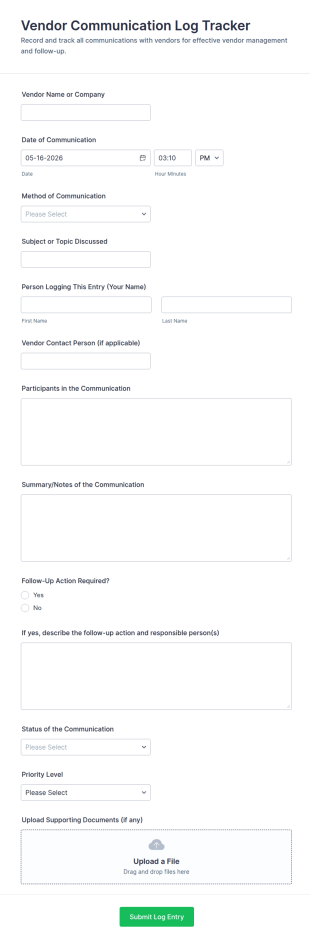
Go to Category:Supplier Management FormsVendor Communication Log Tracker
Track vendor conversations, follow-ups, and priorities in one place with the Vendor Communication Log Tracker Form, ideal for procurement, operations, and admin teams that need consistent data collection and clear records.
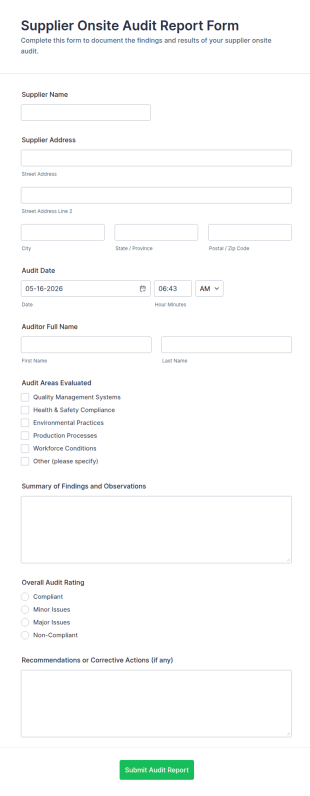
Go to Category:Tracking FormsSupplier Onsite Audit Report Form
Supplier Onsite Audit Report Form helps quality and procurement teams document supplier visits, capture findings and ratings, and centralize onsite audit data collection with a customizable online form template.
Go to Category:Audit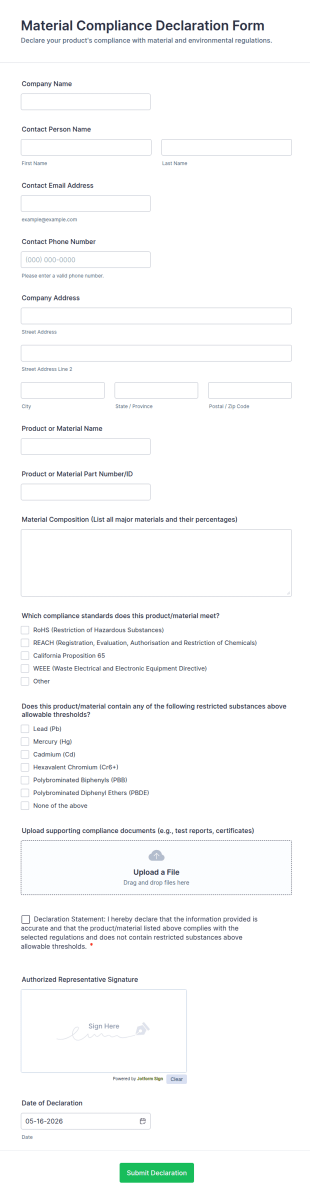
Material Compliance Declaration Form
Material Compliance Declaration Form helps teams collect supplier declarations and supporting documentation for products and materials, making vendor data collection and form submission tracking easier across procurement and quality workflows.
Go to Category:Declaration Forms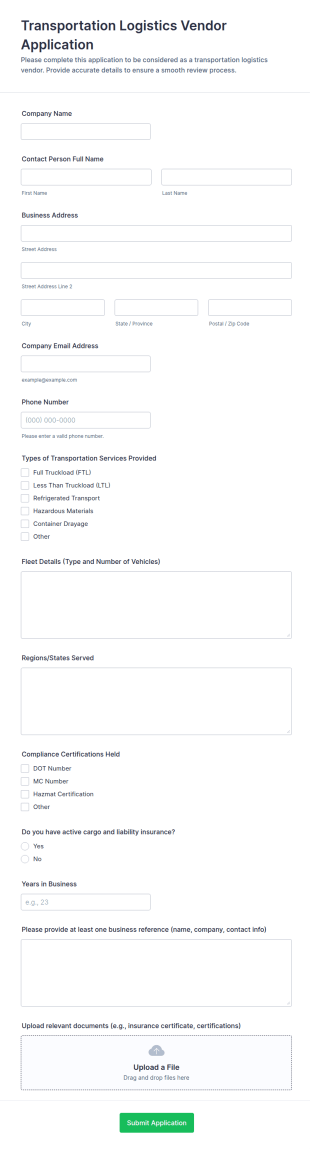
Transportation Logistics Vendor Application Form
Collect and review carrier and vendor applications with the Transportation Logistics Vendor Application Form in Jotform, designed for logistics teams that need consistent data collection, document intake, and fast internal routing.
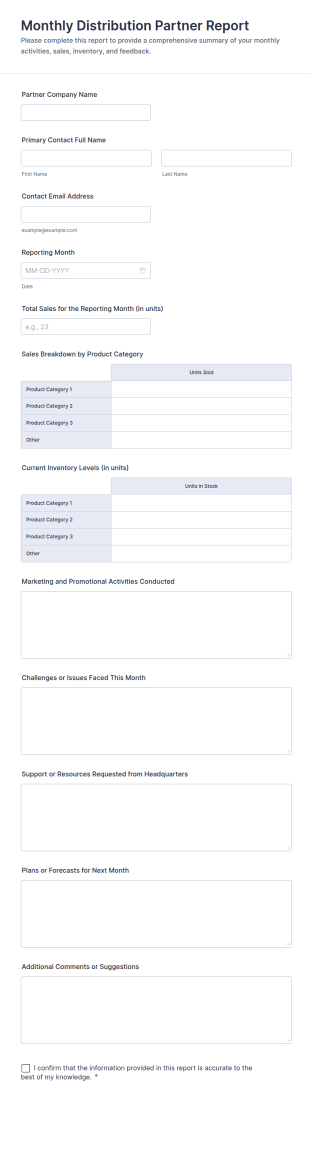
Go to Category:Vendor Application Form TemplatesMonthly Distribution Partner Report Form
Monthly Distribution Partner Report Form helps channel teams collect monthly sales, inventory, and activity updates from distribution partners through Jotform for consistent reporting and faster performance reviews.
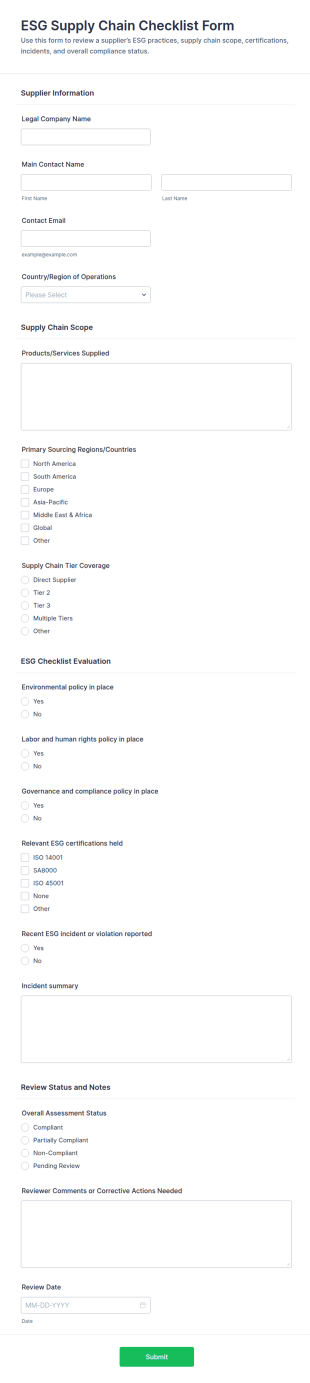
Go to Category:Business Report FormsESG Supply Chain Checklist Form
Evaluate vendor ESG readiness with the ESG Supply Chain Checklist Form for supplier onboarding, renewals, and ongoing risk reviews, helping procurement and compliance teams standardize assessments and centralize data collection in Jotform.
Go to Category:Checklist Forms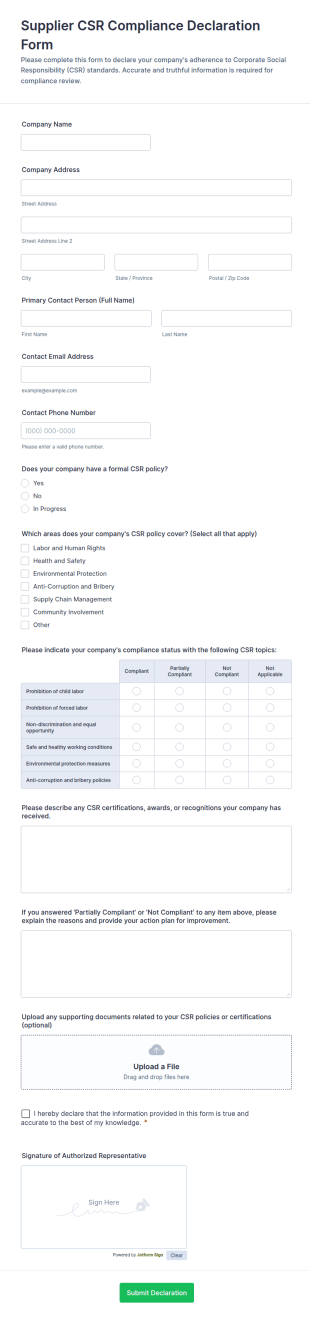
Supplier CSR Compliance Declaration Form
Collect and review supplier CSR declarations with the Supplier CSR Compliance Declaration Form, designed for procurement and vendor management teams to standardize data collection and track follow-up actions in Jotform.
Go to Category:Supplier Management Forms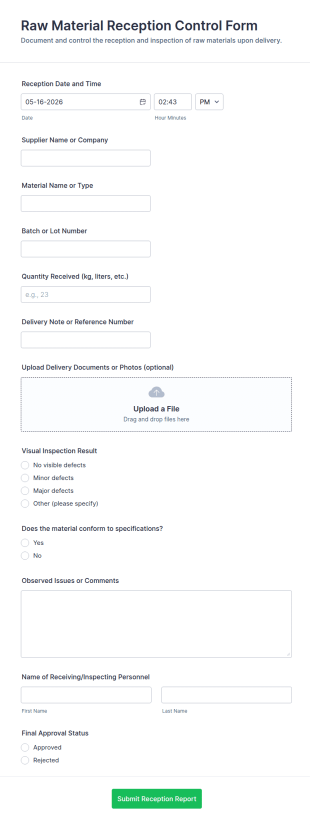
Raw Material Reception Control Form
Raw Material Reception Control Form helps manufacturers and warehouses document incoming deliveries, track inspections, and standardize data collection for receiving teams using Jotform.
Go to Category:Manufacturing Forms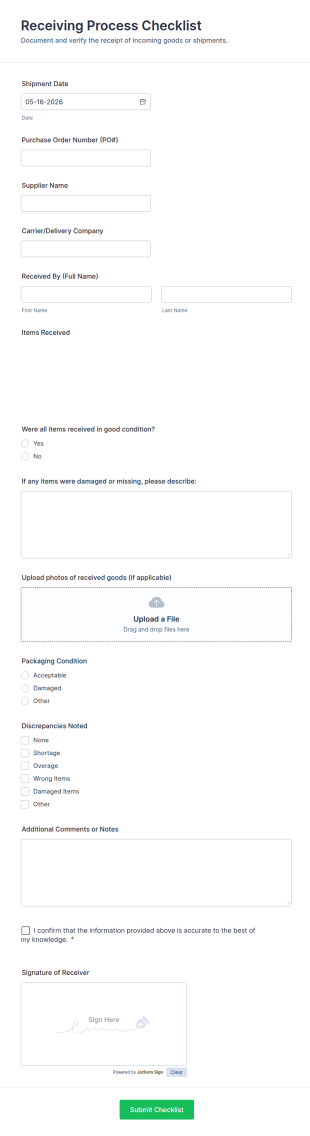
Receiving Process Checklist
Track incoming deliveries with the Receiving Process Checklist Form in Jotform for consistent data collection across warehouses and stores, improving receiving documentation and follow-ups after each form submission.
Go to Category:Checklist Forms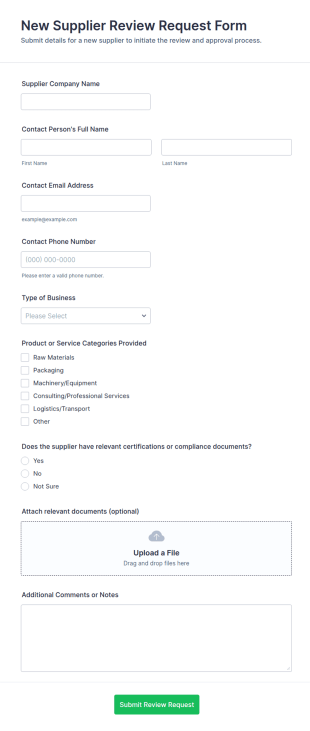
New Supplier Review Request Form
New Supplier Review Request Form helps procurement and operations teams collect standardized information about potential vendors, including contact details, offerings, and documents, for consistent supplier evaluation.
Go to Category:Business Forms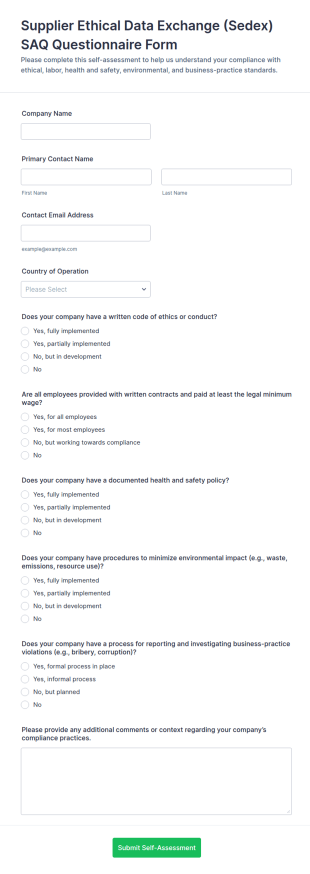
Supplier Ethical Data Exchange (Sedex) SAQ Questionnaire Form
Collect supplier self-assessment responses for ethical practices, health and safety, environmental impact, and reporting procedures with the Sedex SAQ Questionnaire Form for consistent vendor reviews and data collection in Jotform.
Go to Category:Questionnaire Templates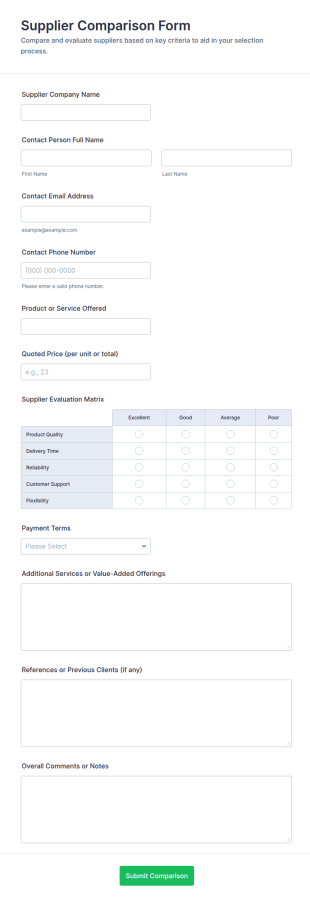
Supplier Comparison Form
Supplier Comparison Form helps procurement and operations teams collect vendor details and score suppliers consistently so they can compare quotes, evaluate options, and make purchasing decisions faster using a shareable form template in Jotform.
Go to Category:Supplier Management Forms
Supplier Corrective Action Form
Track supplier issues from identification to resolution with the Supplier Corrective Action Form in Jotform, built for procurement and quality teams to document findings, assign ownership, and monitor progress over time.
Go to Category:Supplier Management Forms
Foreign Supplier Verification Program (FSVP) Compliance Checklist
FSVP Compliance Checklist Form helps importers and quality teams document supplier verification steps, capture supporting evidence, and standardize reviews across products and facilities with Jotform.
Go to Category:Checklist FormsAbout Supplier Management Forms
Supplier management forms are structured documents used to manage supplier onboarding, information updates, performance tracking, and ongoing coordination with vendors. They help organizations collect consistent supplier details, evaluate vendor reliability, document approvals, and maintain clear records for procurement and compliance workflows. Supplier management forms are commonly used by procurement teams, operations departments, finance teams, and supply chain managers to handle vendor registration, contract and compliance documentation, supplier scorecards, and issue reporting. By standardizing supplier processes, these forms reduce risk, improve vendor communication, and support more efficient purchasing decisions.
With Jotform, supplier management forms can be created quickly using a no-code, drag-and-drop Form Builder and tailored to different supplier types, categories, and approval rules. Conditional logic can show different fields based on supplier region or service category, while file upload fields can collect certificates, tax documents, insurance files, and contracts. Submissions are stored in Jotform Tables so teams can track supplier status, review documentation, and maintain a searchable vendor database. Automated notifications can route submissions to procurement, compliance, or finance for approvals and follow-up.
Use Cases of Supplier Management Forms
Supplier management forms support vendor lifecycle workflows from onboarding to evaluation and issue resolution. Below are common ways these forms are used and the challenges they help solve.
Possible Use Cases:
- Supplier onboarding and vendor registration intake
- Supplier information updates (banking, address, contacts)
- Compliance and certification document collection
- Supplier performance reviews and scorecards
- Supplier issue reporting (quality, delivery, disputes)
- New supplier approval and procurement request workflows
Problem-Solving Points:
- Centralize supplier data instead of scattered emails and files
- Improve compliance by collecting required documents consistently
- Support better supplier selection with structured evaluation criteria
- Speed up onboarding and reduces procurement delays
Possible Owners and Users:
- Procurement and purchasing teams
- Supply chain and operations managers
- Finance and accounts payable teams
- Compliance and risk management staff
- Suppliers submitting required information and documents
Differences of Creation Methods:
- Supplier onboarding and registration forms focus on company details, product or service categories, contacts, banking and tax info, and required documentation uploads.
- Supplier compliance and document collection forms emphasize certifications, insurance, regulatory acknowledgments, contract files, and renewal or expiration tracking fields.
- Supplier performance and issue management forms prioritize delivery and quality metrics, incident descriptions, corrective action requests, and internal review or escalation fields.
How to Create a Supplier Management Form
Creating a supplier management form with Jotform helps you standardize vendor workflows and maintain clear supplier records from onboarding through performance management.
1. Choose a Template or Start from Scratch
In My Workspace, click “Create” and select “Form.” Start from scratch or adapt a vendor onboarding or compliance template.
2. Add Supplier Identification Fields
Collect supplier name, business type, primary contact, location, and service category. Use dropdowns to standardize categories.
3. Collect Required Documents and Compliance Info
Add file uploads for certificates, tax forms, insurance, and contracts. Include required acknowledgments where needed.
4. Use Conditional Logic for Supplier Type
Show different questions based on supplier category, region, or risk level. For example, higher-risk suppliers may require additional compliance fields.
5. Set Up Notifications and Approval Routing
Notify procurement and finance automatically when a supplier submits information. Route high-risk submissions for additional review.
6. Track Suppliers in Jotform Tables
Use Tables to filter by status, category, renewal dates, and performance and export data for reporting.
Frequently Asked Questions
1. What are supplier management forms?
Supplier management forms are documents or online forms used to collect and manage supplier information, compliance documents, approvals, and performance records.
2. Why are supplier management forms important?
They standardize vendor data collection, reduce risk, improve compliance, and speed up procurement workflows.
3. What information is typically included in supplier management forms?
Common fields include company details, contact info, service categories, banking and tax information, certifications, contracts, and performance or issue records.
4. Who uses supplier management forms?
Procurement, supply chain, finance, and compliance teams use these forms, and suppliers often complete onboarding and documentation submissions.
5. Are supplier management forms only for onboarding?
No. They are also used for compliance updates, document renewals, performance reviews, and issue reporting.
6. Can supplier management forms collect certificates and contracts?
Yes. Jotform file upload fields can collect documents such as insurance certificates, compliance files, tax forms, and signed contracts.
7. How do supplier management forms support compliance?
They ensure required documentation is collected consistently and stored in one place for audit and renewal tracking.
8. Can supplier management forms be customized by supplier type?
Yes. Conditional logic and custom fields can tailor questions and required documents based on supplier category, region, or risk level.