


Infrastructure Forms
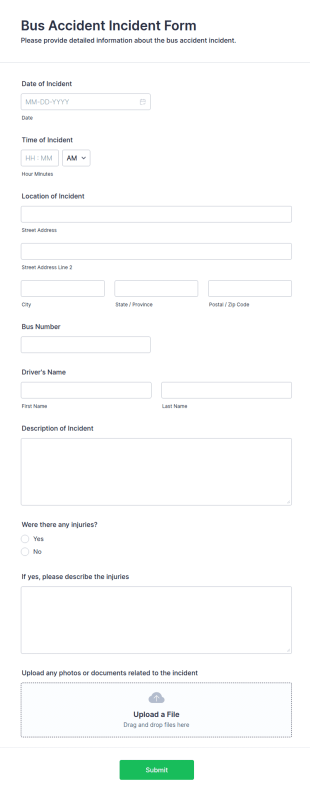
Bus Accident Incident FORM
Document bus accident details in minutes with the Bus Accident Incident FORM, helping schools, transit agencies, and private fleets centralize incident reporting and improve data collection through Jotform form submissions.
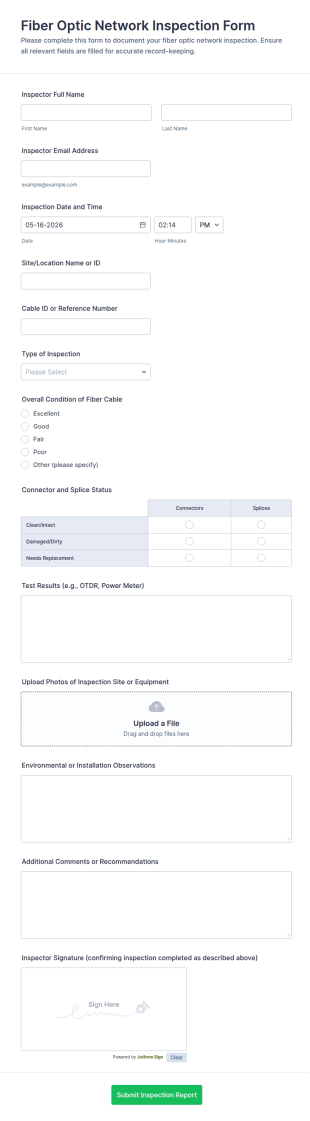
Go to Category:Administrative FormsFiber Optic Network Inspection Form
Document fiber cable inspections with the Fiber Optic Network Inspection Form for technicians and network teams, including photo evidence and standardized reporting, powered by Jotform for fast online data collection.
Go to Category:Inspection Forms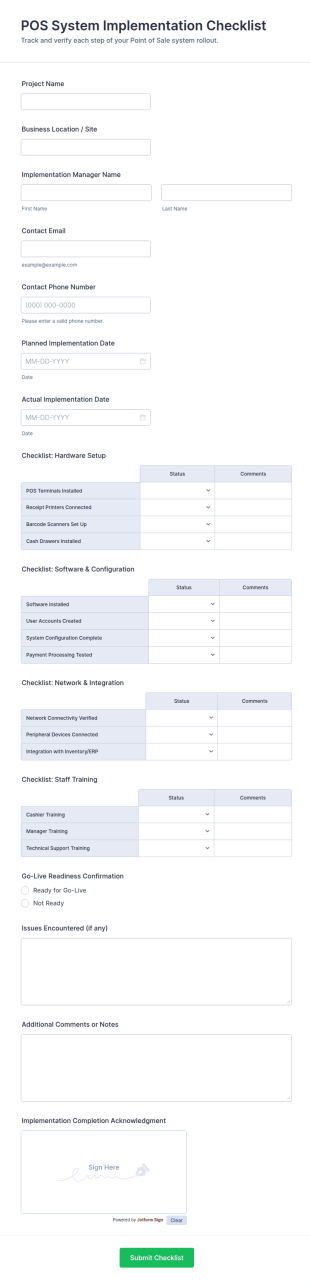
POS System Implementation Checklist
Track POS rollouts across locations with the POS System Implementation Checklist Form, helping implementation managers and operations teams document readiness, timelines, and outcomes using Jotform.
Go to Category:Checklist FormsPublic Infrastructure Inspection Report Form
Public Infrastructure Inspection Report Form supports inspection teams in documenting asset condition, hazards, and follow-up priorities with consistent data collection and organized form submission in Jotform.
Go to Category:Infrastructure Forms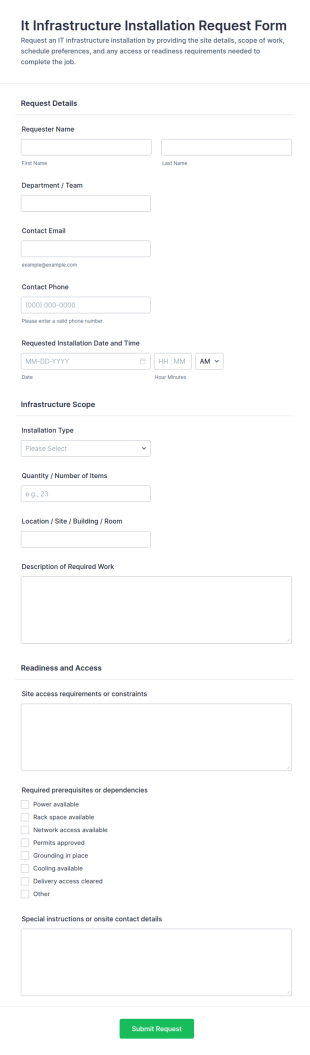
It Infrastructure Installation Request Form
Collect and manage internal installation requests with the IT Infrastructure Installation Request Form in Jotform, ideal for IT and operations teams scheduling onsite work across offices, buildings, and facilities.
Go to Category:IT Request Forms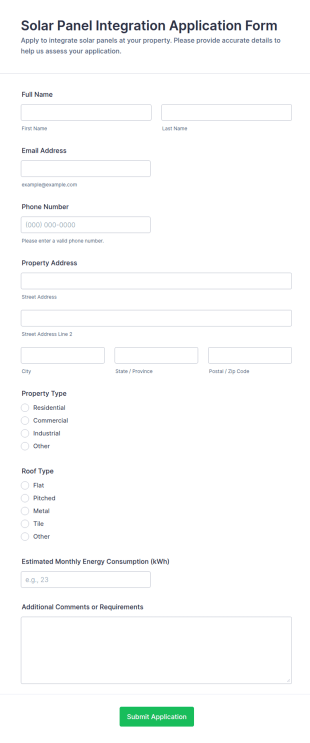
Solar Panel Integration Application Form
Solar Panel Integration Application Form helps solar providers capture property details and energy usage from prospects online, qualifying leads and centralizing applications for assessments and installation projects.
Go to Category:Application Forms
School ICT Infrastructure Assessment Form
School ICT Infrastructure Assessment Form supports districts and school leaders with consistent data collection on technology readiness, helping prioritize upgrades, budgeting, and support planning across campuses using Jotform.
Go to Category:Assessment Forms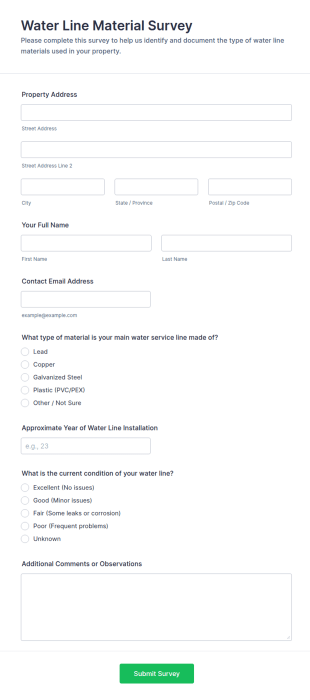
Water Line Material Survey
Water Line Material Survey Form helps utilities, municipalities, and engineers collect property-specific data on water service line materials, installation year, and condition for better infrastructure planning.
Go to Category:Survey Templates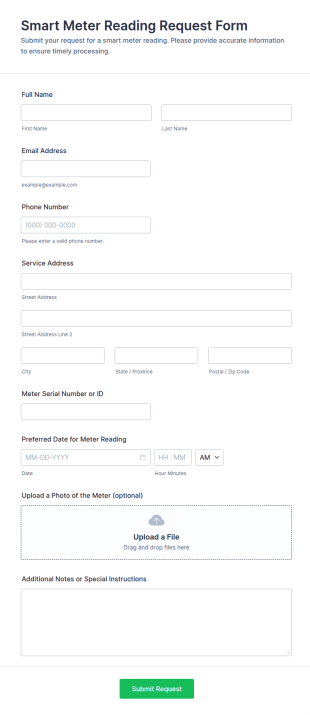
Smart Meter Reading Request Form
Smart Meter Reading Request Form helps utilities and property managers collect customer details, meter IDs, preferred dates, and instructions online to organize and schedule smart meter readings efficiently.
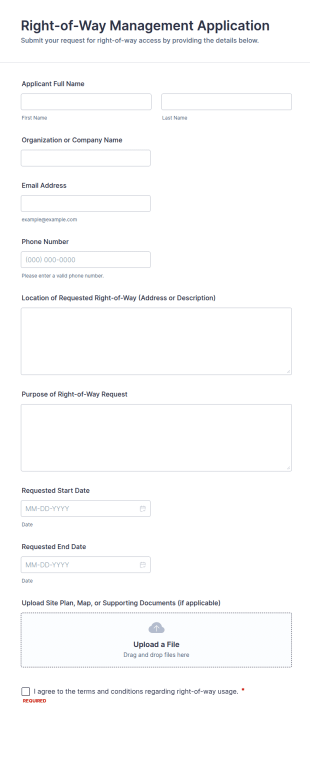
Go to Category:Request FormsRight Of Way Management Application
Right-of-Way Management Application Form helps municipalities, utilities, and contractors collect online requests for right-of-way use, including location, purpose, dates, and supporting documents.
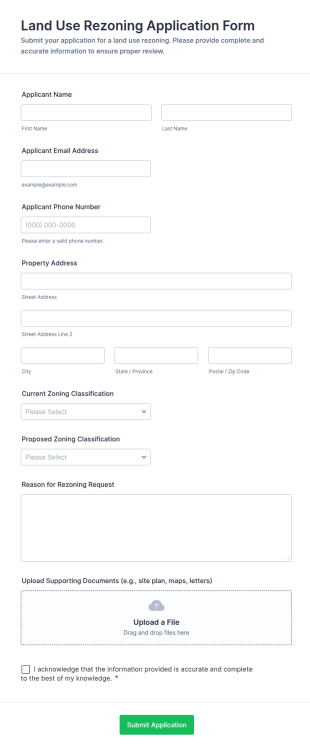
Go to Category:Infrastructure FormsLand Use Rezoning Application Form
Land Use Rezoning Application Form helps municipalities, planning departments, and property owners submit and review zoning change requests online with supporting documents and clear justification.
Go to Category:Application Forms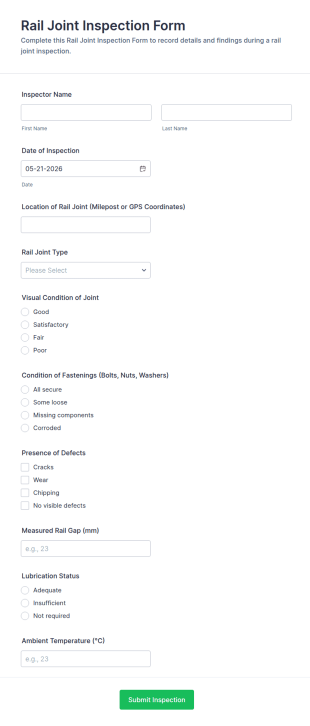
Rail Joint Inspection Form
Rail Joint Inspection Form helps rail maintenance teams document track joint inspections online, standardize data collection across crews, and track form submission records in Jotform for faster follow-up and reporting.
Go to Category:Inspection Forms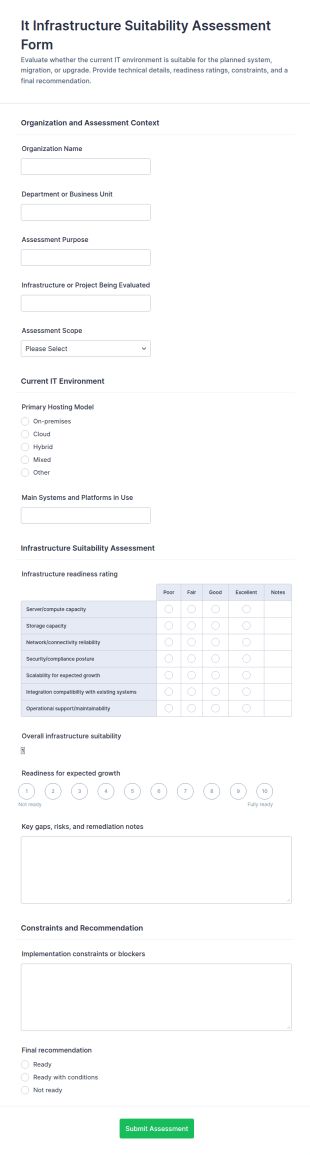
IT Infrastructure Suitability Assessment Form
Assess whether your current environment can support a new initiative with the IT Infrastructure Suitability Assessment Form, ideal for IT teams and consultants who need consistent evaluation and data collection in Jotform.
Go to Category:Assessment Forms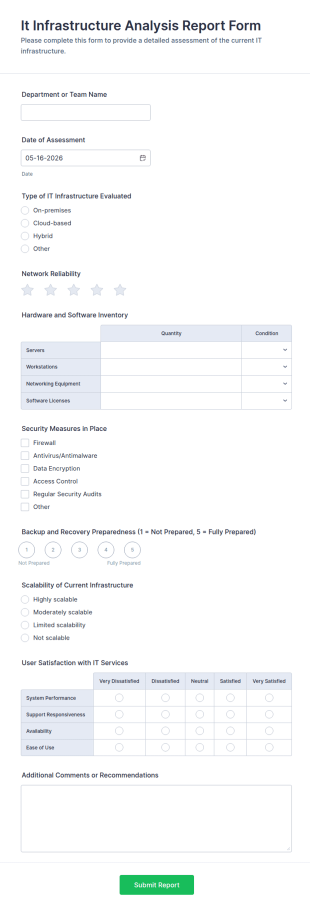
IT Infrastructure Analysis Report Form
IT Infrastructure Analysis Report Form supports repeatable IT assessments for teams and service providers, helping standardize reporting, track findings over time, and keep data collection and form submissions organized in Jotform.
Go to Category:IT Forms
Microsoft 365 Infrastructure Assessment
Collect consistent discovery details for Microsoft 365 reviews with the Microsoft 365 Infrastructure Assessment form template in Jotform, ideal for IT teams and service providers who want faster data collection and clearer next steps.
Go to Category:IT Forms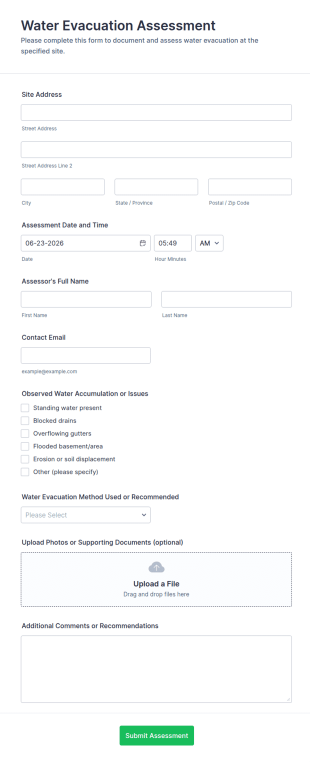
Water Evacuation Assessment
Water Evacuation Assessment Form helps inspectors, facility managers, and engineers document water issues, record evacuation methods, and attach photos for organized, consistent reporting.
Go to Category:Assessment Forms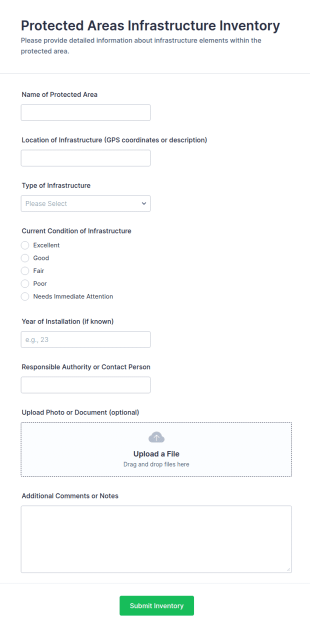
Protected Areas Infrastructure Inventory
Protected Areas Infrastructure Inventory Form helps park authorities, conservation NGOs, and field teams record and track infrastructure assets, locations, conditions, and photos across protected areas.
Go to Category:Infrastructure FormsInfrastructure Maintenance Tracking Form
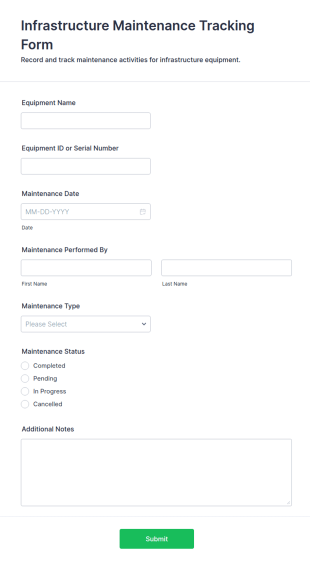
The Infrastructure Maintenance Tracking Form helps facilities managers track and manage maintenance tasks efficiently, ensuring timely repairs and effective communication within the team.
Go to Category:Business Forms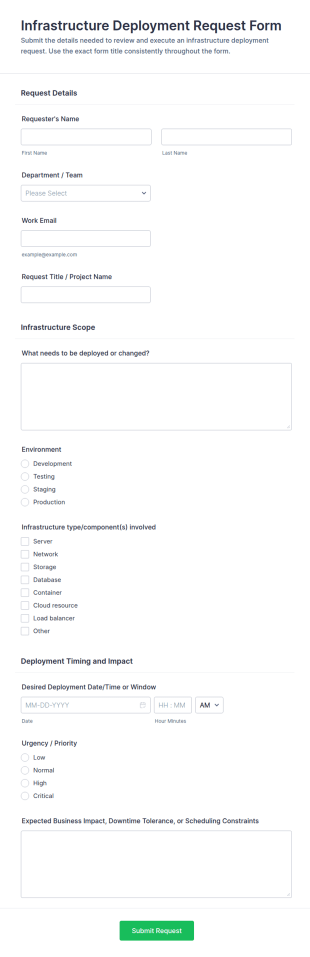
Infrastructure Deployment Request Form
Collect and manage infrastructure change requests with the Infrastructure Deployment Request Form for IT, engineering, and operations teams, helping standardize reviews, prioritize work, and coordinate deployment schedules in Jotform.
Go to Category:IT Request Forms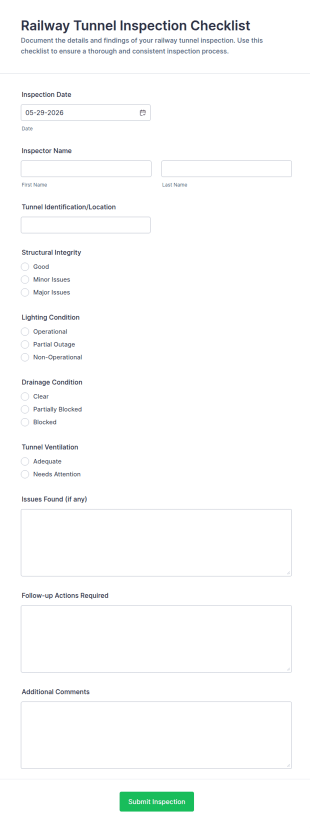
Railway Tunnel Inspection Checklist Form
Railway Tunnel Inspection Checklist Form supports consistent tunnel condition reporting for rail operators and inspection teams, helping standardize site checks and centralize data collection in Jotform for faster maintenance follow-up.
Go to Category:Checklist Forms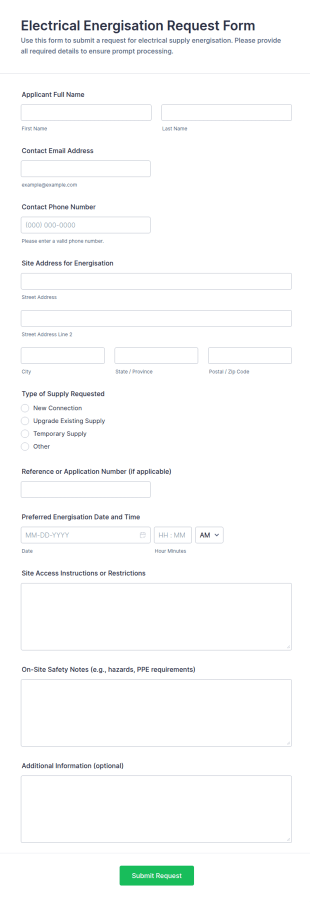
Electrical Energisation Request Form
Electrical Energisation Request Form helps contractors, electricians, and facility teams collect energisation requests online, coordinate site access and safety details, and schedule supply activation using Jotform.
Go to Category:Request Forms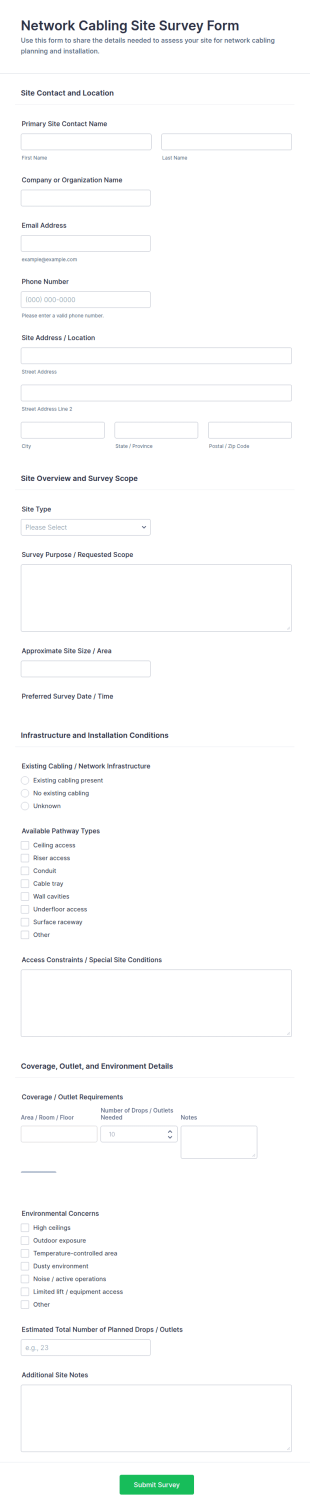
Network Cabling Site Survey Form
Network Cabling Site Survey Form supports consistent data collection for network installs by IT teams and cabling contractors, making it easy to share, schedule surveys, and manage each form submission with Jotform.
Go to Category:IT Forms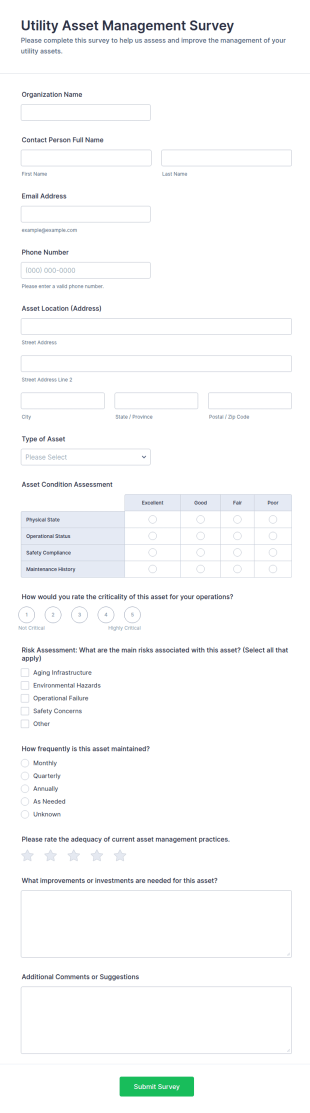
Utility Asset Management Survey
Utility Asset Management Survey Form supports utilities and public works teams with consistent data collection for asset condition, risk, and maintenance planning, using a customizable Jotform form template.
Go to Category:Survey Templates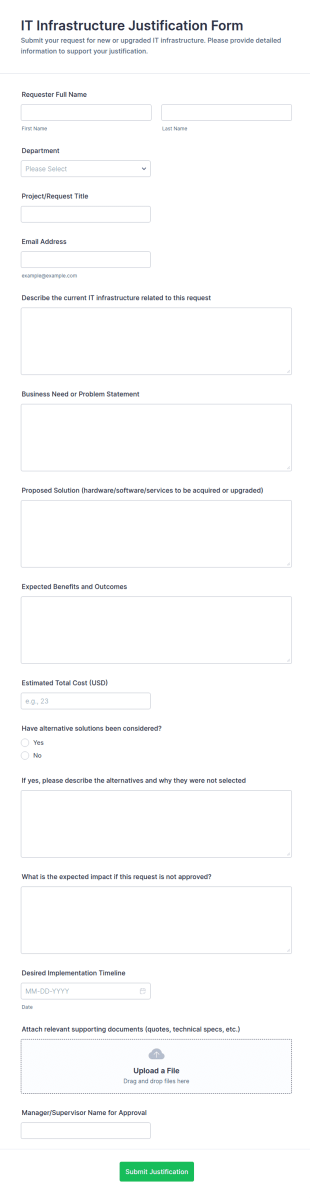
IT Infrastructure Justification Form
IT Infrastructure Justification Form helps teams collect and review IT upgrade requests, budget rationale, and approvals in one place using Jotform, making internal data collection and decision-making more consistent.
Go to Category:IT FormsAbout Infrastructure Forms
Infrastructure forms are structured documents used to request, track, and document infrastructure work such as IT infrastructure changes, facility upgrades, network setup, and operational improvements. They help teams collect consistent details about infrastructure needs, scope, timelines, risk, approvals, and implementation steps so changes can be planned and executed safely. Infrastructure forms are commonly used by IT teams, facilities departments, operations teams, and project managers for requests like network provisioning, server changes, hardware installation, building utilities maintenance, and site readiness planning. By standardizing infrastructure workflows, these forms reduce miscommunication, improve accountability, and create clear records for audits and follow-up.
With Jotform, infrastructure forms can be created quickly using a no-code, drag-and-drop Form Builder and customized for different infrastructure categories. Conditional logic can show different fields for IT vs facilities requests, and file upload fields can collect diagrams, specifications, photos, or vendor documents. Submissions are stored in Jotform Tables, making it easy to track infrastructure requests by site, priority, and status. Automated notifications can route submissions to the right team and alert stakeholders when urgent or high-impact requests are submitted.
Use Cases of Infrastructure Forms
Infrastructure forms support planning, approvals, and execution documentation for infrastructure work across IT and facilities operations. Below are common ways these forms are used and the challenges they help solve.
Possible Use Cases:
- Infrastructure change and upgrade requests
- Network and system provisioning requests
- Facility infrastructure maintenance and repair intake
- Site readiness and installation coordination
- Infrastructure incident and outage reporting
- Vendor and contractor infrastructure work documentation
Problem-Solving Points:
- Standardize infrastructure requests and reduces missing technical details
- Improve planning by capturing scope, dependencies, and timelines
- Support approvals and risk management for high-impact changes
- Create traceable records for audits and operational reviews
Possible Owners and Users:
- IT infrastructure and network teams
- Facilities and building operations teams
- Operations managers and project coordinators
- Vendors and contractors (for installations or upgrades)
- Employees requesting infrastructure support
Differences of Creation Methods:
- Infrastructure request and intake forms focus on request type, affected site or system, scope details, priority, and required timelines or dependencies.
- Infrastructure change and approval forms emphasize risk assessment, downtime expectations, implementation plan, rollback steps, and stakeholder approvals.
- Infrastructure incident and outage forms prioritize impact summary, time stamps, affected services, immediate actions taken, and follow-up resolution tracking.
How to Create an Infrastructure Form
Creating an infrastructure form with Jotform helps you collect infrastructure needs consistently and route them to the right team for action.
1. Choose a Template or Start from Scratch
In My Workspace, click “Create” and select “Form.” Start with a request or incident template and customize it for infrastructure workflows.
2. Define the Infrastructure Category and Context
Add fields for site, system, department, and request category (network, servers, building utilities, hardware install). Use dropdowns for standardization.
3. Capture Scope and Technical Details
Include fields for problem description, desired change, impacted services, urgency, and any dependencies or constraints. Add file uploads for diagrams or photos.
4. Use Conditional Logic for Different Infrastructure Types
Show different sections for IT change requests vs facilities maintenance vs outage reporting. For high-impact requests, require additional approvals and risk fields.
5. Set Up Notifications and Routing
Notify the correct infrastructure team based on category and urgency. Send confirmations to requesters and stakeholders.
6. Track Submissions in Jotform Tables
Use Tables to filter by site, priority, and status and export records for reporting.
Frequently Asked Questions
1. What are infrastructure forms?
Infrastructure forms are documents or online forms used to request, approve, and document infrastructure work such as IT changes, facility upgrades, and operational infrastructure support.
2. Why are infrastructure forms important?
They standardize technical requests, improve planning and approvals, and create clear records for tracking and audits.
3. What information is typically included in infrastructure forms?
Common fields include request type, site or system details, scope description, priority, risk or impact notes, timelines, and attachments like diagrams or photos.
4. Who uses infrastructure forms?
IT infrastructure teams, network teams, facilities staff, operations managers, vendors, and employees requesting support may use infrastructure forms.
5. Are infrastructure forms only for IT?
No. They can also cover facility infrastructure such as utilities, building systems, site readiness, and physical infrastructure upgrades.
6. Can infrastructure forms support approvals and change management?
Yes. Forms can capture risk, downtime windows, implementation plans, rollback steps, and approval confirmations.
7. Can infrastructure forms be used to report outages?
Yes. Many teams use infrastructure incident forms to document outages, service impacts, and resolution steps.
8. Can infrastructure forms be customized by site or infrastructure type?
Yes. Conditional logic and custom fields can tailor the form for different locations, systems, and operational workflows.