



Manufacturing Forms
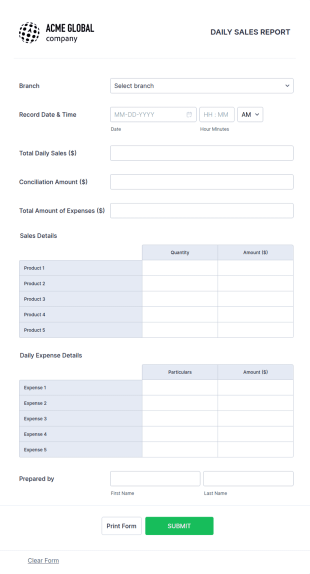
Daily Sales Report
This daily sales report form template might be so useful for your business and daily sales reporting.
Go to Category:Business Forms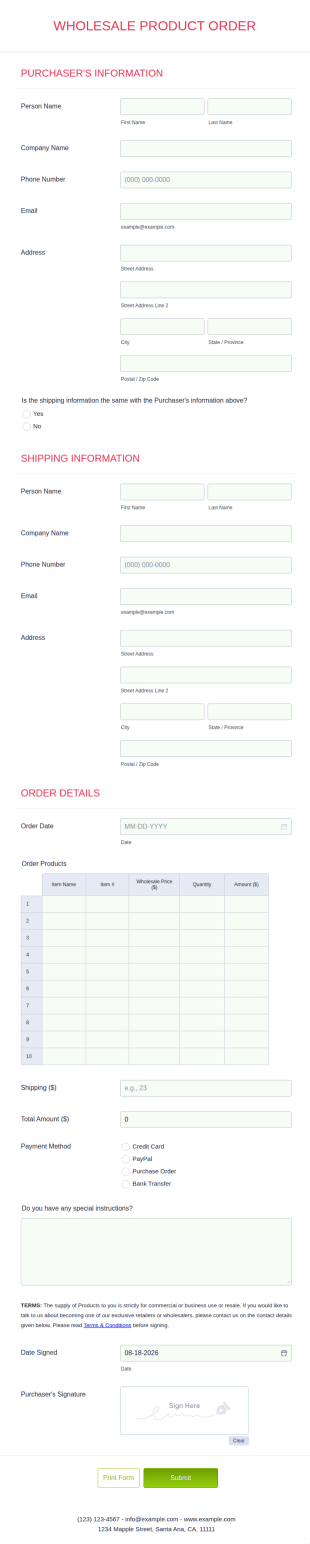
Wholesale Product Order Form
Track your orders in an organized manner by using this Wholesale Product Order form template. This smart form template is using conditional logic and calculations that will surely help in your sales order process.
Go to Category:Manufacturing Forms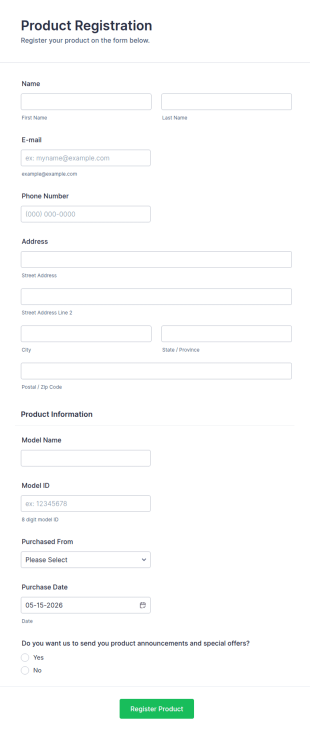
Product Registration
A Product Registration Form is a form template designed to facilitate the registration of purchased products by consumers with the manufacturer or seller.
Go to Category:Business FormsInventory Management Form
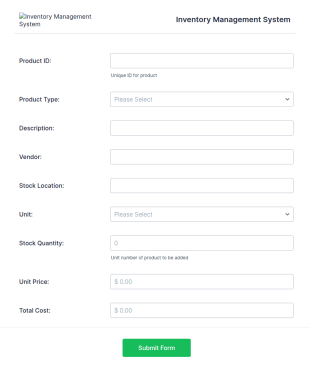
An inventory management form is filled out by an employee at a retail business to keep track of the inventory of the store. No coding!
Go to Category:Business Forms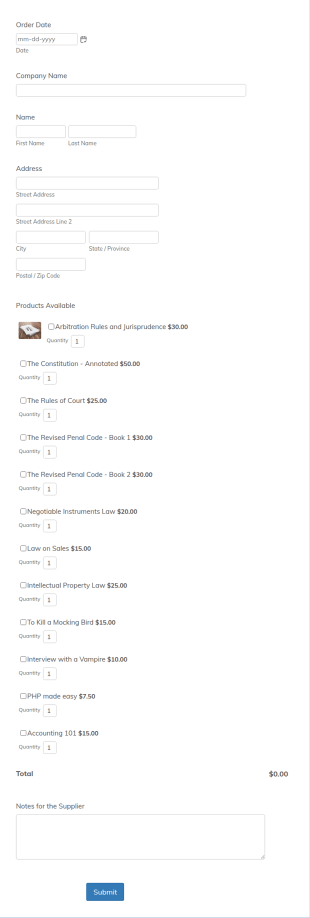
Simple Supply Order Form
A supply order form is useful for office supply stores and office supply businesses to track their inventory and receive requests for needed supplies.
Go to Category:Business FormsQuality Alert Form
A Quality Alert Form is a form template designed to promote quality awareness and enable rapid response to quality issues in manufacturing, production, or service environments.
Go to Category:Manufacturing Forms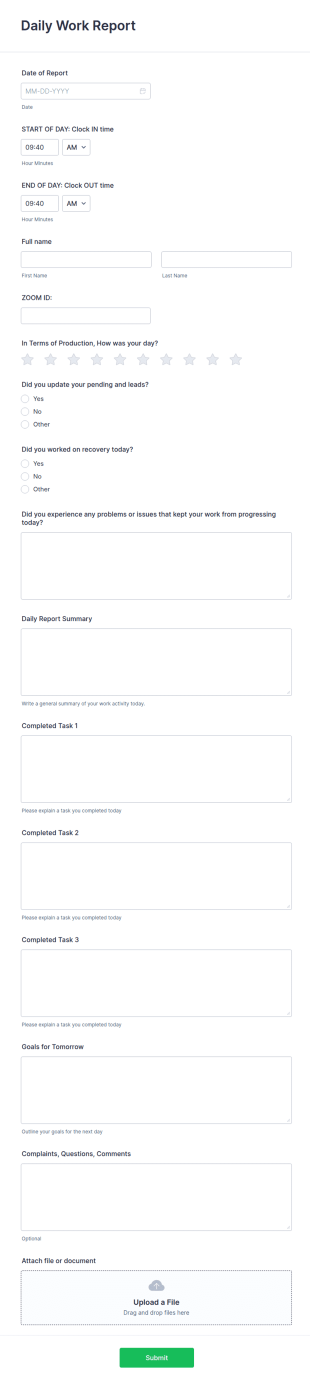
Daily Work Report
A daily work report is a form that is used to report the daily activities of employees in an organization.
Go to Category:Manufacturing FormsWarranty Registration Form
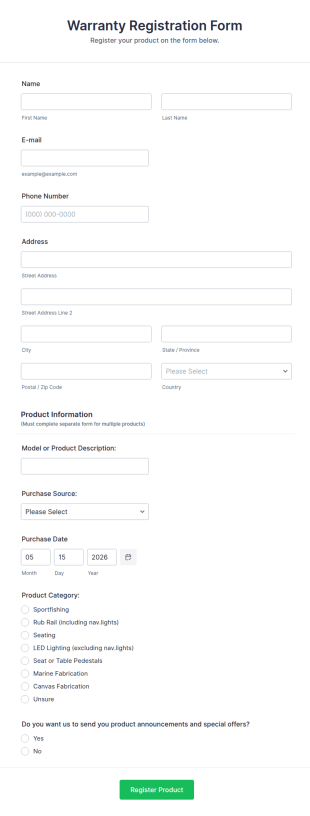
A warranty registration form is used by manufacturers to register customers for their warranty. Easy to use. No coding!
Go to Category:Business Forms
Engineering Change Order Form
An Engineering Change Order (ECO) Form is a form template designed to manage modifications, revisions, or updates to product designs, specifications, or processes in the engineering and manufacturing sector.
Go to Category:Manufacturing FormsInventory Transfer Form
An inventory transfer form is used to track inventory transfers between members of a business, such as family members.
Go to Category:Manufacturing Forms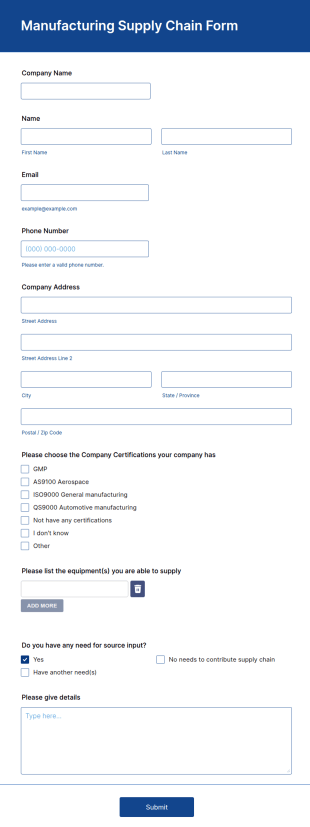
Manufacturing Supply Chain Form
A Manufacturing Supply Chain Form can be used to collect different manufacture companies' information for your supply chain process.
Go to Category:Business Forms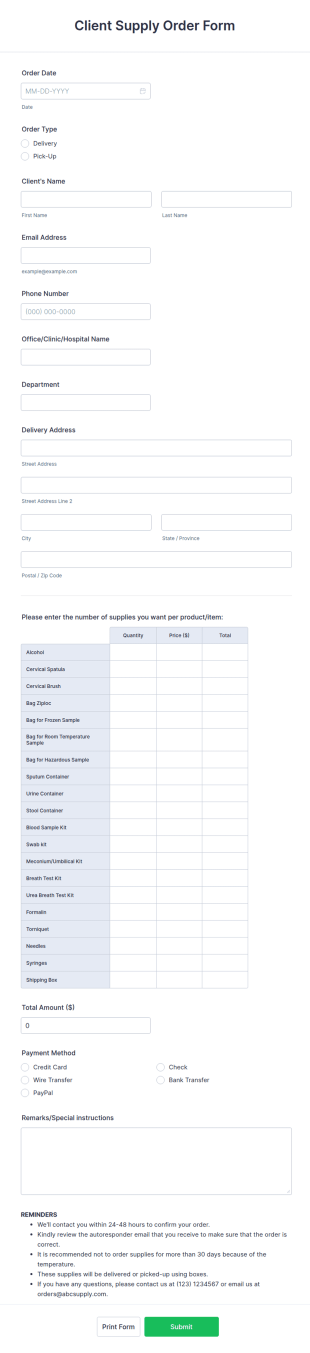
Client Supply Order Form
Get more sales by using this Client Supply Order Form which is simple, user-friendly, and manageable. This form template will surely enhance the order process of the company.
Go to Category:E-commerce FormsPackaging And Production Task Checklist
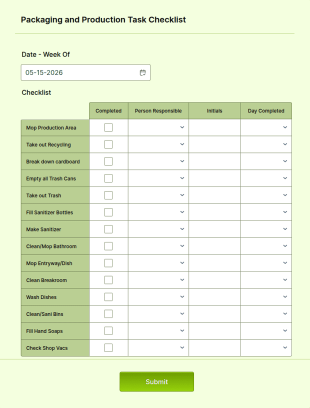
An online packaging and production task checklist is used by companies with multiple shipments and products to organize daily tasks and monitor progress through their manufacturing process.
Go to Category:Manufacturing Forms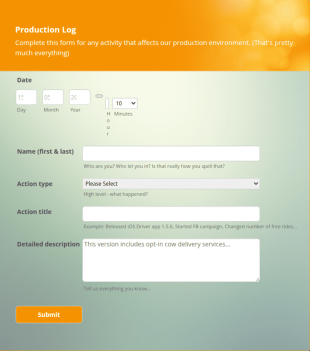
Production Log Form
A production log form is a document used in various industries to record activities during the production of a product
Go to Category:Business Forms
Project Change Order Form
Gather project change requests online with a free Project Change Order Request Form. Upload documents, change details, and collect e-signatures.
Go to Category:Manufacturing Forms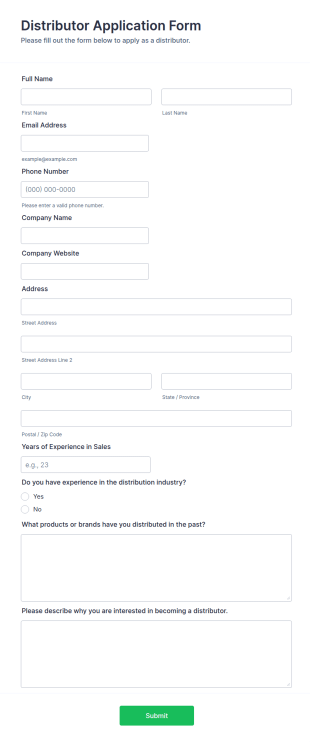
Distributor Application Form
A Distributor Application Form is a form template designed to streamline the process of recruiting, evaluating, and onboarding distributors for manufacturers or suppliers.
Go to Category:Manufacturing FormsProduction Feedback Form
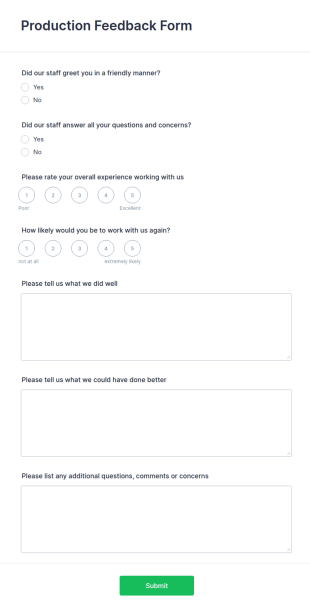
A production feedback form is used by producers as a means of gathering feedback from their production team. Use this free Production Feedback Form to collect the info you need from employees and make the most out of the time you spend with your team.
Go to Category:Manufacturing Forms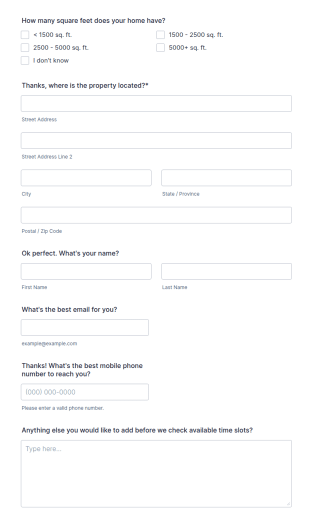
Roofing Survey Form
A Roofing Survey Form is a form template designed to streamline the data collection process for roofing contractors and companies.
Go to Category:Manufacturing Forms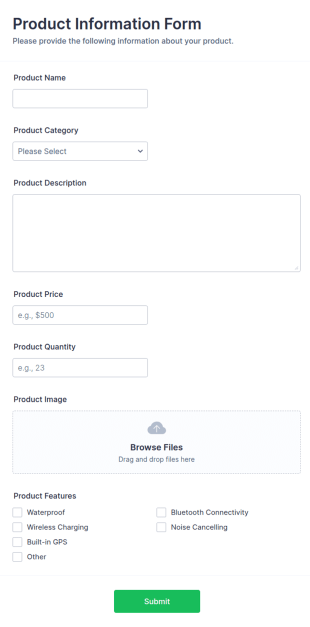
Product Information Form
A Product Information Form is a form template designed to collect and provide detailed information about a specific product.
Go to Category:Manufacturing Forms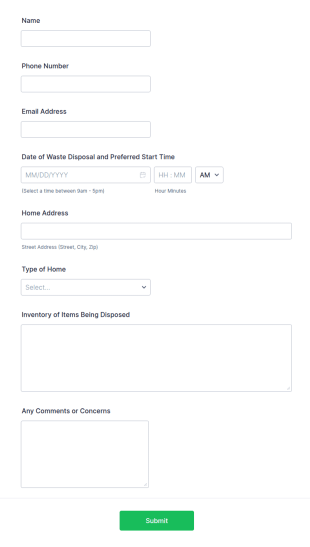
Waste Disposal Form
A Waste Disposal Form Template helps companies record, track, and manage waste disposal requests efficiently with customizable fields for organized waste management.
Go to Category:Manufacturing Forms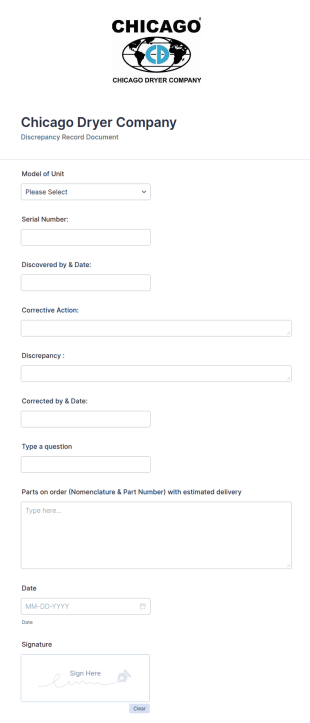
Discrepancy Record Form Template
A Discrepancy Record Form Template is a template tailored to seamlessly handle any inconsistencies in data records. Perfect for businesses, it aids in addressing errors for swift resolution. Enhance your data accuracy, streamline your workflow, and optimize productivity with this smart solution.
Go to Category:Manufacturing Forms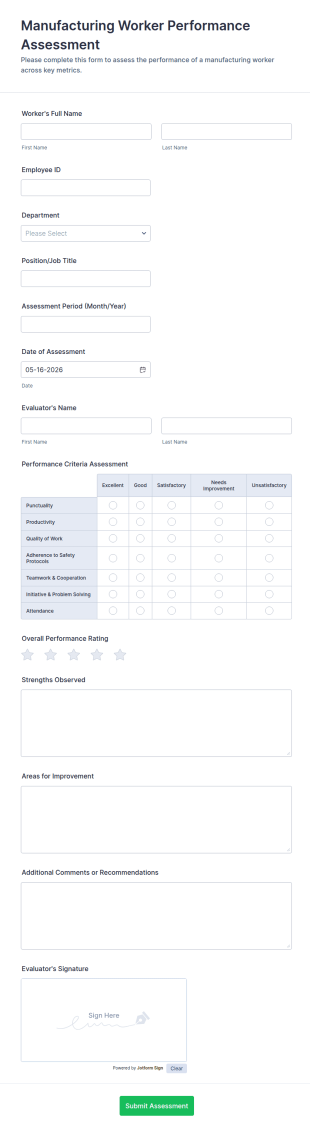
Manufacturing Worker Performance Assessment
Manufacturing Worker Performance Assessment Form supports consistent employee evaluations for production teams by capturing performance feedback and ratings in one place with Jotform for reliable data collection.
Go to Category:Manufacturing Forms
Machine Installation Checklist
A Machine Installation Checklist is a form template specifically tailored to simplify the process of installing new machinery in an industrial setting.
Go to Category:Services Forms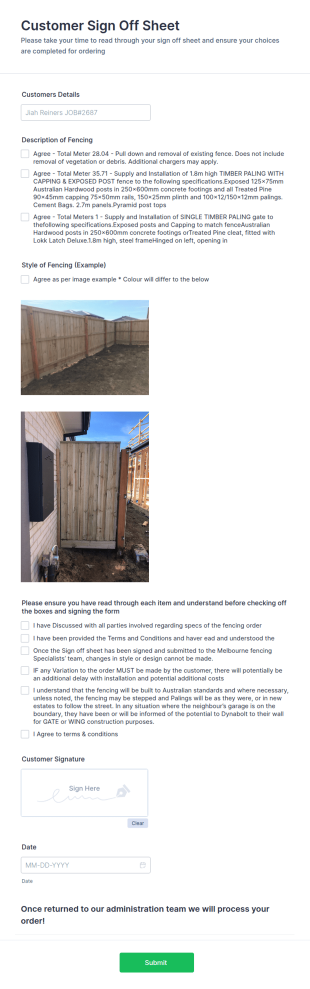
Fencing Permit Form
A Fencing Permit Form is a form template designed to streamline the process of applying for a fencing permit.
Go to Category:Services FormsAbout Manufacturing Forms
Manufacturing Forms are specialized digital forms designed to streamline and optimize various operational aspects within the manufacturing industry. These forms facilitate a variety of workflows, ranging from inventory management and quality control to equipment maintenance and employee safety checks. By digitizing these processes, manufacturers can ensure real-time data collection and analysis, which enhances decision-making and operational efficiency. Whether it's tracking production metrics or initiating maintenance requests, Manufacturing Forms provide a structured and reliable method for capturing essential data.
Jotform stands out as the premier online form builder for the manufacturing sector, offering unparalleled ease of use and customization. With Jotform, businesses can effortlessly automate data collection processes, reducing manual entry and minimizing errors. The platform's robust capabilities include centralized data management through Jotform Tables, allowing for seamless organization and retrieval of information. This integration ensures that all collected data is easily accessible, promoting efficient workflow management and informed decision-making across the organization.
Why Use Manufacturing Forms?
- Manufacturing Forms significantly enhance the accuracy of data collection by minimizing the potential for human error associated with manual data entry. This ensures that information gathered is reliable and consistent, which is crucial for maintaining quality standards in manufacturing environments.
- The speed at which data can be collected and processed with Manufacturing Forms is a major advantage. Automated workflows and real-time data submission capabilities allow manufacturers to respond swiftly to operational needs and make timely decisions that can impact production outcomes.
- Professional data handling is another key benefit, as these forms are designed to seamlessly integrate with existing business systems. This ensures that data flows smoothly between departments, facilitating better communication and collaboration across the organization.
- With customizable templates, Manufacturing Forms can be tailored to meet the specific needs of any operation. This flexibility allows businesses to create forms that align perfectly with their unique processes and requirements, ensuring maximum efficiency and usability.
- The use of electronic signatures within Manufacturing Forms adds a layer of security and authenticity to the data collected. This is particularly important for compliance and auditing purposes, providing a verifiable trail of approvals and acknowledgments.
Common Problems Solved by Manufacturing Forms
- One common problem in the manufacturing industry is the overwhelming amount of paperwork. Manufacturing Forms eliminate the need for paper documents, transitioning data collection to a digital format that is easier to manage and store.
- Manual data entry often leads to inaccuracies and delays. By using Manufacturing Forms, these issues are mitigated as data is entered directly into the system, reducing the risk of errors and speeding up the entire process.
- Lost or misplaced data can be a major issue, particularly when relying on paper records. Manufacturing Forms ensure that all data is securely stored and easily retrievable, preventing loss and ensuring that critical information is always available when needed.
- Communication breakdowns between departments can lead to inefficiencies. These forms facilitate seamless data sharing and collaboration, ensuring that all stakeholders have access to the information they need to perform their roles effectively.
- Compliance with industry regulations is another area where Manufacturing Forms excel. By providing a structured method for data collection and storage, these forms help ensure that all processes meet regulatory standards and that necessary documentation is readily available for audits.
Matching Use Cases to Features
- The use of the Drag-and-Drop Form Builder in creating Manufacturing Forms allows for quick and easy customization. This feature is particularly useful for businesses that need to frequently update their forms to reflect changing operational requirements, ensuring that the forms remain relevant and effective.
- Conditional Logic can be employed to streamline workflows by prompting users with specific fields based on their previous responses. This ensures that only relevant information is captured, reducing form completion time and enhancing user experience.
- With over 30 Payment Gateways available, manufacturers can easily integrate payment collection into their forms. This is beneficial for transactions related to vendor management, simplifying the payment process and ensuring secure financial transactions.
- Electronic Signatures (Jotform Sign) provide a secure and efficient way to capture approvals and acknowledgments directly on the form. This feature is crucial for maintaining compliance and ensuring that all necessary authorizations are documented.
- The PDF Editor enables automated PDF generation from form submissions, allowing for easy sharing and documentation of collected data. This is particularly useful for generating reports or maintaining records of completed inspections and audits.
- Integrating with over 100 third-party services, such as Google Sheets and Salesforce, Manufacturing Forms ensure seamless data flow between platforms. This integration capability enhances data analysis and reporting, providing insights that can drive strategic decisions.
- Approval Workflows streamline the process of getting necessary sign-offs on key documents, ensuring that all procedures are followed correctly and efficiently. This feature is particularly useful for managing quality control processes and ensuring compliance with industry standards.
How to Create a Manufacturing Form
- Begin by browsing the Template List for a suitable Manufacturings template or start from scratch with a blank form. This initial step allows you to select a form that closely aligns with your needs or customize one to fit your specific requirements.
- Customize the design and fields using the Drag-and-Drop Form Builder. This intuitive interface allows you to easily add, remove, or modify fields to create a form that perfectly suits your operational processes and data collection needs.
- Publish and share the form via Direct Link, Email, or Website Embed. This flexibility in distribution options ensures that your forms are easily accessible to all intended users, facilitating widespread adoption and use within your organization.
Top Use Cases for Manufacturing Forms
- For Managers: Manufacturing Forms provide managers with real-time insights into operations, enabling them to make informed decisions that drive efficiency and productivity. By using these forms, managers can easily track key performance indicators, monitor inventory levels, and oversee quality control processes. This level of visibility ensures that managers are always equipped with the information they need to optimize operations and address any issues promptly.
- For Teams: Teams benefit from the streamlined communication and collaboration facilitated by Manufacturing Forms. These forms enable team members to share critical information quickly and efficiently, reducing the potential for misunderstandings and ensuring that everyone is on the same page. Whether coordinating production schedules or managing maintenance requests, these forms enhance team cohesion and operational effectiveness.
- For Customers: Customers experience improved service quality through the use of Manufacturing Forms. By streamlining order processing and ensuring accurate data entry, these forms help businesses meet customer expectations and deliver products on time. Additionally, customers appreciate the transparency and professionalism demonstrated through the efficient handling of their orders and inquiries.
Summarizing Manufacturing Forms
Manufacturing Forms are an invaluable asset for the manufacturing industry, offering a comprehensive solution for data collection and process optimization. By leveraging Jotform's robust capabilities, businesses can enhance operational efficiency, improve data accuracy, and ensure compliance with industry standards. These forms streamline workflows, promote effective communication, and provide a reliable method for capturing and analyzing essential data. In essence, Manufacturing Forms empower manufacturers to focus on what they do best: producing high-quality products while maintaining operational excellence.
Frequently Asked Questions
1) Is it free to create Manufacturing Forms on Jotform?
Yes, Jotform offers a free plan that allows users to create and customize Manufacturing Forms, although there are limitations on the number of forms and submissions you can handle.
2) Are the forms and submitted data secure?
Absolutely, Jotform ensures that all forms and data are protected with high-level security measures, including SSL encryption, to safeguard your information.
3) Do I need coding knowledge to build a Manufacturing Form?
No, you do not need any coding knowledge. Jotform's Drag-and-Drop Form Builder makes it easy for anyone to create professional forms without any technical expertise.
4) Can I collect payments directly through my forms?
Yes, Jotform supports over 30 payment gateways, allowing you to collect payments directly through your forms seamlessly.
5) Can these forms be used on mobile devices?
Yes, Jotform provides mobile-responsive forms that can be accessed and filled out on any device, ensuring flexibility and convenience for users.
6) Can I turn form submissions into professional PDF documents?
Yes, with Jotform's PDF Editor, you can automatically convert form submissions into polished PDF documents for easy distribution and record-keeping.
7) How can Manufacturing Forms improve inventory management?
Manufacturing Forms streamline data entry and tracking, enabling real-time updates and accurate record-keeping, which enhances inventory management.
8) Can I integrate Manufacturing Forms with my existing ERP system?
Yes, Jotform supports integration with numerous platforms, allowing you to seamlessly connect your forms with existing ERP systems for enhanced data flow and operational efficiency.