

Shopify Forms

Contact Us Form
A Contact Us Form is a form template designed to provide a convenient and user-friendly way for website visitors to get in touch with the organization, business, or individual behind the website.
Go to Category:Shopify Forms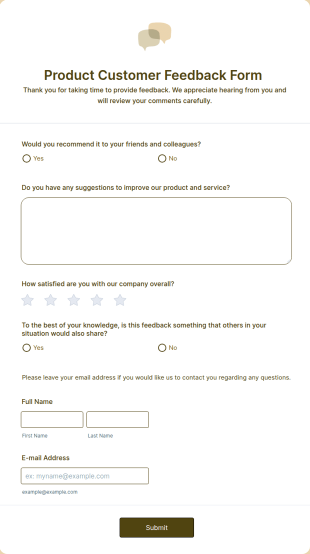
Product Customer Feedback Form
A Product Customer Feedback Survey is a customer feedback survey that allows clients to review a company's products and services.
Go to Category:Customer Service Forms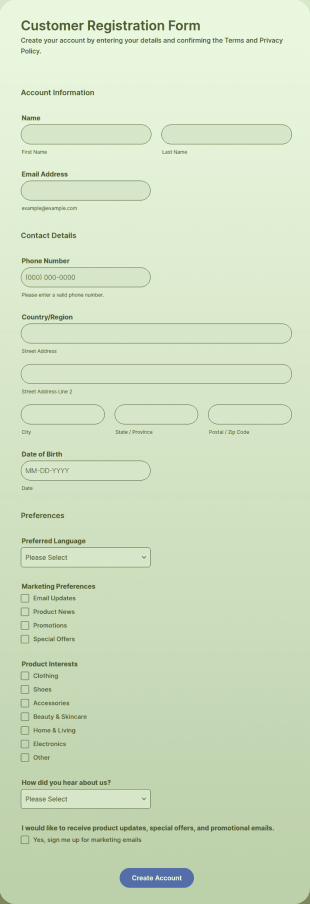
Shopify Customer Registration Form
Shopify Customer Registration Form is a form template that assists in gathering important customer information for your Shopify store, brought to you by Jotform, aiding in customer relationship management.
Go to Category:E-commerce Forms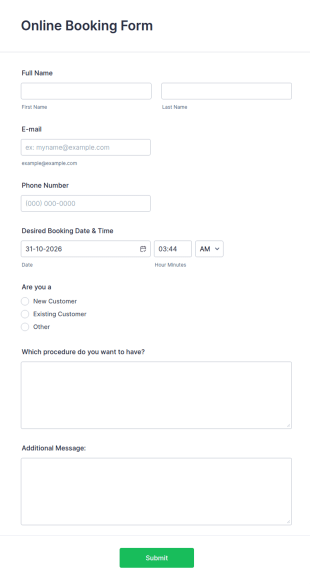
Online Booking Form
A comprehensive form that can be used for online booking reservations, transportation planning, tours, pickups; with widgets that allow collecting any information, location services, date-time selection, suggestion areas and more.
Go to Category:Services Forms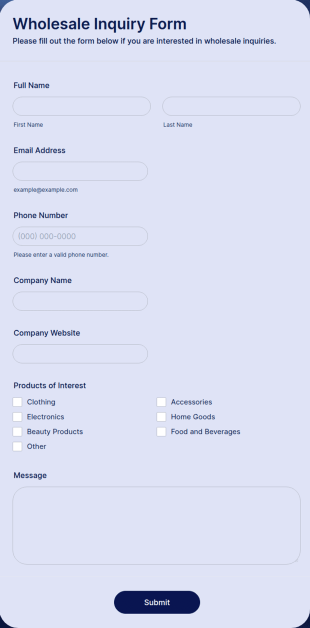
Wholesale Inquiry Form
Wholesale Inquiry Form is a form template that facilitates an easy method for potential wholesale customers to express their interest in your products, utilizing the versatile functionalities of Jotform.
Go to Category:Shopify Forms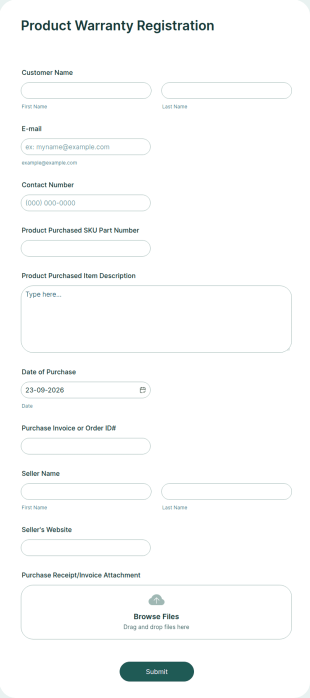
Product Warranty Registration
A product warranty registration form is used to collect client information for a product warranty.
Go to Category:Customer Service Forms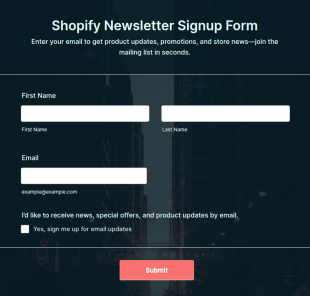
Shopify Newsletter Signup Form
Shopify Newsletter Signup Form is a form template that facilitates seamless collection of subscribers' information for your online store's email marketing efforts, designed by Jotform for Shopify users.
Go to Category:Shopify Forms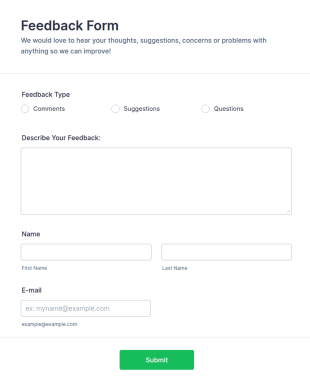
Feedback Form
A Feedback Form is a form template designed to gather valuable insights, opinions, and suggestions from individuals or stakeholders regarding a particular product, service, event, experience, or process.
Go to Category:Business Forms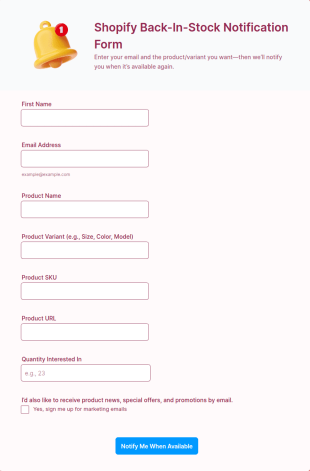
Shopify Back In Stock Notification Form
Shopify Back-In-Stock Notification Form is a form template that allows online customers to quickly relay their interest for out-of-stock products on your Shopify store, simplifying restock decisions and customer communication with the power of Jotform.
Go to Category:E-commerce Forms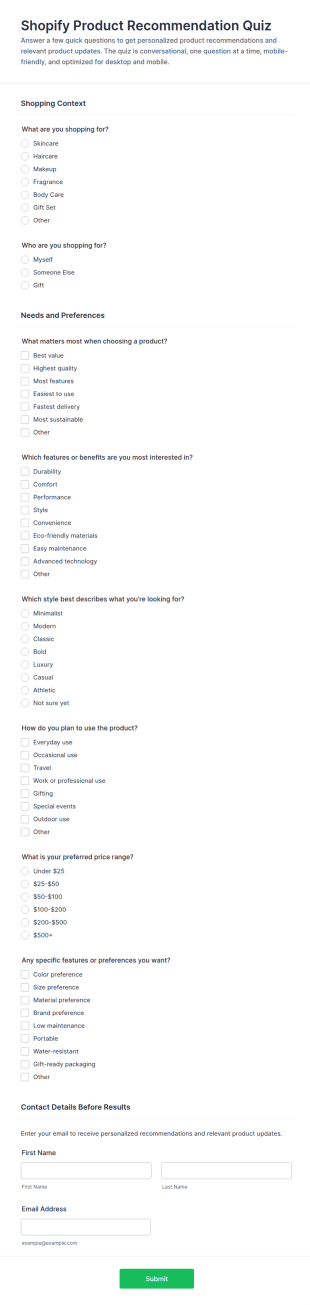
Shopify Product Recommendation Quiz
Shopify Product Recommendation Quiz is a form template that aids online stores in assessing customer preferences and recommending suitable products as part of their shopping experience, crafted with the user-friendly features of Jotform.
Go to Category:Shopify Forms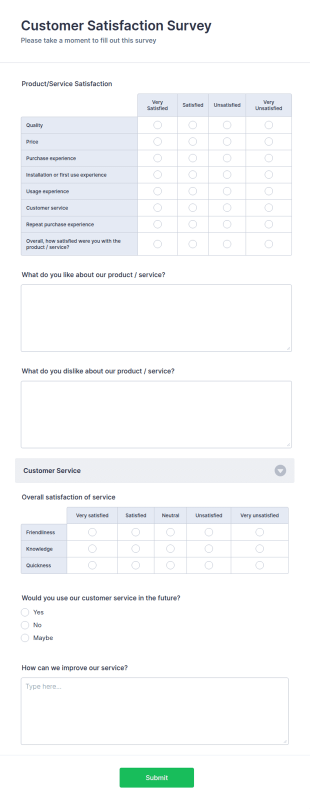
Customer Satisfaction Survey Form
Get to know your customers with a free online Customer Satisfaction Survey. Easy to customize, share, and embed. Analyze results to improve your business.
Go to Category:Services Forms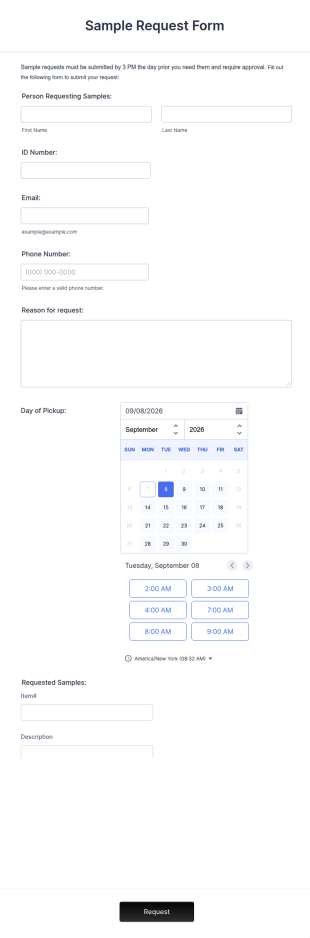
Sample Request Form
A sample request form is a quick and easy way to ask for examples of a product or service from a business.
Go to Category:E-commerce Forms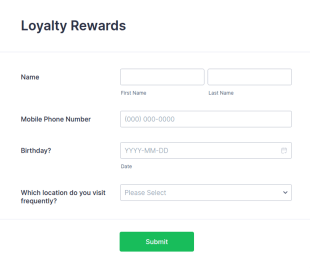
Loyalty Rewards Form
A Loyalty Rewards form is used to provide rewards to customers who have repeatedly visited a store or business.
Go to Category:Marketing Forms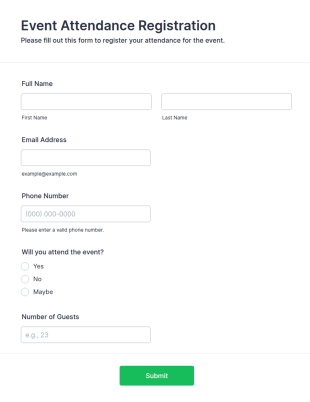
Event Attendance Registration Form
Collect registrations for multi-day events with the Event Attendance Registration Form, capturing attendee details and attendance preferences for organizers, conferences, workshops, and community events using Jotform.
Go to Category:Shopify Forms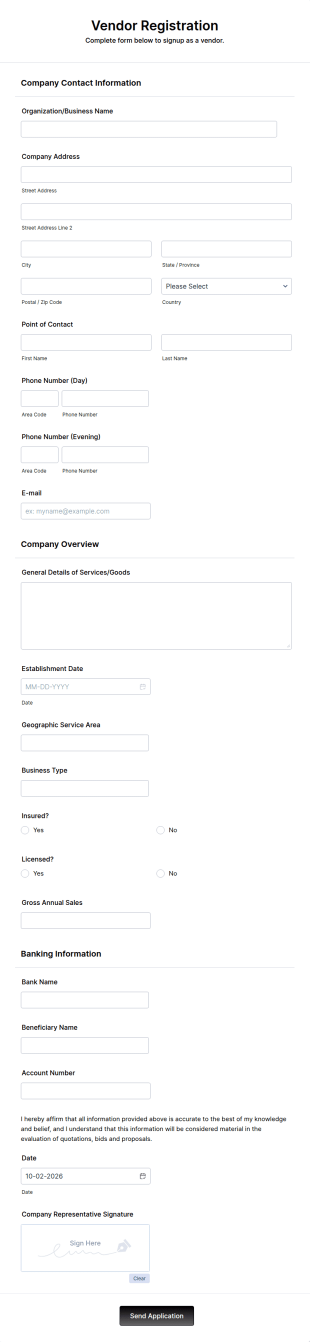
Vendor Registration Form
A vendor registration form is used by event planners to collect the contact details of vendors, suppliers, and other service providers. You’ll track an impressive list of contacts with Jotform!
Go to Category:Shopify Forms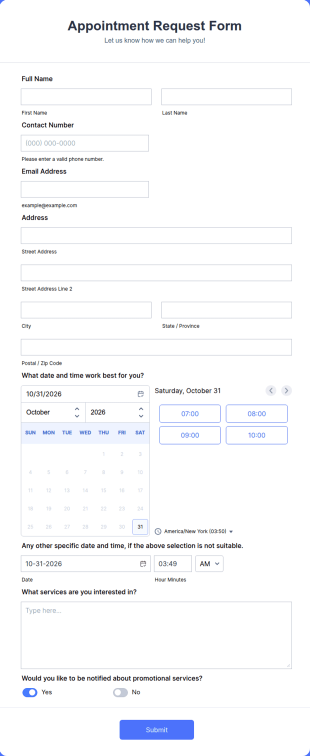
Appointment Request Form
An Appointment Request Form is a form template designed to streamline the process of scheduling appointments.
Go to Category:Business Forms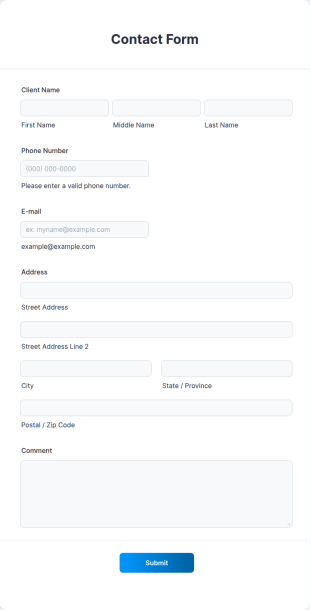
Contact Information Collection Form
Contact Form helps businesses and organizations capture client inquiries, questions, and feedback online, centralizing communication and simplifying follow-up through a customizable Jotform template.
Go to Category:Shopify Forms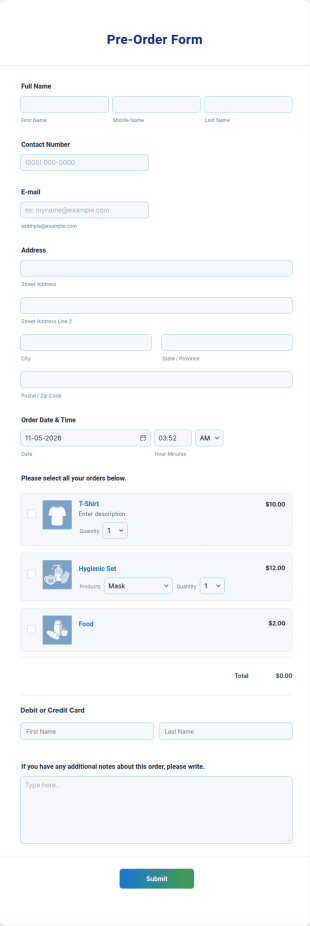
Pre Order Form
Embed a free Pre-Order Form Template in your store’s website to instantly process product pre-orders online. Free to use, easy to customize!
Go to Category:E-commerce Forms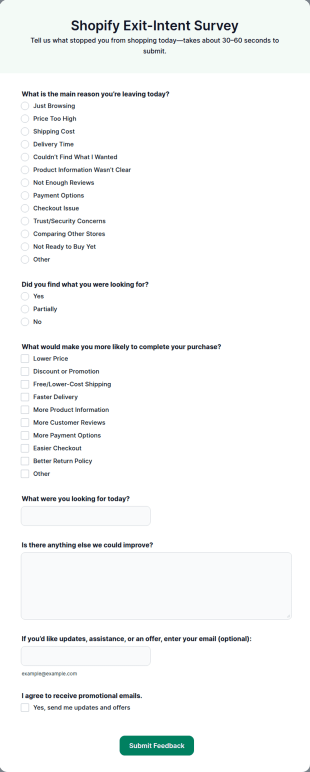
Shopify Exit Intent Survey
Shopify Exit-Intent Survey is a form template that captures user feedback before they leave your ecommerce site, assisting your business to understand customer behavior and preferences with Jotform's intuitive, easy-to-use interface.
Go to Category:E-commerce Forms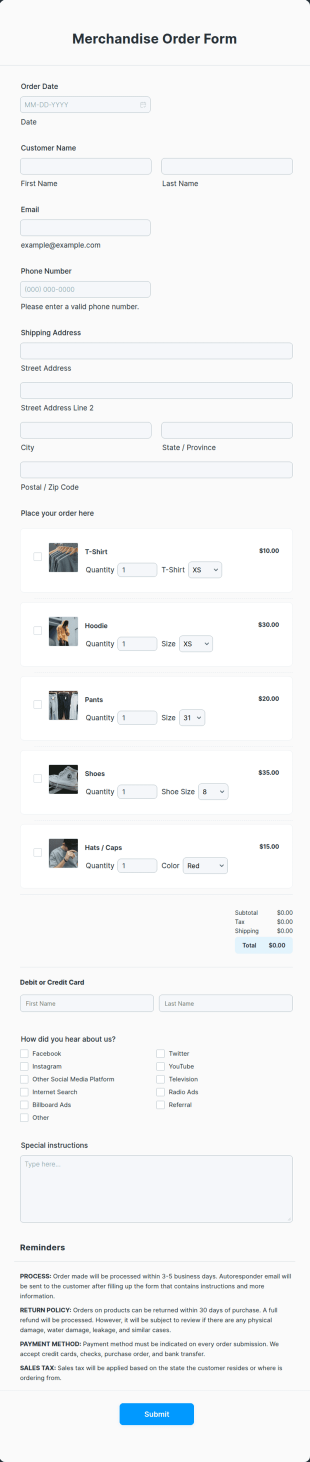
Merchandise Order Form
Allow your customers to order easily and quickly by using this Merchandise Order Form. This form template can be accessed via the direct link using devices like laptops or mobile.
Go to Category:Shopify Forms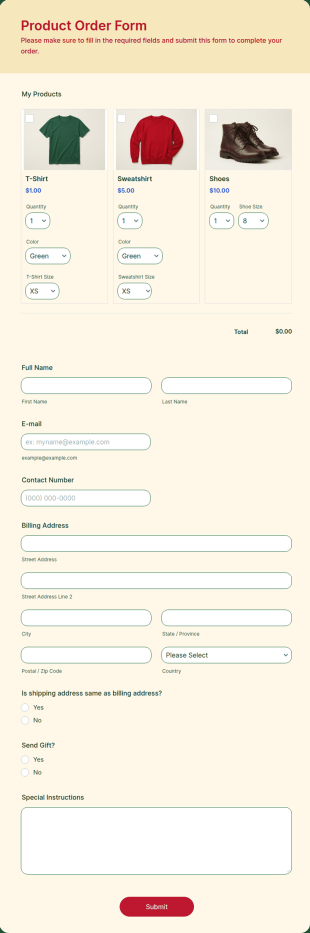
Product Order Form
Product Order Form is a form template that streamlines the ordering process of goods and services, offering a customizable interface with Jotform that adapts to various business needs and enhances customer experience.
Go to Category:Payment Forms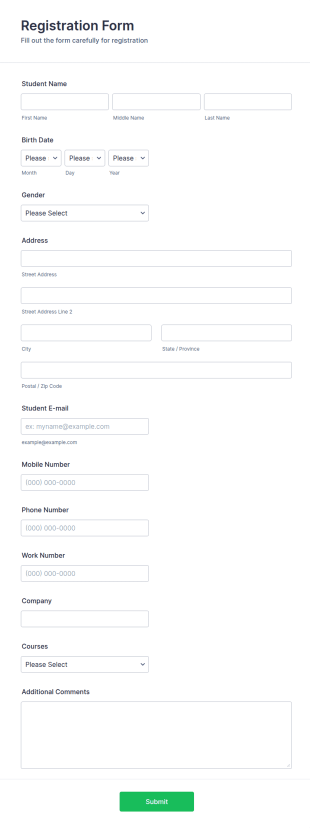
Course Registration Form
This Course Registration Form template can be used by any school/institution to accept registration on various educational programs that it offers to its students.
Go to Category:Education Forms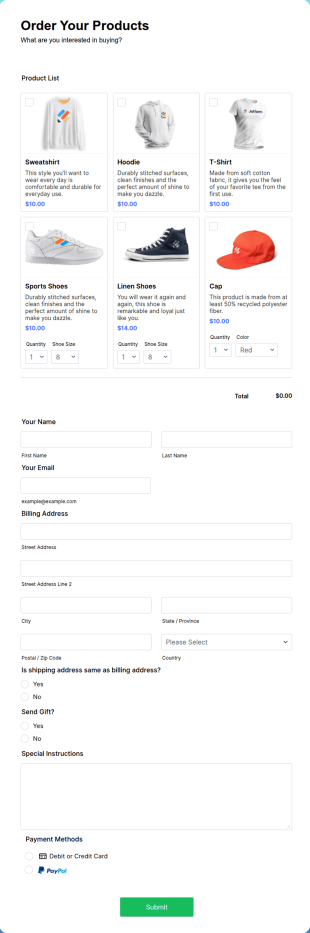
PayPal Business Payment Form
Sell products or book services online with a PayPal Business Payment Form. Easy to customize and embed in your site. Collect payments with no extra transaction fees!
Go to Category:Shopify Forms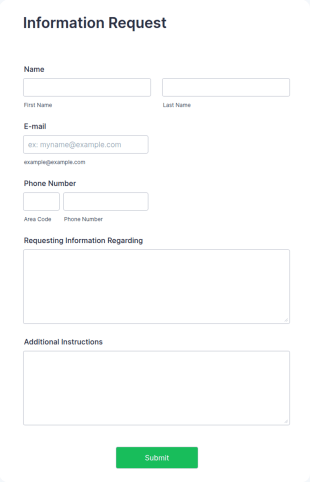
Information Request Form
An Information Request Form is a versatile form template designed to facilitate the process of requesting specific information from individuals, organizations, or businesses.
Go to Category:Customer Service FormsAbout Shopify Forms
Shopify Forms are specialized digital forms designed to enhance and streamline the data collection processes for businesses operating on the Shopify platform. These forms are integral in managing various workflows, from customer orders and inventory management to feedback collection and service requests. In real-world scenarios, Shopify Forms are utilized by e-commerce businesses to efficiently capture essential customer data, track order details, and manage inventory levels, ensuring a smooth operational flow. Businesses can leverage these forms to automate various aspects of their operations, reducing manual input and potential errors, thereby enhancing accuracy and efficiency across all processes.
Jotform stands out as a premier online form builder, offering unparalleled ease of customization and automation for Shopify Forms. With Jotform, businesses can effortlessly tailor forms to meet specific needs, ensuring that all data collection processes are aligned with operational goals. The platform's ability to automate data collection not only saves time but also improves data accuracy and reliability. Furthermore, Jotform Tables provide centralized data management, enabling businesses to organize, analyze, and access their collected data seamlessly. This comprehensive approach to form building elevates business efficiency and data handling, making Jotform an invaluable asset for any Shopify-based operation.
Why Use Shopify Forms?
- Shopify Forms enable businesses to enhance data accuracy by minimizing manual entry errors, which is crucial for maintaining high-quality data records. By automating data collection processes, these forms ensure that information is captured precisely and efficiently, allowing for better decision-making and strategic planning.
- Speed is a critical factor in the competitive e-commerce landscape, and Shopify Forms facilitate rapid data processing. By streamlining form creation and submission processes, businesses can quickly gather and analyze data, accelerating response times and improving customer service delivery.
- Professional data handling is at the core of Shopify Forms, ensuring that all collected information is managed with the utmost security and integrity. Jotform’s secure data management capabilities ensure that sensitive customer data is protected, fostering trust and compliance with data protection regulations.
- The integration capabilities of Shopify Forms are unparalleled, allowing seamless connections with over 100 third-party applications such as Google Sheets, Salesforce, and Slack. This ensures that data flows smoothly across various platforms, enhancing workflow efficiency and reducing redundancy.
- Shopify Forms offer a high degree of customization, ensuring that forms align perfectly with specific business needs and branding requirements. This flexibility allows businesses to create forms that are not only functional but also visually appealing and consistent with their brand identity.
Common Problems Solved by Shopify Forms
- One of the most significant issues faced by businesses is the cumbersome nature of paperwork and manual entry. Shopify Forms eliminate the need for physical documentation by digitizing data collection, significantly reducing the time and effort required to manage information.
- Manual data entry often leads to errors and inconsistencies, which can have a detrimental impact on business operations. By utilizing Shopify Forms, businesses can automate data entry processes, ensuring higher accuracy and reliability in their data management practices.
- Lost or misplaced data is a common problem that can disrupt business continuity. With Shopify Forms, all data is securely stored and easily accessible, reducing the risk of data loss and ensuring that critical information is always available when needed.
- Inefficient data processing can slow down business operations and impact customer satisfaction. Shopify Forms streamline data collection and processing, enabling businesses to quickly act on the information they gather, improving overall operational efficiency.
- Compliance with data protection regulations is a critical concern for businesses handling sensitive customer information. Shopify Forms ensure that data is collected and stored securely, helping businesses adhere to legal requirements and protect customer privacy.
Matching Use Cases to Features
- For businesses looking to streamline form creation, the Drag-and-Drop Form Builder simplifies the process, allowing users to easily customize forms to match their specific workflow requirements. This feature ensures that forms are tailored to capture the necessary data efficiently, enhancing operational effectiveness.
- Conditional Logic is a powerful feature that enables businesses to create dynamic forms that adapt to user input. This capability is particularly useful for creating personalized customer experiences, as it allows forms to present relevant questions based on previous responses, improving user engagement and data relevance.
- With the need for secure and efficient payment collection, the availability of 30+ Payment Gateways such as Stripe, PayPal, and Square within Shopify Forms ensures seamless financial transactions. This feature allows businesses to collect payments directly through their forms, streamlining the sales process and enhancing customer convenience.
- Electronic Signatures (Jotform Sign) are essential for businesses requiring formal agreements or consent from customers. This feature facilitates the secure capture of digital signatures, ensuring that contracts and agreements are legally binding and efficiently managed.
- The PDF Editor (Automated PDF Generation) feature is invaluable for businesses that need to convert form submissions into professional documents. This automation reduces manual document creation efforts and ensures that submissions are easily archived and accessible in a standardized format.
- For businesses reliant on data-driven decision-making, the Report Builder offers powerful analytics capabilities. It allows users to create comprehensive reports from collected data, providing insights that can drive strategic business decisions and optimize operations.
- Offline Data Collection (Jotform Mobile Forms) is a critical feature for businesses operating in areas with limited internet connectivity. This capability ensures that data can be collected and stored even without an internet connection, with automatic synchronization once connectivity is restored.
How to Create a Shopify Form
- Start by browsing the Template List for a Shopifys template that suits your needs, or begin with a blank form to create a custom solution.
- Customize the design and fields of your form using the intuitive Drag-and-Drop Form Builder, ensuring that all necessary data points are captured effectively.
- Once your form is ready, publish and share it through Direct Link, Email, or Website Embed to reach your desired audience and start collecting responses.
Top Use Cases for Shopify Forms
- For Managers: Managers can leverage Shopify Forms to gain valuable insights into business operations and customer interactions. With the ability to customize forms for various managerial tasks such as performance reviews, inventory tracking, and financial reporting, managers can streamline these processes and enhance decision-making. The centralized data management capabilities of Jotform ensure that managers have access to real-time data, enabling more informed and strategic planning.
- For Teams: Teams can use Shopify Forms to improve collaboration and coordination across different departments. By utilizing integration features, teams can ensure that data flows seamlessly between different platforms, reducing redundancy and increasing efficiency. Shopify Forms can be customized to support various team functions, from project management and task allocation to feedback collection and performance analysis, fostering a more cohesive and productive work environment.
- For Customers: Shopify Forms enhance the customer experience by providing intuitive and user-friendly forms for making inquiries, placing orders, or giving feedback. The ability to integrate payment gateways ensures smooth and secure transactions, while conditional logic allows for personalized customer interactions. By streamlining the customer journey and ensuring data accuracy, businesses can improve customer satisfaction and loyalty, ultimately driving sales and growth.
Summarizing Shopify Forms
Shopify Forms play a pivotal role in optimizing data collection and management for businesses operating on the Shopify platform. By leveraging Jotform’s advanced features, businesses can enhance the accuracy, efficiency, and security of their data handling processes. The flexibility and customization options available ensure that businesses can tailor forms to meet specific needs and operational goals, while seamless integration capabilities streamline workflows across various platforms. In summary, Shopify Forms are an essential component for any business seeking to improve data-driven decision-making and operational efficiency.
Frequently Asked Questions
1) Is it free to create Shopify Forms on Jotform?
Yes, Jotform offers a free plan that allows you to create Shopify Forms at no cost, with the option to upgrade for additional features and higher usage limits.
2) Are the forms and submitted data secure?
Absolutely. Jotform ensures that all forms and submitted data are protected with advanced security measures, including SSL encryption and data encryption options, to safeguard sensitive information.
3) Do I need coding knowledge to build a Shopify Form?
No coding knowledge is required. Jotform's intuitive Drag-and-Drop Form Builder makes it easy for anyone to create customized forms without any technical expertise.
4) Can I collect payments directly through my forms?
Yes, you can collect payments directly through your forms using one of the 30+ integrated payment gateways such as Stripe, PayPal, or Square.
5) Can these forms be used on mobile devices?
Yes, Shopify Forms are fully responsive and can be used seamlessly on mobile devices, ensuring accessibility and convenience for users on the go.
6) Can I turn form submissions into professional PDF documents?
Yes, with Jotform's PDF Editor, you can automatically generate professional PDF documents from form submissions, making it easy to archive and share data in a standardized format.
7) How can Shopify Forms help with inventory management?
Shopify Forms can streamline inventory management by automating data collection related to stock levels, orders, and supplier information, ensuring accurate tracking and efficient restocking processes.
8) Are Shopify Forms capable of supporting customer feedback collection?
Yes, Shopify Forms can be customized to collect detailed customer feedback, enabling businesses to gain valuable insights into customer satisfaction and areas for improvement.