

Access Control Forms
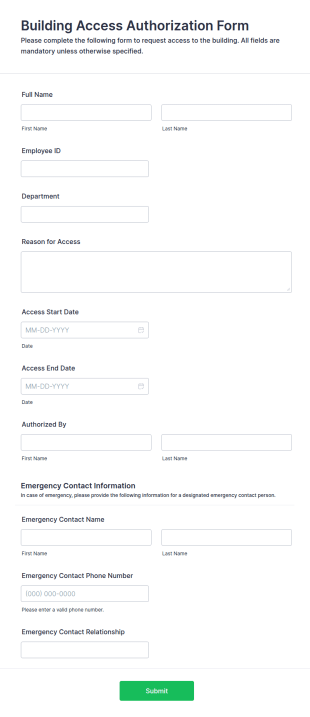
Building Access Authorization Form
A Building Access Authorization Form is a form template designed to regulate and manage access to a building or facility by individuals, employees, contractors, visitors, or other parties.
Go to Category:Business Forms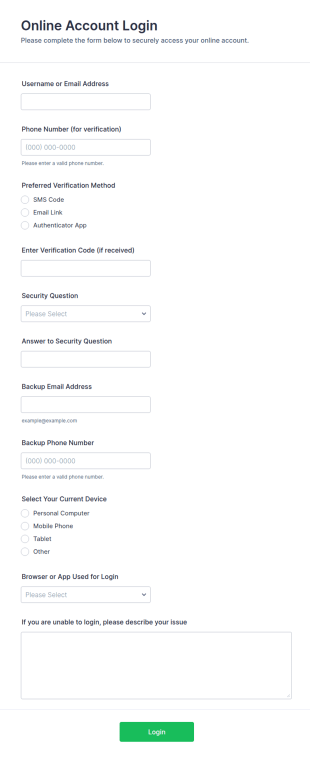
Online Account Login Form
Online Account Login Form helps support teams collect access and verification help requests through Jotform, improving data collection and routing each form submission to the right team faster.
Go to Category:Access Control Forms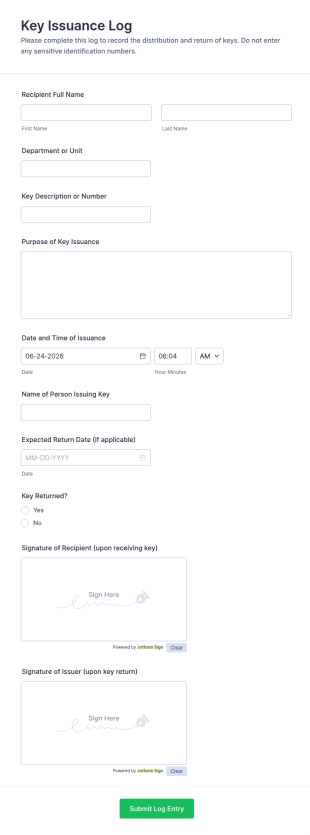
Key Issuance Log
The Key Issuance Log form template from Jotform helps offices, schools, and property managers track keys issued and returned using the Jotform Form Builder no-code form builder and drag-and-drop interface for accurate data collection and form submission records.
Go to Category:Access Control Forms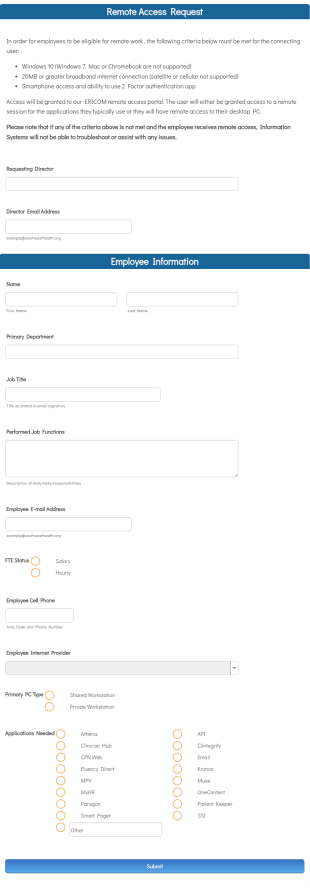
Remote Work Access Request Form
Remote Work Access Request Form is a customizable template for IT departments to collect employee details, approve remote access, and streamline secure remote work authorization.
Go to Category:Request Forms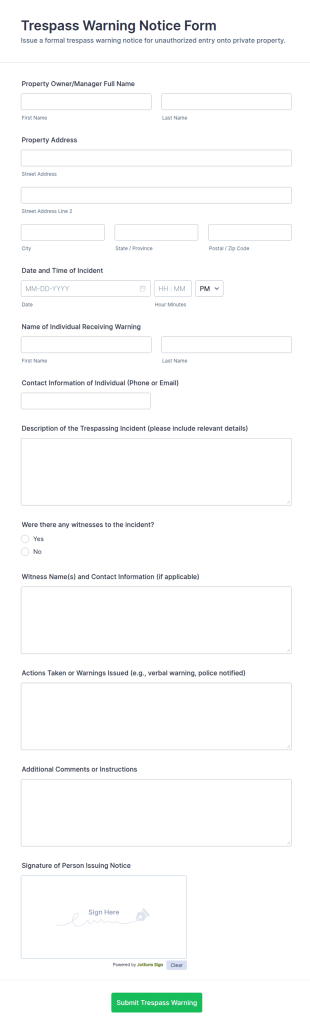
Trespass Warning Notice Form
Document trespass incidents and issue consistent written warnings with the Trespass Warning Notice Form, a practical option for property managers, landlords, and security teams who need reliable data collection and organized records.
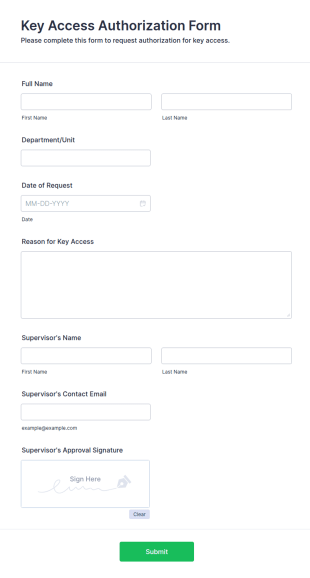
Go to Category:Legal FormsKey Access Authorization Form
The Key Access Authorization Form allows organizations to manage key distribution by authorizing access to specific individuals, ensuring security and accountability.
Go to Category:Business Forms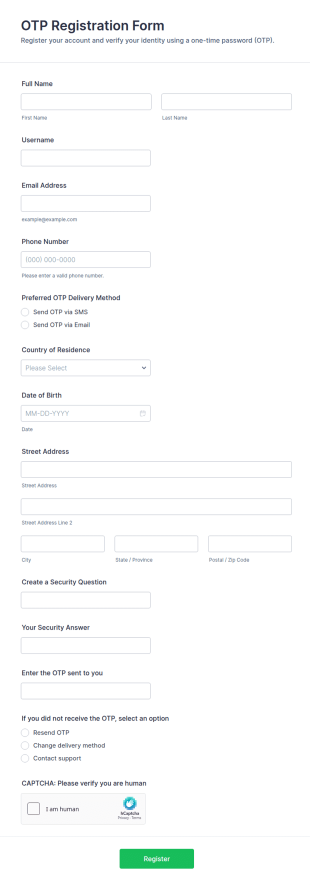
One Time Password (OTP) Registration Form
Collect secure OTP registration details with the One-Time Password (OTP) Registration Form for portals, memberships, and employee access, and manage every form submission in Jotform for reliable data collection.
Go to Category:Registration Forms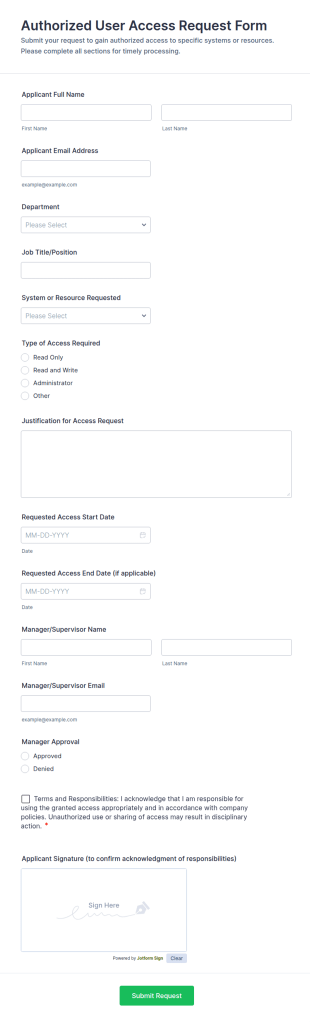
Authorized User Access Request Form
Collect and review employee access requests with the Authorized User Access Request Form, helping IT and managers approve system permissions, track time-bound access, and keep data collection organized in Jotform.
Go to Category:Access Control Forms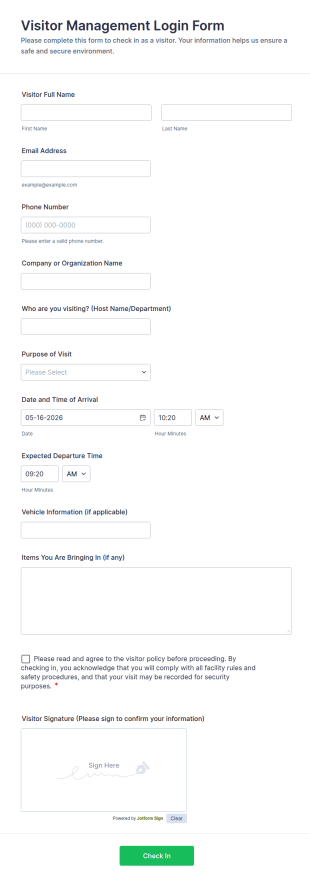
Visitor Management Login Form
Visitor Management Login Form helps offices and facilities capture visitor check-ins, track on-site guests, and keep visitor records organized with Jotform for faster front-desk workflows.
Go to Category:Access Control Forms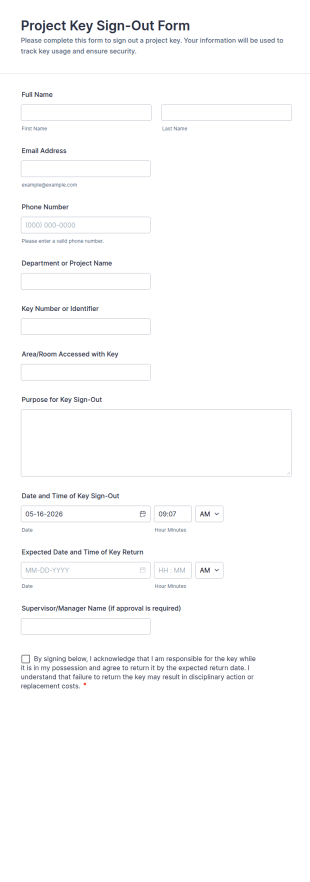
Project Key Sign Out Form
Track key handoffs, expected returns, and accountability with the Project Key Sign-Out Form, a Jotform form template for facilities teams, schools, and job sites that need reliable data collection and clear records.
Go to Category:Access Control Forms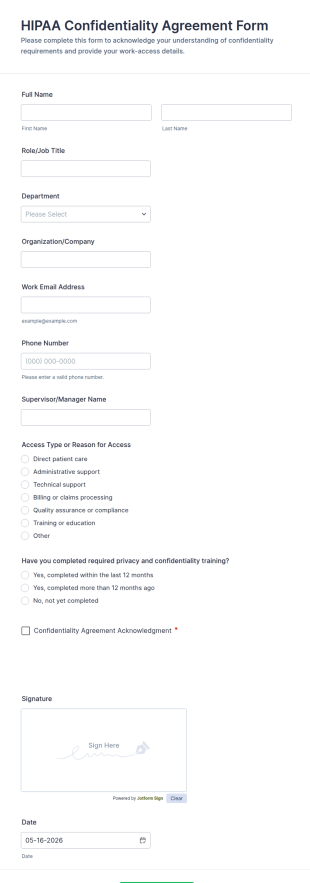
HIPAA Confidentiality Agreement Form
HIPAA Confidentiality Agreement Form helps healthcare teams collect signed confidentiality acknowledgments for staff, contractors, and volunteers while keeping data collection organized in Jotform.
Go to Category:Consent FormsReturnable Gate Pass Form
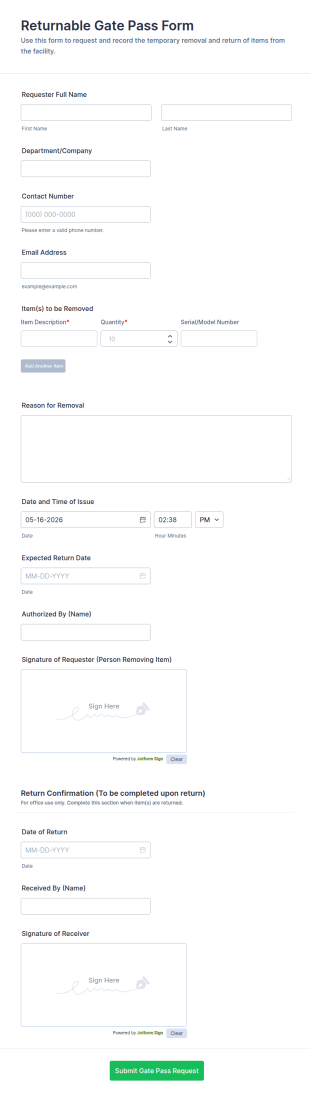
Returnable Gate Pass Form helps organizations track temporary removal and return of company items, supporting security, facilities, and operations teams with clear approvals and records using Jotform.
Go to Category:Access Control FormsAirport Self Declaration Form
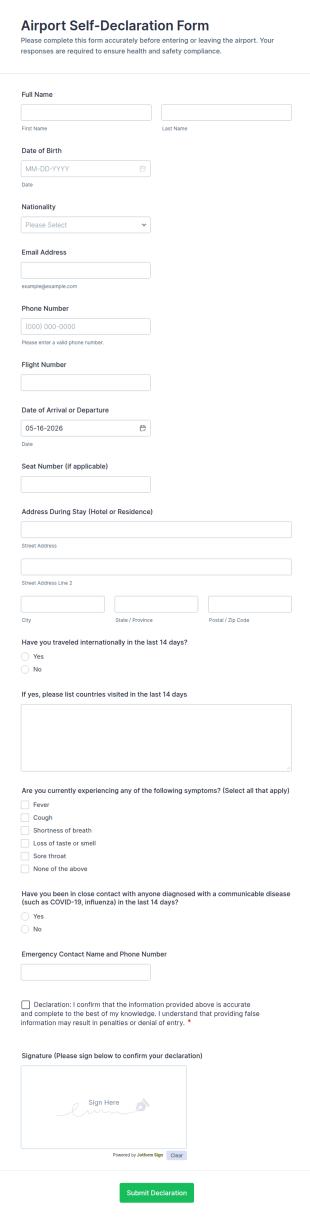
Collect traveler self-declarations for airport arrivals and departures with the Airport Self-Declaration Form, helping airlines, airports, and travel coordinators gather consistent passenger information online with Jotform.
Go to Category:Declaration FormsCustomer ID Upload Form
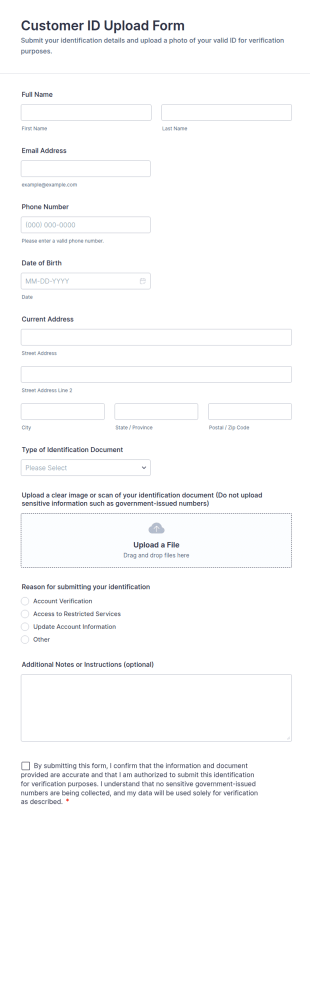
Collect customer identification documents online for verification with the Customer ID Upload Form, ideal for support, membership, and account services teams that need consistent data collection and faster follow-up.
Go to Category:File Upload FormsPhysical Access Security Request Form
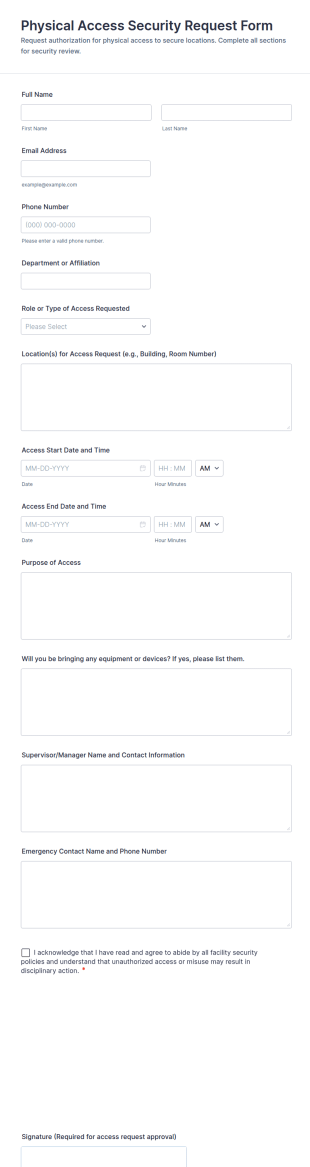
Physical Access Security Request Form helps teams collect and manage facility access requests online, supporting consistent approvals for employees, contractors, and visitors with clear timelines and locations via Jotform.
Go to Category:Access Control Forms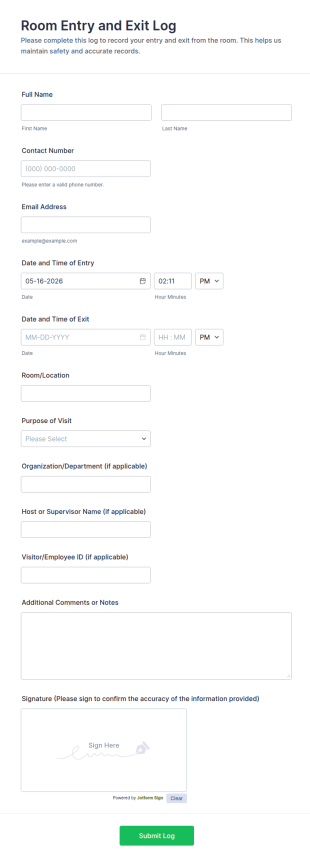
Room Entry And Exit Log
Track visitor and employee access with the Room Entry and Exit Log Form, a Jotform form template for recording room visits across offices, schools, and facilities while keeping data collection organized in one place.
Go to Category:Access Control Forms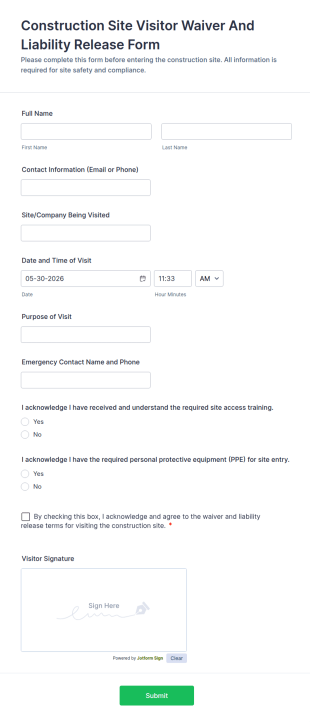
Construction Site Visitor Waiver And Liability Release Form
Collect construction site visitor acknowledgements, signatures, and visit details with the Construction Site Visitor Waiver and Liability Release Form to support consistent access control and organized recordkeeping on active jobsites.
Go to Category:Waiver Forms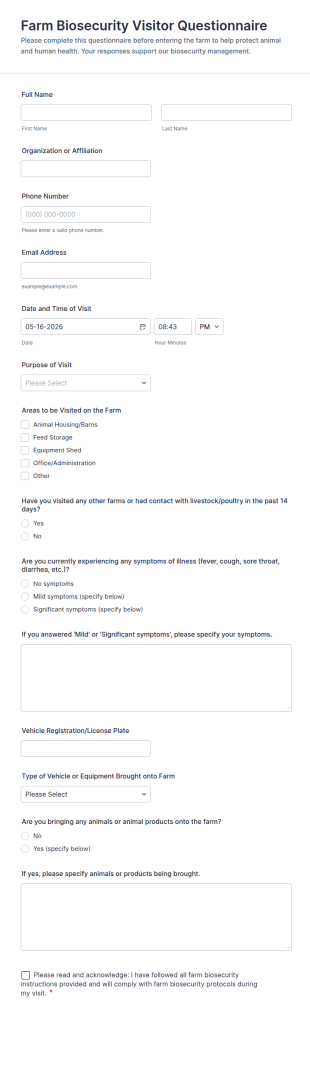
Farm Biosecurity Visitor Questionnaire
Collect visitor questionnaires for farm biosecurity by capturing pre-visit details and screening risks, helping farm teams manage arrivals and maintain consistent visitor records with Jotform.
Go to Category:Questionnaire Templates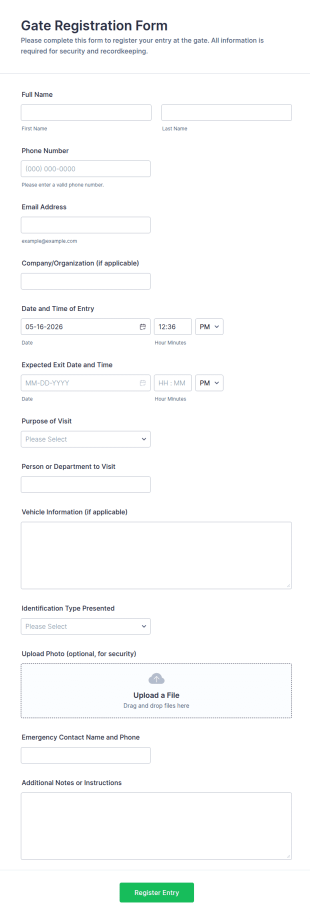
Gate Registration Form
Gate Registration Form supports visitor check-in and check-out for workplaces, sites, and communities, helping security and reception teams capture accurate entry records and manage on-site traffic with Jotform.
Go to Category:Registration Forms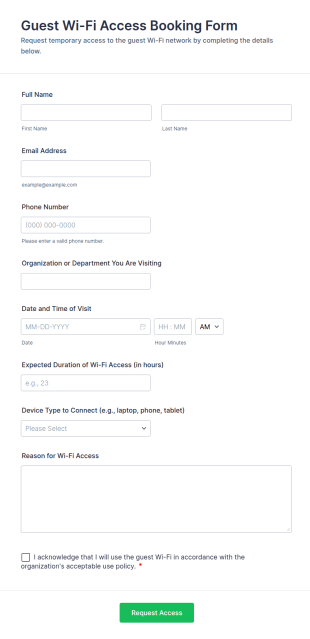
Guest Wi Fi Access Booking Form
Guest Wi-Fi Access Booking Form helps offices, schools, hospitals, and venues register visitors requesting temporary internet access, capturing visit details, duration, and policy acknowledgment in one online form template.
Go to Category:IT Forms
Visitor Registration QR Code Form
Collect visitor details and scheduled arrival information while generating a check-in QR code with the Visitor Registration QR Code Form, ideal for offices, schools, clinics, and facilities that need faster guest check-ins and consistent records.
Go to Category:Registration Forms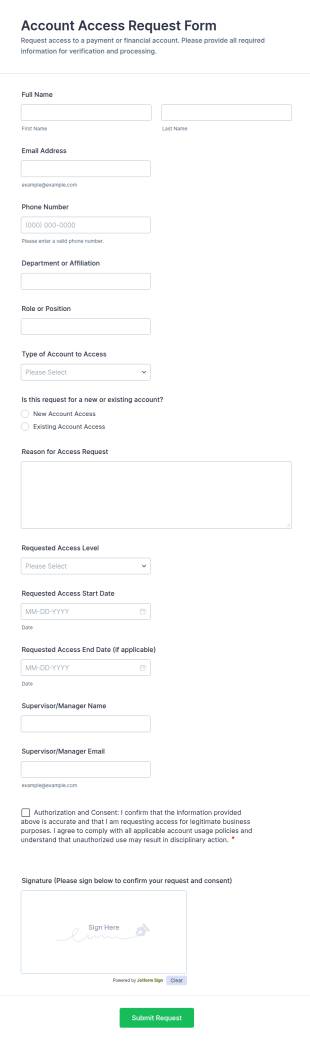
Account Access Request Form
Collect and route internal system access requests with the Account Access Request Form, ideal for IT and managers who need consistent approvals, clear access timelines, and organized data collection through Jotform.
Go to Category:Access Control Forms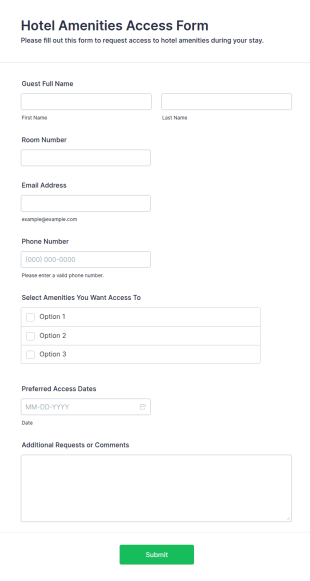
Hotel Amenities Access Form
The Hotel Amenities Access Form allows hotels to collect guest information for accessing various amenities, streamlining the check-in process and improving customer satisfaction.
Go to Category:Registration Forms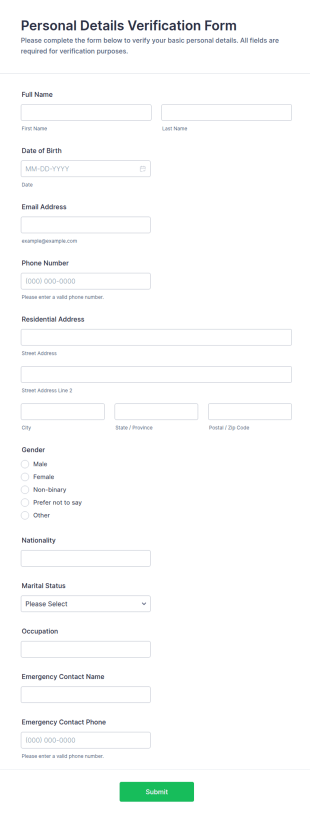
Personal Details Verification Form
Personal Details Verification Form helps teams collect and confirm identity information for onboarding, account updates, and access requests, with a shareable Jotform form template suited to schools, clinics, landlords, and member organizations.
Go to Category:Verification FormsAbout Access Control Forms
Access control forms are structured documents used to request, approve, and document access to physical locations, systems, or restricted resources. They help organizations manage who can enter certain areas, use specific equipment, or access sensitive digital systems by collecting consistent details such as requester identity, access level, justification, and approval records. Access control forms are commonly used in offices, campuses, data centers, hospitals, warehouses, and IT environments for badge requests, visitor access, temporary passes, role-based system access, and permission changes. By standardizing access requests, these forms reduce security risks, improve accountability, and create clear audit trails.
With Jotform, access control forms can be built quickly using a no-code, drag-and-drop Form Builder and customized for different facilities, departments, or security policies. Conditional logic can show different fields based on access type (physical vs system), urgency, or role, and approval routing can notify the right team for review. Submissions are stored in Jotform Tables, allowing security or IT teams to track access requests by status, user, and location. Automated notifications and confirmations help keep requesters informed and reduce manual follow-ups.
Use Cases of Access Control Forms
Access control forms support permission management across buildings and systems. Below are common ways these forms are used and the challenges they help solve.
Possible Use Cases:
- Employee badge and keycard access requests
- Visitor access and temporary pass registration
- System access requests for software, databases, or shared drives
- Role change access updates (promotions, transfers, offboarding)
- Restricted area access approvals (labs, server rooms, warehouses)
- Access removal and deactivation requests
Problem-Solving Points:
- Standardize access requests and reduces missing security details
- Create a clear approval and audit trail for access changes
- Improve security by limiting access to authorized individuals
- Help teams manage access lifecycle efficiently (grant, modify, remove)
Possible Owners and Users:
- Security and facilities teams
- IT and identity/access management teams
- HR and department managers (for approvals)
- Employees, contractors, and visitors submitting requests
Differences of Creation Methods:
- Physical access request forms focus on location or building selection, access level, time window, badge details, and manager or security approval.
- System access and permission forms emphasize requested applications, role-based access levels, justification, required training or policy acknowledgments, and IT approval routing.
- Visitor and temporary access forms prioritize visitor identity, host information, visit purpose, entry dates and times, and check-in or escort requirements.
How to Create an Access Control Form
Creating an access control form with Jotform helps you manage access requests consistently while keeping security workflows organized.
1. Choose a Template or Start from Scratch
In My Workspace, click “Create” and select “Form.” Start with a request template and customize it for access control needs.
2. Add Identity and Request Details
Collect requester name, department, contact info, and access type (physical, system, visitor). Include the reason for access and requested dates.
3. Capture Access Scope Clearly
Add dropdowns for buildings, rooms, systems, or roles. Make access level fields structured so approvals are consistent.
4. Use Conditional Logic and Approvals
Show different sections based on access type. Route submissions to security, IT, or managers using notifications and approvals.
5. Add Policy Acknowledgments
Include required checkboxes confirming the requester understands access policies and responsibilities.
6. Publish and Track Requests in Jotform Tables
Publish the form and track submissions in Tables by status, requester, and location or system.
Frequently Asked Questions
1. What are access control forms?
Access control forms are documents or online forms used to request, approve, and document access to restricted spaces, systems, or resources.
2. Why are access control forms important?
They improve security, reduce unauthorized access, and create audit-ready records of who requested access and why.
3. What information is typically included in access control forms?
Common fields include requester identity, access type, requested access level, time window, justification, and approval confirmations.
4. Who uses access control forms?
Security teams, IT teams, HR, managers, employees, contractors, and visitors may use these forms depending on the workflow.
5. Are access control forms only for physical entry?
No. They can also be used for system permissions, software access, database access, and role-based digital access.
6. Can access control forms handle temporary access?
Yes. Many access control forms support temporary access windows, visitor passes, and time-limited approvals.
7. How do access control forms support audits?
They provide a documented trail of access requests, approvals, and access scope, which helps with compliance and internal security reviews.
8. Can access control forms be customized by department or location?
Yes. Conditional logic and custom fields can tailor access options and approval routing for different sites, teams, or roles.