

Equipment Tracking Forms
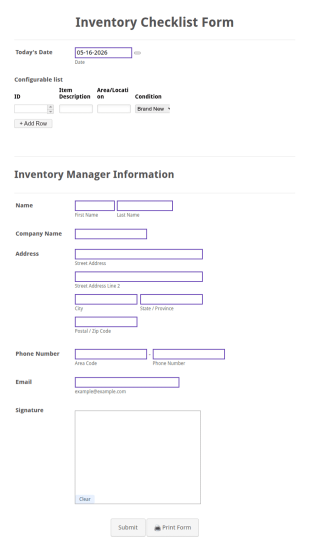
Inventory Checklist Form
In every organization or company, it is necessary to record all the items stored in the inventory. You can use this Inventory Checklist Form Template to track and control the products in an organized manner.
Go to Category:Asset Tracking Forms
Office Supplies Inventory Form
In an office environment, it is important to manage the supply inventory systematically and efficiently in order to prevent the interruption of the workflow in the office. You can use this Office Supplies Inventory Form Template to manage your office supplies easily. This template uses a Configurable List widget that allows you to add an office supply dynamically. The column headers are the item number, item name, category, number of items on hand, quantity to be ordered, and the unit price. This form also has the information on who checked the inventory and the approver.
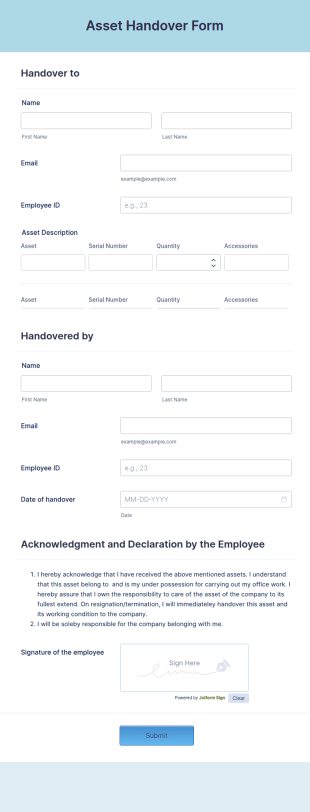
Go to Category:Asset Tracking FormsAsset Handover Form
An Asset Handover Form is a form that can be used to hand over assets to an employee. It is used to record details of the asset that is being passed to an employee.
Go to Category:Business Forms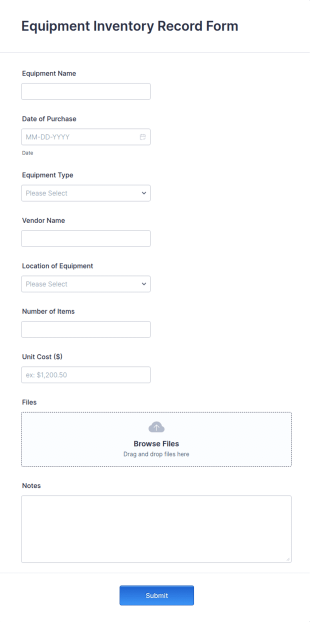
Equipment Inventory Record Form
An Equipment Inventory Record Form is a form template that provides an organized approach to tracking company assets. It allows businesses to keep accurate records of their equipment, preventing losses, and streamlining maintenance schedules.
Go to Category:Business Forms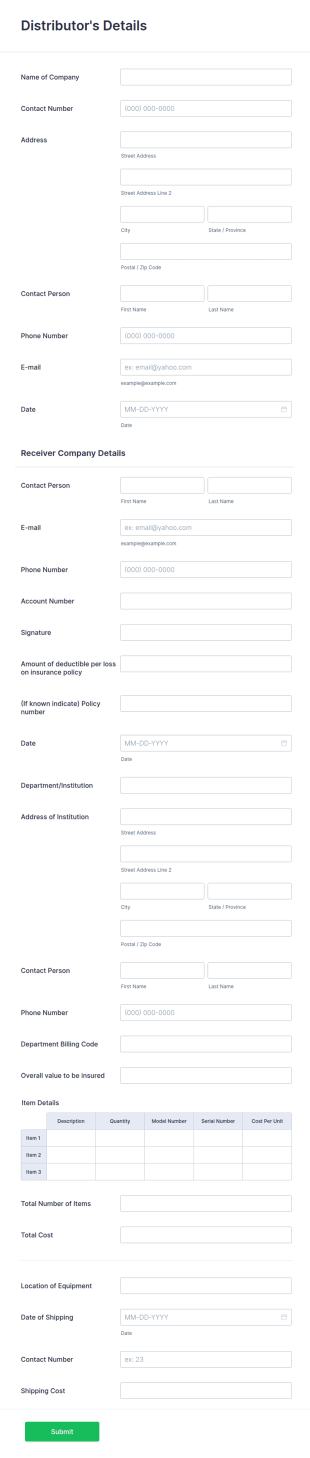
Equipment Inventory Form
An equipment inventory form is utilized by many businesses to keep track of their distributor's items. Here's an equipment form that will aid your company to do just that.
Go to Category:Business Forms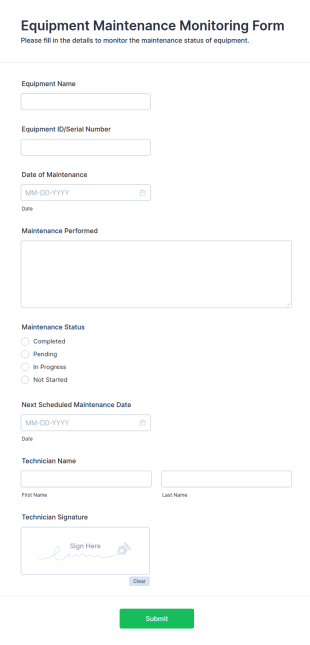
Equipment Maintenance Monitoring Form
The Equipment Maintenance Monitoring Form helps businesses track maintenance schedules and equipment performance, ensuring efficient operations and minimizing downtime.
Go to Category:Business Forms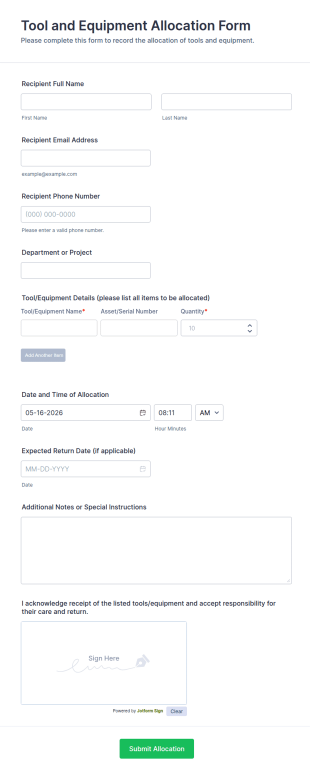
Tool And Equipment Allocation Form
Tool and Equipment Allocation Form tracks who receives tools or equipment, for which project, and when items are due back, helping operations, IT, and facilities teams manage inventory and accountability.
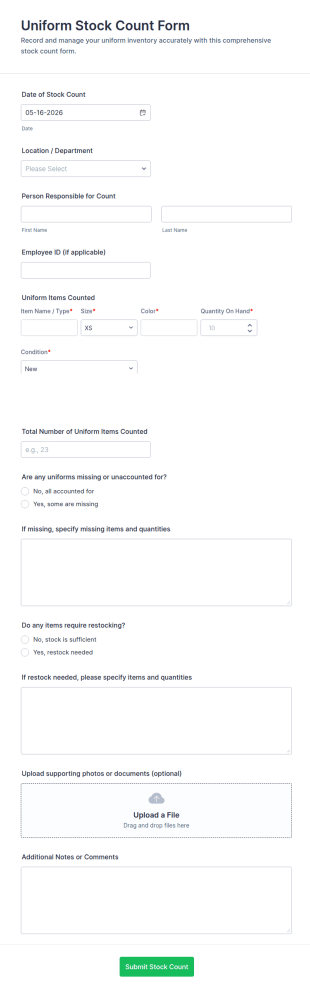
Go to Category:Equipment Management FormsUniform Stock Count Form
Track uniform inventory by location with the Uniform Stock Count Form, helping operations teams document counts, flag missing items, and plan restocking using a shareable Jotform form template.
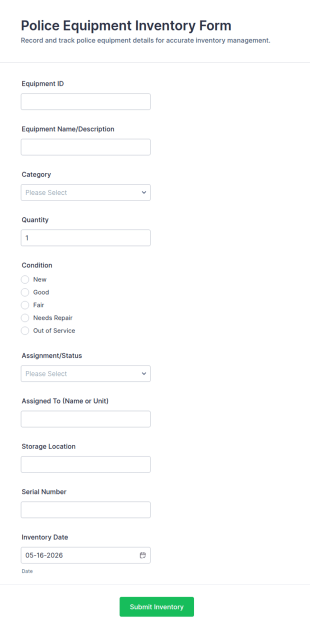
Go to Category:Asset Tracking FormsPolice Equipment Inventory Form
Police Equipment Inventory Form supports equipment tracking for departments by recording inventory updates in a consistent workflow, helping teams manage assignments, condition checks, and ongoing data collection in Jotform.
Go to Category:Police Officer Forms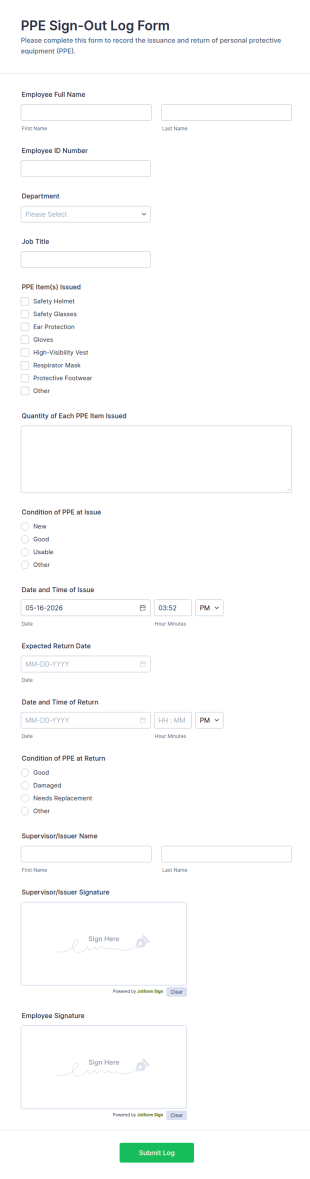
PPE Sign Out Log Form
PPE Sign-Out Log Form helps safety and operations teams track issued and returned protective equipment across departments, improving accountability and recordkeeping with fast online data collection in Jotform.
Go to Category:Tracking Forms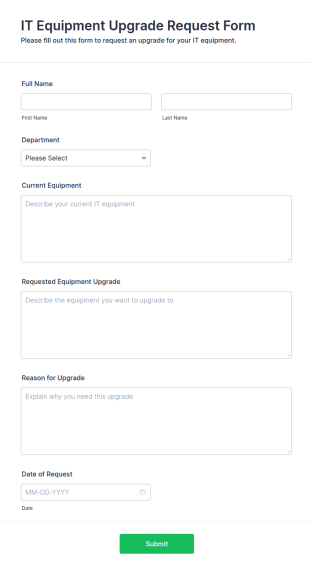
IT Equipment Upgrade Request Form
The IT Equipment Upgrade Request Form helps streamline the process of requesting upgrades for IT equipment, allowing IT departments to manage and prioritize requests efficiently.
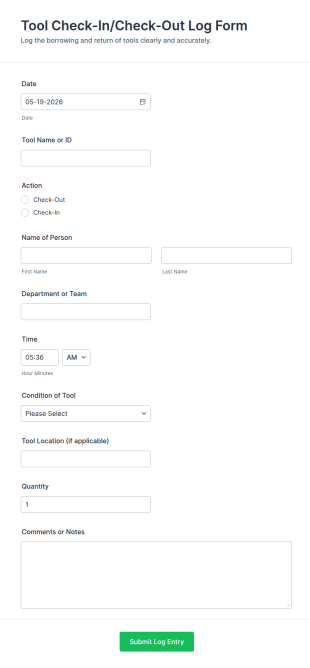
Go to Category:Business FormsTool Check In/Check Out Log Form
Track equipment usage with the Tool Check-In/Check-Out Log FORM in Jotform, ideal for facilities, construction, and warehouses to record tool movement and improve accountability through fast online data collection.
Go to Category:Check-In Forms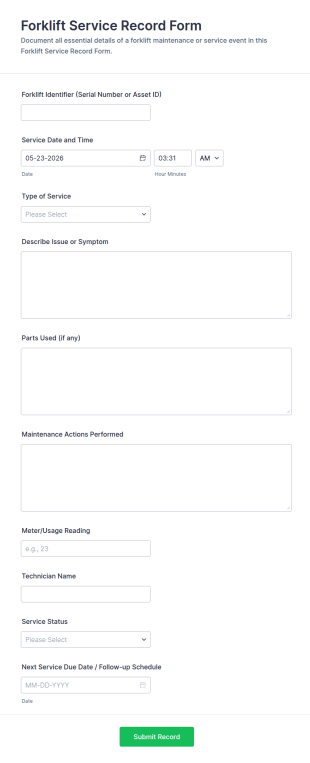
Forklift Service Record Form
Forklift Service Record Form helps maintenance teams log forklift servicing, track equipment history, and plan follow-up work for warehouses, manufacturing sites, and fleet operations using Jotform.
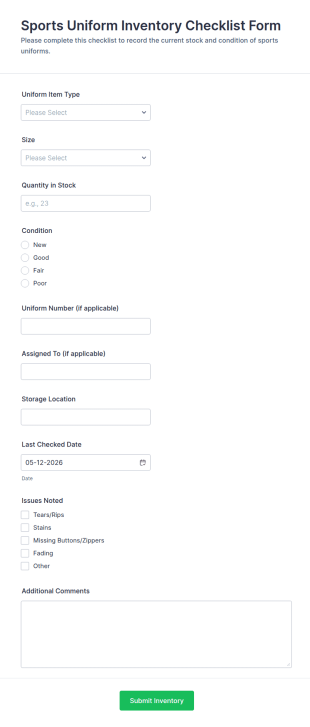
Go to Category:Maintenance FormsSports Uniform Inventory Checklist Form
Track team gear with the Sports Uniform Inventory Checklist Form for quick data collection across sizes, stock levels, and condition checks, ideal for schools, clubs, and athletic programs managing regular form submission updates.
Go to Category:Checklist Forms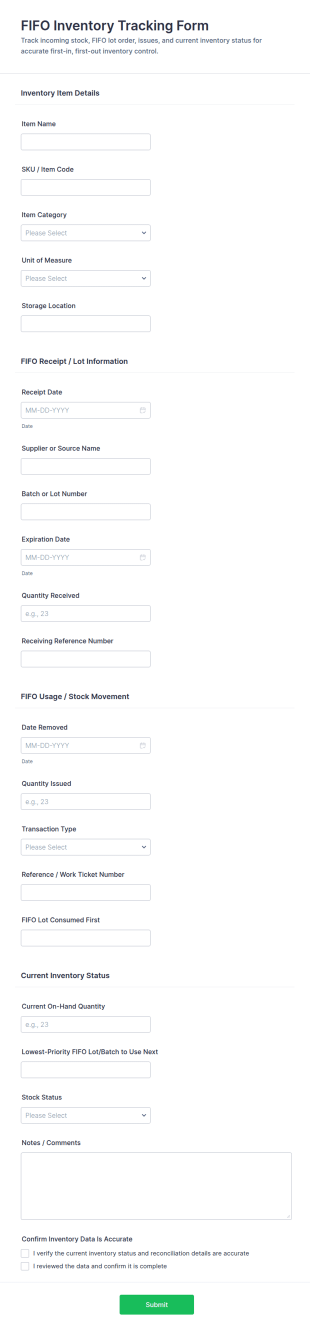
FIFO Inventory Tracking Form
FIFO Inventory Tracking Form helps teams track receipts and stock movement to support first-in, first-out inventory rotation across warehouses, stockrooms, and production areas using Jotform.
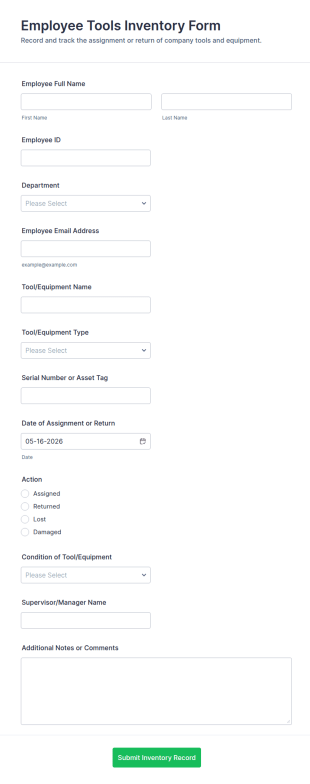
Go to Category:Asset Tracking FormsEmployee Tools Inventory Form
Employee Tools Inventory Form helps organizations track tool assignments and returns across departments, improving accountability and equipment visibility with fast online data collection in Jotform.
Go to Category:Equipment Tracking Forms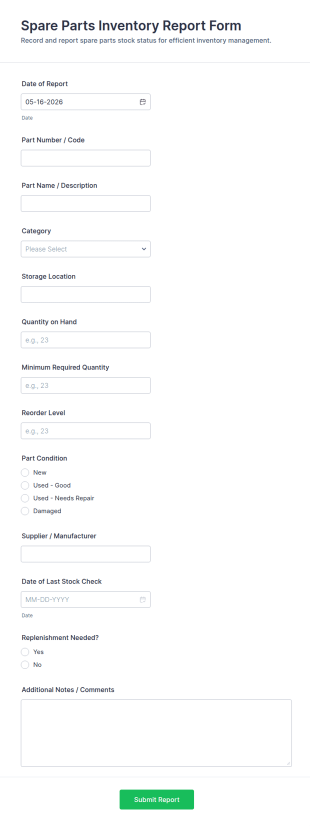
Spare Parts Inventory Report Form
Track spare parts stock checks, flag replenishment needs, and keep warehouse records consistent with the Spare Parts Inventory Report Form in Jotform, built for maintenance teams, storerooms, and service operations.
Go to Category:Report Forms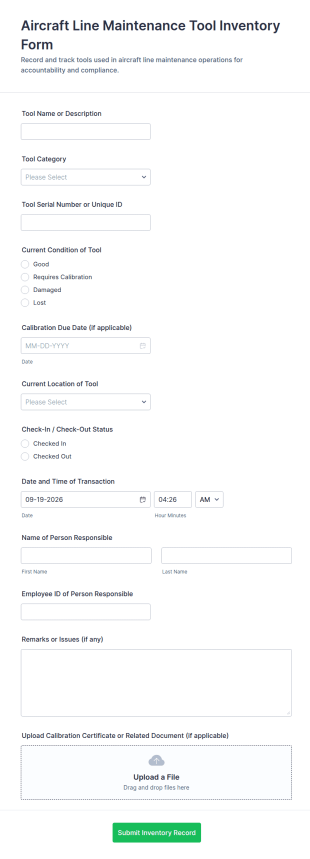
Aircraft Line Maintenance Tool Inventory Form
Track aircraft line maintenance tools with the Aircraft Line Maintenance Tool Inventory Form in Jotform, helping teams log tool movement, ownership, and condition for clearer handoffs and more reliable inventory control.
Go to Category:Asset Tracking Forms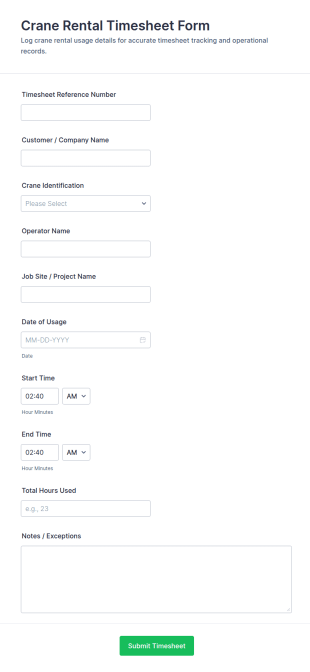
Crane Rental Timesheet Form
Crane Rental Timesheet Form helps crane rental companies and construction crews track crane usage by project so they can support accurate billing, job costing, and reporting with consistent online data collection in Jotform.
Go to Category:Construction Forms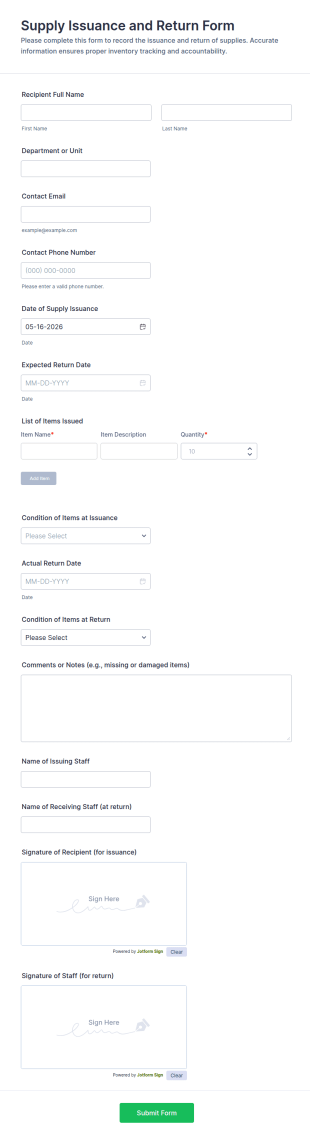
Supply Issuance And Return Form
Track issued supplies and returns with the Supply Issuance and Return Form, a Jotform form template for offices, schools, and teams that need clear accountability and fast data collection in one place.
Go to Category:Asset Tracking Forms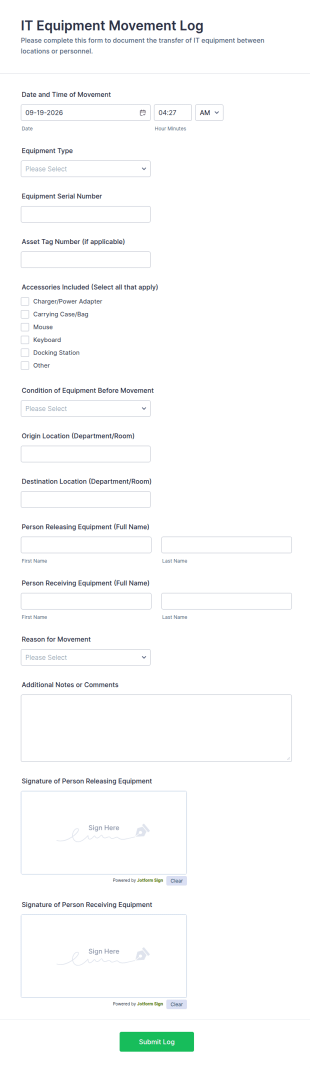
IT Equipment Movement Log Form
Track transfers of company devices between locations or personnel with the IT Equipment Movement Log Form in Jotform, ideal for IT teams, facilities, and operations to document handoffs and maintain accurate equipment records.
Go to Category:IT Forms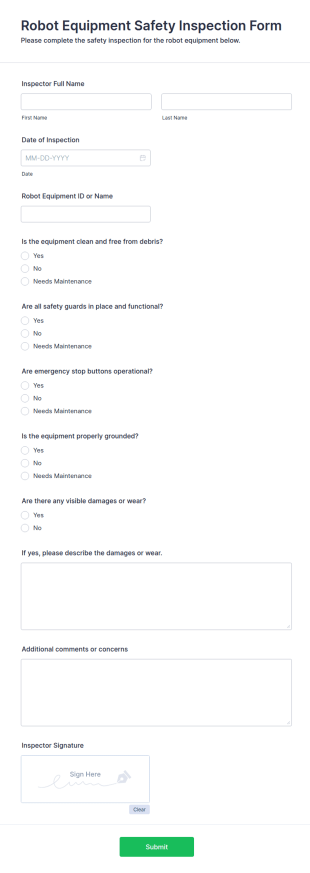
Robot Equipment Safety Inspection Form
The Robot Equipment Safety Inspection Form helps ensure robotic machinery operates safely by recording inspection details and identifying hazards, making compliance easier.
Go to Category:Business Forms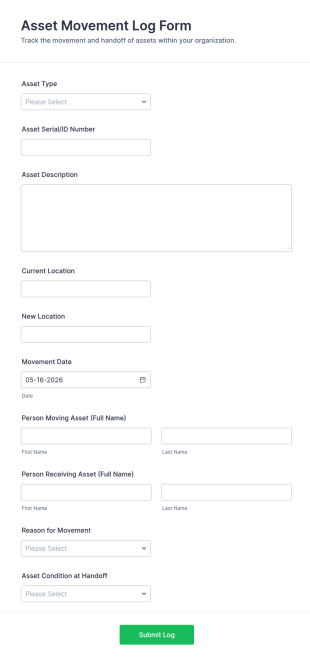
Asset Movement Log Form
Track equipment transfers across teams and locations with the Asset Movement Log Form for accurate asset tracking and clear accountability in warehouses, IT, facilities, schools, and field operations.
Go to Category:Asset Tracking Forms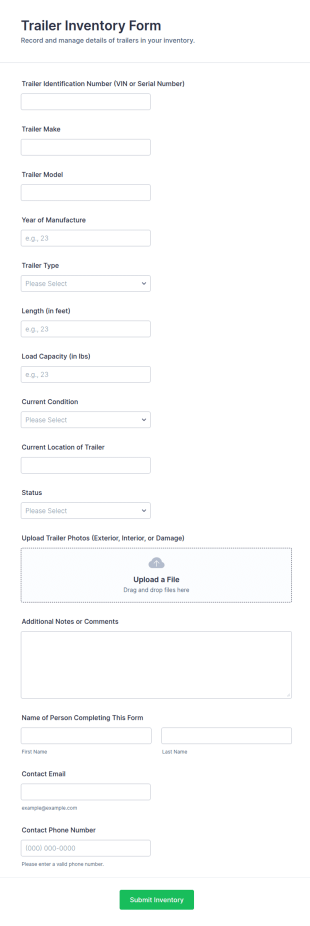
Trailer Inventory Form
Track trailer assets across yards and job sites with the Trailer Inventory Form, helping teams document condition, location, and status through fast online data collection in Jotform.
Go to Category:Asset Tracking FormsAbout Equipment Tracking Forms
Equipment tracking forms are structured documents used to record, monitor, and manage the movement, status, and assignment of equipment across teams, locations, or projects. They help organizations keep accurate records of where equipment is, who is using it, when it was checked out or returned, and what condition it is in. Equipment tracking forms are commonly used in offices, schools, healthcare facilities, warehouses, construction sites, labs, and field service operations to track laptops, tools, devices, instruments, and other shared assets. By standardizing tracking workflows, these forms reduce loss, improve accountability, and make it easier to plan equipment availability.
With Jotform, equipment tracking forms can be built quickly using a no-code, drag-and-drop Form Builder and optimized for fast, repeatable submissions. Conditional logic can adjust fields based on equipment type or action (check-out, transfer, return), and file upload fields can collect photos or condition notes when needed. Submissions are stored in Jotform Tables, making it easy to filter by asset ID, user, location, and status. Teams can also use automated notifications to confirm check-outs, alert managers about overdue returns, or flag damage reports.
Use Cases of Equipment Tracking Forms
Equipment tracking forms support asset accountability, availability planning, and condition reporting. Below are common ways these forms are used and the challenges they help solve.
Possible Use Cases:
- Equipment check-out and check-in logging
- Equipment transfer between teams, sites, or projects
- Asset inventory updates and location verification
- Equipment condition reporting and damage documentation
- Loaner equipment tracking for staff or students
- Offboarding equipment return confirmations
Problem-Solving Points:
- Reduce equipment loss by recording assignment and location changes
- Improve accountability with time-stamped check-in and check-out logs
- Help teams plan availability and reduce scheduling conflicts
- Create a clear history of equipment usage and condition changes
Possible Owners and Users:
- Operations and facilities teams
- IT and asset management teams
- Warehouse and logistics staff
- Team leads and project coordinators
- Employees, students, or technicians checking equipment in or out
Differences of Creation Methods:
- Equipment check-out and return forms focus on asset ID, borrower details, check-out date, expected return date, and confirmation of return.
- Equipment transfer and location update forms emphasize current location, new location, custody change details, and receiving person confirmation.
- Equipment condition and damage reporting forms prioritize condition ratings, issue descriptions, photo attachments, and whether equipment should be removed from service.
How to Create an Equipment Tracking Form
Creating an equipment tracking form with Jotform helps you standardize asset tracking while keeping records searchable and easy to manage.
1. Choose a Template or Start from Scratch
In My Workspace, click “Create” and select “Form.” Start with a tracking or inventory template and customize it for your equipment workflow.
2. Add Equipment and User Identification Fields
Collect asset ID, equipment name/type, serial number (if needed), user name, department, and location. Dropdowns help keep entries consistent.
3. Define the Tracking Action
Add a field to select action type such as check-out, return, transfer, or inventory update. Use conditional logic to show only the fields required for that action.
4. Capture Timing and Accountability Details
Include check-out date, expected return date, condition at check-out, and acknowledgment checkboxes. For transfers, include receiving person details.
5. Add Attachments When Needed
Use file upload fields for photos of condition or damage and attach receipts or documentation if required.
6. Publish and Track Submissions in Jotform Tables
Publish and share the form link or QR code. Use Jotform Tables to filter by equipment, borrower, location, and return status.
Frequently Asked Questions
1. What are equipment tracking forms?
Equipment tracking forms are documents or online forms used to record equipment assignments, location changes, check-outs, returns, and condition updates.
2. Why are equipment tracking forms important?
They reduce loss, improve accountability, and help teams maintain accurate equipment availability and usage records.
3. What information is typically included in equipment tracking forms?
Common fields include equipment ID, user details, location, action type (check-out/return/transfer), dates, and condition notes.
4. Who uses equipment tracking forms?
Operations teams, IT, warehouse staff, project coordinators, and anyone borrowing or managing shared equipment may use these forms.
5. Can equipment tracking forms include photos?
Yes. File upload fields can collect photos of equipment condition, damage, or proof of return.
6. Can equipment tracking forms be used for inventory audits?
Yes. Many teams use forms to verify asset locations and update inventory records during audits.
7. How do equipment tracking forms help with overdue returns?
They record expected return dates and can support follow-up workflows through notifications and tracking in Tables.
8. Can equipment tracking forms be customized for different asset types?
Yes. Conditional logic and custom fields can tailor the form for IT devices, tools, lab instruments, or specialized equipment.