

Librarian Forms
Track Borrowed Items Form
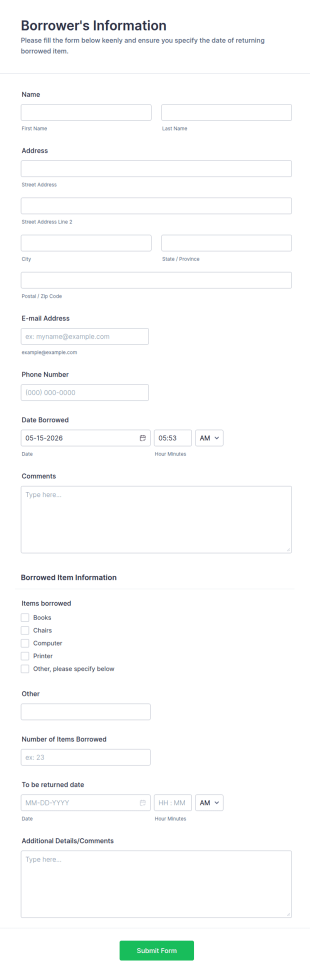
Easily keep track of items that students/employee check out from the classroom/office with a clean borrowed items form.
Go to Category:Telecommuting FormsBook Club Membership Form
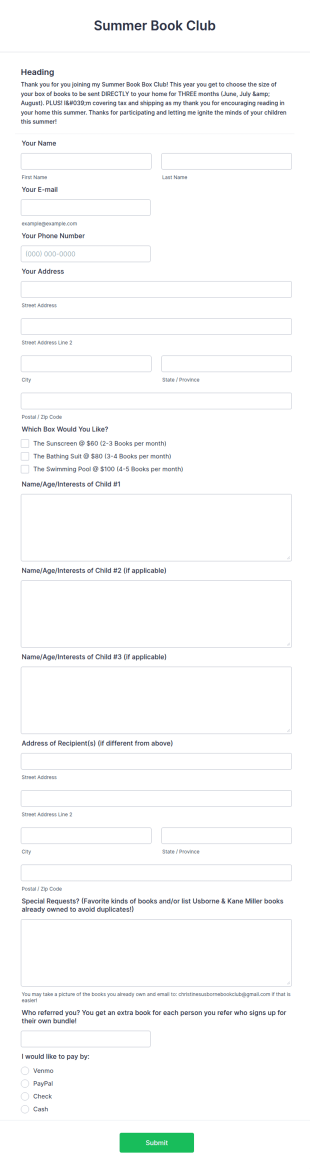
A book club membership form is an online membership form used to create an online database of the members of the book club.
Go to Category:Book Order Forms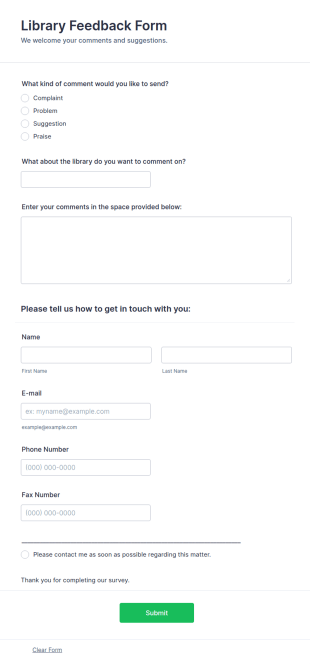
Library Feedback Form
Library Feedback Form is a form template that allows patrons to provide insightful comments or suggestions about library services or resources, crafted to enhance user experience with Jotform's intuitive design.
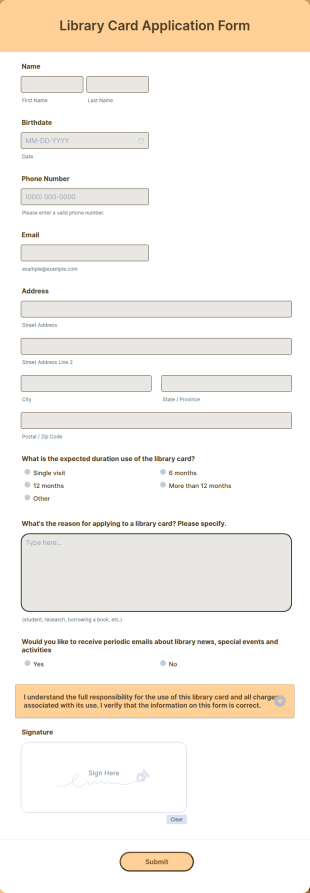
Go to Category:Customer Service FormsLibrary Card Application Form
Now it is easy to collect applications for a library card with this Library Card Application Form of JotForm. All can be achieved without coding!
Go to Category:Application Forms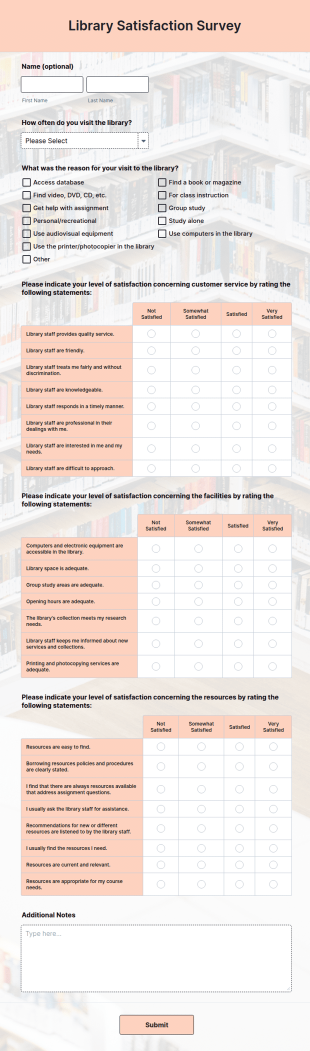
Library Satisfaction Survey
A library satisfaction survey is a questionnaire used by librarians to find out how library patrons are enjoying the use of the library. No coding is necessitated customizing this template!
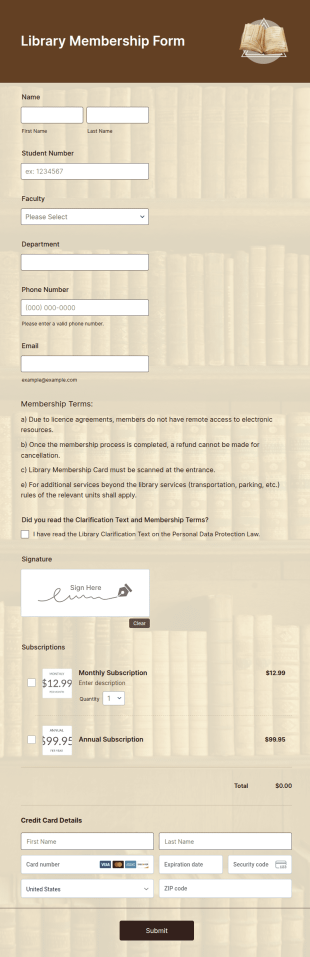
Go to Category:Satisfaction SurveysLibrary Membership Form
A library membership form is used by librarians to register new members and sign up patrons for a library card. All in one form use Jotform!
Go to Category:Membership Forms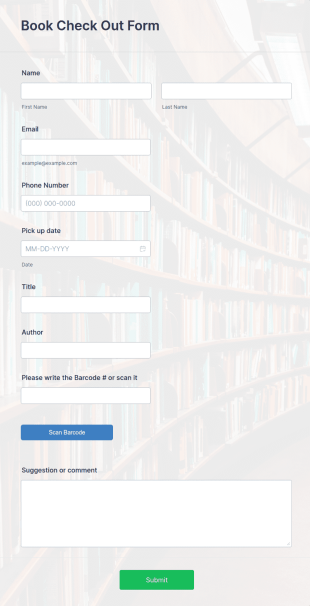
Book Check Out Form
A Book Check-Out Form handy for libraries to track and record borrowed books through gathering members' contact details, book title, author and barcode number, pick-up date, and comments.
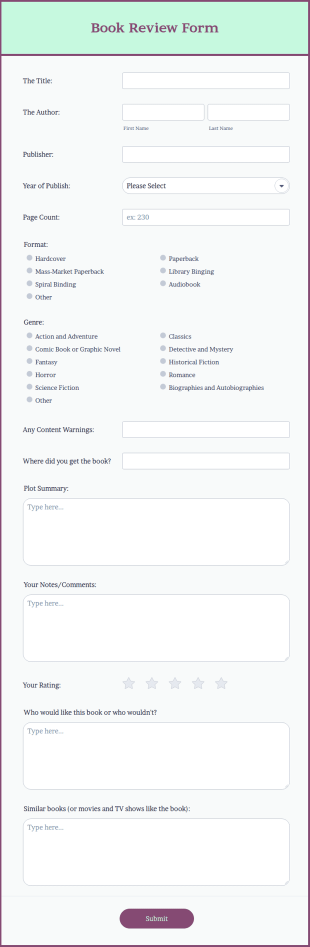
Go to Category:Signup FormsBook Review Form
A book review form is a survey used to gather qualitative and quantitative data about a book. Collect and store book reviews online with no coding required.
Go to Category:Evaluation Forms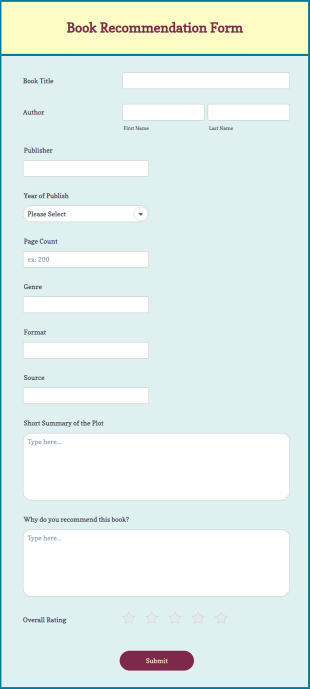
Book Recommendation Form
A book recommendation form is used by librarians to collect book recommendations from patrons and to keep track of reading preferences. Customize this template according to your needs. No coding!
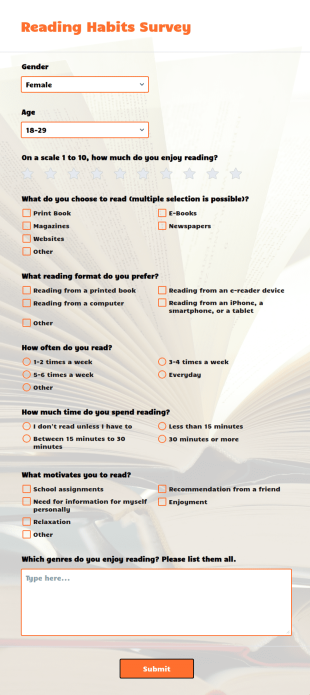
Go to Category:Recommendation FormsReading Habits Survey
A reading habits survey is a questionnaire used by teachers to understand the reading interests of students.
Go to Category:Education FormsBook Inventory Information Record Form
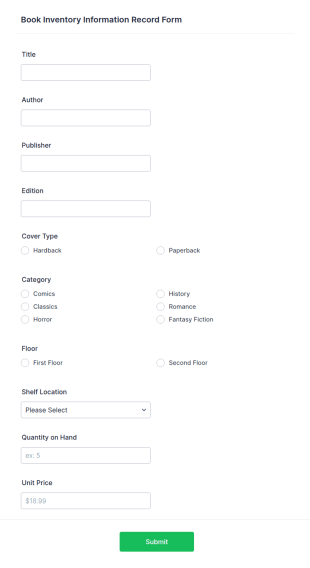
A book inventory information record form is a document used to track the total number and information of books on hand at a public library.
Go to Category:Business Forms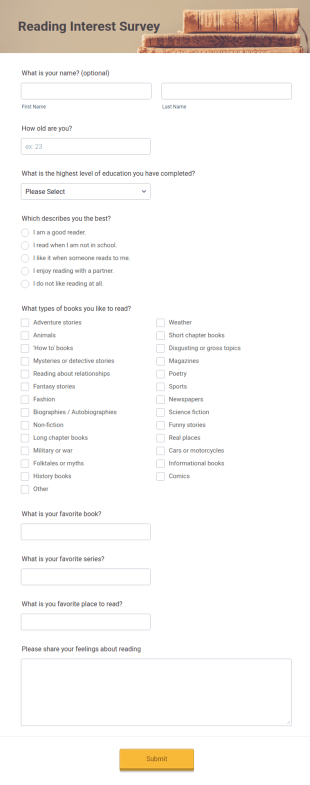
Reading Interest Survey
Find out what your students like to read. Free survey for educators. Good for book clubs too! Easy to customize and share. Works on any device. No coding.
Go to Category:Education Forms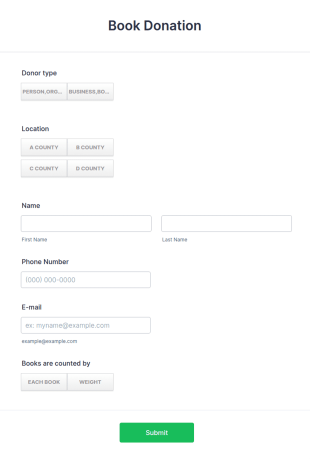
Book Donation Form
The Book Donation Form template by Jotform is the perfect solution for charity and non-profit organizations looking to collect book donations online.
Go to Category:Donation Forms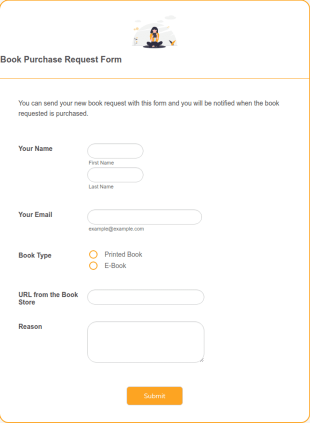
Book Purchase Request Form
Gather book requests online with this free order form. No coding required. Sync with 80+ apps and 30+ payment processors.
Go to Category:Request Forms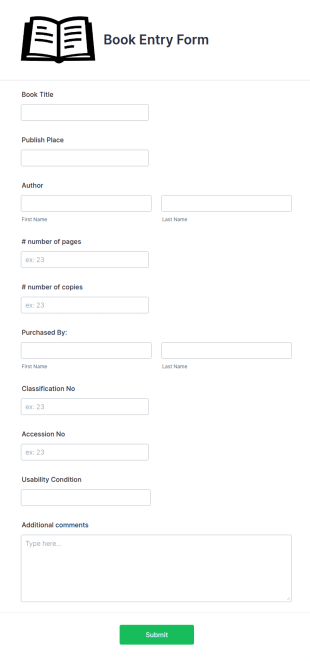
Book Entry Form
Track incoming book entry data. Record authors, titles, and page numbers. Keep a complete inventory record of books online. Free and easy to customize. No coding.
Go to Category:Education Forms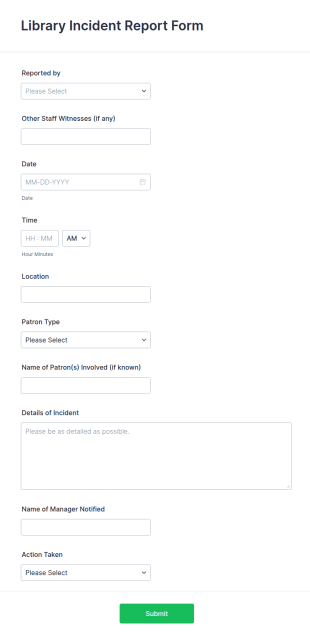
Library Incident Report Form
Library Incident Report Form is a digital template for librarians to record incidents, document details accurately, and maintain organized, efficient reporting within library settings.
Go to Category:Report Forms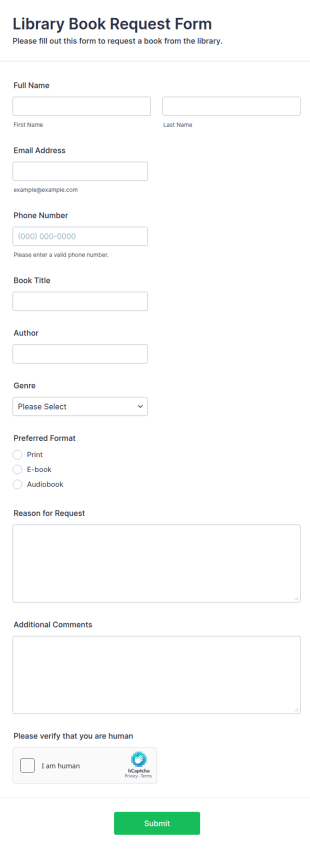
Library Book Request Form
A Library Book Request Form is a form template designed to allow library patrons to request specific books or materials that are not currently available in the library's collection.
Go to Category:Request Forms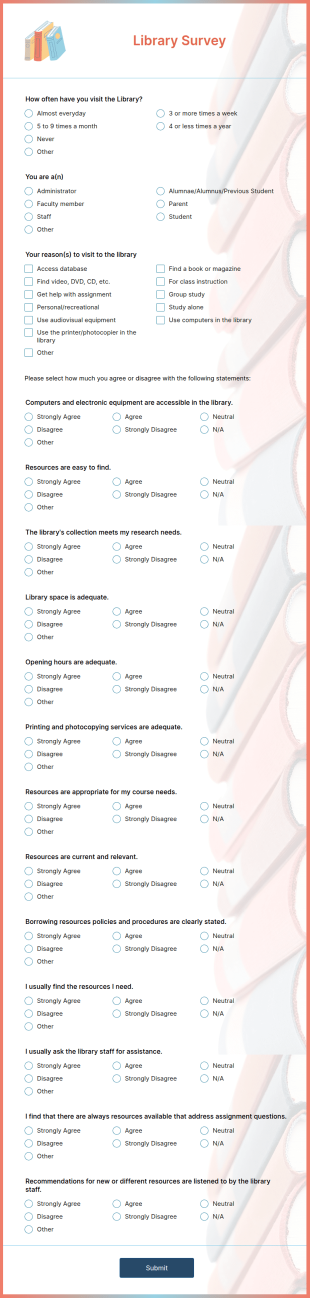
Academic Library Survey
An Academic library survey is a questionnaire used by library staff to find out how library users feel about their library. No coding!
Go to Category:Education Forms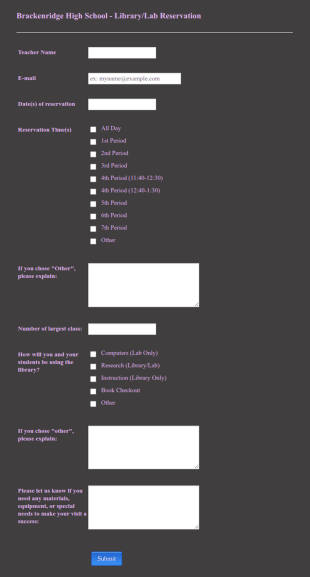
Library Reservation Form
A Library Reservation Form is a template specifically designed for libraries to streamline their reservation process. This SaaS tool caters to librarians, making book reservations hassle-free and organized. Solve logistical issues and improve user experience with Jotform's customizable template.
Go to Category:Education Forms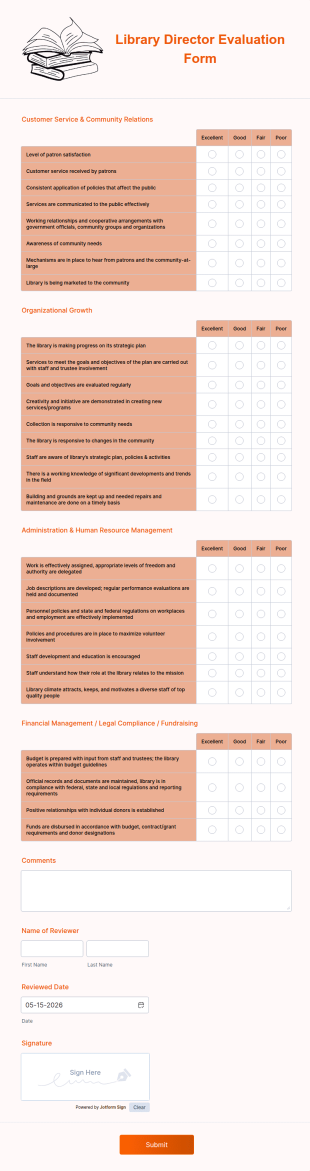
Library Director Evaluation Form
A library director evaluation form is used by library directors to collect feedback from patrons and employees
Go to Category:Education Forms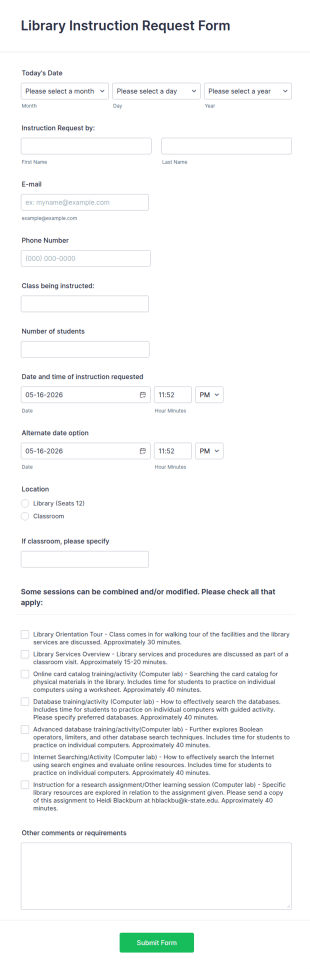
Library Instruction Request Form
A Library Instruction Request Form helps librarians and faculty schedule instructional sessions efficiently, streamlining requests and reducing administrative workload.
Go to Category:Education Forms
Library Meeting Room Application Form
The Library Meeting Room Application Form Template helps public and community libraries manage room reservations, collect booking details, and prevent scheduling conflicts.
Go to Category:Application Forms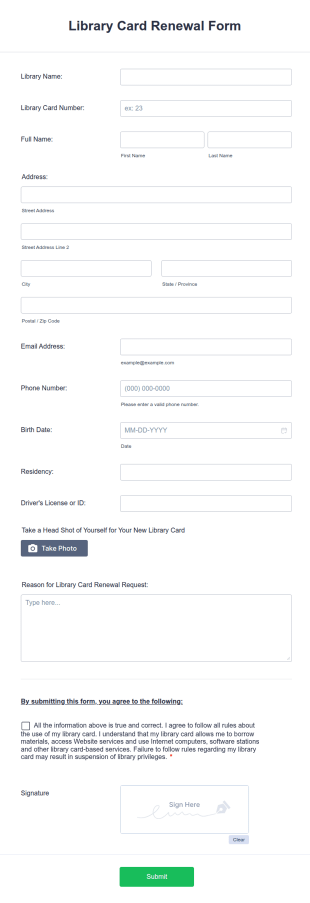
Library Card Renewal Form
Streamline membership renewals for your library. Free online form for libraries. Easy to customize and fill out. Works on any device. No coding.
Go to Category:Education Forms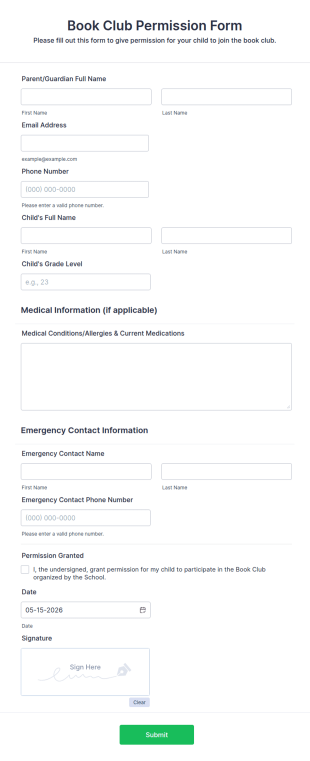
Book Club Permission Form
A book club permission form is a form used by book club organizers to collect permission from book club members before they can attend book club meetings.
Go to Category:Education FormsAbout Librarian Forms
Librarian Forms are specialized digital forms designed to streamline the myriad of tasks that librarians manage daily. These forms assist in optimizing operations such as book requests, event registrations, inventory management, and inter-library loan applications, thus significantly reducing the administrative burden. Librarians often face a multitude of tasks that require precise organization and efficient handling. By leveraging these forms, libraries can ensure that they maintain accurate records, facilitate seamless interactions with patrons, and improve overall operational efficiency. With the advent of digital transformation in libraries, Librarian Forms are becoming indispensable in ensuring that libraries meet the needs of their communities effectively.
Jotform stands as the preeminent online form builder for creating Librarian Forms, offering a versatile platform that caters specifically to the needs of the library sector. The customization capabilities of Jotform allow librarians to tailor forms to their specific operational requirements, enabling them to automate data collection processes that once required manual input. Furthermore, Jotform Tables provide a centralized data management system that ensures all collected information is stored securely and can be accessed with ease. This centralized approach not only saves time but also minimizes errors, contributing to a more streamlined and professional library management system.
Why Use Librarian Forms?
- Librarian Forms enable precise data collection, ensuring that all information collected is accurate and up-to-date. This is particularly important in settings where data integrity is crucial, such as tracking book loans and returns, managing library memberships, and processing event registrations.
- The speed of form processing is greatly enhanced with Librarian Forms, as these digital forms allow for real-time data entry and instant access to information. This speed is essential when managing high volumes of patron interactions, such as during community events or peak library hours.
- Professional data handling is a hallmark of Librarian Forms, allowing for seamless integration with existing library management systems. This ensures that data collected is not only accurate but also readily available for reporting and analysis, aiding in strategic decision-making.
- By leveraging digital forms, libraries can reduce their reliance on paper-based systems, which not only cuts down on physical storage needs but also minimizes the environmental impact. This transition to digital forms supports libraries’ sustainability goals while improving operational efficiency.
- The use of Jotform's electronic signatures feature allows libraries to securely manage document sign-offs, such as agreements for inter-library loans or membership renewals, ensuring that all parties have a verifiable record of consent.
Common Problems Solved by Librarian Forms
- Librarians often struggle with the inefficiency of paper-based systems which can lead to misplaced documents and data loss. Librarian Forms solve this by digitizing processes, ensuring all data is captured and stored securely in the cloud.
- Manual data entry is time-consuming and prone to errors. With Librarian Forms, data is entered directly into the system, reducing the risk of errors and freeing up staff time for more critical tasks.
- The challenge of managing large volumes of data is significant in library environments. Librarian Forms offer a solution by organizing data into easily accessible formats, which can be retrieved and analyzed quickly.
- Privacy and data security concerns are prevalent in all data handling environments. Librarian Forms are equipped with secure data management features, ensuring that sensitive patron information is protected against unauthorized access.
Matching Use Cases to Features
- For book request management, the Drag-and-Drop Form Builder allows librarians to create intuitive forms that patrons can use to request books quickly and easily. This feature simplifies the process for both librarians and patrons, ensuring requests are handled efficiently.
- Conditional Logic can be used to streamline event registration forms, automatically showing or hiding fields based on previous responses. This ensures that patrons only see relevant questions, making the registration process smoother and more personalized.
- Libraries can utilize the 30+ Payment Gateways to collect fees for late returns or special event tickets directly through their forms. This feature simplifies financial transactions and provides a seamless experience for both the library staff and patrons.
- The use of Electronic Signatures through Jotform Sign facilitates the management of approvals needed for inter-library loan agreements, ensuring that all necessary signatures are collected and stored securely.
- With the PDF Editor, librarians can automatically generate PDF versions of completed forms, such as membership applications, which can then be stored or sent to patrons as a record of their transaction.
- By integrating with platforms like Google Sheets and Salesforce, libraries can ensure that data collected through forms is synchronized with their existing systems, enhancing workflow efficiency and reducing the need for manual data transfers.
- Approval Workflows can be customized to manage internal approvals for library acquisitions or event planning, ensuring that all necessary parties review and approve actions in a timely manner.
How to Create a Librarian Form
- Begin by browsing the Template List for a Librarians template that suits your needs, or start from a blank form if you prefer a more personalized approach.
- Customize the design and fields of your form using the Drag-and-Drop Form Builder. This flexible interface allows you to add, remove, or rearrange fields to meet your specific requirements.
- Once your form is ready, publish and share it via a Direct Link, Email, or by embedding it on your library’s website to ensure it reaches the intended audience.
Top Use Cases for Librarian Forms
- For Managers: Librarian Forms provide managers with the tools they need to oversee library operations efficiently. By utilizing these forms, managers can monitor book inventories, track event participation, and manage staff schedules, all of which contribute to a well-organized library environment. The ability to generate reports from collected data allows managers to make informed decisions that enhance library services and patron satisfaction.
- For Teams: Library teams benefit immensely from the collaborative nature of Librarian Forms. These forms facilitate seamless communication and coordination among staff members, ensuring that everyone is on the same page when it comes to managing daily tasks and special projects. With real-time data access, team members can quickly address patron inquiries and manage library resources effectively.
- For Customers: Patrons enjoy a streamlined experience when interacting with libraries that utilize Librarian Forms. Whether they are registering for events, applying for memberships, or requesting book loans, patrons benefit from the hassle-free, digital-first approach of these forms. The convenience of accessing forms online and receiving instant confirmation enhances their overall experience with the library.
Summarizing Librarian Forms
Librarian Forms are an invaluable asset for libraries seeking to improve their operational efficiency and patron satisfaction. By digitizing essential processes, these forms reduce the burden of manual data entry, minimize errors, and ensure data is stored securely. Jotform's robust features, such as conditional logic and electronic signatures, further enhance the functionality and effectiveness of these forms. As libraries continue to adapt to the digital age, Librarian Forms offer a practical solution for managing data and improving services.
Frequently Asked Questions
1) Is it free to create Librarian Forms on Jotform?
Yes, Jotform offers a free plan that allows users to create and utilize Librarian Forms, although there are limits on the number of forms and submissions.
2) Are the forms and submitted data secure?
Absolutely, Jotform ensures data security through encryption and compliance with industry standards, safeguarding all forms and submitted data.
3) Do I need coding knowledge to build a Librarian Form?
No, Jotform’s Drag-and-Drop Form Builder allows you to create forms without any coding knowledge, making it accessible to all library staff.
4) Can I collect payments directly through my forms?
Yes, Jotform supports over 30 payment gateways, enabling you to collect payments directly through your forms for fines, fees, or event registrations.
5) Can these forms be used on mobile devices?
Indeed, Jotform forms are fully responsive and can be accessed and completed on any mobile device, ensuring convenience for both library staff and patrons.
6) Can I turn form submissions into professional PDF documents?
Yes, with Jotform's PDF Editor, you can automatically convert form submissions into professionally formatted PDF documents for easy storage and sharing.
7) How can Librarian Forms help with inventory management?
Librarian Forms streamline inventory management by digitizing data entry and tracking, allowing librarians to maintain accurate and up-to-date records of all library assets.
8) Can Librarian Forms assist in managing library events?
Certainly, Librarian Forms can be used to manage event registrations, collect participant information, and facilitate communication with attendees, ensuring successful library events.