



Engineer Forms

Mechanical Inspection Report
Mechanical inspection reports are used by auto repair and automotive services to provide test drives and record data on vehicles.
Go to Category:Business Forms
Engineering Change Order Form
An Engineering Change Order (ECO) Form is a form template designed to manage modifications, revisions, or updates to product designs, specifications, or processes in the engineering and manufacturing sector.
Go to Category:Manufacturing FormsParental Leave Request Form
A Parental Leave Request Form is an intuitive template crafted for HR professionals to make it easier for employees to request parental leave.
Go to Category:Human Resources Forms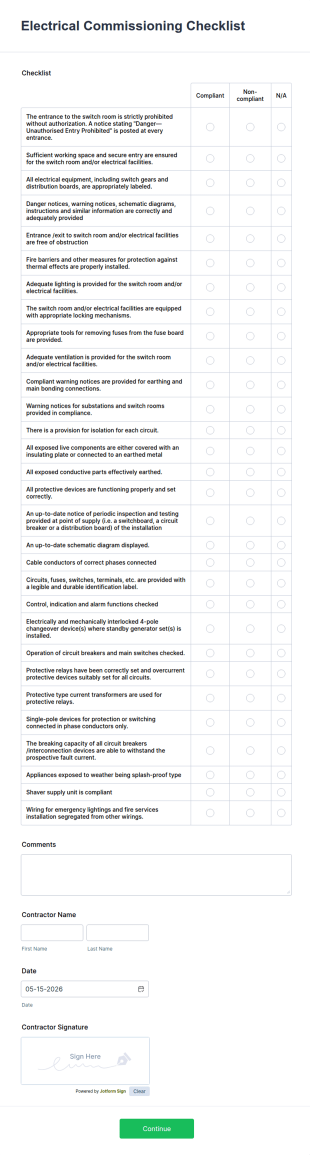
Electrical Commissioning Checklist
An electrical commissioning checklist is used by technologists to minimize risk, during the construction of electricity generation equipment
Go to Category:Business Forms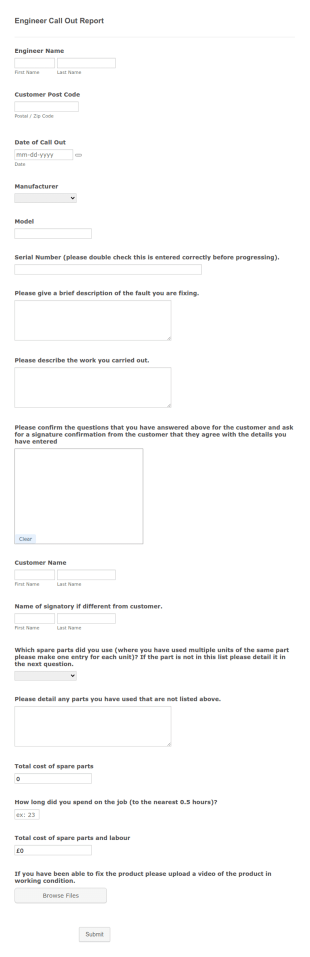
Engineer Call Out Report Form
An engineer call out report form is used by various organizations to track information about engineer callouts, particularly for work where the engineer is assisting the site manager or owning organization.
Go to Category:Business Forms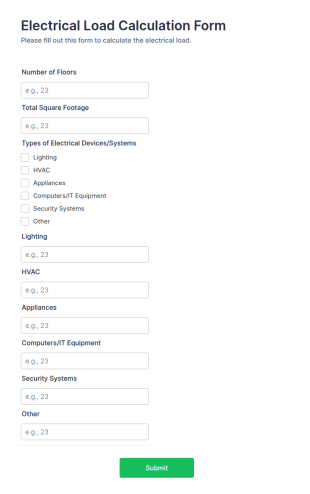
Electrical Load Calculation Form
An electrical load calculation form is a template used by the electrical industry for calculating the power required to operate a device.
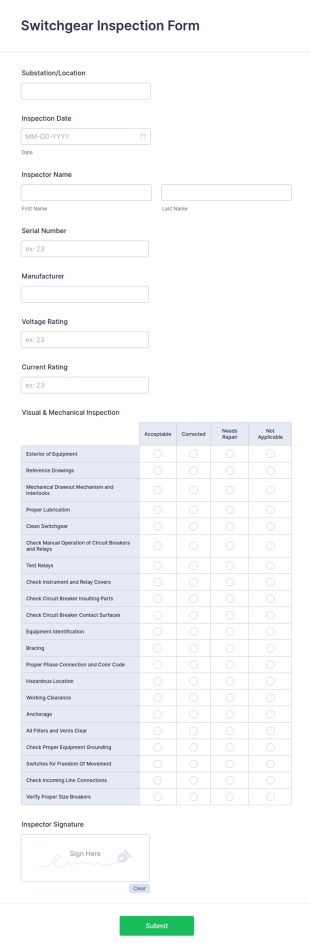
Go to Category:Work Request FormsSwitchgear Inspection Form
A switchgear inspection form is used to ascertain the adequacy of the installation of switchgear items in a power system. No coding!
Go to Category:Checklist Forms
Structural Steel Work Inspection Form
A structural steel work inspection form is used by construction companies to record the modifications and changes that were performed on the construction site.
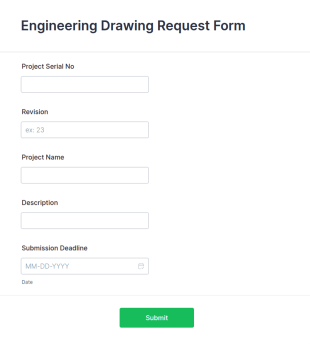
Go to Category:Checklist FormsEngineering Drawing Request Form
An engineering drawing request form is used by contractors and other parties to order architectural and engineering services. No coding!
Go to Category:Business Forms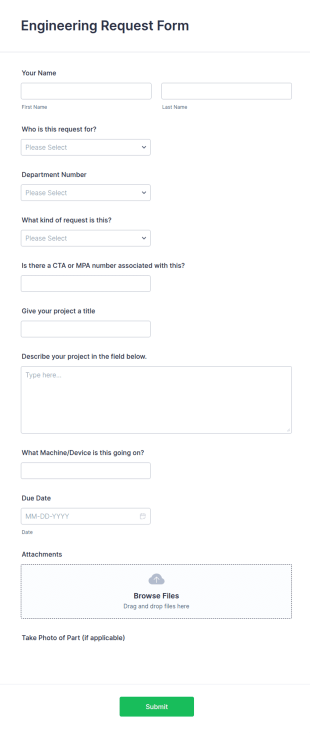
Engineering Request Form
The "Engineering Request Form" is a useful tool designed for engineering companies to streamline the process of submitting, reviewing, and approving engineering-related requests.
Go to Category:Request FormsHVAC Commissioning Checklist
A HVAC commissioning checklist is a form created to help HVAC contractors ensure that a HVAC system has been tested thoroughly to ensure safety for occupants.
Go to Category:Inspection Forms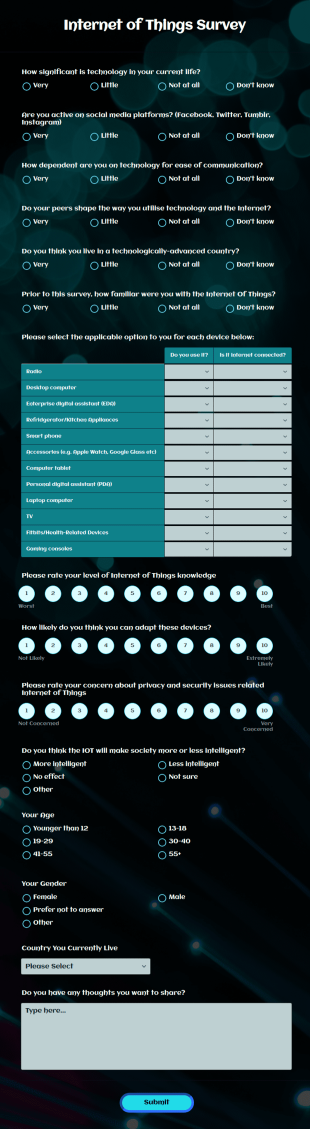
Internet Of Things Survey
An Internet of Things survey is a questionnaire used by software companies to learn about the applications for increasingly popular devices. No coding!
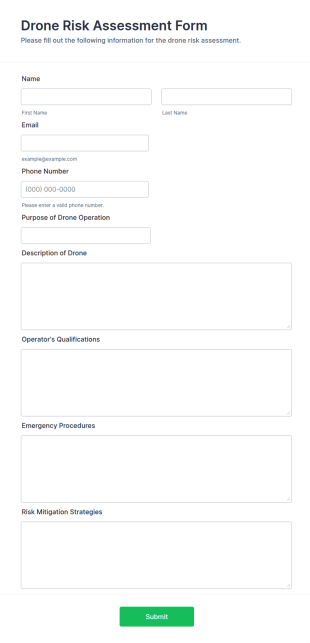
Go to Category:Survey TemplatesDrone Risk Assessment Form
A Drone Risk Assessment Form is a form template designed to streamline the process of evaluating and managing potential risks associated with drone operations
Go to Category:Evaluation Forms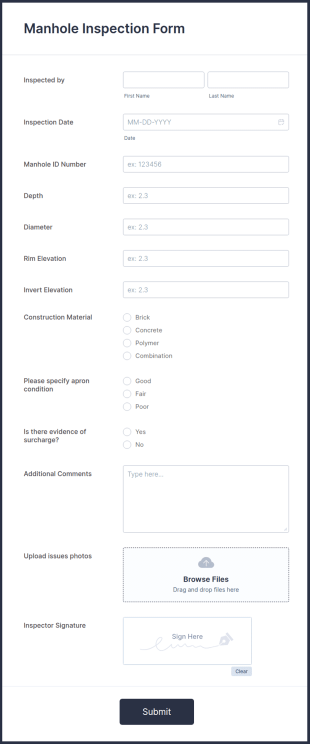
Manhole Inspection Form
A manhole inspection form is used by inspectors to record the condition of underground utility lines. Customizable without coding.
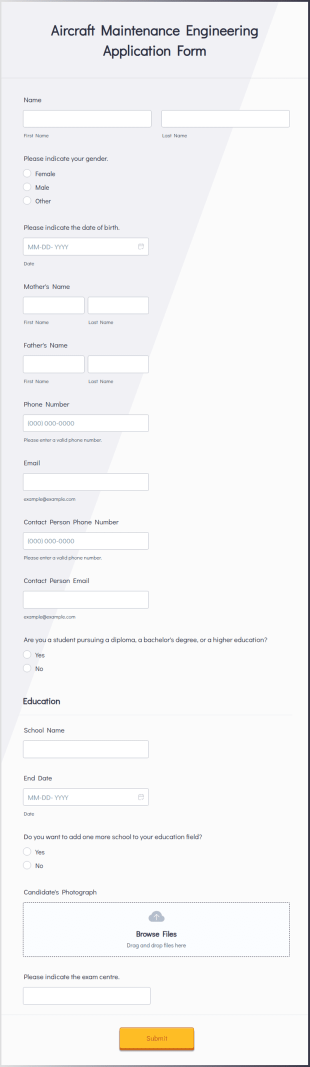
Go to Category:Inspection FormsAircraft Maintenance Engineering Application Form
An aircraft maintenance engineering application form is a document used to apply for a job as an aircraft engineering.
Go to Category:Education Forms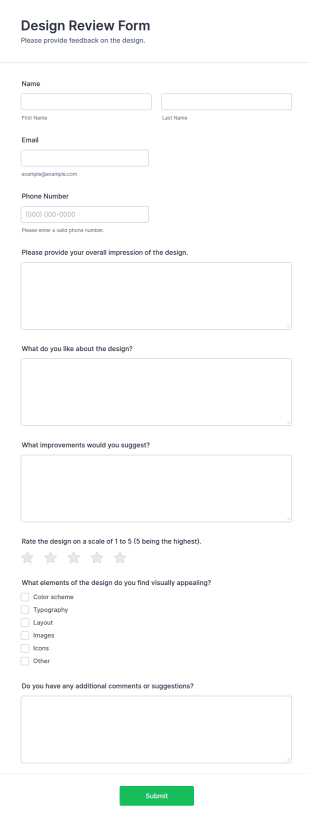
Design Review Form
A Design Review Form is a form template designed to facilitate a structured evaluation and assessment of design proposals, prototypes, or specifications within a project or development process.
Go to Category:Evaluation Forms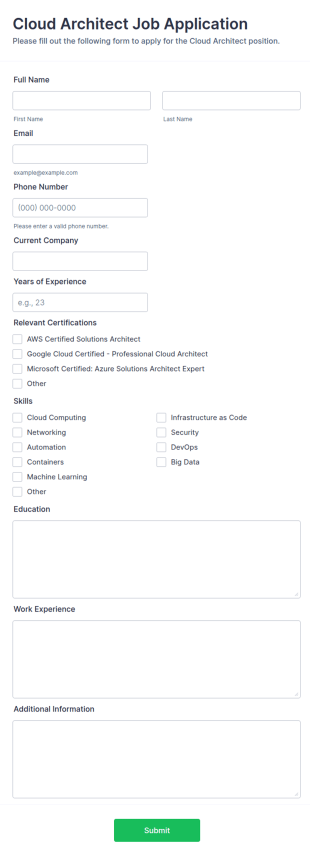
Cloud Architect Job Application Form
A Cloud Architect job application is a questionnaire used by employers to find out more about potential employees’ skills, experience, and professional history for a particular job.
Go to Category:Job Application Forms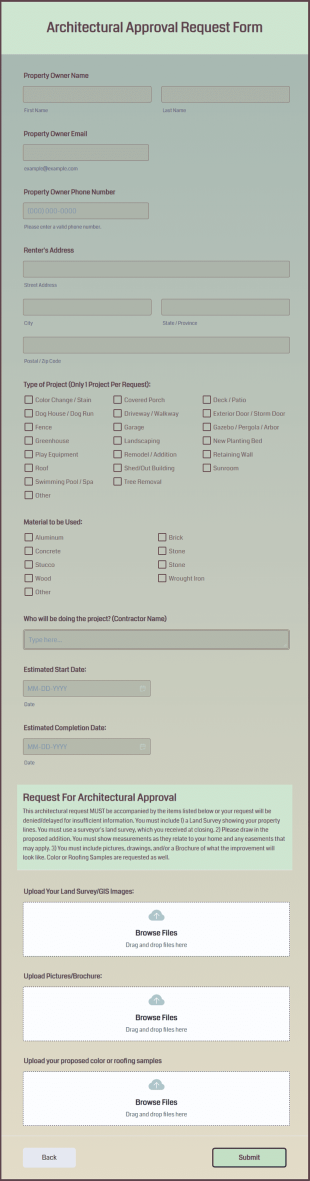
Architectural Approval Request Form
The Architectural Approval Request Form is a beneficial document in the homeowners associations and construction industries.
Go to Category:Request Forms
Road Surface Inspection Form
A road surface inspection form is a document used by city inspectors to inspect the surface conditions of roads within a city or town. Simply customize the form to match the way you want to collect the information! No coding.
Go to Category:Checklist Forms
Shop Drawing Review Form
Shop Drawing Review Form is a form template that streamlines communication between architects and contractors. This digital form eliminates misinterpretations and errors, ensuring all project components are agreed upon.
Go to Category:Inspection Forms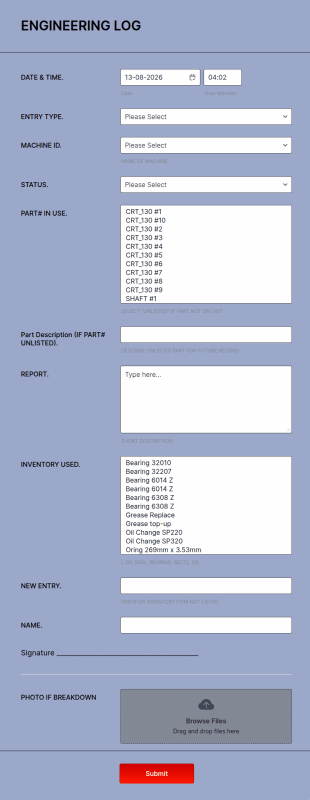
Engineering Log Form
An Engineering Log Form is a form template designed to systematically document and track engineering activities across various disciplines such as Civil, Mechanical, Electrical, and Computer engineering.
Go to Category:Business Forms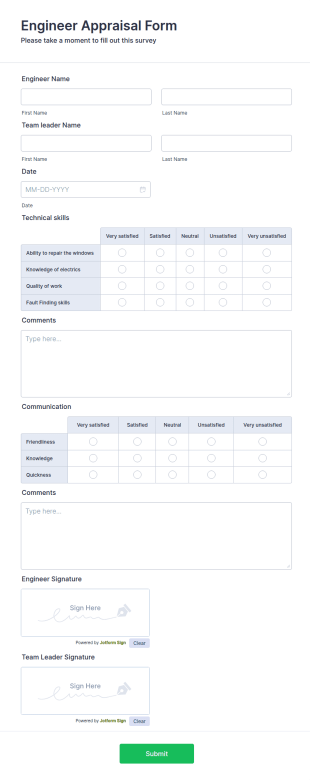
Engineer Appraisal Form
An Engineer Appraisal Form is used to evaluate the quality of a work product by an engineer or scientist.
Go to Category:Human Resources Forms
Mechanical Engineer Job Application Form
A Mechanical Engineer Job Application Form is a form template designed to streamline the recruitment process for mechanical engineering roles.
Go to Category:Job Application Forms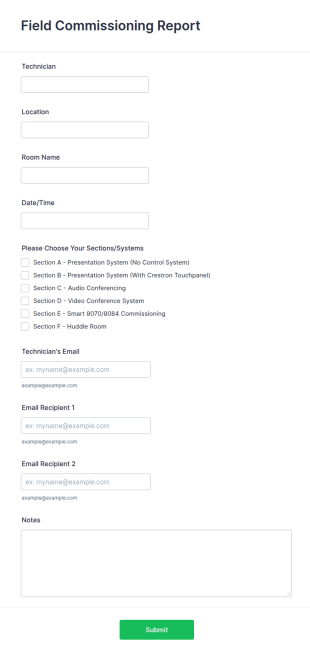
Field Commissioning Report Form
A field commissioning report form is used by the gas and oil industry for measuring equipment output or processes.
Go to Category:IT FormsAbout Engineer Forms
Engineer Forms are specialized digital forms designed to streamline and enhance the data collection processes within engineering contexts. These forms facilitate a wide range of operations, from tracking project milestones to managing equipment inventory and documenting field inspections. In the world of engineering, accurate and timely data collection is crucial for the successful completion of projects, ensuring compliance with regulations, and optimizing resource allocation. Engineers often rely on these forms to standardize data input, which helps in minimizing errors and maintaining consistency across different phases of a project. Whether it's for reporting safety incidents, logging technical specifications, or submitting project proposals, Engineer Forms serve as indispensable assets in the efficient management of engineering tasks.
Jotform stands out as the premier online form builder for Engineer Forms, offering an intuitive, web-based Drag-and-Drop Form Builder that simplifies the creation and customization of forms. Professionals can effortlessly tailor these forms to fit their specific requirements, enabling seamless integration into their existing workflows. Jotform’s platform not only enhances the ease of customization but also excels in automating data collection processes, thereby reducing manual effort and increasing operational efficiency. With Jotform Tables, all data collected through these forms is managed centrally, allowing for secure and organized data handling. This streamlined data management system ensures that engineering teams can access and utilize information quickly and effectively, leading to more informed decision-making and improved project outcomes.
Why Use Engineer Forms?
- Engineer Forms are essential for ensuring data accuracy across projects, as they provide structured fields that reduce the likelihood of errors during data entry. This is particularly important in engineering, where precise measurements and specifications are critical to project success and safety compliance.
- Speed is a significant advantage of using Engineer Forms. By digitizing data collection, these forms eliminate the delays associated with manual paperwork, enabling faster processing and analysis of information. This efficiency is crucial when engineers are working against tight deadlines.
- Professional data handling is another key benefit, as Engineer Forms support the secure collection and storage of sensitive information. With secure data management features like Jotform Tables, engineers can trust that their data is protected and accessible only to authorized personnel.
- Engineer Forms facilitate seamless collaboration among team members by enabling real-time data sharing. This ensures that all stakeholders have access to the most up-to-date information, fostering better communication and coordination across different departments and project sites.
- These forms are highly customizable, allowing engineers to tailor them according to project-specific needs. With Jotform’s Drag-and-Drop Form Builder, users can easily add or modify fields, integrate conditional logic, and incorporate various data types to suit their unique requirements.
Common Problems Solved by Engineer Forms
- One major issue in engineering is the cumbersome nature of paper-based documentation, which Engineer Forms effectively address by digitizing the entire process. This transition reduces the physical storage requirements and minimizes the risk of lost or misplaced documents.
- Manual data entry is prone to errors, which can lead to costly mistakes in project execution. Engineer Forms mitigate this risk by providing structured fields and automated calculations, ensuring that the data entered is both accurate and consistent.
- Engineers often face challenges with data accessibility, especially when working in remote locations. Engineer Forms can be accessed and submitted offline using Jotform Mobile Forms, ensuring that data collection is uninterrupted regardless of internet connectivity.
- Lost or incomplete data can significantly hamper project progress and lead to compliance issues. By utilizing Engineer Forms, engineers can ensure that all necessary information is captured and stored securely, with automated backups and retrieval options available through Jotform’s platform.
Matching Use Cases to Features
- For engineers needing to create detailed project reports, the Report Builder feature allows for the generation of comprehensive reports that summarize collected data, enabling clear and informed communication of project status to stakeholders.
- Conditional Logic is particularly useful in instances where form fields need to adapt based on previous responses. This feature helps engineers create dynamic forms that guide users through complex workflows, ensuring that only relevant information is collected.
- The integration of Electronic Signatures (Jotform Sign) is critical for forms that require official approvals, such as safety compliance documents or engineering proposals. This feature streamlines the authorization process, allowing engineers to obtain necessary signatures quickly and securely.
- For projects that involve financial transactions, the 30+ Payment Gateways supported by Jotform, including Stripe and PayPal, facilitate secure and efficient payment collection directly through the forms, simplifying the billing process for engineering services.
- Engineer Forms can be seamlessly integrated with 100+ third-party applications like Google Sheets and Salesforce, allowing for automatic data synchronization and enhanced workflow automation. This integration capability ensures that data collected through forms can be easily transferred to other platforms used by engineering teams.
- The PDF Editor feature is invaluable for generating standardized documents such as contracts and technical specifications. Engineers can automatically convert form submissions into professionally formatted PDFs, which can then be shared or archived as needed.
- Approval Workflows support the structured review and approval of engineering documents, ensuring that all necessary checks are completed before a form is finalized. This feature helps maintain quality control and regulatory compliance in engineering processes.
How to Create a Engineer Form
- Browse the Template List for a Engineers template or start from a blank form. This allows you to either leverage pre-existing template structures or create a custom form tailored to your project’s specific needs.
- Customize the design and fields using the Drag-and-Drop Form Builder. This step enables you to add, remove, or rearrange form elements as required, ensuring that the form collects all necessary information in an intuitive and user-friendly manner.
- Publish and share via Direct Link, Email, or Website Embed. These sharing options provide flexibility in how you distribute your forms, making it easy to reach your intended audience and collect responses efficiently.
Top Use Cases for Engineer Forms
- For Managers: Engineer Forms are instrumental for managers who need to oversee multiple projects simultaneously. These forms provide a centralized platform for monitoring project progress, resource allocation, and compliance with safety regulations. By utilizing real-time data collected from forms, managers can make informed decisions, allocate resources more effectively, and ensure that projects remain on track and within budget.
- For Teams: Team collaboration is significantly enhanced when using Engineer Forms. These forms enable team members to share critical information quickly and accurately, reducing the chances of miscommunication. Engineer Forms also support the assignment of tasks and tracking of project milestones, which fosters a more organized and efficient workflow where every team member is aligned with project objectives.
- For Customers: Customers benefit from using Engineer Forms through improved communication and transparency. These forms can be used to gather customer feedback, manage service requests, and provide updates on project progress. By having a structured way to interact with engineering teams, customers can receive timely responses to their inquiries and gain a clearer understanding of how their projects are progressing.
Summarizing Engineer Forms
Engineer Forms are an invaluable asset for professionals in the engineering industry, addressing the critical need for accurate, efficient, and secure data collection. By leveraging Jotform’s advanced features, engineering teams can streamline their workflows, reduce manual errors, and enhance collaboration across projects. The ability to customize forms to fit specific project needs, coupled with the robust data management capabilities of Jotform Tables, ensures that engineers have all the tools they need to succeed. Ultimately, Engineer Forms empower engineering professionals to focus on what they do best—designing and executing projects with precision and excellence.
Frequently Asked Questions
1) Is it free to create Engineer Forms on Jotform?
Yes, Jotform offers a free plan that allows users to create and share Engineer Forms. However, there are also paid plans available that provide access to more advanced features and increased submission limits.
2) Are the forms and submitted data secure?
Absolutely, all forms and data submissions on Jotform are protected with industry-standard security measures, including SSL encryption and GDPR compliance, ensuring that your information remains safe and confidential.
3) Do I need coding knowledge to build a Engineer Form?
No, Jotform’s Drag-and-Drop Form Builder is designed to be user-friendly and does not require any coding knowledge. This allows users to create customized Engineer Forms with ease.
4) Can I collect payments directly through my forms?
Yes, you can use Jotform’s integration with over 30 payment gateways, such as Stripe and PayPal, to collect payments directly through your Engineer Forms, streamlining the billing process for services rendered.
5) Can these forms be used on mobile devices?
Yes, Engineer Forms can be accessed and submitted via mobile devices using Jotform Mobile Forms, allowing for data collection even when offline or in remote locations.
6) Can I turn form submissions into professional PDF documents?
Certainly, with Jotform’s PDF Editor, you can automatically convert form submissions into professionally formatted PDF documents, which can then be shared or stored for future reference.
7) How can Engineer Forms improve compliance with safety regulations?
Engineer Forms allow for the systematic collection of safety-related data, enabling easy documentation and reporting of compliance with industry standards and regulations, thereby ensuring that safety protocols are consistently followed.
8) Are there templates available specifically for engineering use cases?
Yes, Jotform offers a variety of templates specifically designed for engineering applications, which can be customized to suit different project requirements and streamline data collection processes.