


Missionary Forms
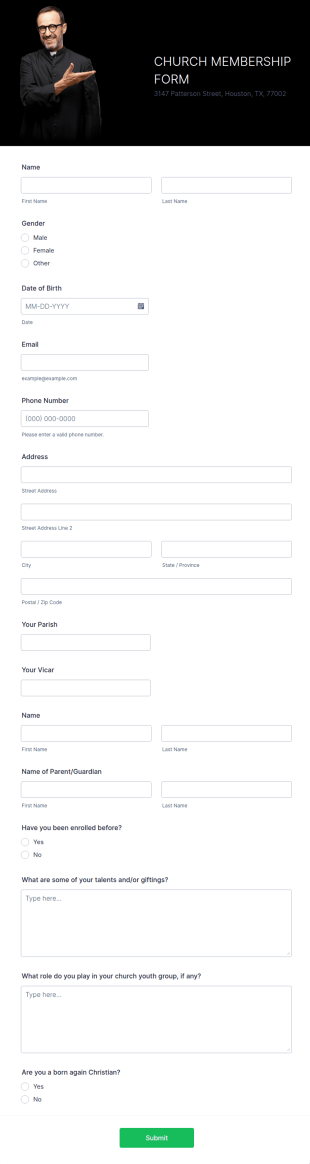
Church Membership Form
A church membership form is a document that contains a record of church members and their information.
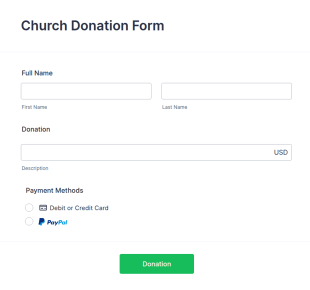
Go to Category:Church FormsChurch Donation Form
A church donation form is a form used by most churches, temples and mosques to collect money from the congregation for the maintenance of the place of worship.
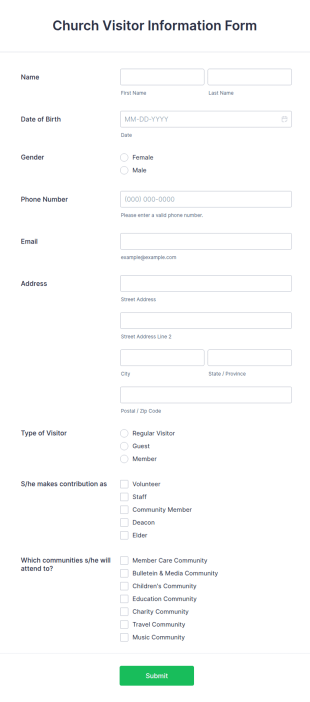
Go to Category:Church FormsChurch Visitor Information Form
A church visitor information form is a form used by churches to collect information about new church visitors. ith a simple, free Church Visitor Information Form, you can collect information about church visitors.
Go to Category:Church FormsChurch Donation Receipt Form
If you are looking for a receipt form for your church donations, then you may consider using this Church Donation Receipt Form Template.
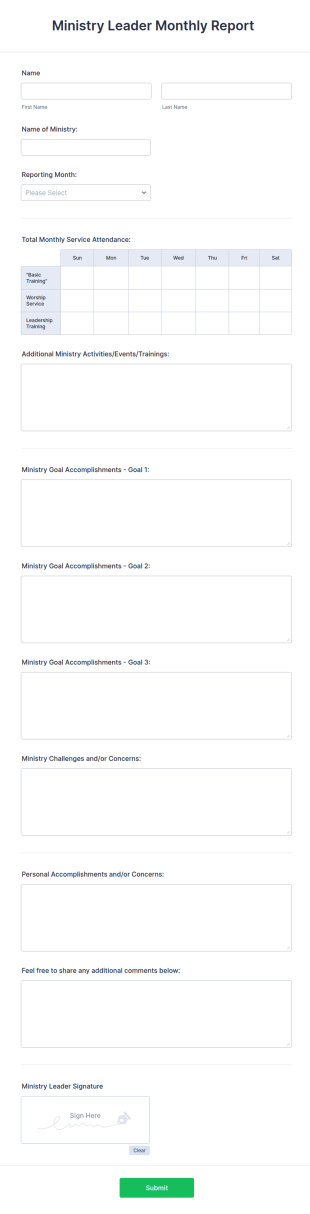
Go to Category:Church FormsMinistry Leader Monthly Report Form
A ministry leader monthly report form is a document used to collect monthly information about ministry operations and activities in a church, non-profit organization, or religious institution.
Go to Category:Report Forms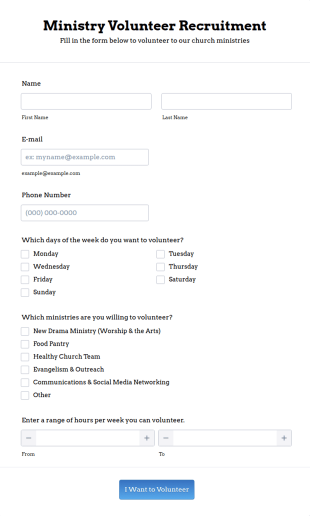
Ministry Volunteer Recruitment Form
A ministry volunteer recruitment form is an online form used to recruit volunteers to a faith-based organisation. Encourage volunteers to join your religious group!
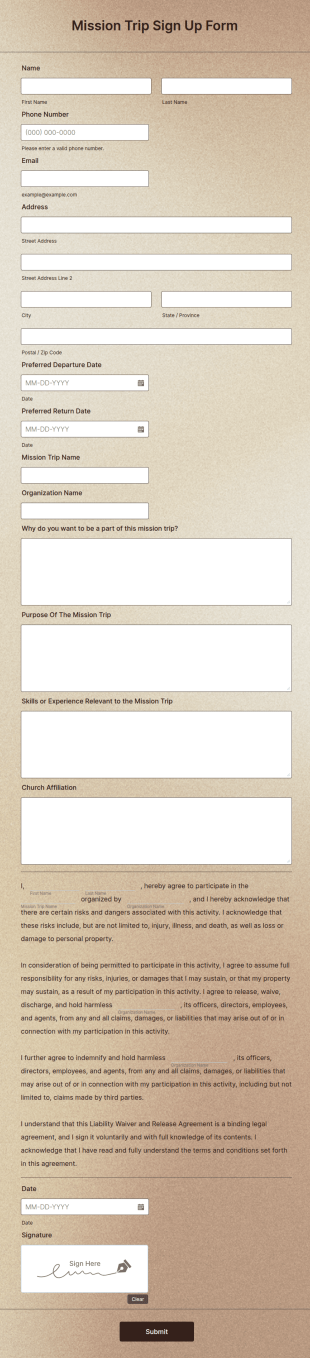
Go to Category:Volunteer Application FormsMission Trip Sign Up Form
A mission trip sign up form is an online form used by churches and other organizations to collect information from prospective members who are interested in attending a mission trip.
Go to Category:Church Forms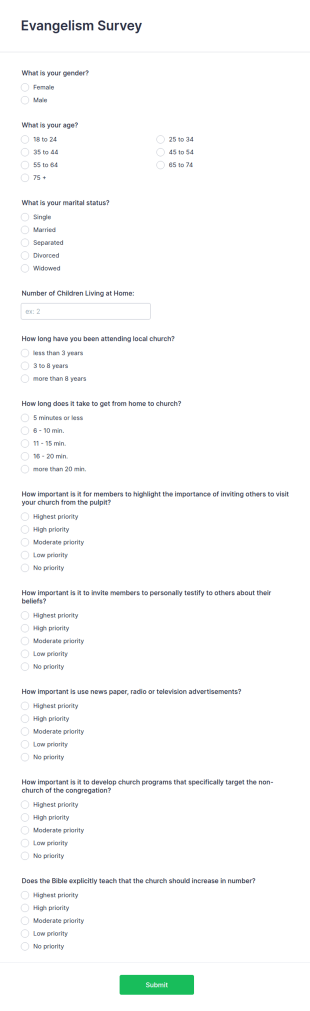
Evangelism Survey
A church or religious organization may use an evangelism survey to gather information from prospective or current members about their beliefs, interests, or background. No coding!
Go to Category:Church Forms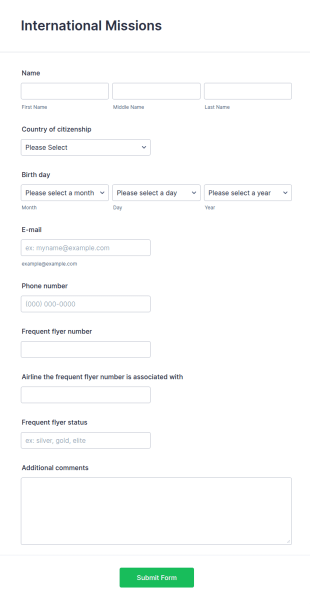
International Missions Form
Get international mission takers to fill out your online form and receive data about them to arrange further events or missions.
Go to Category:Business Forms
Church Internship Application Form
A Church Internship Application Form is a form template designed to streamline the process of selecting and managing interns within a church setting.
Go to Category:Church Forms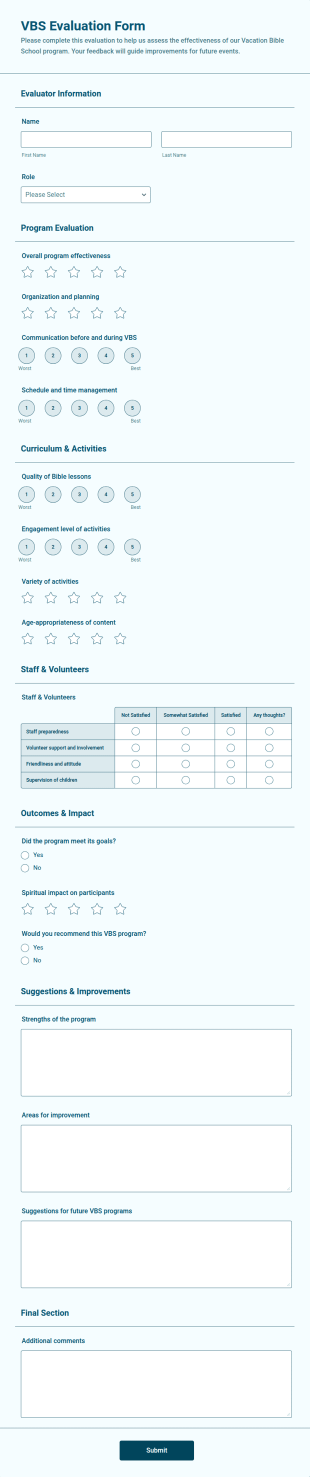
VBS Evaluation Form
VBS Evaluation Form is a form template that enables an organized assessment of Vacation Bible School programs, with Jotform's form templates simplifying the collection and organization of feedback data.
Go to Category:Church Forms
Humanitarian Expedition Application Form
A humanitarian expedition application form is a form completed by participants in a humanitarian expedition to document the reasons why they are going on the expedition.
Go to Category:Charity Forms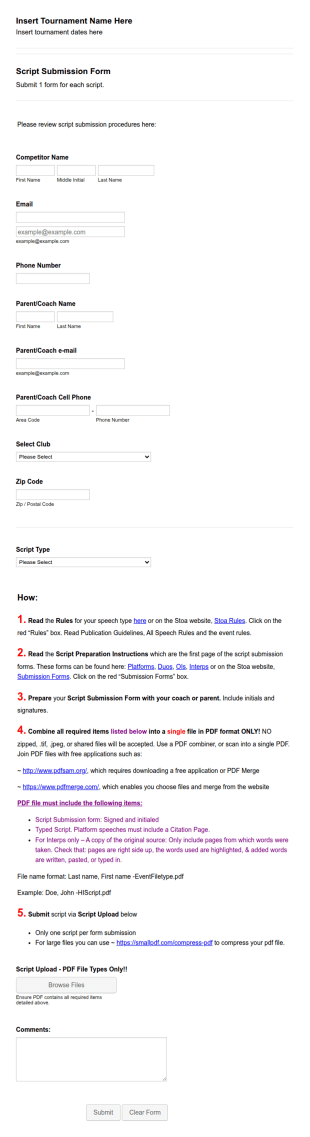
Stoa Tournament Script Submission Form
A Stoa Tournament Script Submission Form is a form template designed for tournament organizers seeking an organized way to accept script submissions from participants.
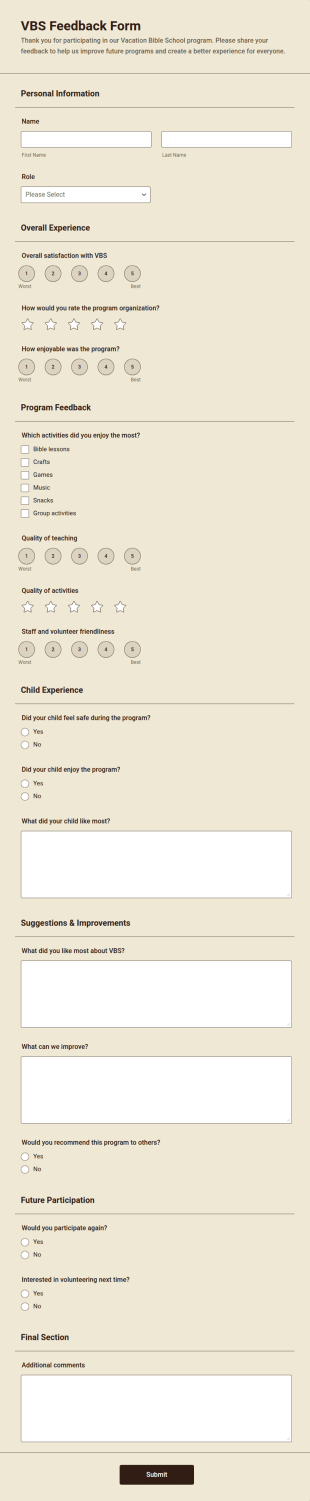
Go to Category:Education FormsVBS Feedback Form
VBS Feedback Form is a form template that allows you to collect and organize valuable feedback from Vacation Bible School attendees, enhancing your program with insights offered through Jotform's intuitive platform.
Go to Category:Church Forms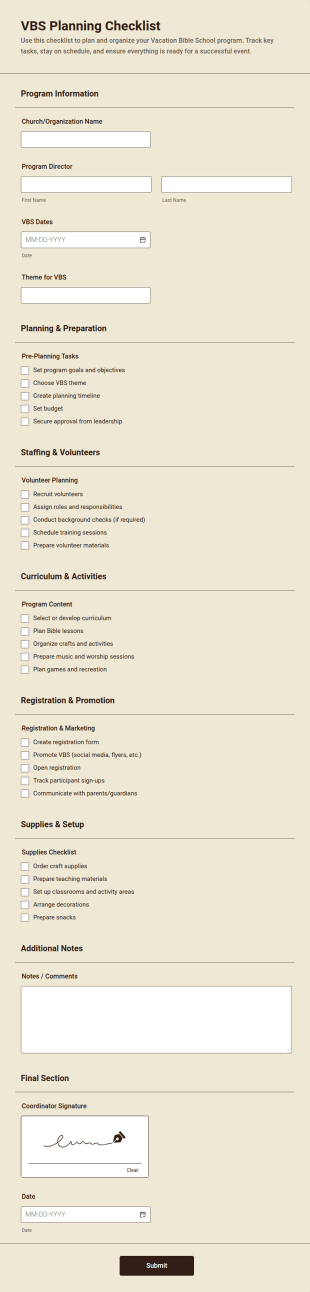
VBS Planning Checklist
VBS Planning Checklist is a form template that helps organize Vacation Bible School activities with an intuitive layout, ensuring no detail is overlooked, powered by Jotform's robust platform.
Go to Category:Church Forms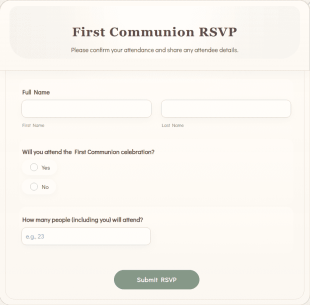
First Communion RSVP
First Communion RSVP is a form template that simplifies the process of tracking attendee responses for the holy sacrament ceremony, courtesy of Jotform's intuitive design and functionality.
Go to Category:Church Forms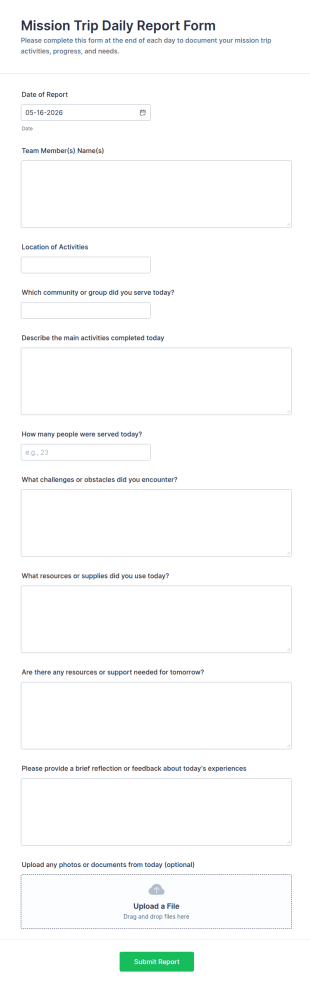
Mission Trip Daily Report Form
Mission Trip Daily Report Form helps churches and nonprofit teams document daily service activities, track progress, and share updates across locations using a customizable Jotform form template.
Go to Category:Missionary Forms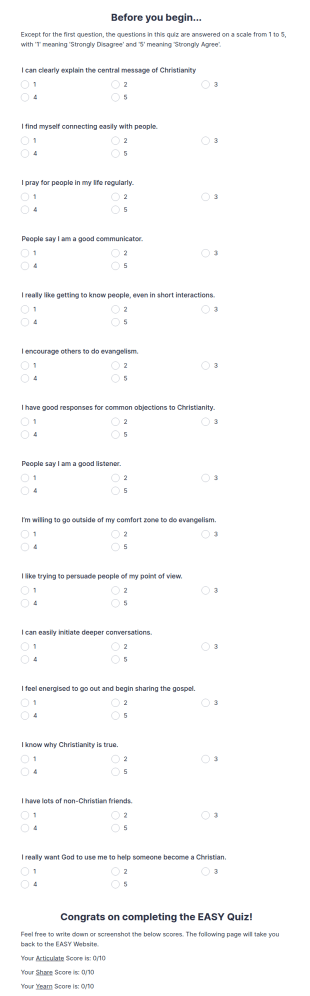
Evangelism Diagnostic Quiz Form
Evangelism Diagnostic Quiz Form is a form template that helps churches assess participants' evangelism knowledge, confidence, and outreach habits through quiz questions, with responses collected in Jotform to identify topics for ministry training, mentoring, and discussion.
Go to Category:Charity Forms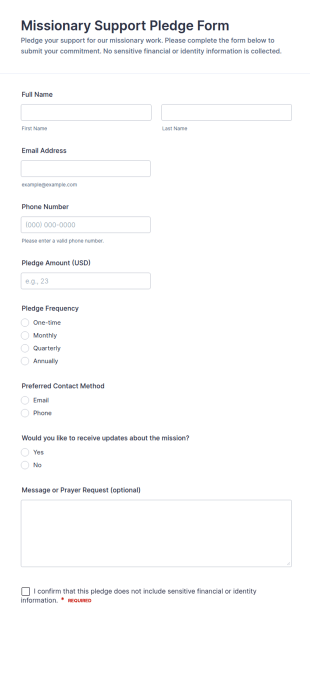
Missionary Support Pledge Form
Collect and track supporter commitments with the Missionary Support Pledge Form, ideal for churches and ministries that want a simple way to gather pledges online and manage follow-ups through Jotform.
Go to Category:Missionary Forms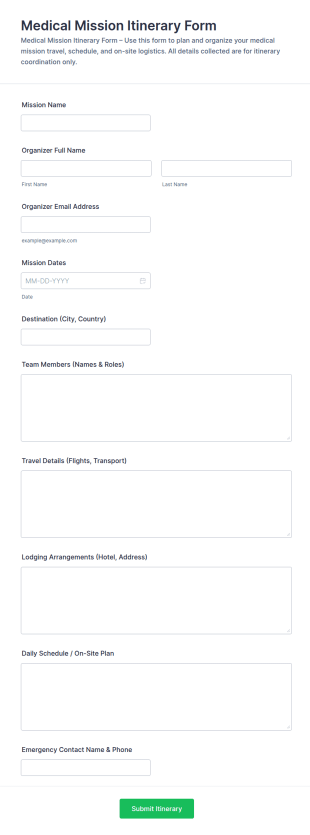
Medical Mission Itinerary Form
Medical Mission Itinerary Form helps mission organizers collect trip plans online for volunteer teams, centralizing itinerary details for easier coordination and dependable data collection with Jotform.
Go to Category:Healthcare Forms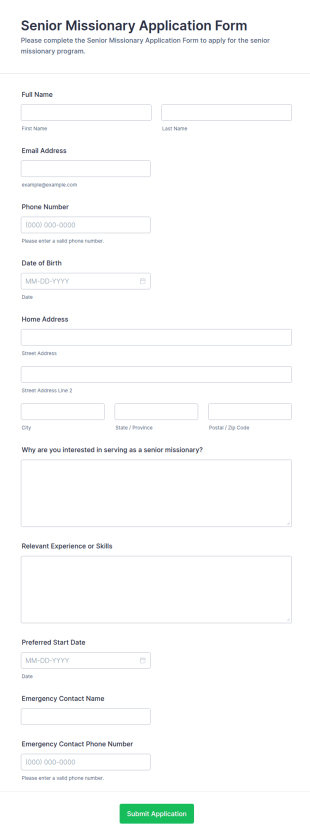
Senior Missionary Application Form
Senior Missionary Application Form helps churches and mission organizations collect applications online, organize data collection, and review form submissions in one place using Jotform.
Go to Category:Application Forms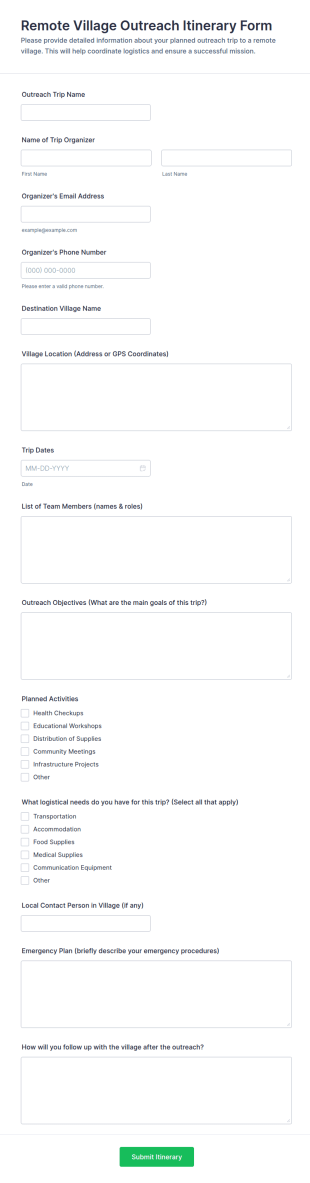
Remote Village Outreach Itinerary Form
Plan and coordinate field missions with the Remote Village Outreach Itinerary Form, built for nonprofits and outreach teams to centralize trip planning, share details, and keep data collection organized in Jotform.
Go to Category:Travel Booking Forms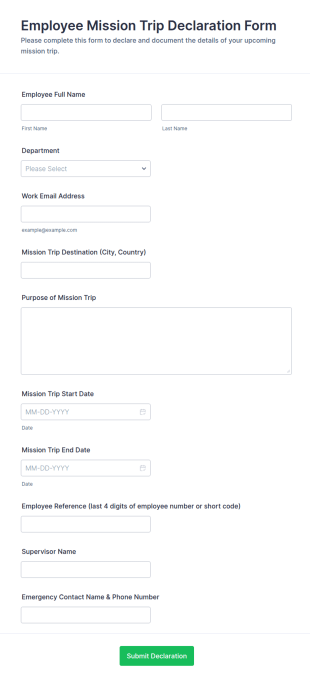
Employee Mission Trip Declaration Form
Collect employee mission trip details in one place with the Employee Mission Trip Declaration Form, helping organizations document travel plans, coordinate internal coverage, and keep data collection consistent through Jotform.
Go to Category:Declaration Forms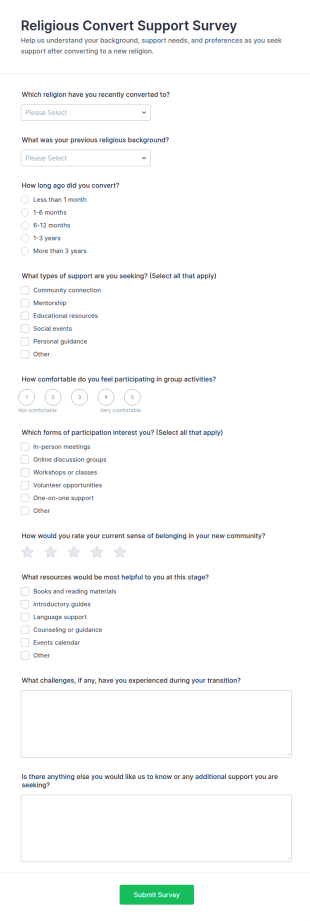
Religious Convert Support Survey
Religious Convert Support Survey Form helps faith communities and support organizations collect insights on conversion experiences and support needs, improving outreach, mentorship, and community programming through an online survey.
Go to Category:Survey TemplatesAbout Missionary Forms
Missionary Forms are specialized digital forms designed to streamline various operational processes within missionary and religious organizations. These forms are tailored to meet the unique needs of missionaries, allowing them to efficiently organize and document activities, manage donor information, and track mission progress. Often, these forms are used to facilitate communication between missions and their supporters, handle volunteer applications, and manage event registrations. Real-world workflows may include using forms to gather prayer requests, collect donations, or coordinate logistics for mission trips, ensuring that all necessary information is captured accurately and promptly.
Jotform stands out as the premier online form builder for creating Missionary Forms, offering an intuitive platform that simplifies the process of customizing forms to fit specific needs. Its drag-and-drop interface allows users to effortlessly design forms that can automate data collection, thus saving time and reducing errors. Additionally, Jotform's centralized data management via Jotform Tables ensures that collected data is securely stored and easily accessible, facilitating better organization and data-driven decision-making. This combination of user-friendly design and powerful data management makes Jotform an invaluable asset for missionary organizations looking to enhance their operational efficiency.
Why Use Missionary Forms?
- Missionary Forms enhance accuracy in data collection, allowing organizations to gather information without the errors associated with manual data entry. By using digital forms, the risk of misplacing or misreading important details is significantly reduced, ensuring that all data collected is reliable and precise.
- These forms significantly speed up the process of data collection and analysis. By automating the collection process, missionary organizations can quickly compile and review data, allowing for faster decision-making and more responsive actions to the needs of their missions.
- Professional data handling is another key advantage of Missionary Forms. With features like conditional logic, forms can dynamically adapt to user inputs, streamlining the completion process and ensuring that all necessary information is collected based on specific conditions or responses.
- The use of Missionary Forms aids in maintaining organized records, as all submissions are stored digitally and can be easily accessed and reviewed. This reduces the clutter of physical paperwork, making it easier to manage and retrieve data when needed.
- Missionary Forms allow for seamless integration with third-party applications, such as Google Sheets and Salesforce, facilitating the smooth transfer and synchronization of data. This capability ensures that data collected via forms can be efficiently utilized across different platforms within the organization.
Common Problems Solved by Missionary Forms
- One common issue in missionary work is the overwhelming amount of paperwork required to manage various operations. Missionary Forms eliminate the need for physical documentation by digitizing these processes, thus reducing clutter and the potential for losing critical information.
- Manual data entry is a time-consuming and error-prone process. With Missionary Forms, data is automatically captured and stored, minimizing the risk of human error and freeing up valuable time for other mission-critical tasks.
- Lost data is a significant concern when dealing with paper forms. By transitioning to digital forms, missionary organizations can ensure that all collected data is securely stored and backed up, preventing any loss due to misplacement or damage of physical documents.
- The challenge of efficiently coordinating and communicating with team members and stakeholders is addressed by Missionary Forms. These forms facilitate real-time data sharing and updates, improving collaboration and ensuring that everyone involved has access to the most up-to-date information.
- Missionary organizations often struggle with tracking and reporting mission progress. Missionary Forms simplify this process by providing organized data collection and reporting capabilities, making it easier to monitor progress and report to donors and supporters.
Matching Use Cases to Features
- Mission trips often require extensive planning and coordination. The Drag-and-Drop Form Builder allows teams to create detailed trip planning forms, ensuring all logistics are accounted for and organized in a coherent manner.
- Conditional Logic is particularly useful for forms that need to adapt based on user inputs, such as volunteer applications. This feature ensures that applicants only see questions relevant to their specific circumstances, improving the user experience and data relevance.
- For organizations collecting donations, the integration of 30+ Payment Gateways, including Stripe and PayPal, facilitates secure and efficient online transactions directly through the forms, enhancing donor convenience and increasing the likelihood of receiving contributions.
- Electronic Signatures (Jotform Sign) are essential for forms requiring formal agreements, such as consent forms for mission activities. This feature allows users to sign documents digitally, streamlining the process and ensuring legal compliance.
- The PDF Editor enables automatic generation of professional PDF documents from form submissions, which is ideal for creating polished reports or sharing information with stakeholders in a formal format.
- With over 100 third-party integrations, Missionary Forms can seamlessly connect with platforms like Slack for instant communication or Salesforce for enhanced CRM capabilities, ensuring that data flows effortlessly across different systems.
- Approval Workflows empower organizations to implement structured review processes for submissions, such as event registrations, ensuring that all necessary approvals are obtained before proceeding with planned activities.
How to Create a Missionary Form
- Browse the Template List for a Missionarys template or start from a blank form to suit your specific needs.
- Customize the design and fields using the Drag-and-Drop Form Builder, adding any necessary elements such as conditional logic or electronic signatures.
- Publish and share your form via Direct Link, Email, or Website Embed to reach your intended audience.
Top Use Cases for Missionary Forms
- For Managers: Managers in missionary organizations can leverage Missionary Forms to streamline administrative processes, such as budgeting and resource allocation. By using forms to collect and analyze data, managers can make informed decisions based on accurate and up-to-date information. This efficiency allows managers to focus more on strategic planning and less on time-consuming paperwork, enhancing overall organizational effectiveness.
- For Teams: Team members use Missionary Forms to coordinate activities and communicate effectively. Forms facilitate the sharing of critical information, such as schedules and task assignments, ensuring that all team members are aligned with the mission's objectives. The ability to collect and access data in real-time supports collaborative efforts and enhances the team's ability to respond swiftly to changing circumstances.
- For Customers: Donors and supporters are considered customers in the context of missionary work. Missionary Forms improve their engagement by providing streamlined donation processes and easy access to mission updates. By offering a user-friendly platform for interaction, these forms enhance the experience for donors, making it easier for them to contribute and stay informed about the mission's impact.
Summarizing Missionary Forms
Missionary Forms are invaluable for religious organizations looking to optimize their operational processes. By digitizing data collection and management, these forms offer a more efficient and reliable way to handle information, reducing errors and saving time. Jotform's robust platform supports these efforts with powerful features and integrations, ensuring that missionary organizations can focus on their core mission objectives while maintaining organized and professional data handling practices.
Frequently Asked Questions
1) Is it free to create Missionary Forms on Jotform?
Yes, Jotform offers a free plan that allows users to create and use Missionary Forms with a range of basic features. However, for advanced capabilities and higher submission limits, users may need to subscribe to one of Jotform's paid plans.
2) Are the forms and submitted data secure?
Absolutely, Jotform prioritizes data security by employing industry-standard encryption methods to protect both forms and submissions. This ensures that all collected information remains confidential and secure from unauthorized access.
3) Do I need coding knowledge to build a Missionary Form?
No, Jotform's user-friendly Drag-and-Drop Form Builder does not require any coding knowledge. Users can easily create sophisticated forms by simply dragging and dropping elements into place, making it accessible to users of all technical levels.
4) Can I collect payments directly through my forms?
Yes, Jotform supports payment collection through its integration with over 30 Payment Gateways, including popular options like PayPal and Stripe. This allows users to seamlessly accept donations or payments directly via their forms.
5) Can these forms be used on mobile devices?
Indeed, Jotform forms are fully responsive and can be used on mobile devices, ensuring that users can access and submit forms on-the-go. This flexibility is vital for missionaries who may be operating in the field without access to traditional computing resources.
6) Can I turn form submissions into professional PDF documents?
Yes, using Jotform's PDF Editor, users can automatically generate professional PDF documents from form submissions. This feature is particularly useful for creating formal reports or documents for presentation to stakeholders.
7) How can Missionary Forms help in managing volunteer applications?
Missionary Forms can streamline the volunteer application process by using conditional logic to tailor the form based on applicant responses, ensuring that only relevant questions are asked. This makes the application process more efficient and improves the quality of collected data.
8) Can I integrate Missionary Forms with our existing CRM system?
Yes, Jotform offers over 100 third-party integrations, including popular CRM systems like Salesforce. This allows for seamless data synchronization between forms and your CRM, ensuring that all collected information is efficiently managed and utilized.