

Automotive Forms
Vehicle Registration Form
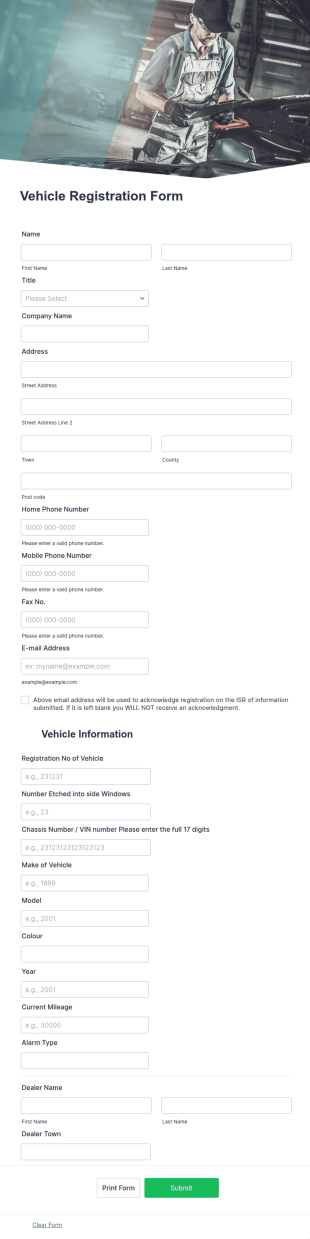
A vehicle registration form is the official form that vehicle owners must fill out before registering a motor vehicle. No coding!
Go to Category:Customer Service Forms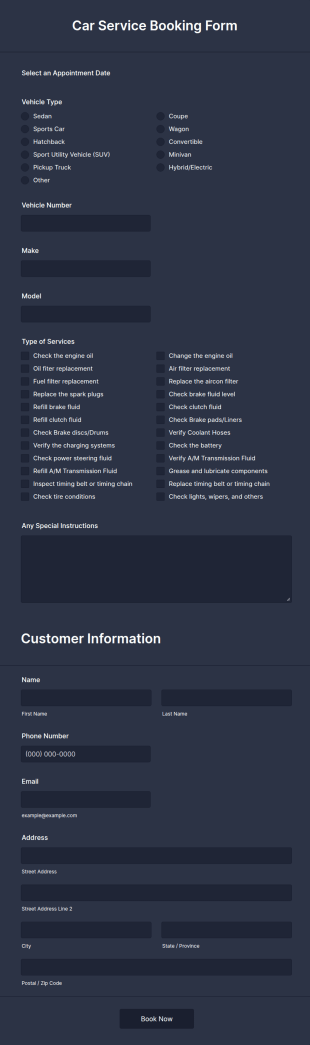
Car Service Booking Form
Help the customer schedule or book an appointment for car service by using this Car Service Booking Form. This form template is mainly used for car repair and maintenance.
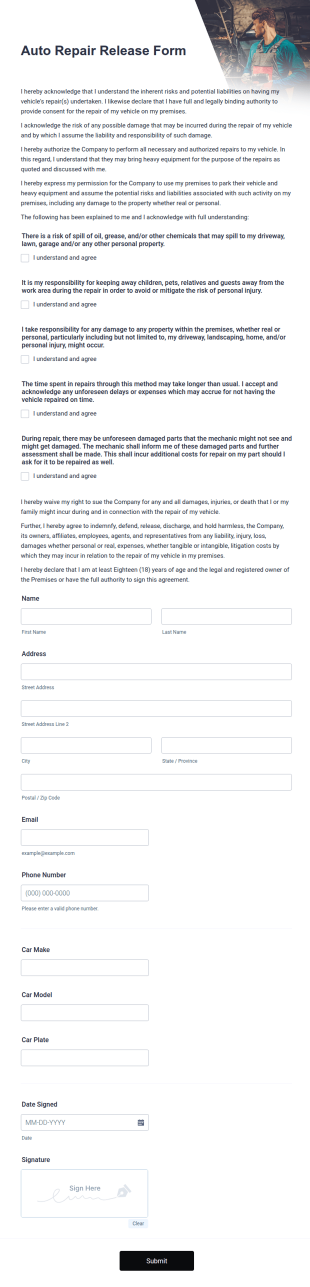
Go to Category:Services FormsAuto Repair Release Form
Secure yourself from unnecessary disputes or lawsuits for your auto repair services with this Auto Repair Release Form Template. Just copy this template to your Jotform account and you have your form ready for your customers.
Go to Category:Consent Forms
Mechanical Inspection Report
Mechanical inspection reports are used by auto repair and automotive services to provide test drives and record data on vehicles.
Go to Category:Business Forms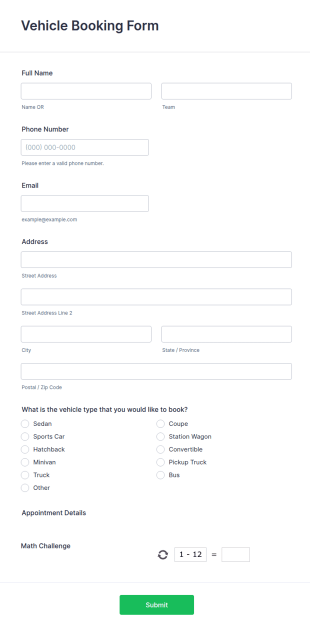
Vehicle Booking Form
An online vehicle booking form is used to track bookings and manage reservations through a vehicle’s website.
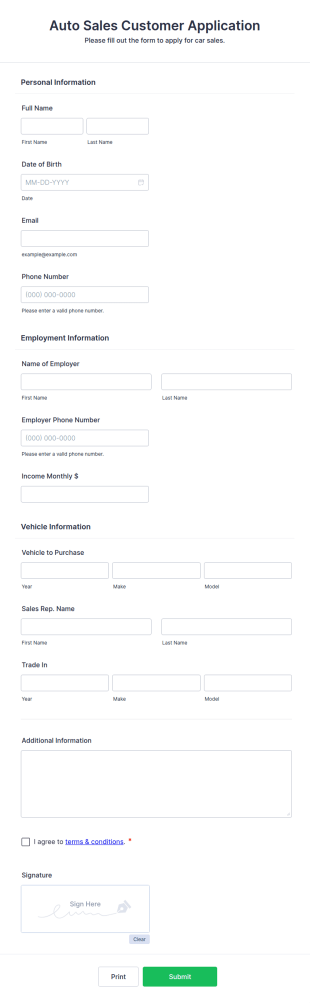
Go to Category:Services FormsAuto Sales Customer Application Form
An Auto Sales Customer Application Form is a form template designed to streamline the process of qualifying leads, potential sales, and trade-ins for car dealerships
Go to Category:Automotive Forms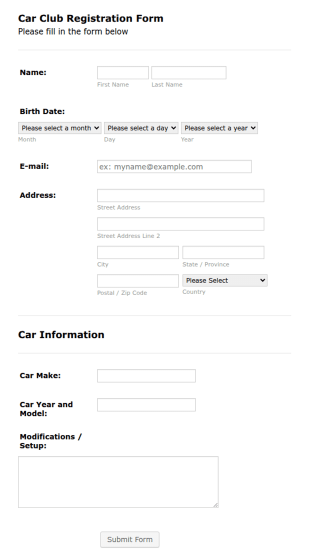
Car Club Registration Form
A Car Club Registration Form is used to gather registrant personal and contact information with their car details as its year, model, modifications, etc.
Go to Category:Charity Forms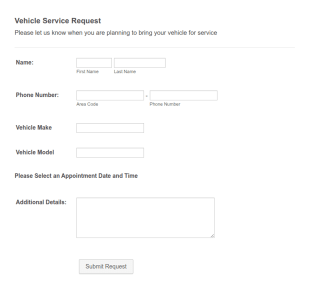
Vehicle Service Request Form
Manage vehicle repair bookings with a free Vehicle Service Request Form. View or manage responses on any device. Sync to 130+ apps or collect fees online!
Go to Category:Appointment Forms
Mechanic Application Form
A mechanic application form is used by car repair shops and automotive retailers to collect information about potential employees.
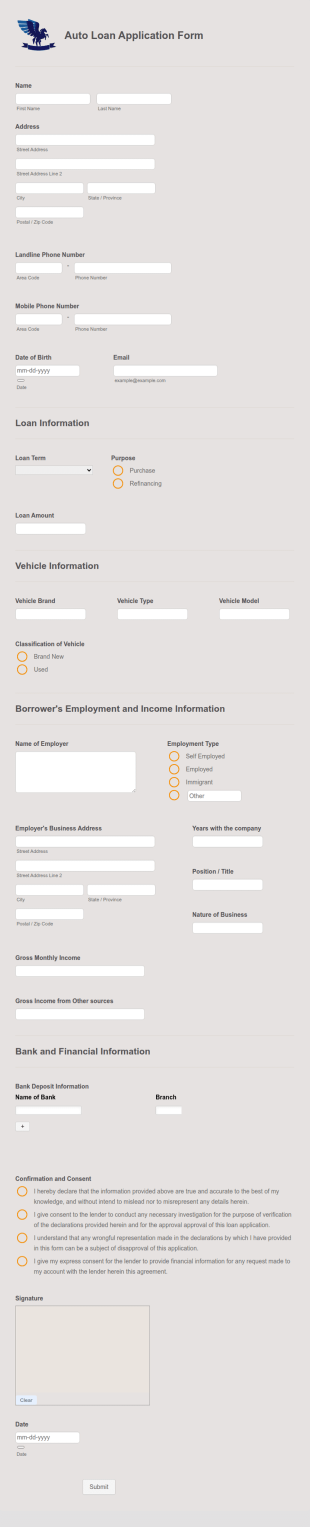
Go to Category:Application FormsAuto Loan Application Form
Auto Loan Application Form is a form template that simplifies the process of collecting essential information from individuals seeking vehicle financing, brought to you by the experts at Jotform.
Go to Category:Automotive Forms
Vehicle Valuation Form
A vehicle valuation form is a form that is used by insurance companies to determine the worth of a damaged vehicle which is not going to be salvaged.
Go to Category:Services Forms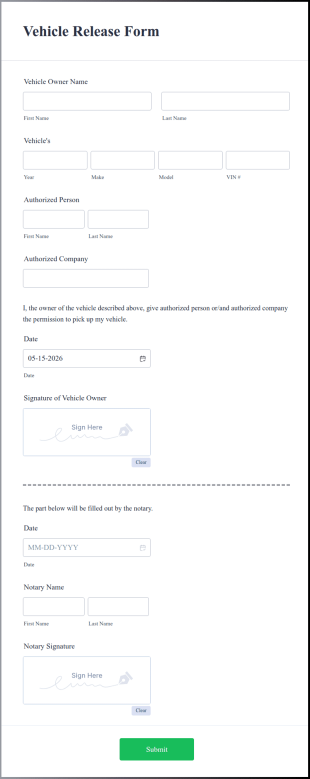
Vehicle Release Form
A vehicle release form is used by a person or organization in possession of a motor vehicle to terminate the ownership of the vehicle to another individual or company.
Go to Category:Business FormsVehicle Repair Form
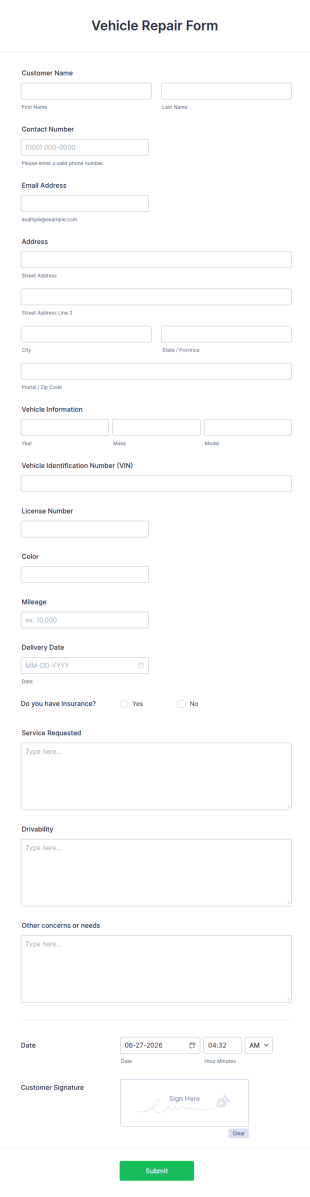
A vehicle repair form is filled out by customers at a car dealership or mechanic to describe problems with their vehicle.
Go to Category:Customer Service FormsVehicle Database Form
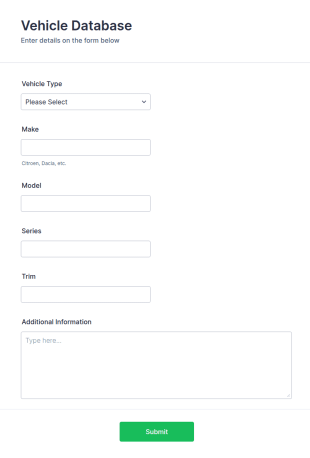
A vehicle database form is a document used by an individual or organization to keep track of vehicles and other important data about them.
Go to Category:Tracking Forms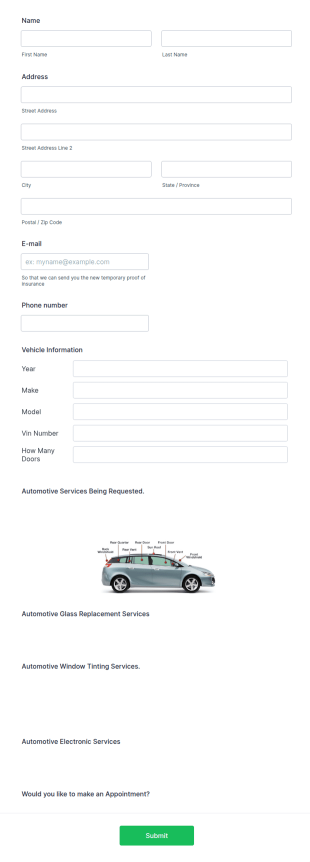
Auto Service Appointment Form
The Auto Service Appointment Form allows customers to schedule a service appointment directly with a mechanic, car service clinic, or car dealership. No coding!
Go to Category:Appointment Forms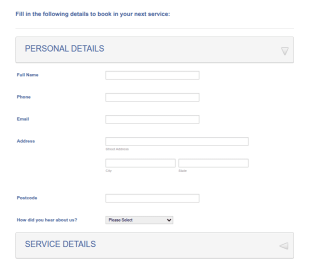
Book In A Vehicle Service Form
Book in a Vehicle Service Form is a form template that simplifies the process of scheduling car maintenance or repair appointments with auto service providers, crafted with the user-friendly interface of Jotform.
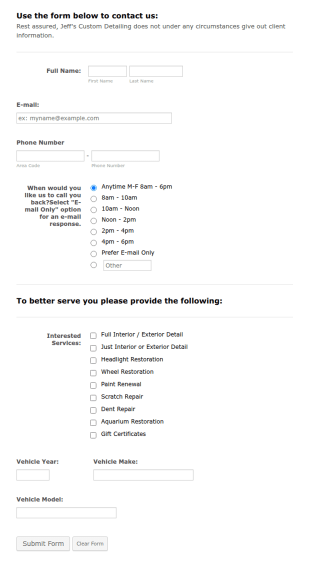
Go to Category:Services FormsAutomotive Detailers Contact Form
Automotive Detailers Contact Form is a form template that simplifies the process of gathering relevant information from potential clients for car detailing services, designed with the customization and adaptability that Jotform offers.
Go to Category:Business Forms
Vehicle Requisition Form
A Vehicle Requisition Form is a form template designed to facilitate the systematic and controlled process of requesting, approving, and assigning vehicles for business-related activities within an organization.
Go to Category:Request Forms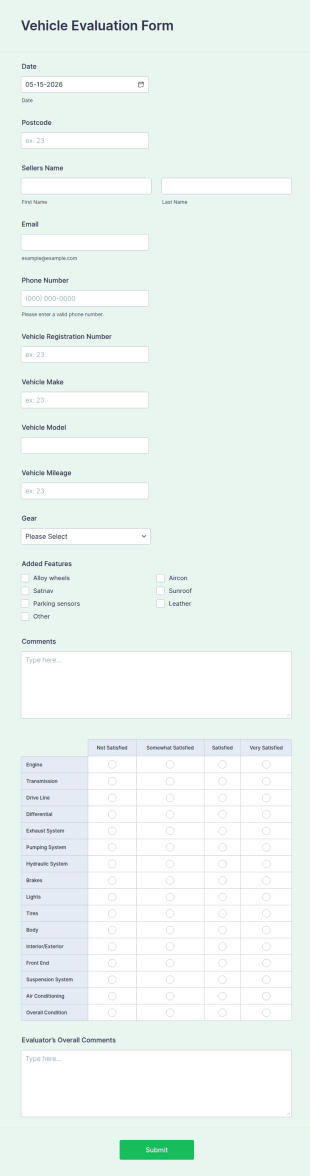
Vehicle Evaluation Form
A vehicle evaluation form is used to help vehicle owners evaluating their vehicles and potential buyers decide on making a vehicle purchase.
Go to Category:Business Forms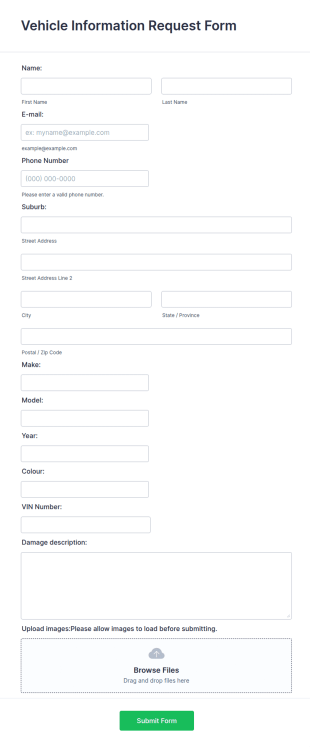
Vehicle Information Request Form
A vehicle information request form is used by car dealerships to collect information about car buyers.
Go to Category:Information Request Forms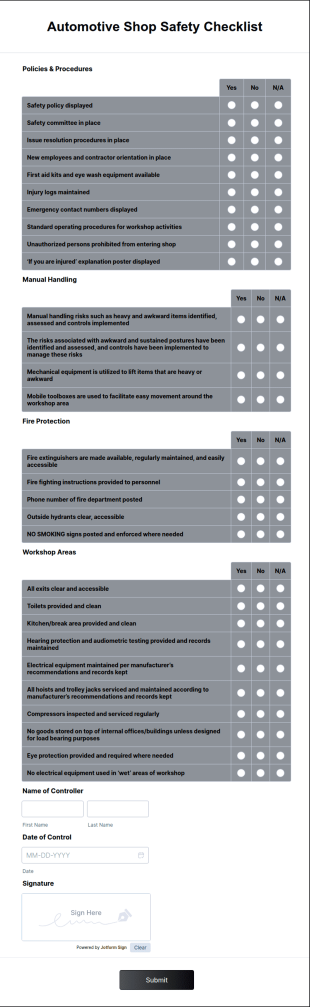
Automotive Shop Safety Checklist
An automotive shop safety checklist is a comprehensive list of safety guidelines and best practices that ensure the safety of employees, customers, and the environment within an automotive shop.
Go to Category:Business Forms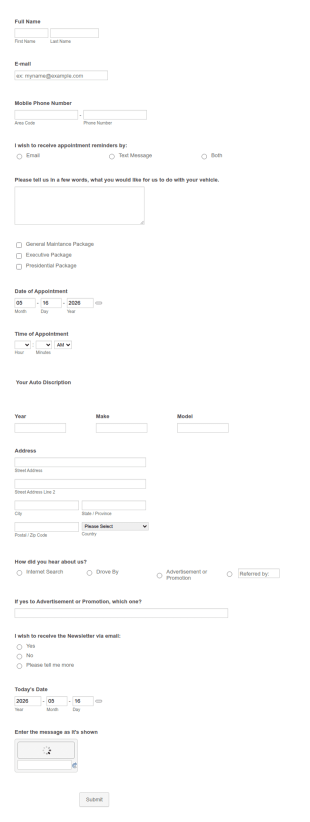
Vehicle Appointment Form
Are you working on vehicle industry or do you offer vehicle maintenance or repair services to your clients? Use this form so they can make appointments easily.
Go to Category:Appointment Forms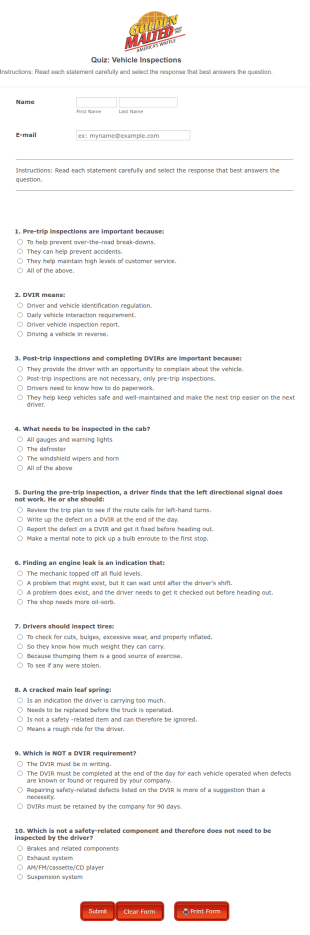
Vehicle Inspection Knowledge Quiz
A Vehicle Inspection Knowledge Quiz is a form template designed to measure an individual's understanding of vehicle inspections.
Go to Category:Checklist Forms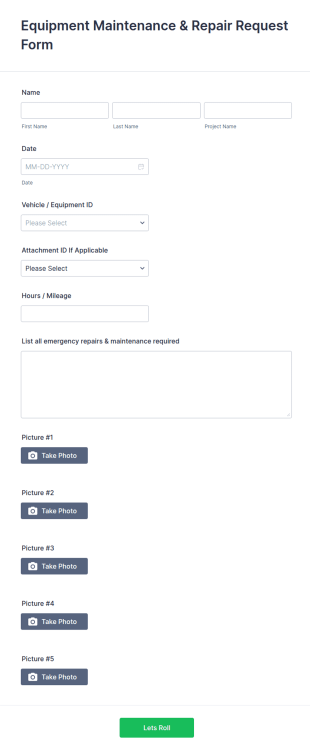
Vehicle Maintenance And Repair Request Form
A Vehicle Maintenance and Repair Request Form is a form template designed to streamline the task of scheduling vehicle maintenance and repair services.
Go to Category:Services FormsAbout Automotive Forms
Automotive Forms are specialized digital forms designed to meet the diverse needs of the automotive industry. These forms are tailored to streamline various operational workflows such as vehicle maintenance records, dealership customer feedback, and parts inventory management. In the real world, this translates to enhancing efficiency in processes like vehicle service scheduling, sales tracking, and customer satisfaction surveys. By digitizing these traditionally paper-based tasks, automotive businesses can facilitate quicker data entry, reduce errors, and improve overall productivity.
Jotform stands out as the premier online form builder for creating and managing Automotive Forms. With its user-friendly interface, Jotform provides an easy way to customize forms to fit specific business requirements, enabling seamless automation of data collection processes. Additionally, Jotform offers centralized data management through Jotform Tables, allowing businesses to effortlessly organize, access, and analyze collected information. This integration ensures that all data is stored securely and is easily retrievable for future reference or reporting purposes.
Why Use Automotive Forms?
- Automotive Forms enhance data accuracy by eliminating the need for manual entry, which reduces the risk of human errors. By using digital forms, businesses can ensure that data is captured correctly at the point of entry and is immediately available for analysis.
- The speed of data collection is significantly improved through Automotive Forms, as information can be transmitted instantly across departments or locations. This real-time data availability supports faster decision-making and streamlines operations.
- Professional data handling is a key benefit of using Automotive Forms. These forms provide structured data collection, ensuring that all necessary fields are filled out correctly and consistently, which is crucial for maintaining high data integrity.
- Automotive Forms can be customized to fit specific business needs, allowing for tailored workflows that match company processes. This flexibility means that businesses can create forms that are aligned with their operational goals and compliance requirements.
- Automotive Forms offer seamless integration with existing systems through Jotform’s 100+ third-party integrations. This connectivity allows businesses to pull data from multiple sources, enhancing their ability to create comprehensive reports and analyses.
Common Problems Solved by Automotive Forms
- A significant issue in the automotive industry is the cumbersome paperwork involved in various processes such as vehicle inspections and service checklists. Automotive Forms digitize these processes, reducing paperwork and improving efficiency.
- Manual data entry is prone to errors, leading to inaccurate records and potential financial discrepancies. Automotive Forms automate data input, ensuring that information is consistent and accurate, thus minimizing errors.
- Lost or misplaced data can result in operational delays and customer dissatisfaction. Automotive Forms ensure that all data is securely stored and easily accessible, reducing the likelihood of data loss and improving customer service.
- Maintaining up-to-date inventory records can be a challenge with traditional methods. Automotive Forms streamline inventory management by providing real-time updates and alerts, ensuring that stock levels are accurately monitored and managed.
Matching Use Cases to Features
- For vehicle maintenance scheduling, the Drag-and-Drop Form Builder allows for easy customization of service request forms. This feature ensures that businesses can quickly adapt forms to collect all necessary service information, enhancing operational efficiency.
- Conditional Logic can be employed in forms to streamline the sales process by showing or hiding fields based on user responses. This feature ensures that sales representatives collect relevant information without overwhelming customers with unnecessary questions.
- For processing customer feedback, Jotform’s 30+ Payment Gateways can be integrated into customer satisfaction forms, allowing businesses to offer incentives for feedback submissions, thereby increasing response rates.
- Electronic Signatures (Jotform Sign) are crucial for securing agreements in vehicle sales contracts. This feature provides a legally binding method to capture customer approvals, reducing the need for in-person meetings.
- The PDF Editor allows businesses to automatically generate professional PDF documents from form submissions, ensuring that all collected data is presented in a polished, easily shareable format.
- Jotform’s Report Builder can be used to create detailed reports based on form submissions, providing valuable insights into business operations and customer interactions.
- Approval Workflows in Automotive Forms streamline the review and approval processes, ensuring that all necessary stakeholders are involved in decision-making, which is particularly useful for large-scale automotive projects.
How to Create a Automotive Form
- Browse the Template List for an Automotives template or start from a blank form.
- Customize the design and fields using the Drag-and-Drop Form Builder.
- Publish and share via Direct Link, Email, or Website Embed.
Top Use Cases for Automotive Forms
- For Managers: Automotive Forms provide managers with a comprehensive view of operational performance and customer feedback. By utilizing Jotform’s Report Builder, managers can generate insightful reports that highlight key performance indicators and areas for improvement. This data-driven approach enables informed decision-making and strategic planning, ensuring that the business stays competitive and meets its objectives.
- For Teams: Automotive Forms facilitate collaboration among team members by centralizing data and streamlining communication. With features such as conditional logic and approval workflows, teams can efficiently manage tasks and ensure that all necessary steps are completed. This coordinated effort enhances productivity and ensures that all team members are aligned with the company’s goals and processes.
- For Customers: Automotive Forms enhance the customer experience by providing a seamless and efficient way to interact with the business. Whether it’s scheduling a service, providing feedback, or completing a sales transaction, customers can easily access and submit forms at their convenience. This user-friendly approach increases customer satisfaction and fosters long-term loyalty.
Summarizing Automotive Forms
Automotive Forms offer significant business value by streamlining operations, enhancing data accuracy, and improving customer interactions. By leveraging Jotform’s advanced features, businesses can create tailored forms that meet their specific needs while ensuring compliance with industry standards. The ability to integrate with existing systems and automate data collection processes further enhances operational efficiency. Ultimately, Automotive Forms empower automotive businesses to achieve their goals while providing exceptional service to their customers.
Frequently Asked Questions
1) Is it free to create Automotive Forms on Jotform?
Yes, Jotform offers a free plan that allows users to create and customize Automotive Forms. While the free plan includes many features, businesses can opt for paid plans to access additional capabilities and higher submission limits.
2) Are the forms and submitted data secure?
Absolutely. Jotform prioritizes data security by implementing encryption and compliance with industry standards such as GDPR and HIPAA. This ensures that all forms and submitted data are protected against unauthorized access.
3) Do I need coding knowledge to build a Automotive Form?
No, coding knowledge is not required. Jotform’s Drag-and-Drop Form Builder is designed to be user-friendly, allowing users to create and customize forms without any technical expertise.
4) Can I collect payments directly through my forms?
Yes, Jotform integrates with over 30 payment gateways, including Stripe, PayPal, and Square, enabling businesses to collect payments directly through their forms.
5) Can these forms be used on mobile devices?
Yes, Jotform Mobile Forms app allows for offline data collection, ensuring that forms can be accessed and used on mobile devices even without an internet connection.
6) Can I turn form submissions into professional PDF documents?
Yes, Jotform’s PDF Editor enables users to automatically convert form submissions into professional PDF documents, which can be easily shared and stored.
7) Can Automotive Forms track inventory levels?
Yes, Automotive Forms can be customized to track inventory levels by integrating with Jotform Tables, providing real-time updates and alerts on stock management.
8) How can Automotive Forms enhance customer service in a dealership?
Automotive Forms streamline customer service processes by enabling quick and accurate data collection, such as service appointments and customer feedback, thus improving the overall customer experience and satisfaction.