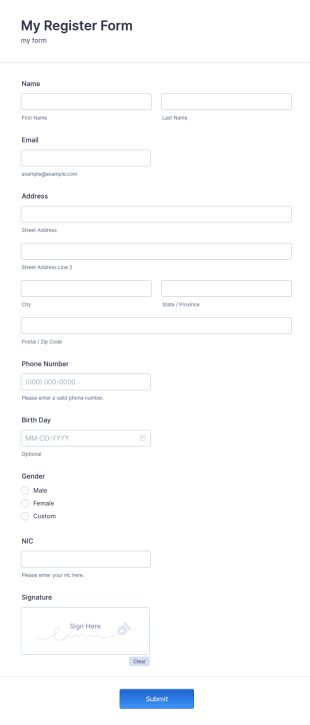



Web Design Forms
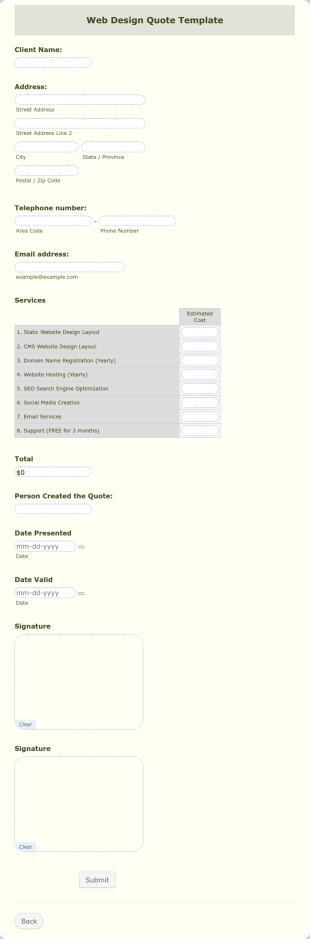
Web Design Quote
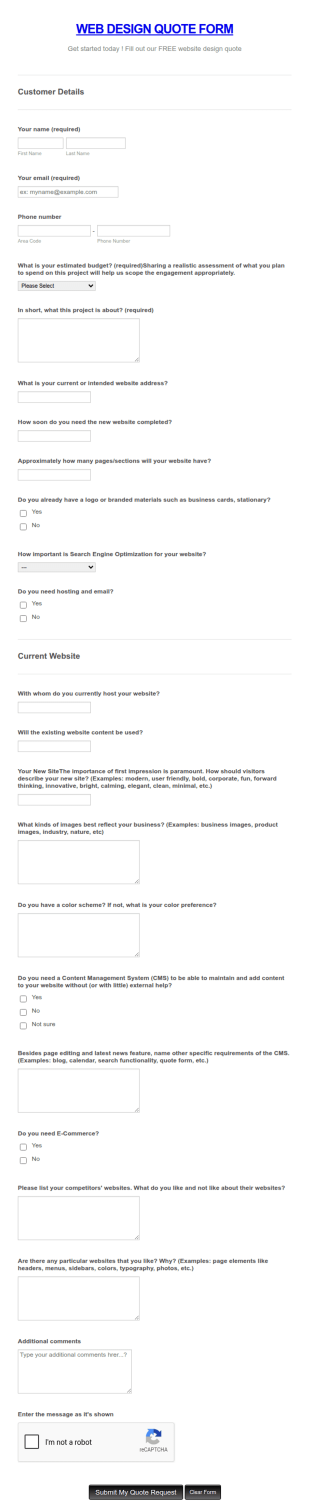
Create your own Web Design Quote form now using Jotform Web Design Quote Template. This Web Design Quote template is just a sample template but you can edit it and change some information using the editing tool feature. The PDF form has the basic information needed to create a Web Design Quote. Just fill out those boxes, customize, add or remove information based on your liking.
Go to Category:Web Design Forms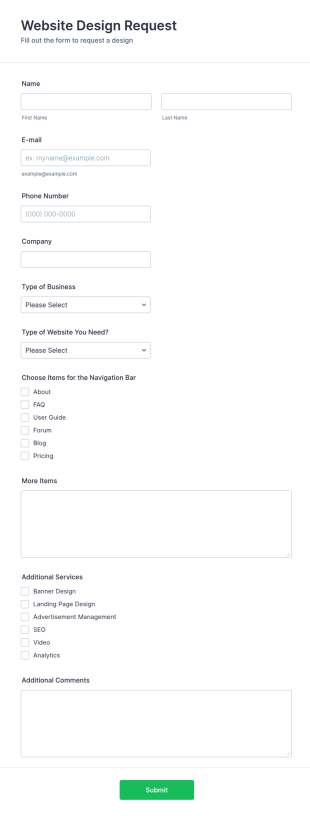
Website Design Request Form
With this simple request form, you can collect any information to understand your customers' business and their expectations from their website, perceive the design in detail, offer additional services and ask for comments.
Go to Category:Web Design Forms
Web Designer Client Questionnaire
Customize this free Web Designer Client Questionnaire to gather website design requests online. Automatically send responses to 130+ apps. Embed in seconds!
Go to Category:Web Design FormsGraphic Design Request Form
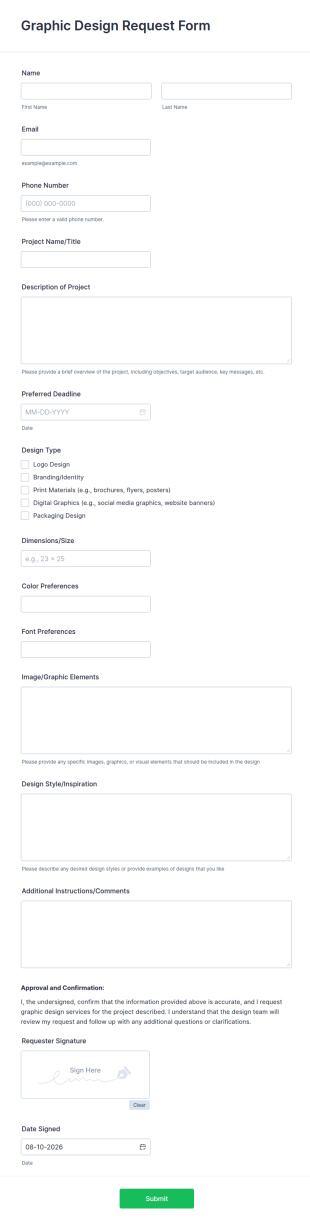
Graphic Design Request Form is a form template that provides an effortless method for clients to submit their design requests, capturing all necessary details through Jotform's intuitive, user-friendly interface.
Go to Category:Web Design FormsRate My Website Form
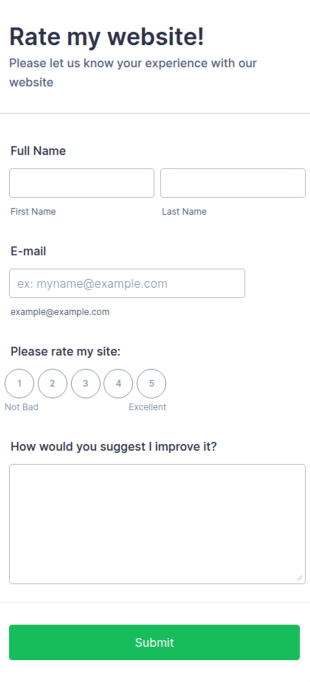
Get feedback's from your website customers easily using this Rate My Website Form.
Go to Category:Web Design Forms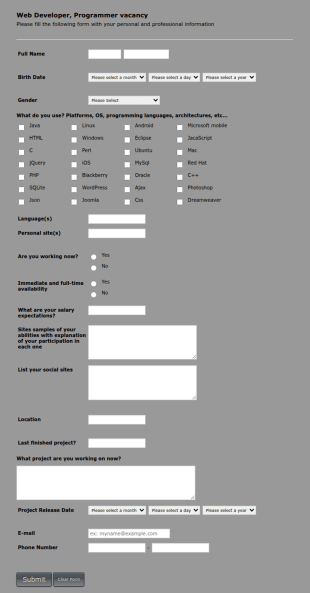
Web Developer/Programmer Application Form
A web developer/programmer/software engineer Job Application Form which collects personal/contact information, helps determining their skills, collects details regarding their projects, apps, websites, Github profile, and more.
Go to Category:Business FormsWeb Banner Creation Request Form
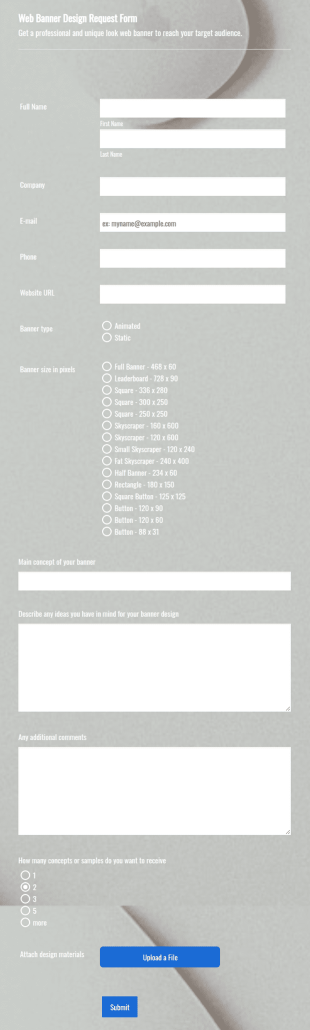
A web banner creation request form is a tool used to ask a web designer or a web development team to create a banner for a website.
Go to Category:Advertising Forms
Website Design Order Form
Website Design Order Form is a form template that simplifies the process of collecting vital information from clients seeking customized website design, powered by Jotform’s user-friendly interface.
Go to Category:Web Design Forms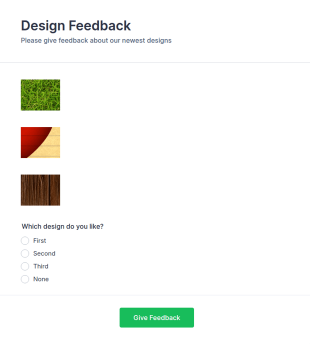
New Design Feedback Form
A New Design Feedback Form is a form template designed to collect valuable feedback from clients or team members regarding a new design or product.
Go to Category:Web Design Forms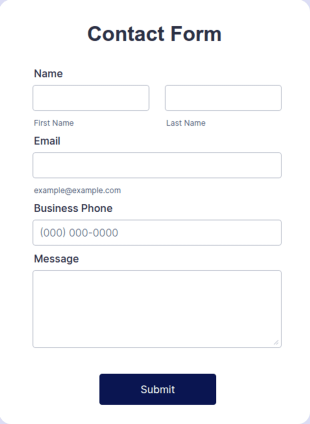
Popup Contact Form
A popup contact form is a contact form that opens in a popup on a website, allowing users to quickly submit their information.
Go to Category:Business Forms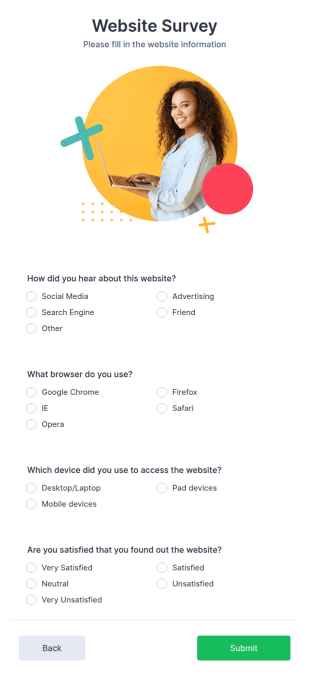
Bootstrap Survey
A Bootstrap survey is a form that allows customers to provide feedback about a website, using various questions to determine how engaging a site is. Fully customizable.
Go to Category:Web Design Forms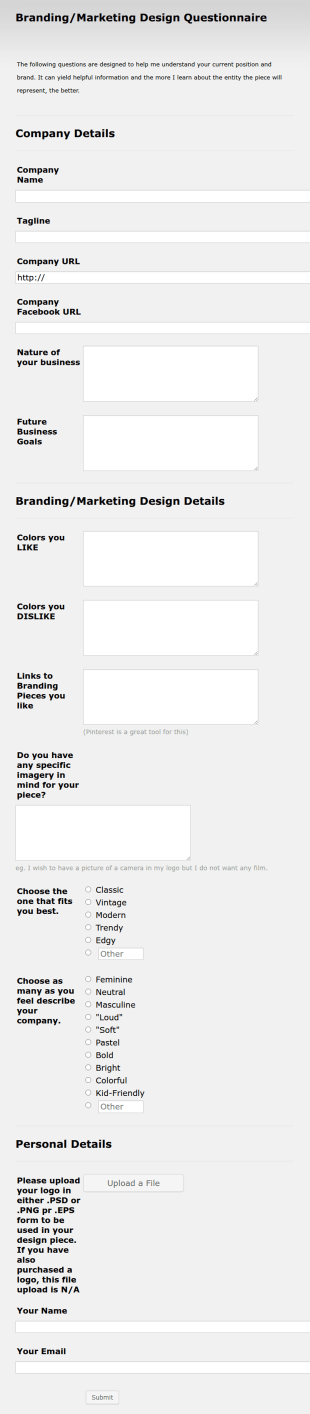
Logo Design Questionnaire
Logo Design Questionnaire is a form template that assists graphic designers in gathering critical information about a client's design preferences and business goals, simplified by Jotform's intuitive layout and easy customization features.
Go to Category:Web Design FormsGraphic Design Job Application Form
Here is a Graphic Design Job Application Form that provides you with the applicants' personal and contact information, university status, skill levels related to design, relevant attachments, portfolio samples, and links.
Go to Category:Web Design Forms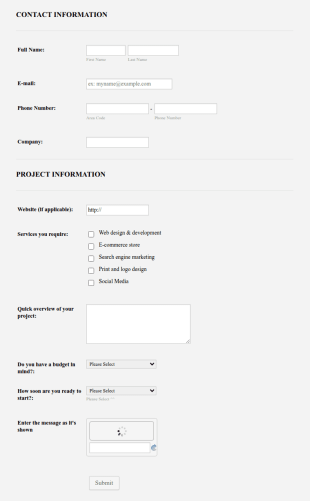
Get A Quote Web Design
Here is a website quote form for you. Whether if you are running a website design agency, or you are a freelance website developer, you can use this website quote form to give quotes for your customers. Use this form and let your customers get a quote from you today!
Go to Category:Web Design FormsWebsite Design Quote And Order Form
A simple Web Design Quote Form template, which allows people to sell and quote websites to their customers. The template allows gathering all necessary information regarding building a website and customer contact details.
Go to Category:Web Design FormsLogin Form Template
Login Form Template is a form template that facilitates secure and streamlined entry into your SaaS applications, simplifying user access while maintaining robust security, designed with the expertise of Jotform.
Go to Category:Web Design Forms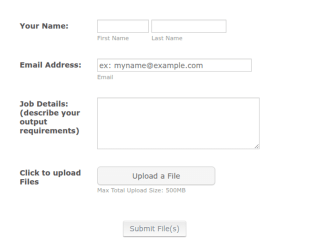
File Upload Form 2
Here's a form which can be used by many to have files uploaded and submitted to a person with technical skills that can remaster the files and filetypes into specifications based on the demand details.
Go to Category:File Upload Forms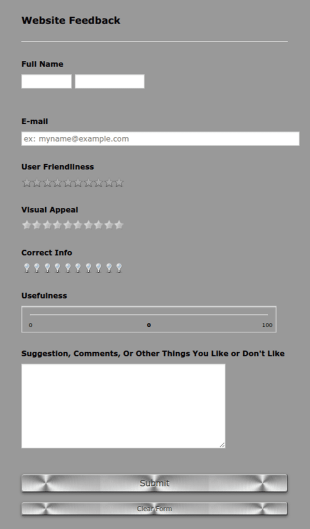
SCC Website Feedback
If you have, own, or manage a website then this is a form that is definitely for you. This form allows users and visitors of your website to rate and give feedback including comments about your website which can help you to improve it!
Go to Category:Web Design Forms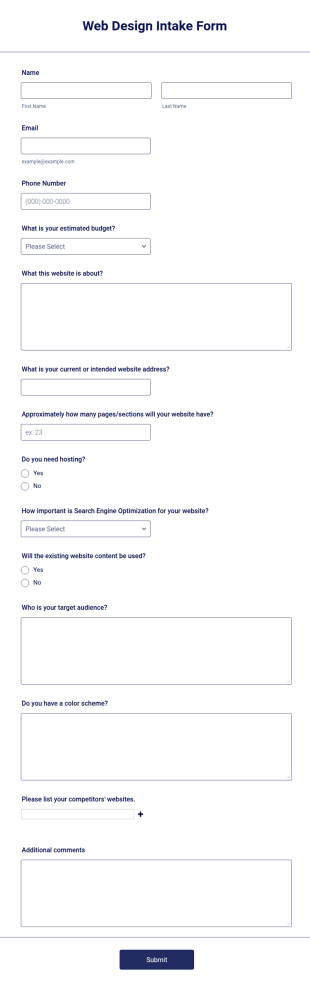
Web Design Intake Form
Web Design Intake Form is a form template that facilitates seamless client information gathering for web design projects, simplifying the process of capturing design preferences and specifications with Jotform's user-friendly interface.
Go to Category:Web Design Forms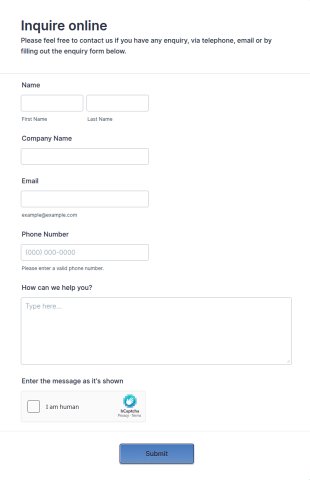
Sidebar Contact Form
A sidebar contact form is a form that is displayed in a sidebar of a website. The sidebar contact form is a versatile. Fully customizable and free.
Go to Category:Web Design Forms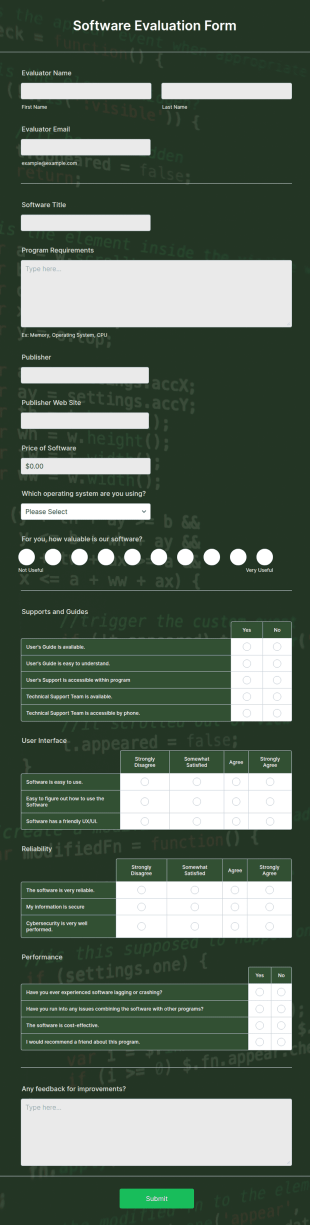
Software Evaluation Form
A software evaluation form is a questionnaire used to measure how effective a specific piece of software is. Customize this template without coding!
Go to Category:Web Design Forms
Website Design & Development Questionnaire
Are you a web designer? This form can help you to get all the information needed from your clients!
Go to Category:Business Registration Forms
Website Update Request Form
A website update request form is used by website owners to request changes from an agency or web developer.
Go to Category:Customer Service Forms
Bootstrap Form Template
A Bootstrap Form Template is a form template designed to create responsive and visually appealing web forms using the Bootstrap framework.
Go to Category:Web Design FormsAbout Web Design Forms
Web Design Forms are specialized digital forms tailored for the intricate needs of web design projects. These forms facilitate a seamless flow of information between clients and designers, ensuring that all project requirements are captured accurately and efficiently. Whether it's gathering initial project specifications or managing ongoing feedback during the design process, Web Design Forms play a critical role in streamlining communication and documentation. By utilizing these forms, web designers and agencies can ensure that every detail is accounted for, thus enhancing project outcomes and client satisfaction.
Jotform stands out as the premier online form builder for creating and managing Web Design Forms, offering unparalleled ease of customization and robust functionality. Its intuitive drag-and-drop interface allows users to tailor forms to specific project requirements effortlessly, while automated data collection features streamline the process of gathering and storing information. Moreover, centralized data management through Jotform Tables provides a secure and organized platform for storing and accessing form data, ensuring that all project-related information is easily retrievable and manageable. This makes Jotform an indispensable asset for web design professionals seeking to optimize their workflow and enhance client interactions.
Why Use Web Design Forms?
- Web Design Forms ensure that critical project details are captured with precision, reducing the risk of misunderstandings and errors. By using structured online forms, designers can systematically gather client requirements, preferences, and feedback, leading to more accurate project execution.
- The speed of information collection and processing is greatly enhanced with Web Design Forms. Instead of relying on back-and-forth emails or phone calls, clients can quickly fill out forms at their convenience, providing designers with timely and relevant data to move the project forward efficiently.
- Professional data handling is a cornerstone of Web Design Forms, as the digital format minimizes the risk of lost or misplaced information. With centralized digital storage, all form submissions are automatically organized, making it easy to track and reference project details at any stage.
- Customization capabilities allow designers to tailor forms to the specific needs of each project, ensuring that all unique requirements are addressed. This adaptability helps in accommodating diverse project scopes, from simple website updates to complex redesigns, without losing consistency or quality.
- Automation features in Jotform's Web Design Forms reduce manual administrative tasks, freeing up more time for designers to focus on creative work. This leads to increased productivity and a more streamlined workflow, ultimately benefiting both the design team and the client.
Common Problems Solved by Web Design Forms
- Many web design projects suffer from communication breakdowns due to incomplete or unclear information. Web Design Forms help mitigate this issue by providing a structured format for clients to convey their needs clearly and comprehensively, reducing the likelihood of miscommunication.
- Paperwork and manual data entry can be time-consuming and prone to errors. By switching to digital forms, web design teams can eliminate the inefficiencies associated with traditional paperwork, ensuring that all data is captured accurately and stored electronically for easy access.
- Lost or misplaced project details can derail timelines and affect project outcomes. With Web Design Forms, all data is securely stored online, reducing the risk of information loss and enabling designers to maintain continuity throughout the project lifecycle.
- Managing multiple client projects simultaneously can lead to organizational challenges. Web Design Forms provide a centralized platform for tracking submissions and organizing data, making it easier for designers to juggle multiple projects without losing track of individual project requirements.
- The manual approval process can delay project progress. With Jotform's Approval Workflows feature, Web Design Forms can streamline the approval process, allowing for faster decision-making and project advancement.
Matching Use Cases to Features
- For capturing detailed project specifications, the Drag-and-Drop Form Builder allows designers to create forms that include all necessary fields, ensuring comprehensive data collection in a user-friendly manner.
- Conditional Logic can be used to tailor the form experience for clients, showing or hiding fields based on previous responses. This feature ensures that clients only fill out relevant sections, making the form submission process more efficient and personalized.
- To facilitate payments for design services, Web Design Forms can integrate with over 30 Payment Gateways, including Stripe and PayPal. This allows clients to make secure payments directly through the form, streamlining the billing process.
- Electronic Signatures (Jotform Sign) enable designers to obtain client approvals on proposals or design drafts directly within the form, ensuring that all authorizations are documented and legally binding.
- The PDF Editor feature allows for the automated generation of professional PDF documents from form submissions, providing a polished and easily shareable record of all client interactions and project agreements.
- Integration with third-party services like Google Sheets and Salesforce enables seamless data transfer and management, allowing design teams to maintain updated and synchronized project records.
- Secure Data Management with Jotform Tables ensures that all collected data is stored securely, protecting client information and maintaining compliance with data protection regulations.
How to Create a Web Design Form
- Begin by browsing the Template List for a Web Designs template that suits your needs or start from a blank form to build a custom solution.
- Use the Drag-and-Drop Form Builder to customize the design and fields, ensuring that all specific project requirements are addressed and the form is intuitive for clients to complete.
- Once your form is finalized, publish and share it via Direct Link, Email, or Website Embed to ensure easy access for clients and stakeholders.
Top Use Cases for Web Design Forms
- For Managers: Web Design Forms provide managers with a comprehensive tool to oversee all ongoing projects, ensuring that each project is on track and that all client requirements are being addressed. The ability to access real-time data and analytics enables managers to make informed decisions quickly, optimizing resource allocation and improving overall project management efficiency.
- For Teams: Design teams benefit from Web Design Forms by having a centralized platform to collaborate and communicate effectively. With all project details and client inputs readily available, team members can coordinate their efforts, ensuring consistency and alignment with project goals. This collaborative approach leads to higher quality outcomes and a more cohesive team dynamic.
- For Customers: Clients using Web Design Forms experience a seamless and professional interaction with their design partners. The structured format of the forms ensures that clients can convey their needs clearly and efficiently, while the automated processes reduce waiting times and enhance overall satisfaction. This level of service fosters trust and strengthens client relationships.
Summarizing Web Design Forms
Web Design Forms are an essential component for any web design project, offering a structured and efficient way to manage client interactions and project requirements. By leveraging Jotform’s advanced features, designers can streamline their workflows, reduce errors, and enhance communication, ultimately delivering superior results. The ability to customize forms to specific project needs, coupled with secure data management, makes Jotform an invaluable partner in the web design industry.
Frequently Asked Questions
1) Is it free to create Web Design Forms on Jotform?
Yes, Jotform offers a free plan that allows users to create and customize Web Design Forms, though there are limitations on the number of forms and submissions.
2) Are the forms and submitted data secure?
Absolutely, Jotform prioritizes data security with measures such as SSL encryption, compliance with GDPR, and secure data storage practices to protect client information.
3) Do I need coding knowledge to build a Web Design Form?
No, Jotform’s Drag-and-Drop Form Builder is designed for ease of use, allowing users to create fully functional forms without any coding expertise.
4) Can I collect payments directly through my forms?
Yes, Web Design Forms can integrate with over 30 payment gateways, enabling secure and convenient payment collection directly through the forms.
5) Can these forms be used on mobile devices?
Indeed, Jotform’s forms are mobile-responsive, ensuring that clients can complete and submit forms from any device, enhancing accessibility and convenience.
6) Can I turn form submissions into professional PDF documents?
Yes, with Jotform’s PDF Editor, you can automatically generate polished PDF documents from form submissions, perfect for record-keeping or sharing with clients.
7) How can Web Design Forms improve client communication?
Using structured forms ensures all client feedback and requirements are clearly documented, reducing miscommunication and improving project outcomes.
8) Can Web Design Forms integrate with project management tools?
Yes, Jotform offers integrations with various third-party services, including project management tools like Asana and Trello, to streamline workflow and data synchronization.