

Employee Evaluation Forms

Employee Performance Evaluation Form
An Employee Performance Evaluation Form is a form template designed to track individual performance, monitor employee progress, and provide detailed feedback to employees.
Go to Category:Human Resources Forms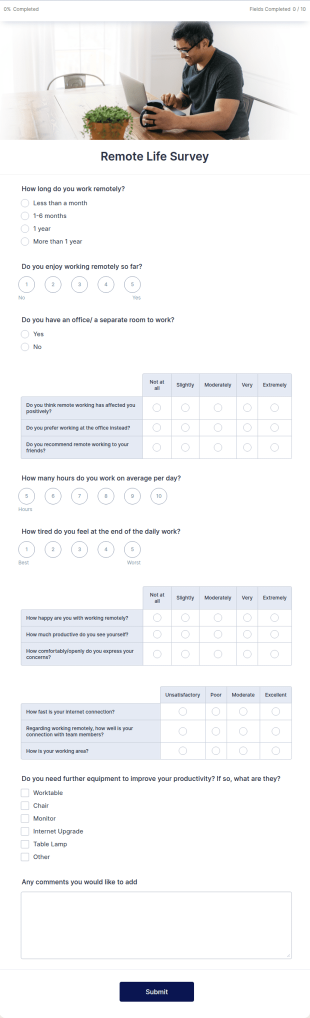
Remote Work Survey
Analyze your current work from home policy with a free online Remote Work Survey. Ideal for coronavirus-related remote workplaces. Sync responses to 100+ apps.
Go to Category:Human Resources Forms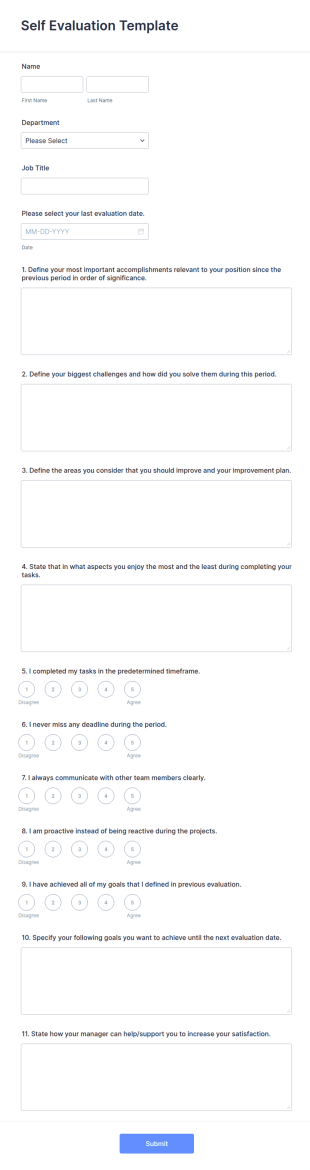
Self Evaluation Template
Create the perfect Self Evaluation Form for your employees. Collect, view, and manage responses on any device. Free to use and easy to customize!
Go to Category:Human Resources Forms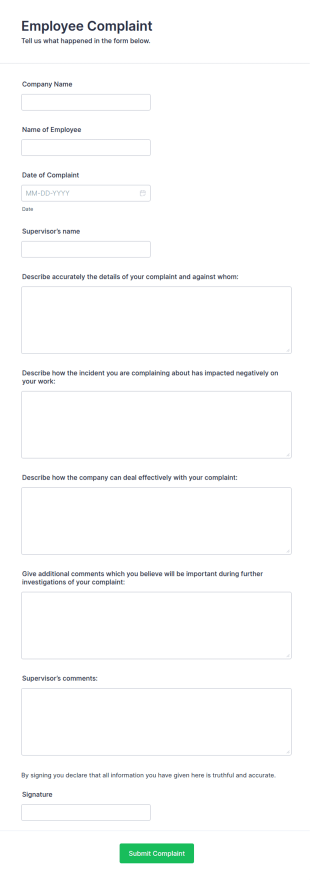
Employee Complaint Form
An employee complaint form is used to document a complaint from an employee against another employee, senior manager, or supervisor.
Go to Category:Human Resources Forms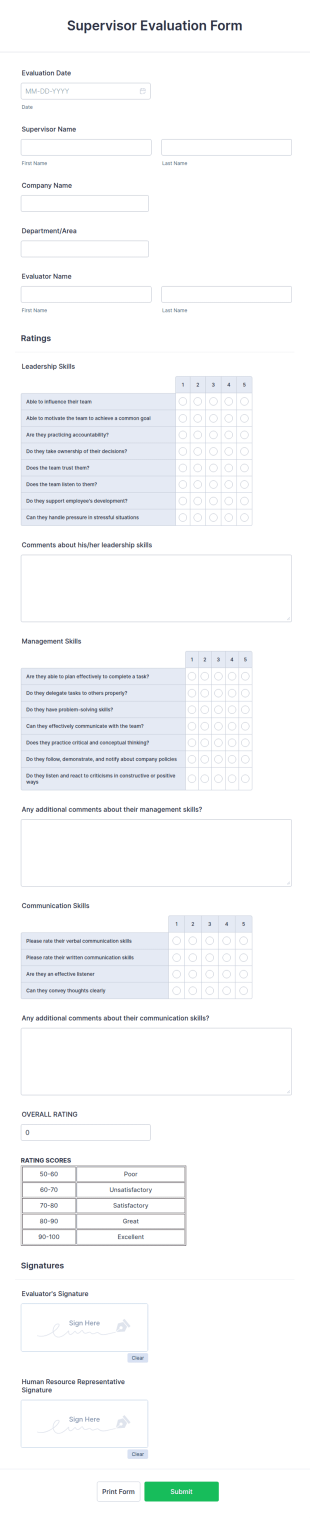
Supervisor Evaluation Form
A Supervisor Evaluation Form is a versatile tool designed to streamline the process of conducting performance evaluations for employees
Go to Category:Human Resources Forms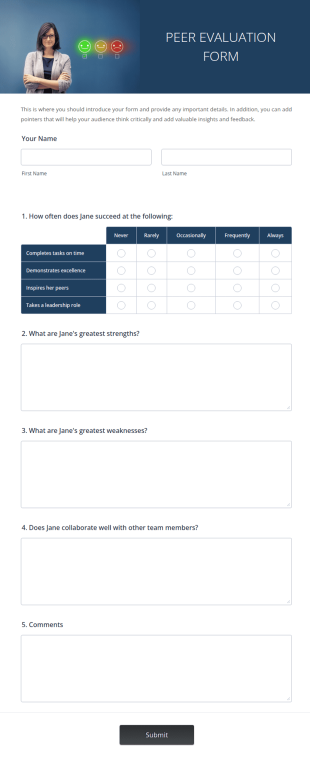
Peer Evaluation Form
A Peer Evaluation form is a form template designed to streamline the process of collecting feedback and evaluations from peers in the workplace
Go to Category:Peer Evaluation Forms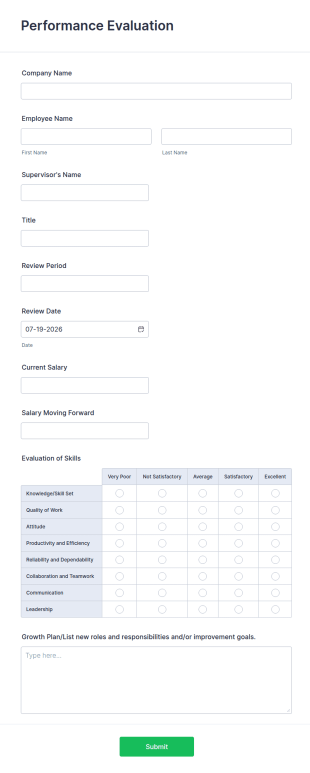
Performance Evaluation Form
A performance evaluation form is used by employers to evaluate the performance of the employees and track their progress.
Go to Category:Human Resources Forms
Restaurant Employee Evaluation Form
Manage your restaurant staff with a free, online evaluation form you can send to supervisors. Easy to customize, download, print, and share. No coding required.
Go to Category:Restaurant Evaluation Forms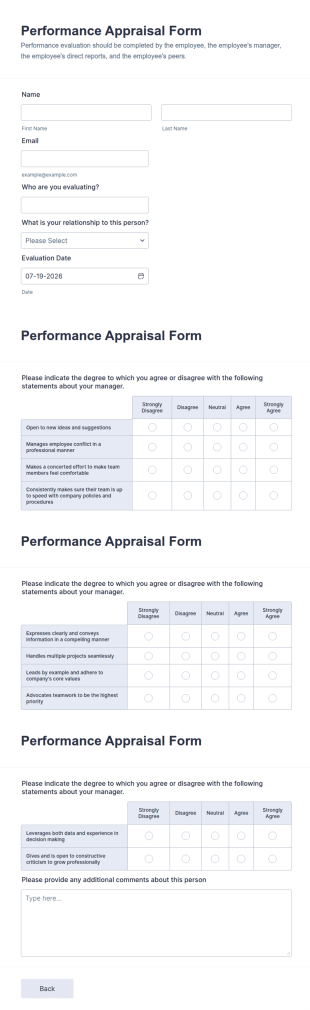
Performance Appraisal Form
A performance appraisal form is used to evaluate employees’ work performance in order to see what they’re doing well and what they need to improve on.
Go to Category:Employee Evaluation Forms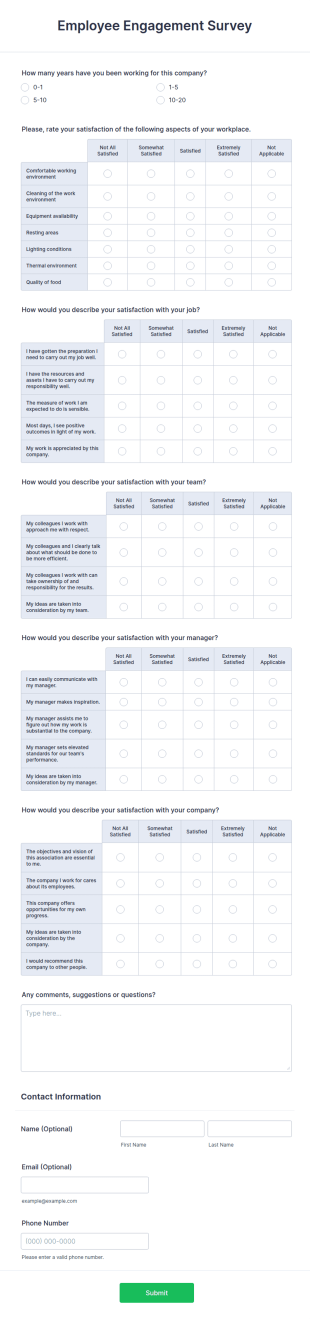
Employee Engagement Survey
Employee Engagement Survey meets your needs! By using this Employee Engagement Survey, you can learn how satisfied your employees are at your company in order to improve your working conditions.
Go to Category:Human Resources Forms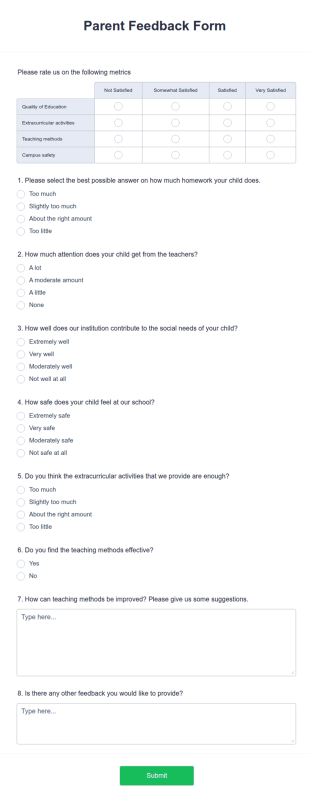
Parent Feedback Form
Now, the feedback of the parents, as well as the students, is important. Collect feedback and improve your organization with the Parent Feedback Form. No code required!
Go to Category:Education Forms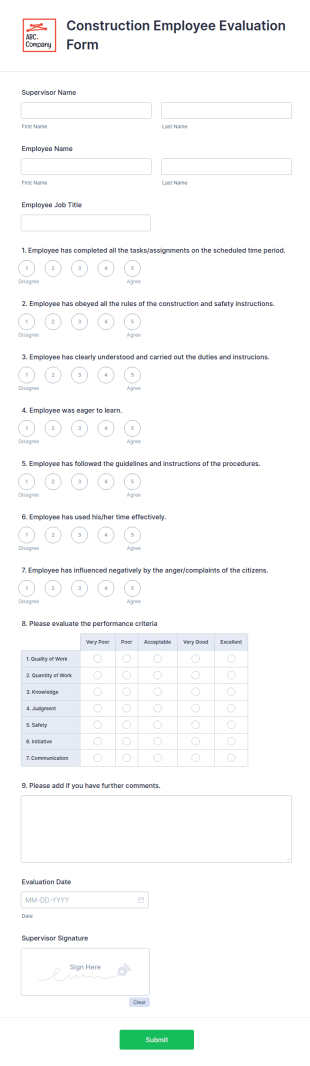
Construction Employee Evaluation Form
Monitor construction workers with this free, online evaluation form. Easy to customize and complete on any device. Download, print, and share reviews. No coding.
Go to Category:Human Resources Forms
Employee Self Appraisal Form
An employee appraisal form is a type of self-assessment form used by managers, supervisors, and team leaders to keep track of and evaluate employee performance.
Go to Category:Business Forms
Executive Director Evaluation Form
An Executive Director Evaluation form is a questionnaire used by non-profit organizations to gather feedback from employees. No coding!
Go to Category:Human Resources Forms
90 Day Employee Evaluation Form
Monitor the improvement of a new employee by using this 90 Day Employee Evaluation Form. This form is helpful in deliberating if the employee is suitable for the position or not.
Go to Category:Human Resources Forms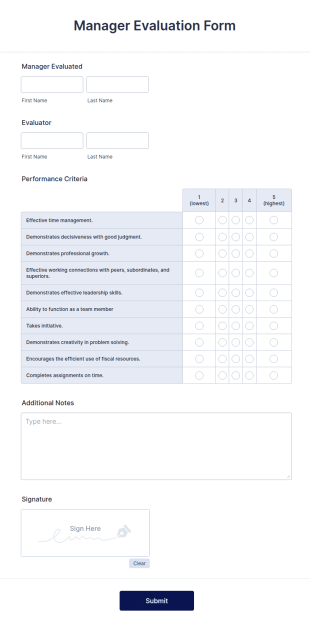
Manager Evaluation Form
A manager evaluation form is a questionnaire that helps supervisors to rate the performance of their employees. Use this Manager Evaluation Form to ask your employees for feedback about their work.
Go to Category:Human Resources Forms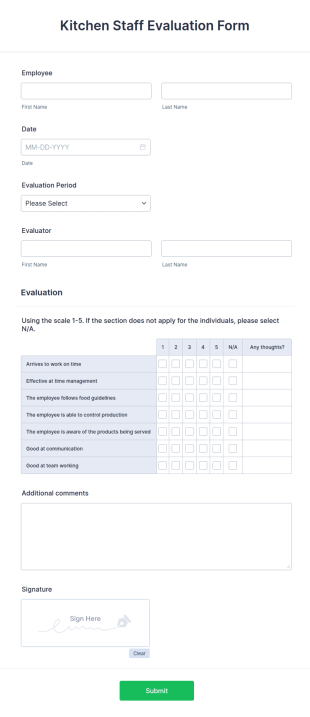
Kitchen Staff Evaluation Form
Keep your restaurant in business. Evaluate chefs with our free, customizable evaluation form. Receive feedback from supervisors. View and edit on any device.
Go to Category:Human Resources Forms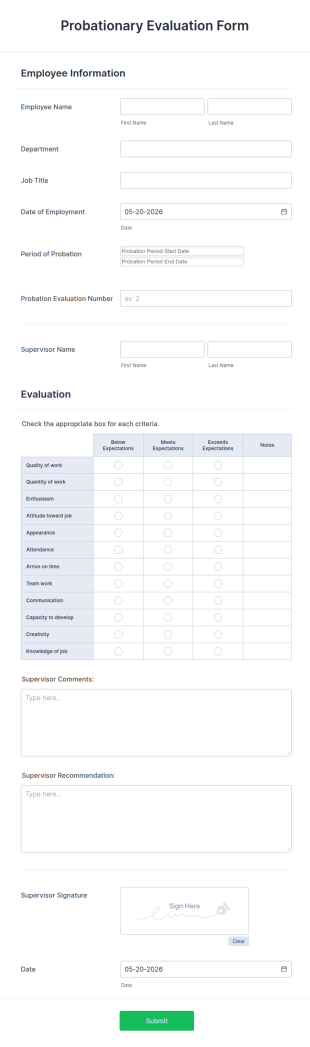
Probationary Evaluation Form
A probationary evaluation form is a survey that is used by employers to understand how new employees are adjusting to a new job and workplace environment. No coding!
Go to Category:Employee Evaluation Forms
360 Degree Review Form
A 360-degree review form is a professional peer-review survey that allows employees to evaluate the skills and knowledge of a coworker or subordinate. Whether you’re a manager or an employee, use this 360 Degree Review Form template to conduct an anonymous, online peer review!
Go to Category:Employee Evaluation Forms
Food Service Employee Evaluation Form
Get feedback about employees online and improve your restaurant. Customize and share with supervisors in minutes. Easy to fill out on any device. No coding.
Go to Category:Human Resources Forms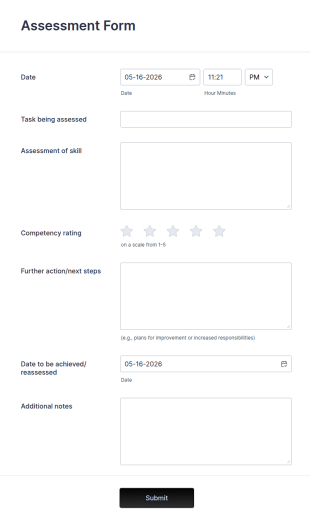
Assessment Form
An assessment form is a questionnaire used to make assessments with all necessary metrics included. Go online with no coding!
Go to Category:Business Forms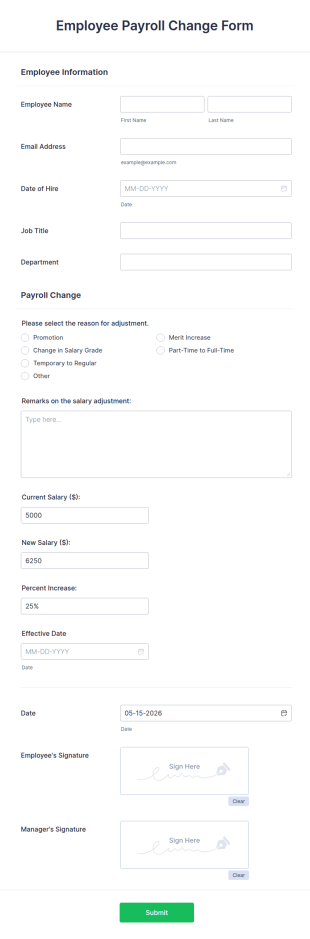
Employee Payroll Change Form
An employee payroll change form is a document, often used by human resources personnel, which details a change made to an employee's pay rate. No coding!
Go to Category:Business Forms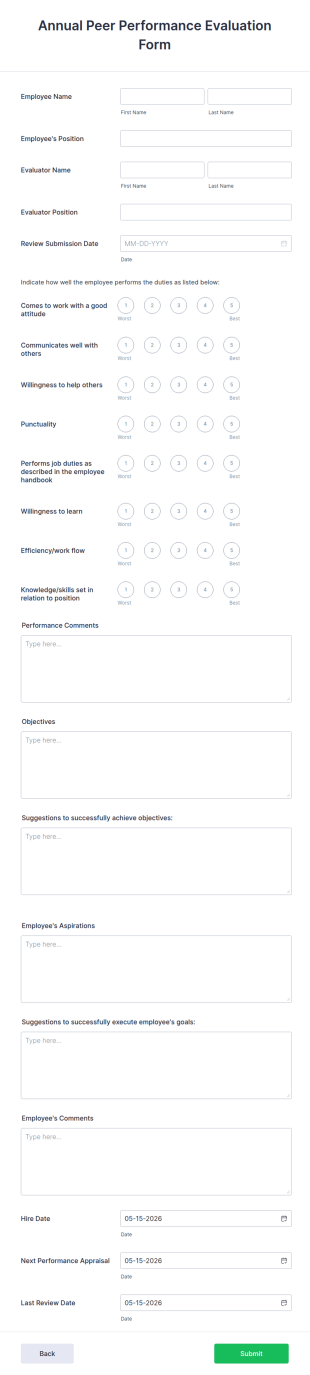
Annual Peer Performance Evaluation Form
An annual peer performance evaluation form is used by a supervisor to provide feedback to their employees on their performance over a year. Boost your progress via Jotform. No coding.
Go to Category:Human Resources Forms
Sales Evaluation Form
Sales Evaluation Form Template helps businesses collect feedback on sales staff performance and track evaluation results in an organized way.
Go to Category:Business FormsAbout Employee Evaluation Forms
Employee Evaluation Forms are essential digital forms used by organizations to assess the performance and development needs of their employees. These forms can incorporate various metrics to evaluate competencies, achievements, and areas for improvement, often forming the basis for feedback sessions and development plans. In real-world workflows, these forms streamline the process of gathering consistent data across departments, ensuring that evaluations are fair, transparent, and aligned with company objectives. They can also be used to facilitate 360-degree feedback processes, self-assessments, and peer reviews, contributing to a comprehensive understanding of employee performance.
Jotform stands as a premier choice for creating Employee Evaluation Forms, offering a robust online form builder that simplifies the customization process. With Jotform, organizations can effortlessly design forms that automate the collection and analysis of evaluation data, enhancing efficiency and accuracy. The platform's ease of use, coupled with its centralized data management through Jotform Tables, allows businesses to maintain a secure and organized repository of employee performance records. This centralized approach not only saves time but also enables organizations to make data-driven decisions that support employee growth and organizational success.
Why Use Employee Evaluation Forms?
- Employee Evaluation Forms ensure accuracy in capturing employee performance metrics by providing standardized fields and formats, which reduce the likelihood of errors and discrepancies. This consistency is crucial for maintaining fairness and objectivity in evaluations across the organization.
- The speed at which Employee Evaluation Forms can be filled and processed significantly enhances the efficiency of the evaluation cycle. By digitizing the process, these forms eliminate the time-consuming nature of manual data entry, allowing HR teams to focus on more strategic tasks.
- Professional data handling is a hallmark of Employee Evaluation Forms, as they facilitate the secure collection, storage, and analysis of sensitive performance data. With features like encrypted submissions and access controls, organizations can ensure that employee information is protected.
- Employee Evaluation Forms promote transparency by allowing employees to see the criteria on which they are being evaluated. This openness encourages dialogue between managers and team members, fostering an environment of trust and continuous improvement.
- These forms support scalability, making it easy for organizations to extend their evaluation processes as they grow. Whether a company has 50 employees or 5,000, Employee Evaluation Forms can be adapted to meet changing needs without a hitch.
Common Problems Solved by Employee Evaluation Forms
- Traditional paper-based evaluations are prone to getting lost or misplaced, leading to incomplete records and potential disputes. Employee Evaluation Forms mitigate this risk by storing all data digitally, ensuring that records are easily accessible and well-organized.
- Manual data entry and processing can lead to errors and inconsistencies, which can skew performance results. By using Employee Evaluation Forms, organizations can automate data capture, reducing human error and ensuring that evaluations are precise and reliable.
- The time-intensive nature of traditional evaluation processes can delay feedback and hinder employee development. Digital forms accelerate the process, allowing for quicker turnaround times and more timely feedback, which is crucial for employee motivation and growth.
- Inconsistent evaluation criteria across departments can lead to unfair assessments. Employee Evaluation Forms standardize the evaluation process, ensuring that all employees are assessed using the same criteria and benchmarks, promoting equity and fairness.
Matching Use Cases to Features
- For organizations looking to customize their evaluation criteria, Jotform's Drag-and-Drop Form Builder allows for easy modification of form fields, enabling HR teams to tailor evaluations to specific roles or departments. This feature ensures that forms are relevant and aligned with business goals.
- Conditional Logic can be employed to create dynamic forms that adjust based on user inputs, streamlining the evaluation process by showing only relevant questions. This leads to a more efficient form-filling experience and reduces unnecessary data entry.
- With Jotform's Electronic Signatures feature, organizations can collect authenticated approvals from managers and employees, ensuring that evaluations are formally acknowledged and agreed upon. This feature adds a layer of accountability and officiality to the evaluation process.
- The integration with over 100 third-party platforms, such as Google Sheets and Salesforce, allows for seamless data transfer and synchronization. This connectivity ensures that evaluation data can be easily shared and analyzed alongside other business metrics.
- Jotform's Automated PDF Generation capability enables HR departments to automatically convert completed forms into professional PDF documents, which can be stored, shared, or printed as needed. This feature is invaluable for maintaining consistent documentation and record-keeping practices.
How to Create a Employee Evaluation Form
- Browse the Template List for an Employee Evaluations template or start from a blank form.
- Customize the design and fields using the Drag-and-Drop Form Builder.
- Publish and share via Direct Link, Email, or Website Embed.
Top Use Cases for Employee Evaluation Forms
- For Managers: Employee Evaluation Forms provide managers with a structured approach to assessing employee performance. By using these forms, managers can ensure that evaluations are consistent, objective, and aligned with department goals. The forms facilitate meaningful conversations during performance reviews, allowing managers to provide constructive feedback and set clear expectations for future performance.
- For Teams: Teams can use Employee Evaluation Forms to gather peer feedback and self-assessments, contributing to a more holistic view of performance. This collaborative approach encourages team members to support each other's growth and fosters a culture of continuous improvement. The feedback collected can help identify strengths and areas for development, enhancing team dynamics and productivity.
- For Customers: While primarily used internally, Employee Evaluation Forms can also be adapted to gather customer feedback on employee interactions, particularly in service-oriented industries. This external feedback can provide valuable insights into employee performance from a customer's perspective, helping organizations to enhance customer satisfaction and service quality.
Summarizing Employee Evaluation Forms
Employee Evaluation Forms are a vital component of effective human resource management, offering a streamlined and standardized method for assessing employee performance. By leveraging Jotform's online form builder, organizations can create customized forms that facilitate accurate and efficient data collection, analysis, and feedback. The ability to integrate with existing systems and automate the evaluation process ensures that companies can focus on strategic decision-making and employee development. Overall, these forms play a crucial role in driving organizational success and fostering a culture of continuous improvement.
Frequently Asked Questions
1) Is it free to create Employee Evaluation Forms on Jotform?
Yes, Jotform offers a free plan that allows users to create, customize, and use Employee Evaluation Forms with certain limitations. Additional features and higher submission limits are available on paid plans.
2) Are the forms and submitted data secure?
Absolutely. Jotform prioritizes data security with features like SSL encryption, GDPR compliance, and advanced access controls to ensure that all forms and submitted data remain confidential and protected.
3) Do I need coding knowledge to build a Employee Evaluation Form?
No, you do not need any coding knowledge to build an Employee Evaluation Form on Jotform. The platform's intuitive Drag-and-Drop Form Builder makes it easy for anyone to create and customize forms without technical expertise.
4) Can I collect payments directly through my forms?
Yes, Jotform supports integration with over 30 payment gateways, including Stripe, PayPal, and Square, allowing you to collect payments directly through your forms if needed.
5) Can these forms be used on mobile devices?
Yes, Jotform forms are fully responsive and can be accessed and filled out on any mobile device, ensuring convenience for users on-the-go.
6) Can I turn form submissions into professional PDF documents?
Yes, Jotform provides an Automated PDF Generation feature that automatically converts form submissions into professionally formatted PDF documents, which can be downloaded, printed, or shared as needed.
7) Can Employee Evaluation Forms be integrated with HR systems?
Yes, Jotform offers integration capabilities with numerous third-party platforms, allowing you to connect your Employee Evaluation Forms with existing HR systems for seamless data transfer and management.
8) How can Employee Evaluation Forms support remote teams?
Employee Evaluation Forms can be easily shared and accessed online, making them ideal for remote teams. They facilitate consistent performance evaluations regardless of location, ensuring that all team members receive the feedback necessary for their professional development.