



Hospice Forms
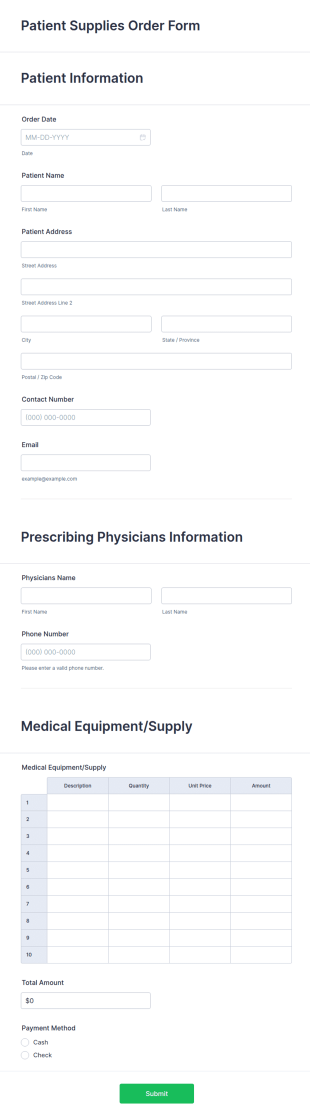
Patient Supplies Order Form
Patient Supplies Order Form is a form template that facilitates the process of ordering medical supplies for patients, streamlining healthcare administration with Jotform's user-friendly interface and versatile customization options.
Go to Category:Healthcare Forms
Hospice Referral Form
Use this Hospice Referral Form when referring a qualified patient to hospice care. This form contains all necessary fields that will make a smooth transition from one institution to another.
Go to Category:Hospice Forms
Hospice Volunteer Application Form
Accept Hospice Volunteer applications online using this Hospice Volunteer application form! Simply copy this form to your Jotform account and immediately publish it to your website!
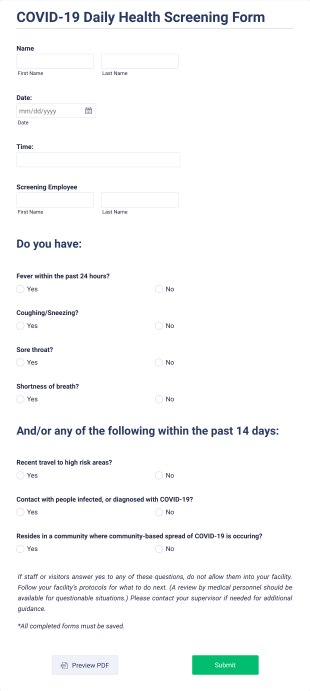
Go to Category:Hospice FormsCOVID 19 Daily Health Screening Form
Receive coronavirus screening forms online. Great for students, clients, employees, and more. Easy to customize, embed, and share. Fill out on any device.
Go to Category:Healthcare Forms
Palliative Care Assessment Form
Classify the type of care that the patient with severe illness is needed by using this Palliative Care Assessment Form. This form is simple yet contains all necessary health questions to diagnose the patient correctly.
Go to Category:Healthcare Forms
Hospice Transfer Form
Transfer patients from one hospice care provider to another by using this Hospice Transfer Form. This form template can be embedded on any webpage and can be opened on any mobile device.
Go to Category:Hospice Forms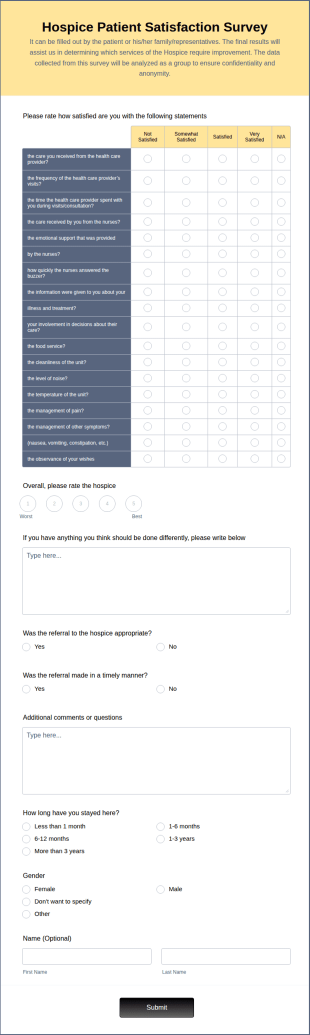
Hospice Patient Satisfaction Survey
Hospice patient satisfaction surveys are inquiries used by medical providers to seek feedback from patients about their hospice care. Collect patient feedback with a free online Hospice Patient Satisfaction Survey.
Go to Category:Healthcare Forms
Hospice Revocation Form
An online hospice revocation form is used by medical practitioners to manage the revocation of their patient’s hospice.
Go to Category:Hospice FormsHospice Discharge Summary Form
A hospice discharge summary form is a paper form used by physicians to document medical information about the patient and their recent discharge from the hospital. Get paperless forms today!
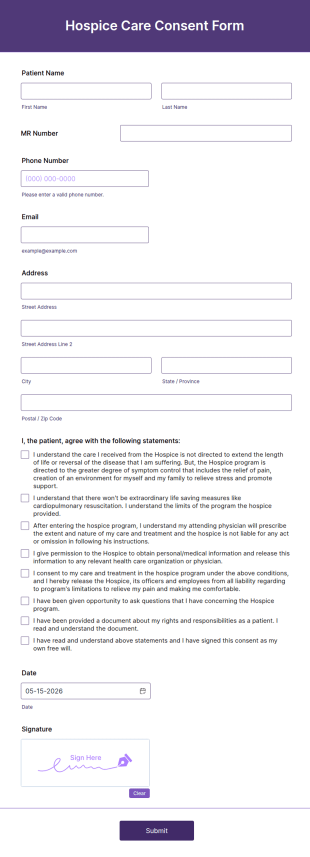
Go to Category:Healthcare FormsHospice Consent Form
A hospice care consent form is used by medical organizations to enroll patients in hospice care programs. Get the consent you need easily with Jotform!
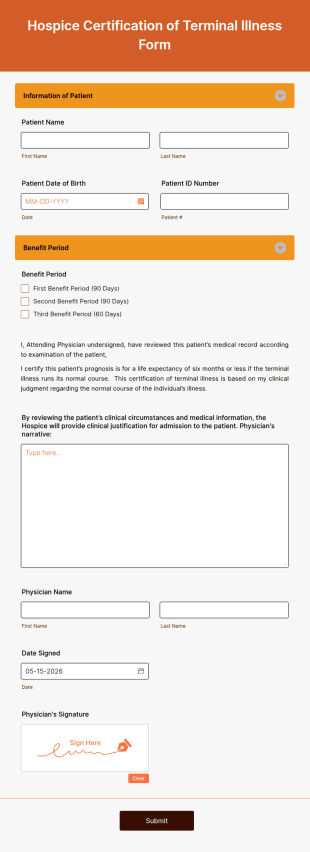
Go to Category:Healthcare FormsHospice Certification Of Terminal Illness Form
A hospice certification of terminal illness form is a document required by many hospitals and insurance companies. Start building your Hospice Certification of Terminal Illness Form now.
Go to Category:Healthcare Forms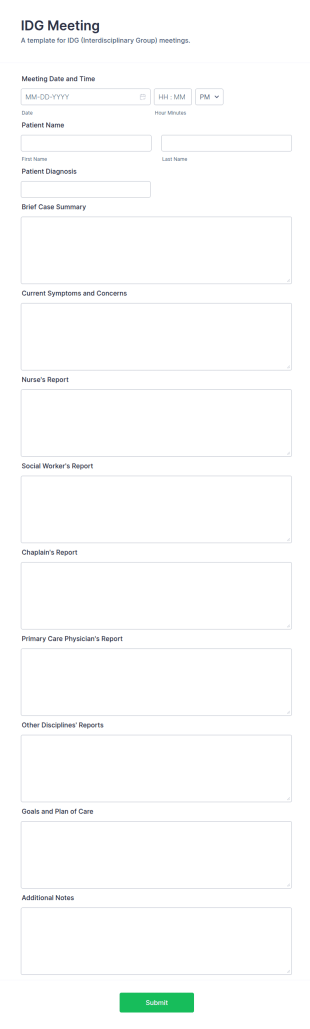
IDG Meeting Template
The IDG Meeting Template by Jotform is a tool for hospice organizations looking to streamline their interdisciplinary group meetings.
Go to Category:Hospice Forms
Hospice Spiritual Assessment Form
Hospice Spiritual Assessment Form is a form template ideal for healthcare providers to evaluate a patient's spiritual needs in hospice care. It helps streamline the assessment process, reduces paperwork, and enhances patient comfort.
Go to Category:Healthcare Forms
Confidential Patient Information Form
A Confidential Patient Information Form is a form used by healthcare providers to protect the identity and private information of patients.
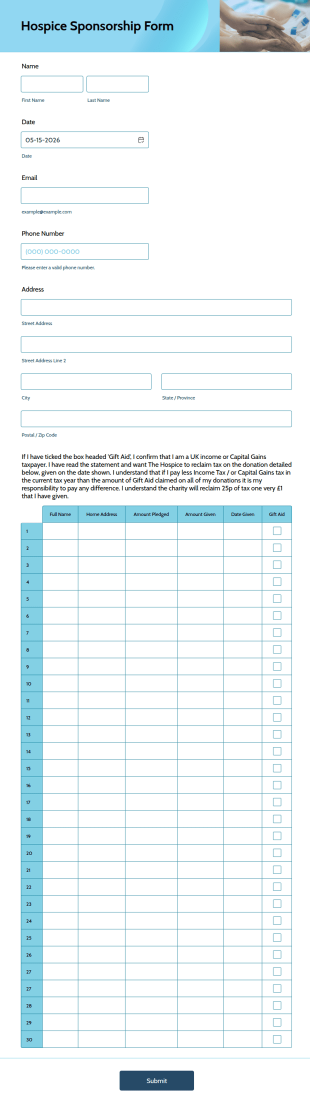
Go to Category:Hospice FormsHospice Sponsorship Form
A hospice sponsorship form is a grant application used by charities to raise funds for hospice care programs. Get your charity fundraising off the ground with a free online Hospice Sponsorship Form.
Go to Category:Hospice Forms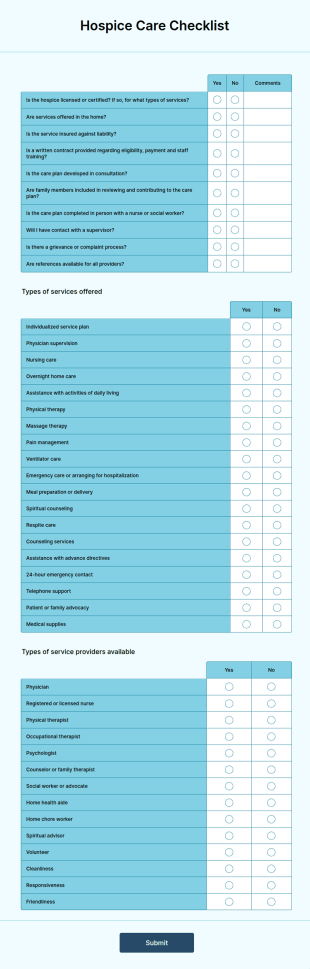
Hospice Care Checklist
Hospice care is an alternative to traditional medical care that specializes in keeping terminally ill patients comfortable during their last days.
Go to Category:Healthcare FormsHospice Incident Reporting (IAU) Form
A Hospice Incident Reporting (IAU) Form is used by medical facilities to report any kind of incident that happens in the facility. Keep your facility on track with Jotform!
Go to Category:Hospice Forms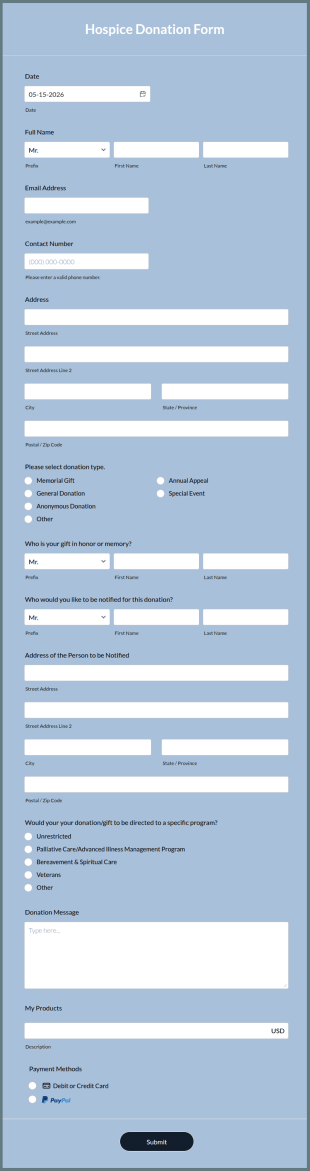
Hospice Donation Form
A hospice donation form is used by medical facilities to collect donations for hospice care, a service that works with a terminally ill patient to provide comfort, understanding, and support.
Go to Category:Hospice Forms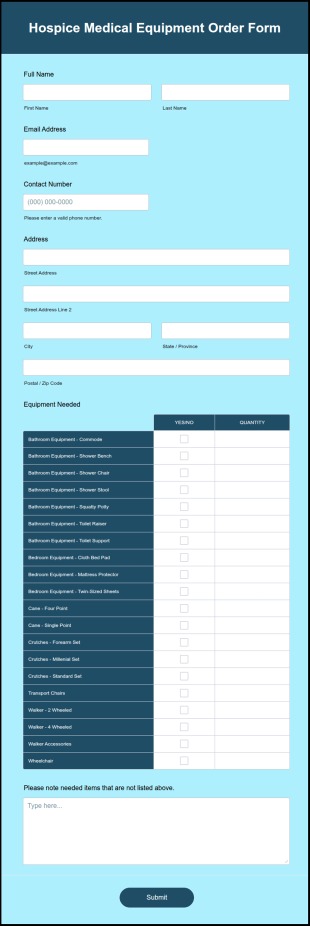
Hospice Medical Equipment Order Form
A Hospice Medical Equipment Order Form is used by medical businesses, such as hospitals and hospices, to order medical equipment for their patients.
Go to Category:Healthcare Forms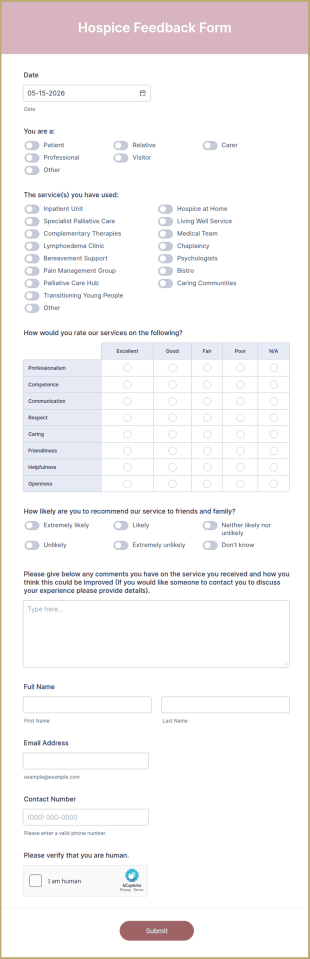
Hospice Feedback Form
A hospice feedback form is a questionnaire used by patients or patient relatives to share their experiences with a hospice center.
Go to Category:Healthcare Forms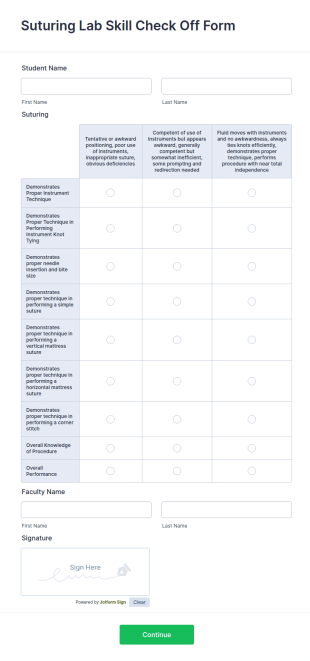
Suturing Lab Skill Check Off Form
A suturing lab skill check off form is a checklist used by medical practitioners to attest they have the knowledge and skill to perform a procedure.
Go to Category:Healthcare Forms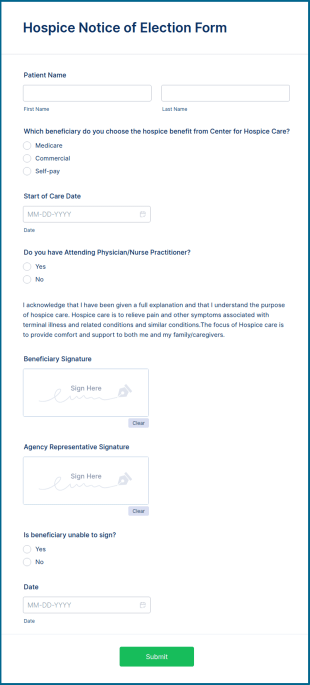
Hospice Notice Of Election Form
A hospice notice of election form is used by medical organizations to allow patients to make their end-of-life care wishes known.
Go to Category:Hospice Forms
Hospice Agency Questionnaire Form
Certify a hospice agency by having them complete the Hospice Agency Questionnaire Form and identify if they meet the required standards to get certified. You can add more fields and edit this form by using the Form Builder.
Go to Category:Questionnaire Templates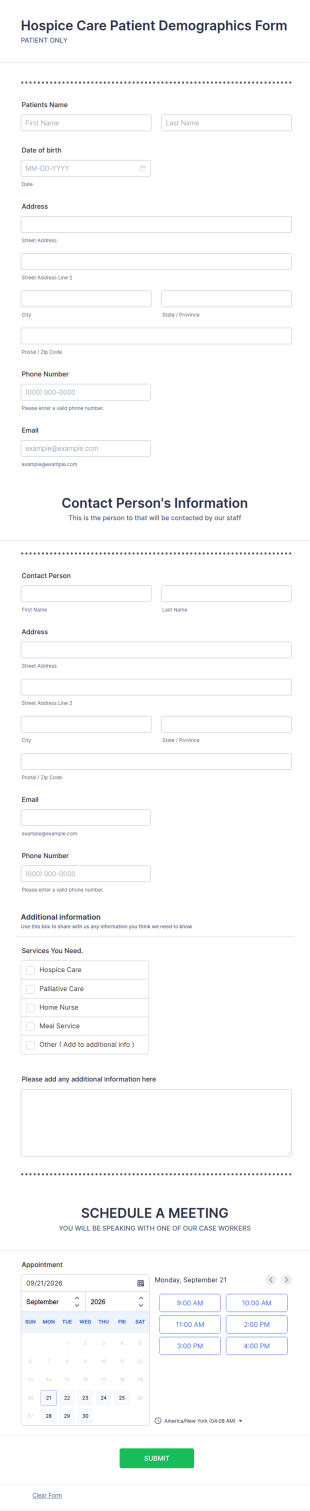
Hospice Care Patient Demographics Form
A hospice care patient demographics form is used by hospices to collect information about patients.
Go to Category:Healthcare FormsAbout Hospice Forms
Hospice Forms are specialized online forms designed to streamline operations within the hospice care industry. These forms are used to manage a variety of tasks such as patient intake, medical history documentation, staff scheduling, and feedback collection. In the real-world workflows of hospice care, these forms play a crucial role in ensuring that patient information is accurately recorded and easily accessible, which is vital for providing compassionate and effective care. By digitizing these processes, Hospice Forms help reduce the administrative burden on healthcare professionals, allowing them to focus more on patient care.
Jotform stands as the leading online form builder for creating and managing Hospice Forms, offering unmatched ease in customization and automation of data collection. With Jotform, users can effortlessly tailor forms to meet specific operational needs, ensuring that each form captures the necessary data efficiently. Furthermore, the platform provides centralized data management through Jotform Tables, which allows for seamless organization and retrieval of information. This integration ensures that all data is stored securely and can be accessed by authorized personnel, enhancing the overall operational efficiency of hospice care facilities.
Why Use Hospice Forms?
- Hospice Forms offer unparalleled accuracy in data collection, ensuring that all patient and operational information is captured without errors. This accuracy is critical in hospice care where precise medical and personal details are essential for delivering quality care.
- Speed is another advantage, as these forms enable quick data entry and real-time updates. This means that caregivers can spend less time on paperwork and more time attending to the needs of their patients, improving the overall quality of care.
- Professional data handling is a key feature, as Jotform provides secure data management solutions that comply with industry standards. This ensures that sensitive patient information is protected against unauthorized access and breaches.
- The use of electronic signatures through Jotform Sign streamlines the consent process, making it easier for patients and their families to authorize care plans and treatment preferences digitally, eliminating the need for physical paperwork.
- With the ability to integrate with over 100 third-party applications, Hospice Forms can easily sync with existing systems such as Google Sheets and Salesforce, facilitating smoother data transitions and broader operational integration.
Common Problems Solved by Hospice Forms
- One of the biggest challenges in hospice care is managing the extensive paperwork involved with patient care and administration. Hospice Forms eliminate the need for physical paperwork, reducing clutter and the risk of lost documents.
- Manual data entry is not only time-consuming but also prone to errors. By using Hospice Forms, data can be automatically captured and stored digitally, minimizing errors and saving valuable time for healthcare providers.
- Lost data can be a significant issue, especially when it involves critical patient information. With Jotform’s secure data management, all entries are stored safely, ensuring that no data is misplaced or lost.
- The difficulty of coordinating schedules and tasks among hospice care teams is another pain point. Hospice Forms can be used to streamline scheduling processes, ensuring that all team members are aligned and tasks are effectively managed.
Matching Use Cases to Features
- The Drag-and-Drop Form Builder is ideal for creating customized patient intake forms, allowing hospice staff to include specific fields that capture all necessary patient information efficiently and accurately.
- Conditional Logic can be used to simplify complex forms by showing or hiding fields based on user responses, which is particularly useful for medical history forms that require detailed, conditional inputs.
- For hospices that need to collect payments, Jotform’s integration with over 30 payment gateways, including Stripe and PayPal, facilitates seamless financial transactions directly through the forms.
- Electronic Signatures are essential in hospice care for obtaining consent on treatment plans and legal documents. With Jotform Sign, signatures can be collected digitally, ensuring a quick and efficient process.
- The Report Builder feature allows hospice administrators to generate comprehensive reports from collected data, providing valuable insights into patient care metrics and operational efficiency.
- Offline Data Collection with Jotform Mobile Forms ensures that hospice staff can gather information even in areas with limited internet access, syncing data automatically once connectivity is restored.
- Secure Data Management through Jotform Tables helps hospice facilities maintain an organized and accessible database of all patient and operational information, ensuring compliance and ease of access.
How to Create a Hospice Form
- Start by browsing the Template List for a Hospices template that suits your needs, or choose to create a form from scratch using a blank form.
- Customize your form’s design and fields using Jotform’s intuitive Drag-and-Drop Form Builder, ensuring that all necessary data points are included.
- Once your form is ready, publish it and share it with your intended audience via Direct Link, Email, or embed it on your website for easy access.
Top Use Cases for Hospice Forms
- For Managers: Managers in hospice care benefit greatly from Hospice Forms as they provide a streamlined way to oversee operations. With these forms, managers can efficiently track patient data, staff schedules, and resource allocation, ensuring that all aspects of the facility run smoothly. This centralized approach helps managers make informed decisions based on real-time data.
- For Teams: Hospice care teams rely on Hospice Forms to facilitate communication and coordination among members. These forms ensure that team members have access to up-to-date patient information, treatment plans, and task lists, which are essential for providing consistent and high-quality care. By using these forms, teams can improve collaboration and reduce the risk of miscommunication.
- For Customers: Patients and their families benefit from Hospice Forms by having a more seamless and transparent experience. These forms allow for easy submission of personal information, preferences, and feedback, ensuring that their needs and concerns are addressed promptly. The use of digital forms also enhances the overall accessibility and convenience for customers.
Summarizing Hospice Forms
Hospice Forms are integral to the effective operation of hospice care facilities, offering a robust solution for managing patient information and administrative tasks. By leveraging the capabilities of Jotform’s online form builder, hospice organizations can enhance their data accuracy, operational speed, and overall efficiency. Through secure and centralized data management, these forms ensure that critical information is handled professionally, supporting the delivery of compassionate care to patients.
Frequently Asked Questions
1) Is it free to create Hospice Forms on Jotform?
Yes, Jotform offers a free plan that allows you to create and use Hospice Forms, although certain advanced features and higher submission limits may require a paid plan.
2) Are the forms and submitted data secure?
Absolutely, Jotform employs robust security measures including encryption and compliance with industry standards to protect all forms and submitted data from unauthorized access.
3) Do I need coding knowledge to build a Hospice Form?
No, Jotform’s Drag-and-Drop Form Builder is user-friendly and does not require any coding knowledge, making it accessible for anyone to create custom forms.
4) Can I collect payments directly through my forms?
Yes, Jotform integrates with over 30 payment gateways, such as Stripe and PayPal, allowing you to collect payments directly through your forms.
5) Can these forms be used on mobile devices?
Yes, Jotform forms are fully responsive and can be accessed on any mobile device, ensuring flexibility and convenience for users.
6) Can I turn form submissions into professional PDF documents?
Yes, Jotform's PDF Editor allows you to automatically generate professional PDF documents from form submissions, which can be customized to meet your needs.
7) Can Hospice Forms be integrated with existing systems?
Yes, Hospice Forms can be integrated with over 100 third-party applications, such as Google Sheets and Salesforce, to ensure seamless data flow and operational integration.
8) How can Hospice Forms improve patient care?
Hospice Forms streamline data collection and management, reducing administrative burdens and allowing caregivers to focus more on patient care, thus enhancing the overall quality of service.