



Incident Report Forms
Free Police Incident Report Template
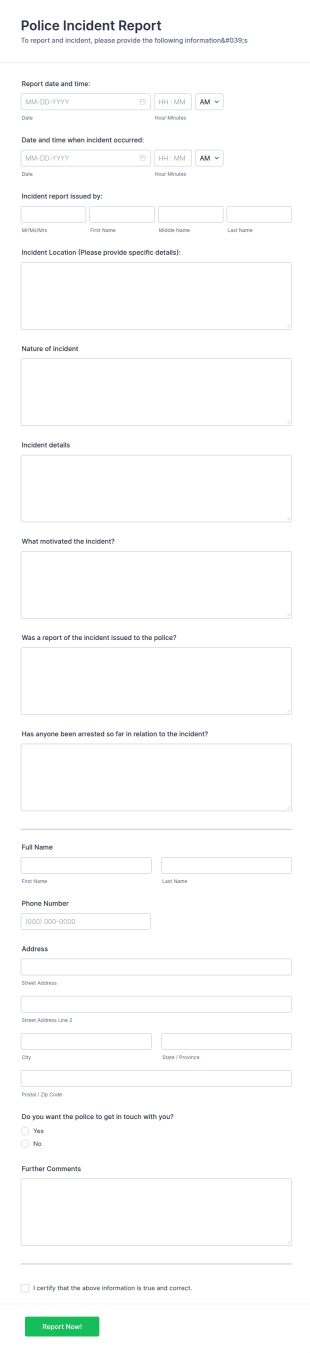
The Police Incident Report Form allows citizens to report a non-urgent incident or matter providing the information of date, time, location and any further details of the issue.
Go to Category:Incident Report FormsMotor Vehicle Accident Report Form
A Motor Vehicle Accident Report is a form template designed to serve as a crucial document for reporting and documenting details of motor vehicle accidents.
Go to Category:Incident Report Forms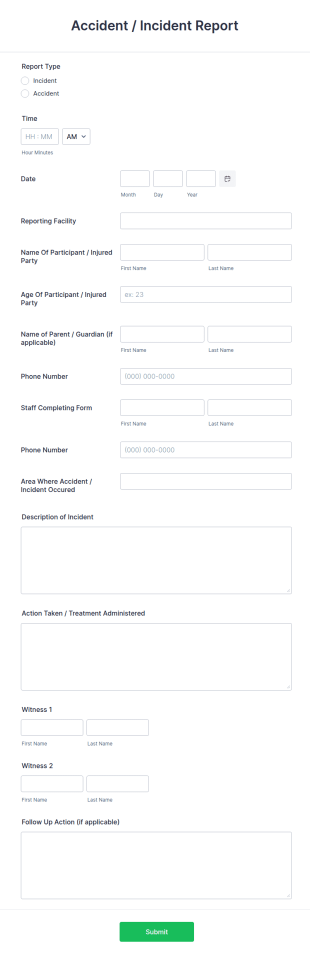
Accident Report Form
An accident report form is a record of an accident or incident, used to provide the details of the accident to insurance companies.
Go to Category:Human Resources FormsSchool Incident Report Form
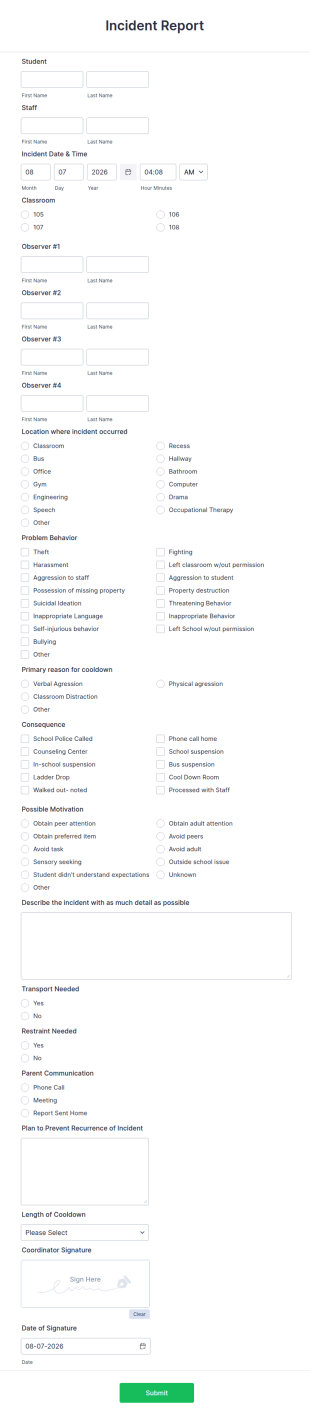
The School Incident Report Form allows immediate reporting of an incident that occurred in school, providing the student, staff, date, time, location, and responder information.
Go to Category:Incident Report Forms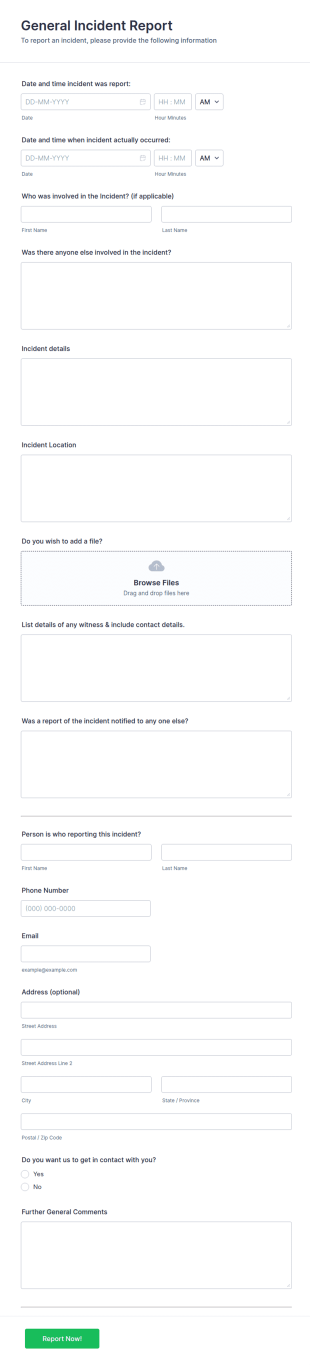
General Incident Report Form
General Incident Report Form Template helps collect witness and incident details after an accident in an organized, easy-to-share online format.
Go to Category:Business Forms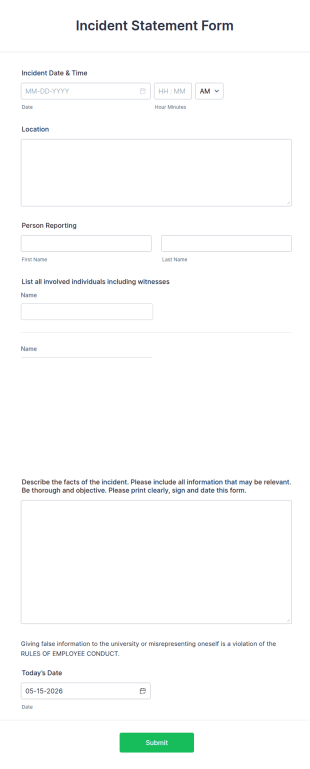
Incident Statement Form
An incident statement form is used to record information about a police report or accident. Whether you work in law enforcement or need to file insurance claims, streamline the process with our free Incident Statement Form!
Go to Category:Human Resources Forms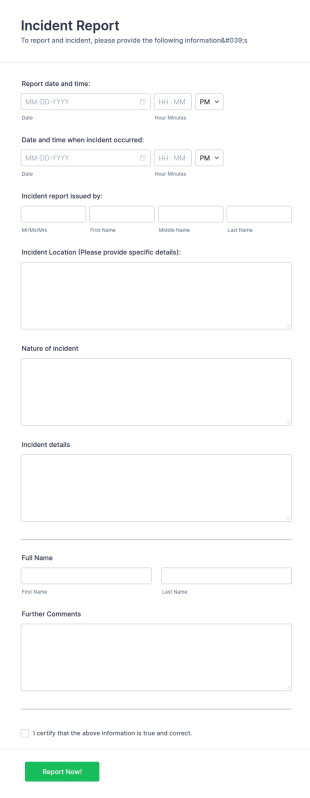
Incident Report
An Incident Report Template is a standardized form used to document details surrounding an incident, accident, or unusual event within an organization or specific context.
Go to Category:Incident Report Forms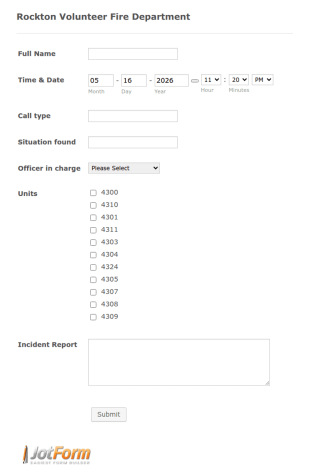
Fire Department Incident Report
Do you want to be a volunteer in the fire department and save a life? With this volunteer fire department incident report template, you can find a volunteer firefighter. Fire department run report form that allows you to report call type, the situation found, the officer in charge and units involved.
Go to Category:Emergency Report Forms
Quality Alert Form
A Quality Alert Form is a form template designed to promote quality awareness and enable rapid response to quality issues in manufacturing, production, or service environments.
Go to Category:Manufacturing Forms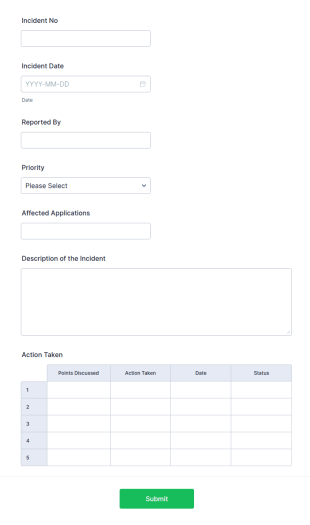
Incident Report Tracking
An incident report tracking form is a document used by employees at businesses to document accidents and safety hazards that occur at work.
Go to Category:IT Forms
First Aid Incident Report Form
A First Aid Incident Report is a form template designed to document incidents that require first aid treatment.
Go to Category:Incident Report FormsChurch Incident Report Form
A church incident report form is a form for churches or religious organizations to report incidents to law enforcement or other public authorities.
Go to Category:Church Forms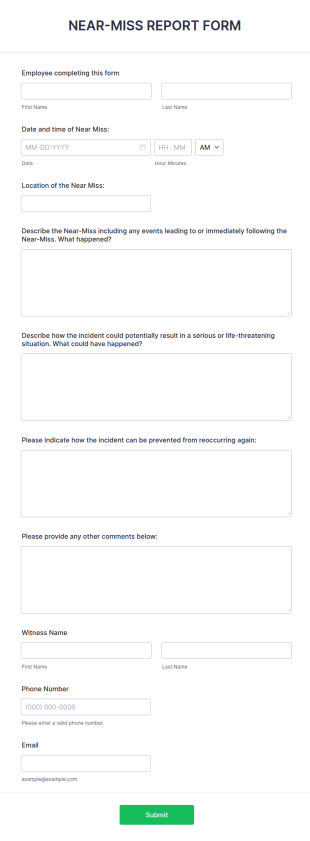
Near Miss Incident Report Form
A Near-Miss Incident Report Form is a form template designed to document and analyze incidents that could have resulted in harm, injury, or damage but, fortunately, did not.
Go to Category:Incident Report FormsSecurity Incident Report Form
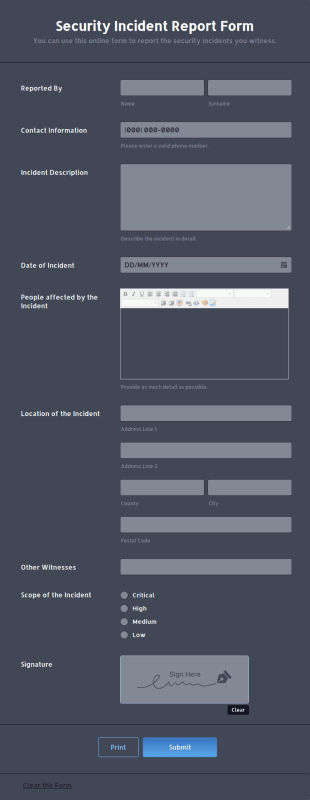
A security incident report form is used by businesses, organizations or security officers to document details of any security incident.
Go to Category:Services Forms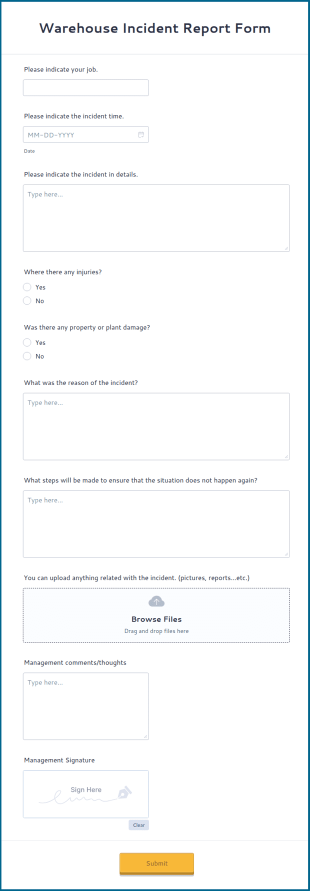
Warehouse Incident Report Form
A warehouse incident report is an official form that can be filled in by a warehouse employee after an accident or exceptional event like a fire in a warehouse.
Go to Category:Business Forms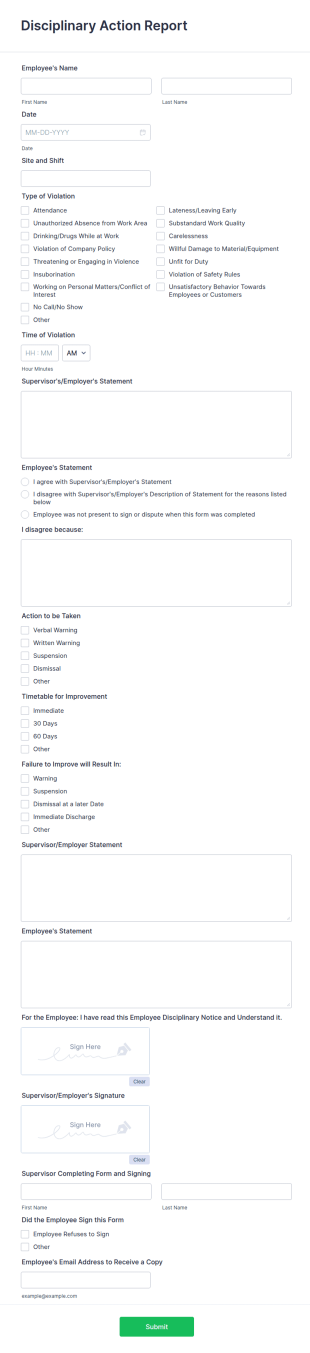
Disciplinary Action Report
A disciplinary action report is used by employers to track employee performance and disciplinary action.
Go to Category:Employee Incident Report Forms
First Aid Incident Report Therapy Matters
For online completion of incident reports
Go to Category:Incident Report FormsGuest Incident Report Form
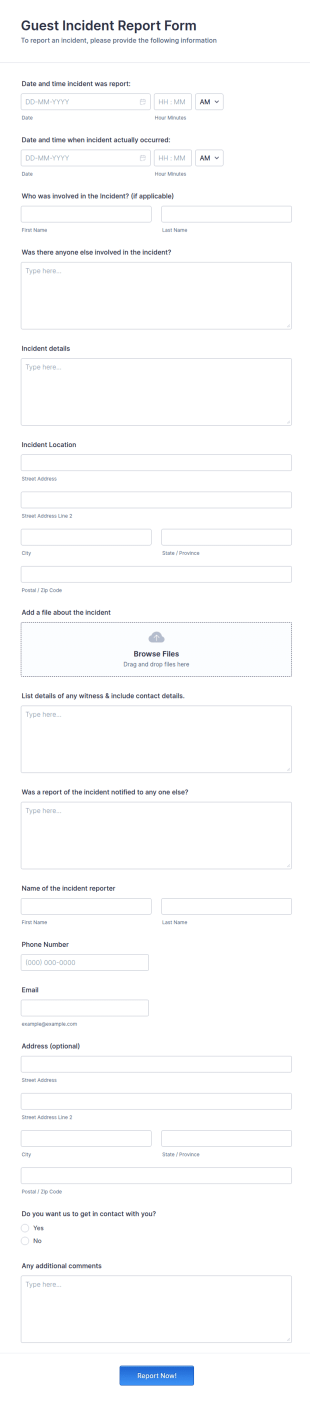
A guest incident report form is a questionnaire used by a hotel, inn, or other lodging establishment to gather information about a guest incident occurring during their stay.
Go to Category:Incident Report Forms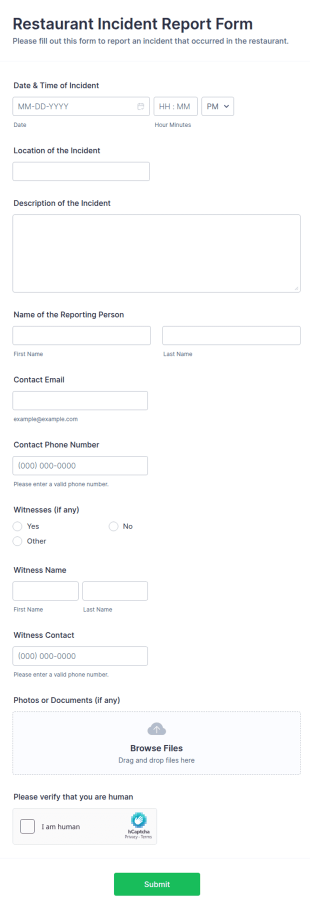
Restaurant Incident Report Form
A Restaurant Incident Report Form is a form template designed to gather the necessary information such as incident date and time, location, witnesses, and supporting documents of an incident placed at restaurants.
Go to Category:Services Forms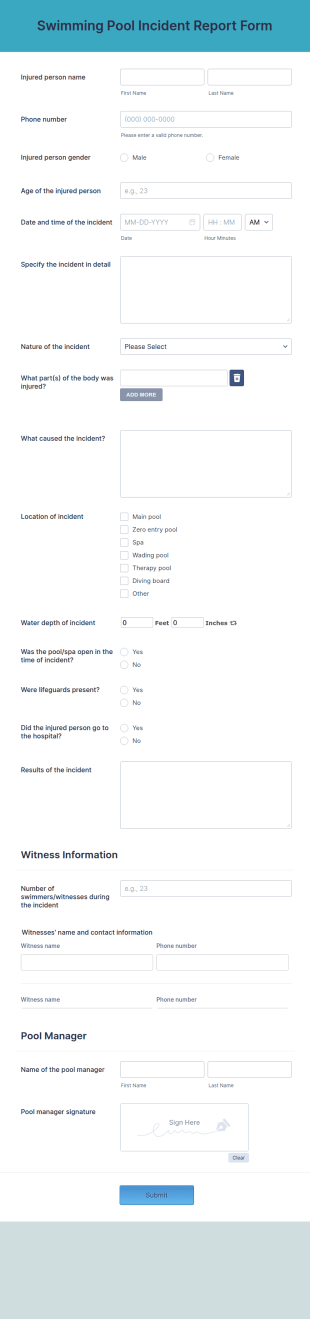
Swimming Pool Incident Report Form
A swimming pool incident report form is used by pool managers and staff to report an accident and/or an unplanned incident at a swimming pool and to investigate such reports
Go to Category:Incident Report Forms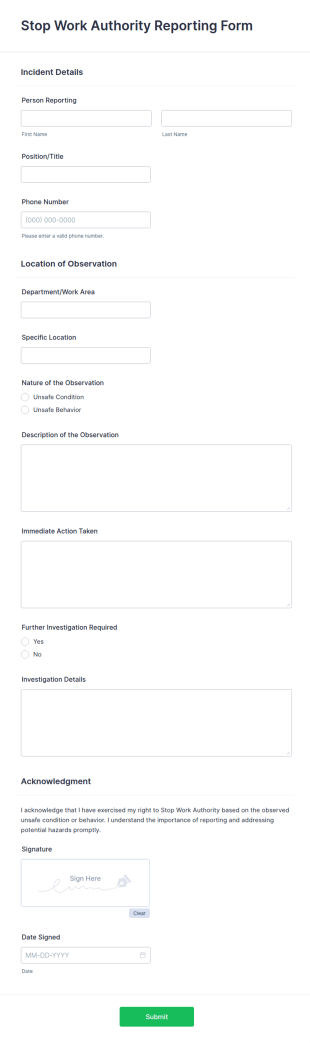
Stop Work Authority Reporting Form
A Stop Work Authority Reporting Form is a form template designed to inform companies that a project has been halted due to a problem.
Go to Category:Business Report Forms
IT Incident Report Form
An IT Incident Report Form is a form template designed to streamline the reporting and resolution process of IT-related incidents for businesses.
Go to Category:IT Forms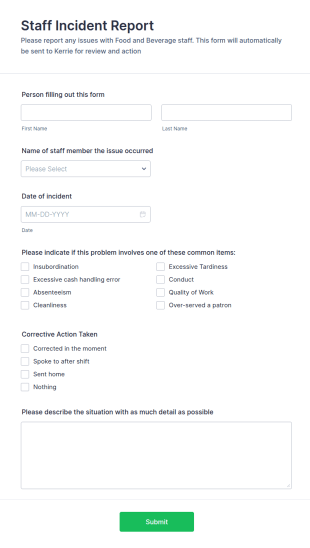
Staff Incident Report Form
A Staff Incident Report Form template streamlines the process of reporting and documenting workplace incidents. Ideal for businesses, it aids in maintaining transparency, ensuring accountability, and promoting a safer work environment. Leverage this tool to mitigate risks and foster safety.
Go to Category:Incident Report Forms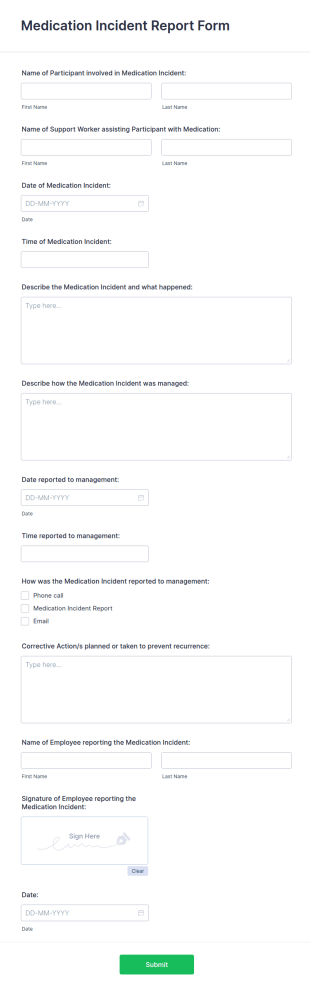
Medication Incident Report Form
A medication incident report form is used by healthcare professionals to document errors and near misses involving medication.
Go to Category:Healthcare FormsAbout Incident Report Forms
Incident Report Forms are specialized digital forms designed to streamline the process of documenting and managing incidents across various industries. These forms are pivotal in recording details about accidents, safety breaches, or any significant events that require formal reporting. They play a crucial role in sectors such as healthcare, manufacturing, and corporate environments, where accurate and timely incident documentation is essential for compliance and operational efficiency. By utilizing Incident Report Forms, organizations can ensure that all relevant data is captured consistently and efficiently, facilitating quick response and resolution of incidents.
Jotform stands out as the premier online form builder for creating and managing Incident Report Forms. Its intuitive drag-and-drop interface allows users to easily customize forms to meet specific organizational needs. With Jotform, data collection becomes automated, reducing the manual effort associated with traditional paperwork. The platform’s robust data management capabilities, powered by Jotform Tables, ensure that all incident data is centralized, secure, and easily accessible for analysis and reporting. This seamless integration of form creation and data management makes Jotform an indispensable tool for businesses looking to enhance their incident reporting processes.
Why Use Incident Report Forms?
- Incident Report Forms are critical for ensuring data accuracy and consistency in incident documentation. By using structured digital forms, organizations can eliminate the variability and errors often associated with handwritten reports, thus maintaining high data quality and reliability.
- These forms significantly improve the speed of data collection and processing. Unlike traditional paper-based methods, digital forms allow for instantaneous submission and integration of data into centralized systems, thereby accelerating the incident resolution process.
- Professional data handling is another key benefit of using Incident Report Forms. With automated workflows and real-time data capture, organizations can ensure that all incident information is handled professionally, reducing the risk of data loss or mishandling.
- Incident Report Forms facilitate compliance with industry regulations and standards. By maintaining a comprehensive and accessible record of all incidents, organizations can easily demonstrate adherence to safety and reporting guidelines, thus avoiding potential legal and financial penalties.
- The use of these forms also enhances communication and collaboration within organizations. By providing a standardized format for incident reporting, all stakeholders can stay informed and aligned, enabling a more coordinated and effective response to incidents.
Common Problems Solved by Incident Report Forms
- One of the primary challenges addressed by Incident Report Forms is the inefficiency of traditional paperwork. Paper forms can be time-consuming to fill out, prone to errors, and difficult to manage. Digital forms streamline the entire process, making it faster and more efficient.
- Manual data entry is another common pain point that these forms alleviate. By automating data collection and integration, organizations can minimize the risk of errors associated with manual input, ensuring more accurate and reliable incident records.
- Lost or misplaced data is a significant concern in incident reporting. Digital forms ensure that all data is securely stored and easily retrievable, eliminating the risk of lost paperwork and ensuring that all incident information is readily accessible when needed.
- Incident Report Forms also address the challenge of delayed incident response. With real-time data submission and automated notifications, organizations can respond more quickly to incidents, reducing potential damage and improving overall safety and efficiency.
Matching Use Cases to Features
- For efficient data collection during an incident, the Drag-and-Drop Form Builder allows users to quickly create customized forms tailored to specific incident types, ensuring all necessary information is captured accurately and efficiently.
- Conditional Logic can be employed to streamline the form-filling process by dynamically adjusting the form fields based on user input, thereby ensuring that only relevant information is gathered and reducing the complexity of the form.
- Jotform's Electronic Signatures feature enables users to capture legally binding signatures directly within the forms, facilitating compliance and ensuring that all incident reports are duly authorized and validated.
- The PDF Editor can automatically generate professional PDF documents from form submissions, providing a polished and standardized format for reporting incidents to stakeholders or regulatory bodies.
- For organizations requiring seamless data integration, Jotform offers over 100 third-party integrations, including Google Sheets and Salesforce, allowing incident data to be automatically synced with existing systems for further analysis and reporting.
- Secure Data Management with Jotform Tables ensures that all incident data is stored safely, with access controls and encryption ensuring compliance with data protection regulations and safeguarding sensitive information.
How to Create a Incident Report Form
- Begin by browsing the Template List for an Incident Reports template or start from a blank form to tailor the design to your specific needs.
- Customize the design and fields using the Drag-and-Drop Form Builder, adding or removing elements as necessary to capture all relevant incident information.
- Once the form is complete, publish and share it via Direct Link, Email, or Website Embed to ensure easy access for all potential users.
Top Use Cases for Incident Report Forms
- For Managers: Incident Report Forms provide managers with a comprehensive and organized method for tracking incidents within their organizations. By having access to detailed and consistent reports, managers can identify patterns or recurring issues, enabling them to implement preventive measures and improve overall workplace safety. Additionally, the real-time data provided by these forms allows managers to make informed decisions quickly, reducing the impact of incidents on operations.
- For Teams: Teams benefit from Incident Report Forms by having a standardized and efficient way to document incidents as they occur. This ensures that all team members are on the same page, fostering better communication and collaboration in addressing and resolving incidents. By using these forms, teams can also streamline their reporting processes, saving time and reducing the administrative burden associated with traditional paper-based reporting methods.
- For Customers: Incident Report Forms can also be used to enhance customer satisfaction by providing a transparent and efficient mechanism for reporting issues or incidents. Customers can easily fill out these forms online, ensuring that their concerns are promptly addressed and resolved. This proactive approach to incident management not only boosts customer trust and loyalty but also helps organizations maintain a positive reputation by demonstrating their commitment to excellent service and responsiveness.
Summarizing Incident Report Forms
Incident Report Forms offer significant business value by enhancing the efficiency, accuracy, and reliability of incident documentation and management processes. By leveraging Jotform's robust online form builder, organizations can customize and automate their incident reporting workflows, ensuring that all relevant data is captured and managed effectively. This, in turn, facilitates faster incident resolution, improved compliance, and better decision-making, ultimately contributing to a safer and more productive work environment.
Frequently Asked Questions
1) Is it free to create Incident Report Forms on Jotform?
Yes, Jotform offers a free plan that allows users to create and use Incident Report Forms, with options to upgrade for additional features and capacity as needed.
2) Are the forms and submitted data secure?
Absolutely, Jotform ensures that all forms and data are protected with industry-standard encryption and security measures, keeping sensitive information safe and compliant with data protection regulations.
3) Do I need coding knowledge to build an Incident Report Form?
No, Jotform's Drag-and-Drop Form Builder allows users to create forms without any coding knowledge, making the process accessible and straightforward for everyone.
4) Can I collect payments directly through my forms?
Yes, Jotform supports integration with over 30 payment gateways, including Stripe, PayPal, and Square, enabling users to collect payments directly through their forms.
5) Can these forms be used on mobile devices?
Yes, Jotform forms are fully responsive and can be accessed and filled out on mobile devices, ensuring convenience and accessibility for users on the go.
6) Can I turn form submissions into professional PDF documents?
Yes, Jotform's PDF Editor allows users to automatically generate professional PDF documents from form submissions, ideal for reporting and record-keeping purposes.
7) Can these forms integrate with existing systems like CRM or project management software?
Yes, with over 100 third-party integrations available, Jotform can seamlessly connect with CRM systems like Salesforce and project management tools, ensuring smooth data flow and enhanced productivity.
8) Are there features to automate approval workflows for submitted forms?
Yes, Jotform offers Approval Workflows that can automate the process of routing submitted forms for review and approval, streamlining operational efficiency and reducing turnaround times.